Image Construction
 Albert Megbenyo
Where can I get help or report a bug?
Join our Discord at https://discord.gg/WtkyE7RuDh for support, bug reports, feature suggestions and sharing your work. For bug reports, include your Blender and add-on versions, project mode, steps to reproduce, and any error message.
Are the models shown in the demonstrations included?
No. The models and demonstration project files shown are not included downloads. Image Construction provides camera, reference and modeling-workflow tools for use with your own images and models.
Does phone import need a cable or a separate app?
No cable or separate phone app is needed. Open a transfer session in Blender, scan the QR code in your phone browser, select images and send them. Direct transfer needs a compatible network; some networks block it, and relay fallback is currently disabled. You can always import images from disk.
Which Blender versions and operating systems are supported?
Separate installers are provided for Windows x64 and macOS Apple Silicon (M-series). Blender 5.1+ is the supported release range. The Mac build requires macOS 13+ and native Apple Silicon Blender; this update has not been tested natively on Mac. Intel Mac and Linux packages are not included. Earlier Windows checks covered Blender 5.1.0, 5.2.3 LTS, and tested 5.3 Beta/5.4 Alpha builds. Preview-build compatibility is provisional. Choose the correct ZIP and read its included requirements.
What is the difference between Reconstruction and Perspective Match?
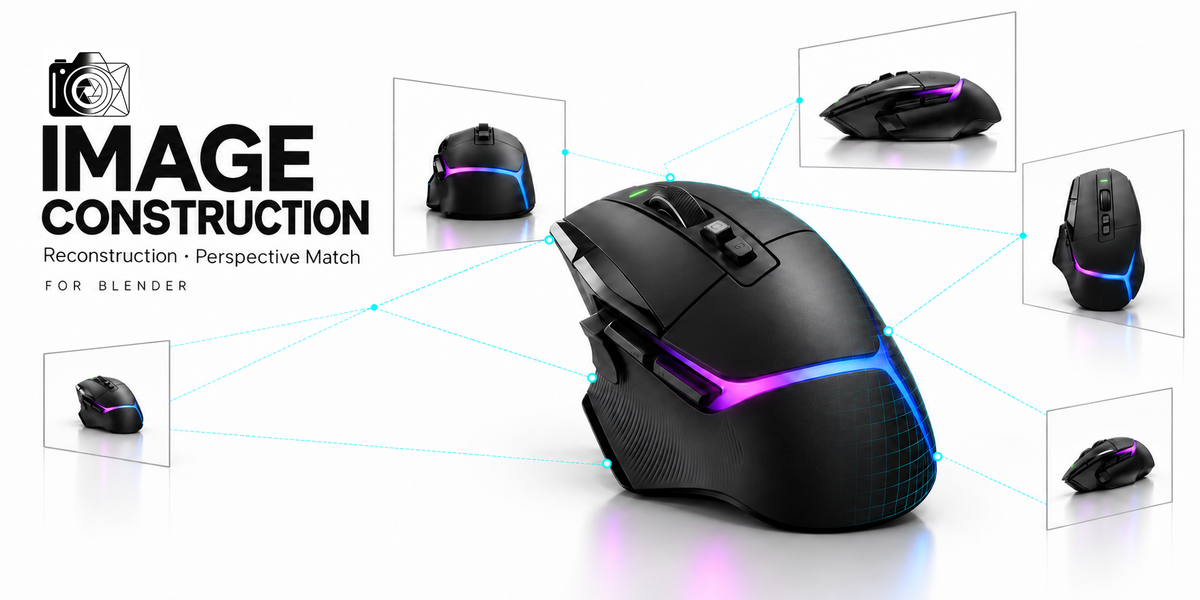
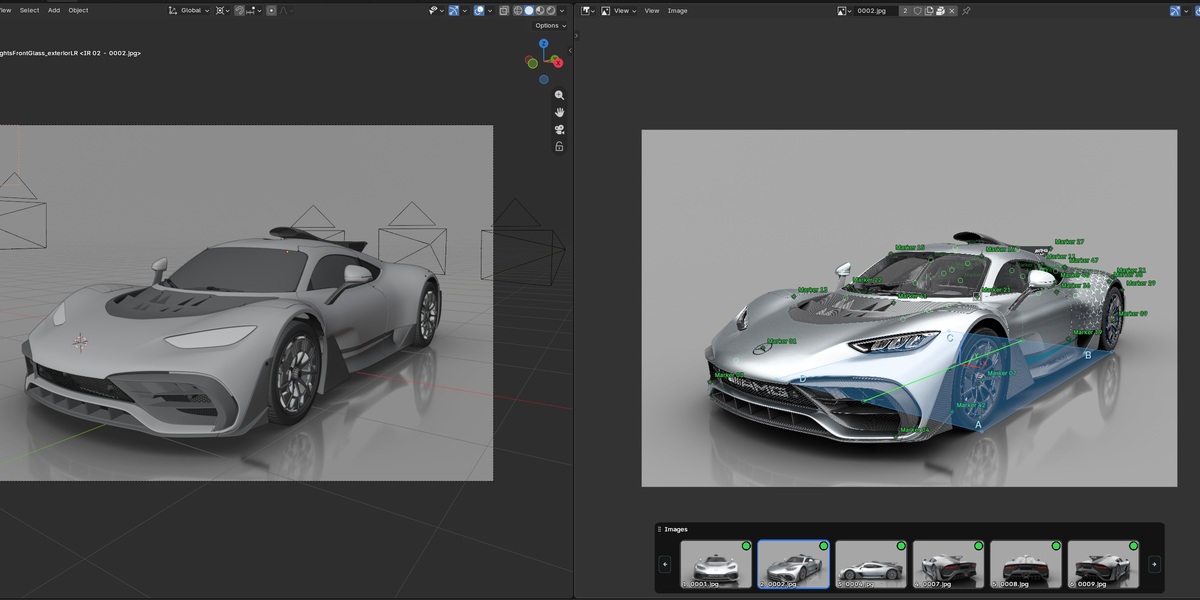
Reconstruction uses matching markers across overlapping images to calculate cameras and sparse 3D points. Perspective Match uses perspective guidelines, an origin and a reference length to match cameras to one or more images. Both workflows are included in Image Construction.
Have questions about this product?
Login to message
| Blender Extension Compatible | Yes |
| Sales | 10+ |
| Published | 10 days ago |
| Blender Version | 5.1 - 5.2 |
| License | GPL |

Discover more products like this
image based modeling camera matching fspy plotter Reference images Modeling tools perspective vanishing-points camera calibration image modeler perspective match reconstruction