Image Generator 2 Chatgpt Image 2.5 & Nano Banana 2
 Unik Studio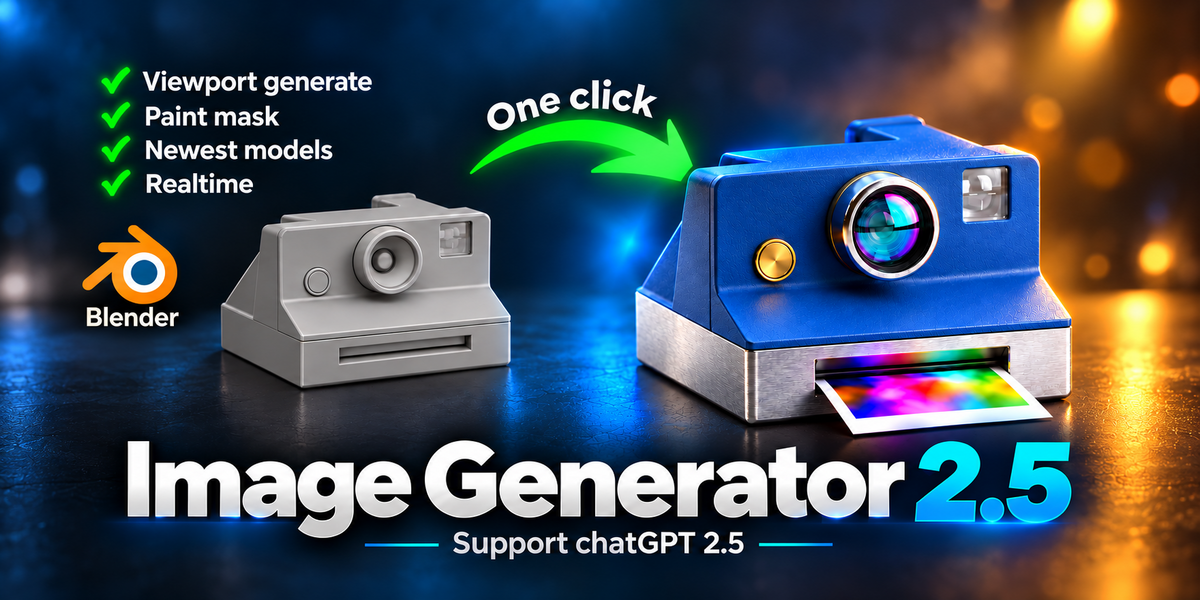


What support is included?
Support covers installation, Blender UI usage, API key setup inside the add-on, generated image history, masking, upscale, and add-on workflow questions. Provider billing, entitlement, policy, moderation, quota, and service availability are handled by Gemini or OpenAI.
Does it require Chrome, Edge, or a local browser bridge?
No. Image Generator 2 uses provider API keys. It does not require a browser login bridge, Chrome, or Edge for generation.
Why did the provider return no image or an error?
Common causes include missing billing, quota limits, regional restrictions, moderation or safety filtering, unsupported model access, temporary provider issues, network problems, or prompts the provider cannot fulfill. These decisions are controlled by the selected provider.
Where are generated images stored?
Generated images appear in the add-on History. From there you can view, save, reuse the prompt, compare with the render, open the output folder, copy the path, clear missing entries, delete entries, or upscale a result.
What does Upscale (AI) do?
Upscale (AI) takes the selected or latest generated result and asks the selected provider to create a higher-detail version while preserving the same content, composition, colors, materials, logos, text, and shapes.
Does 2K or 4K always work?
Not always. 1K, 2K, and 4K options are available in the UI, but final support depends on the selected provider, model, account entitlement, quota, and provider-side limits.
Can I make multiple images from one prompt?
Yes. Use Count to generate multiple sequential variations from one IMAGINE press. Count does not apply to masked edits or AI upscale.
What is Keep maintain consistency?
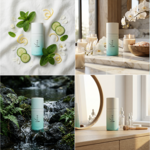
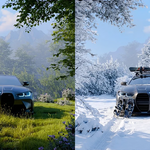
It uses the previous generated result as a consistency reference when you render the same product from a different camera angle. It is designed to help keep product identity, materials, colors, finish, and branding consistent.
What is Iterate on Last Result?
It uses the latest generated image as the next input, so you can keep refining the same image instead of starting again from the original render.
What are Image References for?
Image References guide material, palette, tone, lighting mood, surface finish, and overall aesthetic. They are not meant to copy the reference subject or composition. You can add up to five reference images.
How does masking work?
n Edit Render mode, turn on Mask a region, click Prep & Paint, draw the target area with Blender's Annotate tool, then press IMAGINE - Masked Region. OpenAI uses native mask support where available. Gemini uses add-on-side compositing to keep changes inside the painted region.
Can I generate images from text only?
Yes. Switch the mode to Text to Image when you want a prompt-only generation without using a Blender render as the base.
Do I need to press F12 before Edit Render?
For the most predictable input, yes: set your camera and press F12 first so Blender has a Render Result to send. The add-on can render when needed, but a deliberate F12 render helps you know exactly what image is being edited.
What is Edit Render?
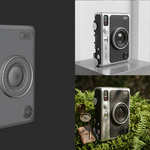
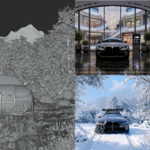
Edit Render uses your current Blender Render Result as the base image for AI editing. It is useful for turning clay renders, product block-outs, scenes, props, and archviz renders into polished visual directions.
Where do I find the add-on inside Blender?
Open the 3D Viewport, press N, and select the Image Generator 2 tab in the sidebar.
Which Blender version is required?
Blender 5.0 or newer is required.
Does the add-on include Gemini or OpenAI credits?
No. Provider billing, quota, account access, model availability, moderation, latency, and returned output are controlled by Gemini or OpenAI. The add-on does not resell or proxy provider access.
Which providers are supported?
The add-on supports Google Gemini image models through a Gemini API key and OpenAI GPT Image through an OpenAI API key. The current model paths are Gemini models/gemini-3.1-flash-image and OpenAI gpt-image-2.
Does Image Generator 2 work offline?
No. This is not an offline renderer. It sends user-started image requests to the selected provider API when you generate, edit, upscale, or check provider access.
Do I need an API key?
Yes. Generation features require either a Google Gemini / Google AI Studio API key or an OpenAI API key. The add-on purchase does not include provider usage costs.
Discover more products like this
nanobanana2 ai nanobanana nano-banana-3 image chatgpt chatgpt2.5 Generator image generator nano Render chatgpt 2.5 openai