 Unik Studio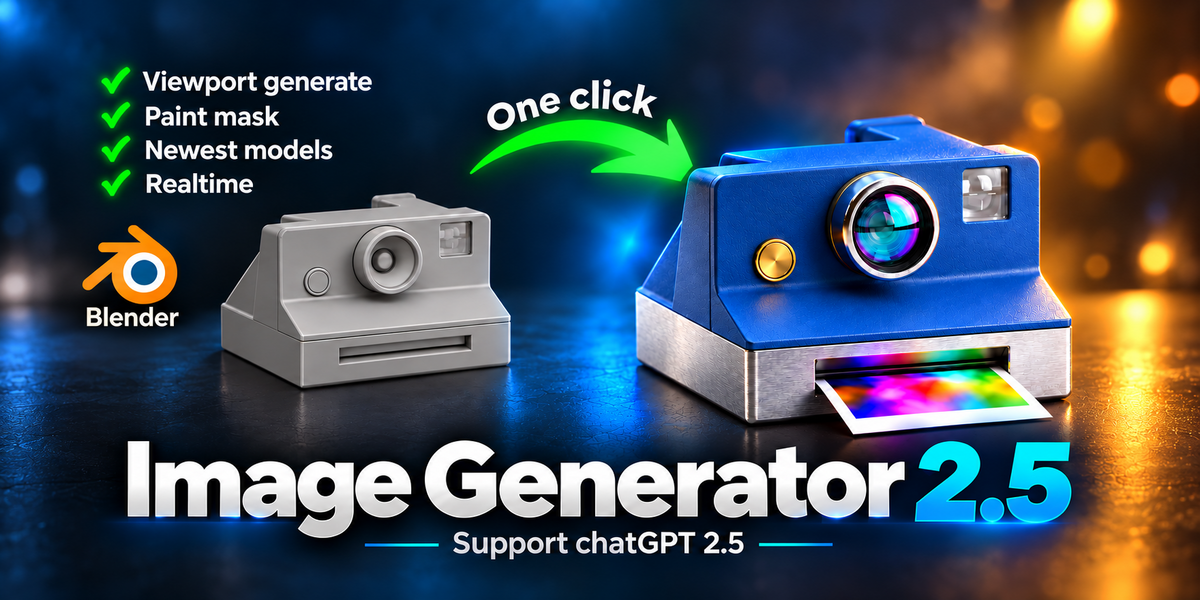


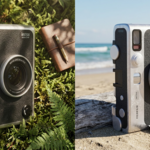
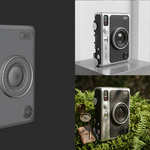
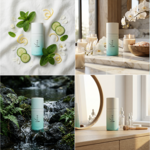
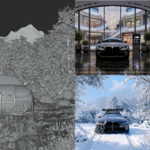
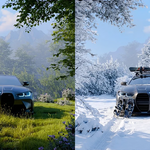
Image Generator 2.5 AI Product Images Inside Blender
Turn plain grey Blender renders into photoreal product shots, concept directions, masked edits, and consistent multi-angle image sets from the 3D Viewport N-panel.
Version 2.5.0 treats a clay render as an unfinished product: identify the object, assign believable PBR materials, then light it like a real shoot.
Features in v2.5.0
This update focuses on better product material generation, cleaner viewport review, and consistency across camera angles.
Clay Render to Photoreal Product Shot
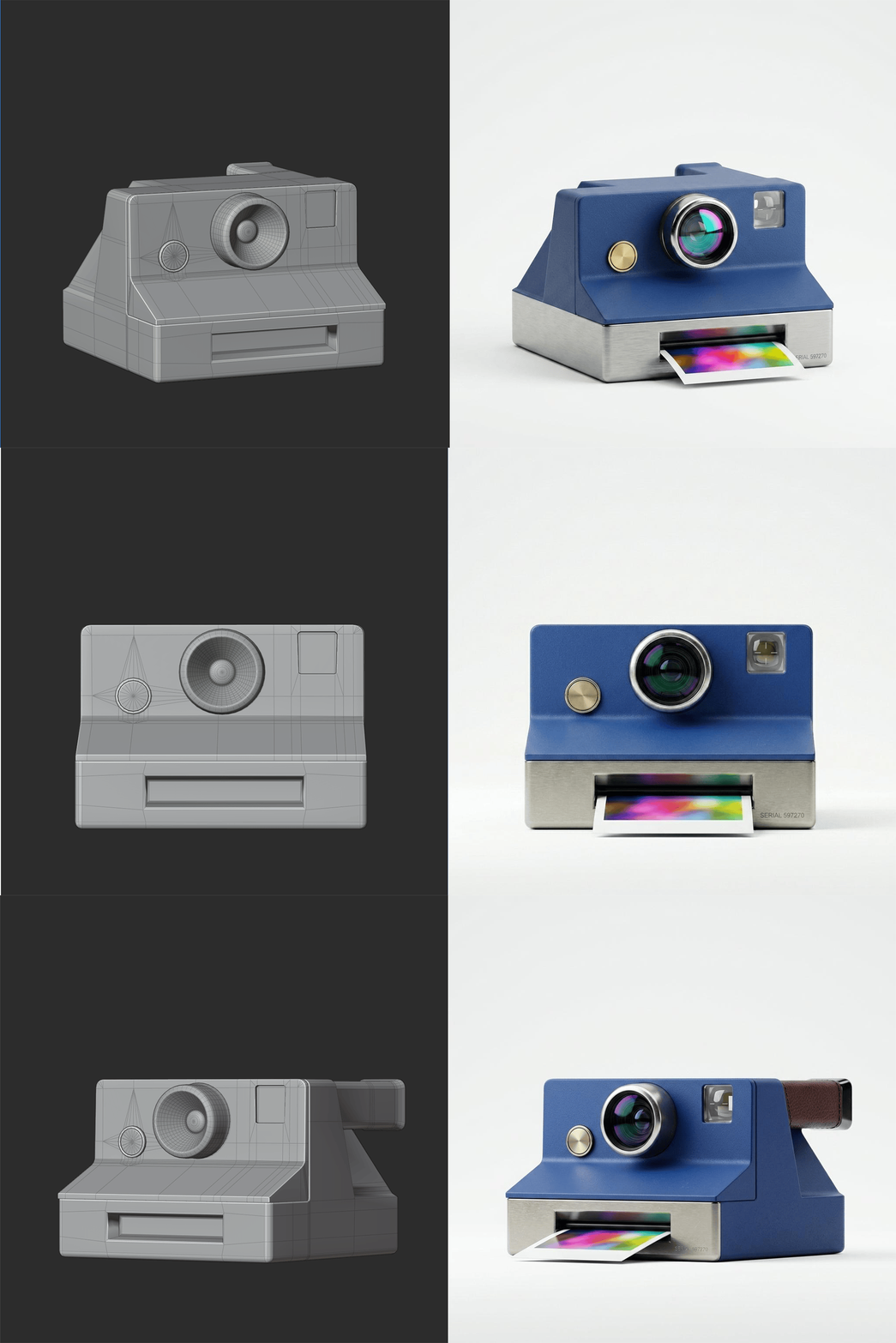
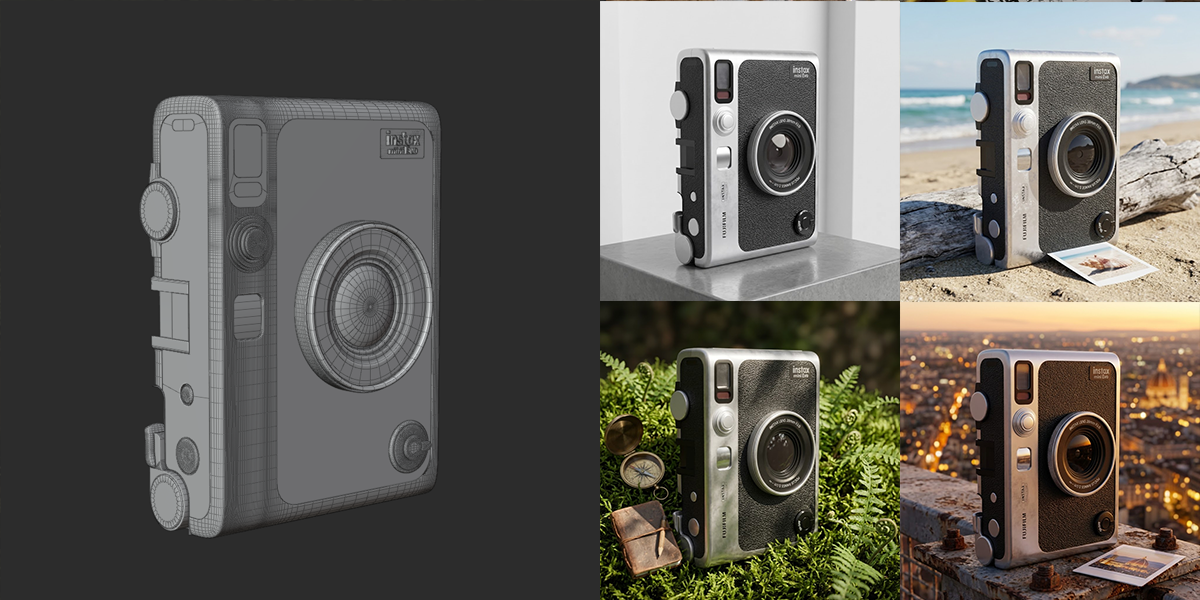
The v2.5.0 prompt engine now follows a material-first workflow: recognize the product, assign PBR-style materials to each visible part, then add realistic studio lighting. Grey clay is treated as unpainted material, not as a final color to preserve.
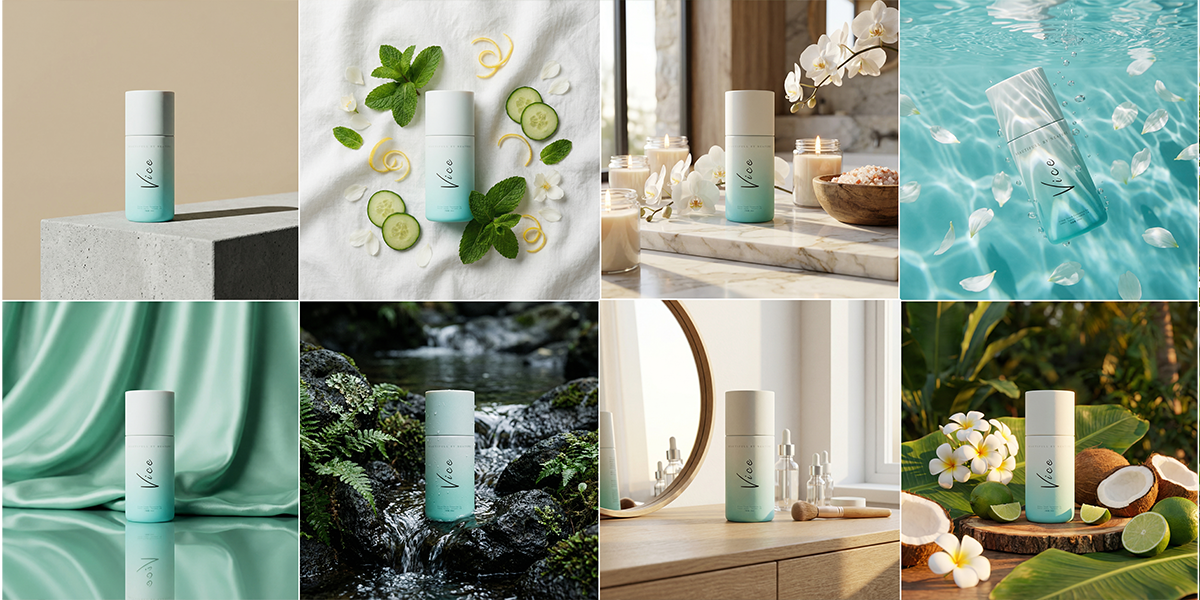
Product presets now include stronger material direction, while Concept Art, Vivid Stylize, and Night looks build the material identity before applying the final style.
Keep Maintain Consistency
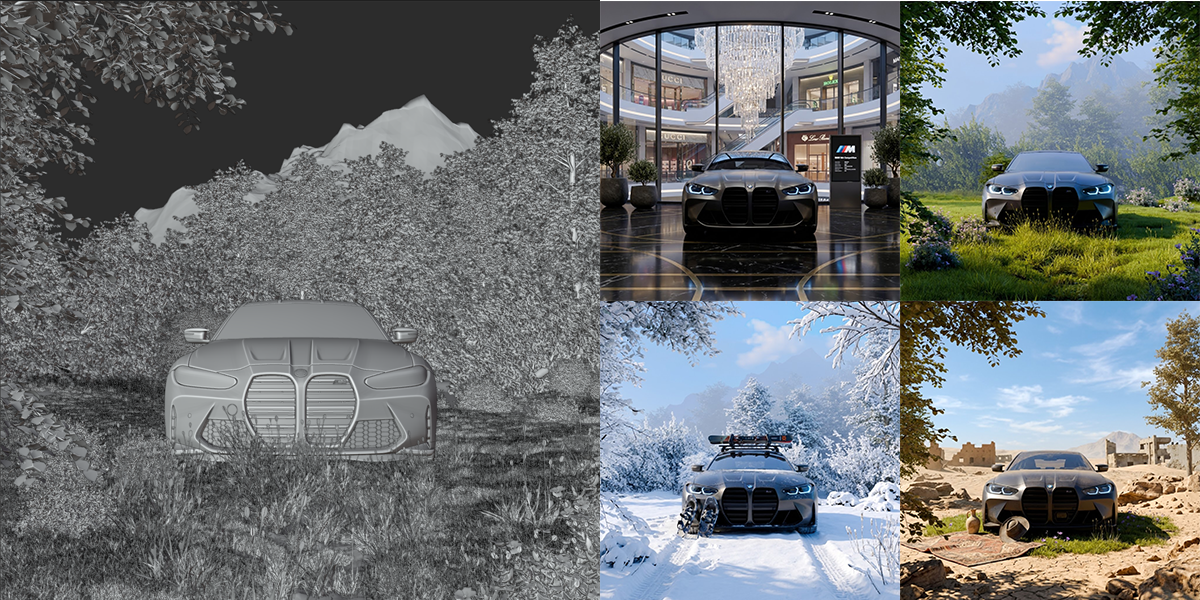
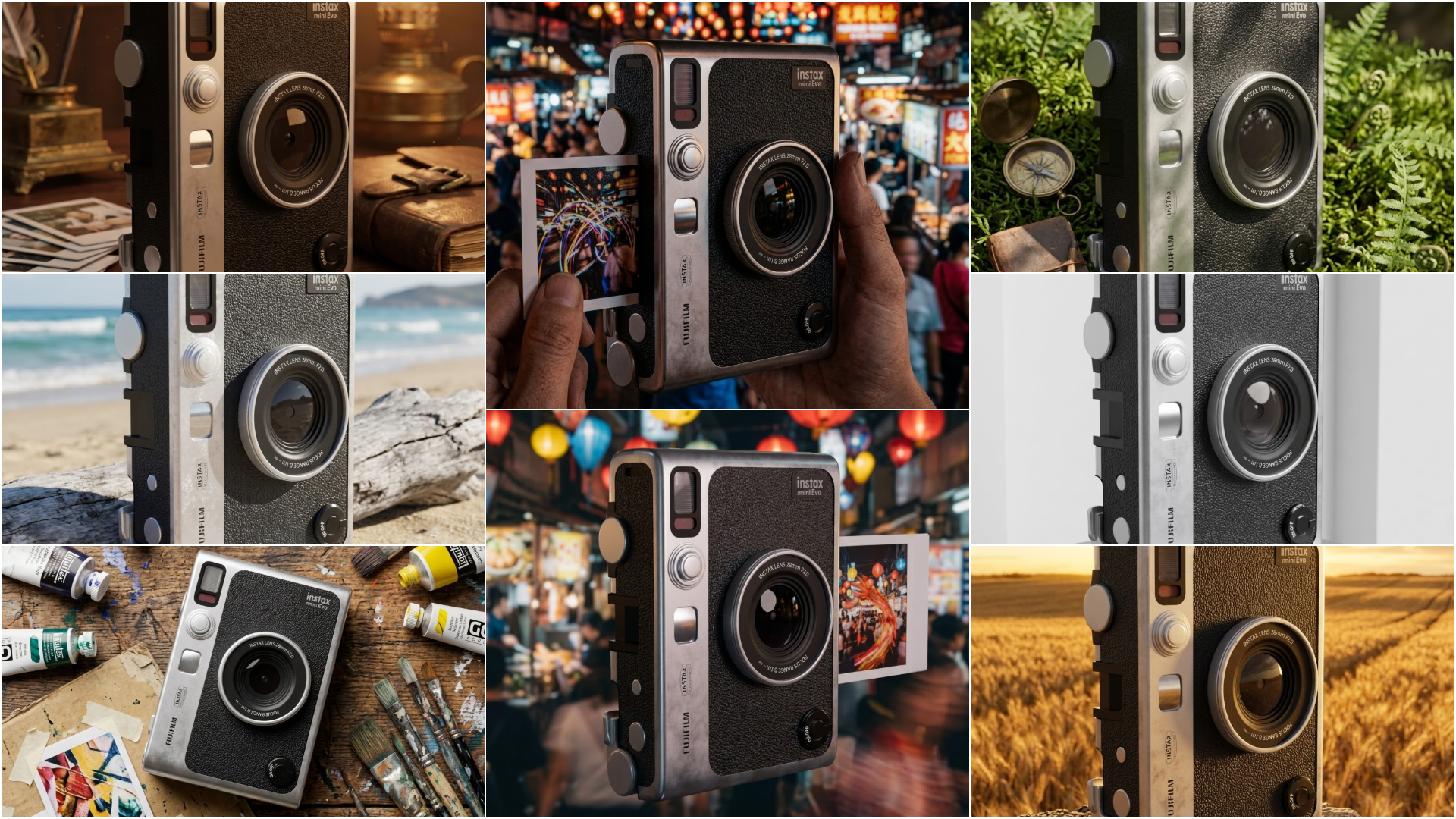
A new consistency control can feed the previous generated result back as a reference when you move to a new camera angle. It is designed to keep the same product identity, materials, colors, and branding across a set of images.
Use this when you want the same watch, headset, bottle, sneaker, or prop from several views. Use Iterate on Last Result when you want to continue editing the previous image from the same visual base.
Smarter IMAGINE From the Current Camera
IMAGINE now tracks a render signature that includes camera, camera transform, lens, and resolution. If you switch cameras, move the camera, change lens, or change output size, the add-on automatically refreshes the render instead of reusing an old image.
Built-In Split View Review
When a result is ready, the add-on can split the 3D Viewport and show the generated image in an Image Editor on the right. Later generations reuse that editor, so review stays inside the Blender workspace instead of jumping to a floating window.
Cleaner Setup and Safer Material Defaults
Preferences now show only the API key field for the selected provider. Material preservation is no longer forced on by default, and applying most templates automatically frees the material lock so product prompts can create believable surfaces.
Workflow Demos
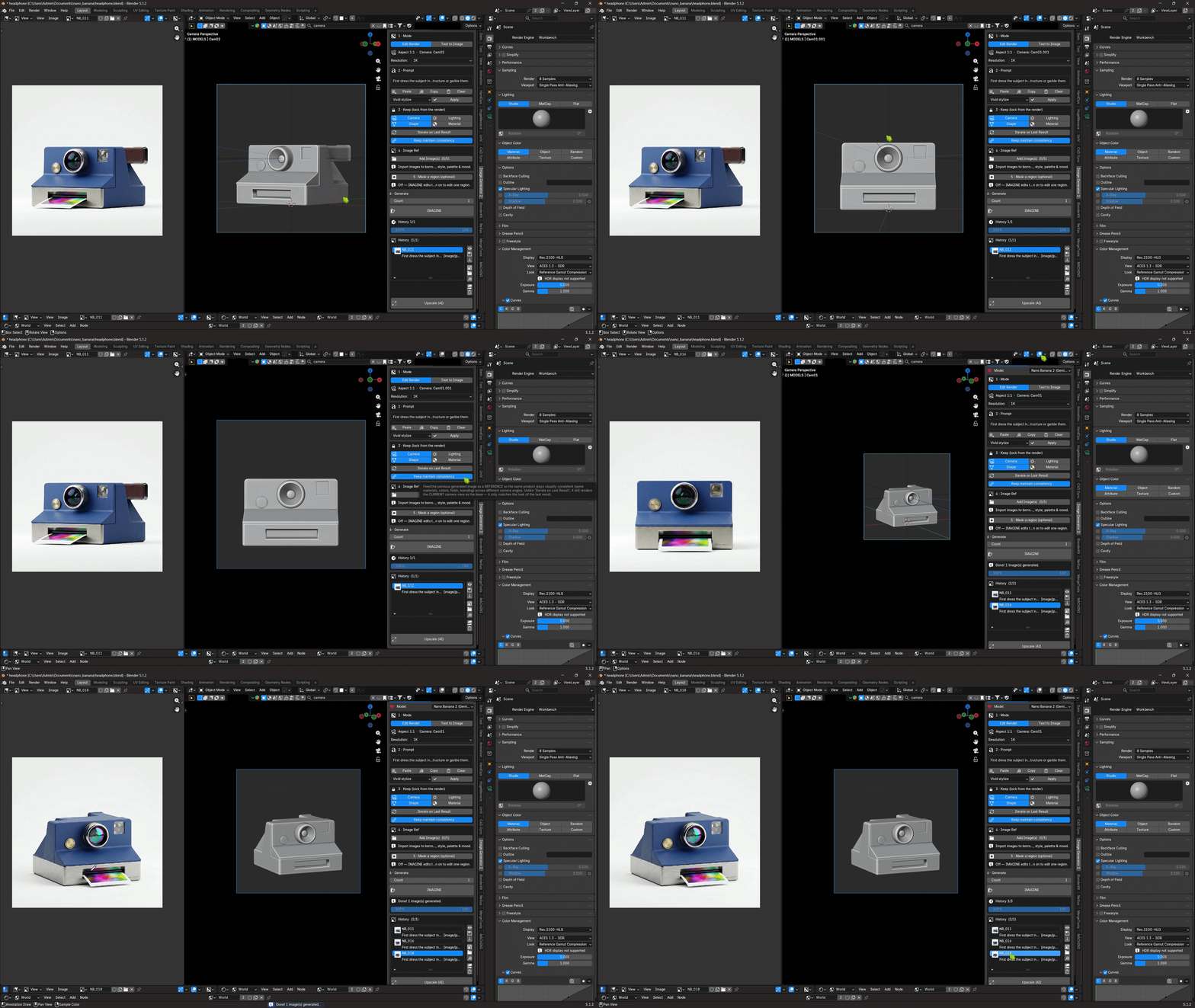
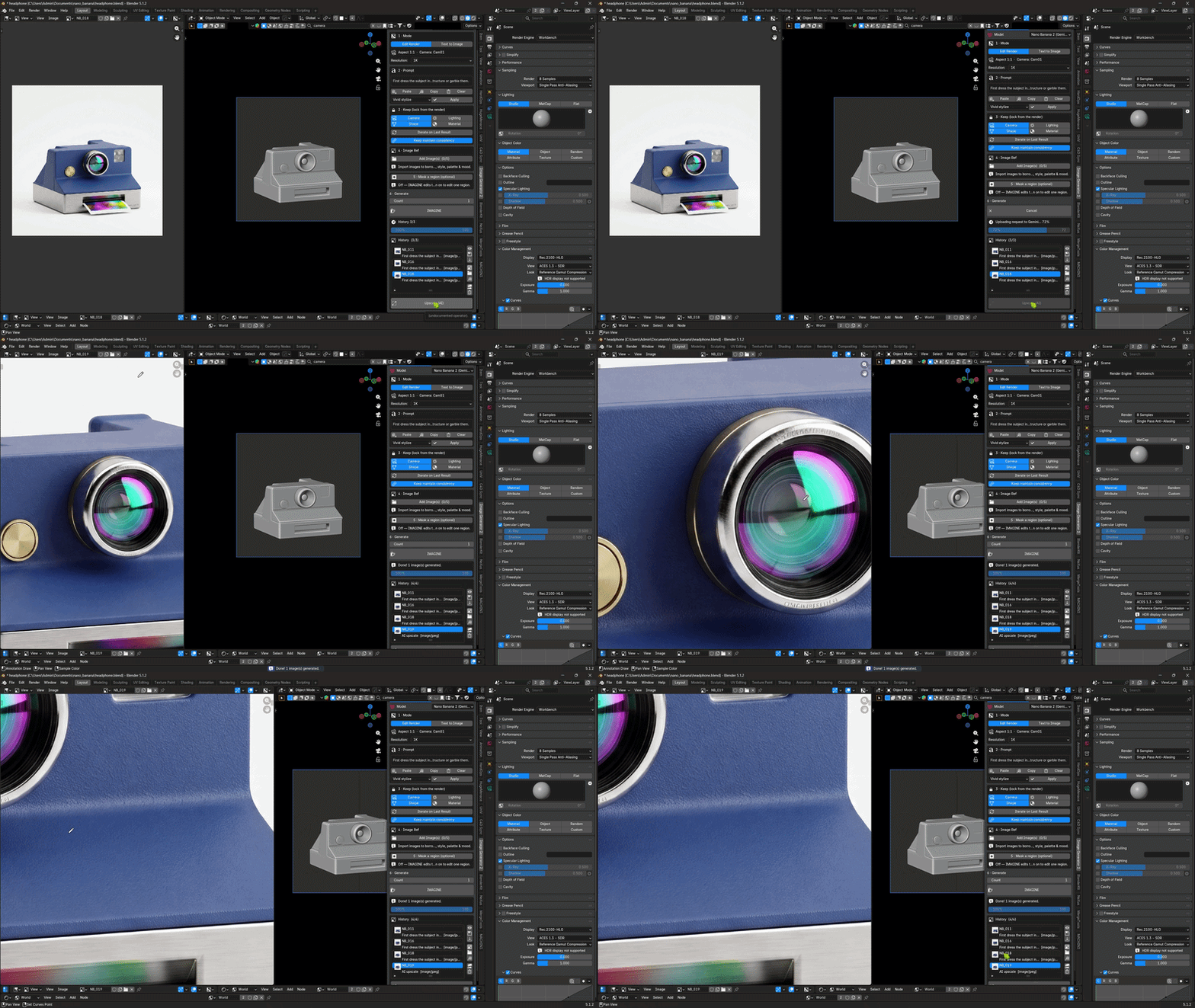
Multiple Cameras - Same product, new angle
Switch camera views, enable Keep Maintain Consistency, press IMAGINE, and keep the same product identity across a multi-angle set.
AI Upscale - More detail from History
Select a generated result from History and use Upscale (AI) when you want a cleaner, higher-detail version of the same image.
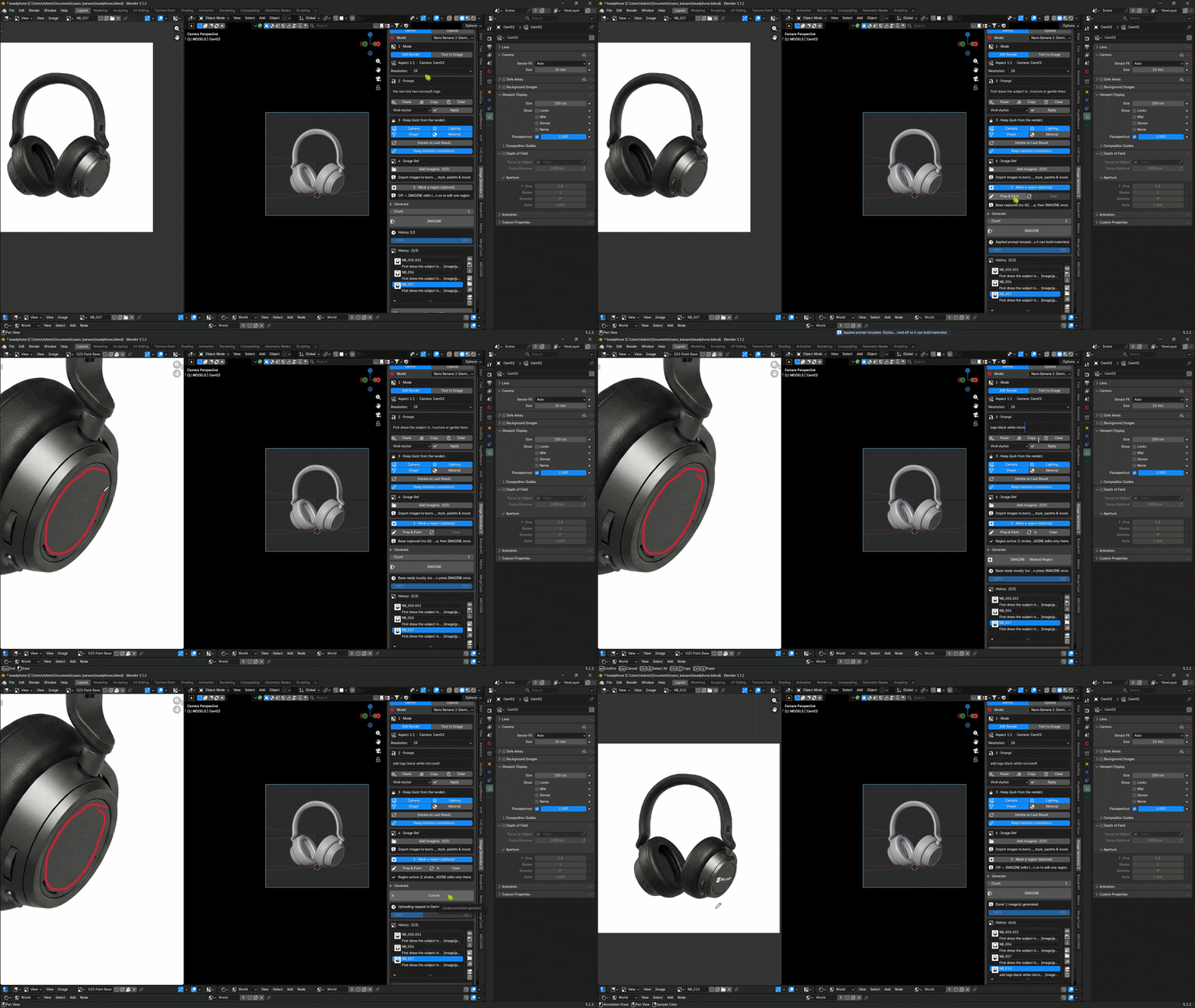
Masking Edit - Paint only the area you want to change
Turn on Mask a region, click Prep & Paint, draw over the target area with Blender's Annotate tool, then press IMAGINE - Masked Region for a localized edit.
Preview Gallery
See the workflow and output range: product paintovers, stylized directions, references, masking, and history-based iteration.
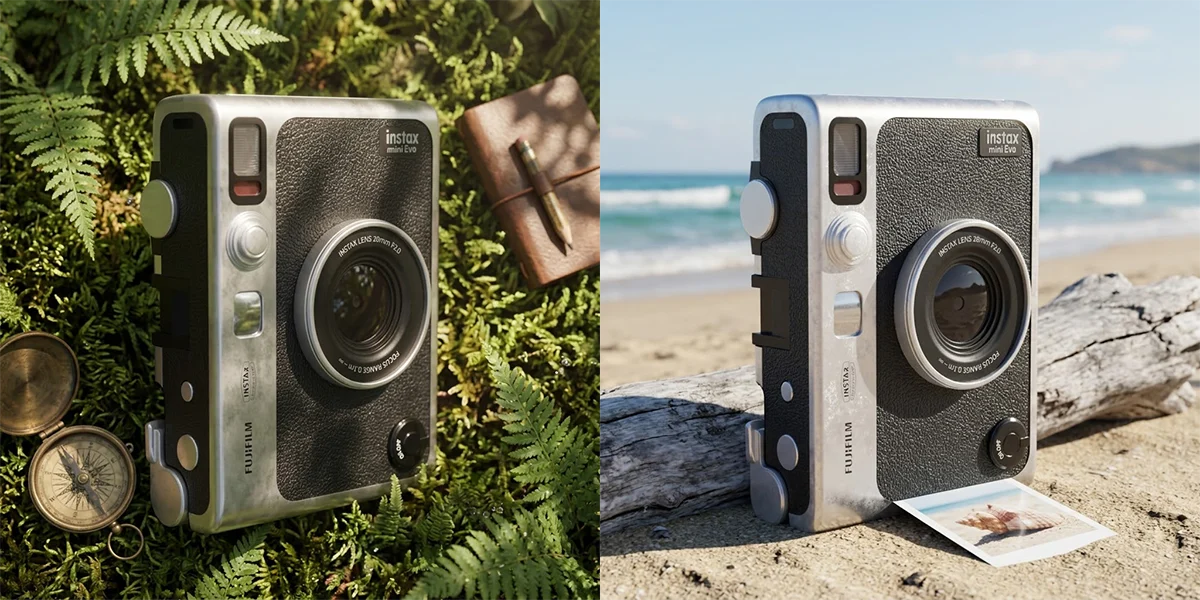
Key Features
1Edit Render - Transform the Current Blender Render
Use the current Render Result as the source for AI editing. It is ideal for upgrading clay renders, testing product materials, exploring lighting moods, and creating fast paintovers from a block-out.
Preservation controls can guide the provider to keep camera, lighting, shape, material, logos, and label text when those parts matter to the shot.
2Text to Image - Prompt-Only Generation
Switch to Text to Image when you want a fresh image from prompt text only. The same provider, model, prompt template, reference image, resolution, progress, cancel, and history workflow remains available in the panel.
3Prompt Templates - Material-Aware Product Looks
Use product, lifestyle, concept, vivid, night, and other presets to quickly steer the result. In v2.5.0, templates are better at letting the AI build materials instead of accidentally preserving an unfinished clay surface.
4Image References - Borrow Material, Palette, and Mood
Load up to five reference images to guide material, style, palette, tones, surface finish, and mood. References are meant to guide the look, not copy the reference subject or composition.
5Iteration, Consistency, and History - Keep Moving Through Ideas
Use Iterate on Last Result to continue from the previous AI image. Use Keep Maintain Consistency to use the previous generated image as a reference for a new camera angle.
History supports thumbnails, previous/next navigation, view, save, prompt reuse, compare with render, open output folder, copy path, missing-entry cleanup, delete, and Open in Image Editor for the selected history item.
6Resolution and AI Upscale - Output Control in the Panel
Choose 1K, 2K, or 4K from the Resolution control, then use Upscale (AI) on a selected or latest result when you want more detail. Higher-resolution availability depends on the selected provider, model, account access, and provider limits.
A Simple Workflow
1. Choose one provider: Select Gemini or OpenAI in add-on preferences, paste the matching API key, and use Check API Key to validate access.
2. Choose a mode: Use Edit Render for scene-guided editing, Text to Image for prompt-only generation, or Mask a region for local edits.
3. Guide the look: Add a prompt, apply a material-aware preset, choose preservation locks, add references, set resolution, or paint a mask region.
4. Press IMAGINE: The add-on uses the current camera/render state and refreshes the render when the camera, lens, or resolution has changed.
5. Review and continue: View results in the split Image Editor, open selected history items, upscale, reuse prompts, iterate, or keep consistency across a new camera angle.
Perfect For
Product visualization: Turn grey models into material-rich product shots with metal, glass, fabric, rubber, plastic, leather, decals, and studio lighting.
Look development: Test materials, colorways, finish, surface detail, branding, and lighting before committing to full shader work.
Concept artists: Explore environment, prop, product, and character directions from Blender block-outs or renders.
Archviz artists: Try alternate atmosphere, staging, foliage, weathering, and finish directions from clean renders.
Generalists: Keep prompting, editing, masking, reviewing, consistency checks, and iteration inside the Blender viewport workflow.
Supported Image Models
Choose Provider > Model in the panel. The expanded catalog includes 4 Gemini and 7 OpenAI image models (catalog checked September 16, 2026).
Gemini / Nano Banana
- Nano Banana 2: models/gemini-3.1-flash-image — 1K, 2K, 4K.
- Nano Banana Pro: models/gemini-3-pro-image — 1K, 2K, 4K.
- Nano Banana 2 Lite: models/gemini-3.1-flash-lite-image — native 1K only.
- Nano Banana [Legacy]: models/gemini-2.5-flash-image — native 1K; scheduled shutdown October 2, 2026.
OpenAI / GPT Image
- GPT Image 2: gpt-image-2.
- GPT Image 2.5 Sunburst: gpt-image-2.5-sunburst.
- GPT Image 2.5 Flare: gpt-image-2.5-flare.
- GPT Image 1.5 [Legacy]: gpt-image-1.5 — scheduled shutdown December 1, 2026.
- GPT Image 1 [Legacy]: gpt-image-1 — scheduled shutdown October 23, 2026.
- GPT Image 1 Mini [Legacy]: gpt-image-1-mini — scheduled shutdown December 1, 2026.
- ChatGPT Image [Legacy]: chatgpt-image-latest — previous ChatGPT image model, not the latest ChatGPT experience; scheduled shutdown December 1, 2026.
Resolution limits: GPT Image 2 and 2.5 retain the add-on's existing output caps. Legacy OpenAI models use 1024x1024, 1536x1024, or 1024x1536 even when 2K/4K is selected; 4:5 uses the nearest supported portrait size. Nano Banana 2 Lite and Gemini 2.5 use native 1K output. AI Upscale cannot exceed these models' native output limits.
This catalog covers image-generating API models, not text-only chat models. Retired DALL-E, Imagen, and old Gemini preview endpoints are excluded. ChatGPT subscriptions do not include API credits. Model inclusion does not guarantee access for every account.
Provider model access, resolution support, billing, quota, regional availability, moderation, and returned output are controlled by Gemini or OpenAI.
Requirements and Notes
- Blender: Blender 4.0 or newer.
- Internet: Required for provider API requests.
- Provider key: A Google Gemini API key or an OpenAI API key is required. Only the selected provider key is needed.
- Provider costs: Usage fees are paid directly to the selected provider and are not included with the add-on purchase.
- User-started requests: The add-on contacts a provider only when you start generation or run provider actions such as checking an API key.
- Provider behavior: Safety filtering, entitlement, quota, rate limits, latency, and image availability are outside the add-on's control.
- Install target: The marketplace-ready add-on package is the image_generator folder with its Blender extension manifest.
Build Finished Image Directions with Image Generator 2.5
Start from a Blender clay render, generate believable materials and lighting, keep the same product across camera angles, paint local edits, and review everything in History without leaving the viewport workflow.