 Mendbox Studio
Full manual: https://mendboxstudio.com/docs/image-per-instance · Website: https://mendboxstudio.com/addons/image-per-instance
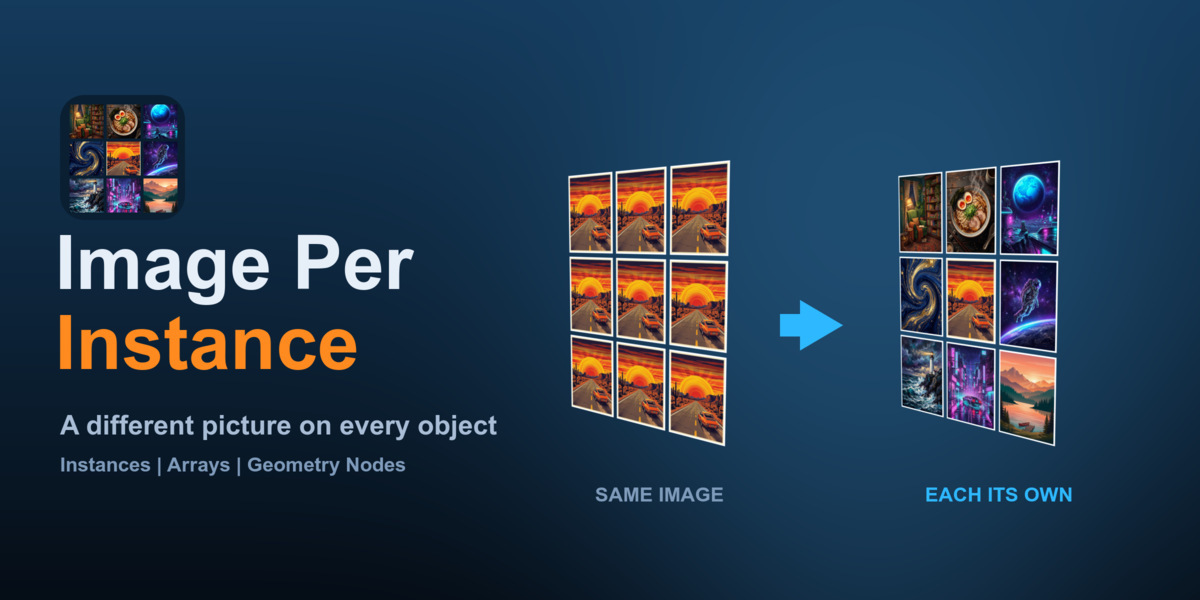
One material. A different image on every object, array element or instance.
Free copies for testers. We give a few free copies to Blender users who will try QuadFix or Image Per Instance on real work and leave an honest review here, good or bad. Click Contact Creator, tell us which add-on you want and what you will use it for, and we will send you a coupon code. 10 places per add-on.
Image Per Instance packs a folder of images into one atlas and gives every selected object, or every Geometry Nodes instance, its own picture. No hand-built node trees, no 100 duplicated materials. Version 0.2.0 adds picture fitting, assigning by name, alpha and emission, animation, random variation and objects without UVs.
What it does
- Build Atlas — packs all images from a folder into one texture stored inside your .blend. Pick tile size and padding. The atlas is always in file-name order (natural order: img2 comes before img10), so Image Number 3 is always the 3rd file.
-
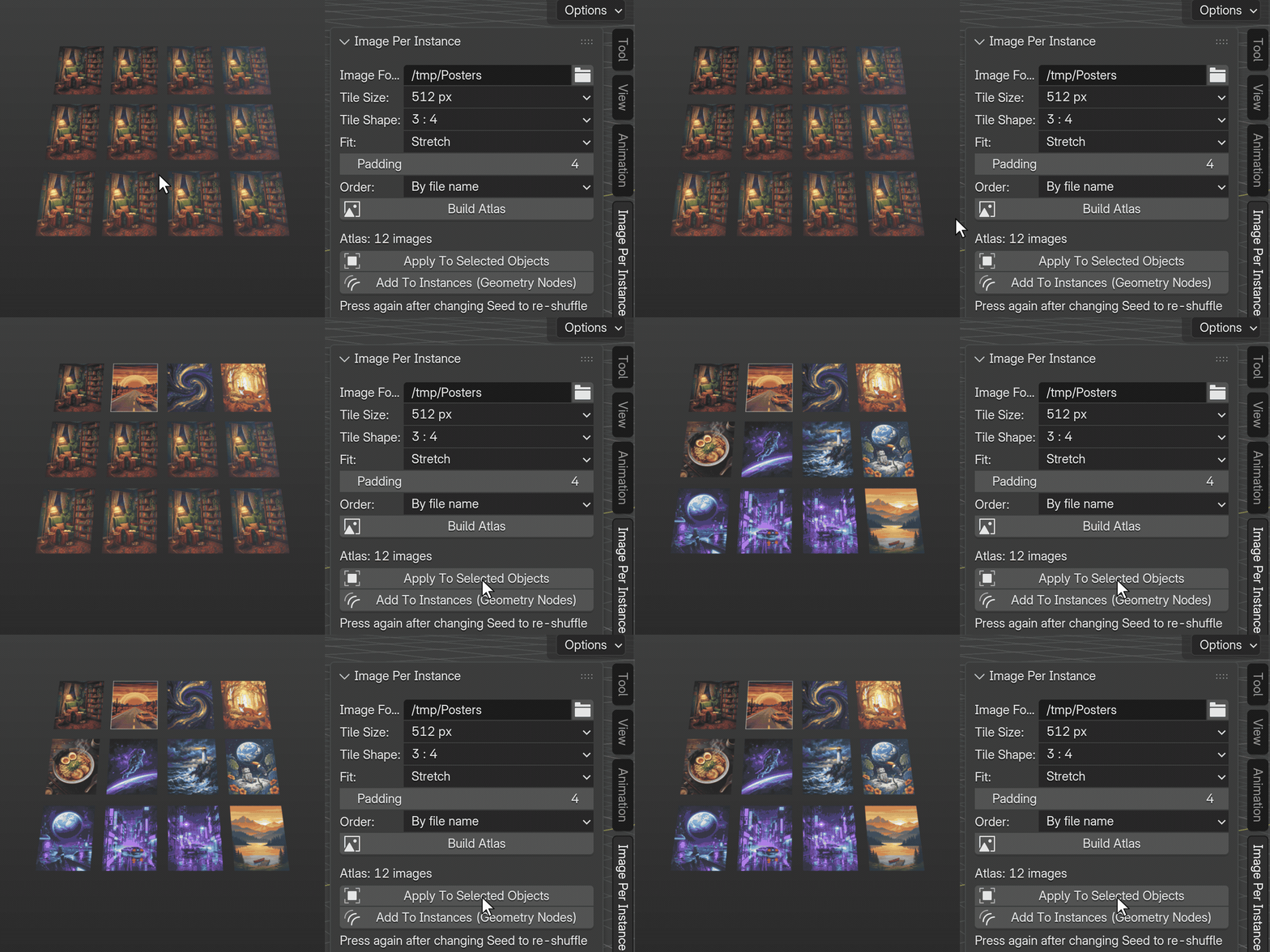
Apply To Selected Objects — every selected mesh gets its own image through one shared material.
-
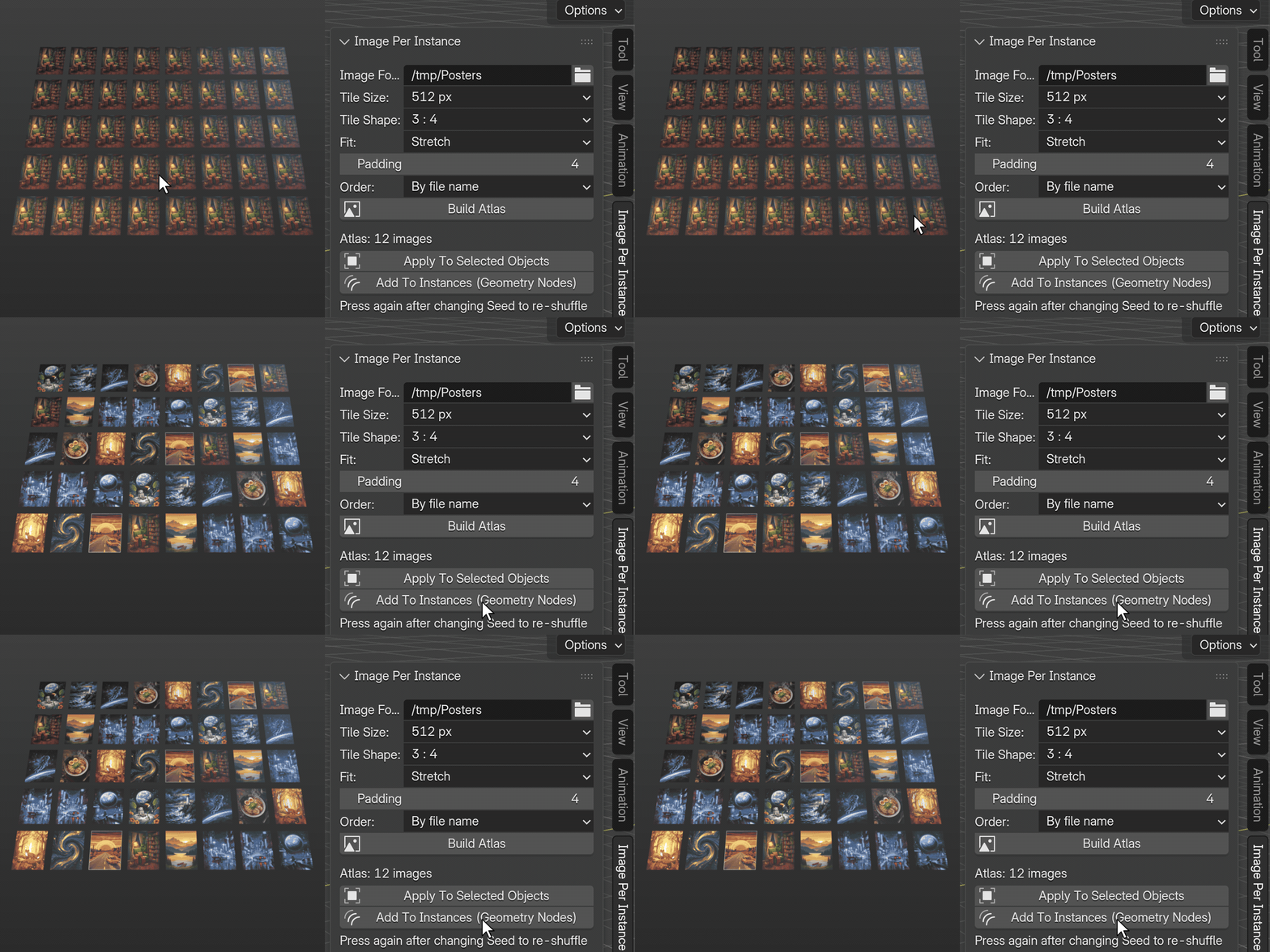
Add To Instances (Geometry Nodes) — for Instance on Points, the Array modifier and similar setups. Finds the instanced source objects, gives them the shared material and adds a small modifier that stores an image index per instance.
- Shuffle — every image is used once before any repeats. Change the Seed and press Apply To Selected Objects (or Add To Instances) again for another arrangement.
New in 0.2.0
-
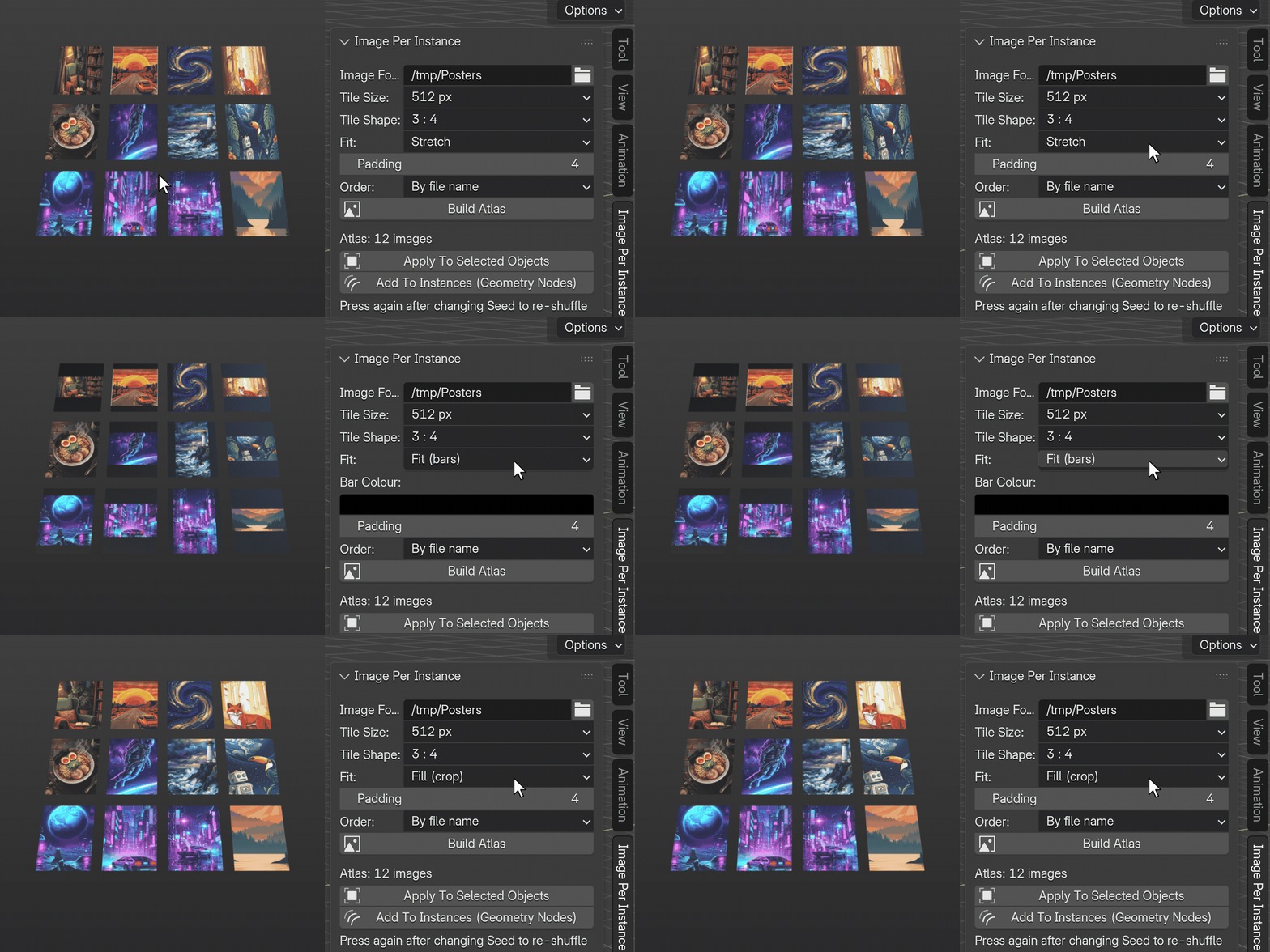
Fit modes and tile shape — Fit with bars (pick a Bar Colour), Fill (crop) or Stretch. Choose the tile shape (2:3 for posters, 16:9 for screens and so on) so pictures are no longer squashed into squares.
- Choose images yourself — Assign Image To Selected with an image picker (search by name), or Match By Object Name (a plane called "cat" shows cat.jpg).
-
Material options — Use Image Alpha, Emissive (screen) with Strength, Roughness. They update at once, no rebuild.
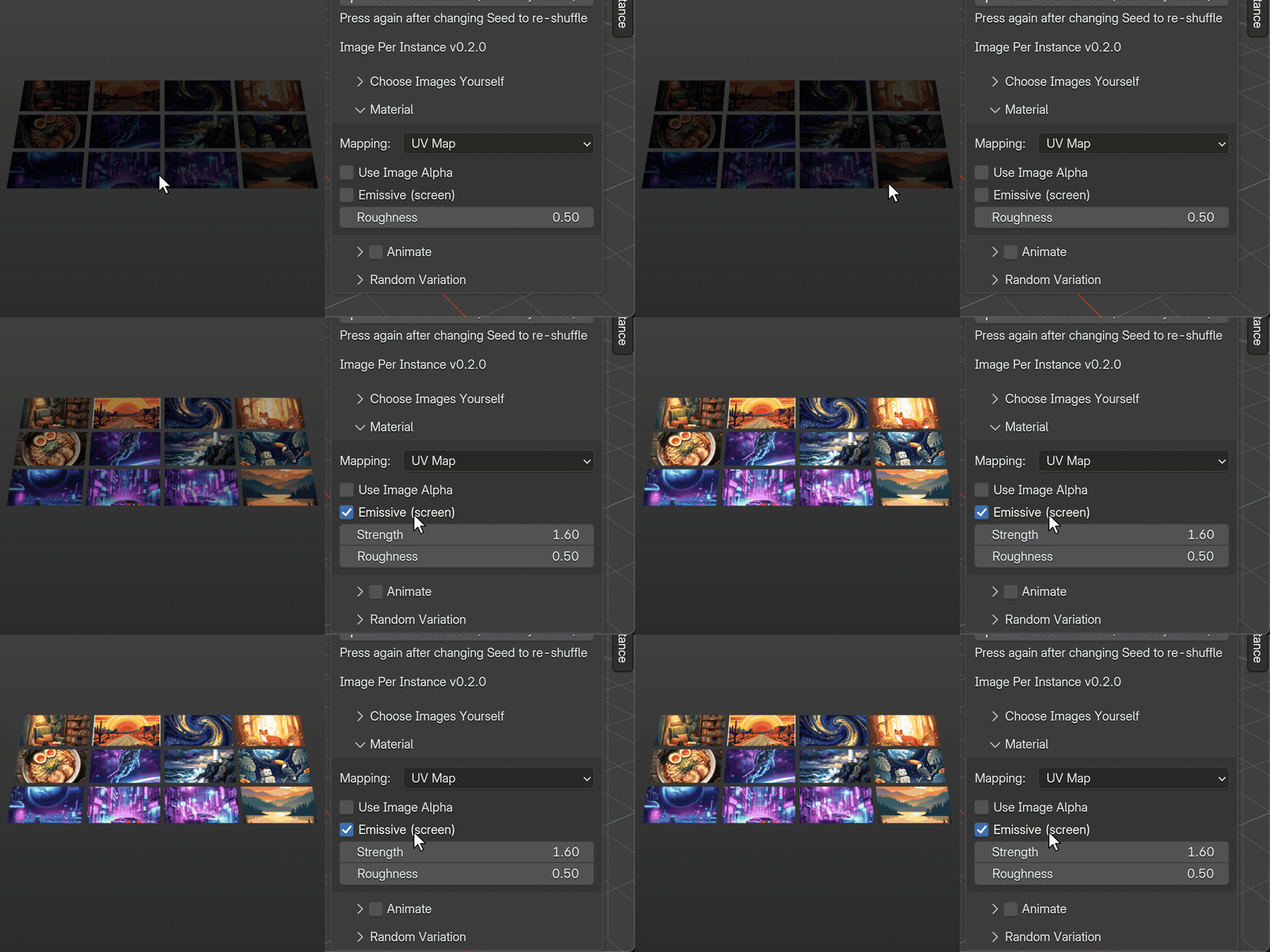
- Mapping without UVs — UV Map, or Front, Top and Side projection for objects that have no UVs at all (boxes, imported junk, quick blockouts).
-
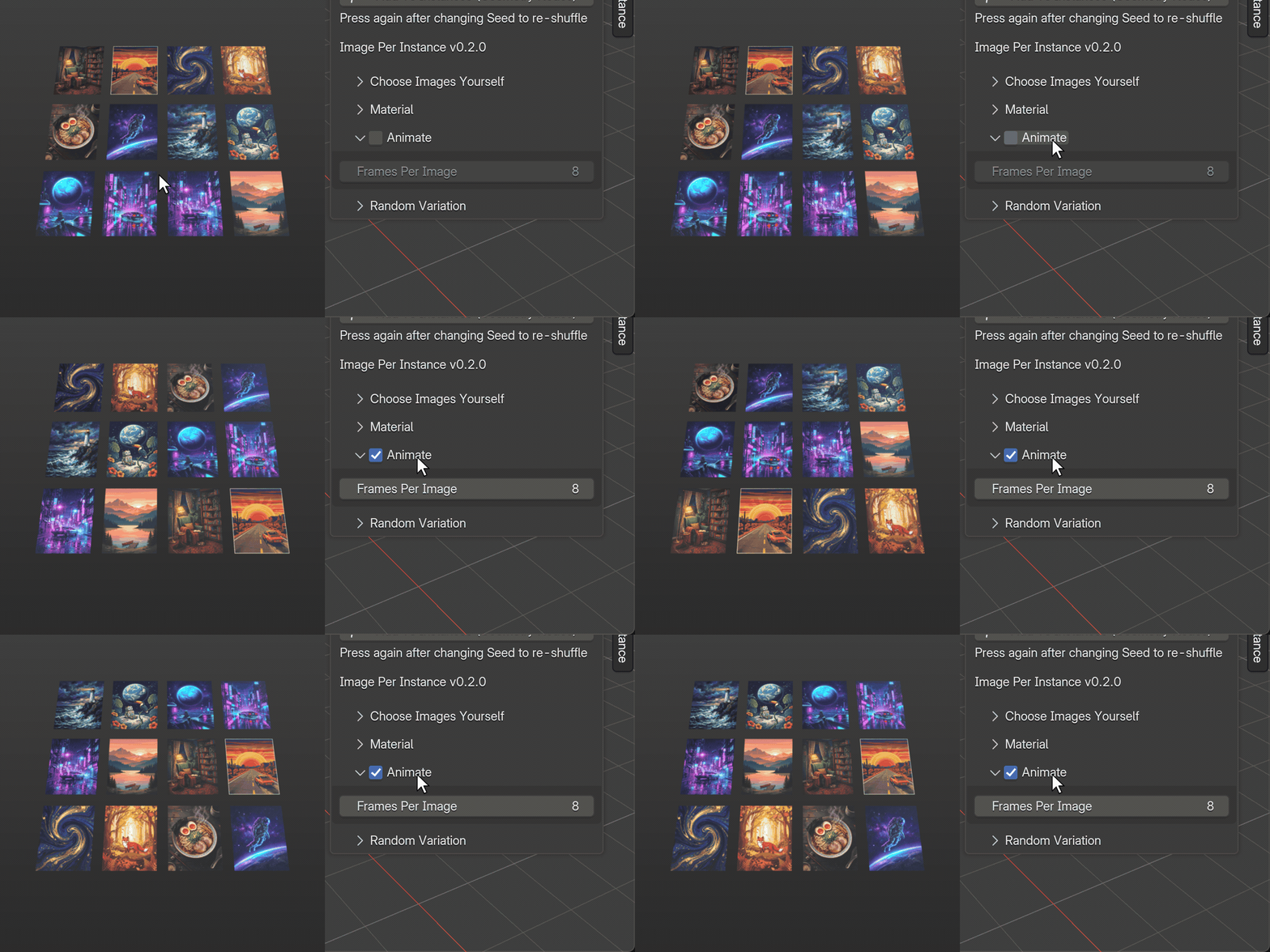
Animate — each object or instance flips through the images, Frames Per Image, with a per-instance offset. Slideshow walls, flip displays, video-wall style screens.
-
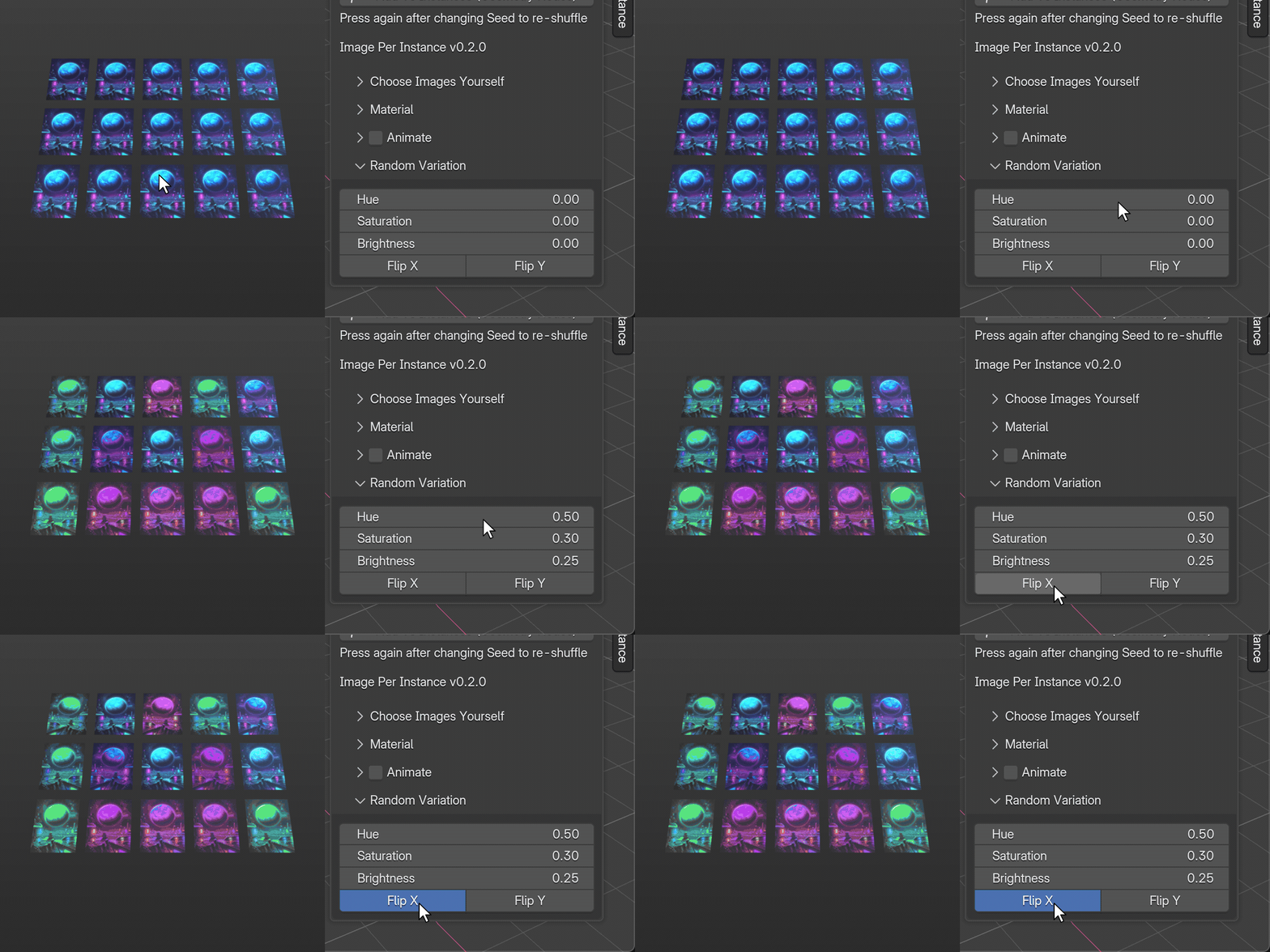
Random Variation — per-object Hue, Saturation and Brightness shift, random Flip X / Flip Y. Many copies of one set of pictures stop looking identical.
- Build Atlas again keeps every object's picture (matched by file name). Adding or removing a file does not shift the rest.
- 16-bit and EXR sources now have the right brightness. The 3D view redraws at once after a button press.
- Unlimited images (the atlas can be up to 16384 px per side, e.g. 256 images at 1024 px).
- Only material slot 1 is replaced — frames, edges and other slots on your source object stay as they are.
- Undo-safe. Pure Python: no binaries, no network. Works on Windows, macOS and Linux (Blender 4.2 LTS and newer). Tested on macOS, Windows 11 and Linux (x86-64).
Made for
Posters and paintings on a wall, photo walls and galleries, book spines and covers, cards, tiles, packaging, game props, billboards, LED and video-wall panels, slideshow screens, anything built from many objects or instances that each need their own picture.
Requirements
Blender 4.2 or newer. Tested on 4.2.23, 4.5.14 and 5.2.2 on macOS, Windows 11 and Linux (the tests render the scene and check the colour of every tile).
Install
Edit > Preferences > Get Extensions > arrow (top right) > Install from Disk > pick the zip.
Then: press N in the 3D viewport, open the Image Per Instance tab, choose your image folder, Build Atlas.
Honest limits
- One atlas per .blend: building again replaces it.
- Two files with the same name and different extension (cat.png and cat.jpg) show as one name in the picker. Image Number still reaches both.
- Front, Top and Side mapping is one flat projection, not triplanar: sides of a box that face other directions get a stretched streak, use a UV map for those.
- For small image counts the Shuffle order has a visible rhythm.
- Not a replacement for UDIM or a texture-paint workflow.
Free version
A free Image Per Instance Lite (up to 20 images, separate objects only) is on GitHub: github.com/mendbox/image-per-instance-lite
Free updates: QuadFix 1.x, Image Per Instance 0.x and 1.x, BedSplit 0.x and 1.x. Questions: [email protected] (Superhive buyers can also send a message here). Please include your Blender version, operating system and the report line from the panel. Full manual with screenshots: https://mendbox.github.io/docs/image-per-instance/
Get update notices and new add-ons by email: https://mendboxstudio.com/updates