Image Per Instance: Different Texture on Every Object
 QuadFix Tools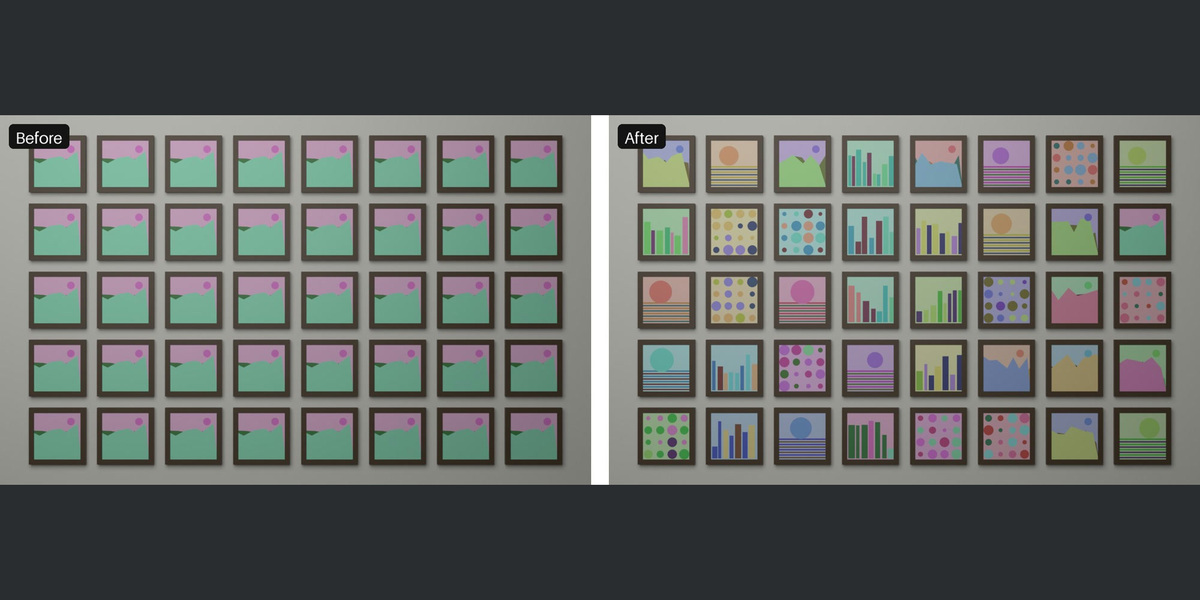
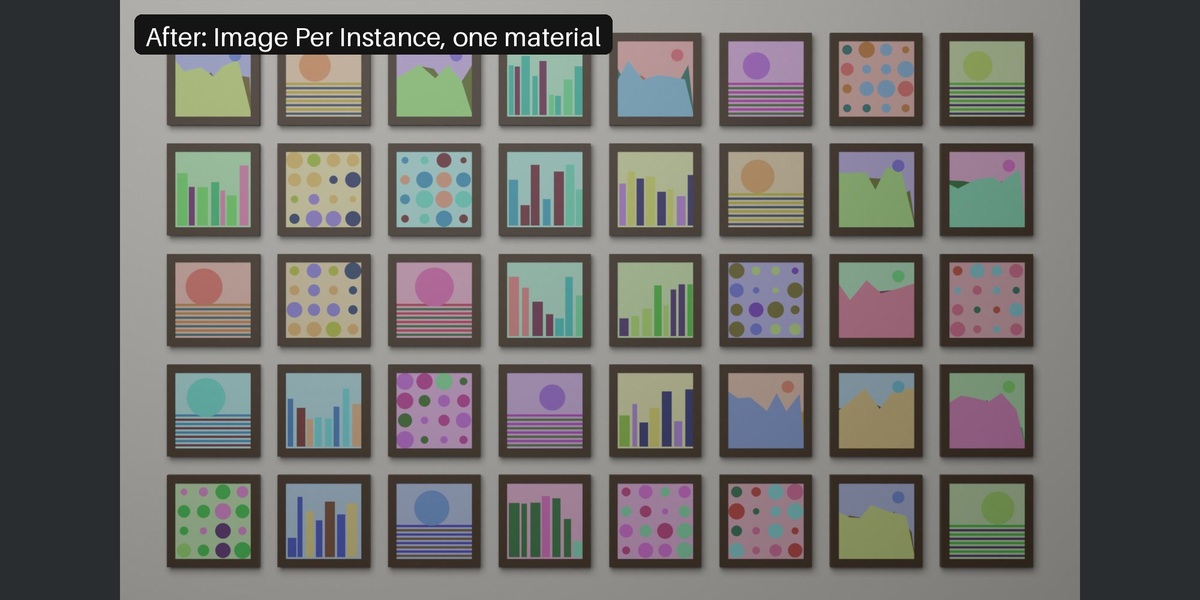
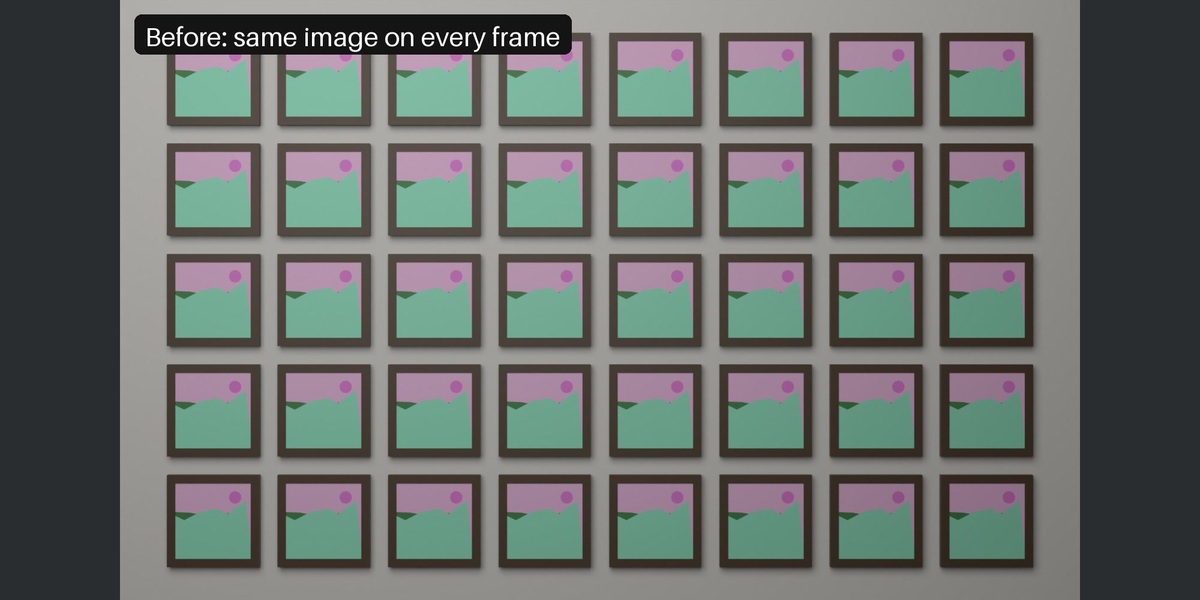
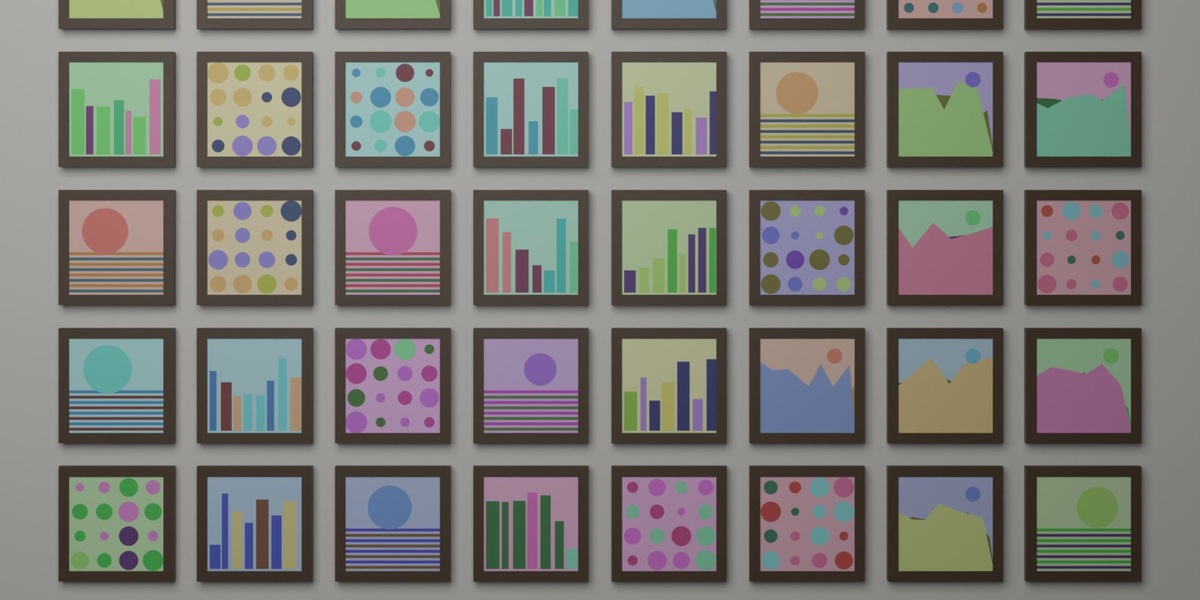
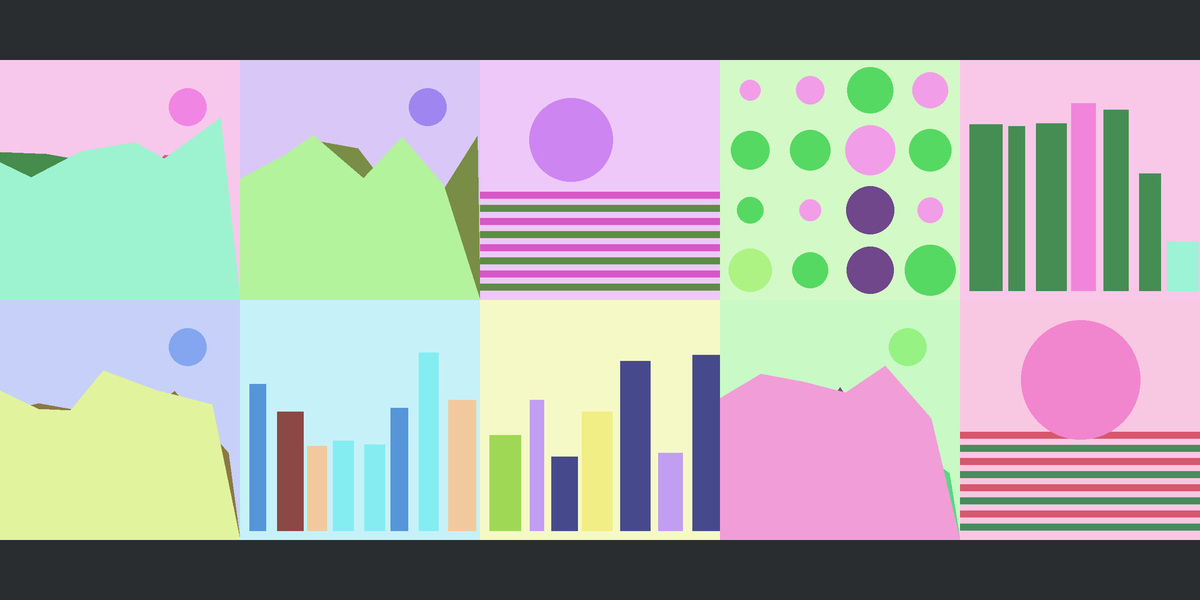
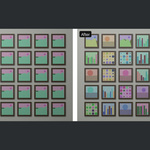
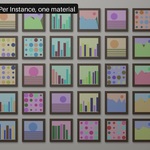
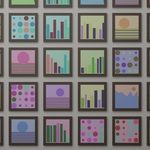

Pack the images into one atlas, give every object the same material and store an image index per object or per instance. Image Per Instance does exactly that: Build Atlas, then Apply To Selected Objects (separate objects) or Add To Instances (Geometry Nodes instances and the Array modifier).
Yes. Add To Instances finds the instanced source objects, gives them the shared material and adds a small modifier that stores an image index on every instance.
The atlas can be up to 16384 px per side, for example 256 images at 1024 px tiles. Smaller tiles allow more images.
Yes: set Order to Shuffle. Every image is used once before any repeats. Change the Seed and press the button again for another arrangement.
Blender 4.2 LTS and newer. Tested on 4.2.23, 4.5.14 and 5.2.2; the tests render the scene in Cycles and check every tile.
Have questions about this product?
Login to message
| Blender Extension Compatible | Yes |
| Published | 1 day ago |
| Blender Version | 4.2 - 5.2 |
| Extension Type | Add-on |
| Render Engine Used | Cycles |
| License | GPL |

Discover more products like this
instances image per object geometry nodes Array modifier Material shuffle posters Unique texture book covers random image Atlas texture