 JESUS
JESUS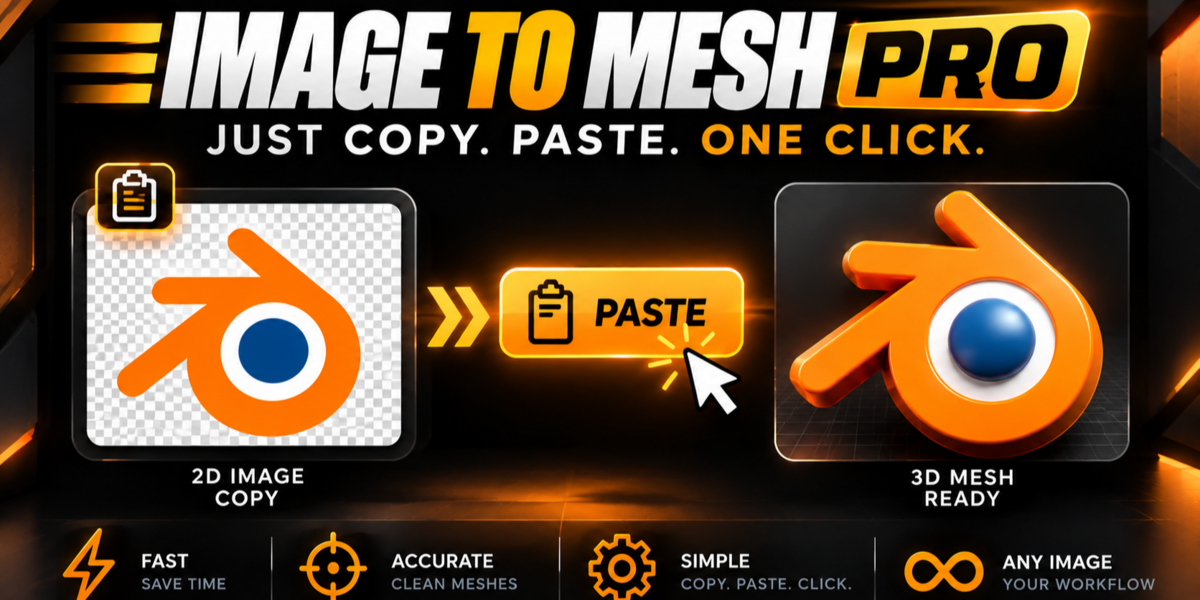
Which Blender versions and render engines are supported?
Fully compatible with Blender 4.2 LTS, 4.3, 5.0, and 5.1+. All generated PBR materials and 1:1 Photo UV projections work natively in both EEVEE and Cycles.
Is the generated 3D geometry clean for 3D Printing, Games, and Motion Graphics?
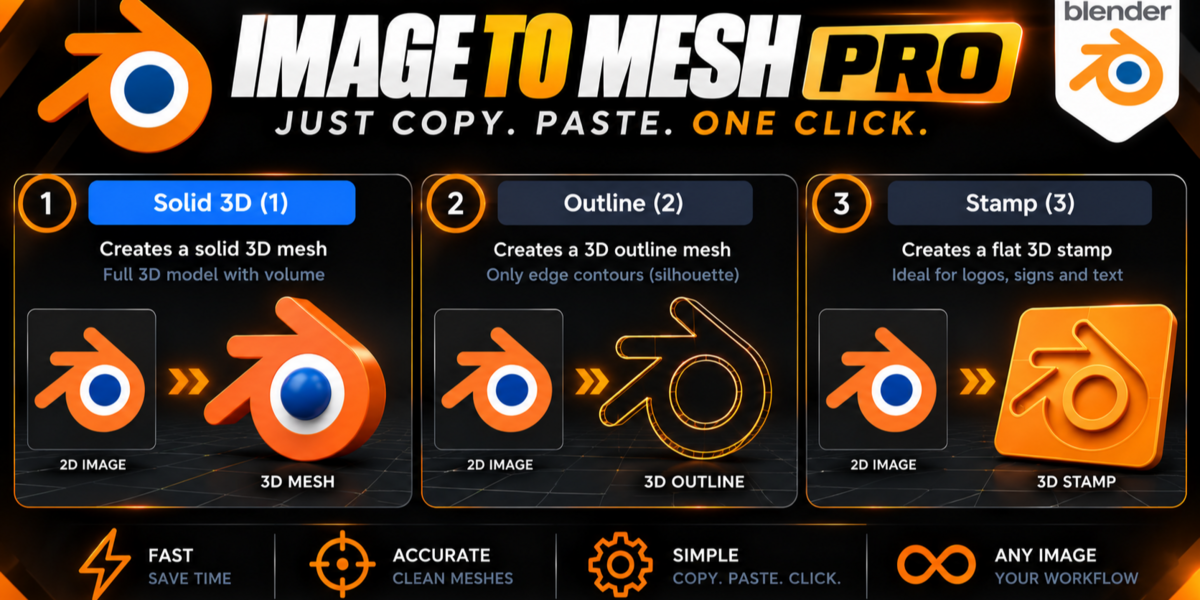
Yes. It features Planar CAD optimization (removing up to 85% of redundant vertices on flat edges), watertight Solid 3D extrusion, a Stamp/Cookie-Cutter base mode [3] for 3D printing, and editable Blender Vector Curves [R].
How do I keep white interior details (like eyes or inner rings) solid instead of cutting them as holes?
Simply press [C] (Outer Contour Only mode). It traces only the outer silhouette boundary so all interior details stay 100% solid.
Does it work with JPGs or images without a transparent background?
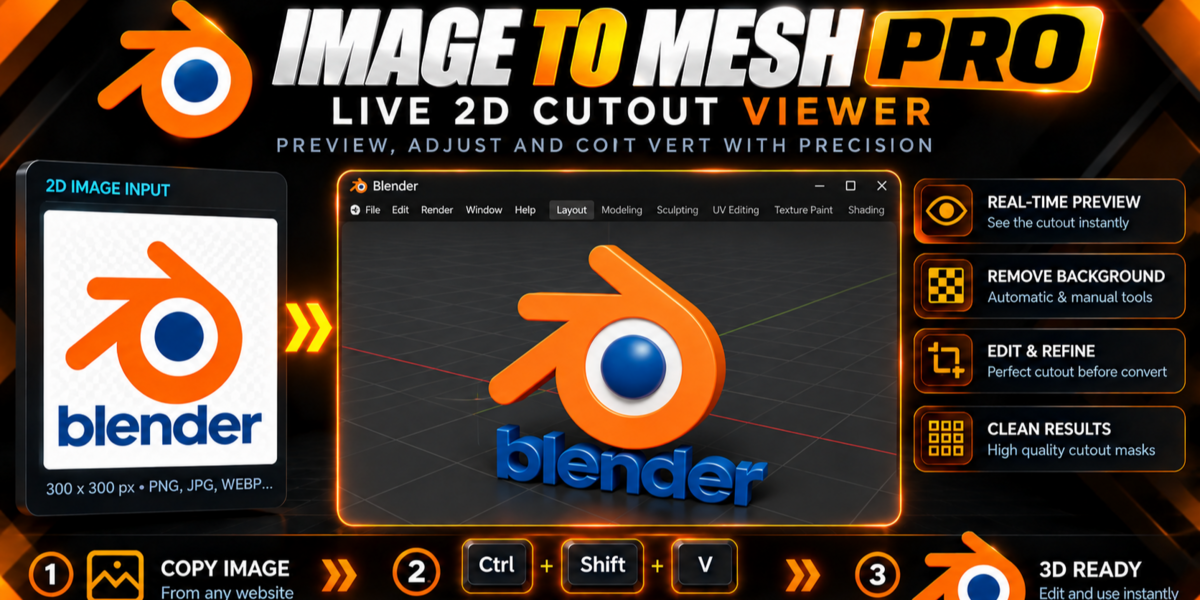
Yes! Press [M] in the interactive HUD to switch between Auto Alpha, Color Background Flood-Fill, and B&W Stencil mode, and adjust the Tolerance slider in real time.
Do I need SVG files or external software like Illustrator or Inkscape?
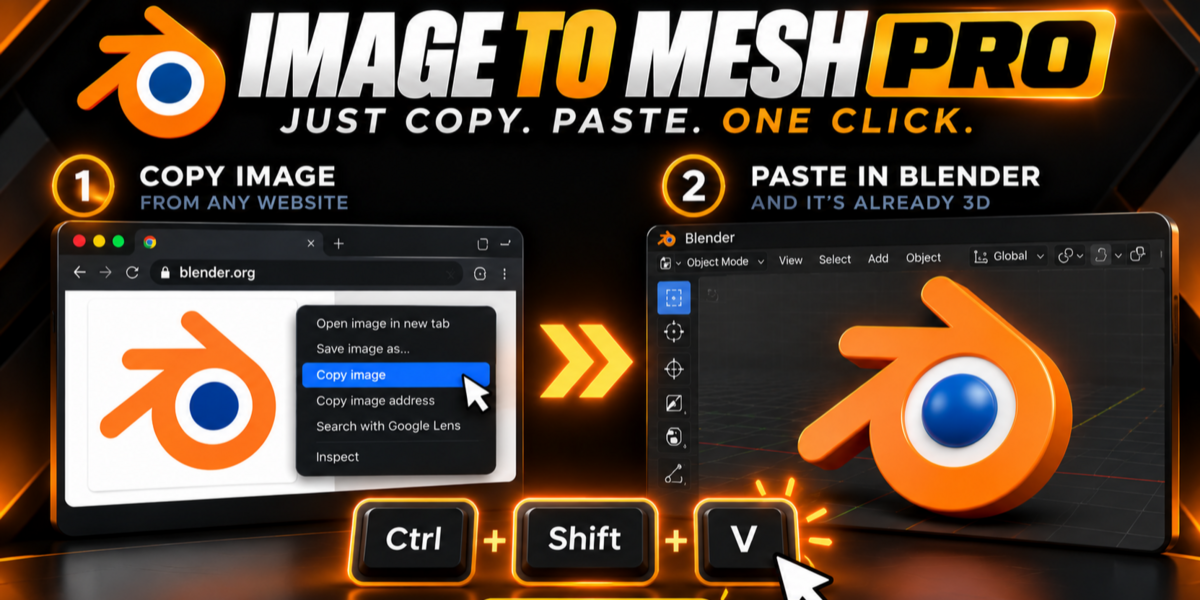
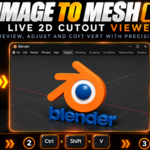
No. Image to Mesh Pro works directly with standard images (PNG, JPG, WEBP, BMP) or any image copied straight from your clipboard (Ctrl+Shift+V) inside Blender.
$19.99$13.99
 Included
Includes 12 months of
- Support from JESUS
- Product updates
Extend this product’s Support Period +12 months: 75% of product price
Have questions before purchasing?
Login to message
| Published | 1 day ago |
| Blender Version | 4.2 - 5.2 |
| Extension Type | N/A |
| Render Engine Used | Blender-Internal, Cycles, Eevee |
| License | GPL |
Discover more products like this
3d printing image trace SVG motion graphics modeling 2d to 3d png to 3d clipboard Image to Mesh 3d logo vectorizer Logo to 3D