Image Toolkit
 Jooapa


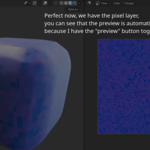
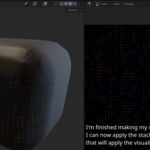
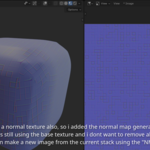
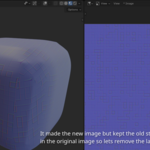
Install instructions:
1. Download add-on.
2. Blender: Edit > Preferences > Add-ons > Install from Disk
3. Enable Image Toolkit
4. Open Image Editor sidebar.
# Changelog
All notable changes to Image Toolkit will be documented in this file.
## 0.1.1
### Fixed
- Images are no longer processed automatically when opened without any modifier layers.
- Removing the final modifier layer now restores the original image and clears the live-preview cache.
### Tests
- Added regression coverage to ensure layerless images are not written to by the preview system.
- Added coverage for restoring the original image after the final modifier layer is removed.
-
$19.95
For studios, companies, and teams. Use Image Toolkit on multiple workstations in your organization. Includes the full add-on and all features.
-
$5.25
For one user. Includes the full Image Toolkit add-on and all features. Ideal for freelancers, artists, and personal projects.
 Included
Includes 12 months of
- Support from Jooapa
- Product updates
Extend this product’s Support Period +12 months: 100% of product price
Have questions before purchasing?
Login to message
| Blender Extension Compatible | Yes |
| Published | 3 months ago |
| Blender Version | 4.2 - 5.2 |
| Extension Type | Add-on |
| License | Mit |