ImageNode - Images as Nodes in the Node Editor
 codesignprojects
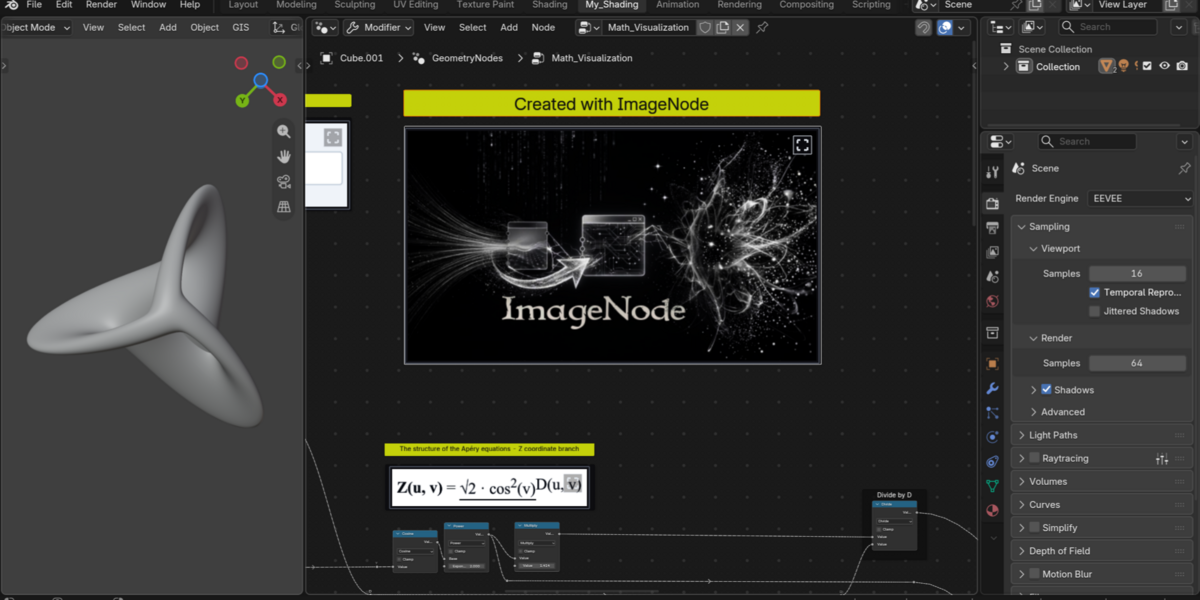
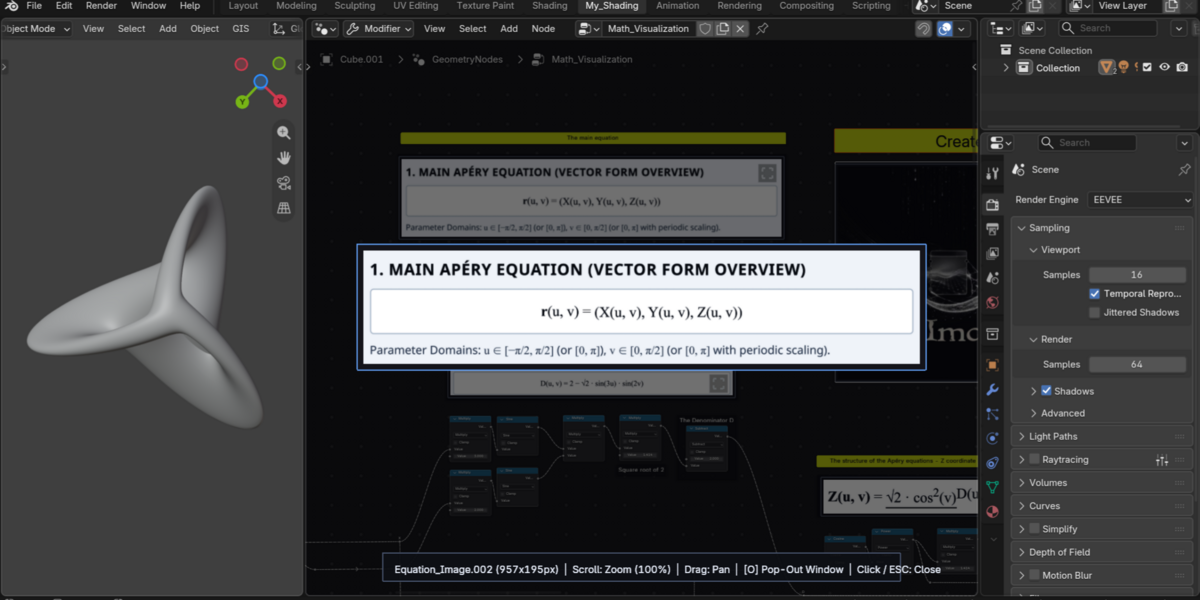
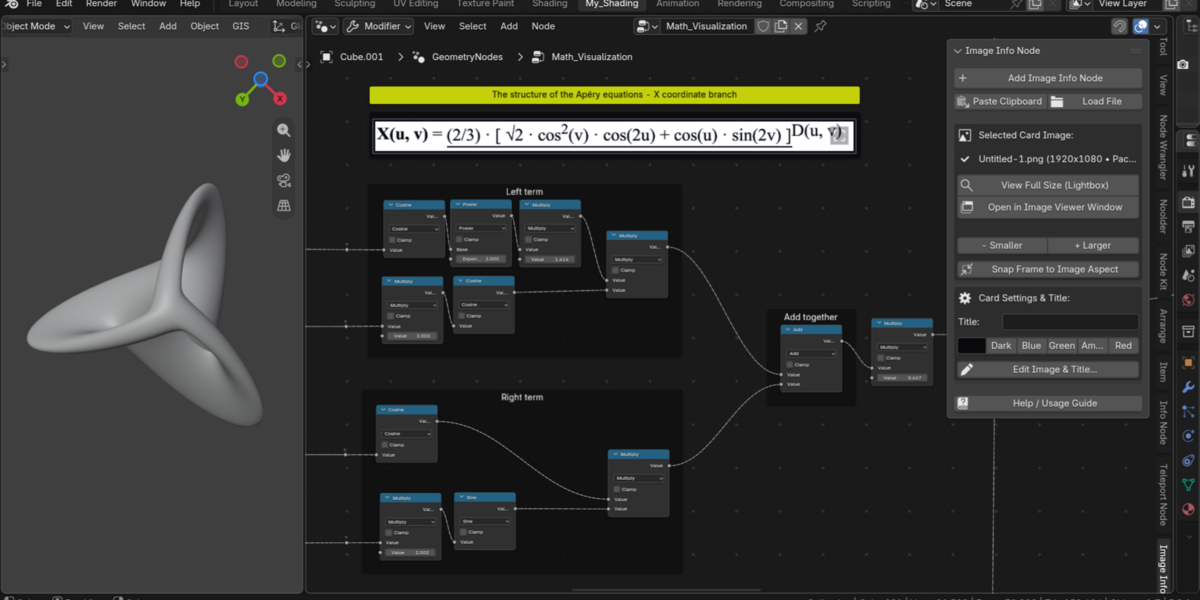
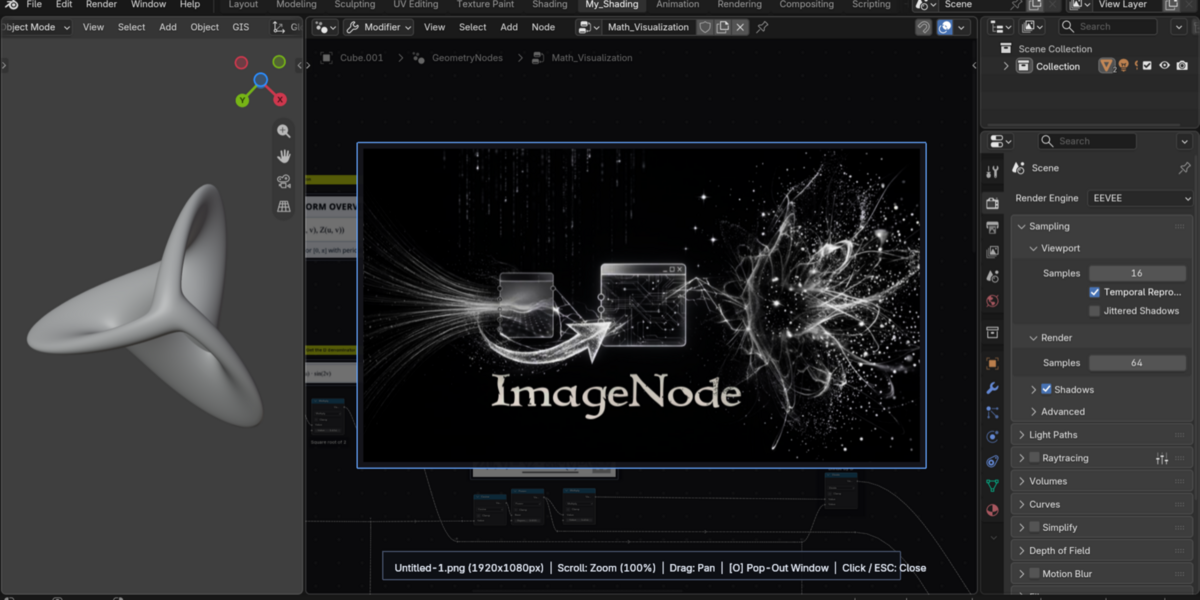

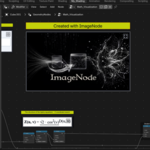
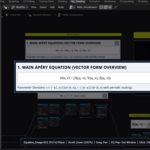
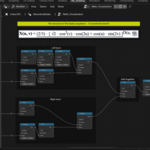
What happens if someone opens my .blend file without ImageNode installed?
Your file opens safely without errors. Because ImageNode uses native Blender Frames under the hood, users without the addon see the standard colored Frame at its exact position and size with a clean native [Image: name] indicator inside (which remains 100% hidden beneath the image whenever the addon is enabled).
Will my images break or go missing if I move or share my .blend file?
No. Every image pasted from your clipboard or loaded from your hard drive is automatically packed inside the .blend file. Your visuals travel with the project file with zero external dependencies.
Does an ImageNode wrap or parent surrounding nodes like a normal Frame?
No. ImageNode is designed specifically as a standalone visual card so you can freely move and position it next to your node setups without accidentally grabbing or parenting nearby nodes. (If you want rich-text comment frames that wrap and auto-align node groups, check out our companion addon, InfoNode!)
Does rendering images in the Node Editor slow down viewport or shader performance?
Not at all. ImageNode renders textures using Blender's native GPU POST_PIXEL pipeline with automatic off-screen frustum culling, and has zero impact on shader compilation or Geometry Nodes evaluation.
If I delete several ImageNodes, do the packed images stay in the .blend file?
Blender keeps packed images with 0 users in memory until purged. Simply click the "Purge Unused Images" button in the ImageNode N-Panel at any time to clean up unreferenced images in one click.
Have questions about this product?
Login to message
| Published | about 3 hours ago |
| Blender Version | 4.2 - 5.2 |
| Extension Type | N/A |
| Render Engine Used | Cycles, Eevee |
| License | GPL |
Discover more products like this
procedural geometry nodes reference documentation Workflow image utility compositor organization Node Shader nodes