Imposter Cards: Nacho Time!
 Feral 3D


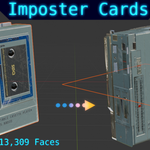
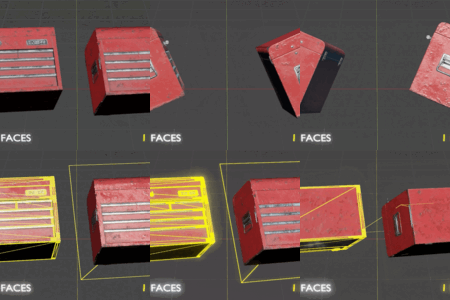
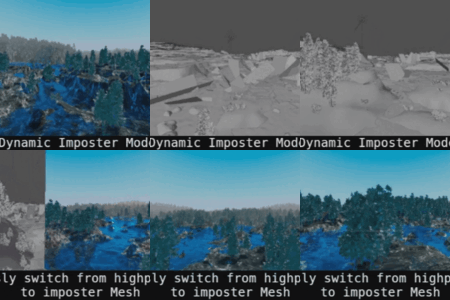
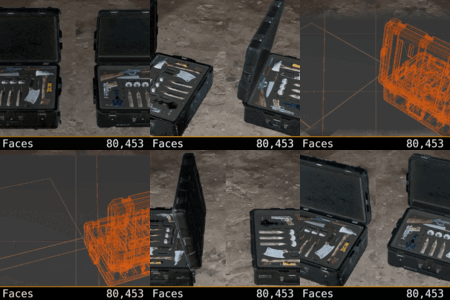
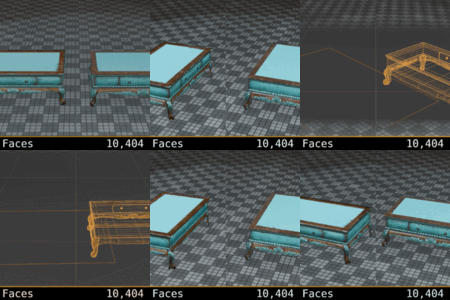
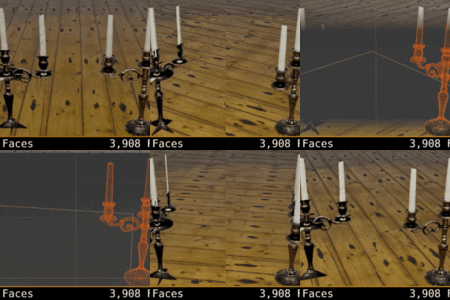
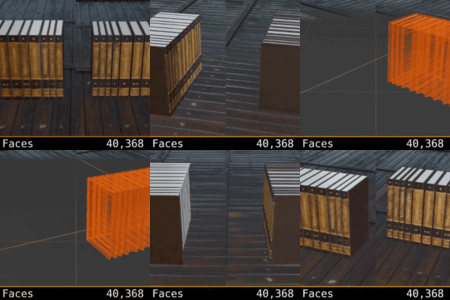
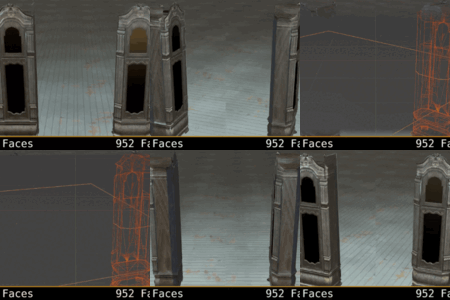
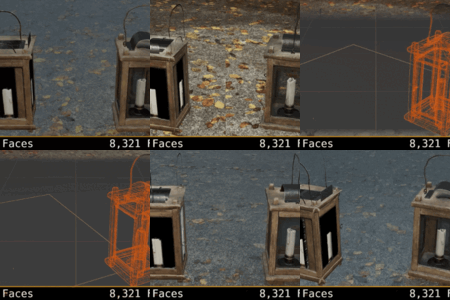
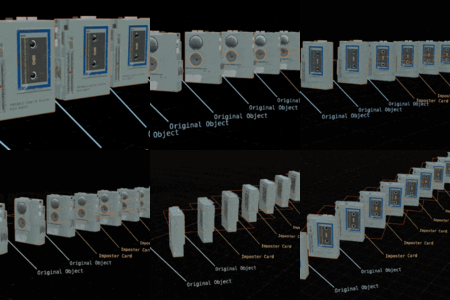
Imposter Cards
Standard Version - 1.5.0
Ultimate Version - 2.0.8
Imposter Cards is meant to be as user-friendly and simple to use as possible! What follows is a simple guide for the features in the add-on.
Imposter Cards
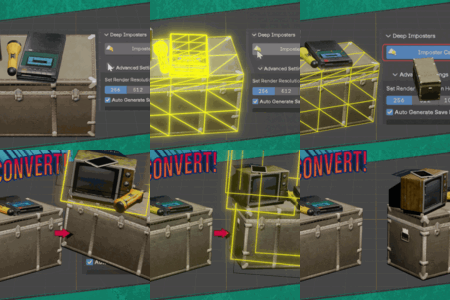
This is the primary operator button. With the selected object(s) that you want converted into Imposter Cards selected, simply click this button. The UI will freeze momentarily as the mesh data is generated and texture atlases are rendered. Once complete, an imposter card will be added immediately alongside your original object(s) in the active scene.

Advanced Settings⬎
Set Texture Resolution
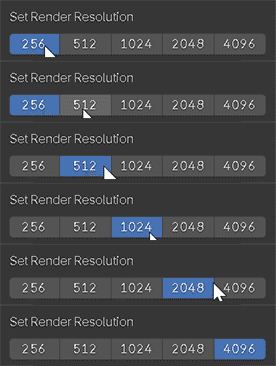
Choose from the radio/toggle buttons the texture resolution for the imposter cards. Lower resolution textures will generate imposter cards with less detail, but they will use less texture memory. These resolution options are standard for video games and most real-time applications.
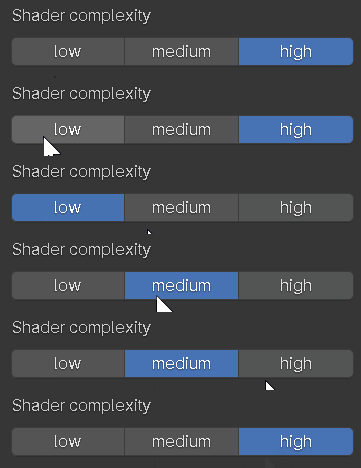
Choose Shader Complexity
 7
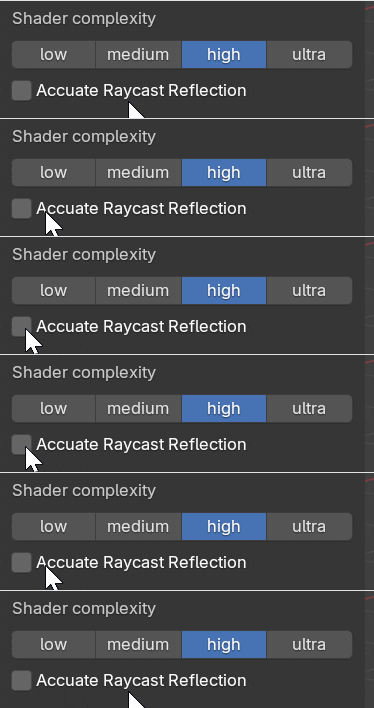
Select low, medium or high to set shader complexity. Choose the level that balances quality and speed for your scene.
1.low– Generates a streamlined impostor shader that references 2 textures for maximum performance.
2.medium – Adds a third texture to improve fidelity while keeping the performance hit modest.
3.high – Uses 3 textures plus additional node operations for the best visual quality, at the greatest performance cost.
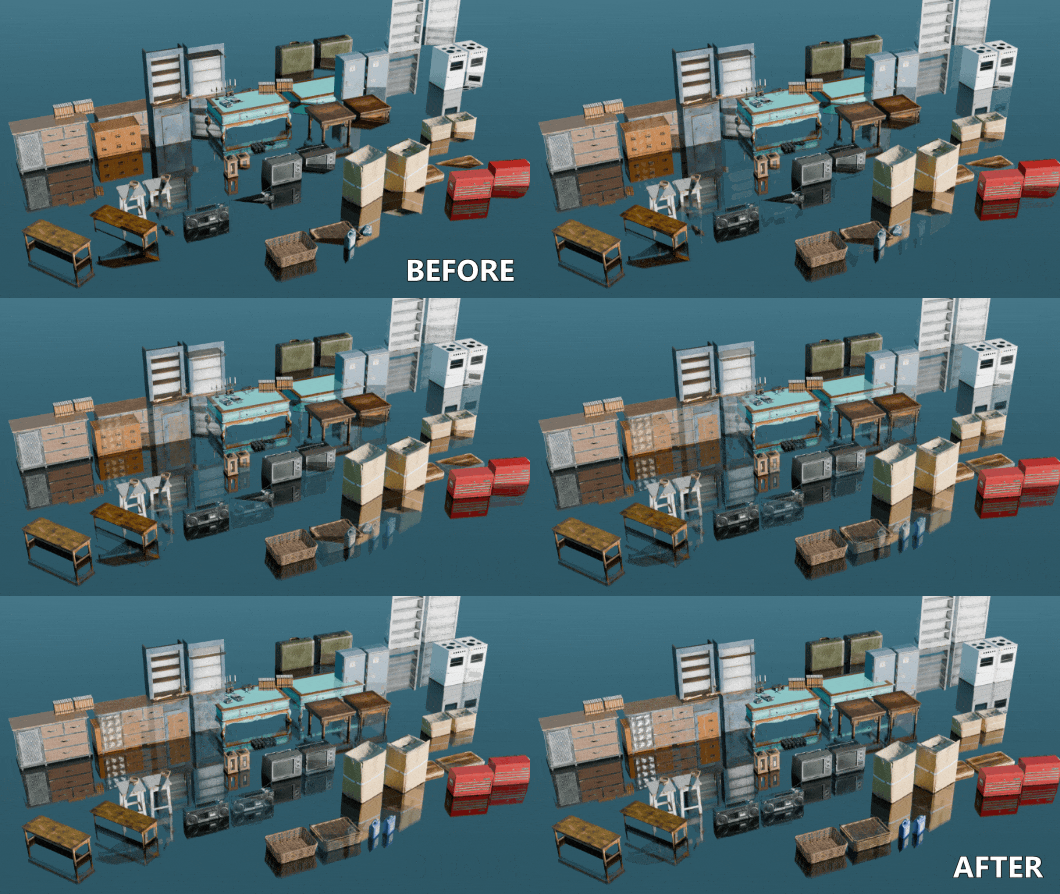
Tri-Planar Imposter Depth (Accurate Raycast Reflection)
Add 2 extra planes to the generated imposter. This provides accurate reflections, clipping and shadows.
LOD mode
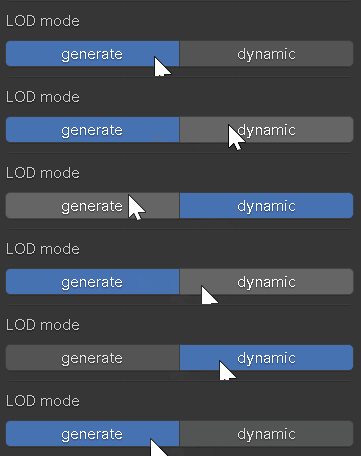
Choose one of two available LOD modes:
1. Generate:
Generates a secondary imposter object with a single mesh plane, without interfering with the original high-poly source object.
2 . Dynamic:
Replaces the high-poly mesh with its imposter proxy at runtime when the camera exceeds a prescribed distance. The transition distance is controlled by the object-level custom property imp_threshold. When the camera-to-object distance is equal to or greater than this value, the imposter proxy is displayed; otherwise, the original mesh remains visible.
Save Directory
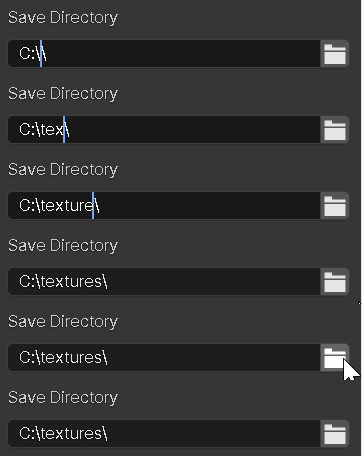
Once the blend file is saved, a custom directory will default to ...//my_blender_file.blend/textures/, users can select a custom texture path by selecting the folder icon or directly editing the path shown.
Imposter Editor⬎
Edit Depth
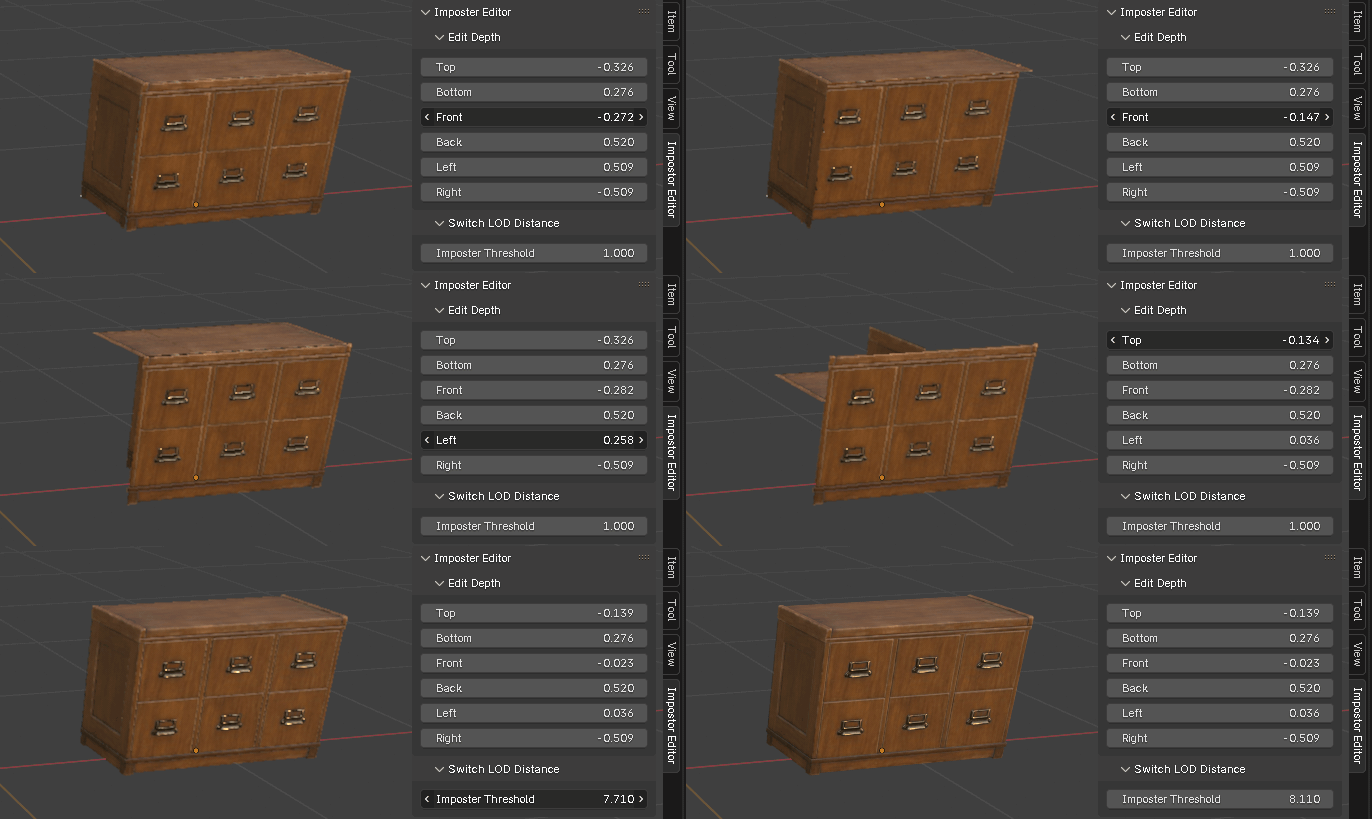
If users choose to render in 'LOD Mode' as ' Dynamic', they can edit the depth of each axis of the current imposter object selected.
Imposter Threshold
Quickly adjust the Imposter Threshold distance. This determines how far from the current view or active camera the object switches to it's imposter card counterpart.
Export Options⬎
Unity Export
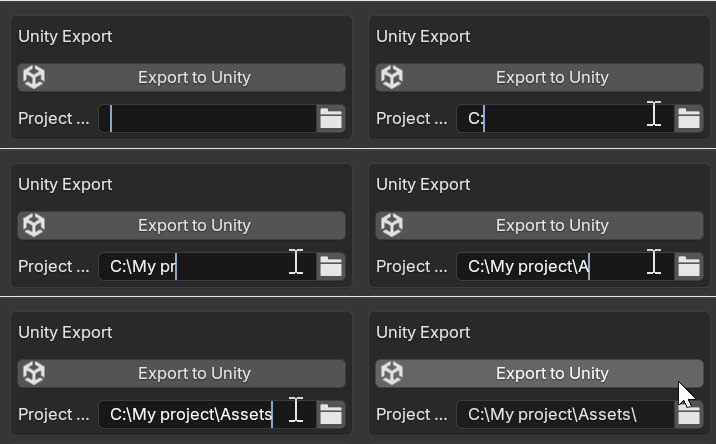
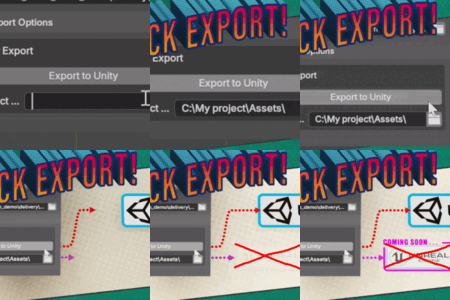
Generate and edit imposter cards in Blender then one-click export selected imposter card(s) to the UNITY game engine! Simple enter the directory for your unity project, and click "Export to Unity", mesh objects and shaders will be exported to unity and fully functional.
Installation Instructions:
How to Install Imposter Cards
- First, download the ZIP file. Just as it is—no need to open it or poke around inside.
- Open Blender, then go to:
Edit → Preferences → Add-ons - Click the Install… button in the top-right corner.
- Find that ZIP file you downloaded earlier, select it, and click Install Add-on.
- In the list that appears, search for “Imposter Cards” and check the little box next to the name to turn it on.
-
Now return to your 3D Viewport and press the
'N'key on your keyboard. A new panel should appear on the side called Imposter Cards—that’s where everything lives.
Updates :
IMPOSTER CARDS STANDARD VERSION
-
version 1.0.8
- Dynamic lod switching changed from modal to hanlder, reducing conflict with addons using 3D viewport. -
version 1.0.9
- patchedMac OS/UNIX file handling errors. writing textures to locked "write-only" status directories or folders no longer fails -
version 1.1.0
- improved shader performance, improved lod management, faster render time, transferred mesh properties to UV layersr -
version 1.1.1
- full support for single-click to UNITY game engine
-
version 1.1.1
-BUGFIXthat caused objects with blended alpha mode to render diffuse textures as solid black. -
version 1.2.5
- Dynamic texture packing! Texture atlases now automatically scale to fit the number of objects converted. This maximizes imposter resoluton by improving the packing of objects on textures.
-
version 1.3.0
- now supported in version 5.1.1
-
version 1.3.3
- UPDATED render logic to speed up renders. -
version 1.3.4
-UPDATEDnode and socket names for 5.1.1 support and backwards compatibility -
version 1.4.0
- NEW FEATURE - tri-planar depth displacement for accurate clipping, reflection and shadows. Added in shader complexity options as a check box. -
version 1.4.1
-BUGFIX- increased bleed of single planes to reduce clipping -
version 1.4.2
-NEW FEATURE- "ambient occlusion" pass added to "shader complexity" settings -
version 1.4.3
- BUGFIX- atlas failing to pack when all items are "tall & thin" -
version 1.4.4
-NEW FEATURE- "emission" pass added to "shader complexity" settings! -
version 1.4.5
-PERFORMANCE BOOST- image atlas samples reduced from 12 to 6 for single plane imposters -
version 1.4.6
-PERFORMANCE BOOST- Vector Rotation math replaced with x,y,z swizzle in shaders -
version 1.4.7
-PERFORMANCE BOOST- Redundant swizzle math consolidated. -
version 1.4.8
-BUGFIX -Unity import/export errors with FBX fixed.Parent/Child matrix offset relationships no longer damage atlas generation. -
version 1.5.0
-BUGFIXS -3-face & 6 face imposter attributes fixed. Object scaling and clipping issues fixed
ADDED IMPOSTER CARDS ADVANCED VERSION
-
version 1.6.3
-NEW FEATURE - Choose between 3 imposter types = 1 Plane, 3 Planes or 6 Planes -
version 1.6.7
-NEW FEATURE -IMPOSTER CARDS ULTIMATE runs in the background freeing up the UI -
version 1.7.8
-BUGFIX - headless rendering no longer fails with duplicate imposter renders -
version 1.7.9
-BUGFIX - delta transfroms applied to objects no longer cause errors in atlas calculations -
version 1.8.0
-BUGFIX - dynamic imposters are assigned correctly to duplicate objects -
version 1.8.1
-IMPROVED FEATURE- atlas packing improved to store up to 150 unique items -
version 1.9.1
-IMPROVED FEATURE- all imposter objects can now be joined/merged into a single object -
version 1.9.2
-IMPROVED FEATURE- All shader math improved, various publishing errors corrected -
version 1.9.3
-IMPROVED FEATURE- join imposters works with 1, 3 and 6 sided mesh imposters now -
version 1.9.4
-BUGFIX -Unity import/export errors with FBX fixed -
version 1.9.5
-BUGFIX - Parent/Child matrix offset relationships no longer damage atlas generation. -
version 1.9.8
-BUGFIX - 5.2 & 4.5 LTS filehandling and node issues fixed -
version 1.9.9
-IMPROVED FEATURE- 6-plane imposters more efficient UVmap vectors and Tangent normals -
version 1.9.93
-NEW FEATURE- "Update Selected Imposters"update selected imposters so they match high poly counterparts. -
version 1.9.99
-2 NEW FEATURES- "Update Godot Imposters"&"Update Unity Imposters"- update imposters in game project libraries -
version 1.9.99
-IMPROVED FEATURE-"Dynamic Imposter"- make objects swap from high-poly model to imposter cardautomatically,based distance to camera -
version 2.0.0
-BUGFIX-imposters in Godot game engine no longer have inverted +Y depth information. -
version 2.0.1
-BUGFIX-imposters generated from curves with geometry nodes can not become dynamic. -
version 2.0.2
-UPDATE-imposter editor ui panel is now combined with main "Imposter Cards" ui panel. -
version 2.0.3
-UPDATE-reduced six texture samples in Unity shader to 2 samples. -
sion 2.0.4
-IMPROVED FEATURE-Normal map 'swizzle' is pre-computed now. All shader speeds improved ~ 3% -
version 2.0.5
-BUGFIX- Protection from errors that arise when users alter installation folder names
-
version 2.0.5
-BUGFIX-Absence of Emission textures operate correctly in godot shader -
version 2.0.6
- NEWFEATURE- 6 Plane Mode imposters now export to Godot! -
version 2.0.8
-BUGFIX- added better tool-tips, improved export menu