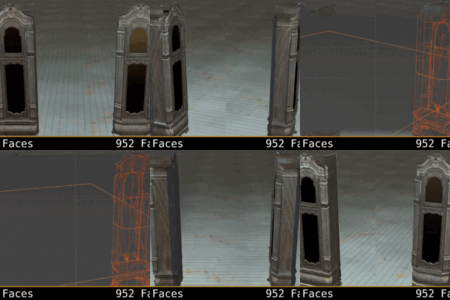
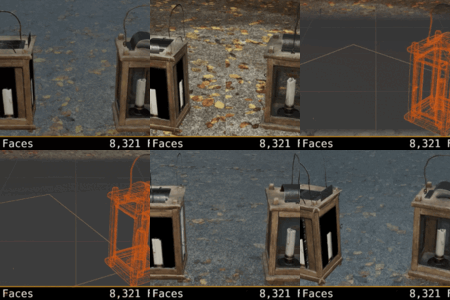
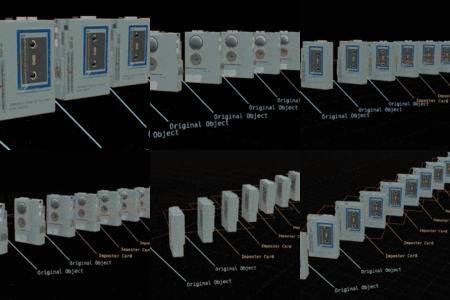
Can I use this for VFX
Yes, it can be used in a VFX pipeline.
Can I use this for games
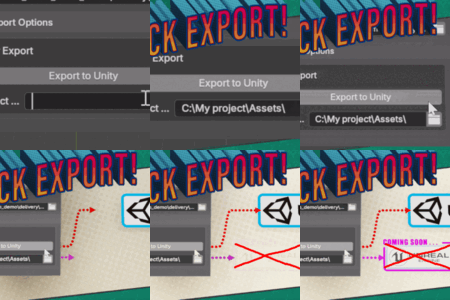
YES. that is one of the primary purposes you would use imposter cards, for game development. Currently, imposter cards can be exported to UNITY game engine.
Is this faster than using regular polygon models?
Yup. Benchmarks are at least 2x faster in viewport and closer to 5x - 10x faster with real production assets, depending on scene complexity, shaders, and imposter type.
Imposters have one draw call and all share a single texture atlas, reducing memory use and render times.
1. Single Face Imposters
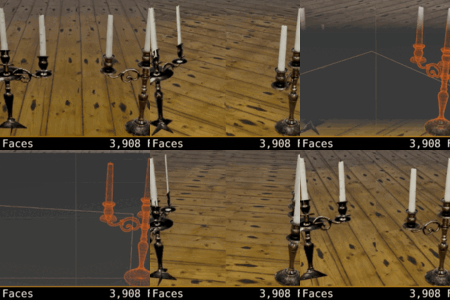
Fastest. Reduces any object to one plane
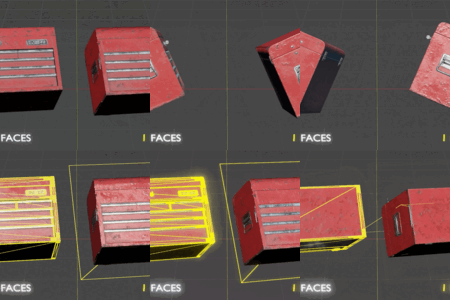
2. Tri-Planar Imposters
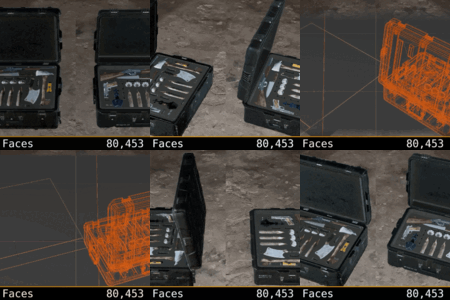
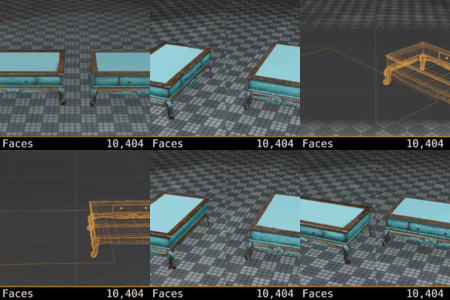
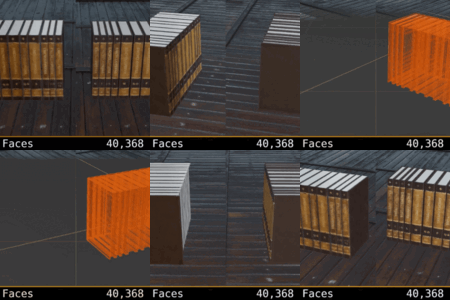
Uses 3 faces for better shadows, reflections, and clipping.
3. 6-Sided Cube Imposters
Most accurate, Better volume representation. Advanced version only has this feature.
In general: Single Face is fastest, Tri-Planar is balanced, and 6-Sided Cube is most accurate.
Can this be used for archviz?
Yes. Impostor Cards can be used for archviz workflows, from buildings and street props to bushes, trees, and other scene dressing.
For objects that need better depth behavior, you can use the 3-Plane “Realistic Reflection” mode, which improves clipping, reflections, and shadow accuracy compared to a single flat card. This makes it useful for filling out larger architectural scenes while keeping viewport and render performance under control.
What does the standard version do?
What does Imposter Cards Advanced do?
The Advanced version is designed for larger scenes and more production-heavy workflows. It can generate imposters in the background without freezing Blender’s UI, includes a progress bar for tracking longer jobs, and uses optimized shaders for cleaner, faster output.
It also adds extra texture pass support, including occlusion and emission passes, along with multiple imposter mesh types: 1 Plane, 3 Planes, and 6 Planes. The atlas packing logic has also been improved, helping generated imposters use texture space more efficiently and handle more complex layouts more reliably.
Also it can currently export the single plane imposters to UNITY.
Can this generate cube imposters that don't use true displacement?
Only the advanced version can render box imposters. Select 6 planes from the imposter mesh type. This option is only available in the advanced version.
Does this generate accurate shadows and reflections
Yes, if you select accurate reflections from the render options in the ui panel, this generates a 3 plane imposter that helps deliver more accurate reflections, shadows and clipping. In the advanced version you can select "3 Planes" mesh type.
Can you generate tri-planar imposters
yes you can generate tri-planar imposters. Just select the accurate reflections option in the basic version. If you are in the advanced version select "3 Planes" from the available imposter mesh types.
Is this compatible with Blender 5.x?
Yes. Currently it works with version 5.1.2.
Will this work with current Blender?
Yes.
Will this work with the UPBGE?
Yes. It was developed for use for current blender and that also includes the most current builds of UPBGE
Is this like octahedral imposters?
It is not. It is a more lightweight and efficient method for generating, storing and rendering high poly images that saves on both texture memory and performance.
Can I bake Emission to the imposters?
Yes. Just select the emission pass from the render options and, once backing is completed, you can edit emission intensity from the shader.
Will this freeze the user interface?
In the basic version, Yes. Your UI will temporarily freeze while your textures bake, just like baking textures normally does.
In the Advanced version, No. You can continue working and a progress bar will replace the "generate imposter cards" button. Once the process is complete, your imposter cards will be added to the scene.
Can I bake ambient occlusion or AO to my imposters?
Yes. Just select the ambient occlusion texture option, and once your imposters are baked, you can adjust the AO strength in the shader.
Can I edit the imposter cards after they are generated?
Yes. You can use the imposter editor in the 3D view-port on the right side (n) key.
Why use a texture atlas?
Rather than storing objects in individual texture(s). This addon consolidates all objects into a universal atlas, so that all imposters share the same material resulting in dramatic performance boosts.
Does this save on texture memory
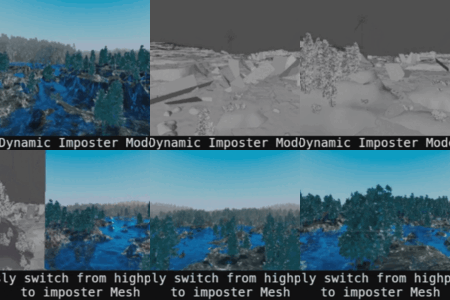
Yes. If you enable dynamic mode, both your objects original textures and the optimized imposter textures will be held in memory. If you remove the high poly objects from your scene, then only the imposter cards will remain, and texture memory is dramatically reduced. Like a video game.
Will this speed up the viewport?
Yes. Imposter cards greatly improves performance by drastically reducing the polygons and textures on screen.
Sometimes the flat planes clip into each-other, can this be fixed?
Yes. If you have your imposters packed together very close and need to make sure they don't overlap, turn on "Accurate Raycast Reflections". This turns on Tri-Planar mode which keeps objects within their bounding box and delivers accurate reflections/shadows.
Sometimes there are clipping issues with the planes- Can I fix this?
Yes! Simply scale up the mesh plane so it frames the object better. If your object is clipping other objects in the scene, simply check the "accurate raycast reflections" button under the shader complexity options. This adds a more accurate imposter card that uses only 3 planes to generate the imposter object.
Does it work with Both EEVEE and Cycles
Yes. Yes it does.
why do I have to save my file before generating imposters?
Imposter Cards: Nacho Time requires your Blender file to be saved first in order to determine where to store the generated textures. If the file isn’t saved, it can’t create the local directory to store the textures.
Sometimes my imposter texture is slightly clipped in the shader, can I fix this?
If the object origin is too far from the center of your original mesh object it can cause clipping. Scale up the mesh plane to fully encompass the object if this happens. For best results, the mesh data should have the object origin near the center or within the bounding box.
 Feral 3D