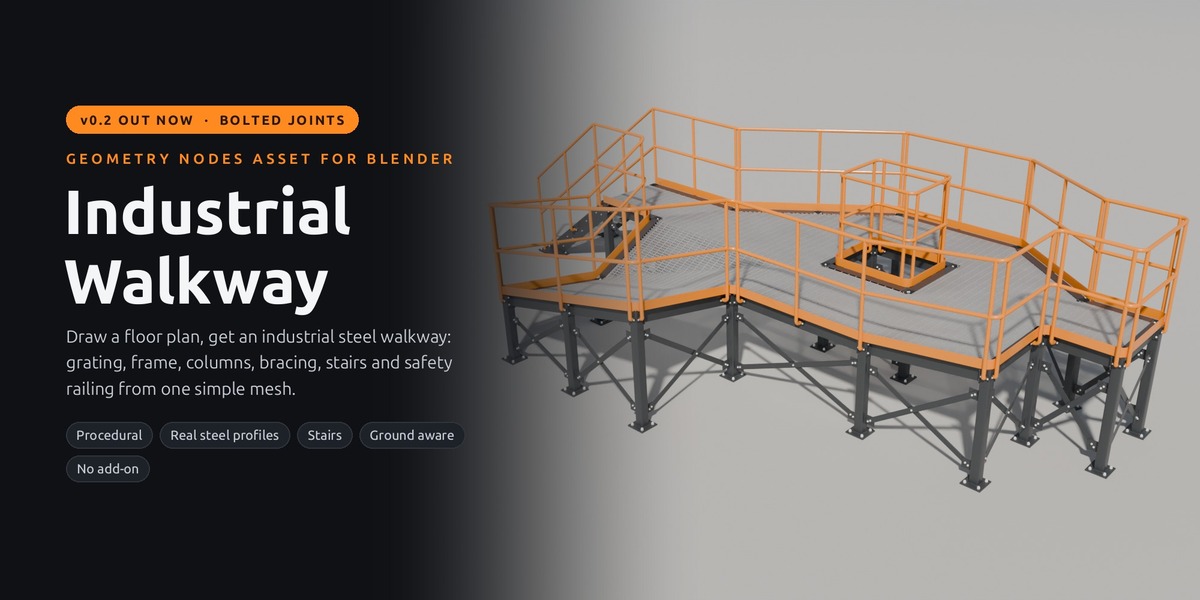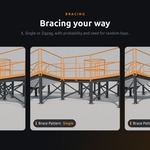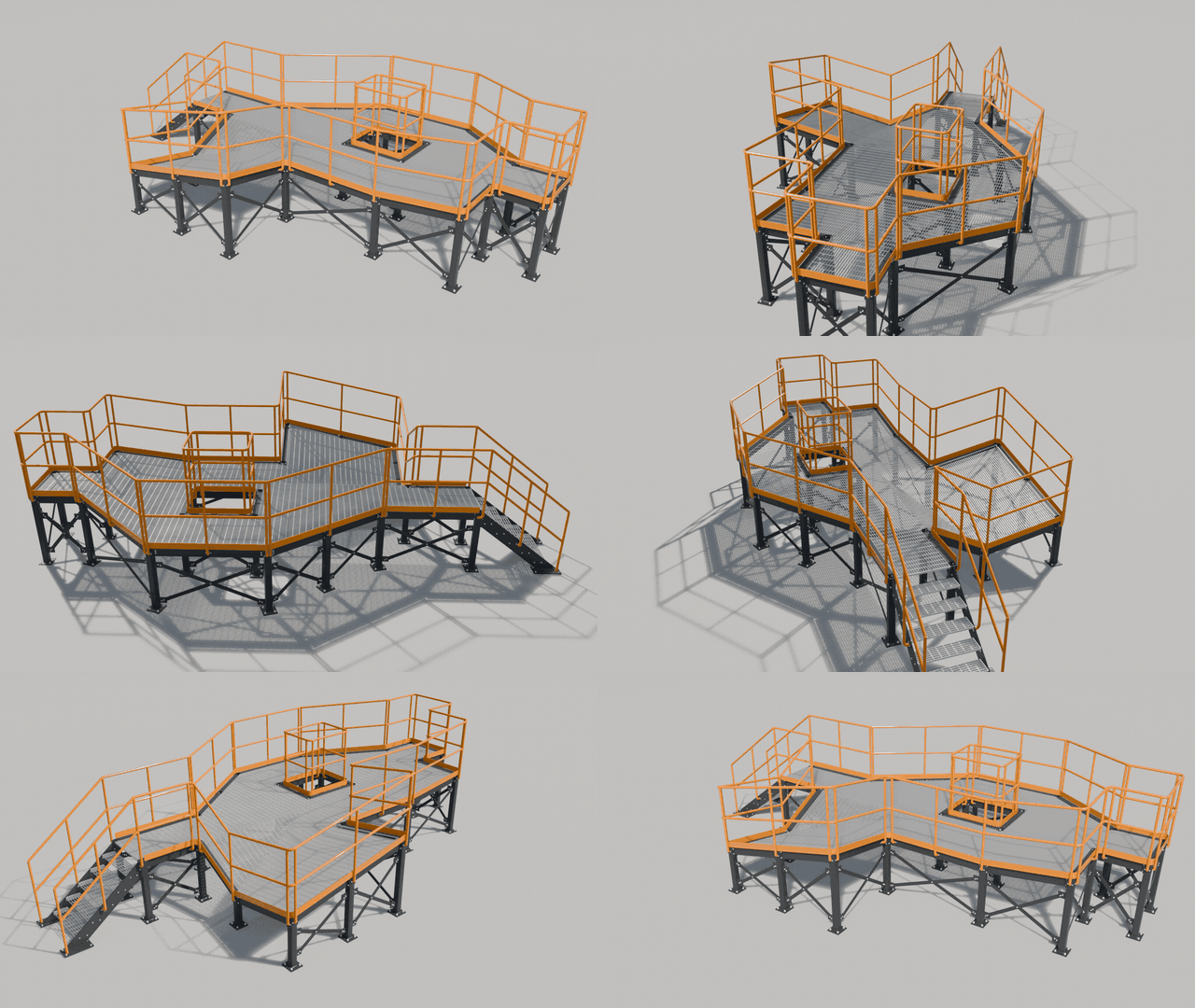
24 vertices in. 1,574 steel parts out.
Draw a plane in Blender and get a complete, bolted steel walkway – grating, stairs, columns and railing.
NEW IN V0.2 Every connection is now bolted like a real steel structure, stairs get foot plates and header beams, and there are 13 steel profiles to choose from. Free for everyone who owns the walkway.
511
bolts, all placed for you
01THE IDEA
A real walkway is hundreds of parts: beams, columns, braces, railing posts, grating bars, and every one of them bolted together. Modelling that by hand can take days, and when the layout changes you start over.
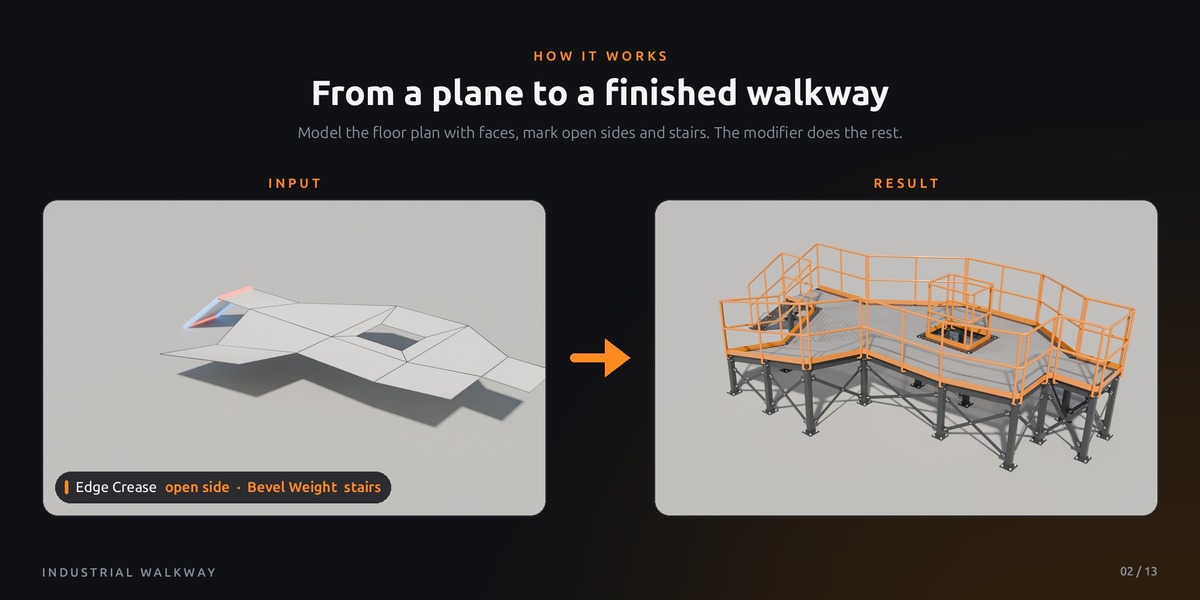
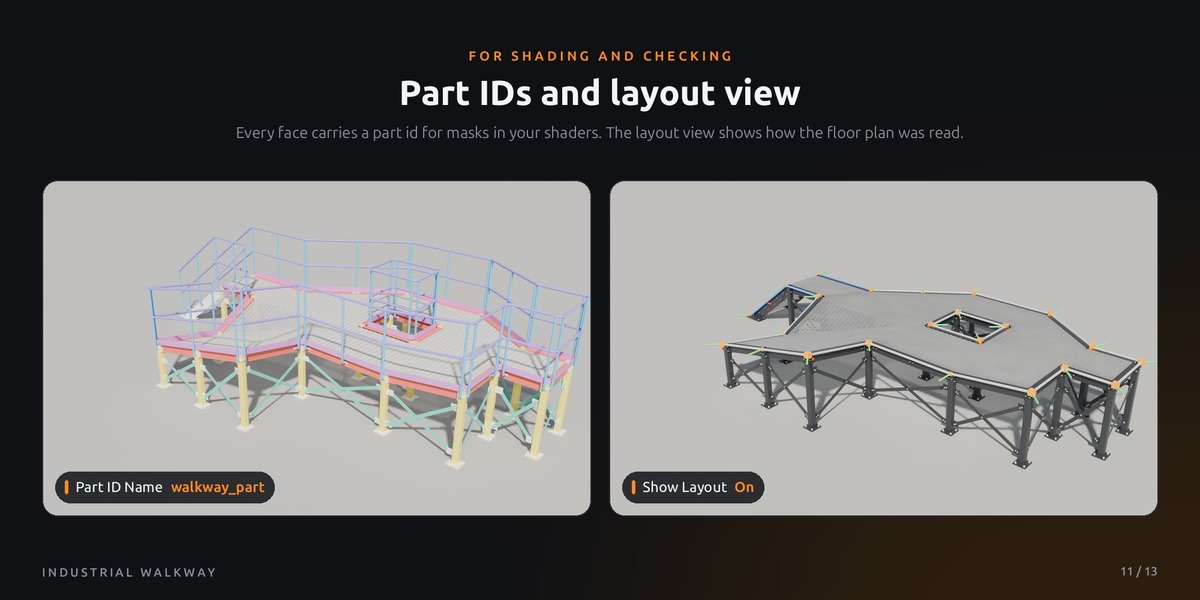
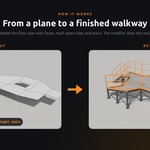
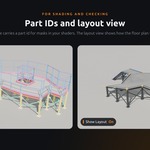
Industrial Walkway turns this around. You draw the floor plan as a simple plane, the modifier builds the steel. The platform below is a plane with 24 vertices. What comes out is 1,574 parts, 511 of them bolts.
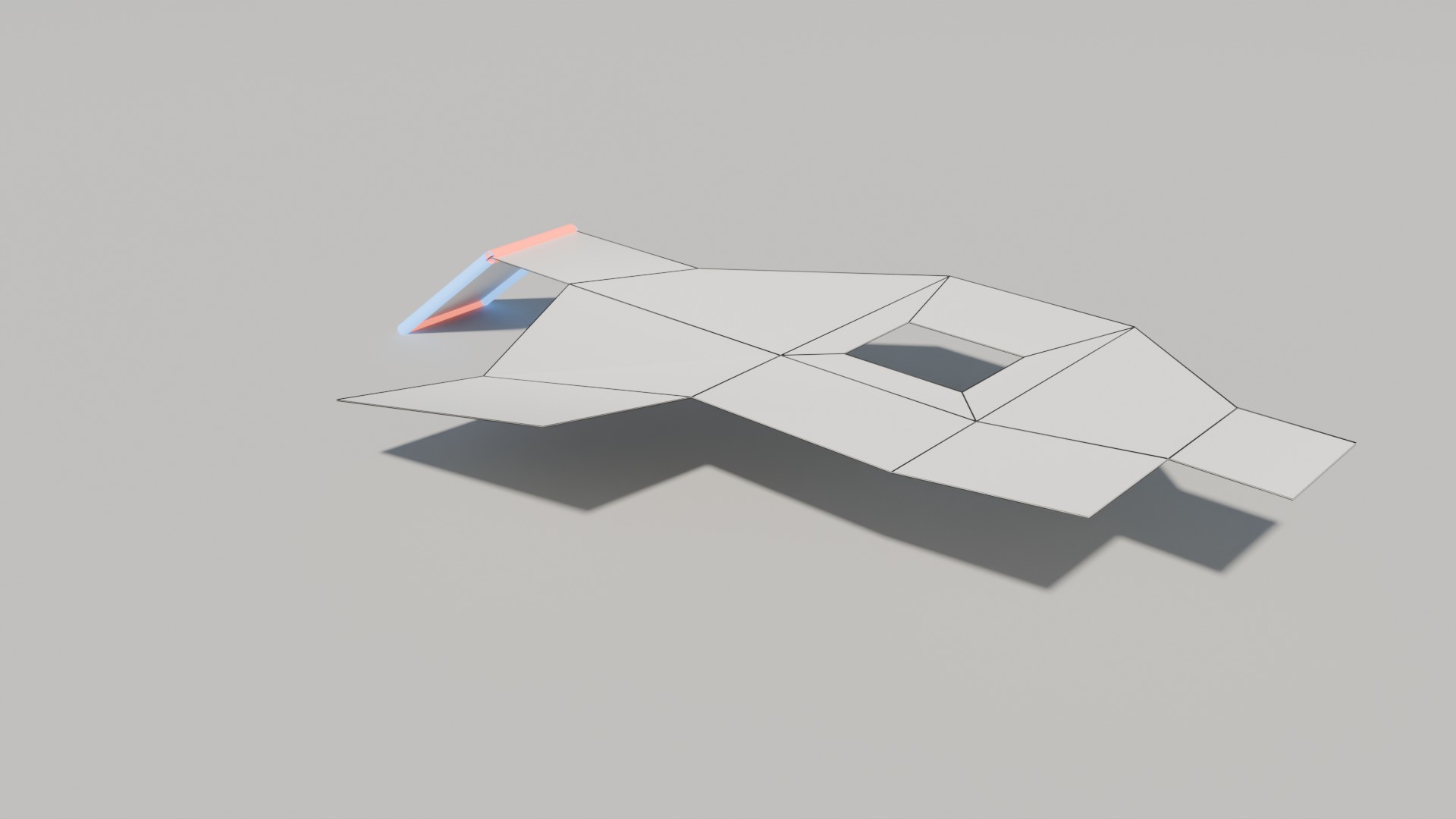 What you draw: one plane, 24 vertices.
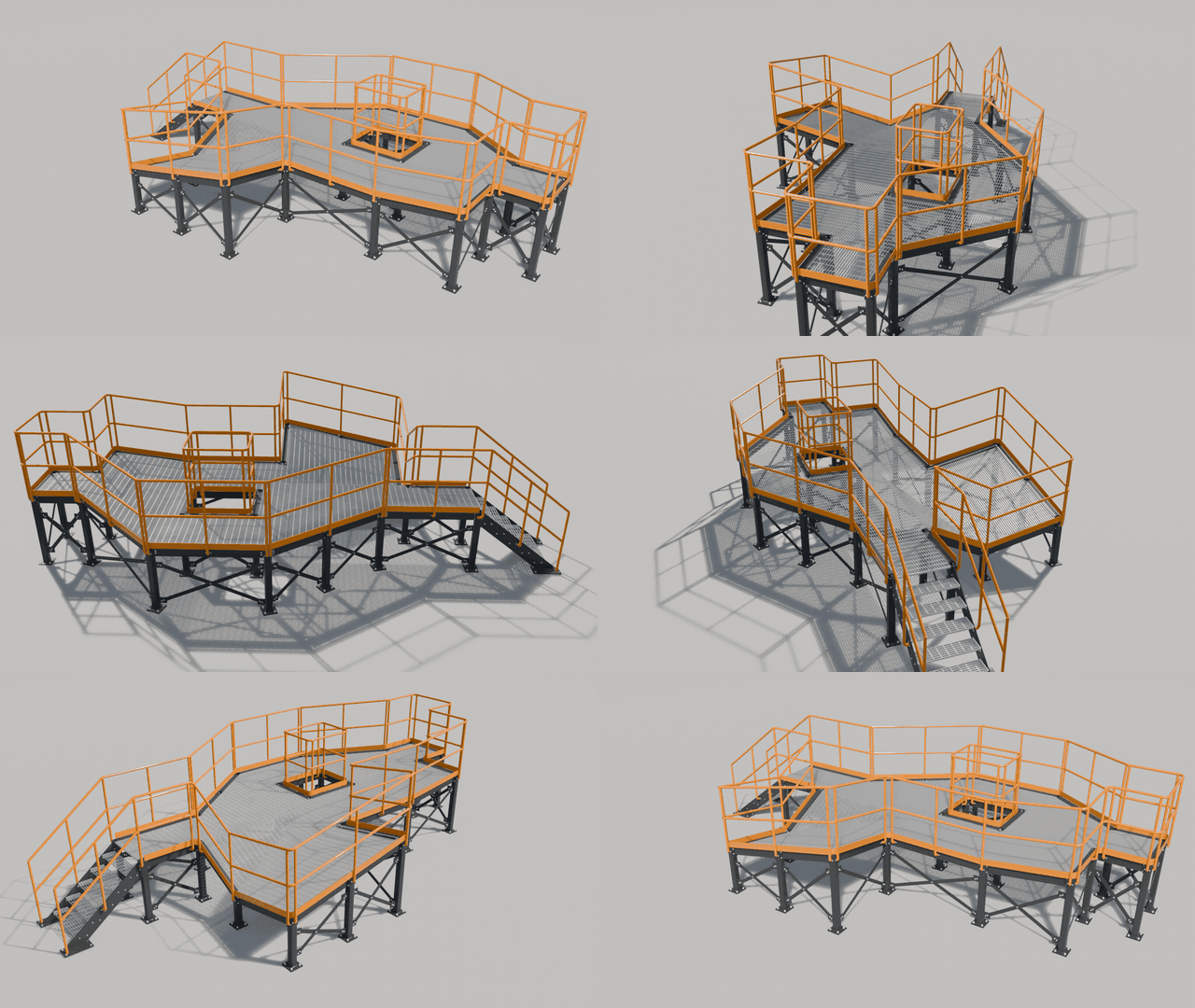 What you get: 1,574 parts, 511 bolts.
02WHY IT IS DIFFERENT
Draw, don't model.
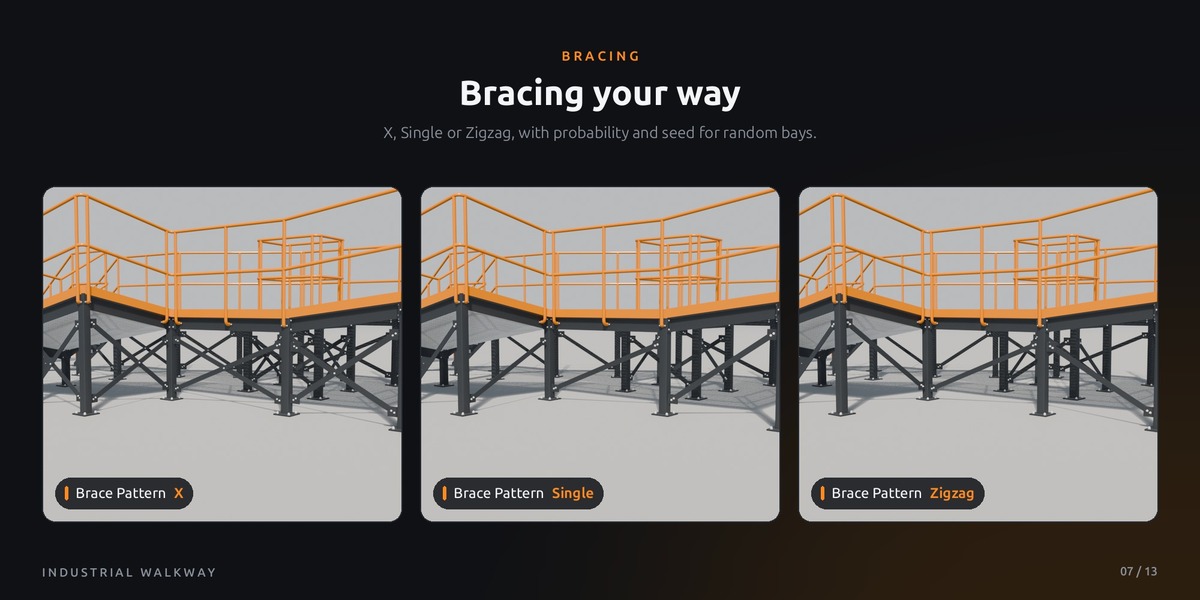
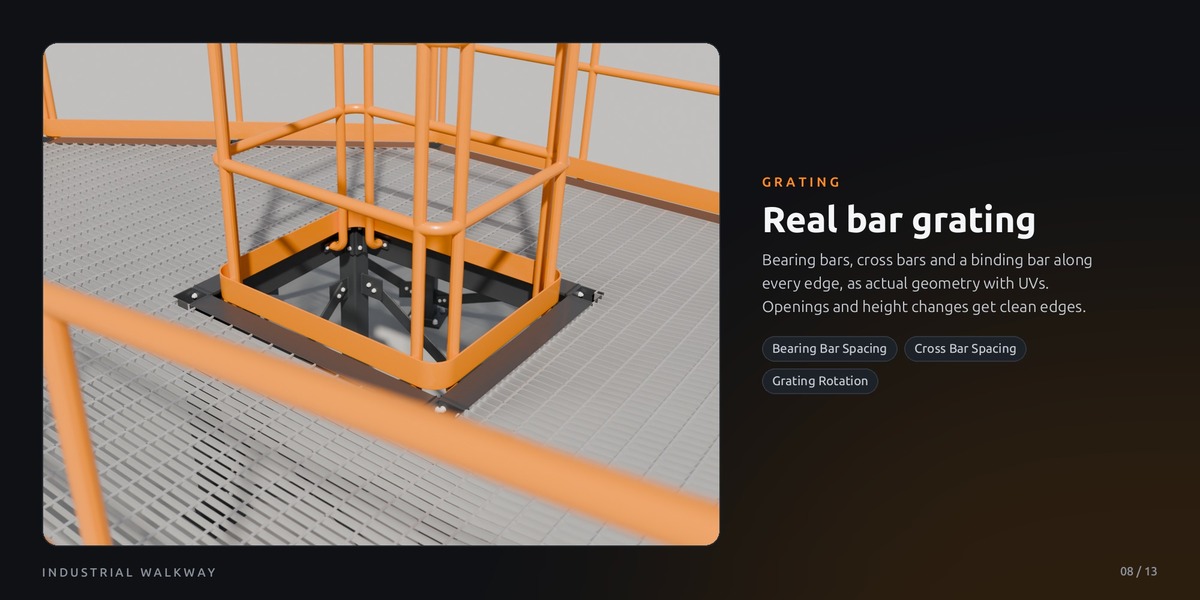
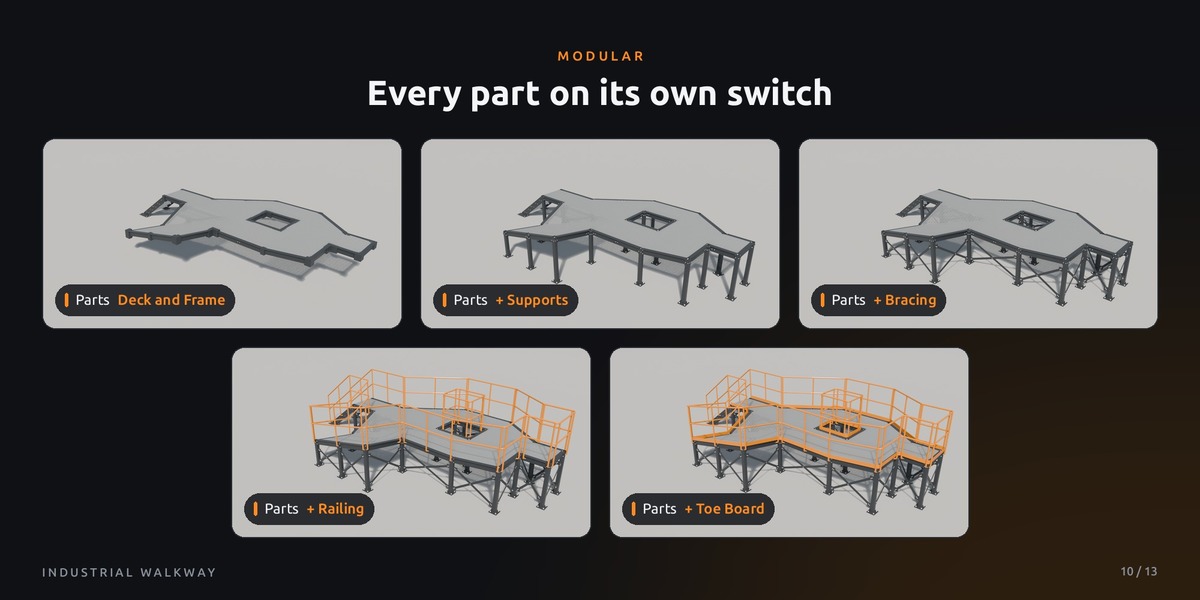
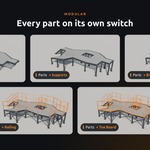
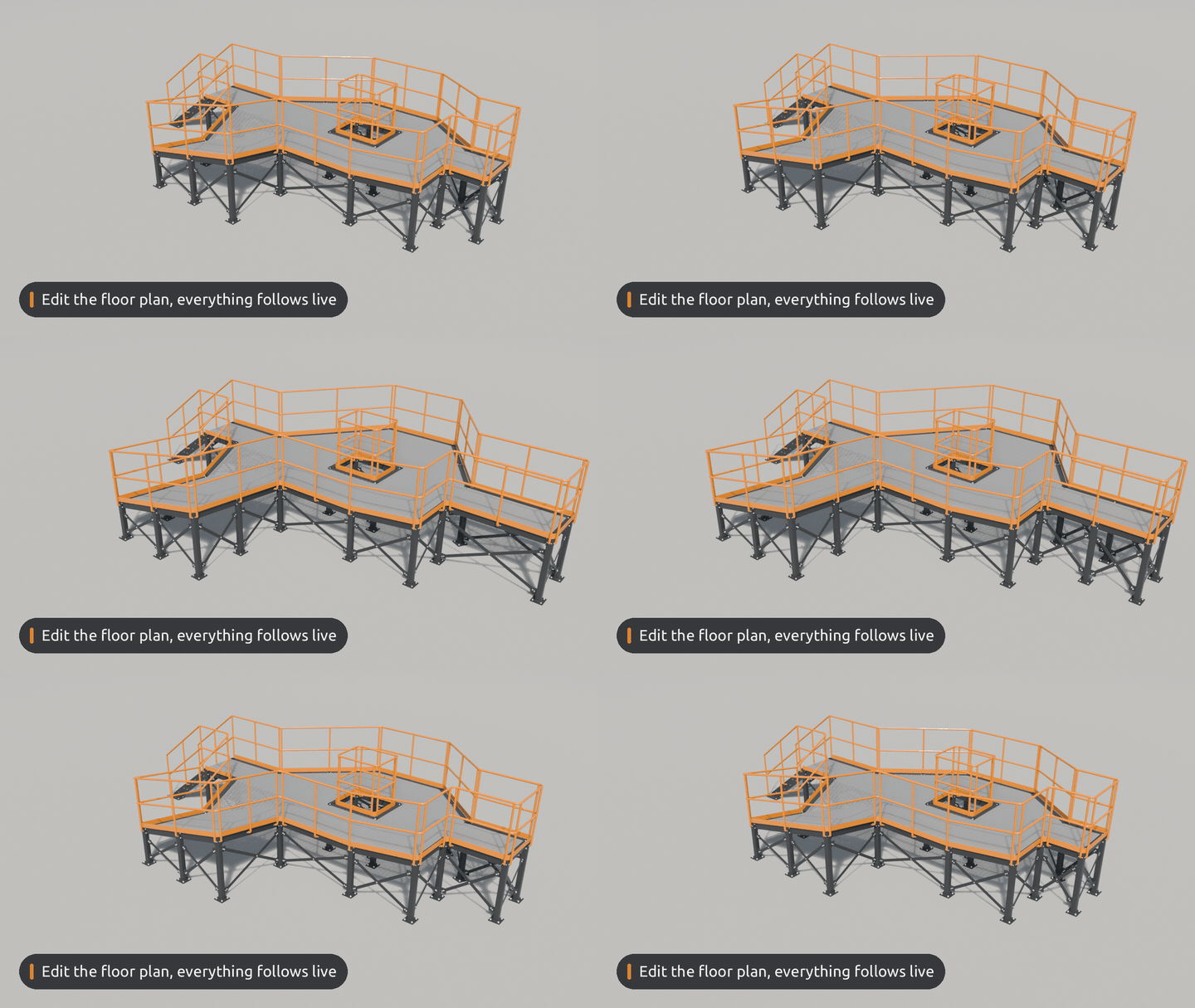
The plane is the only thing you ever edit. Columns, bracing, railing posts and every grating bar are rebuilt from it the moment you move a vertex.
EXAMPLE Pull an edge two metres out: the beams stretch, new columns appear, the bracing re-plans its bays.
Engineered down to the nut.
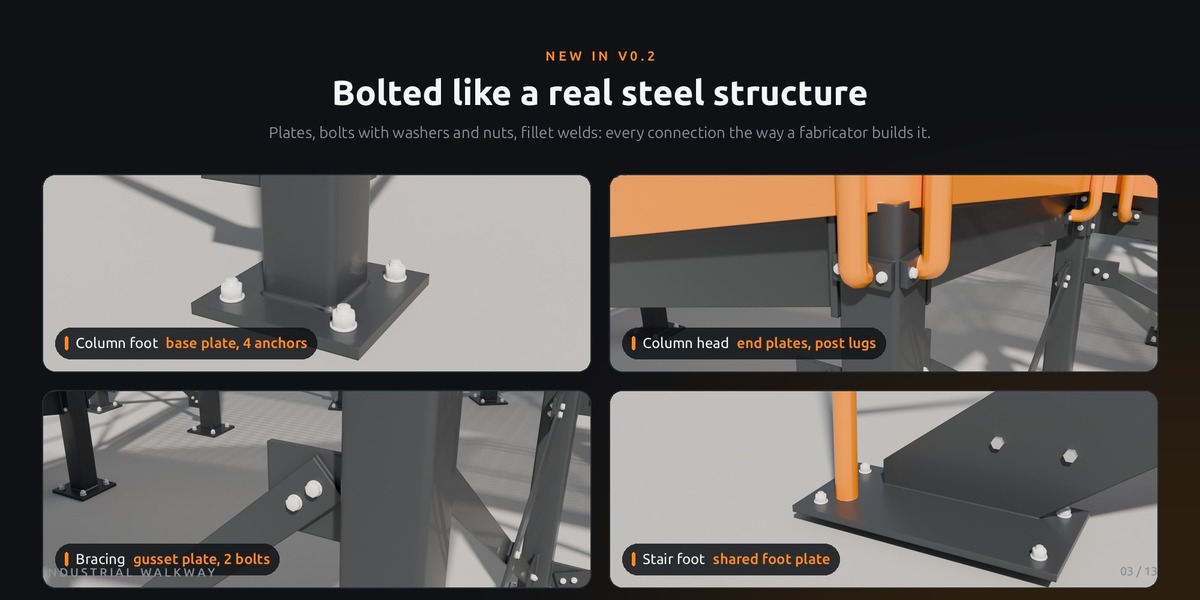
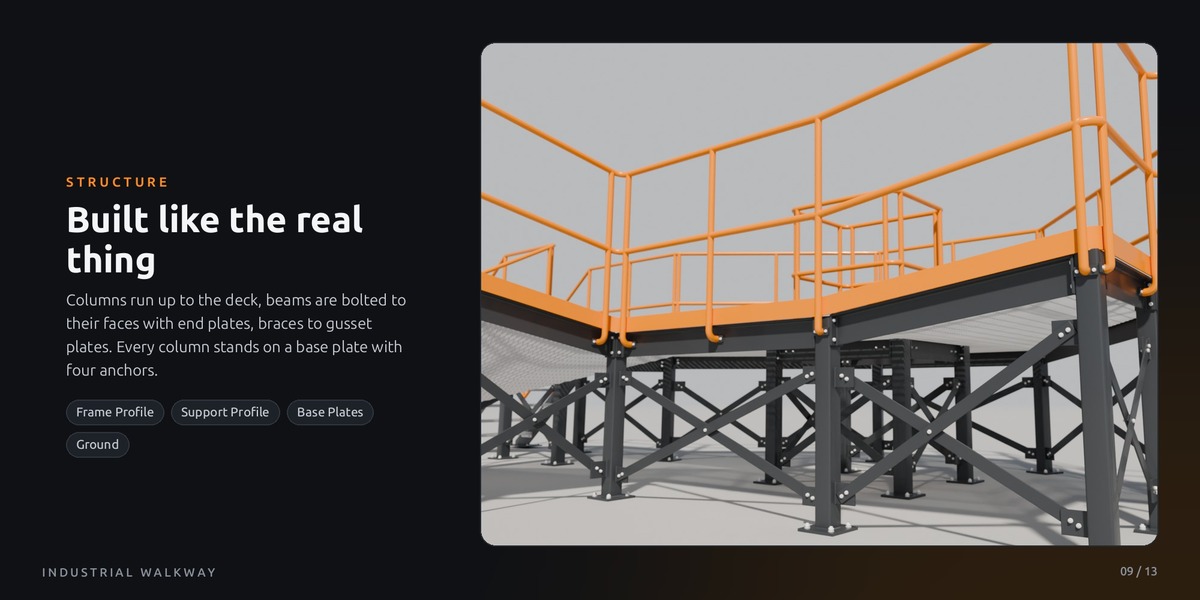
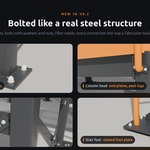
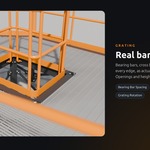
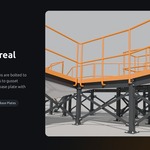
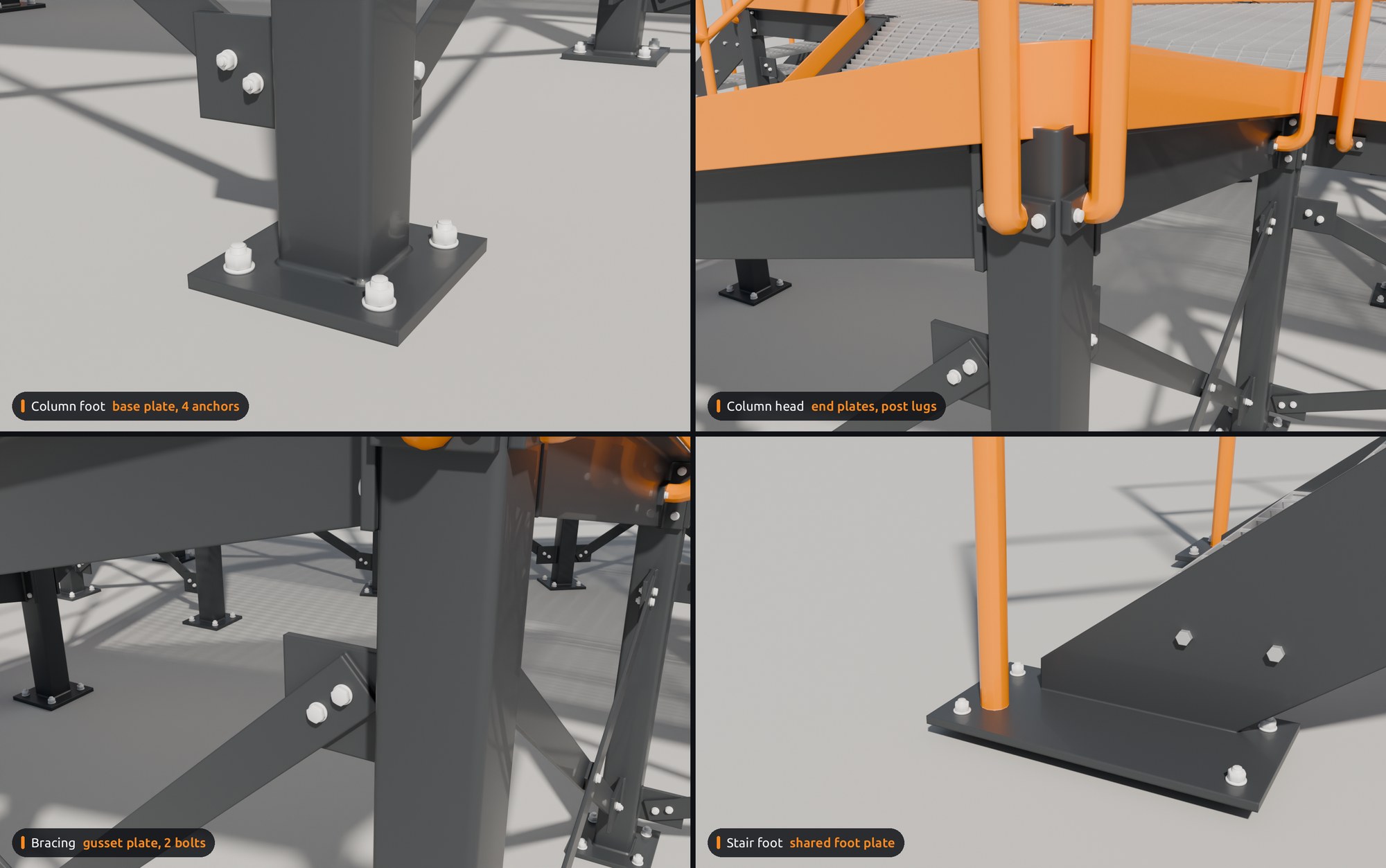
A silhouette is easy. New in v0.2, every connection is built the way a steel fabricator would: plates, bolts with washers and nuts, fillet welds.
EXAMPLE Every column stands on a base plate with four anchors, the beams are bolted to the column faces, the railing posts to their own lugs. Close-up ready.
Stairs that follow the rules.
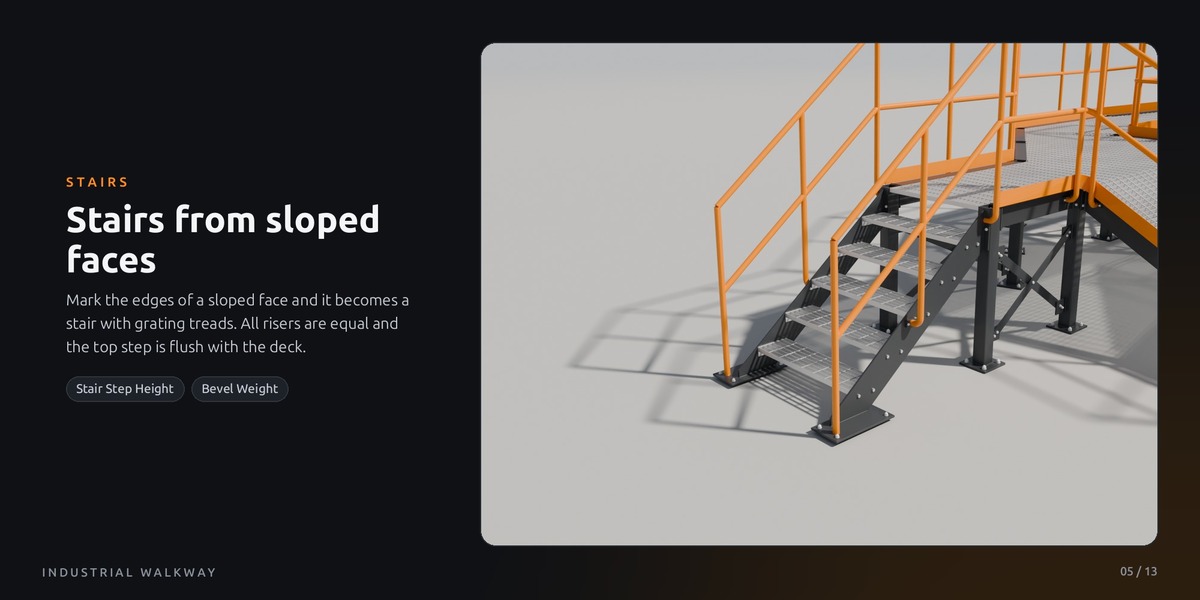
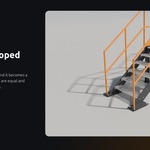
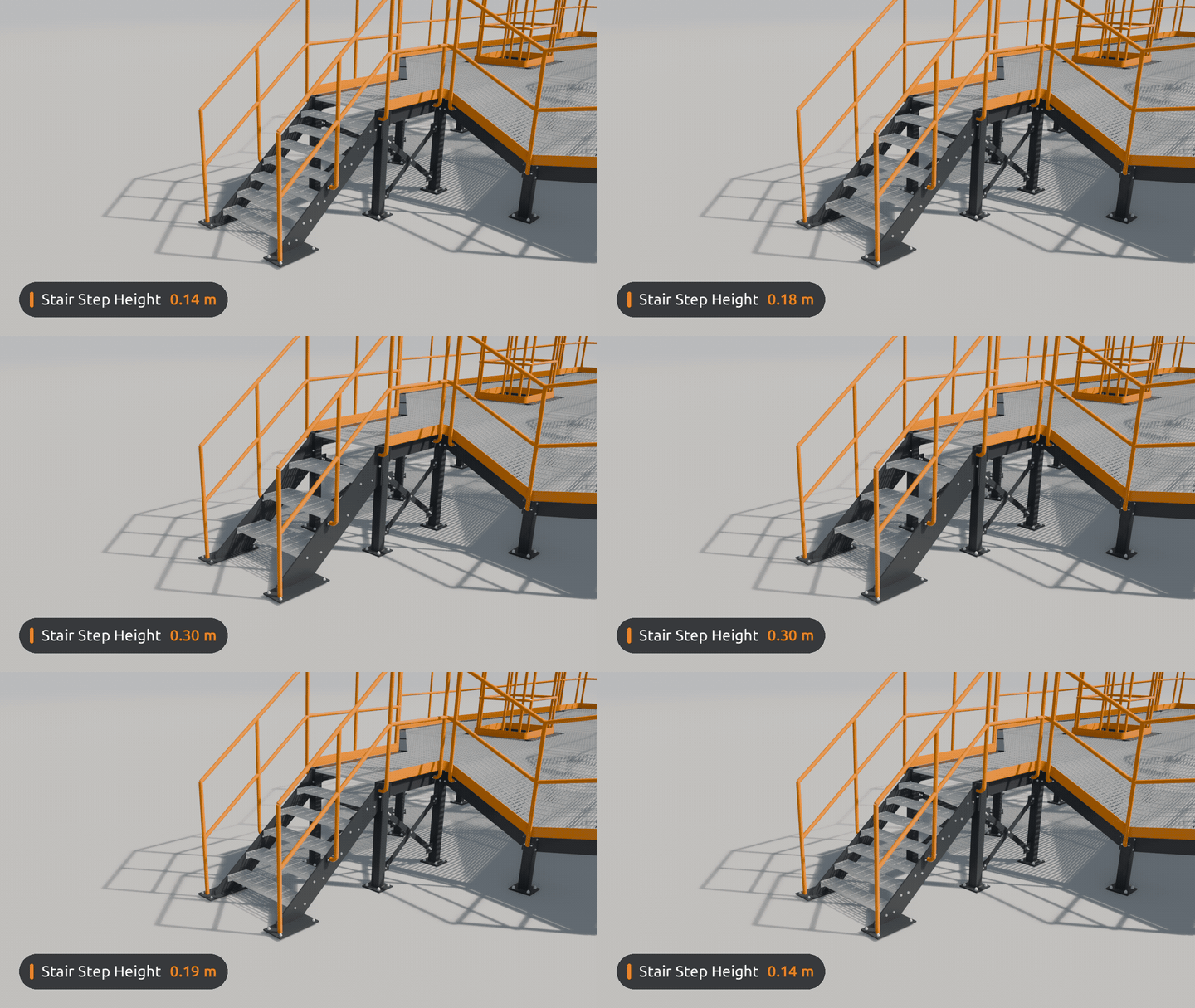
Mark the edges of a sloped face and it becomes a real stair: equal risers, stringers on the pitch line, treads bolted on end plates, a foot plate on the ground.
EXAMPLE Raise the upper deck by 57 cm and the stair gets exactly three more steps. Every riser stays the same.
03THREE STEPS
STEP 1
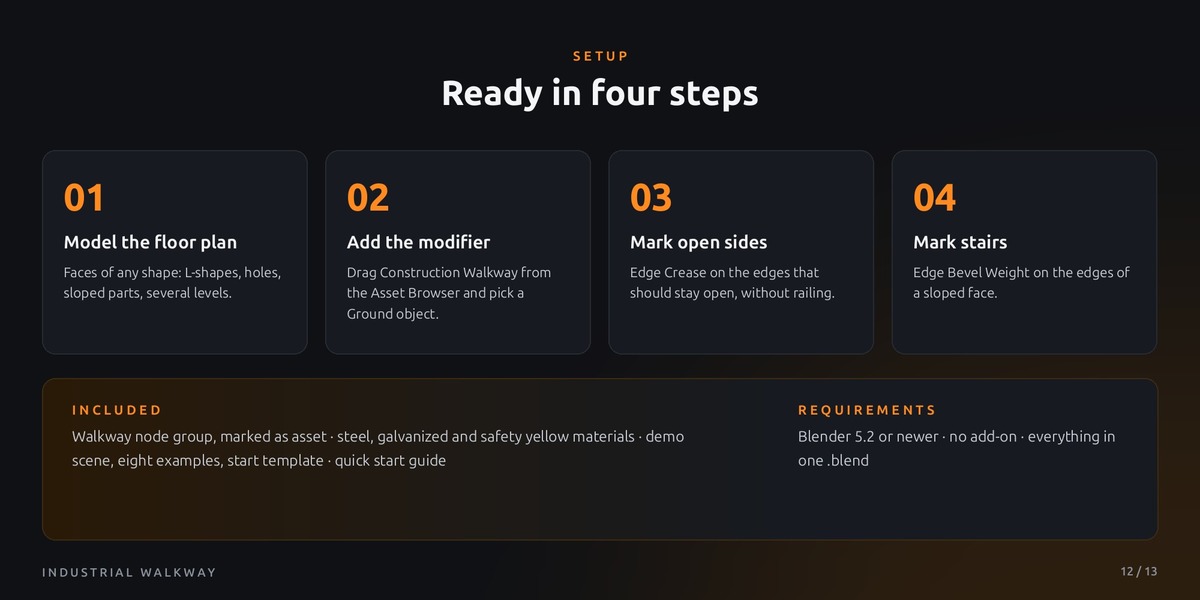
Draw
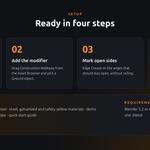
Add a plane, shape it in Edit Mode.
STEP 2
Add
Drag Construction Walkway onto it.
STEP 3
Mark
Crease = open side, Bevel Weight = stair.
04ABOUT THE CREATOR
Hi, I'm Henrik!
By day, I work as a 3D artist for an industrial manufacturer, turning real machinery into product visuals and assembly animations. That everyday experience goes into every asset I make: realistic proportions, clean topology, and tools that make work faster instead of more complicated. I hope this walkway saves you as much time as it saves me.
Thanks for checking it out! If you have questions or ideas for new features, just send me a message, updates are always included. And if the walkway helps your project, I'd be really happy about a quick rating ;)
05MAKE IT YOURS
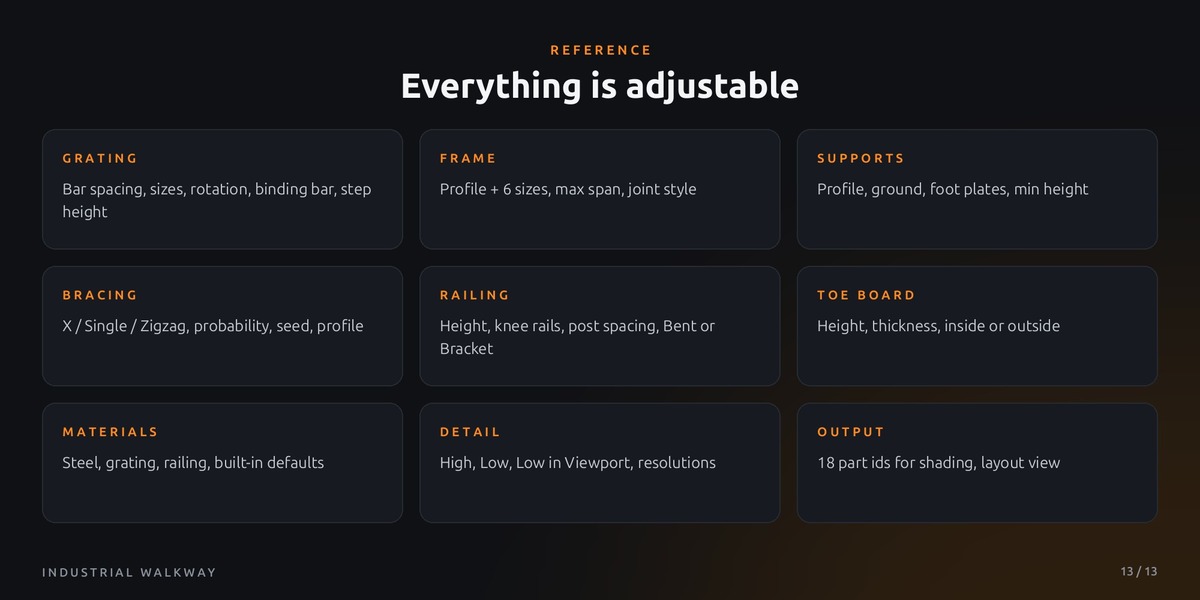
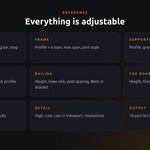
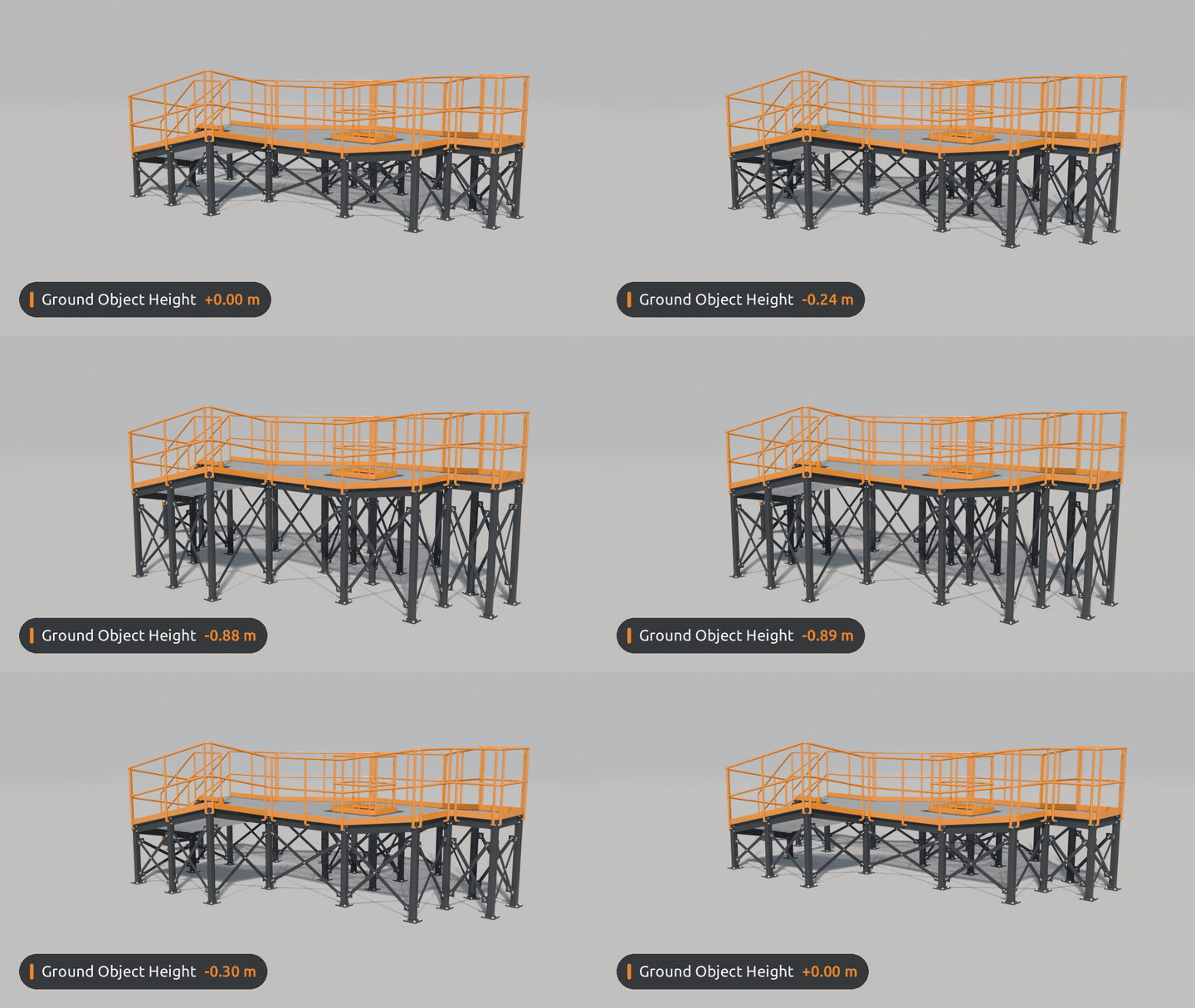 Stand on any ground – every column finds the terrain below it.
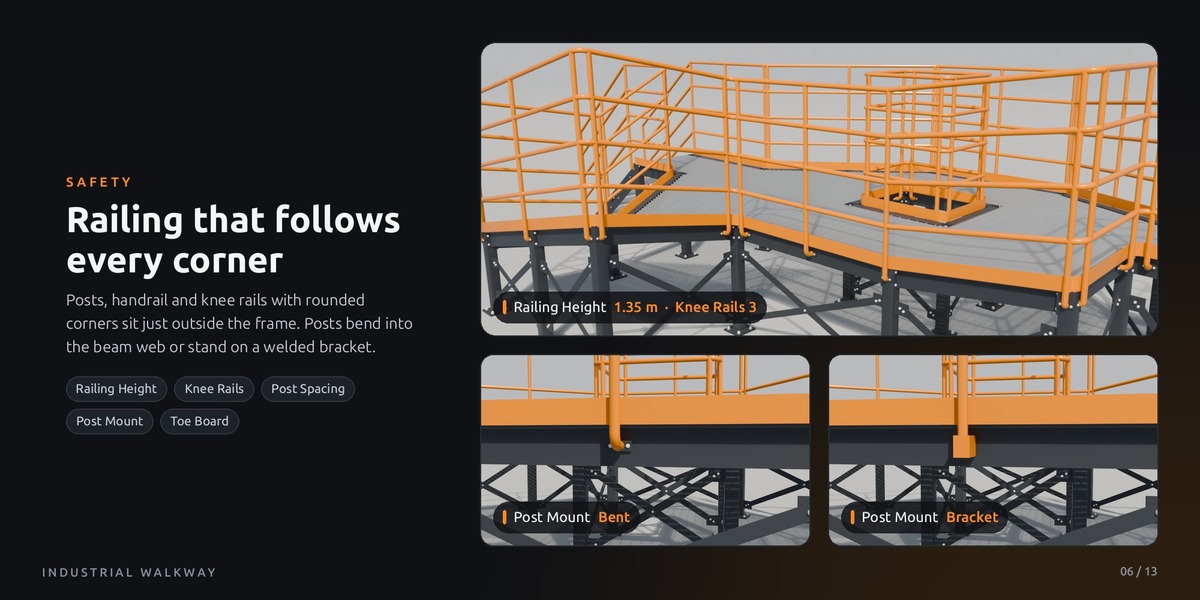
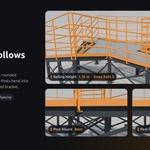
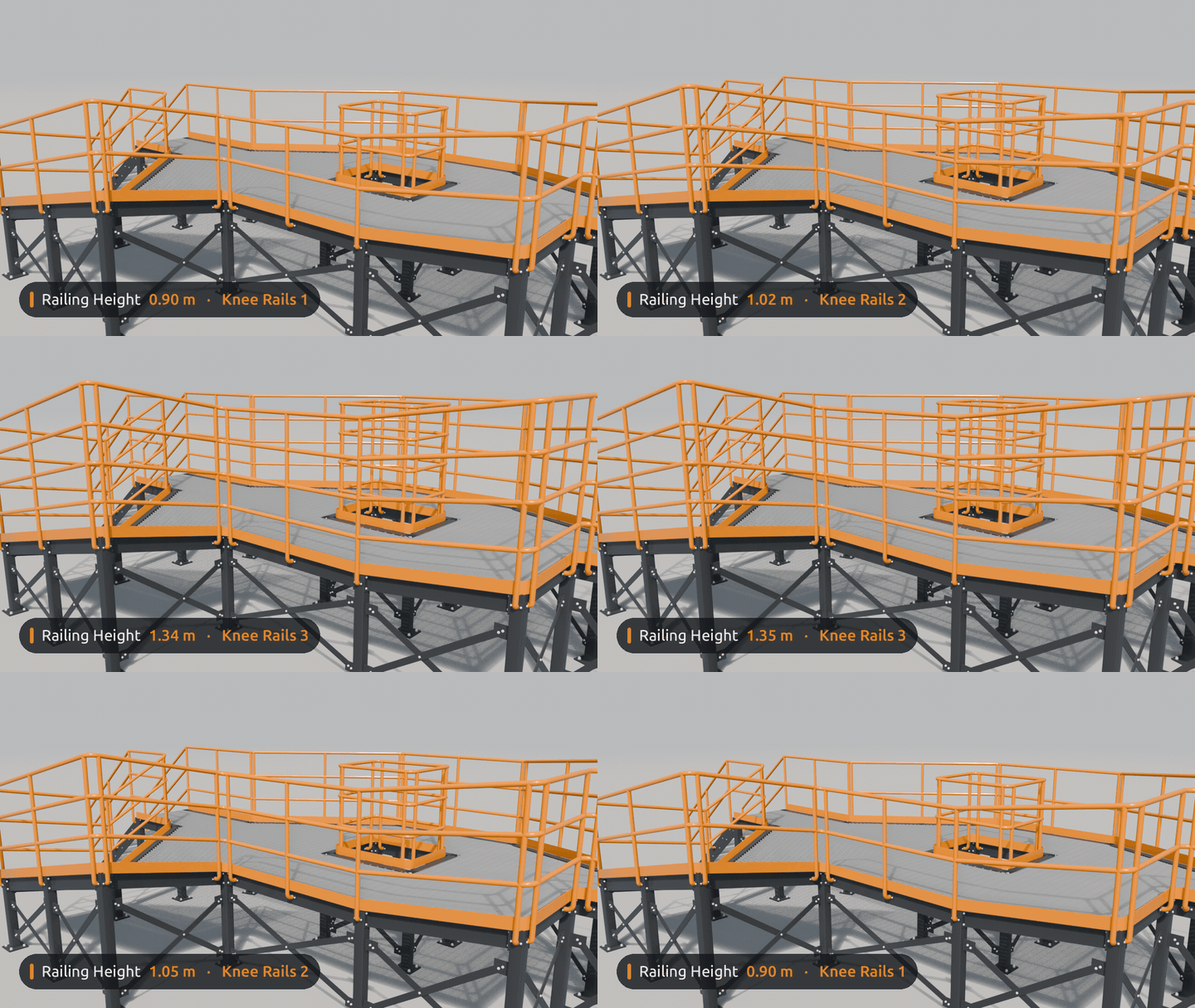 Tune the railing – posts and rails follow every corner.
06GOOD TO KNOW
Requires
Blender 5.2 or newer, no add-on, no external files
Joints
Bolted, or Block for the lightest scenes
Construction Walkway node group, marked as asset, with catalog file
Built-in materials: painted steel, galvanized grating, safety yellow
Scenes: render-ready demo, eight examples, a start template
Quick start guide (README)
Will it slow down my scene?
Detail Low in Viewport keeps editing light, bolts are instances.
Can I export it?
Yes: apply the modifier and export like any mesh, e.g. FBX or glTF.
Commercial use?
Yes, in personal and commercial projects. The node group is GPL-3.0.
Designed and built by Henrik Uhrmann. The concept, design and prototypes are handmade in Blender. As a solo creator, I use an AI coding assistant to help me build complex node setups like this one, and every part is reviewed, tested and refined by hand.
 Henrik Uhrmann