 Skava
Skava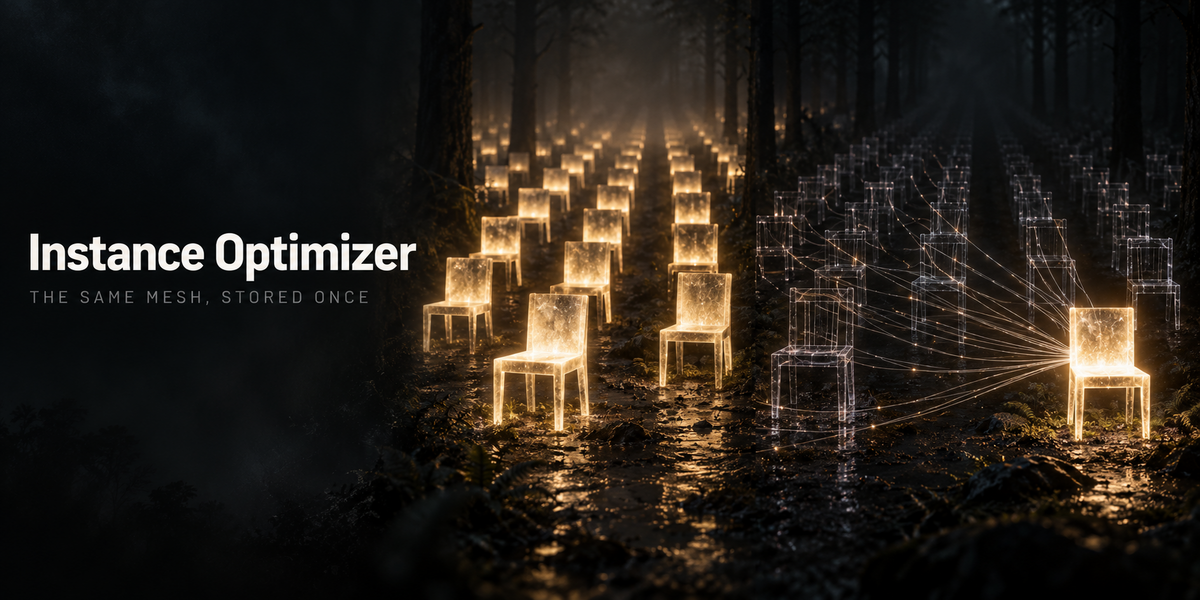

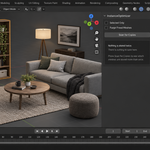
Instance Optimizer — the same scene, carried by fewer meshes
Assets arrive one import at a time. The same crate comes in eight times, the same bolt forty times, and Blender keeps a separate mesh for every one of them. Nothing looks wrong. The file just gets heavier, the viewport slower, and the save longer — and there is no way to tell by looking which meshes are duplicates and which only resemble each other.
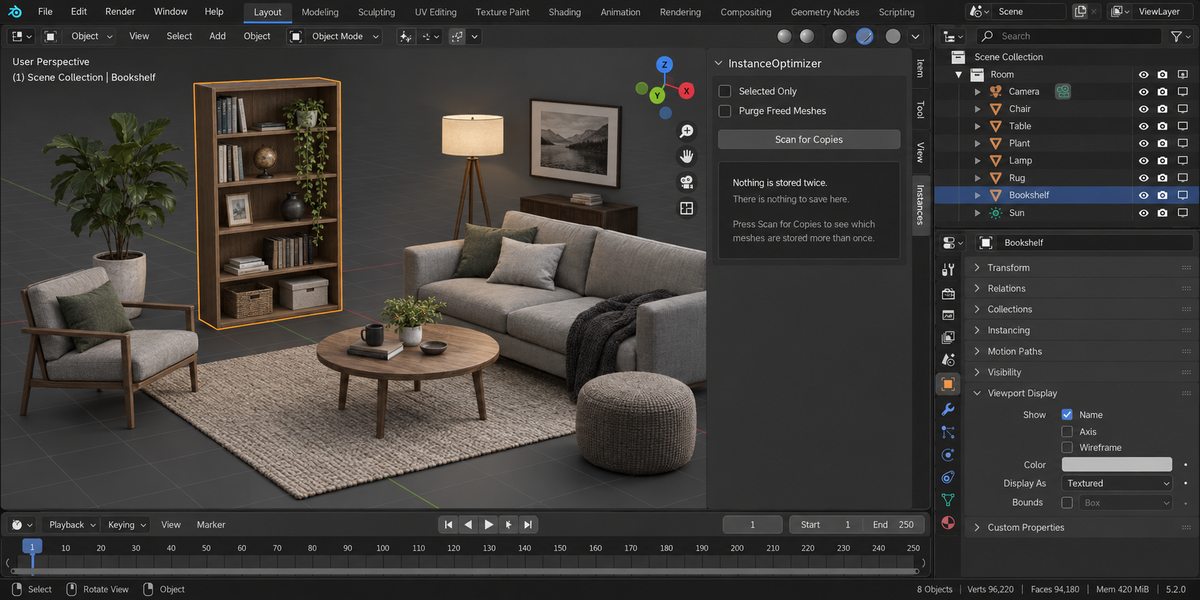
Instance Optimizer compares the mesh data itself, points every real copy at one datablock, and tells you in numbers what left memory. Your objects keep their own positions, their own object-level materials and their own modifiers. The picture does not change.
The promise it is built on
The render before and after is identical, pixel for pixel. That is not a slogan — it is what the test suite measures on every run. Before two meshes are called copies, the add-on compares the vertex, edge, face and loop counts; the coordinates; the loop order; every UV channel with its coordinates; the material slots; the shape keys with their coordinates, not just their names; the custom normals; and every attribute Blender stores on a mesh, which is where smooth shading, material indices, creases, seams and colour attributes actually live.
Four differences were planted in turn during testing — flat versus smooth shading, one changed material index, a shape key moved, a colour attribute recoloured. In each case the add-on found zero groups and merged nothing, and the render came out unchanged.
What you get in numbers
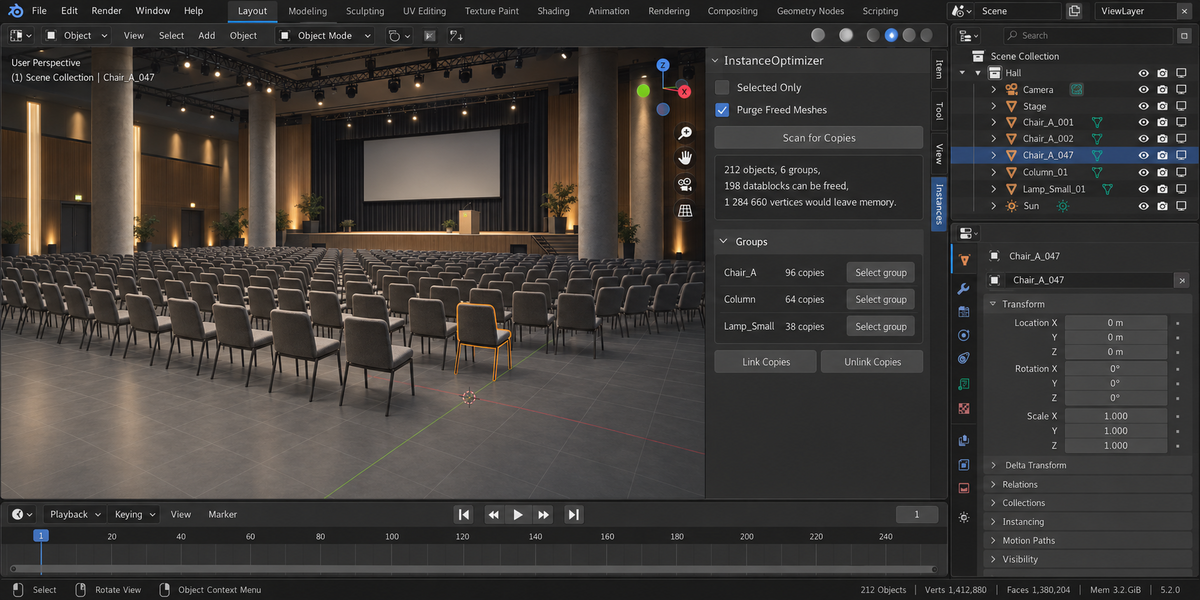
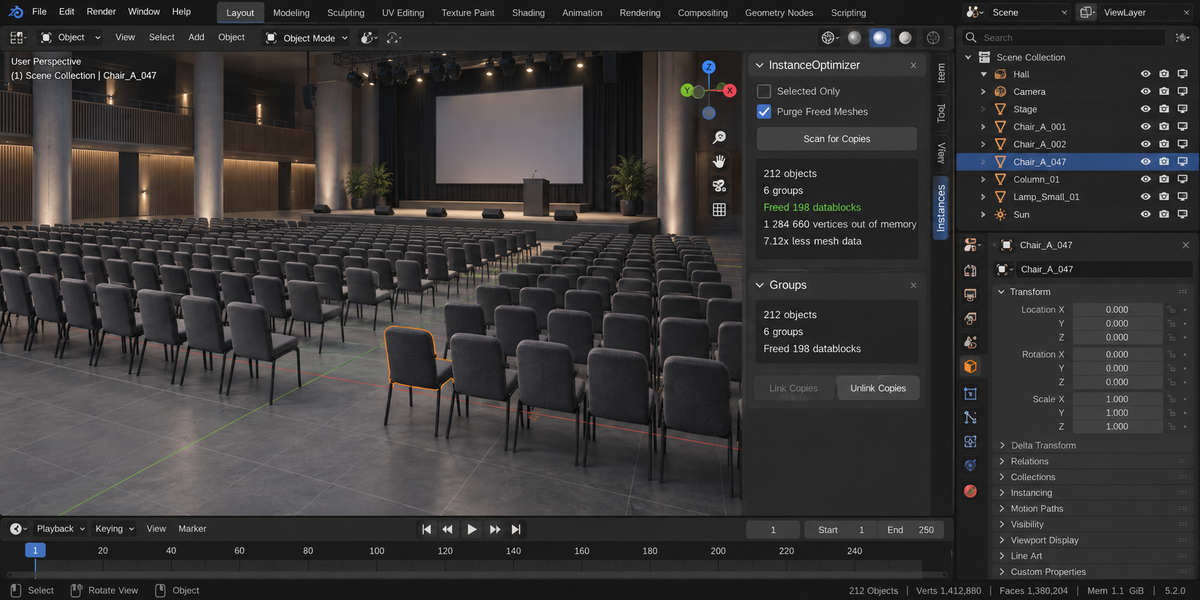
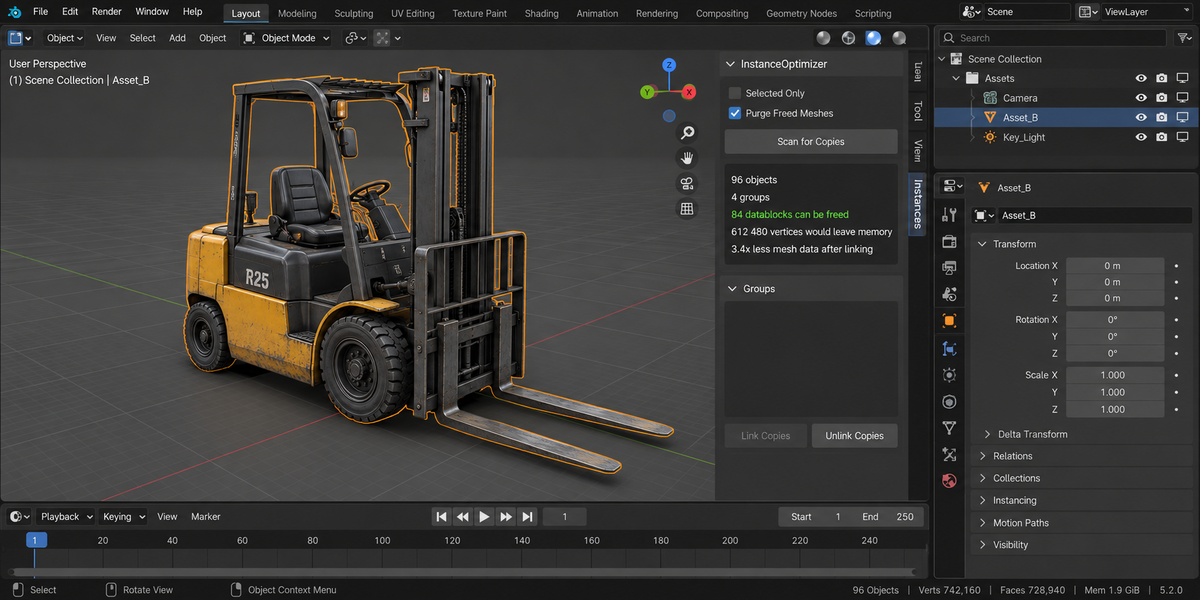
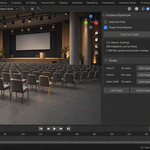
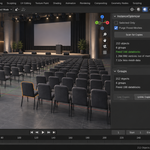
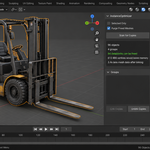
A scene of ten objects on ten meshes came down to two meshes: 13 312 vertices in memory became 2 153, and the rendered image differed by zero. A hundred copies of a dense prop — 84 900 vertices — were scanned in a tenth of a second, linked in another tenth, and left 849 vertices in memory. The panel shows the objects scanned, the datablocks that can be freed, the vertices that will leave memory, and after the run, how much less mesh data the file carries.
It refuses more often than it acts
A mesh shared with an object outside your selection is left alone, and it says so. A scene of fourteen genuinely different props yields zero groups. Nothing is merged on a guess.
And it goes back
Unlink Copies restores the meshes the add-on linked in this session, and only those. It keeps a journal of what it did, so a link that existed before you opened the file is never broken by it.
What it does not do
It does not simplify geometry, it does not touch objects that merely look alike, it does not create instanced collections, and it never changes what the camera sees. Fewer datablocks and less memory — the same frame.
Compatibility
Blender 4.2 and later on Windows, macOS and Linux. Measured live on 5.1 and 5.2, 51 checks green on both.
License
GPL-3.0.