 Skava
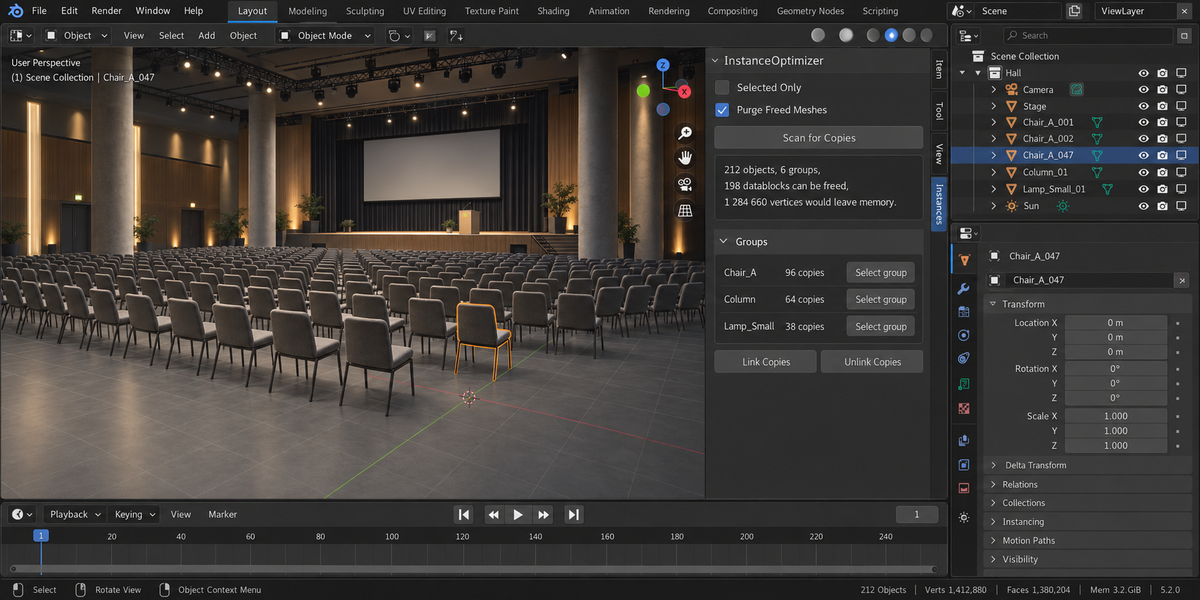
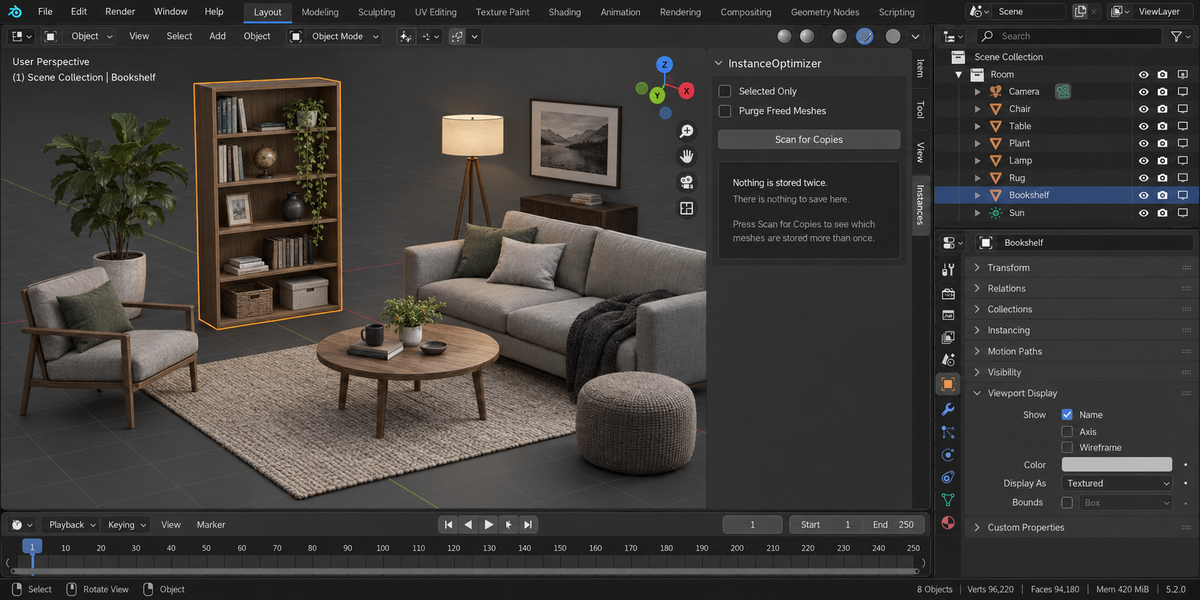
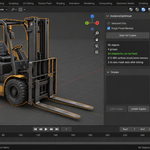
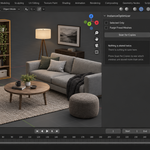
Download the zip and do not unpack it. In Blender open Edit > Preferences > Add-ons, click the drop-down arrow in the top-right corner and choose Install from Disk, then pick the zip. Tick the checkbox next to Instance Optimizer. Press N in the 3D Viewport and open the Instances tab in the sidebar.
The same steps are in README.txt inside the zip; the full documentation is on the Documentation & FAQ tab of this page.
Blender 4.2 and newer. Tested live on 4.2.9, 5.1 and 5.2.
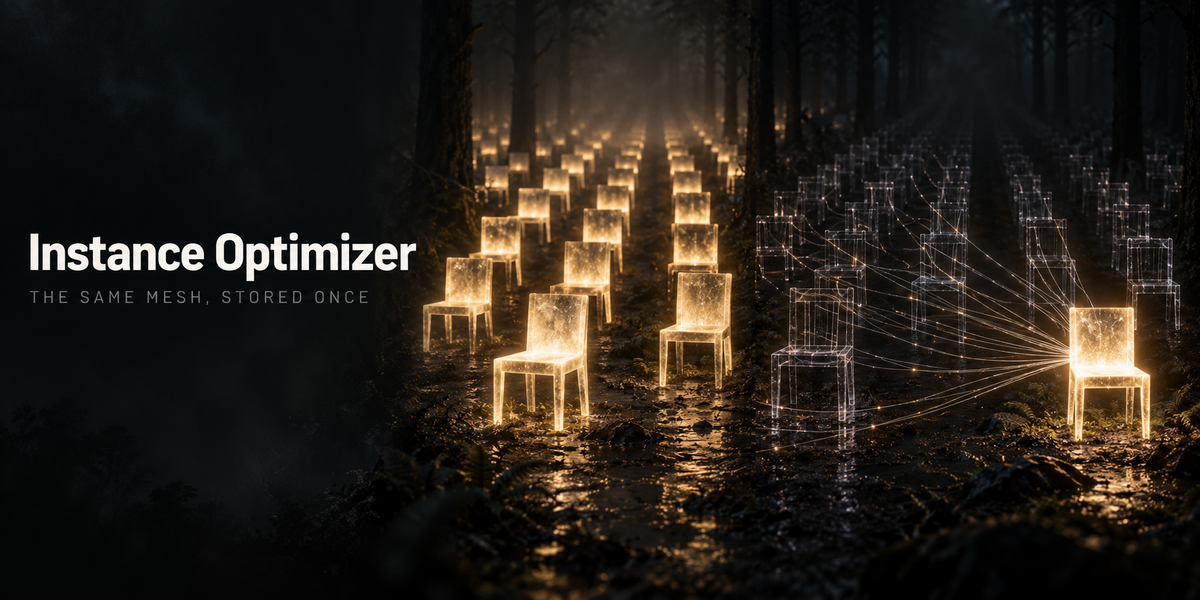
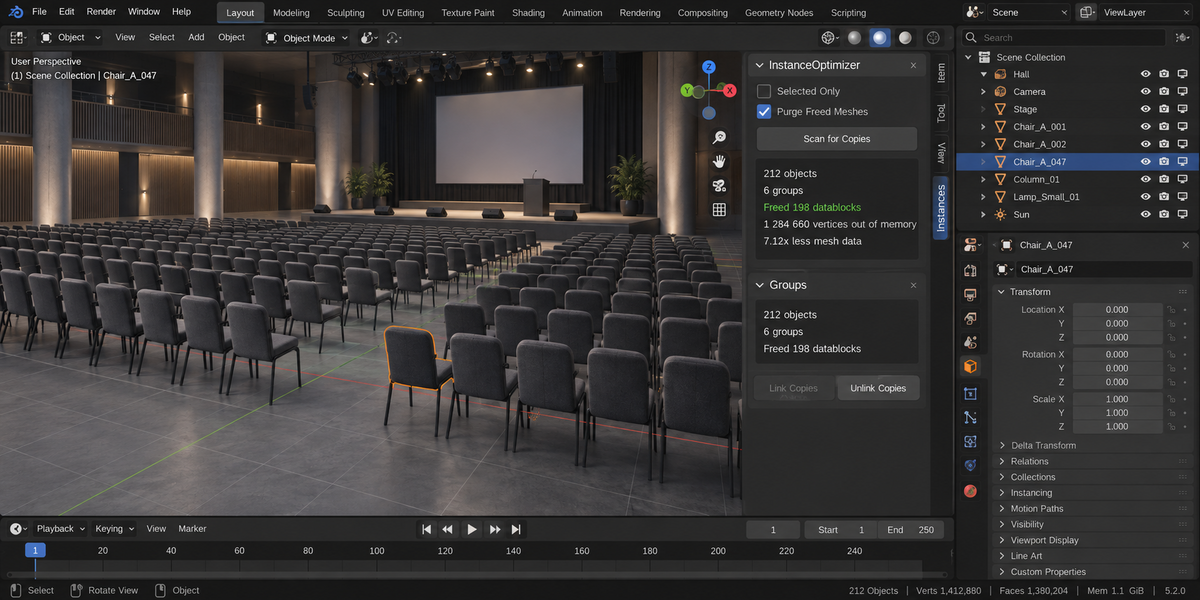
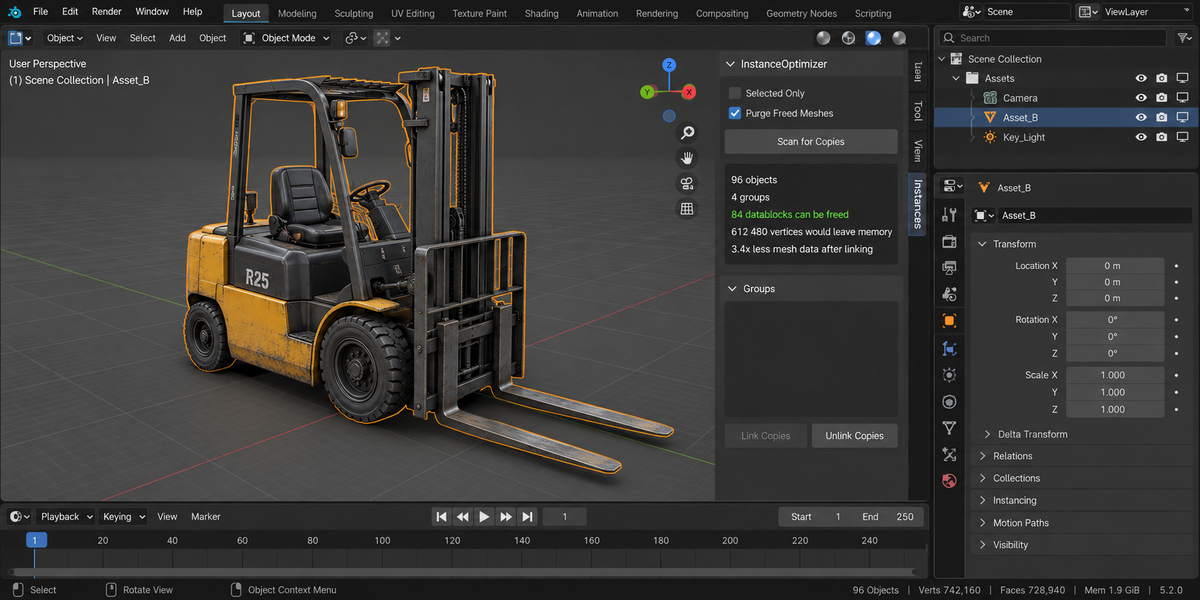
Scan for Copies finds objects whose meshes are identical but stored as separate datablocks. Link Copies points them at one datablock and reports how many datablocks and vertices left memory. Objects keep their transforms, their object-level materials and their modifiers.
Two meshes count as copies only if all of these match: vertex, edge, face and loop counts; vertex coordinates; loop order; every UV channel with its coordinates; material slots; shape keys with their coordinates; custom normals; and every mesh attribute (smooth shading, material indices, creases, seams, colour attributes). If anything differs, they are not linked.
Yes, with Ctrl+Z, or later with Unlink Copies: it gives each selected object that this add-on linked in the current Blender session its own copy of the mesh again. Links that already existed in your file are left alone and reported.
Only mesh datablocks left with no users after linking, and only while Purge Freed Meshes is ticked. Untick it and nothing is removed.
Objects whose mesh comes from a linked library are skipped, and the panel says how many were left alone.
No. The add-on contains no network code and writes no files. Pure Python, no compiled binaries.
Yes. The add-on is licensed under GPL-3.0; the full licence text ships inside the zip. The licence covers the add-on code; what you create with it is yours.
Have questions about this product?
Login to message
| Published | about 2 months ago |
| Blender Version | 4.2 - 5.2 |
| Extension Type | N/A |
| Render Engine Used | Cycles |
| License | GPL |