 Skava
Skava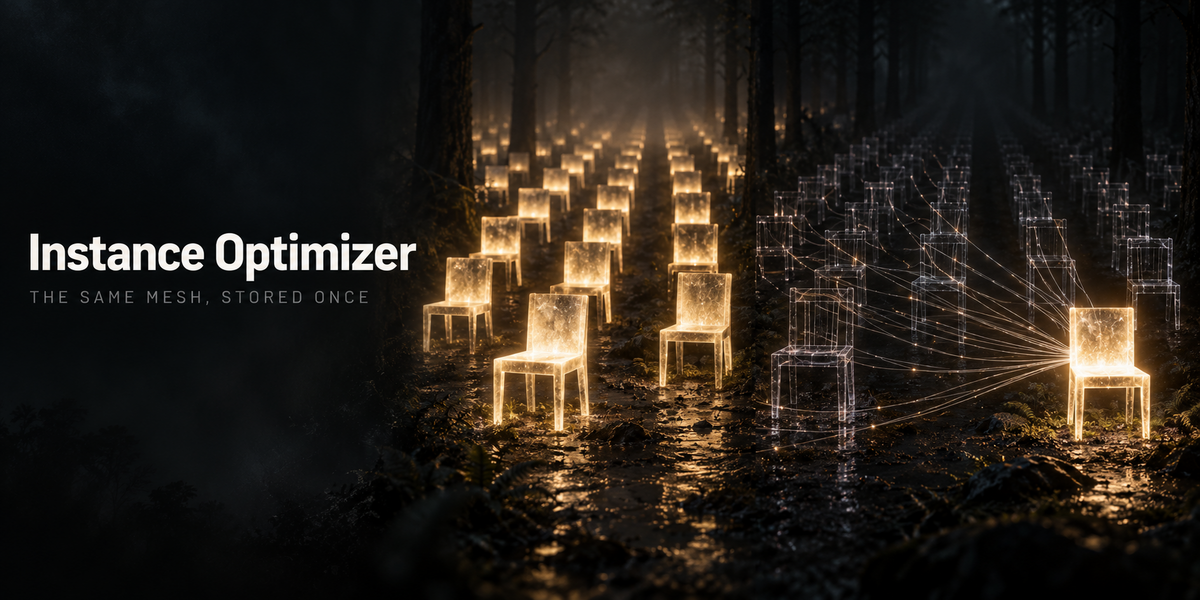

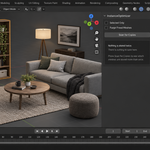
Instance Optimizer — Documentation (v1.0.0)
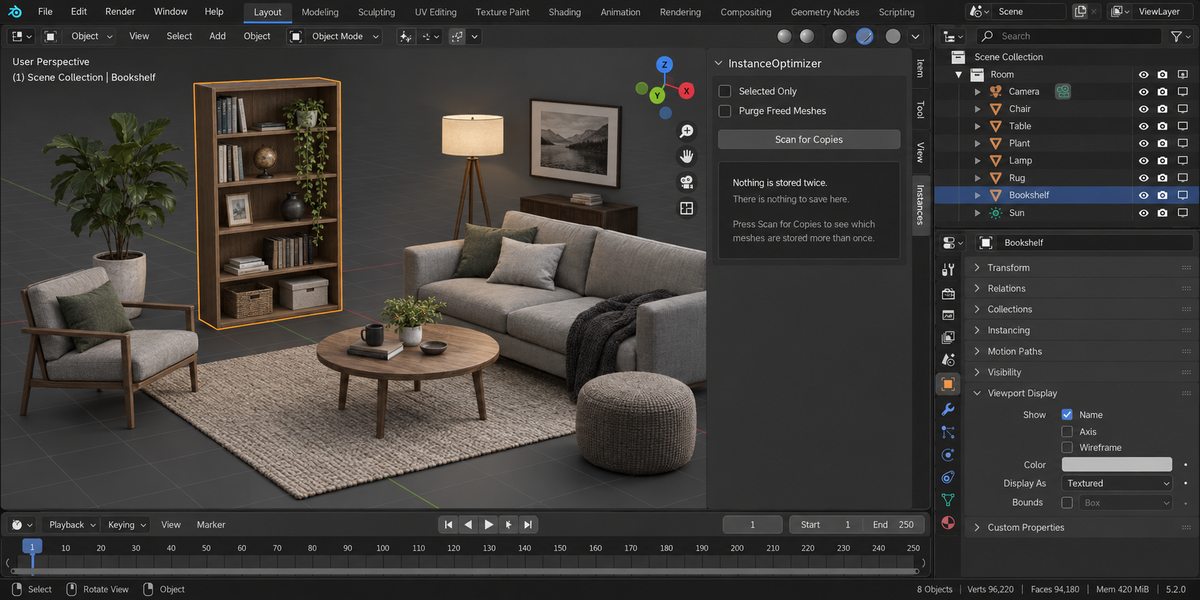
Finds meshes stored more than once and points the copies at a single datablock. Objects keep their transforms, their object-level materials and their modifiers, and the render does not change.
1. Install
Download the zip and leave it zipped. In Blender open Edit, then Preferences, then Add-ons. Use the arrow button in the top right corner of that window and choose Install from Disk, then pick the zip. Tick the checkbox next to the add-on name. Press N in the 3D Viewport and the Instances tab appears in the sidebar.
2. Quick start
- Open the scene. Select nothing if you want the whole scene looked at, or select a few objects and tick Selected Only.
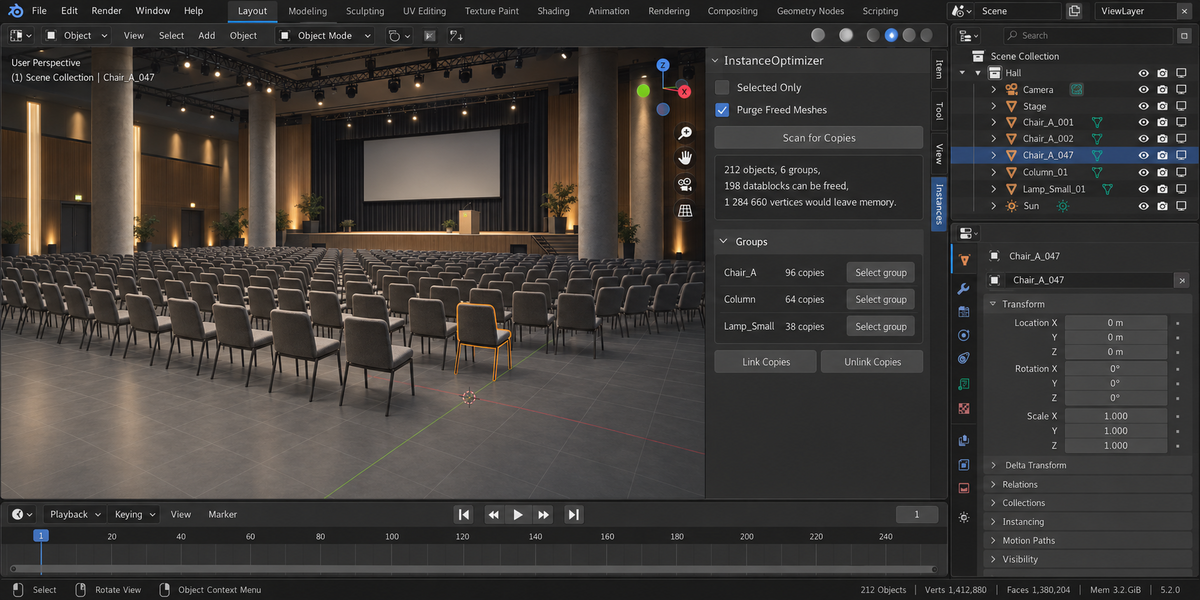
- Press Scan for Copies.
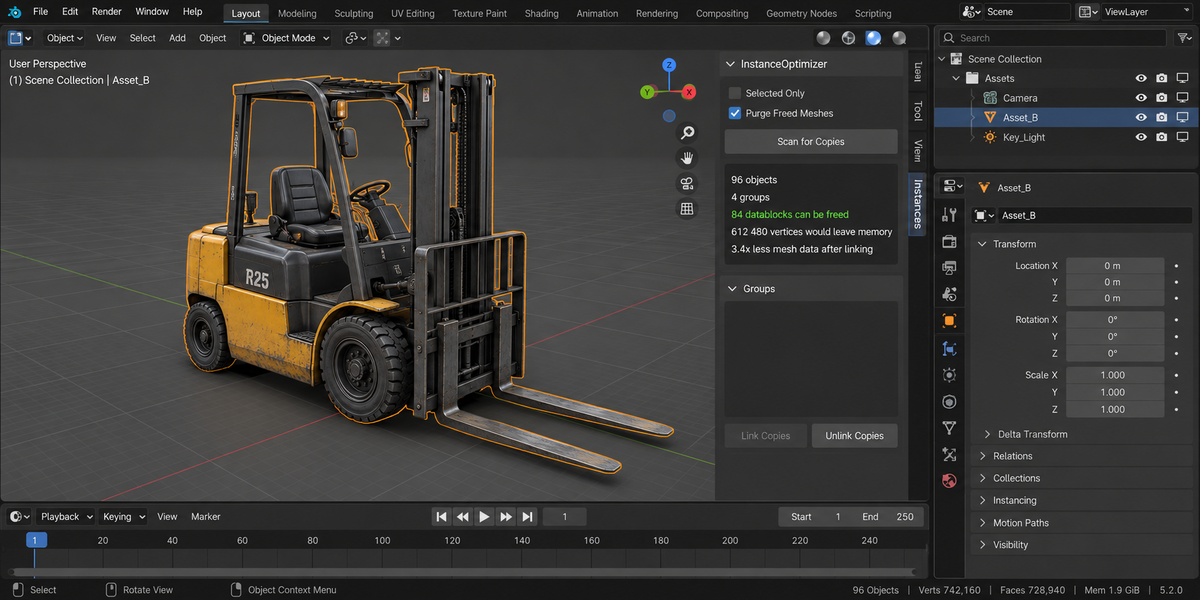
- Read the summary: objects scanned, meshes among them, datablocks that can be freed, vertices that would leave memory.
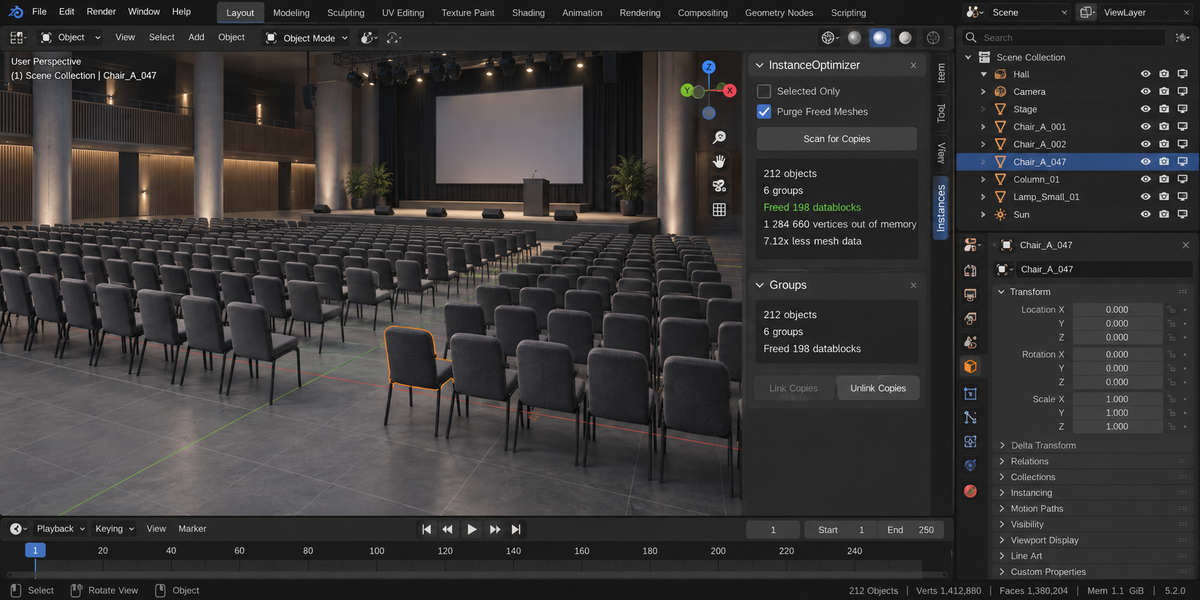
- Press Link Copies.
3. What the panel tells you
Each group lists how many objects share the same mesh data, how many vertices and faces that mesh has, and which object's mesh is being kept. The arrow button selects the group in the viewport so you can see what is about to be linked.
4. Options
Selected Only — looks at your selection instead of the whole scene.
Purge Freed Meshes — removes mesh datablocks left with no users after linking. Untick it and nothing is removed; Blender drops unused data on the next save anyway.
5. What makes two meshes copies
All of the following must match: counts of vertices, edges, faces and loops; vertex coordinates; the loop order; every UV channel including its coordinates; material slots; shape keys including their coordinates; custom normals; and every mesh attribute, which covers smooth shading, material indices, creases, seams and colour attributes. Selection and hide states are ignored on purpose — they do not reach the camera.
Materials assigned to the object rather than to the mesh are also ignored, because linking mesh data does not change them.
6. Going back
Unlink Copies gives every object its own mesh again — but only for the objects this add-on linked during this session. Links that already existed in your file are left as they are.
7. When it refuses
If a mesh is shared with an object outside the current selection, the group is skipped and the reason is reported. Nothing outside your selection is ever modified.
8. Speed
A hundred copies of a dense prop, 84 900 vertices in total: scan a tenth of a second, link a tenth of a second.
9. Compatibility
Blender 4.2 and later. Tested live on 5.1 and 5.2.
10. License
GPL-3.0.
Have questions about this product?
Login to message
| Published | 2 days ago |
| Blender Version | 4.2 - 5.2 |
| Extension Type | N/A |
| Render Engine Used | Cycles |
| License | GPL |