 JB FX
JB FX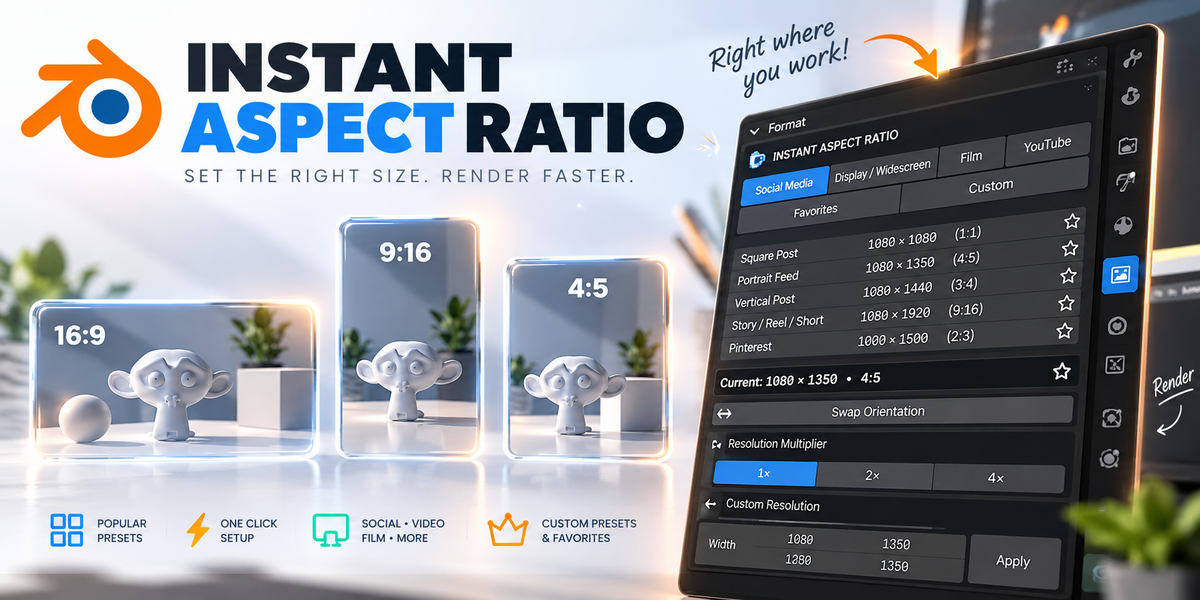



Instant Aspect Ratio
Stop searching for image sizes and typing resolution values by hand. Pick the format you need and Instant Aspect Ratio sets Blender's output resolution in one click.
The right format, instantly.
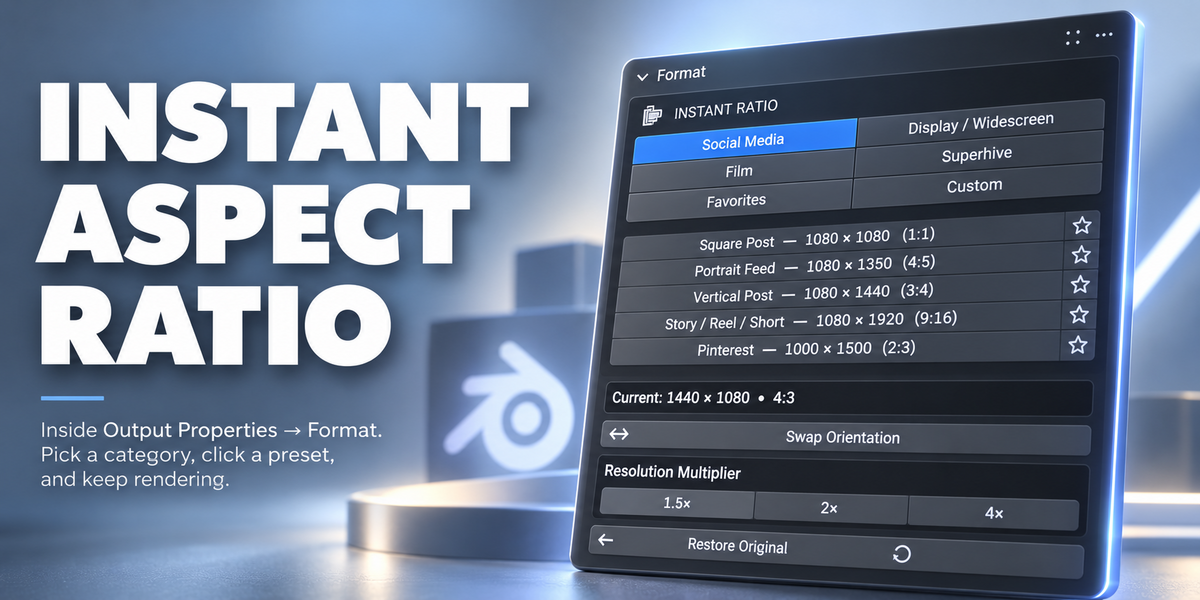
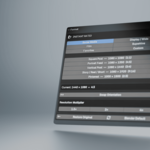
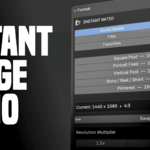
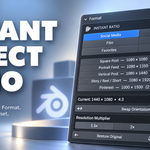
Instant Aspect Ratio lives directly inside Output Properties → Format, right where you already work. Choose a category, click a preset, and continue rendering.
Choose it. Done.
Quickly switch to popular output sizes for social media, widescreen displays, film formats and Superhive without manually entering Resolution X and Y.
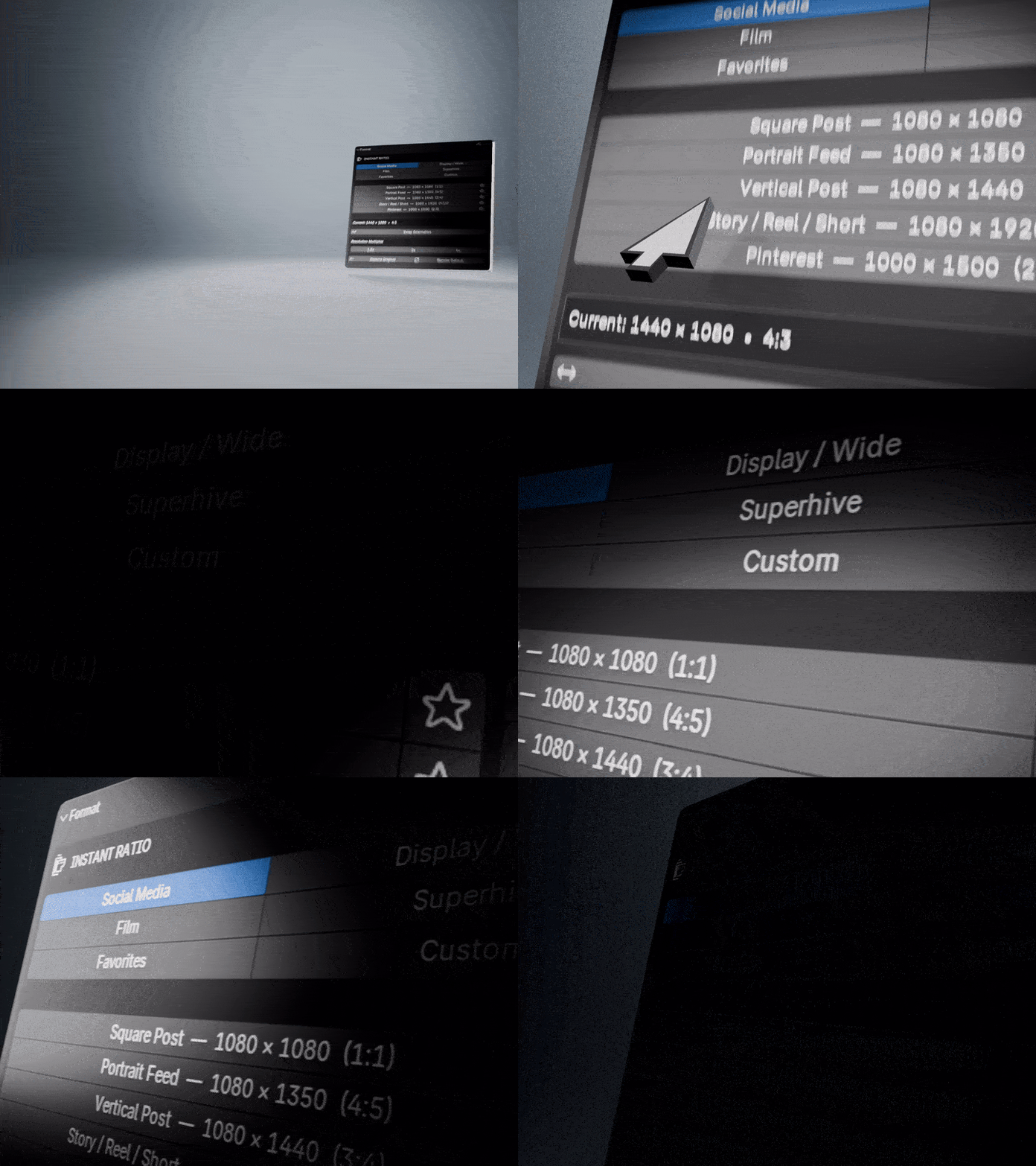
Only see what you need.
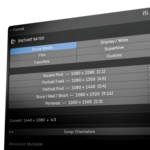
Presets are neatly grouped into Social Media, Display / Wide, Film, Favorites and Custom so the panel stays fast and uncluttered.
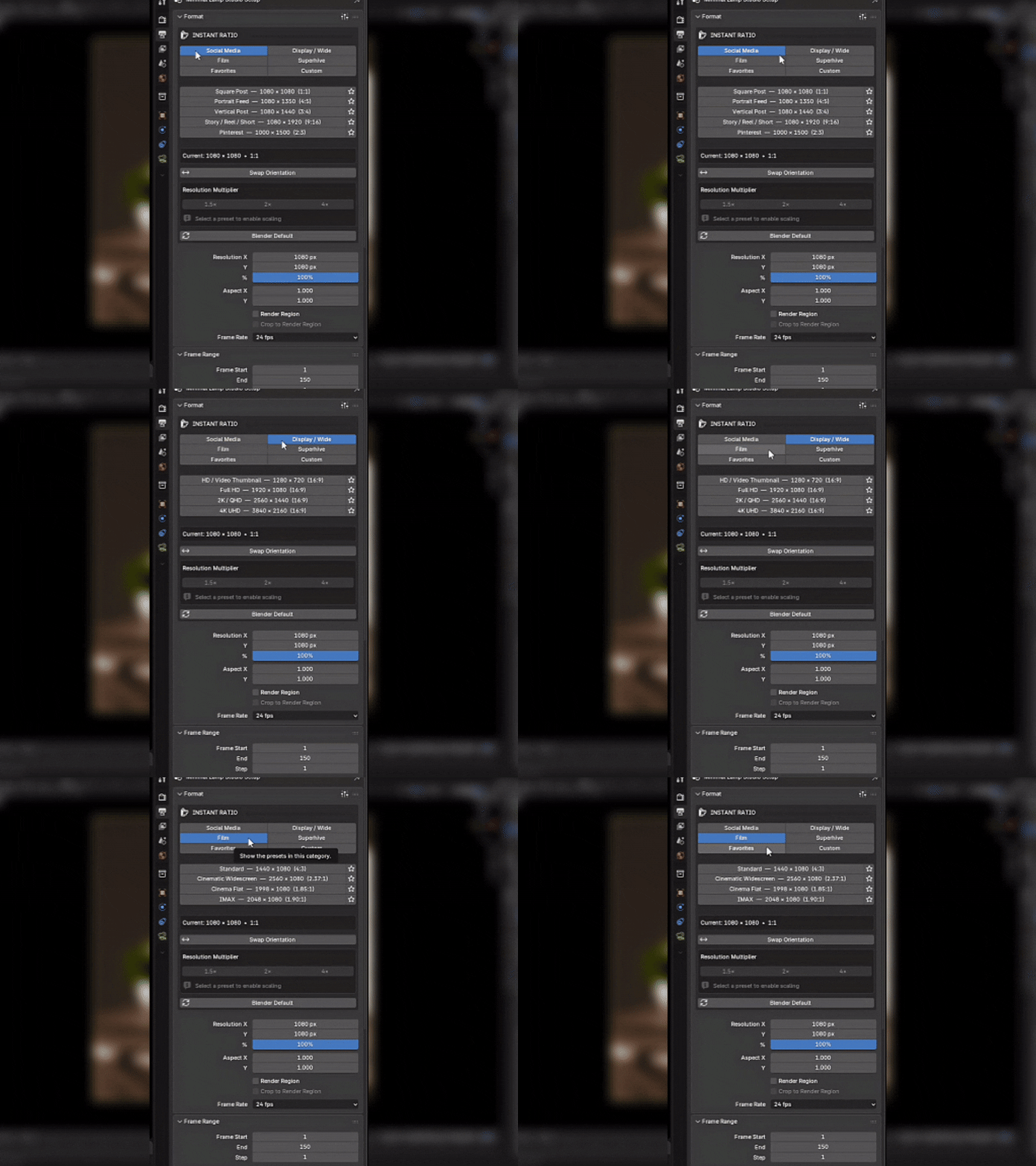
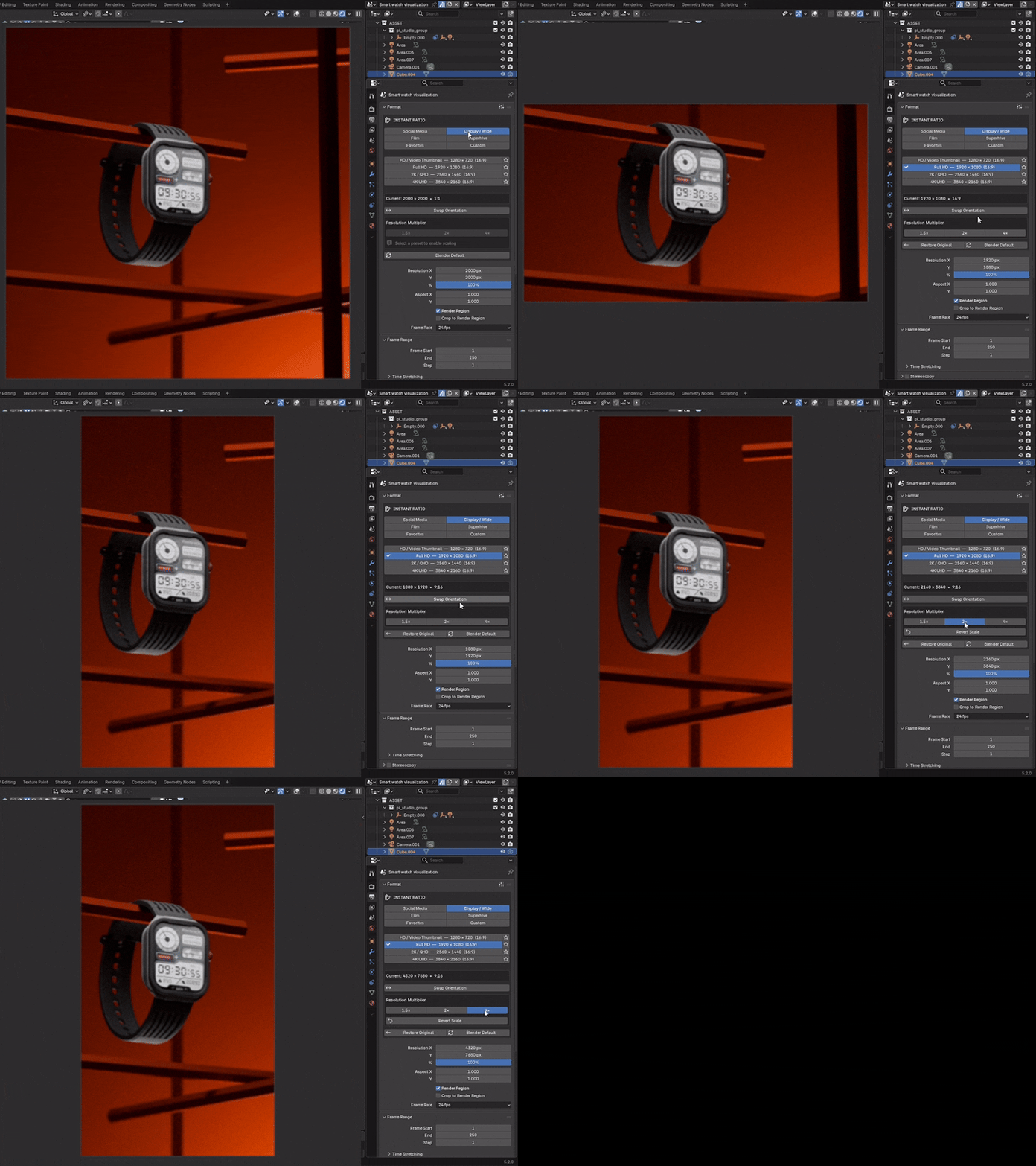
Portrait, landscape or higher-res.
Swap width and height instantly, or scale the selected preset to 1.5×, 2× or 4×. Scaling always uses the original preset as its base, so values do not accidentally compound.
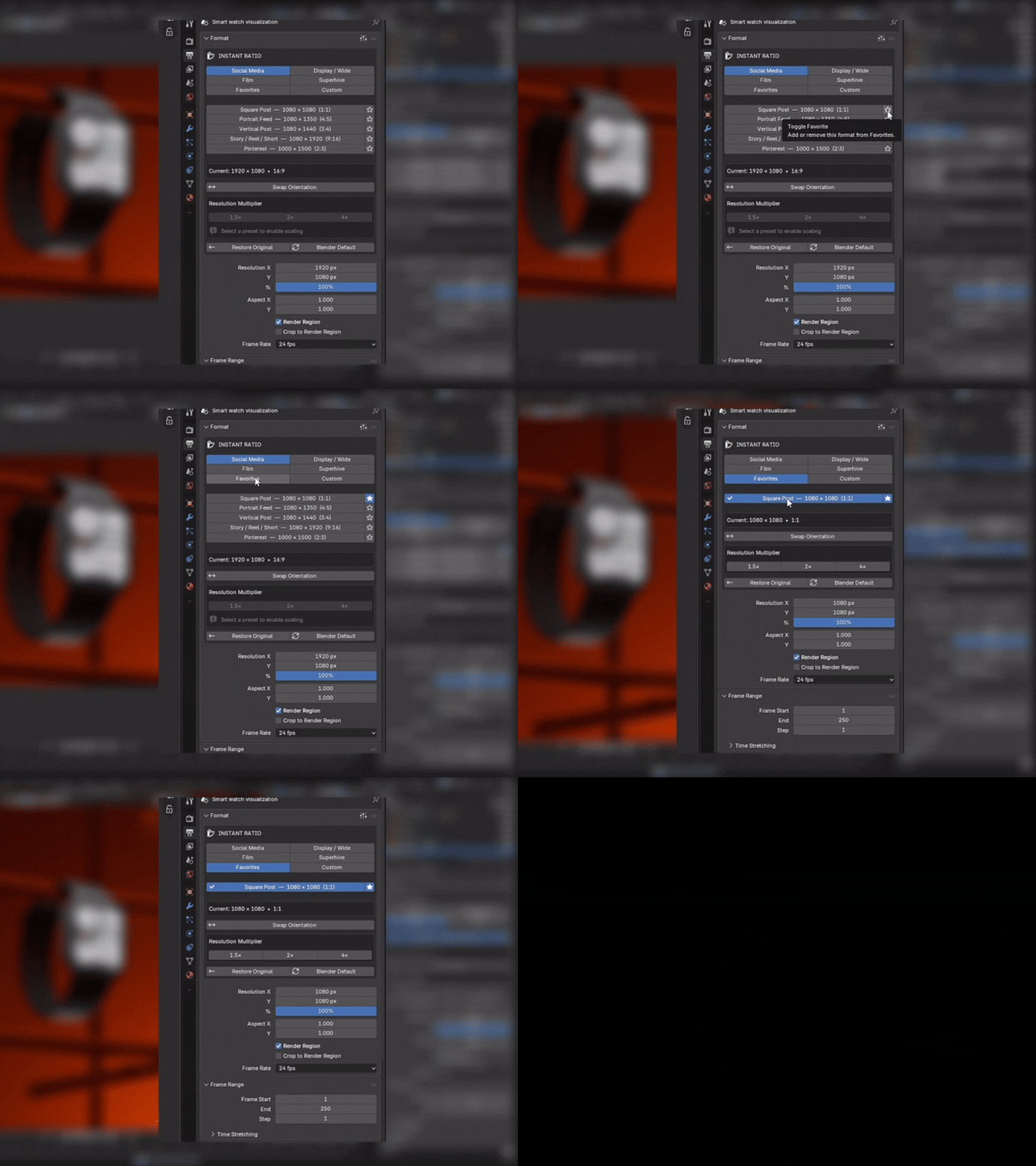
Keep your regular formats close.
Star the presets you use most and access them together from Favorites, even when they come from different categories.
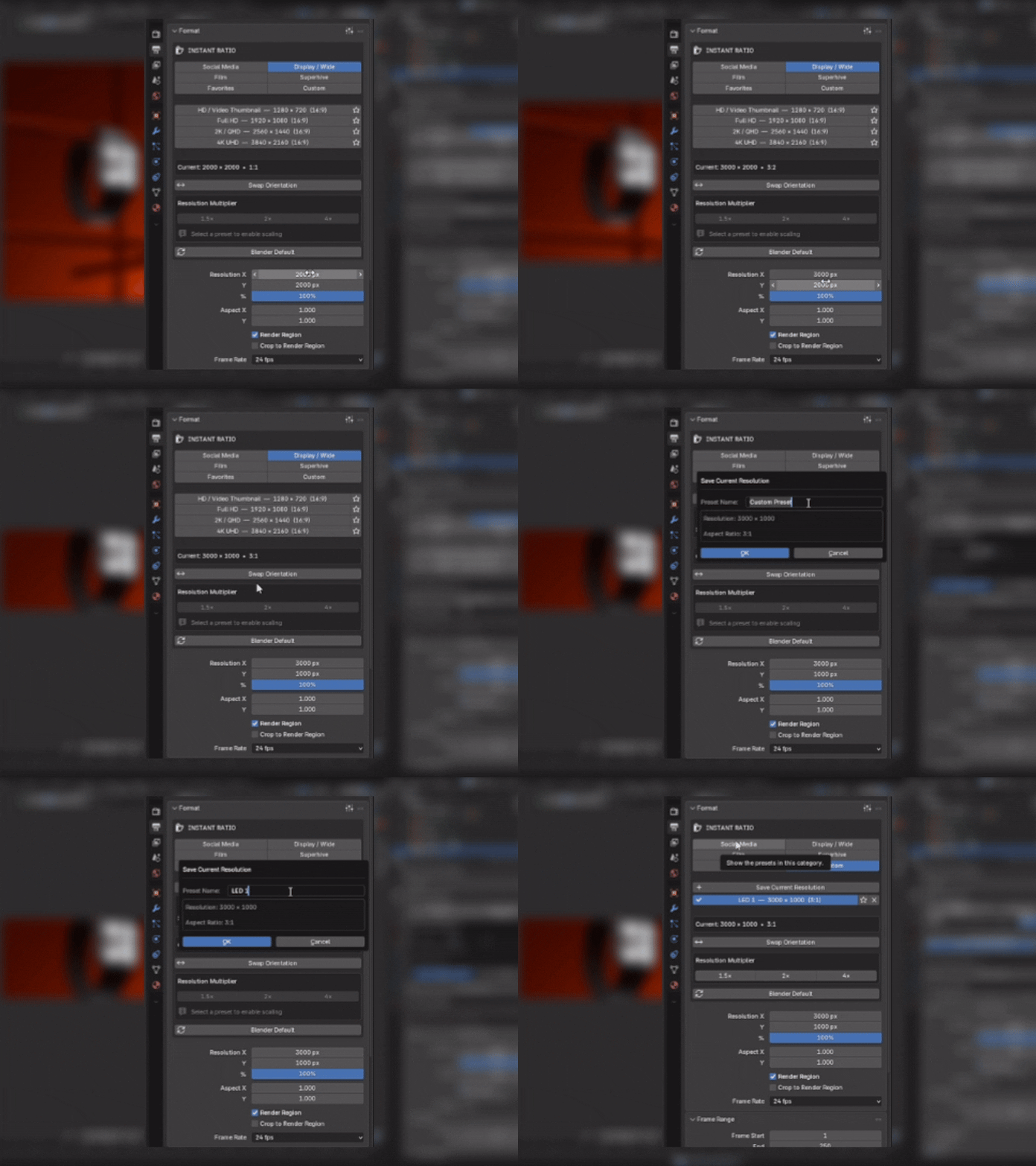
Save the sizes unique to your work.
Save the current Blender resolution as a named custom preset for client deliverables, LED screens, unusual banners or any format you return to often.
Small details that save time.
Spend less time setting up resolutions.
Instant Aspect Ratio keeps common formats one click away so you can stay focused on the image, animation or render itself.
Blender 4.2+ • Lightweight • Extension-ready

