 JB FX
JB FX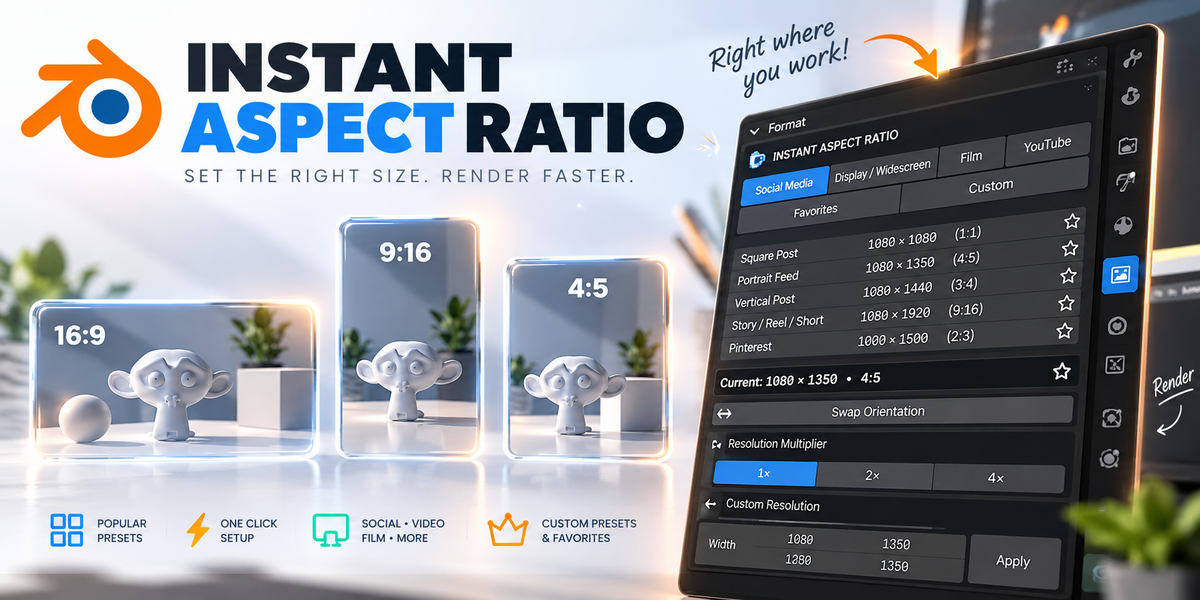



Instant Aspect Ratio — Documentation
Version 1.1.0
Instant Aspect Ratio is a lightweight Blender addon that lets you switch between popular image and video resolutions in one click.
Instead of manually entering Resolution X and Y values, simply choose the format you need.
Requirements
Blender 4.2 or newer
Windows, macOS or Linux
Installation
Open Blender.
Go to Edit → Preferences → Get Extensions.
Open the menu in the top-right corner.
Choose Install from Disk.
Select the Instant Aspect Ratio ZIP file.
Enable Instant Aspect Ratio if it is not enabled automatically.
Where to Find It
Go to:
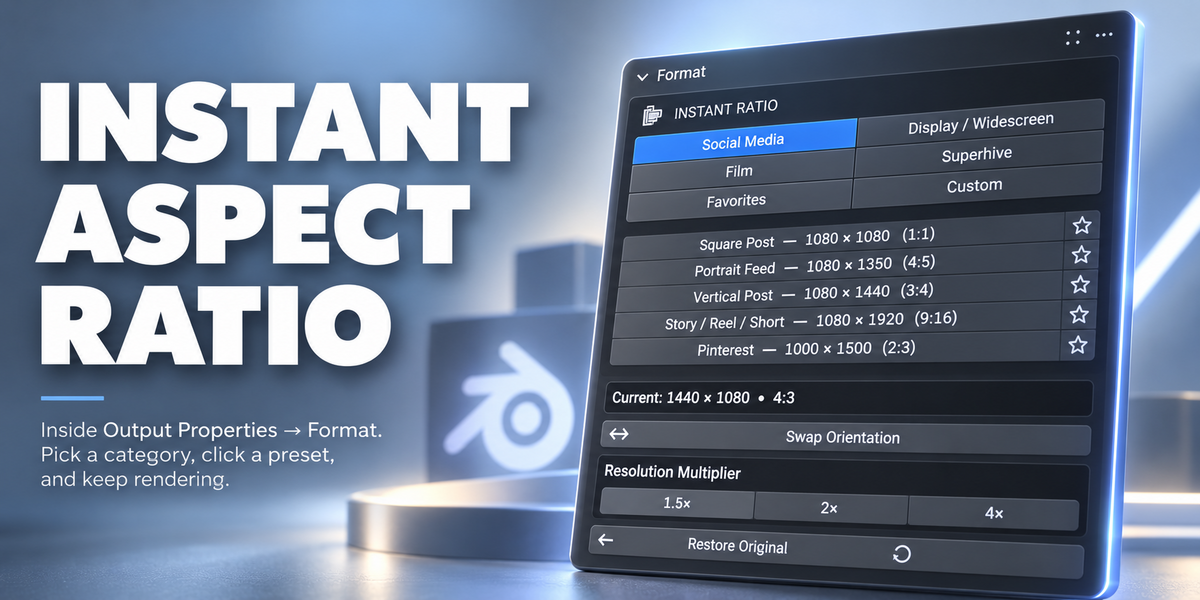
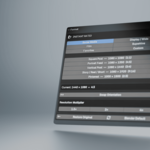
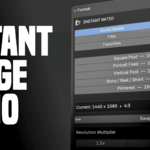
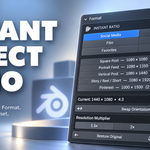
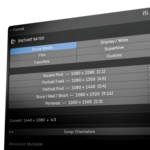
Output Properties → Format
Instant Aspect Ratio appears directly above Blender's normal Resolution X and Resolution Y controls.
Using Instant Aspect Ratio
Choose one of the available categories:
Social Media
Square Post — 1080 × 1080
Portrait Feed — 1080 × 1350
Vertical Post — 1080 × 1440
Story / Reel / Short — 1080 × 1920
Pinterest — 1000 × 1500
Display / Wide
HD / Video Thumbnail — 1280 × 720
Full HD — 1920 × 1080
2K / QHD — 2560 × 1440
4K UHD — 3840 × 2160
Film
Standard — 1440 × 1080 — 4:3
Cinematic Widescreen — 2560 × 1080
Cinema Flat — 1998 × 1080
IMAX — 2048 × 1080
Superhive
Product Banner — 1200 × 600 — 2:1
Click any preset and Blender's output resolution changes instantly.
Instant Aspect Ratio also automatically sets Blender's Resolution Percentage to 100%, ensuring the final render uses the displayed resolution.
Swap Orientation
Click Swap Orientation to instantly switch the width and height.
For example:
1920 × 1080 → 1080 × 1920
This is useful when converting between landscape and portrait formats.
Resolution Multiplier
After selecting a preset, you can increase its resolution using:
1.5× | 2× | 4×
For example:
1080 × 1920
2× → 2160 × 3840
Multipliers always calculate from the original selected preset, so they do not stack accidentally.
Use Revert Scale to return to the preset's normal resolution.
Favorites
Click the star icon beside any preset to add it to Favorites.
Open the Favorites category to quickly access all of your most-used formats in one place.
Click the star again to remove a preset from Favorites.
Custom Presets
Instant Aspect Ratio can also save your own resolutions.
Manually set the Resolution X and Y you want.
Open Custom.
Click Save Current Resolution.
Give the preset a name.
Click Save.
Your custom format will now appear inside the Custom section.
Custom presets can also be:
Added to Favorites
Used with resolution multipliers
Swapped between portrait and landscape
Deleted when no longer needed
Custom presets and Favorites are saved in the addon preferences, so they remain available across different Blender projects and after restarting Blender.
Restore Original
Instant Aspect Ratio remembers the resolution your project was using before you first changed it.
Click Restore Original to return to that resolution.
This is useful when experimenting with different formats without losing your project's previous settings.
Blender Default
Click Blender Default to quickly return to:
1920 × 1080 at 100%
That's It
Instant Aspect Ratio is designed to stay simple.
Choose a category → choose a format → render.
No calculators, no repeatedly typing resolution values, and no searching online for common image sizes.
 Included
Includes 12 months of
- Support from JB FX
- Product updates
Extend this product’s Support Period +12 months: 50% of product price
Have questions before purchasing?
Login to message
| Blender Extension Compatible | Yes |
| Published | about 2 months ago |
| Blender Version | 4.2 - 5.2 |
| Extension Type | Add-on |
| Render Engine Used | Cycles, Eevee |
| License | GPL |

Discover more products like this
format rendering aspect ratio IMAX resolution Export rendering setup social media content aspect ratios