 Salman Animator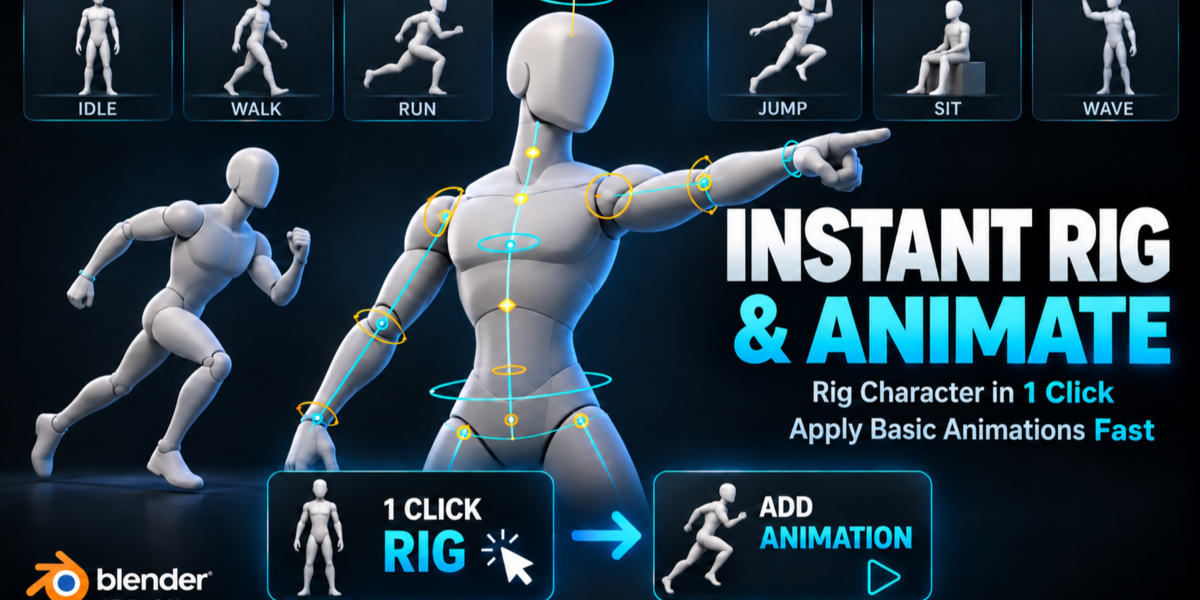
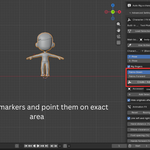
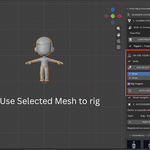
Rig and animate your character without leaving Blender
You finished modeling a character. Now you want to see it walk.
The usual path is slow. You export an FBX, upload it to a web rigger, wait, download it again, fix the scale, fix the bone roll, then look for animations that fit. Or you spend an evening learning a full rigging system before your character moves at all.
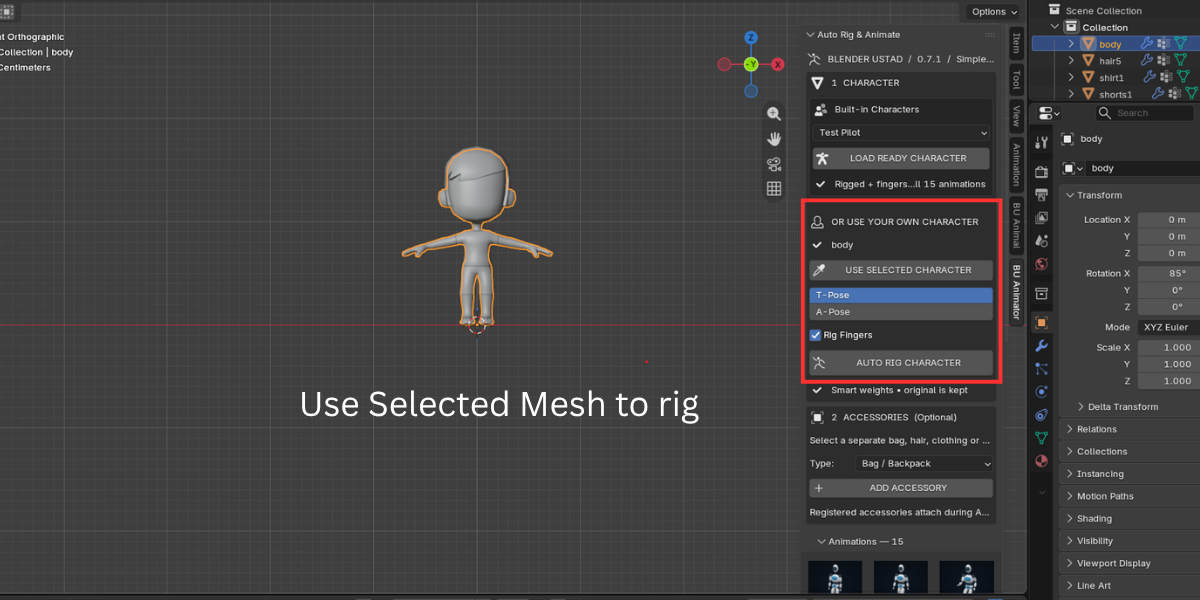
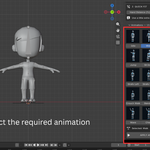
Instant Rig & Animate keeps the whole job inside Blender. Select your mesh, press AUTO RIG CHARACTER, pick an animation thumbnail, press APPLY ANIMATION, then press Space. Your character is moving.
Who it is for
- Beginners who want a working rig without learning bone roll, weight painting and constraints first
- Modelers and sculptors who want to show a character moving in a portfolio or turntable
- Indie and hobby game developers who need quick placeholder motion for blockout and testing
- Teachers and students who need a predictable rig for class
- Story and previs artists who need a character to walk, sit or wave in a shot
What happens when you press Auto Rig
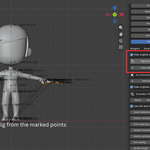
- The addon reads the body mesh you selected and estimates where the joints are.
- It builds a humanoid skeleton with spine, neck, head, arms, legs and optional fingers.
- It adds IK controls for hands and feet.
- It weights a copy of your mesh using Smart Auto weights. Blender Automatic Weights run first. If coverage fails, a proximity fallback fills the gaps.
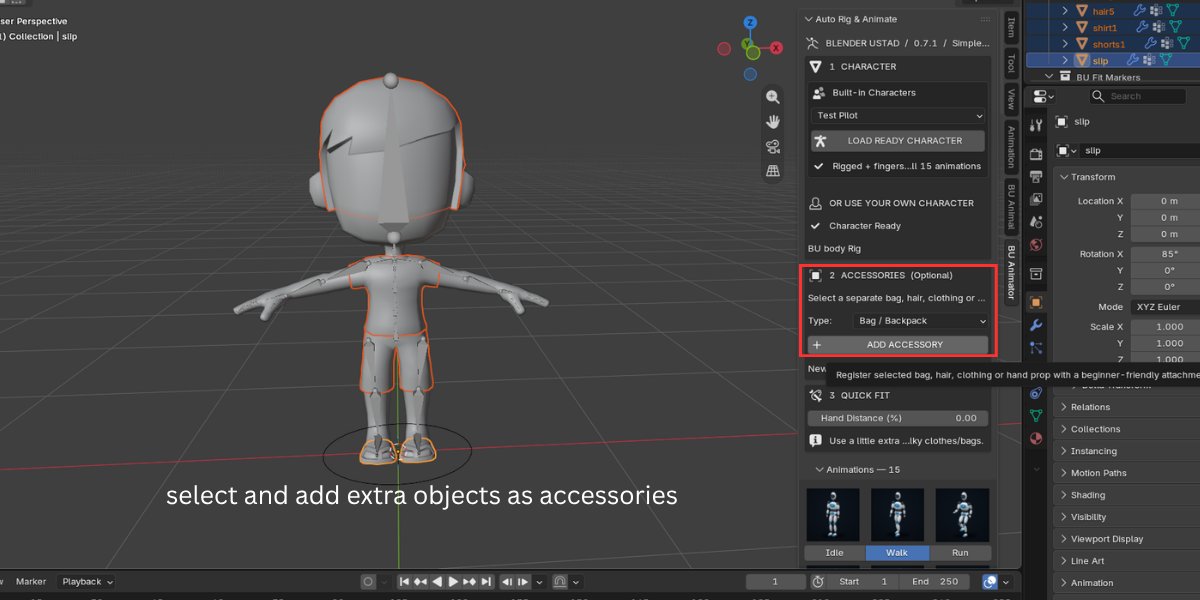
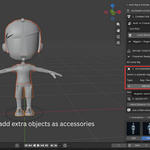
- It attaches any accessories you registered, like hair, a backpack or a sword.
- It hides your original mesh and keeps it safe in the scene.
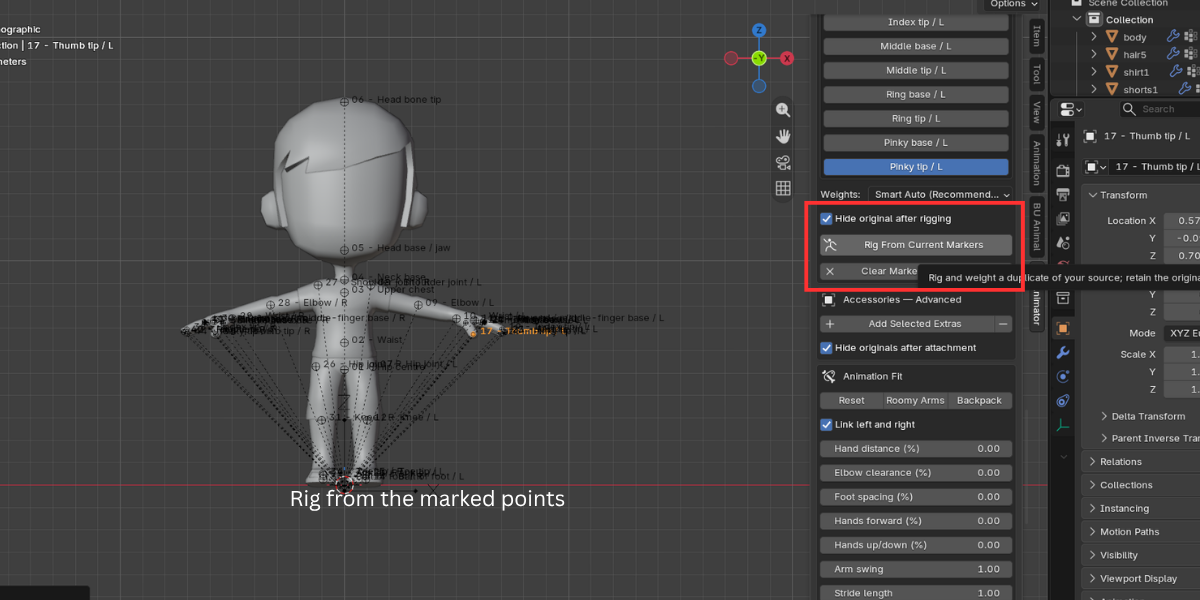
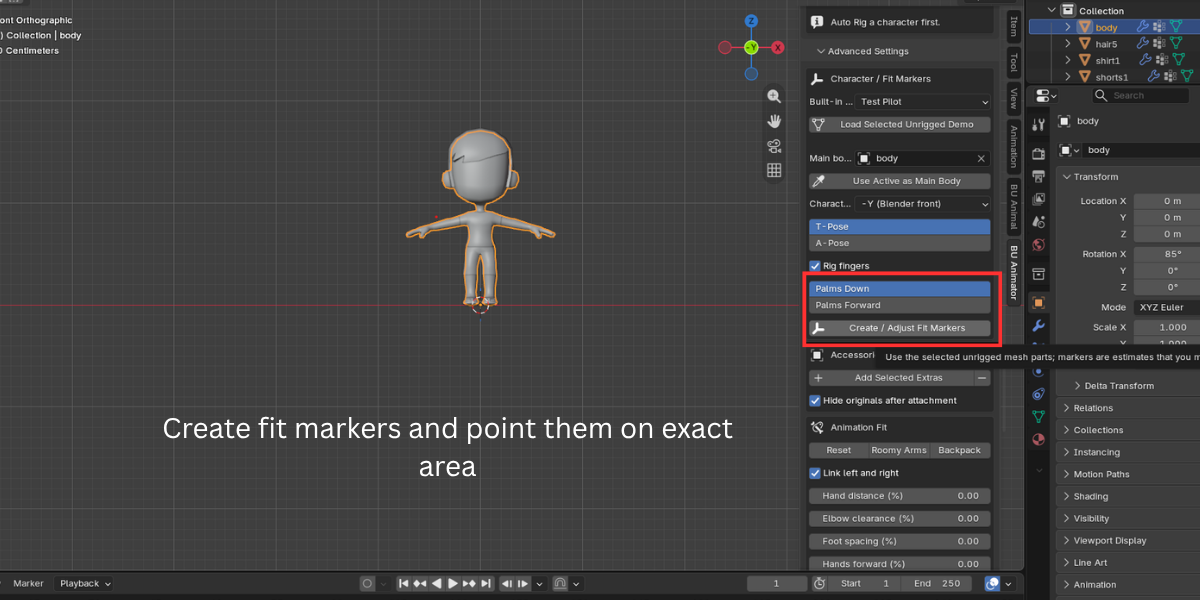
If the first result is off, fit markers stay in the scene. Move them with G, check front and side views, and press TRY RIG AGAIN.
Fingers that actually move
Turn on Rig Fingers and every hand gets thumb, index, middle, ring and pinky chains with three bones each. That is 30 finger bones on a 53 bone body rig.
All 15 animations write finger motion when the rig has fingers. Idle uses a relaxed curl. Run uses loose fists. Wave opens the gesture hand. Cheer closes both hands. Pick Up opens on the reach and closes toward a grip. Your hands stop looking frozen.
15 starter animations, fitted to your character
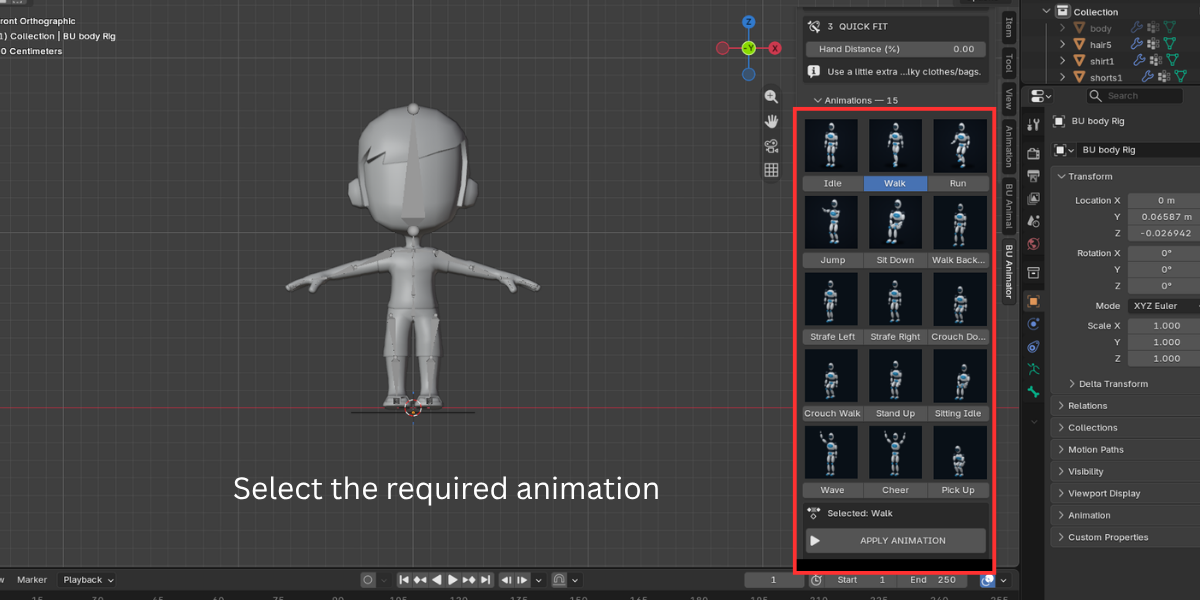
Idle, Walk, Run, Jump, Sit Down, Sitting Idle, Stand Up, Walk Backward, Strafe Left, Strafe Right, Crouch Down, Crouch Walk, Wave, Cheer and Pick Up.
These are procedural clips. That means they are generated for your rig's proportions instead of being retargeted from someone else's skeleton. A tall character and a short character both get feet that land where their legs can reach.
Every clip is baked into a normal Blender Action with normal keyframes. Open the Graph Editor and edit it like any other animation.
Bulky clothes and backpacks no longer clip through the arms
Most starter animations assume a thin body. When your character wears a thick coat or a backpack, the arms swing straight through it.
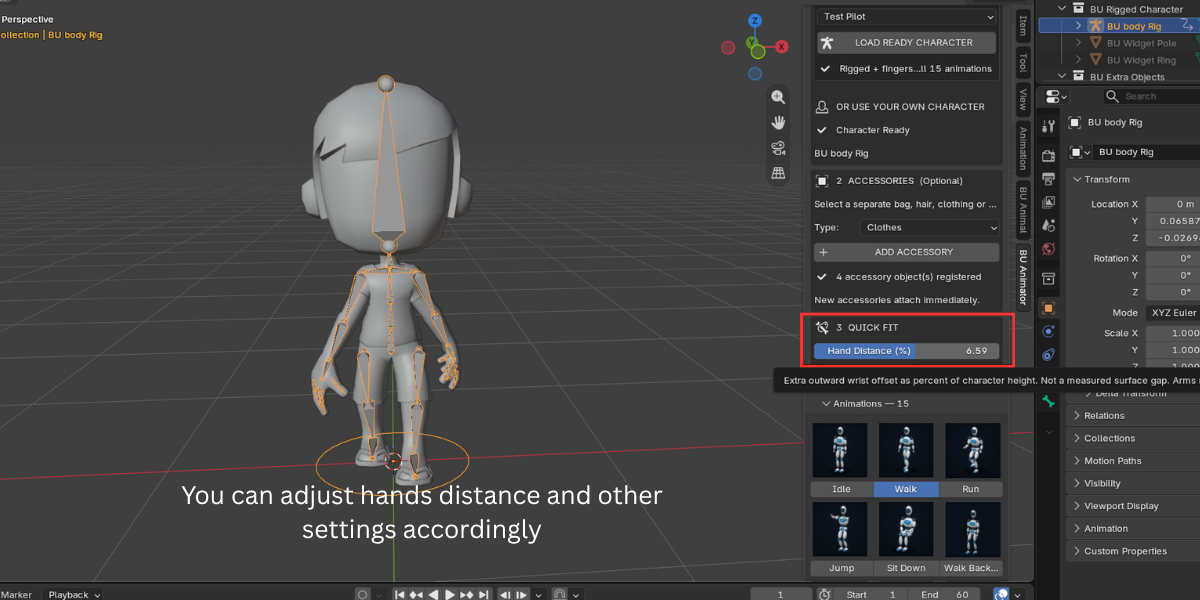
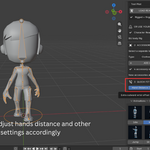
The Hand Distance slider pushes the hands outward as a percentage of character height. Advanced settings add Elbow Clearance, Foot Spacing, Hands Forward, Hands Up/Down, Arm Swing, Stride Length, Foot Lift and Body Lean. Presets like Roomy Arms and Backpack give you a good starting point in one click.
Four ready characters for instant testing
Not ready to rig your own model yet? Load Test Pilot, Hero Pilot, Agile Pilot or Compact Pilot. Each one comes rigged, weighted, finger enabled and playing an Idle. Use them to learn the workflow, test animations or block out a scene. The demo assets are CC0, so you can use them anywhere.
Built to be safe on your work
- Your source mesh is never edited. The addon always rigs a duplicate.
- Applying an animation creates a new Action. Earlier Actions stay in the file.
- Restore Previous Animation brings back the last state if you change your mind.
- Inspect Stretching / Rig writes a readable report to the Text Editor when something deforms badly.
Honest limits
We would rather you know these before you buy:
- Humanoid characters only, in an upright T-pose or A-pose
- No face rig
- Starter animations are procedural, not motion capture
- Does not retarget Mixamo or other external animations
- Finger joints are split evenly between base and tip markers. There is no automatic knuckle detection
- Loose clothing, intersecting meshes and closed fists may need marker adjustment or weight cleanup
Key Features with Benefits
| Feature | What it means for you |
|---|---|
| One click humanoid auto rig | Get a working skeleton with IK hands and feet without placing bones by hand. |
| T-Pose and A-Pose support | Works with the two most common character rest poses. No need to re-pose your model. |
| Optional finger rig, 3 bones per finger | Grip, wave and point. 30 finger bones ready for posing and keyframing. |
| Smart Auto weights | Blender Automatic Weights first, proximity fallback if heat weighting fails. Fewer "bone heat weighting failed" dead ends. |
| Adjustable fit markers with mirror | When the estimate is off, drag a marker and re-rig. Fix the left side and the right side follows. |
| 15 procedural starter animations | Walk, run, jump, sit, crouch, strafe, wave, cheer and more, generated for your character's proportions. |
| Automatic finger animation | Hands curl, open and grip to match each clip. No extra work. |
| Accessory attachment | Hair and hats follow the head, bags follow the chest, props follow a hand, clothing copies body weights. |
| Animation fit controls | Stop arms clipping through coats and backpacks. Tune stride, foot lift, lean and arm swing. |
| Save Fit to Rig | Each character keeps its own fit settings. Switch characters and load them back. |
| Root motion, speed, repeats and start frame | Walk in place or travel through the scene. Loop as many cycles as you need. |
| Add to Timeline (NLA) | Chain clips one after another and keep the root position continuous between them. |
| FK and IK pose editing | Pause the animation, adjust a pose with FK or IK, then resume without losing the Action. |
| Safe Pose Controls | Locks FK translation and scale and turns off IK stretch, so limbs do not stretch by accident. |
| Rig inspection report | Finds duplicate Armature modifiers, weight coverage gaps and unsafe controls, and explains them. |
| Rebind body copies | Try fresh weights on an existing rig without losing the old version. |
| Four built-in rigged characters | Learn, test and block out scenes right away. CC0 licensed. |
| Non-destructive by design | Originals and earlier Actions are kept. Nothing is silently deleted. |
| Blender 3.6 LTS to current | One package adapts to Bone Collections and Action Slots on newer versions automatically. |
Workflow Benefits
From mesh to moving character in one panel. Everything lives in the N panel under BU Animator, numbered in the order you use it: Character, Accessories, Quick Fit, Animations.
No export and import loop. Web riggers need you to export, upload, download and re-import. Each trip risks scale, rotation and material problems. Here the mesh never leaves your scene.
Simple first, technical when you need it. The main panel shows only the buttons a beginner needs. Markers, weight methods, NLA, IK/FK and repair tools sit inside Advanced Settings until you open it.
Mistakes are cheap. Rigging works on a copy. Animations go into new Actions. A bad result costs you one click to undo or retry, not a ruined file.
Real Blender data you can keep editing. The output is a standard armature, standard Actions and standard keyframes. Polish the motion in the Graph Editor, layer it in the NLA, or use the rig as a base for your own work.
Accessories handled in the same pass. Register hair, a bag or a prop before rigging and they attach automatically. No separate parenting step.
Use Cases
Portfolio and turntable shots. You sculpted a stylized hero. Rig it, apply Idle or Walk, and render a short loop for ArtStation or Instagram in the same session.
Game blockout and prototyping. You need a player character that walks, runs, strafes, crouches and jumps to test level scale. Apply each clip, enable root motion, and check if doorways and jumps feel right.
Previs and animatic shots. A character walks in, sits down, waits, then stands up. Use Sit Down, Sitting Idle and Stand Up with the same seat height, then chain them with Add to Timeline.
Product and scene presentations. Place a character in an archviz or product scene and have it wave or cheer to add life and scale.
Teaching rigging and animation. Give students a working rig in minutes so the lesson can focus on posing, timing and the Graph Editor instead of setup problems.
Kids, mascots and chibi characters. Stylized proportions like big heads and short limbs get animations generated for their own bone lengths.
Characters with gear. A backpacker, a soldier with a pack, a character with a sword in hand. Accessories follow the right bone and fit controls keep arms clear of the gear.
