Instant Rig & Animate: Blender Auto Rig Addon With Finger Rig and 15 Character Animations
 Salman Animator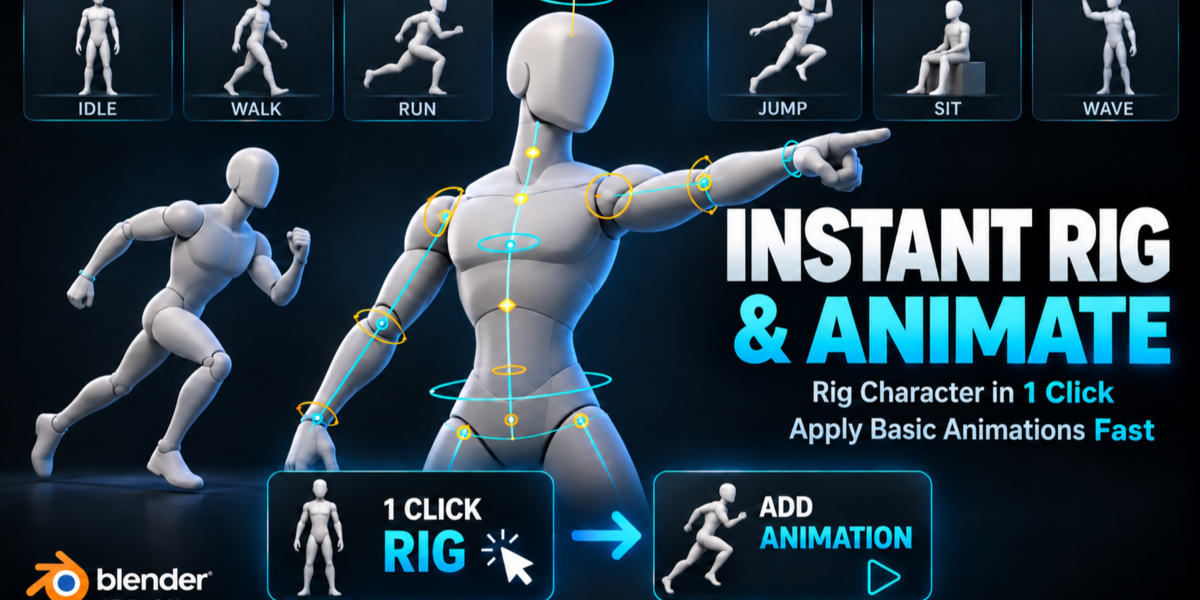
Can I use my Mixamo animations or retarget motion capture onto this rig?
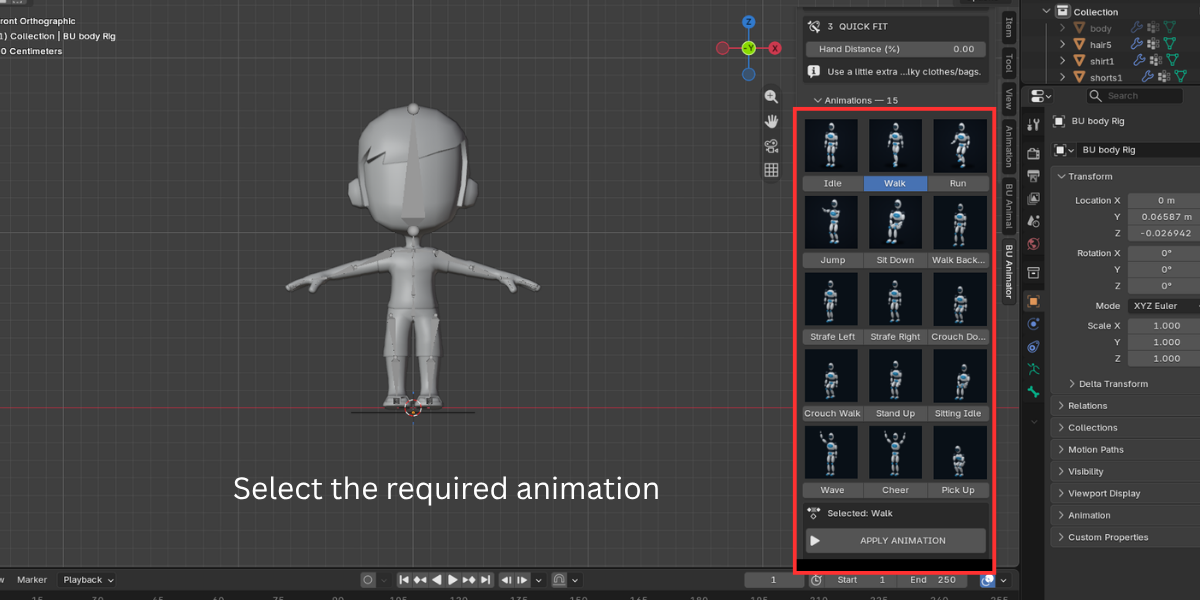
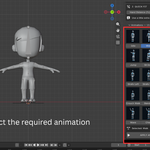
No. The addon does not retarget external animations. It generates its own 15 starter clips for your character's proportions. The output is a normal Blender Action, so you can edit and keyframe on top of it.
The fingers bend in the wrong places. How do I fix it?
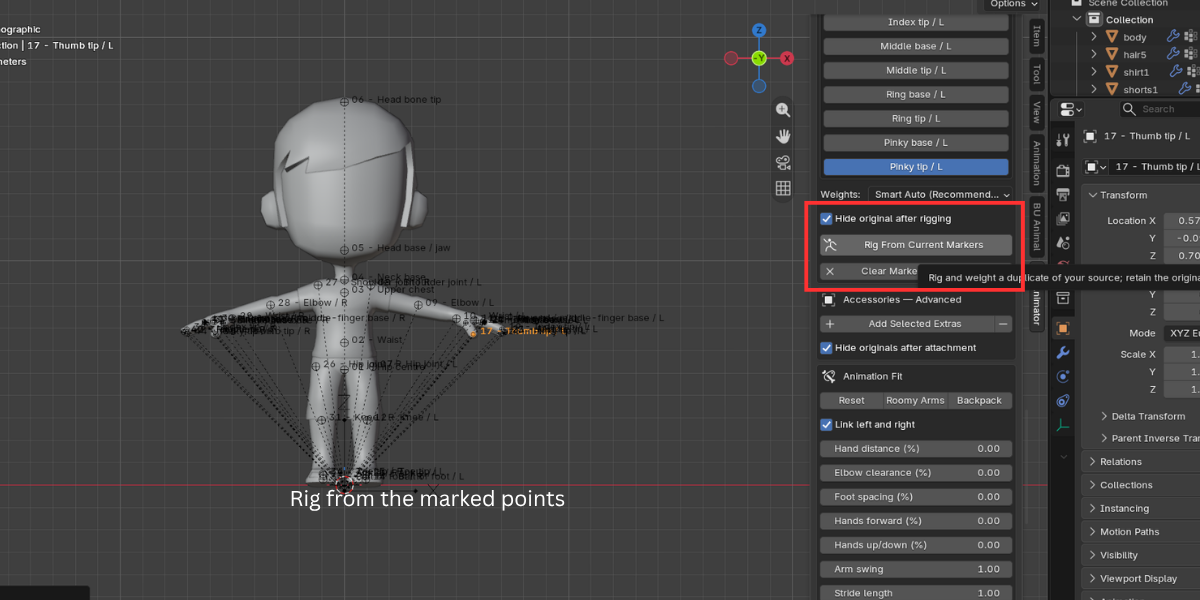
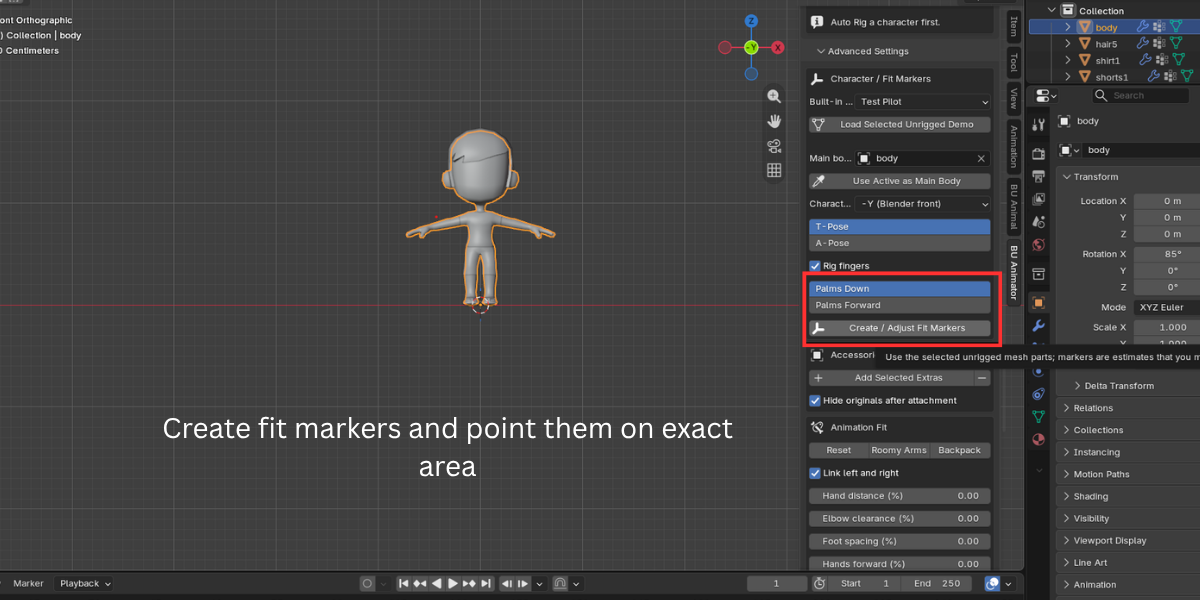
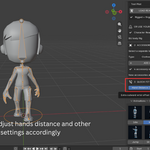
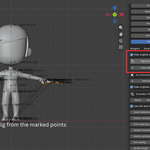
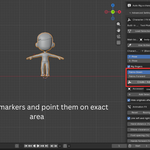
Open Advanced Settings, place each finger's Base and Tip marker on the mesh, and check front, side and top views. Each finger is split into three equal bones between those two points, so unusual knuckle spacing may not match perfectly. Fingers that are straight and spread apart in the rest pose give the best weights.
Will it work on my stylized, chibi or cartoon character?
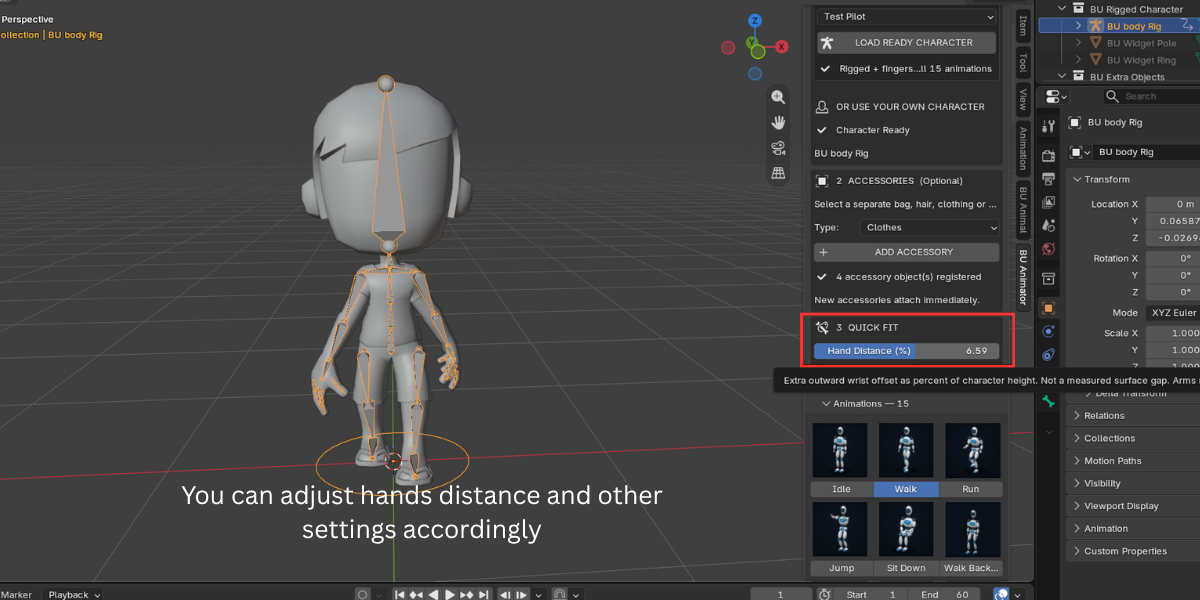
Yes, if it is a humanoid with two arms and two legs standing upright in a T-pose or A-pose. The skeleton is fitted to your character and the animations are generated for its bone lengths. Very unusual anatomy may need marker adjustment. Four legged creatures and characters without clear limbs are not supported.
Does it change or delete my original model?
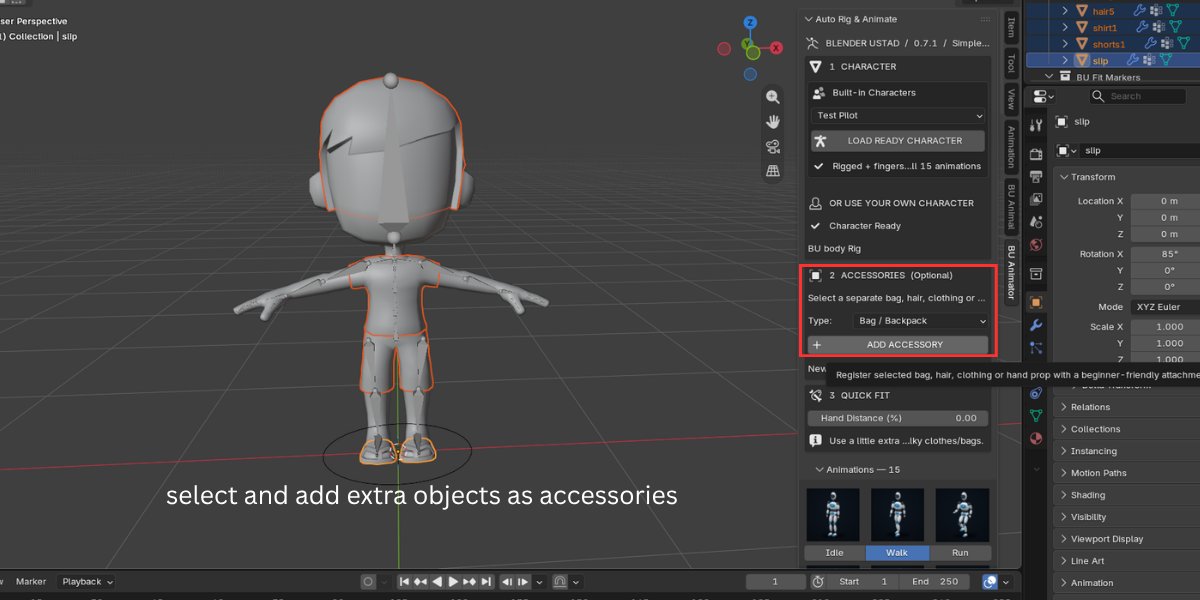
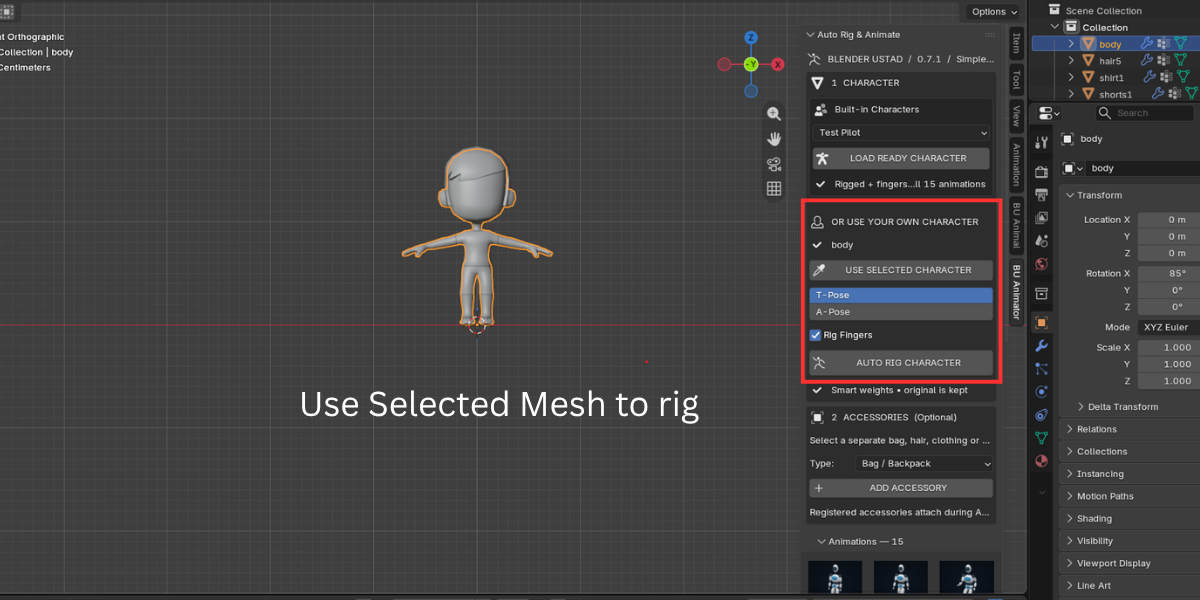
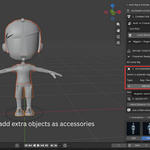
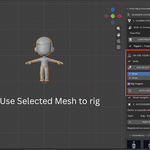
No. The addon always rigs a duplicate and hides the original. You can show it again with Show / Hide Originals. Applying an animation also creates a new Action, so earlier animations stay in your file.
Does it include a face rig or facial animation?
No. The rig covers the body, IK hands and feet, and fingers. For facial animation, use shape keys or a dedicated face rigging tool alongside it.
$9
Have questions about this product?
Login to message
| Blender Extension Compatible | Yes |
| Published | 10 days ago |
| Blender Version | 3.3 - 5.2 |
| Extension Type | Add-on |
| Render Engine Used | Cycles, Eevee, Freestyle |
| License | GPL |
