 Schirmer Labs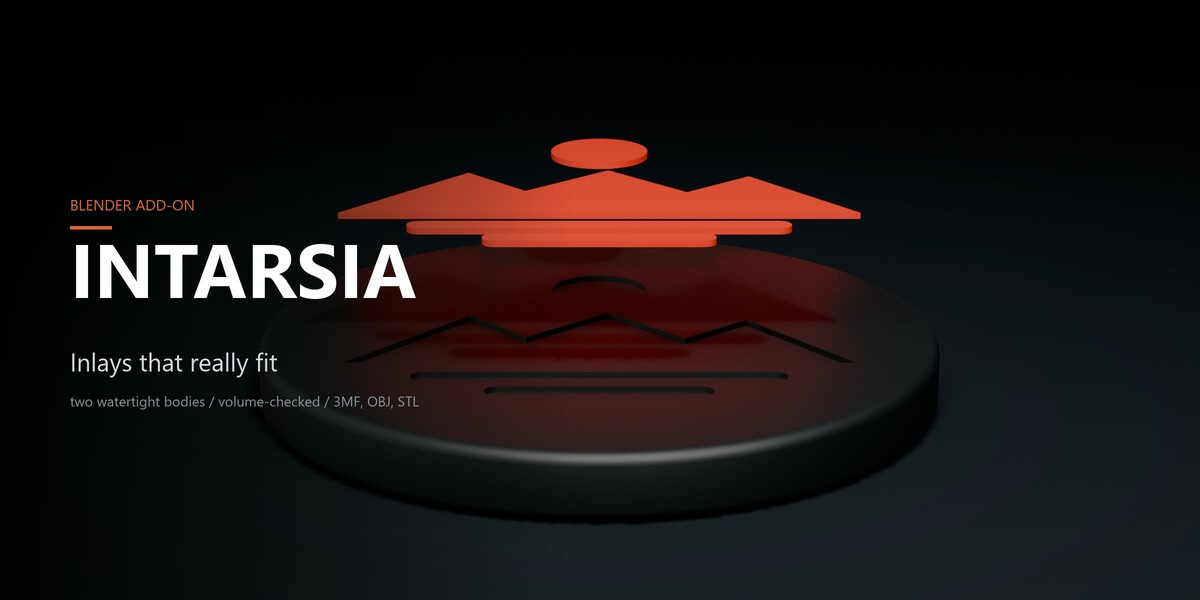



Intarsia turns images, SVGs, text, or curves into genuine two-color inlays. This isn’t an embossed texture or a debossed single-color cavity — it generates a second, solid body built to fit the socket down to the micron. You get two watertight meshes that fit together without clearance issues or overlap. Drop both into your slicer, assign your materials, and print.

Lossless by construction
Most “drop a logo onto a mesh” methods leave you with either a surface texture that disappears in the slicer or an open pocket. Intarsia cuts real volume instead.
BASE_NEW = BASE − INLAYINLAY = motif prism ∩ shell(BASE, depth)BASE_NEW ∪ INLAY ≡ BASE no gap, no overlap
The top face of the inlay matches the original surface curvature, including fillets and non-planar faces. It isn’t just a flat extrusion projected through the wall. Every operation runs through automated validation: both output bodies must be manifold, and Vol(BASE_NEW) + Vol(INLAY) must match Vol(BASE) within 0.5 %. If that tolerance isn’t met, the operation aborts rather than outputting broken geometry.
 Four disconnected islands (sun, mountain ridge, two bars) extract as a single unified inlay body that seats back into its matching recess.
True depth, not an offset guess
Each preview below comes from an actual run on the same geometry, showing the exact reported volumes. The inlay is shifted outward to show the wall profile of the cut.
 0.3 mm → 358.7 mm³ up to 3.0 mm → 3607.4 mm³. Volume scales linearly with cut depth, exactly as a mathematically sound boolean should.
Flat surfaces are just the baseline
Projecting onto a curved wall requires consistent wall depth across the entire shape, rather than a flat planar stamp across an arc. Three dedicated modes handle curved surfaces, while Automatic detects the appropriate geometry method on its own.
 |  |
| Automatic · 90 mm coaster · SVG motif · 0.8 mm depth · inlay volume: 956.4 mm³ · watertight | |
 |  |
| Conformal · 76 mm jar lid · text motif · 0.6 mm depth · inlay volume: 88.7 mm³ · watertight. Cut depth remains perpendicular to the dome surface throughout. | |
 |  |
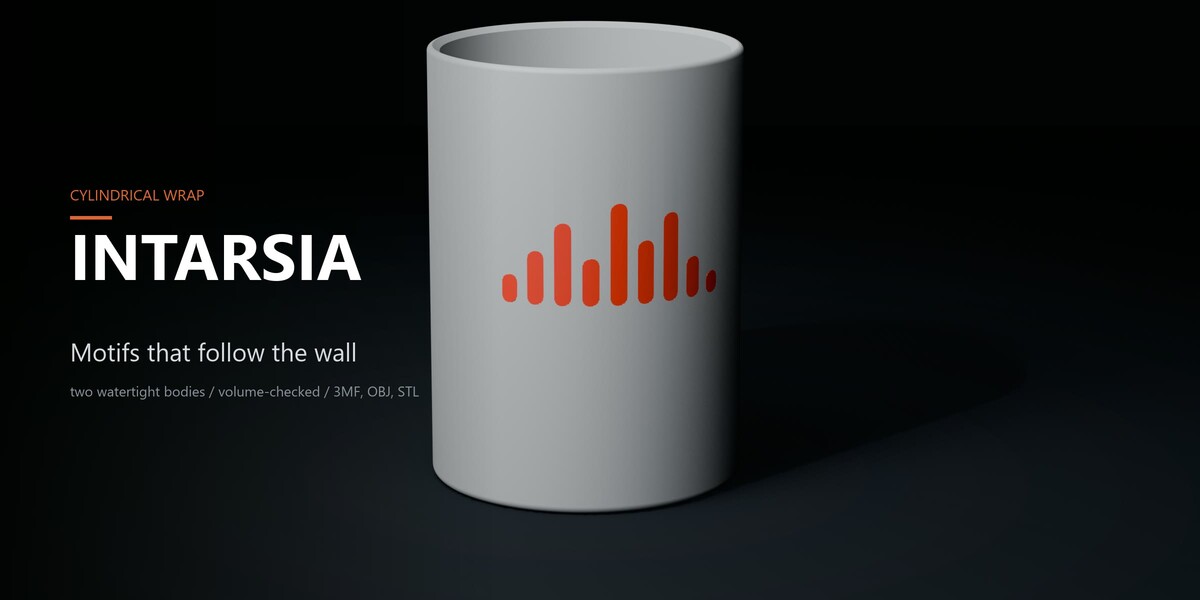
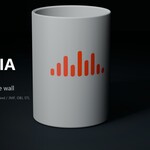
Cylindrical · tumbler Ø70 mm · SVG motif · 0.6 mm depth · inlay volume: 239.9 mm³ · watertight. Set the center axis; radius reads automatically from the target body at 0.00. | |
 Cylindrical projection maps the motif along the wall perimeter, preserving aspect ratio instead of distorting toward the silhouette edges.
Flush cuts or raised geometry

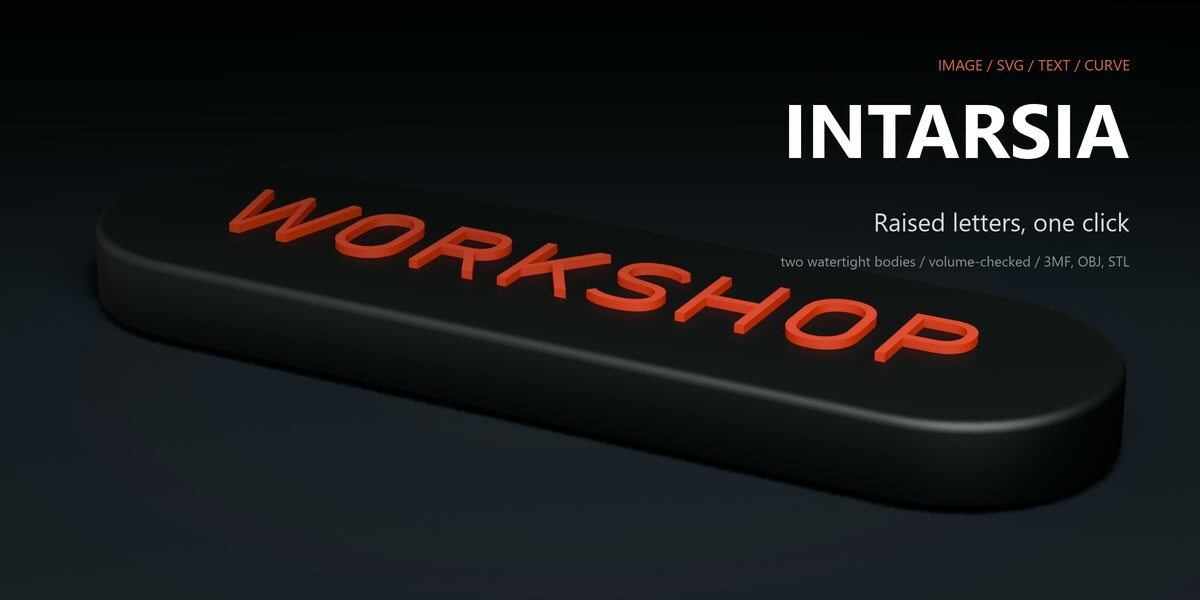
Recessed cuts down into a pocket. Raised builds the motif outward as a separate, mated body with its own color assignment — same tolerances, same verified watertight pair.
Wall draft (0–10°) adds draft angle so secondary parts (like CNC-milled, cast resin, or separately printed inserts) slide in without binding on friction fits. For single-print multi-material jobs, leave draft at 0; the parts are already mated to fit.
On this specific plate, 3° was entered. The add-on flagged the limit: “Taper reduced from 3° to 0.7° — finer would fold over the motif’s details.” It clamps the geometry safely and logs the change instead of generating self-intersecting loops.
Top-edge chamfers match automatically
Edge breaking is applied to both the inlay lip and the pocket perimeter simultaneously, keeping the combined external volume identical to the original part.
 Set segments to 1 for a flat chamfer or higher for a rounded fillet. Maxes out at 90 % of total depth. Runs as a distinct post-step after Create Inlay, meaning turning it off speeds up viewport iteration by about 4x.
Four steps to sliced files
Source-specific controls appear under the motif selection; Depth & Style sits right above Create Inlay. The lower panels (Advanced, Fine Placement, Colors & Printer, Preview/Repair/Versions) can stay collapsed unless needed. Ships in English by default. Full German UI localization included (Preferences → Interface → Translation). |  |
Direct error logging
Mesh validation isn’t optional, and warnings aren’t generic placeholders. The log entries below are taken verbatim from the runs pictured:
coaster · depth 0.3 mm 1 motif · inlay 358.7 mm³ · watertight Depth 0.3 mm is not a multiple of the layer height 0.2 mm (1.50 layers) - tip: 0.40 mm.name plate · raised, taper 3° 1 motif · inlay 274.3 mm³ · watertight Taper reduced from 3deg to 0.7deg - finer would fold over the motif's details.jar lid · conformal, full surface 1 motif · inlay 88.7 mm³ · watertight Flat Bottom ignored - Full Surface keeps the set depth on slopes, which a flat pocket floor cannot follow.jar lid · first attempt, motif too wide for the dome Motif volume much smaller than expected - the motif may extend beyond the edge of the target surface.
| Manifold validation Both bodies run through automated mesh integrity checks. Any defect is reported directly rather than patched behind the scenes. | Volume conservation A deviation above 0.5 % fails the process and discards the run. |
| Layer & nozzle checks Warns if cut depth does not align to the slicer layer height or if features fall below standard extrusion widths. | Boundary warnings Catches motifs that would punch through opposing walls or spill over edge boundaries before committing the boolean. |
Feature Overview
Supported inputs
- Raster Image: PNG/JPG parsed via thresholding or alpha channels. Handles inner cutouts and separate islands without merging bugs.
- SVG: Uses filled vector paths. Outlines should be exported as closed filled rings rather than stroked lines.
- Text: Direct input field, supports installed fonts and curve-follow paths.
- Blender Objects: Any curve, text object, or mesh already in the scene.
- Line Filter: Cleans up stray vector outlines, keeping only closed fill regions (useful for clip art imports).
- Curve Smoothing: Resolves stair-stepped pixels on bitmap edges while preserving intentional sharp corners.
Placement
- Place on Model: Surface-click snapping with automatic surface normal alignment.
- Apply True Size: Pulls physical dimensions from vector metadata or image DPI (e.g., a 20 mm logo from Illustrator imports at exactly 20 mm).
- Sizing in mm, aspect ratio locks, free rotation, and X/Y mirroring.
- Manual Transform: Direct numerical inputs for location and rotation coordinates.
- Multi-Inlay: Manage multiple distinct motifs on a single object simultaneously (e.g., front-face graphic and rear serial text).
- Live Preview: Real-time modifier stack evaluation for fast viewport feedback. Toggles between Exact and Fast solvers.
Non-destructive workflow
- All operations execute on duplicate geometry. The base mesh is relocated to an
Inlay Sourcecollection and hidden. - Runs produce version-tracked collections (
Inlay Result v001,v002, etc.) with stored parameter data. - Mesh backup data includes a protected user link to prevent data loss even if the object is accidentally deleted.
- Restore Original: One-click fallback; current results are hidden rather than wiped.
- Repair Base: Merges coincident vertices, cleans zero-area degenerate geometry, patches non-manifold holes, and re-orients normals on a working copy with full log output. Untouched if the mesh is already clean.
Export
-
3MF: Single multi-body file, named components (
base,inlay_<name>), mm scale, and per-part color metadata. - STL: Discrete files per body sharing an identical coordinate origin; opens aligned in slicers without manual repositioning.
- Print Presets: Defaults configured for 0.4 mm nozzle / 0.2 mm layer height, 0.2/0.1 mm, 0.6/0.3 mm, or custom definitions.
- Post-Export Triggers: Open destination directory, finish silently, or pass directly to the slicer executable.
- Sticky Defaults: Save hardware profiles in Preferences to load on new files automatically.
Slicer Setup
- Export as 3MF.
- Open in Bambu Studio, PrusaSlicer, or OrcaSlicer (loads automatically as a single object split into parts).
- Map filament slots or AMS/MMU channels to each body.
- Slice. Alignment is handled by shared world origin coordinates.
Specifications
| Version | 2.75.8 |
| Blender Support | 4.5 LTS, 5.0, 5.1, 5.2 LTS (single universal package, no version-specific downloads) |
| Installation | Drag and drop the .zip directly into Blender. In-place updates do not require an application restart. |
| Interface | N-panel (3D Viewport). English native UI with complete German translation. |
| Export Formats | 3MF (multi-part, per-body colors), STL (individual files with shared origins). |
| Test Suite | 105 automated headless unit tests + 113 operator tests; fully passing across all supported versions. |
| License | GPL-3.0-or-later |
Reference Test Parts
| Part | Mode | Motif | Depth | Reported Data |
|---|---|---|---|---|
| Coaster 90 mm | Automatic | SVG | 0.8 mm | 956.4 mm³ · watertight |
| Tumbler Ø70 × 98 mm | Cylindrical, radius estimated | SVG | 0.6 mm | 239.9 mm³ · watertight |
| Jar lid 76 mm | Conformal, full surface | Text | 0.6 mm | 88.7 mm³ · watertight |
| Name plate 124 mm | Raised, taper clamped to 0.7° | Text | 1.0 mm | 274.3 mm³ · watertight |
FAQ
Can’t I just do this with Blender’s stock boolean modifier?
The boolean difference is trivial. What Intarsia actually handles is the shell geometry calculation that maintains uniform wall depth across non-planar faces, path nesting for inner holes and floating islands, taper limit clamping, dual-body edge chamfers, and the volumetric checksum verifying that the cut and inlay equal the original mass.
What if my base mesh isn’t manifold?
Repair Base duplicates the object and runs vertex welding, degenerate face cleanup, hole closing, and normal recalculation, returning an inspection report. Manifold meshes are left completely untouched.
Why did the motif cut in the wrong spot relative to where I clicked?
Intarsia calculates against base geometry data. If unapplied modifiers like Subdivision Surface, Bevel, or Mirror are active, the surface you click in the viewport does not match the underlying mesh data. Apply structural modifiers first; the tool will flag this if detected.
Does it support multiple separate inlays on one part?
Yes. Each motif maintains separate source files, dimensions, and depth parameters. Exporting produces n+1 discrete named bodies.
Does this work if my scene units are set to meters?
Yes. Dimensions are calculated in internal Blender units and converted at the boundary. A component measuring 110 mm in the UI behaves identically whether your scene units are set to millimeters or meters.
Why is Blender 4.5 the minimum requirement instead of 4.2?
Blender 4.2 lacks the updated MANIFOLD boolean solver. The guarantee that base ∪ inlay ≡ original relies on this solver; under 4.2’s EXACT boolean solver, five test-suite cases fail, including three boundary leaks. Support begins at 4.5 where the required solver architecture was introduced.
All parts shown were created for documentation purposes using standard add-on operator calls on un-retouched geometry. Reported volumes, log strings, and status messages are direct tool outputs. Rendered in Blender EEVEE using neutral studio lighting without post-processing.
AI disclosure. This add-on was developed with the help of AI coding assistants. The architecture, the geometry approach, and every released change were decided, reviewed, and tested by me before shipping; the automated test suite (105 headless tests plus 113 operator tests) runs against all four supported Blender versions on every release.
