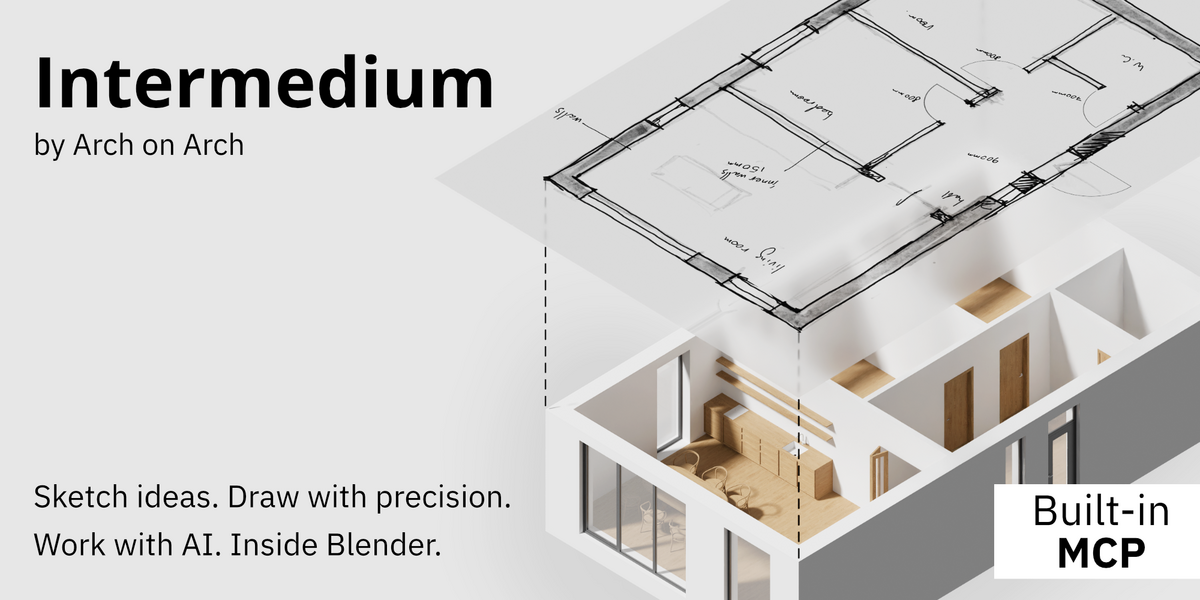
Intermedium — Design by Drawing, Build With AI in Blender
 Arch on Arch
Can I use Intermedium without an AI assistant?
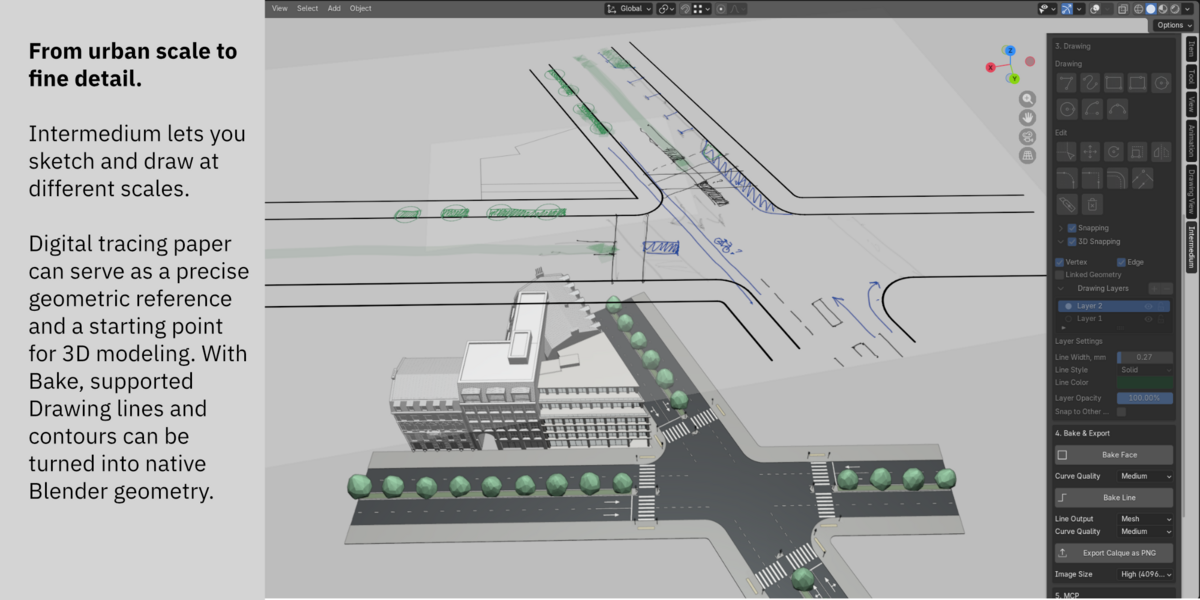
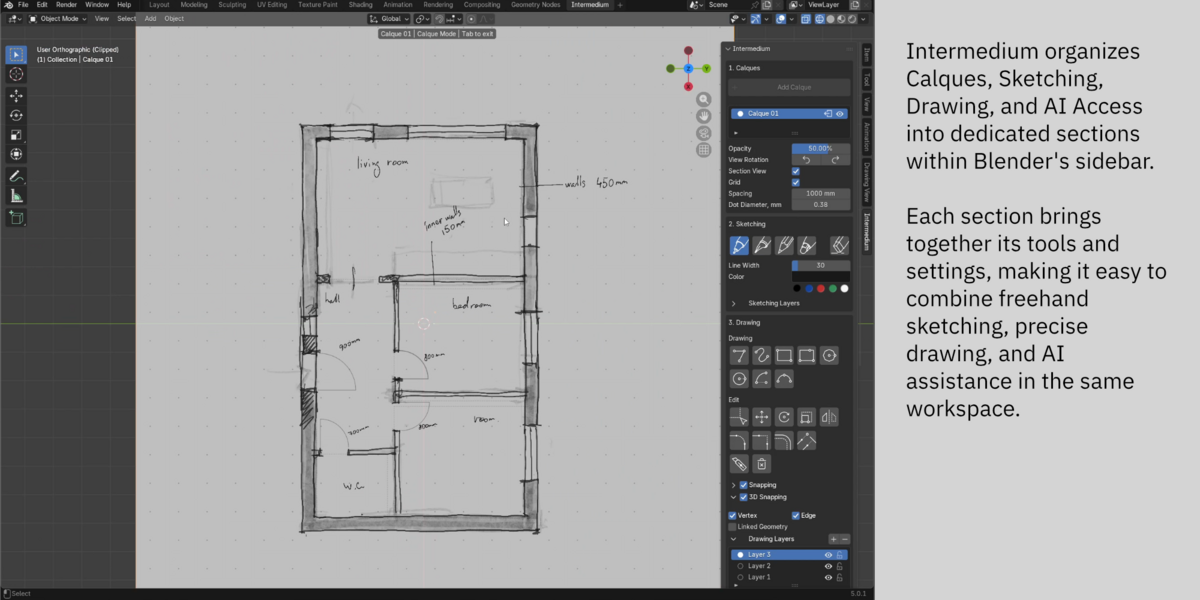
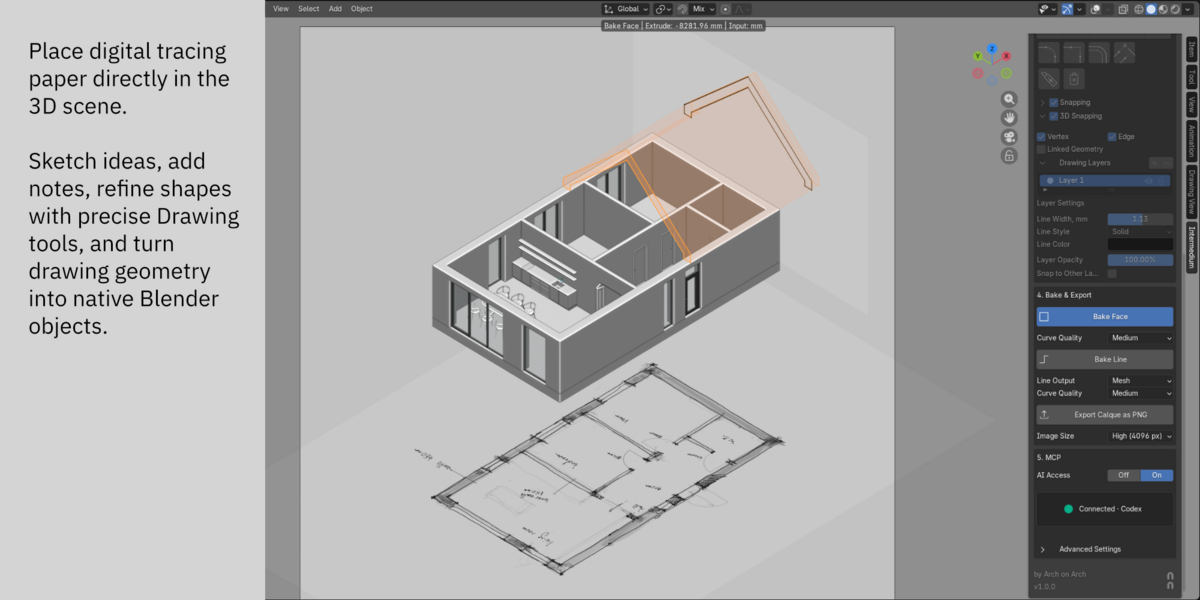
Yes. Sketching, Drawing, and Bake work independently of AI. You can develop ideas, create precise drawings, and turn supported drawing geometry into native Blender objects using Intermedium's tools.
Does Intermedium include an AI model?
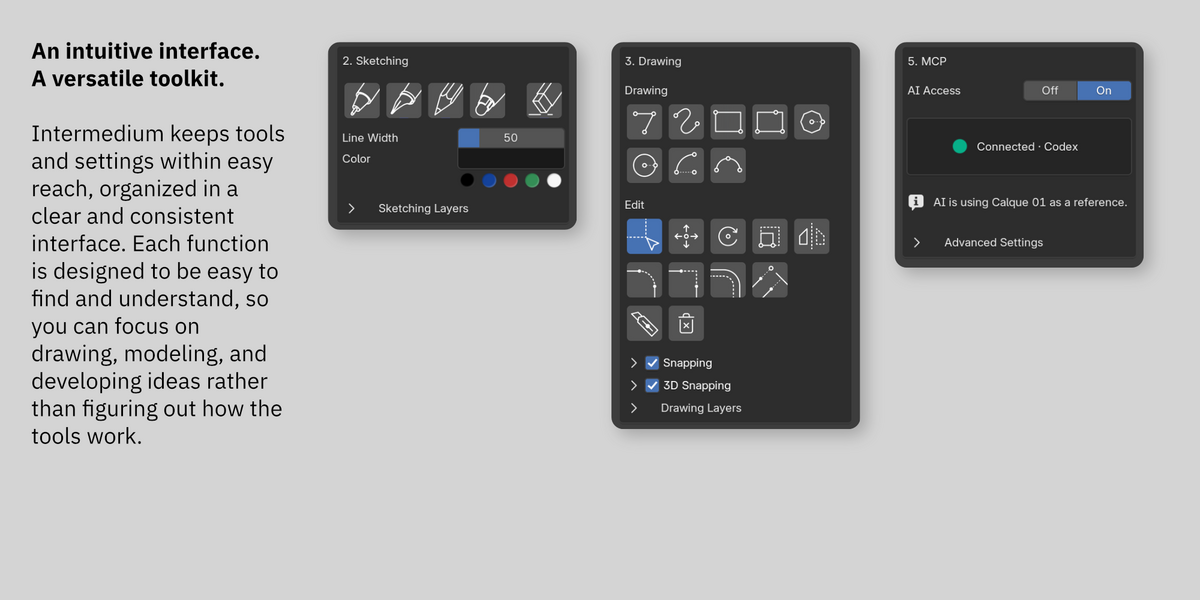
No. Intermedium includes built-in MCP integration that allows compatible external AI assistants to interact with Blender. The AI service and any associated usage costs are separate from Intermedium.
Which AI assistants can I use with Intermedium?
Codex and Claude Code have been tested and are recommended for use with Intermedium. Other MCP-compatible AI clients may work, but their compatibility has not yet been verified.
Can I turn drawings into Blender geometry?
Yes. Bake Face creates native Blender faces from supported closed Drawing contours, with the option to extrude them into 3D forms. Bake Line converts supported drawing lines into Mesh or Curve objects. The original Drawing is preserved.
Is Intermedium only for architectural design?
No. Intermedium's Sketching, Drawing, and AI tools can be used for different kinds of design and modeling in Blender. While some built-in AI guidance covers architectural elements, the tools themselves are not limited to architecture.
Can Calques be included in Blender renders?
No. Calques are auxiliary drawing planes and do not appear in renders. However, you can export their Sketching and Drawing content as a PNG image and use it in your rendering workflow.
Can sketches and drawings on a Calque be animated?
No. Sketching strokes and Drawing elements on a Calque do not support animation.
 Included
Includes 12 months of
- Support from Arch on Arch
- Product updates
Extend this product’s Support Period +12 months: 50% of product price
Have questions before purchasing?
Login to message
| Blender Extension Compatible | Yes |
| Published | 1 day ago |
| Blender Version | 5.0 - 5.2 |
| Extension Type | Add-on |
| License | GPL |
Discover more products like this
3d modeling drawing tracing paper precision drawing sketching cad Design Workflow 3D sketching Geometry concept-design AI agents MCP