Iridescence
 Egret Studios LLC
How can I improve shader performance?
Use Fast quality while working in the viewport. You can also enable the Spectral LUT, which replaces part of the spectral colour calculation with a small lookup texture and can reduce node count by approximately 30%.
How performance-intensive is Iridescence?
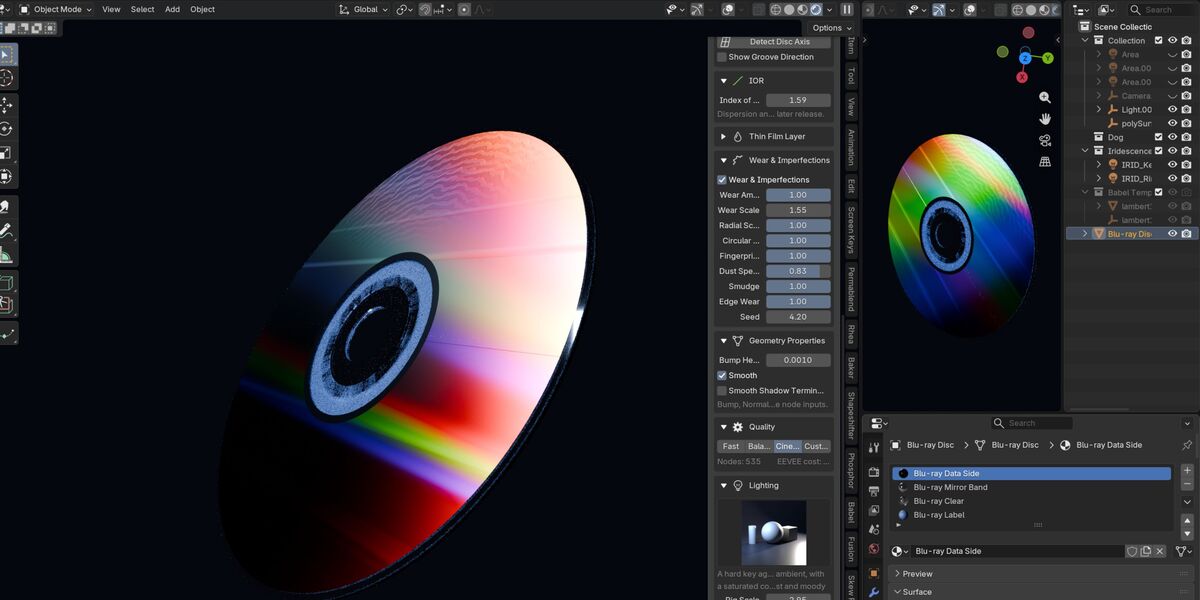
There are several quality levels designed for different workloads. Fast uses roughly 90 nodes, Balanced around 220, and Cinematic around 480. The panel also provides a live node count and EEVEE cost indicator.
Can I create scratched or used-looking discs?
Yes. Enable Wear & Imperfections to add procedural scratches, scuffs, fingerprints, dust, smudges, and edge wear. These effects follow the groove orientation and include surface relief.
Does moving a light affect the diffraction?
Yes. Diffraction is dependent on the relationship between the surface, light, and viewer. Iridescence lighting rigs can drive the material's Light Vector Override, allowing the diffraction response to follow the key light.
Will scaling my object change the diffraction?
No. Groove pitch is represented in physical micrometres and the groove frame is scale-independent, allowing the material to maintain its optical behaviour when the object is scaled.
How can I check whether the grooves are oriented correctly?
Enable Show Groove Direction under Orientation. It displays the actual groove direction directly over your object in the viewport. On an optical disc, the grooves should appear as concentric circles.
Can I add my own artwork to the disc label?
Yes. The label uses a regular Principled material, and the generated disc already includes radial UVs. You can connect your own image texture to the label material's Base Color.
Why does the generated disc use four materials?
Because a real optical disc consists of visually different surfaces. Iridescence separates the diffracting data side, smooth mirror band, clear polycarbonate hub and rim, and printed label into four material slots for a more realistic result.
Why isn’t Thin Film producing any colour?
Make sure Film IOR and Index of Refraction are not identical. Thin-film interference requires reflections from both boundaries of the film. If their refractive indices match, the second reflection disappears and the interference effect becomes invisible.
Why do the iridescent colours look washed out?
A bright, evenly lit environment can reduce the visibility of diffraction by averaging the spectrum toward grey. Try using Dim World with the included lighting rigs.
Blender's AgX view transform can also reduce the saturation of very pure spectral colours. Try Standard under Color Management if you want a more vivid result.
Why am I only seeing a thin band of colour?
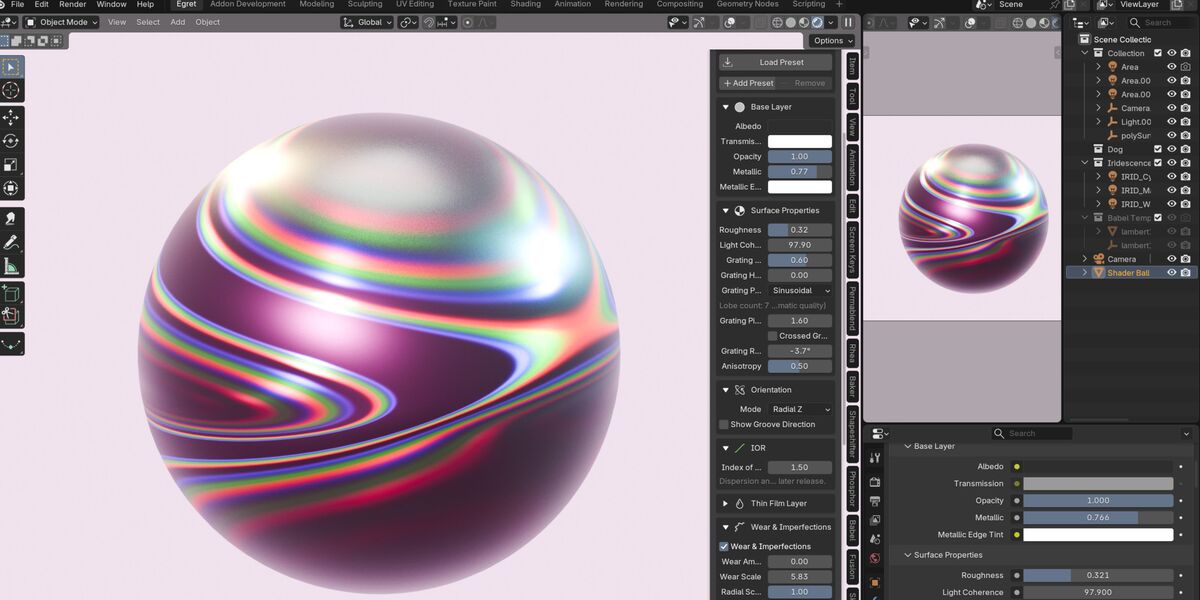
Increase Grating Height. This controls how much energy is distributed into higher diffraction orders. At very low values, only a narrow diffraction band may be visible. Optical media presets already use appropriate physical values.
Does my object need UVs?
Not normally. UVs are only required when using the UV orientation mode or when baking textures. Other orientation modes work without UV unwrapping.
Will Iridescence overwrite my existing materials?
No. If your active material is not already an Iridescence material, the extension creates a new material in a new material slot. Your existing material remains untouched.
What’s the quickest way to get started?
Open the 3D View sidebar with N, select the Iridescence tab, then choose Create → Optical Disc — CD. Under Lighting, select Strip Sweep and click Build Light Rig. Switch to Rendered view and orbit around the disc to see the diffraction sweep across its surface.
Why does my Iridescence material appear black?
Diffraction depends heavily on reflected light. In a scene without suitable lighting, the material can appear nearly black.
Open the Lighting section and build one of the included lighting rigs. Strip Sweep is a great starting point for clearly seeing the diffraction effect.
Can Iridescence be used for materials other than CDs?
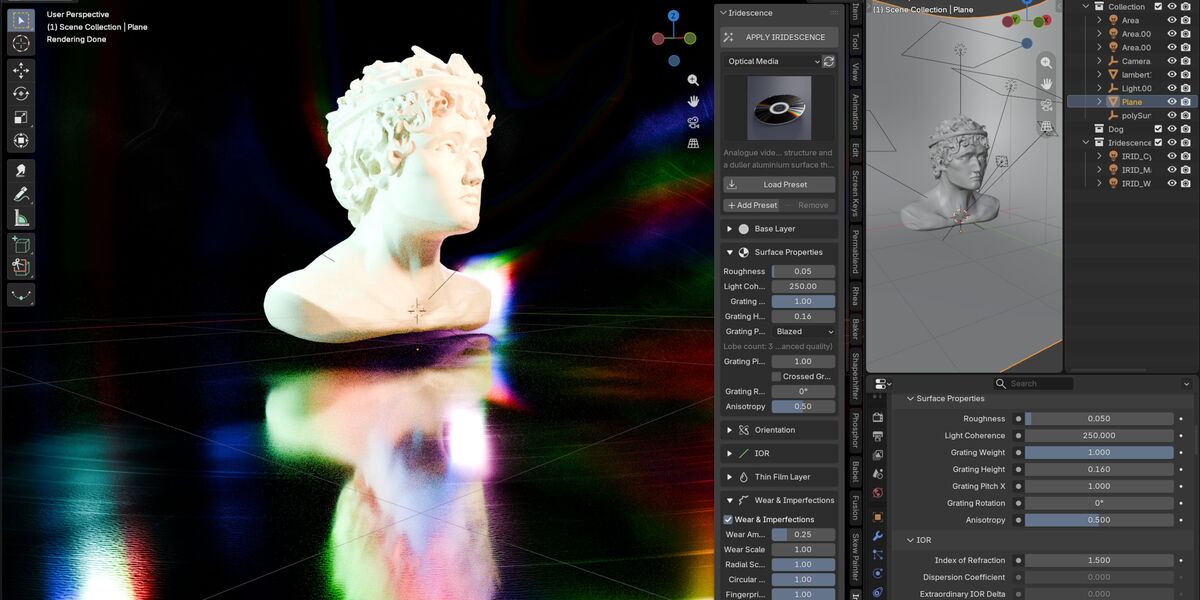
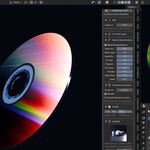
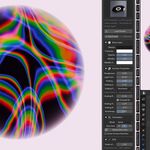
Absolutely. Iridescence includes 33 presets covering optical media, films and foils, liquids, natural materials, metals, and stylised effects. CDs are simply one of the clearest examples of physical diffraction.
Does Iridescence work in Workbench?
No. Workbench does not evaluate shader node trees. If Workbench is active, Iridescence can offer a quick switch to EEVEE Next.
Does Iridescence require any external dependencies?
No. Simply install the Blender Extension ZIP and start using it. There are no external Python packages, libraries, or additional dependencies required.
Does Iridescence use OSL?
No. Iridescence does not require OSL. This allows the materials to work with GPU rendering in Cycles as well as EEVEE Next.
Does Iridescence work with both Cycles and EEVEE?
Yes. Iridescence supports Cycles CPU, Cycles GPU, and EEVEE Next. The system is built entirely with Blender's standard shader nodes.
How is Iridescence different from a Color Ramp shader?
A Color Ramp creates a visually controlled rainbow but does not reproduce how diffraction behaves physically. Iridescence calculates the grating equation at each shading point, allowing colours to shift and sweep naturally as the camera moves. Groove direction and physical track pitch also affect the result, meaning a CD and DVD produce genuinely different diffraction patterns.
What is Iridescence?
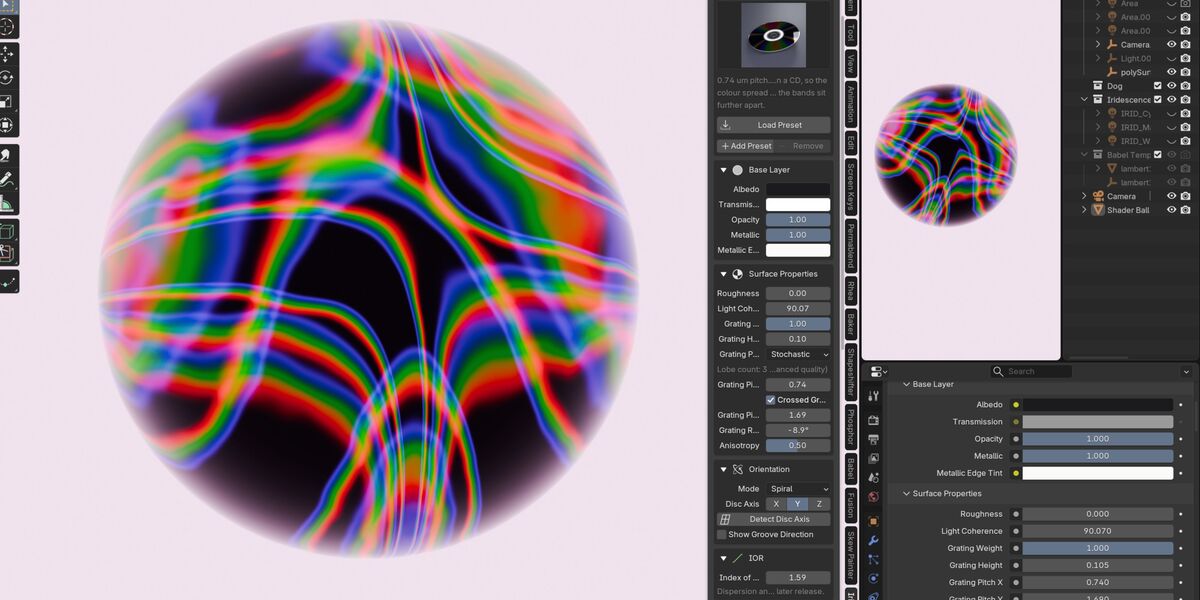
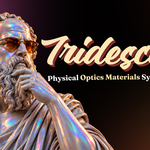
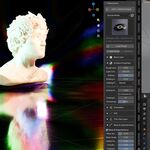
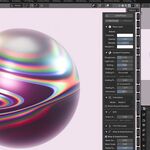
Iridescence is a physical optics material system for Blender that creates realistic structural colour effects such as CD diffraction, holographic foil, soap bubbles, oil slicks, beetle shells, and anodized metals. Instead of using a simple colour ramp, it calculates diffraction and thin-film interference using physical properties such as groove pitch, wavelength, film thickness, and refractive index.
$24.99$17.49
 Included
Includes 12 months of
- Support from Egret Studios LLC
- Product updates
Extend this product’s Support Period +12 months: 50% of product price
Have questions before purchasing?
Login to message
| Blender Extension Compatible | Yes |
| Published | 13 days ago |
| Blender Version | 4.2 - 5.2 |
| Extension Type | Add-on |
| Render Engine Used | Cycles, Eevee |
| License | GPL |

Discover more products like this
Geonodes diffraction spectral iridescence optical materials procedural materials procedural shader cd thin film Cycles physically based