 Blender Procedural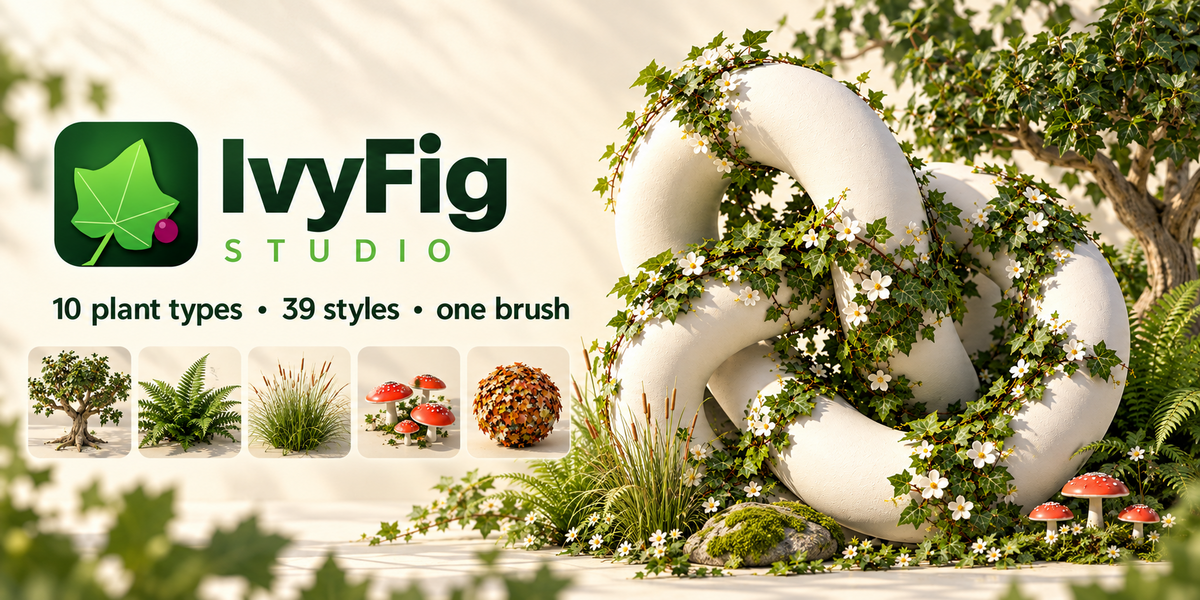


IVYFIG STUDIO
Paint vegetation.
Watch it grow. 🌿
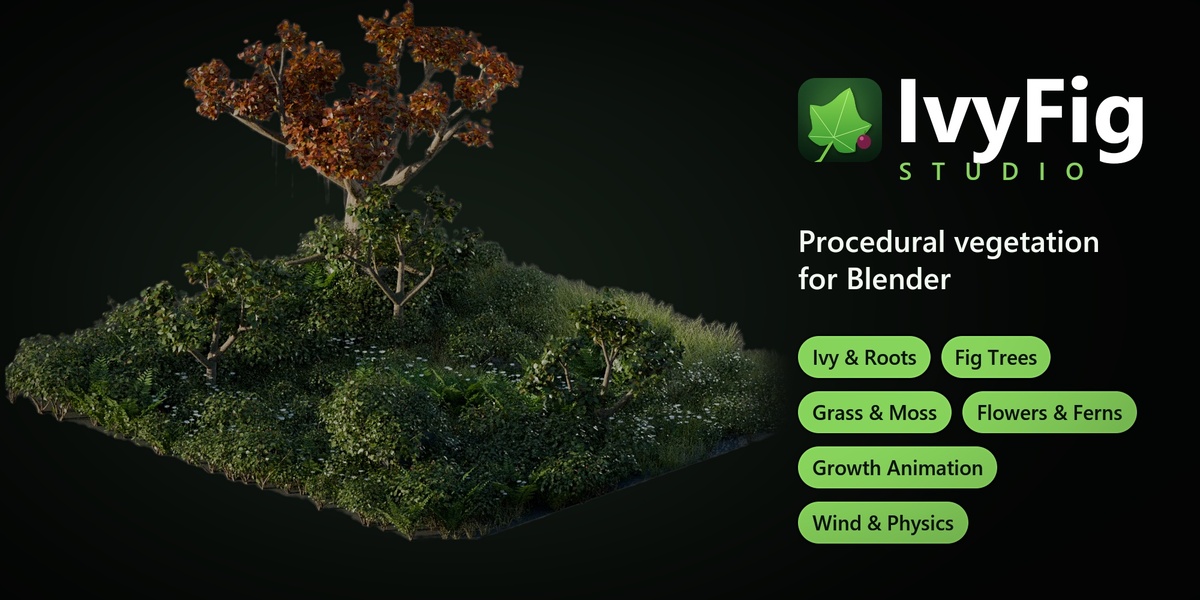
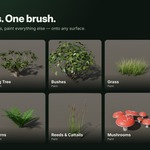
Drag across any object and ivy creeps along your stroke, branches, climbs and wraps around corners. Click to plant a procedural fig tree. Paint grass, moss, flowers, ferns, reeds, bushes and mushrooms. Every plant really grows, with tips that travel, shoots that bend into shape and leaves that unfold. It's not a scale-up.
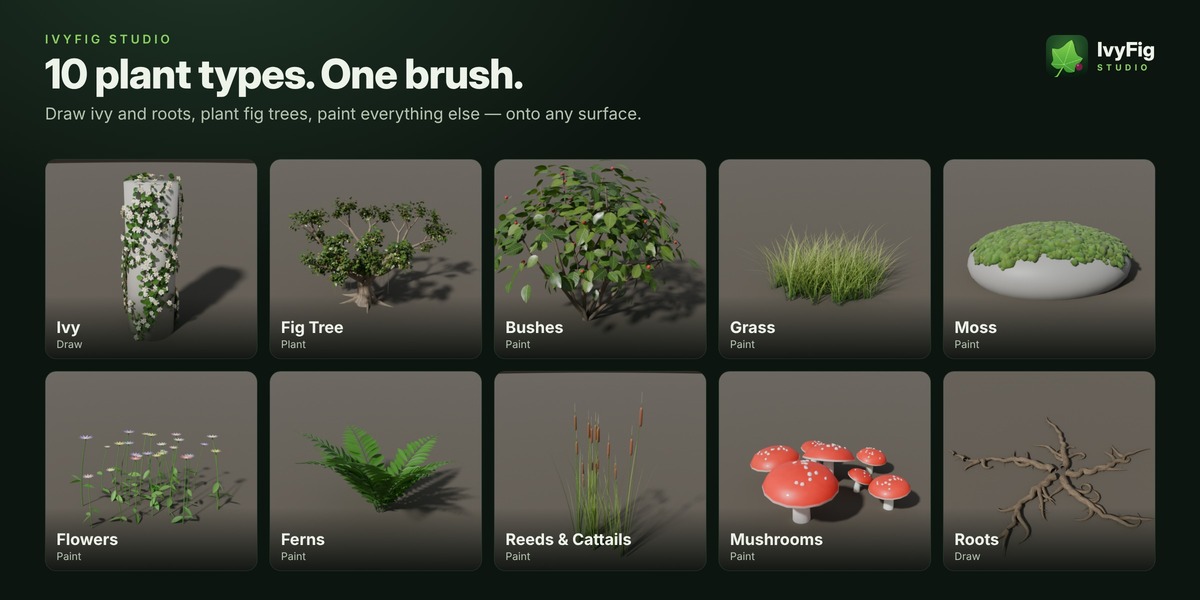
🌱 10 plant types, one workflow
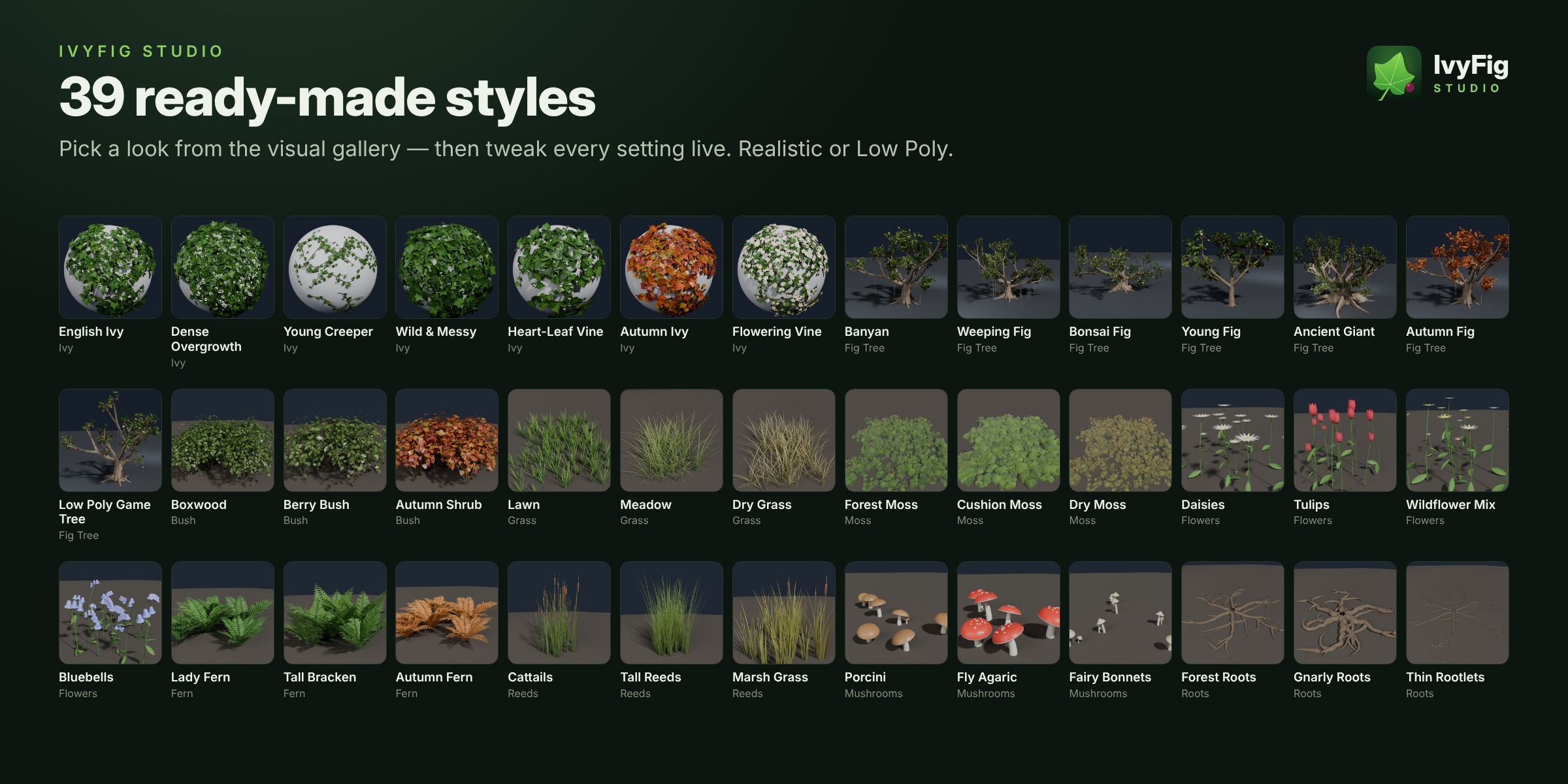
Pick a type and a style, then draw, plant or paint.
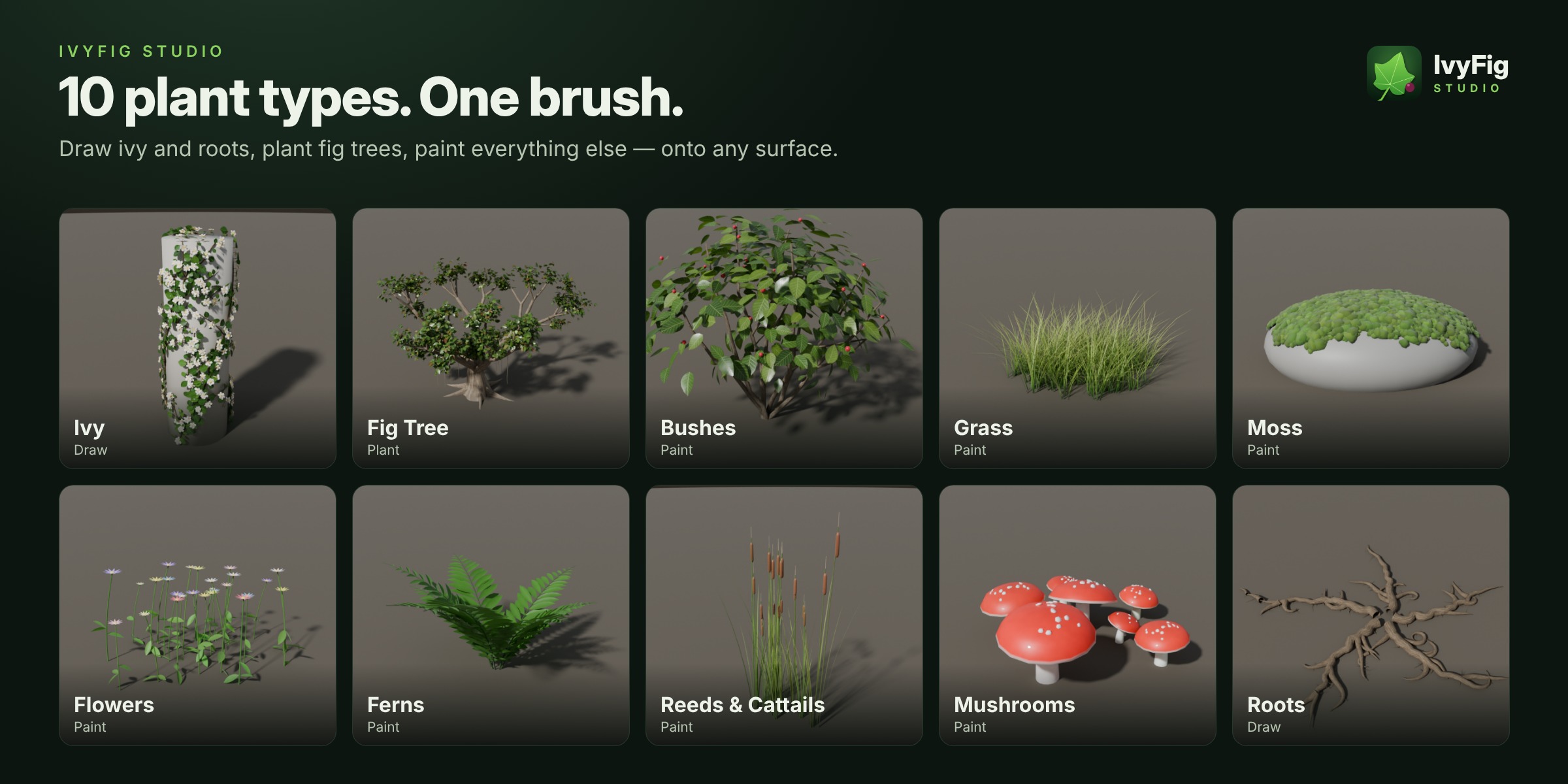
|
✏️
Draw
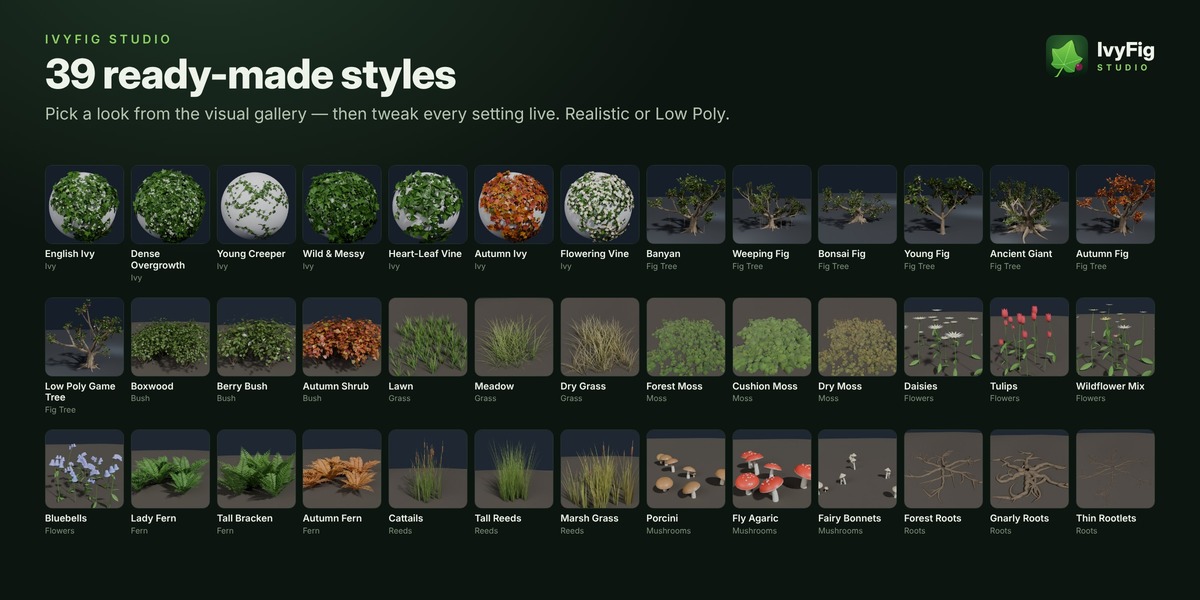
Ivy that climbs, branches, flowers and hangs over edges. Roots with gnarls and rootlets.
|
🌳
Plant
Fig trees: banyan, weeping, bonsai, ancient, young, autumn and low poly.
|
🖌️
Paint
Grass, Moss, Flowers (daisy, tulip, bluebell, wildflower mix), Ferns, Reeds, Bushes and Mushrooms.
|
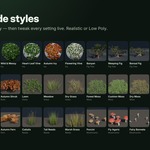
🎨 39 ready-made styles in a visual gallery · Realistic and Low Poly looks · procedural materials · one hue slider from fresh green to autumn.
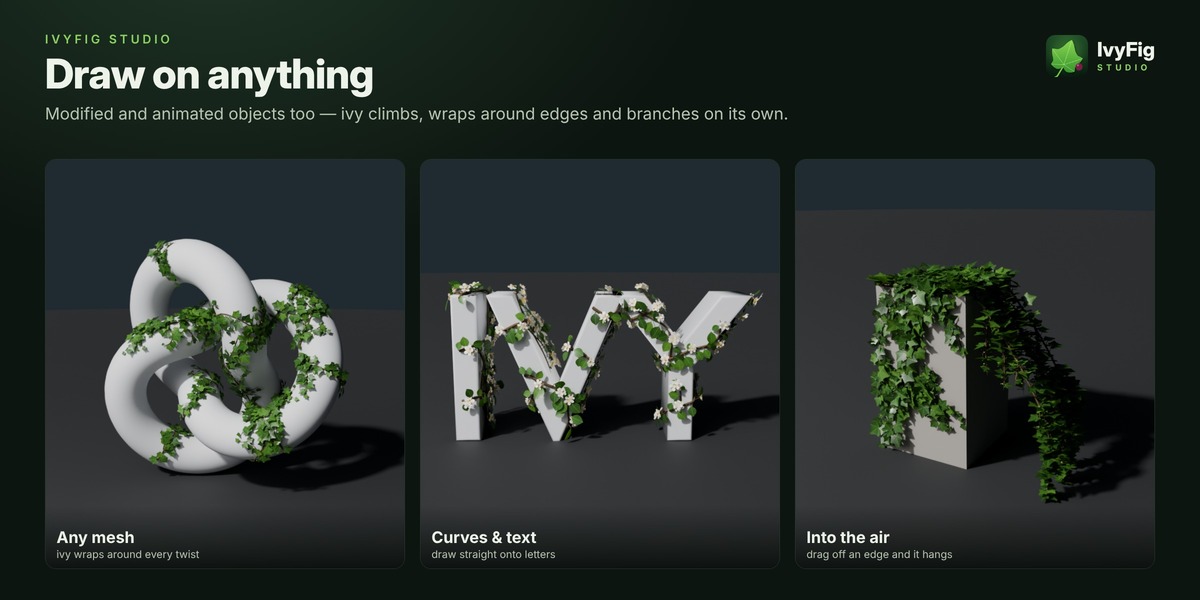
✏️ Draw on anything
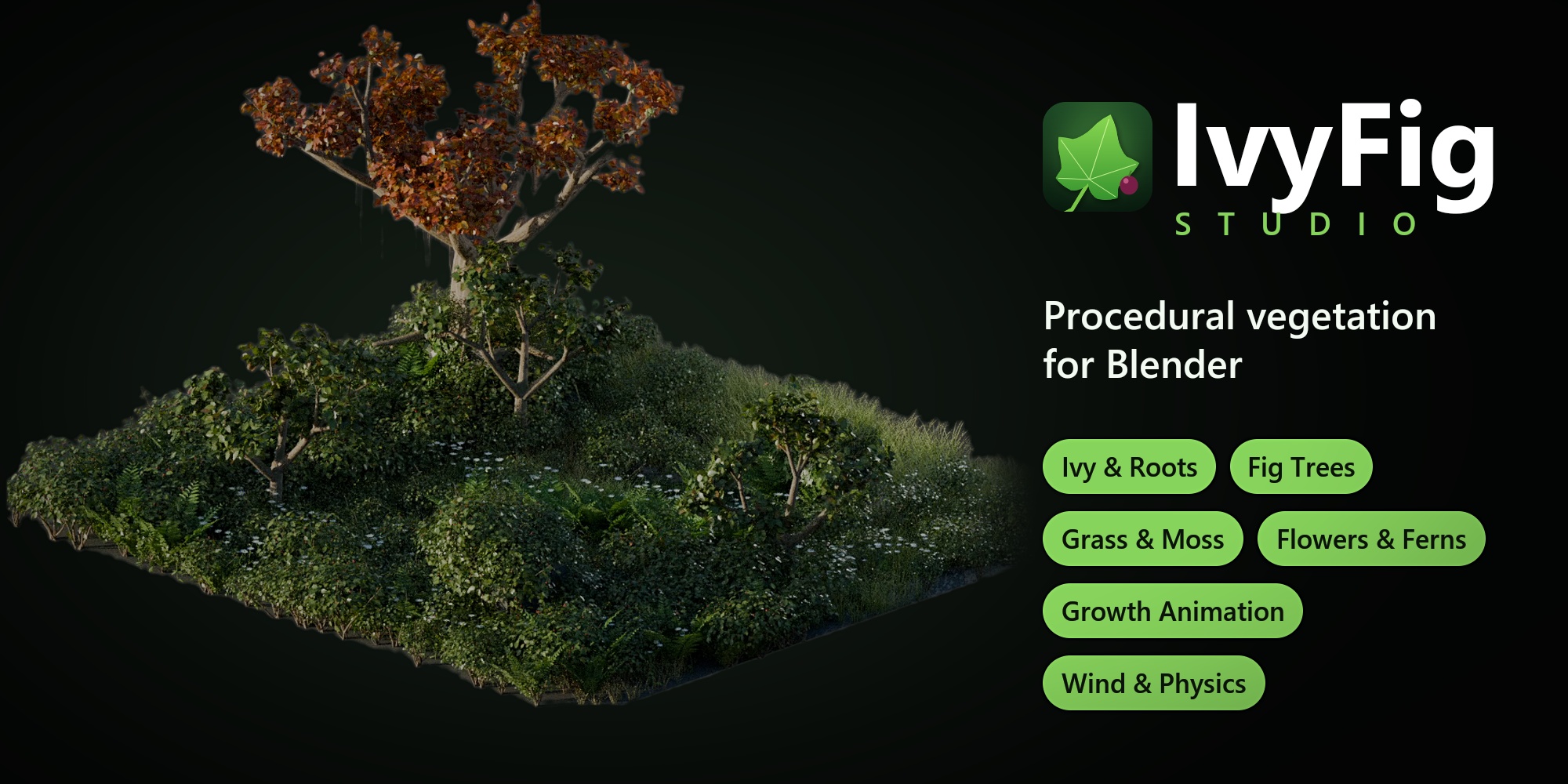
Any visible mesh, curve or text, including modified and animated objects.
- Ivy follows the real surface, wraps around edges and climbs upwards.
- Draw in the air: drag off an edge and the ivy keeps going, sagging under its own weight.
- Brush size with Ctrl + wheel, R or [ ], remembered per plant type.
- F paints ivy into bloom or ripens figs, Shift erases and Ctrl + Z undoes a stroke.
- Overpainting keeps the density even and never reshuffles existing plants.
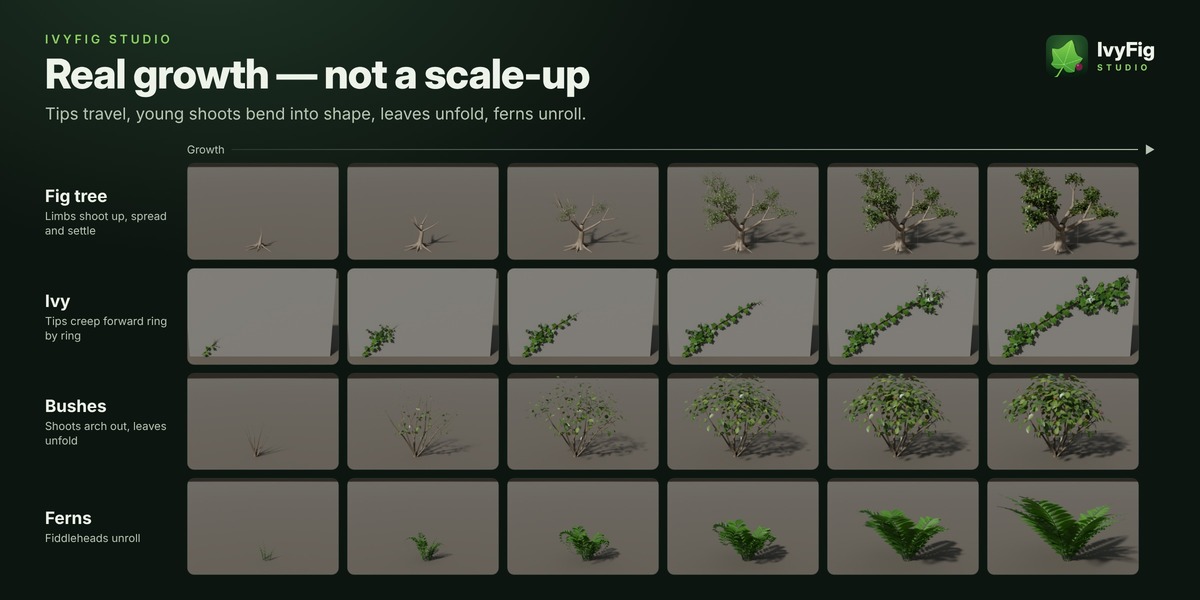
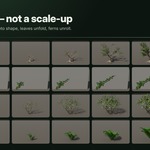
🌳 Real growth, not a scale-up
Every plant grows the way the real one does.
- Stems, branches, roots and blades grow at the tip and thicken behind it.
- Young shoots bend into shape once they are long enough, with adjustable springiness.
- Leaves fold out and petals open. Ferns unroll their fiddleheads and mushrooms push out as buttons, and moss spreads and swells.
- Replay it in the viewport, or keyframe it with one click for renders.
🌀 Spring physics & wind
- Move or rotate a tree (or its parent) and the crown lags behind, whips around and springs back.
- Tilted trees sag under their weight and gusts push the crown. Shake Test shows it in one click, and Simulate for Render gets it ready for final renders.
- Wind with leaf flutter: rolling gusts through fields and canopies, a few milliseconds per frame.
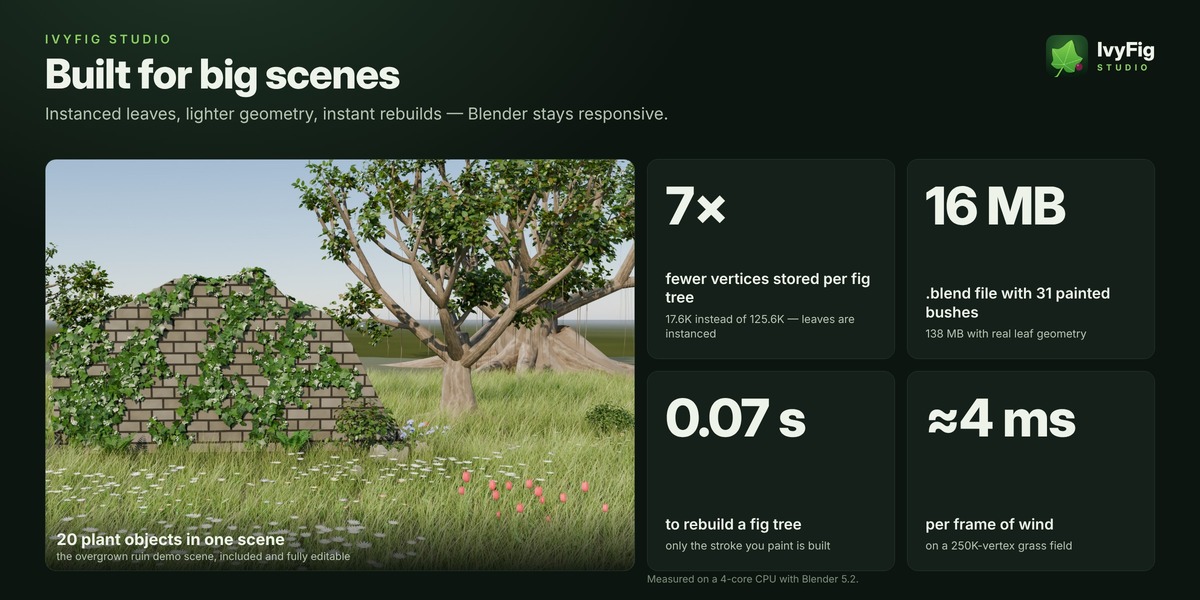
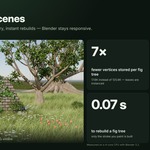
⚡ Built for big scenes
Measured on a 4-core CPU with Blender 5.2.
|
7×
fewer vertices per fig tree than real leaf geometry
|
5–8×
smaller .blend files
|
0.07 s
to rebuild a fig tree
|
≈4 ms
wind per frame on a 250K-vertex grass field
|
- Instanced leaves: leaves, fruits and berries are stored once and instanced.
- Viewport Leaves: show only a share of the leaves while you work. Renders always get all of them.
- Only the stroke you just painted is built. Heavy plants update smoothly while you drag a slider.
- Safe by design: undo and redo stay in sync, nothing rebuilds in Sculpt or Edit mode, and your own materials are never overwritten.
🎮 Ready for production & games
- Convert to Static Mesh bakes the current frame into a regular mesh, instanced leaves included. It can keep wind attributes for engine shaders.
- Real Leaves (for export) makes FBX, glTF and OBJ exports include the leaves while the plant stays editable.
🎁 Everything you need
|
📦 What's included
|
🧩 Requirements
|
🚀 Quick start
1 |
Edit → Preferences → Get Extensions → ⌄ → Install from Disk… and pick ivyfig_studio-1.4.0.zip without unzipping it. You can also drag the zip onto Blender's window. |
2 |
Open the sidebar (N) and go to the IvyFig tab. |
3 |
Pick a plant type and a style, click Draw / Paint / Plant, and drag over any object. |
❓ FAQ
Does it work with my own models?
Yes, on any visible mesh, curve or text object.
Can I use my own materials?
Yes. Put your material in a slot, or duplicate an IvyFig material and edit the copy.
Is it heavy?
No. Leaves are instanced, only new strokes are built, and wind costs a few milliseconds per frame.
EEVEE or Cycles?
Both.
Can I export to Unity, Unreal or Godot?
Yes. Use Convert to Static Mesh or Real Leaves, then export to FBX or glTF.
Does the physics render?
Yes. Press Simulate for Render before rendering an animation.
“Archive has no manifest” when installing?
Install ivyfig_studio-1.4.0.zip itself, not a folder or bundle that contains it.