 pathnode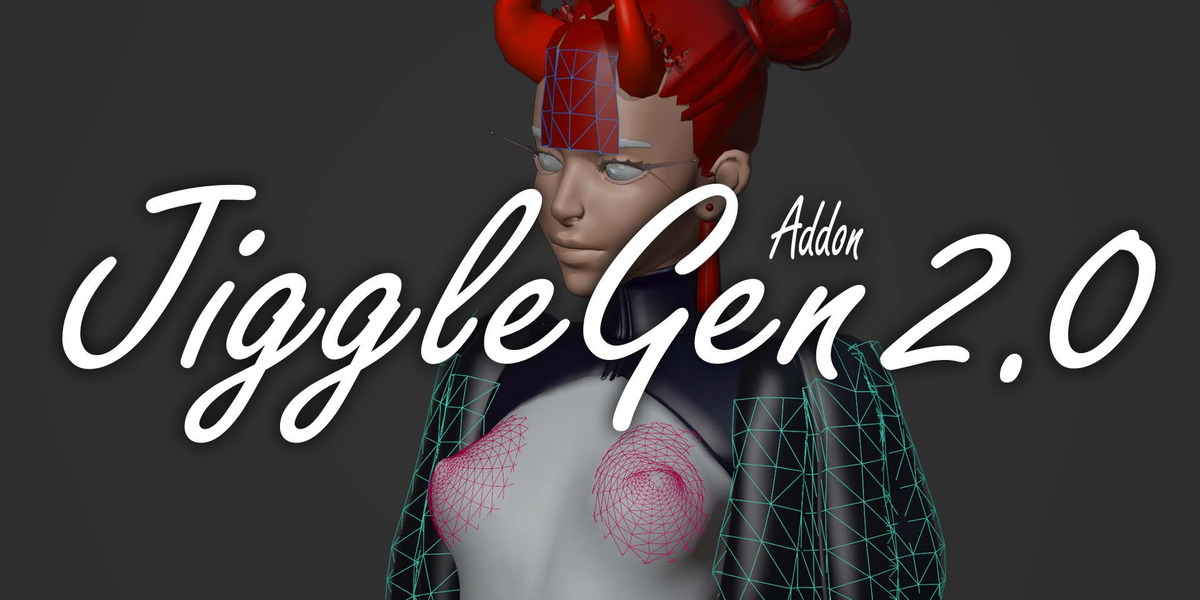


What is JiggleGen?

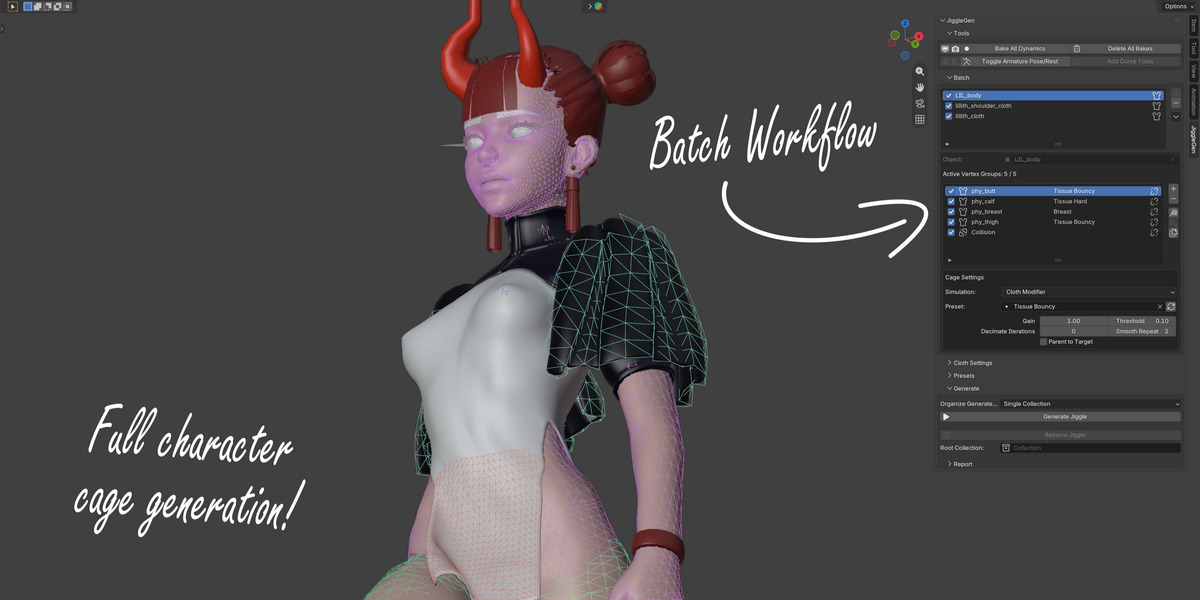
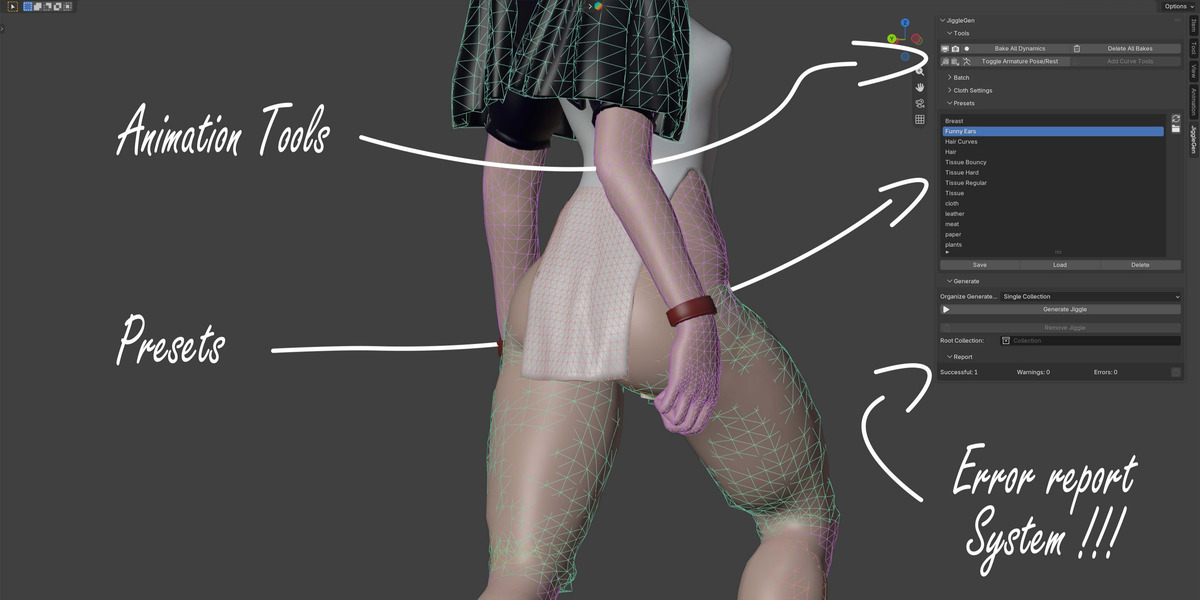
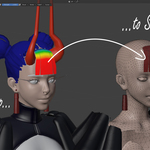
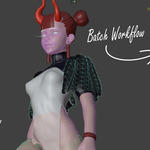
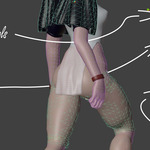
JiggleGen is a Blender add-on that automates the creation of cloth-based proxy meshes for jiggle and tissue simulations. It streamlines the setup process by generating simplified cages driven by vertex groups, making secondary motion effects faster and easier to manage.
Who is JiggleGen for?
JiggleGen is intended for experienced Blender users who are already familiar with the basics of cloth simulation and modifiers such as Surface Deform.
How do I define the area that should jiggle?
You can mask the simulation area using a Vertex Group on the target object. JiggleGen uses this group to decide which parts of the mesh will move.
Will using JiggleGen slow down my system?
JiggleGen uses low-quality cloth modifiers to reduce calculation load. However, performance still depends on your system’s power and the complexity of the generated geometry.
Do I need a specific topology for JiggleGen to work?
Yes. The target object should be low-resolution, one-sided (no thickness), have outward-facing normals, and contain no separate geometry islands.
Is JiggleGen only for characters?
No. While it’s commonly used for character tissue and jiggle effects, you can use JiggleGen for any object where you need simplified secondary motion.
The Cloth simulation explodes.
Pressure is active and propably set up too high. Its also depending on the actual mesh size. Lower Pressure Value or Pressure Scale.
Can I still use Subdivision or other modifiers?
Yes, you can use modifiers like Subdivision on your original mesh. Keep in mind that the ProxyMesh is stripped of modifiers except for the Armature.
$15
Have questions about this product?
Login to message
| Blender Extension Compatible | Yes |
| Sales | 600+ |
| Published | about 1 year ago |
| Blender Version | 3.2 - 5.2 |
| Extension Type | Add-on |
| Render Engine Used | Cycles, Eevee, Freestyle |
| License | GPL |
Discover more products like this
hair 3D Simulation advanced geometry nodes cloth tissue generation 3D rigging