 pathnode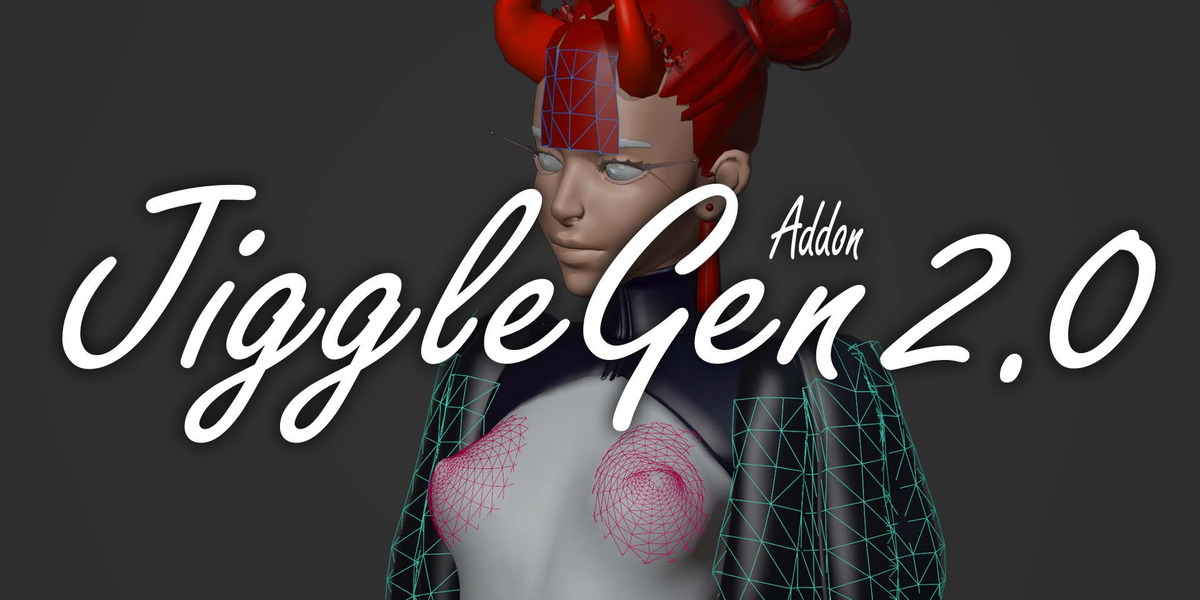


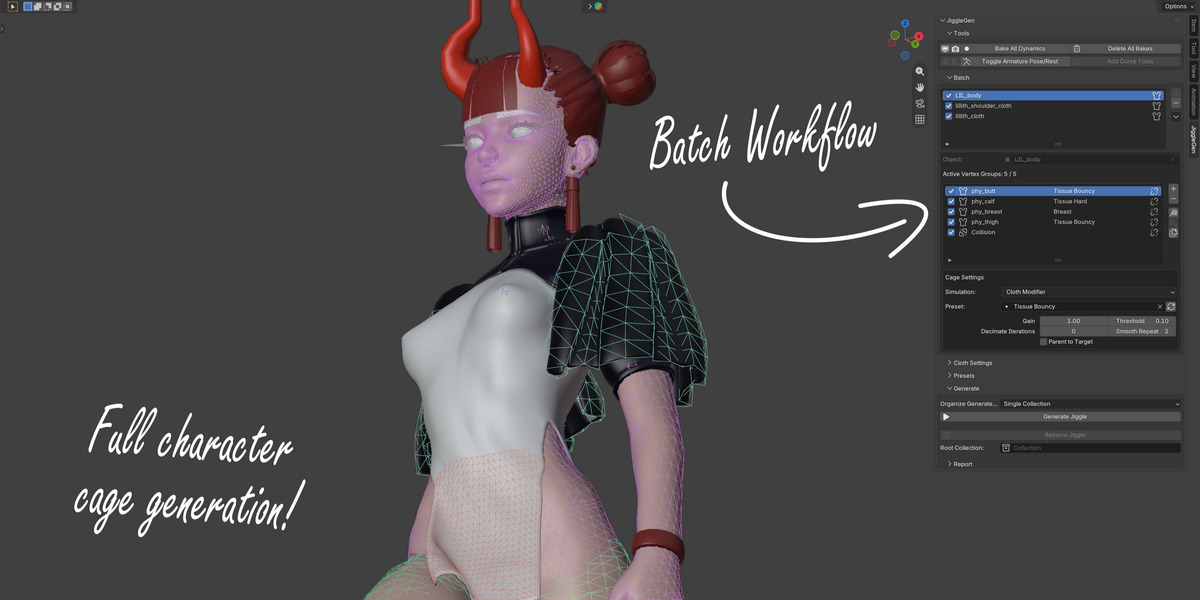

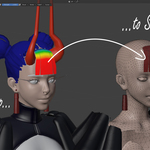
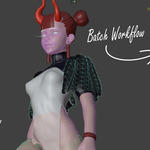
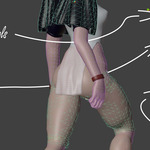
Everything that's changed since JiggleGen 1.1.0. This version is a full rebuild of the add-on's foundations for reliability and long-term maintenance, plus several new workflows. If you're upgrading from 1.1, opening an old file will offer to bring your existing batch setup over automatically (see "Import Legacy Batch" below).
New Features
- Geometry Nodes Cloth (Experimental, Blender 5.2+): An alternative simulation engine for any jiggle region, using Blender's newer Geometry Nodes cloth system instead of the classic Cloth modifier. The classic Cloth modifier remains the default and isn't going anywhere.
- Redesigned Collision: Collision is now its own dedicated setup per character instead of a single on/off switch, with an adjustable margin that can grow or shrink the collision area to fit exactly where you need it.
- Import Legacy Batch (v1.1): Opening a file that still has a batch set up from JiggleGen 1.1 now shows a one-click option to bring it into 2.0: target objects, vertex groups, presets, and per-region settings are carried over automatically.
- Select Object button: Each entry in the batch list now has a button to instantly select that object in the viewport, without hunting for it in the Outliner.
- Estimated vertex count: Before you press Generate, JiggleGen now shows roughly how many vertices each simulation area will end up with, so you can gauge performance cost ahead of time.
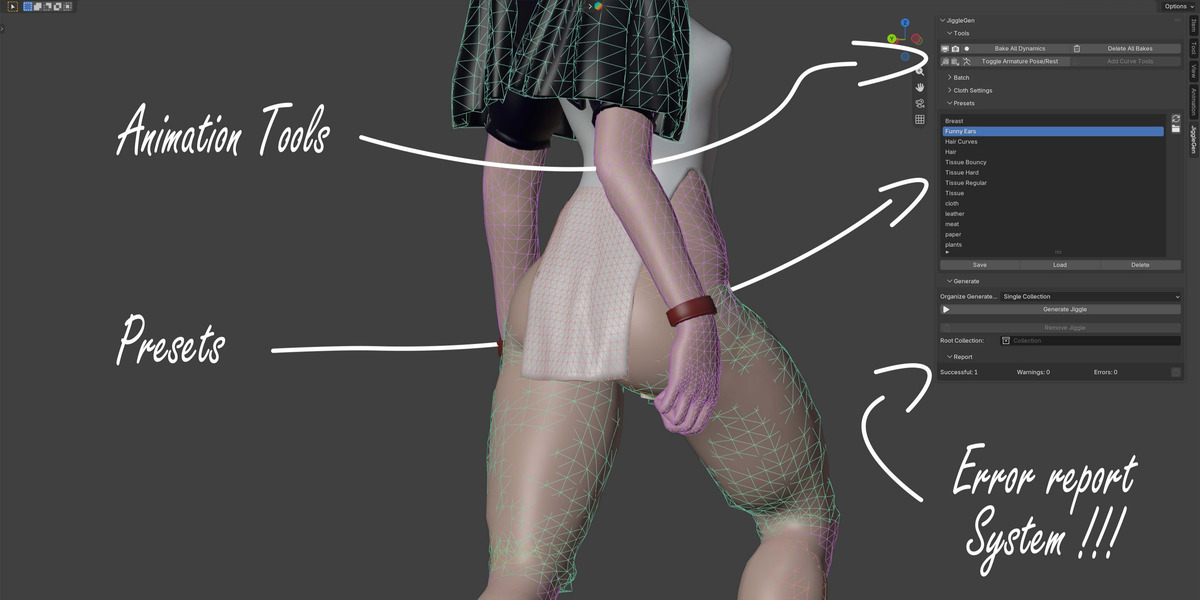
- Six new material presets: Cloth, Paper, Hair, Leather, Plants, and Meat, in addition to the existing Breast, Funny Ears, and Hair Curves presets. The old single "Tissue" preset is now three tuned variants: Regular, Hard, and Bouncy.
- Remove JiggleGen: All Objects, Meshes, Modifiers that has been created with JiggleGen can be removed with one click.
- Report System: Whenever a Cage generation fails to be performed successfully a detailed report will be displayed giving the User helpfull feedback about the cause and possible solution.
- Organize Generated Objects: Defines the destination for the generated Simulation Cages. Options: Collection / Same as Target
Improvements
- Offset replaces Gain. The old Gain slider has been replaced with Offset, which does one specific job: it raises or lowers how firmly a simulated area holds onto your character, without changing which part of the mesh gets included in the simulation. Hair Cage gets the same Offset control.
- Hair Cage (Experimental): Improved performance and controll over generated results.
- Change the directory of presets in Preferences.
- Customizable naming for generated objects and collections, in Preferences.
- Safer regeneration: no leftover duplicate objects, and JiggleGen is much more careful never to touch an object it didn't create itself.
- Explosion detection: gives the User a warning message, whenever a possible Simulation overshoot is anticipated.
- Features that are compatible with Blender 5.2+ will be excluded from UI in versions below.
Bug Fixes
- Flat meshes (capes, simple planes) no longer freeze in place instead of jiggling.
- Multi-scene files no longer accumulate duplicate organizing collections on repeated Generate.
- Occasional Surface Deform binding failures during Generate no longer require manually moving the object as a workaround (which used to leave a visible gap).
- Switching to Geometry Nodes simulation below Blender 5.2 is now clearly blocked with an explanation, instead of failing with a confusing error.
- Importing a legacy 1.1 batch and regenerating no longer fails with a "name already in use" error when old output was still present.
- The add-on version number is now saved reliably onto generated objects.
Compatibility
- Requires Blender 3.2 or newer (previously 2.9).
- The Geometry Nodes Cloth backend requires Blender 5.2 or newer.
- Added Feature: Hair Curves.
- Can now be used for batch generation
- Added Feature: Ridgid Cloth
- Adjusted workflow. Can now be used for batch generation.
- Added Feature: Simplifly Mesh
- Prepares mesh to be used as a Ridgid Cloth Object
- Added a logging system for the console
- Added a warning system, that alerts whenever a Surface Deform Modifier fails to be binded.
- Added a Geonode Libary
- Added Geonode: JiggleGen Hair Deform
- Added Geonode: Hair Tools
- Changed terminology of buttons
- Changed Addon description
- Changed ‘Vertex Parent’. It will now create a Vertex Group additionally, that marks the position of the Empty.
- Generated Meshes will now allways be triangulated for better performance. Shapekeys will be transfered.
- Small visual changes
Fixed bugs relating batch operation:
- Weight Paint masks wont interfer during VertexGroup modifications
- Raised boundaries up to 2 faces
- Now compatible with Blender 2.9
$15
Have questions about this product?
Login to message
| Blender Extension Compatible | Yes |
| Sales | 700+ |
| Published | about 1 year ago |
| Blender Version | 3.2 - 5.2 |
| Extension Type | Add-on |
| Render Engine Used | Cycles, Eevee, Freestyle |
| License | GPL |
Discover more products like this
tissue cloth 3D Simulation advanced geometry nodes 3D rigging generation hair