 Lewdineer


JiggleMaker — Make Your Characters Move Like They Mean It
For Blender artists and animators who want natural, believable jiggle physics without babysitting a dozen modifiers. Here’s a simple explanation of what you can expect from this plugin:

Why JiggleMaker exists
You know the dance: duplicate meshes, pin groups, cloth settings, surface deform, baking… then one tiny mistake and boom—exploding meshes at frame 42. I built JiggleMaker to end that cycle. It turns a fiddly, error-prone hour into a reliable, repeatable 3–step workflow you can apply to any character.
What JiggleMaker does for you
- Turns setup into a checklist, not a guessing game. Pick a main mesh, pick a jiggle mesh (preset or your own), hit Bind—JiggleMaker wires up Surface Deform, pinning, and Cloth in one go.
- Gives you results that look right, right away. Start from tuned physics presets (Jiggly, Firm, Thighs, Inflated) and save your own variants. Share them in seconds.
- Keeps big scenes under control. The built-in Cloth Bake Admin finds every cloth sim used as a target in a surface deform in your scene, tells you on what model(s) it’s used on, and lets you enable/disable them in bulk, free caches, or bake just a frame range—no more hunting through the Outliner.
- Fits your model, not the other way around. Work with preset jiggle meshes for chest, thigh, belly, or buttocks or custom meshes in less than 5 minutes. Decide if the mesh should be mirrored in advanced settings, and generate influence groups by distance—perfect for bellies, chests, thighs, or whatever you dream up.
- Prevents the classic gotchas. JiggleMaker warns you about unrealistic scale or unapplied transforms that can cause issues when binding, and helps you switch your rig to Rest Position before binding.
The 3–step workflow
-
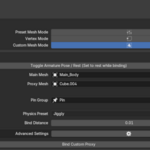
Choose your approach
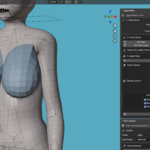
- Preset Mesh Mode – Drop in a clean, ready-to-bind jiggle proxy from the library. Move it into position and hit bind!

- Vertex Mode – Create a jiggle mesh using your existing vertex groups.

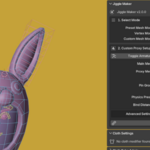
- Custom Mesh Mode – Use your own modelled proxy with a Pin group. Check custom mesh mode in tutorial video for more info.

- Preset Mesh Mode – Drop in a clean, ready-to-bind jiggle proxy from the library. Move it into position and hit bind!
-
Bind
- Set your Main Mesh and Jiggle Mesh, choose a Physics Preset, and click Bind.
- JiggleMaker builds a vertex influence group by distance, adds Surface Deform on the main mesh, sets up Cloth on the jiggle mesh, and mirrors the proxy for .L / .R sides if enabled (default).
-
Tweak & Bake
- Use the Cloth Settings panel for a curated list of the most important settings (Quality Steps, Time Scale, Mass, structural/shear damping, etc.).

- Save or apply Cloth Presets from your user folder (starter pack included). Access the presets folder by going to the default cloth presets, right-clicking one of them, and opening the location.

- Open Cloth Bake Admin to enable/disable cloth on selected or all jiggle meshes, free bakes, or bake a specific frame range.

Features that save you time (and sanity)
- Preset Jiggle Mesh Library
Quickly append clean proxies. Add your own models by editing the presets file found in the add-on’s property panel from Preferences and refresh the list with one click.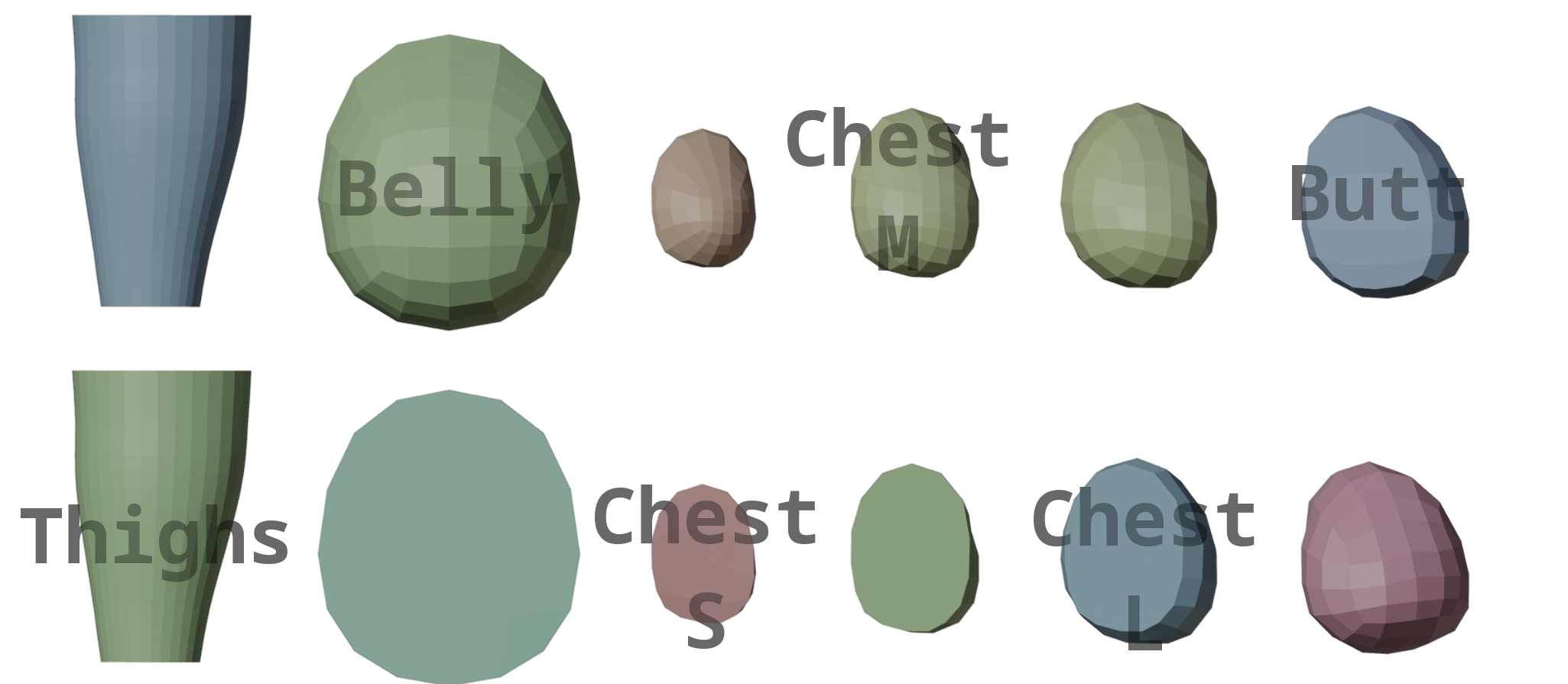
- Custom Mesh + Pin Group Support
Use any mesh as your jiggle driver. If your object has a custom Pin group, JiggleMaker will pick it up automatically. - Create collision from vertex group
Easily convert a vertex group from another (or the same) mesh to collision so it can collide with the jiggle physics.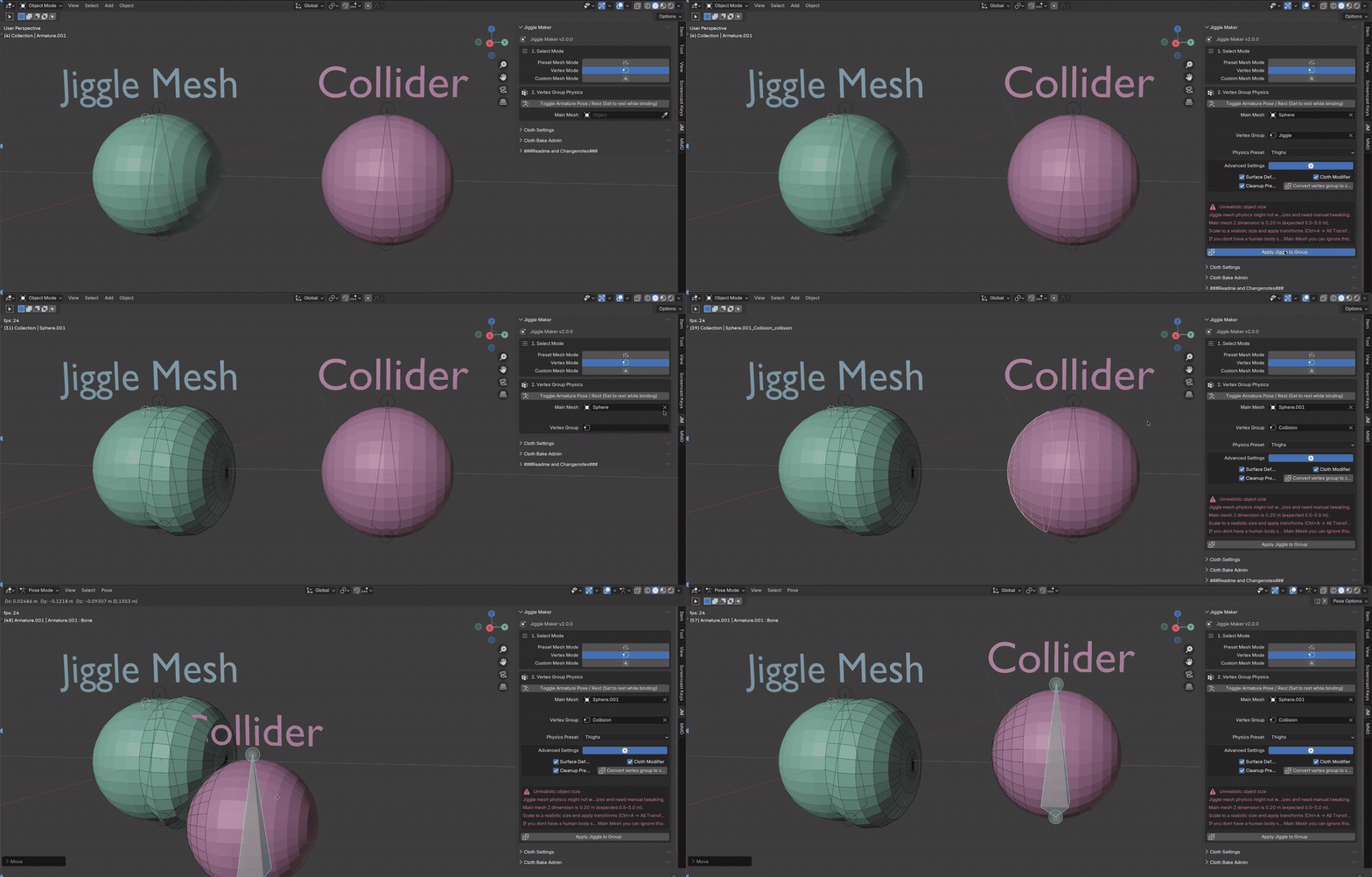
- Distance-Based Influence Group
Generate a tight vertex group on the main mesh based on proximity to your proxy (adjustable Bind Distance)—great for precise, localized jiggle. If the generated group isn’t accurate enough, edit it with weight painting (use X-mirror if applicable). - Automatic Mirror
Automatically creates mirror pairs with normals fixed and transforms applied when the mirror option is selected. - Cloth Preset System
Apply bundled Jiggly, Firm, Thighs, Inflated starting points—or save your own presets and reuse across projects.
- Cloth Bake Admin
- Refresh Cloth List to find all cloth modifiers in the current scene
- Enable/Disable Cloth for selected or all targets
- Free Bake caches scene-wide
- Bake full timeline or a custom frame range
- Built-in Safety Checks & Help
- Alerts for unapplied transforms and unrealistic scale
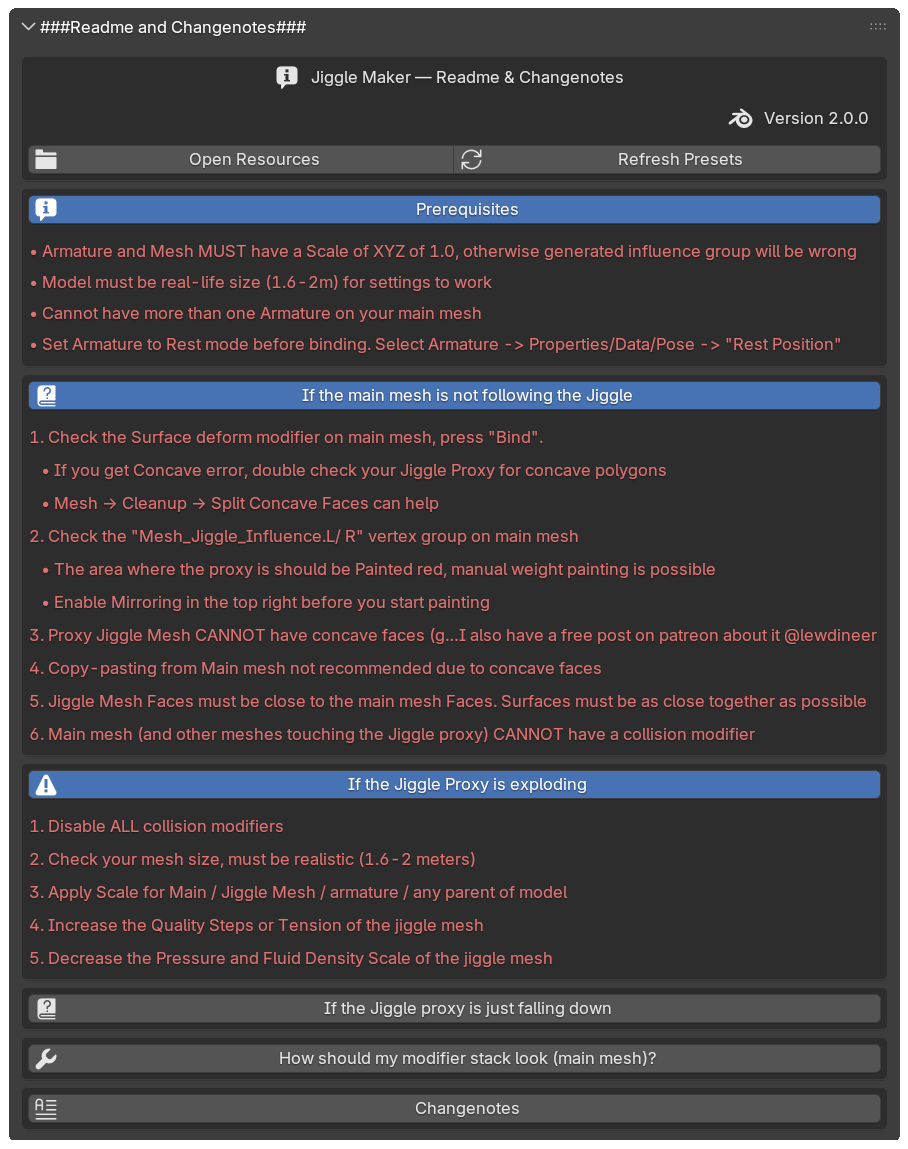
- Inline troubleshooting for Surface Deform concavity, “main mesh not following,” falling sims, and more.
New: Cloth Simulation Stabilizer
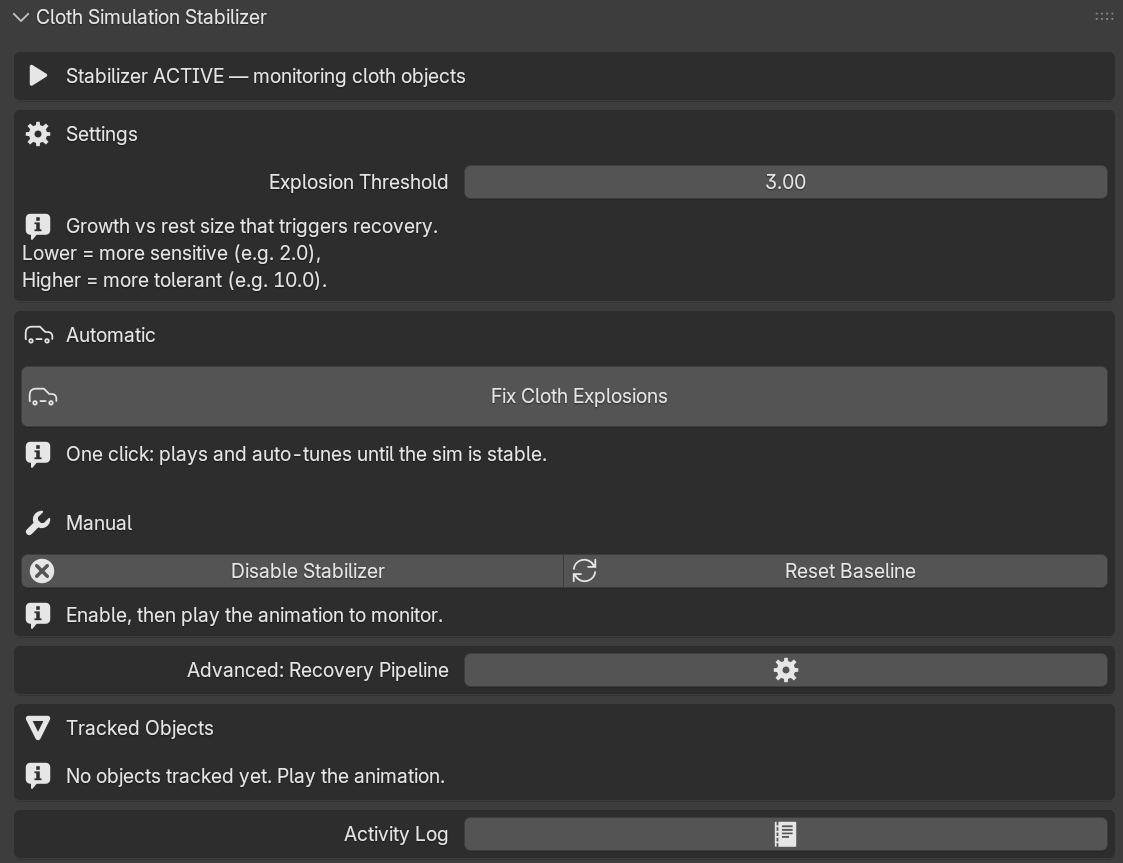
Exploding cloth at frame 42 is the classic jiggle-killer. The Simulation Stabilizer watches your cloth meshes while the animation plays and, the moment one blows up beyond its rest size, it steps in—frees the cache, nudges the right settings, and keeps going until the sim settles. No more scrubbing the timeline hunting for the frame where everything went wrong.
How it works
- Set your sensitivity. Pick an Explosion Threshold—how much a mesh may grow past its rest size before it counts as an explosion. Lower is twitchier, higher is more forgiving.
- Hit Fix Cloth Explosions. One click plays the animation and auto-tunes as it goes. When a mesh blows up, JiggleMaker rewinds and replays automatically—you never have to press Play between passes—until the sim is stable. Pause whenever you like; it's your call.
- Read the log. Every change is written to the Activity Log, so you can see exactly which settings were touched and by how much—full transparency, no black box.
Why you'll like it
- Hands-off recovery — plays and re-tunes on its own until the cloth is stable.
- Editable Recovery Pipeline — decide which settings it adjusts and in what order (Quality Steps, Pin Stiffness, Pressure, Tension, Damping…). Reorder steps, save and share pipeline presets, or reset to sensible defaults.
- Smart, reliable detection — measures growth against each mesh's true rest size, so it works from any frame and won't cry wolf on flat cloth.
- Knows when to stop — if a sim is truly unfixable, it halts and tells you, instead of looping forever.
What’s included
- JiggleMaker 2.0 add-on (N-Panel → JM)
- Preset jiggle meshes you can customize in the presets.blend file (open from Preferences)
- Cloth preset starter pack (Jiggly, Firm, Thighs, Inflated) + ability to save your own
- Video tutorial covering the full feature set available on this site or YT
Compatibility & notes
- Blender: 4.0+ (The bundled preset.blend targets Blender 4.0; editing and saving it in 4.0+ may break 4.0 compatibility.)
- Best practices:
- Apply All Transforms on your rig and meshes (Scale at 1.0).
- Keep models at real-world scale (roughly 0.5–3 m tall objects behave best).
- Use one Armature on the main mesh. Switch Armature to Rest Position before binding.
- Some character models might be incompatible in their default state. That’s why there’s a free version to test first.
Troubleshooting highlights
- Main mesh not following? Bind the Surface Deform, check for concave polygons on the proxy, and re-bind if needed.
- Exploding or falling sim? Verify scale/transforms, check your Pin group, and try a different preset.
- Concave error on bind? Try Blender’s Split concave polygons option.
Try it for free
Not sure how your character will behave? Grab the free version, test with your rig and scale, and upgrade when you’re confident it fits your workflow.
Need help?
You’ll find help and the tutorial video on this site. Still stuck? Reach out via email / Discord / Twitter—I’ll do my best to get you unstuck quickly.
contact: @lewdineer / [email protected]
Join our discord for support (adult content warning)
Make secondary motion a feature of your style, not a technical hurdle.
Add JiggleMaker 2.0 to your toolkit and start animating, not configuring.