 Joshua Schafer





Joint Snapping System
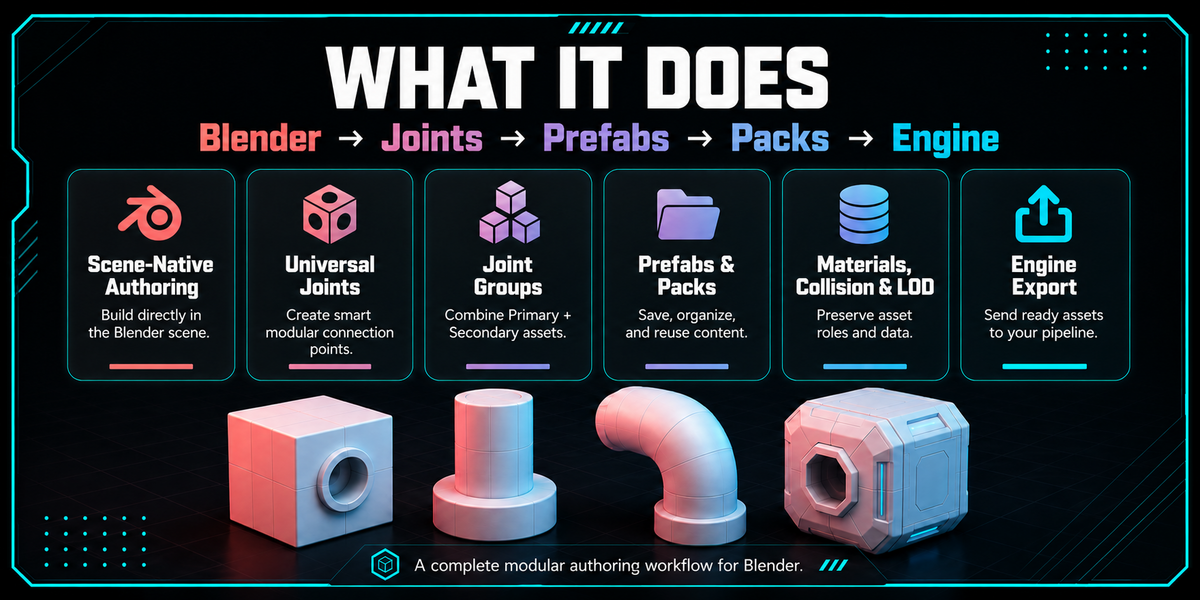
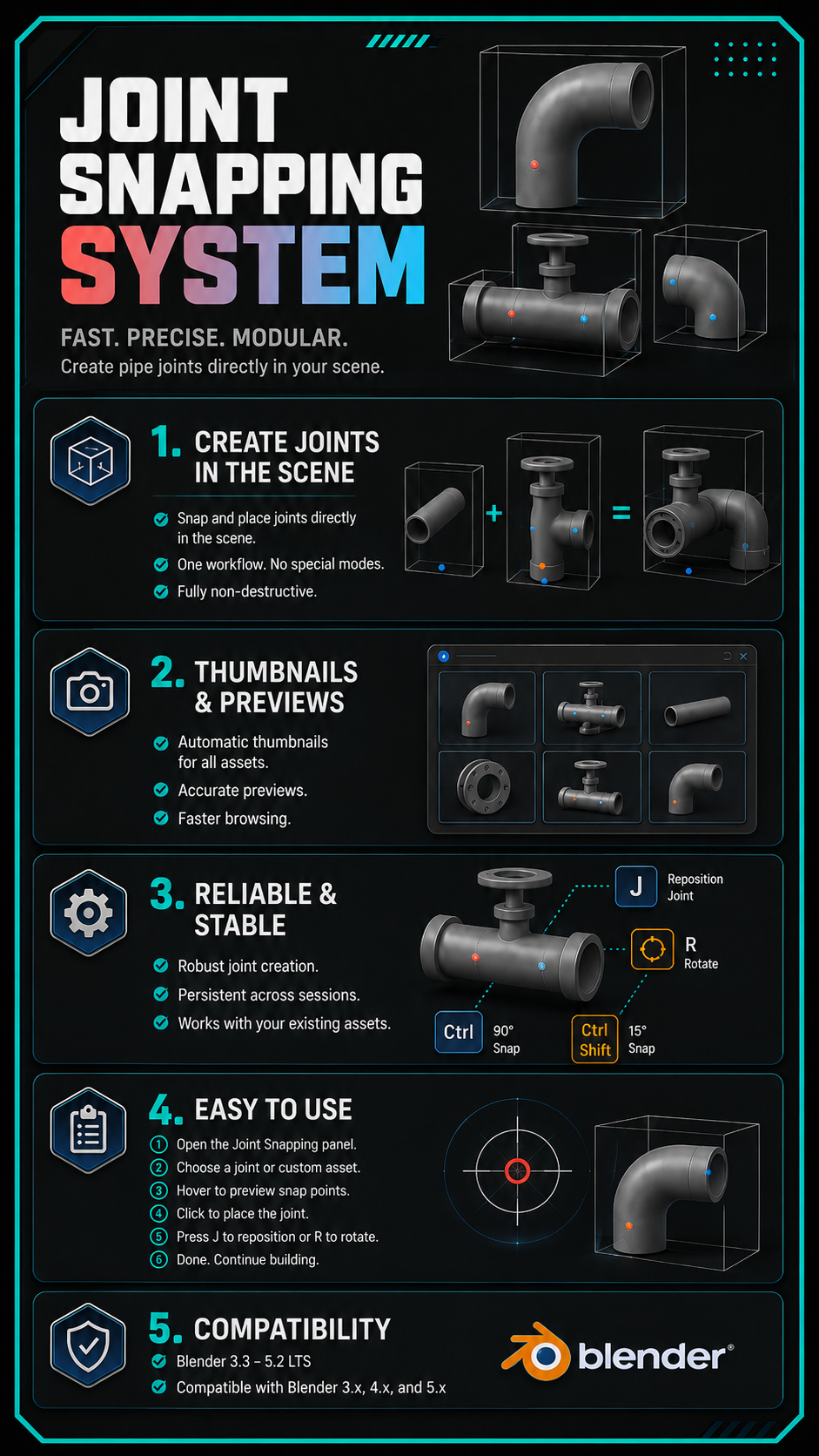
Joint Snapping System turns Blender into a fast modular-authoring workspace built around reusable Joints, scene-native Prefabs, Packs, compound assets, and engine-ready export. Create parts once, define how they connect, and keep that logic with the asset throughout its lifecycle.
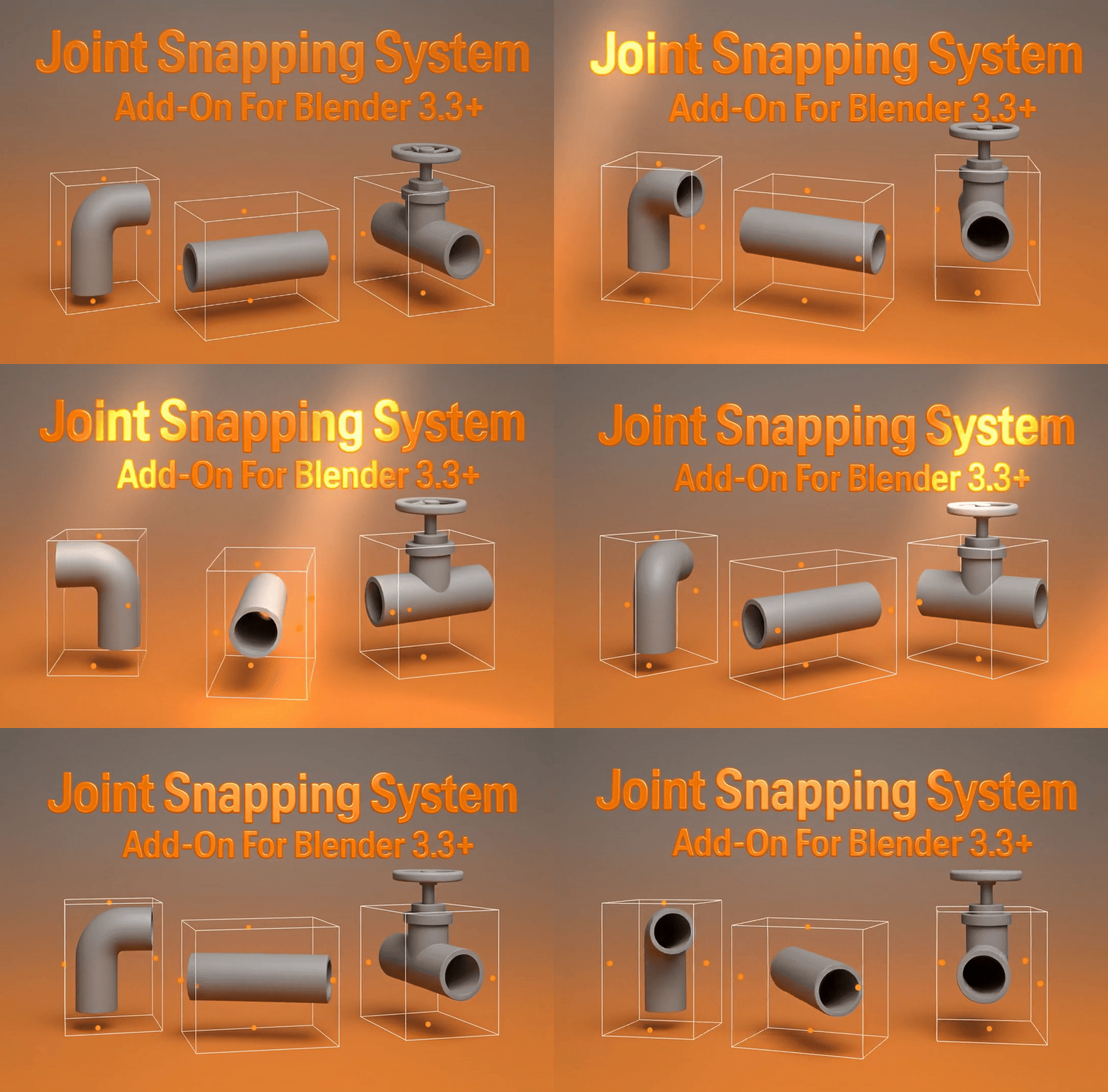
A complete modular asset lifecycle
JSS now carries much more than snapping points. A saved asset can preserve a complete logical object structure from Blender authoring through Prefabs, Packs, thumbnails, and engine export.
A modular workflow built around authored connections
Fast modular placement
Place Prefabs using generated snapping layouts or authored Universal Joints. Re-enter placement on existing objects with J, rotate quickly, and keep building without abandoning Blender's normal scene workflow.
Universal Joints
Author orientation-aware joints from faces, edges, and vertices. Use Surface, Orthogonal, or Custom orientation behavior, then edit, tag, flip, copy, or regenerate Joints directly in the scene.
Joint Groups
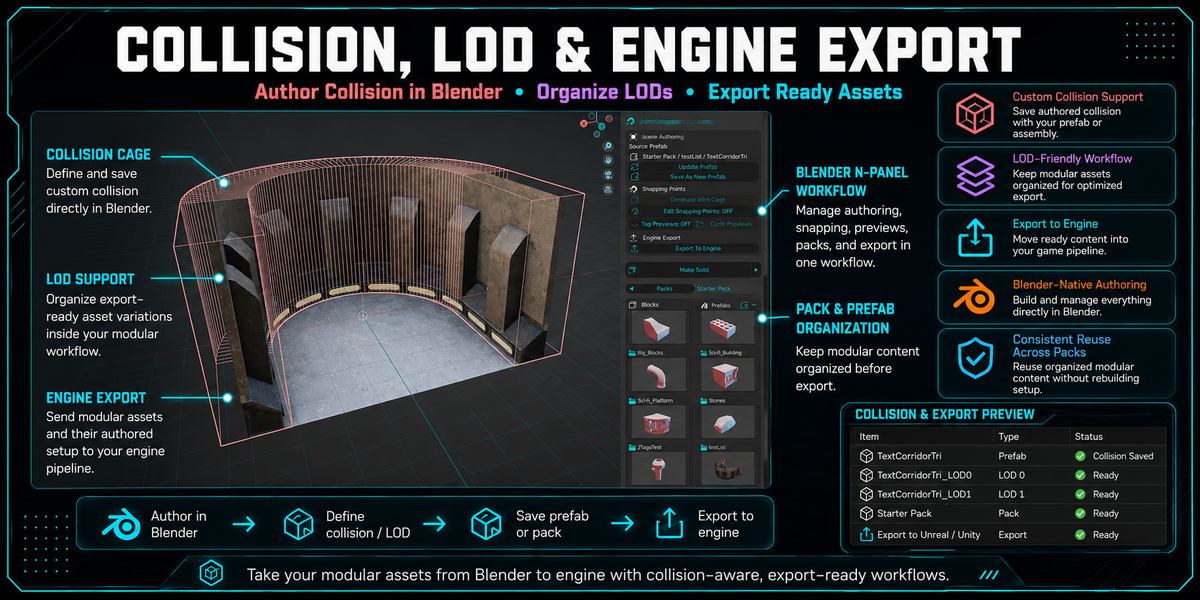
Treat multiple Blender objects as one logical modular asset. A Primary controls the compound asset while Secondaries can be authored as VISUAL, COLLISION, or LOD components without flattening your Blender scene.
Modifiers, materials & textures
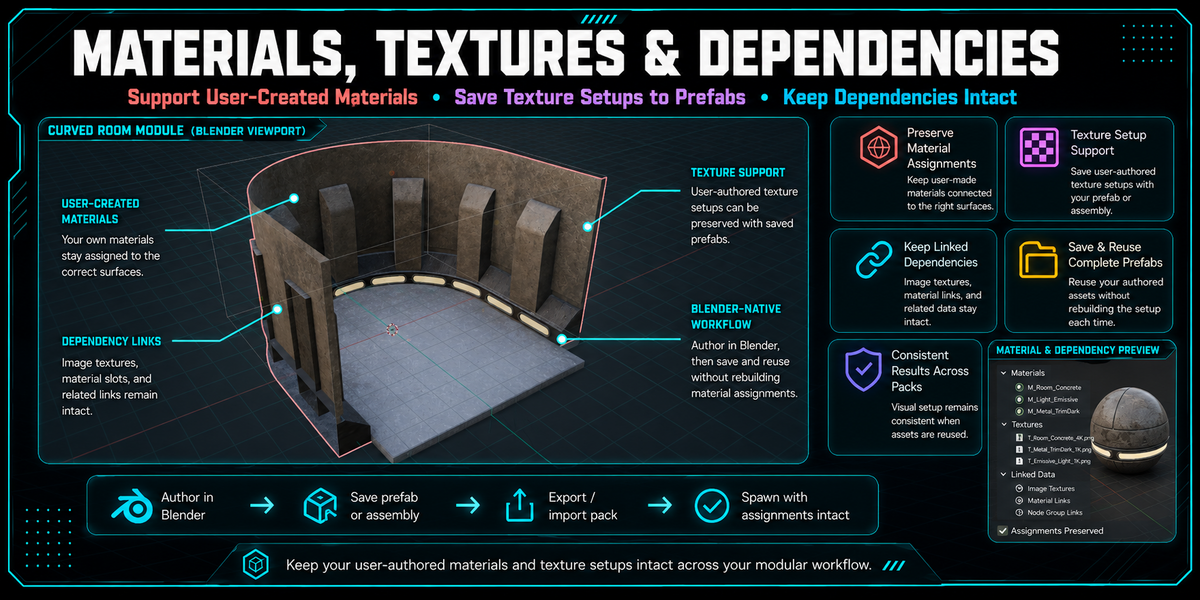
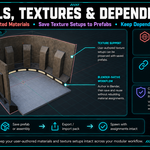
Scene-native authoring works with Blender's modeling stack instead of forcing a special edit environment. Preserve modifier-dependent structures, material assignments, and portable image textures through the Prefab lifecycle.
Prefabs, Lists & Packs
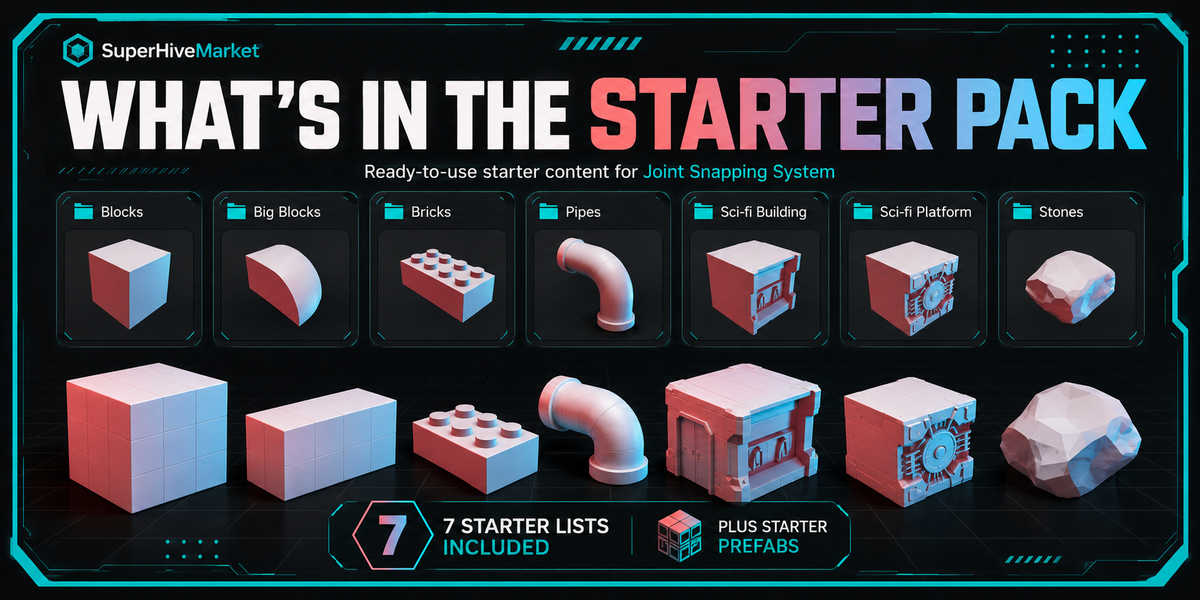
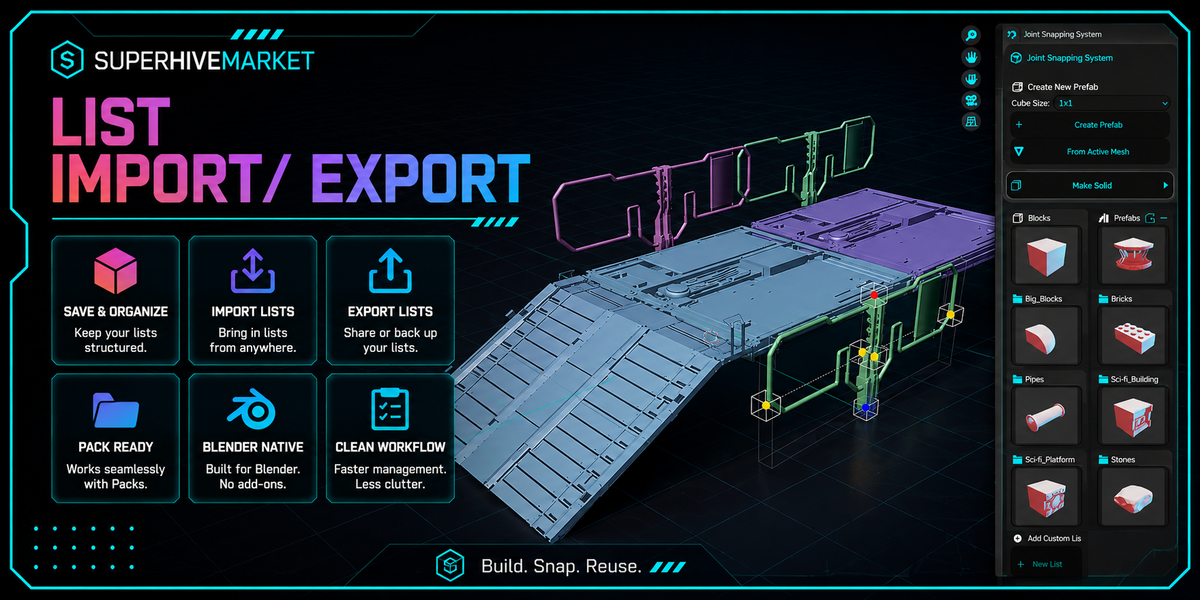
Save authored objects directly from the scene, update their source Prefab later, organize reusable assets into Lists, and package entire content libraries into portable Packs with artwork and thumbnails.
Export to engine
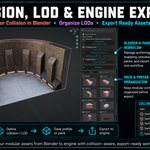
Turn logical JSS assets or larger Blender-authored chunks into engine-ready output. Unreal-focused export combines visible geometry, preserves semantic collision, supports separate LOD files, and validates the export before writing.
Choose the exact two Joints that connect
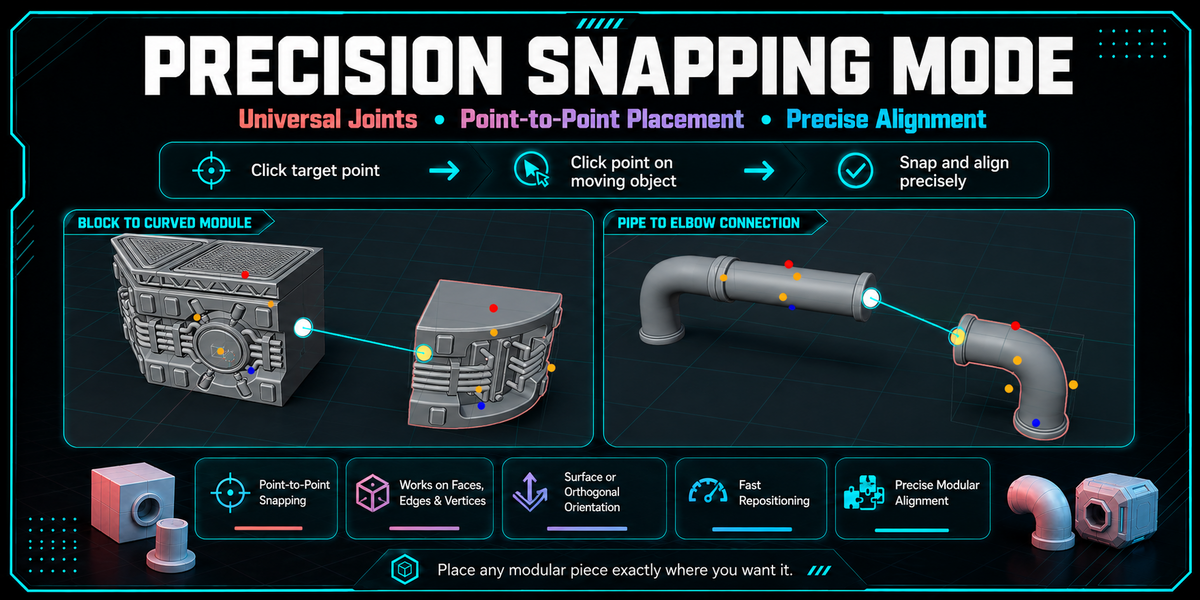
Hold Shift during placement to enter Precision Snapping. Pick a target Joint, choose the source Joint, and create an exact connection. Use Position Only when you want precise location without giving up your chosen orientation, or use Shift+R for incremental rotation while maintaining the connection.
Tagged Joints, Populate & Randomize
Assign Socket and Attachment Tags to Joints, then populate compatible Prefabs from your content library. Seeded variation, density, orientation controls, cascade depth, rebuilding, symmetry, and selective randomization make it possible to explore modular variations without losing authored structure.
Blender → Joints → Prefabs → Packs → Engine
Build normally in Blender.
Define connection logic.
Preserve the complete asset.
Assemble scenes and ship chunks.
Videos
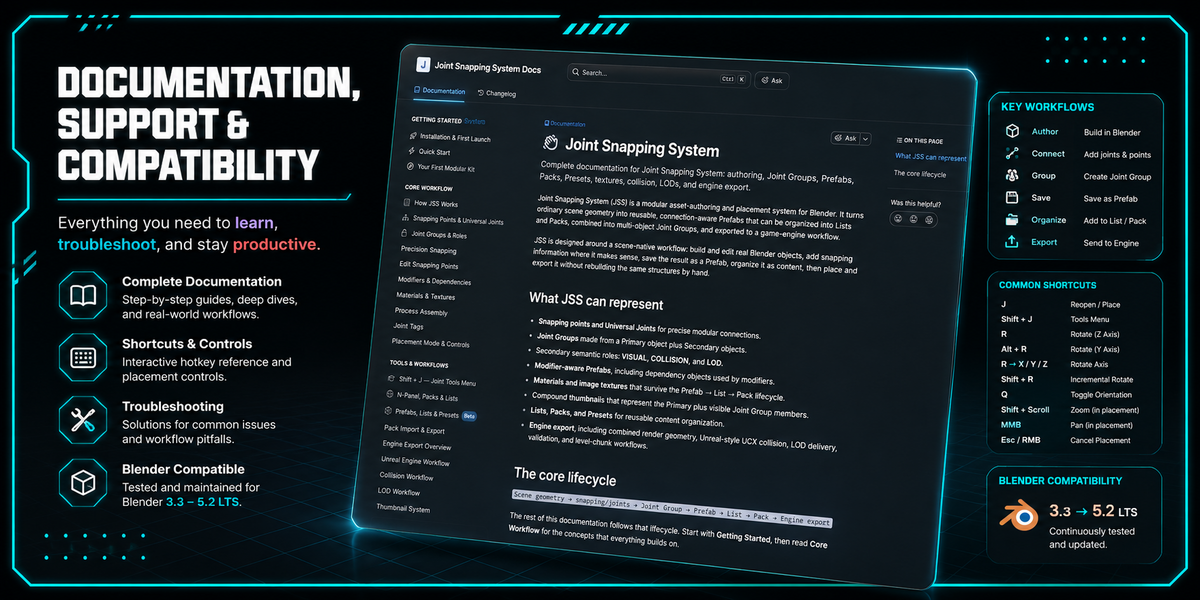
Full workflow documentation
Joint Groups, Universal Joints, Packs, Prefabs, engine export, shortcuts, troubleshooting, and complete historical changelogs now have dedicated documentation.
Blender 3.3+ workflow
Designed to preserve the JSS workflow across supported Blender versions while handling version-specific shading, normals, thumbnails, and scene behavior internally.
Build modular. Stay in Blender.
Author intelligent connections once, reuse them everywhere, and keep your modular asset structure intact all the way to engine export.