Kabuto — Modular Samurai Helmet Generator
 Anvil Studio
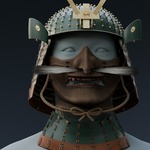
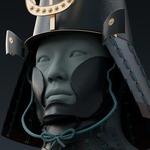
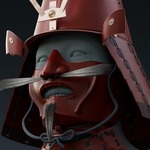
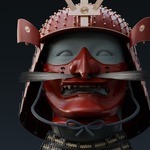
Can I have several independently editable helmets in one scene?
Version 0.9.8 supports one live KABUTO assembly per Blender file. Save separate generator projects for different designs. For several helmets in one scene, prepare static copies or exports of the chosen results; those copies are not separate live generators with independent sidebar controls.
Can I use the pack in commercial projects?
Yes. The supplied asset licence permits personal and commercial finished projects, including games, films and renders. It does not permit redistributing the source assets as standalone models, templates or a competing asset pack. Python code is separately licensed under GPL-3.0-or-later, and third-party reference heads retain their own terms. Refer to the included licence texts for the full conditions.
Can these assets be used in Unreal Engine, Unity or other games?
They can be prepared as source assets for a game, but this release is a Blender/Cycles product rather than a verified drop-in engine package. Export the chosen visible geometry, prepare or bake destination materials, and add any needed LODs, collision and character attachment. The five supplied examples contain approximately 73,774–89,216 triangles, excluding reference heads and studio objects. Performance must be tested for your target project.
What alternative finishes are available?
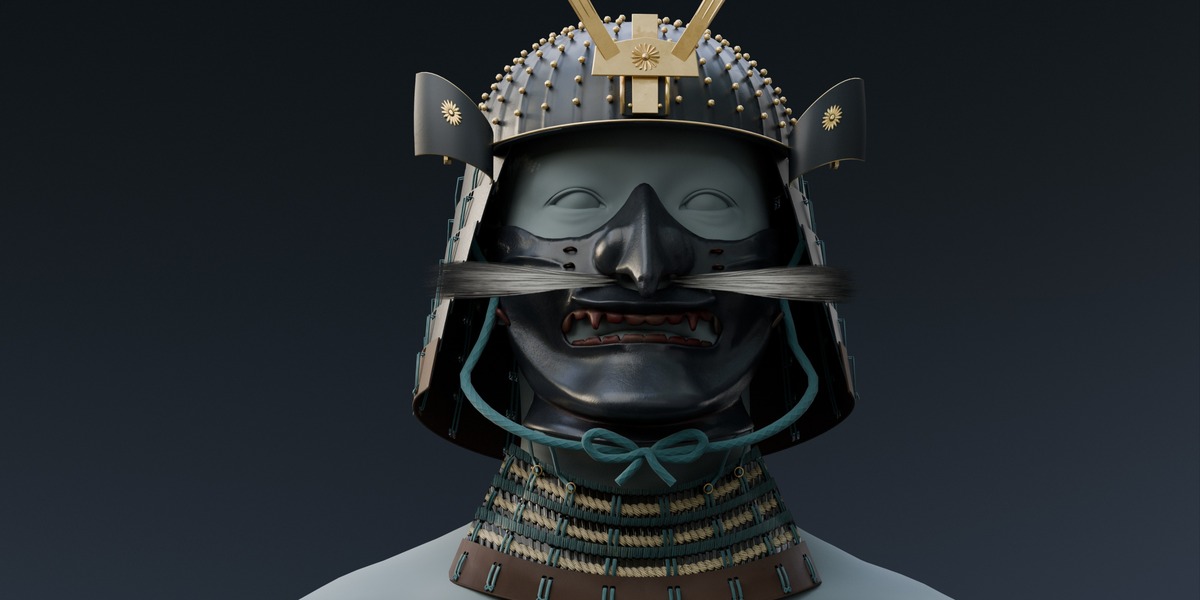
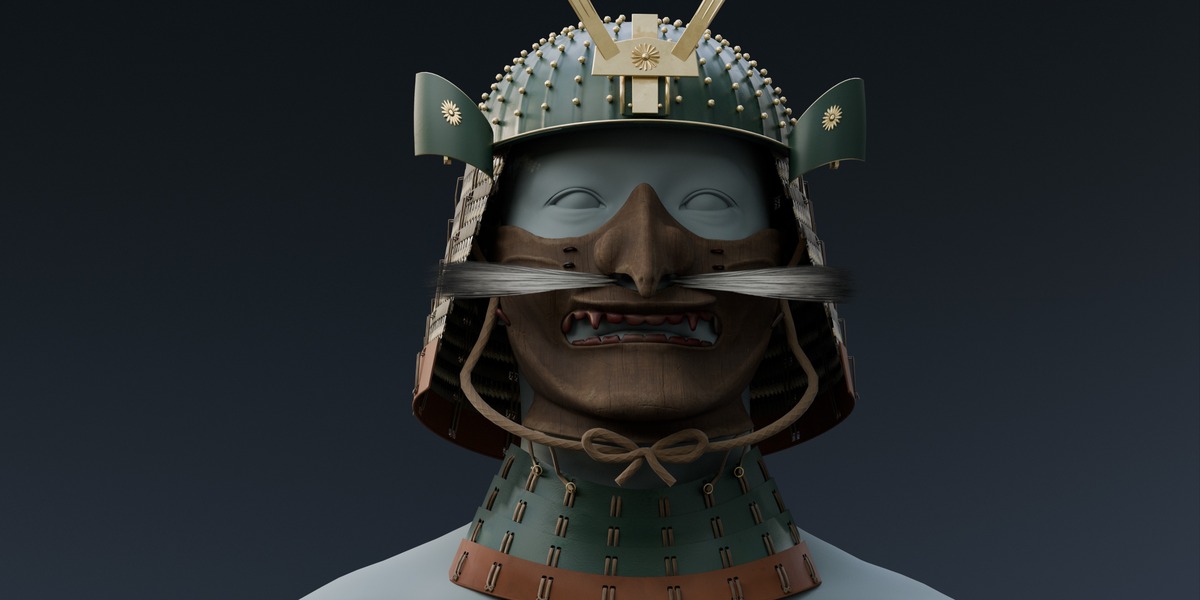
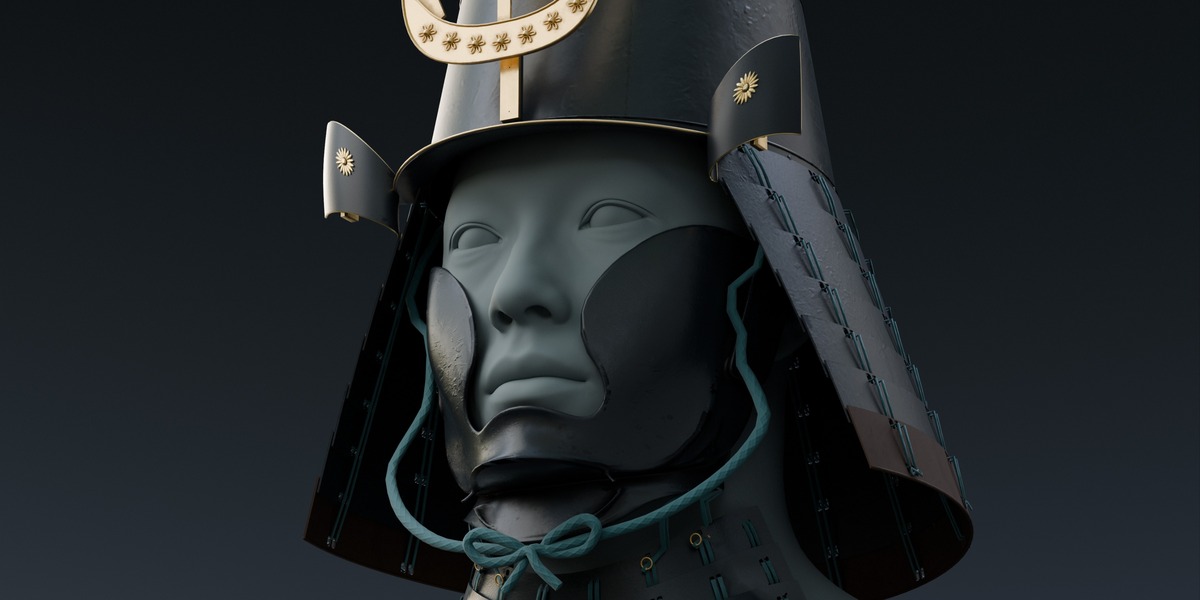
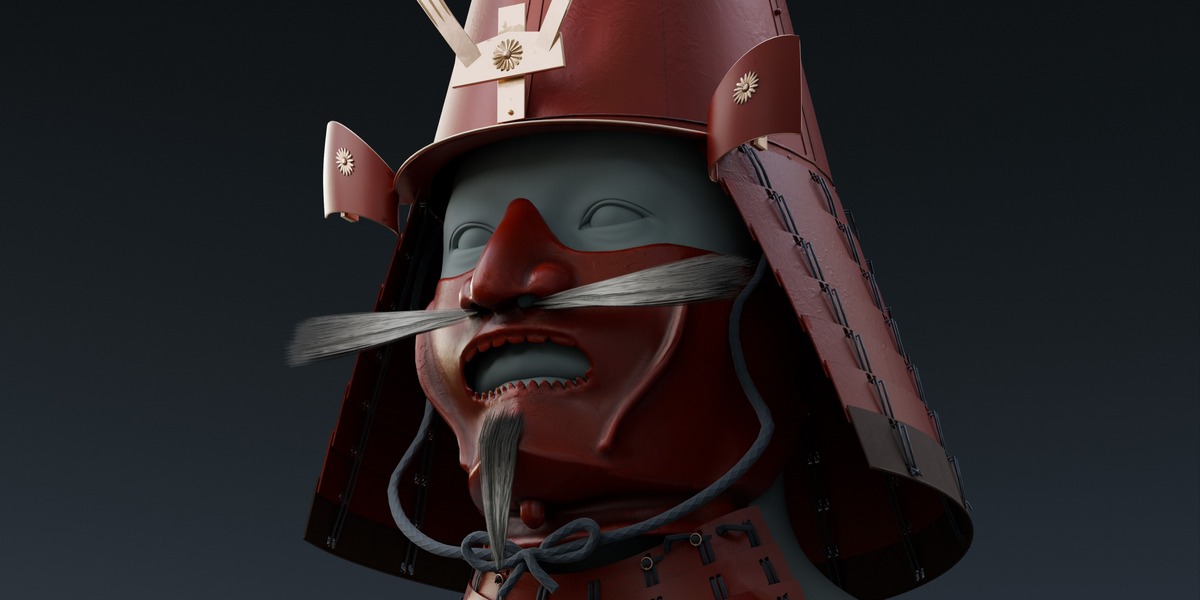
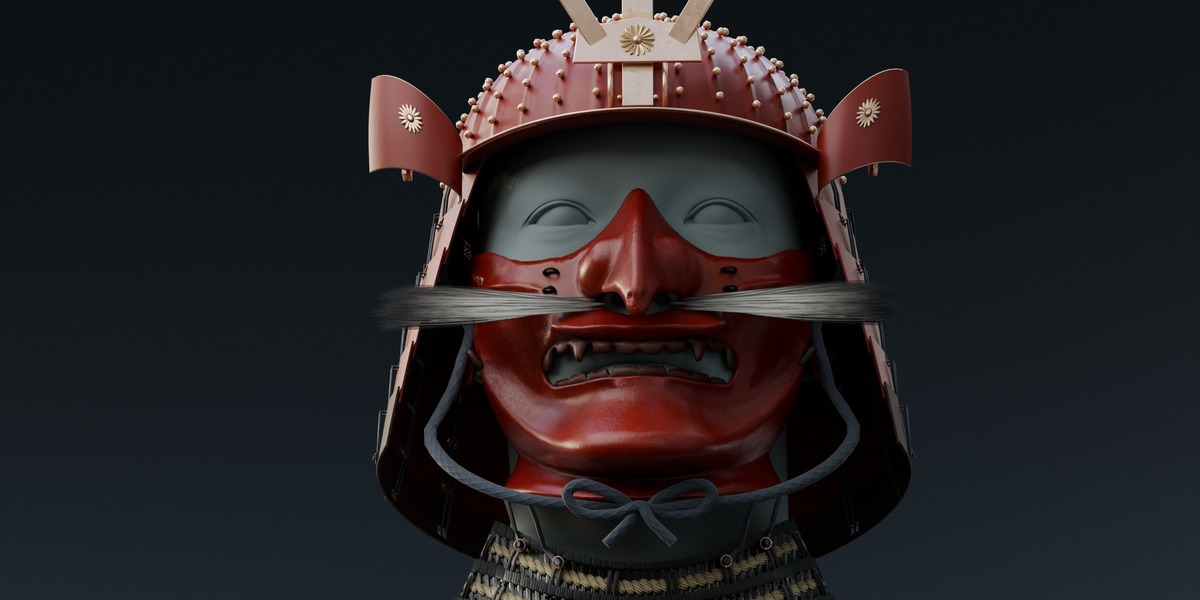
All four masks can use lacquered iron or aged carved wood. The close rear guard, wide rear guard and throat guard can use lacquer or an odoshi lacing texture. These are material alternatives using texture and normal-map detail; they do not create extra cord geometry or change the mesh silhouette. Wood has independent stain and grain-relief controls.
How do random seeds and the colour randomiser work?
Randomise assembly chooses and applies a new seed between 0 and 999999. Type a seed or use the arrows to revisit a generated arrangement. Include colours also applies a coordinated palette. Randomise colours cycles through the ten curated palettes. A seed is not a complete saved design: save the .blend to retain later manual colours, finishes, ageing, fitting and camera changes.
Can I change colours independently on different parts?
Yes. Select a KABUTO mesh, open Colour and surface and choose Use selected part. Change its main tint or the fabric, braid, leather and metal regions shown for that part. Ten coordinated palettes provide starting points. Wood stain is a separate control, and the palettes preserve wood stain and facial-hair colour.
Are the Taro and Ada reference heads included? Where can I get them?
No. The promotional example heads come from Epic Games' MetaHuman DNA Calibration sample repository: https://github.com/EpicGames/MetaHuman-DNA-Calibration . Taro.dna and Ada.dna are DNA files, not ready-made Blender models. Chapter 11 explains the official Maya/FBX conversion route, the relevant source terms, and how to import and toggle a head in Blender. Any other head mesh you have permission to use can also serve as a reference.
Can I use KABUTO with my own character?
Yes. Align the assembly to your character, then adjust head scale, width, face depth, jaw clearance, mask depth, hair clearance and neck fit. These are authored fitting controls, not automatic anatomical detection or character rigging. Check the result from several angles and after changing parts. Characters with unusual proportions or animation may require additional fitting.
How do I install it, and do I need to run a script every time?
In Blender, use Edit > Preferences > Add-ons > Install from Disk and select KABUTO_Blender_Addon_0_9_8.zip. Enable KABUTO and save Preferences if automatic preference saving is off. Press N in the 3D View and open the KABUTO tab. Once installed and enabled, the sidebar registers automatically when Blender starts; no Text Editor script needs to be run.
What is included in the download?
The pack includes the installable Blender add-on, 42 mesh modules, five example configurations, ten colour palettes, assembly and fitting controls, editable material controls, a studio with cameras and lighting, turntable controls, and documentation. The separate source-material download includes six Painter projects and a PBR export script. Reference heads and bodies are not included.
Do I need Substance 3D Painter to use KABUTO?
No. The Blender materials and packed textures are ready to use. Six editable Substance 3D Painter projects are included as an optional download for deeper material editing. Painter software is not included; the source projects were checked in Painter 10.1.2.
Which Blender versions and render engines are supported?
KABUTO 0.9.8 has been tested in Blender 5.2.2 LTS using Cycles. The add-on declares Blender 5.2 as its minimum version. Other Blender releases and render engines have not yet been verified, so the recommended setup is Blender 5.2.2 LTS with Cycles.

Discover more products like this
Substance painter japanese character accessories PBR Generator historical helmet samurai armour kabuto modular kitbash