Anvil Studio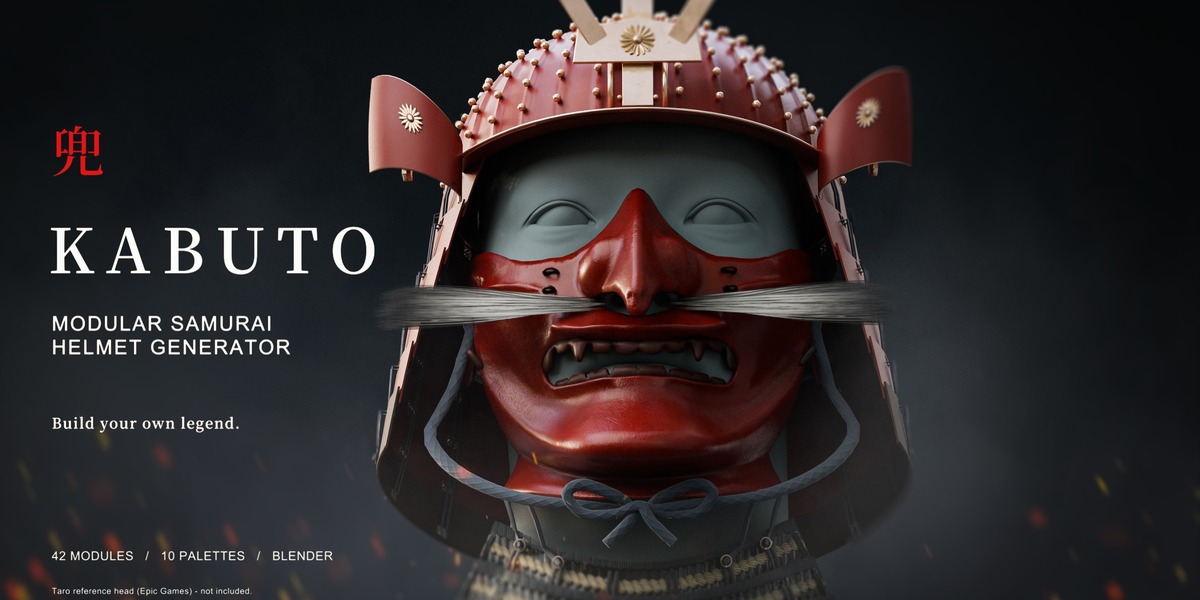
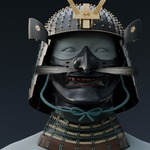
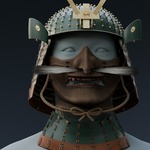
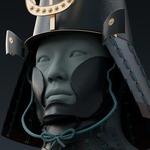
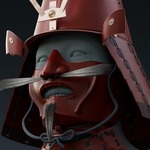

Launch offer: $29 USD introductory price · then $39. Save $10 on the complete pack.
Build your own
samurai helmet.
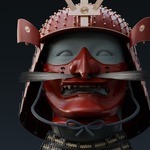
Combine helmet bowls, masks and crests. Explore rich materials, find your colours, and fit the result to your character — all from one Blender sidebar.
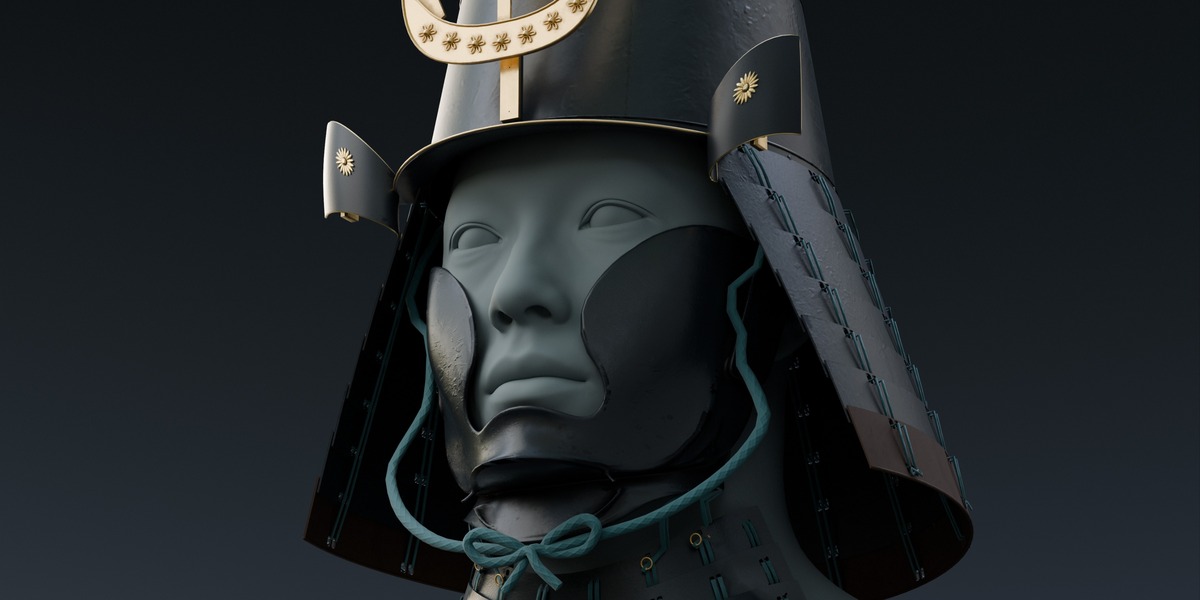
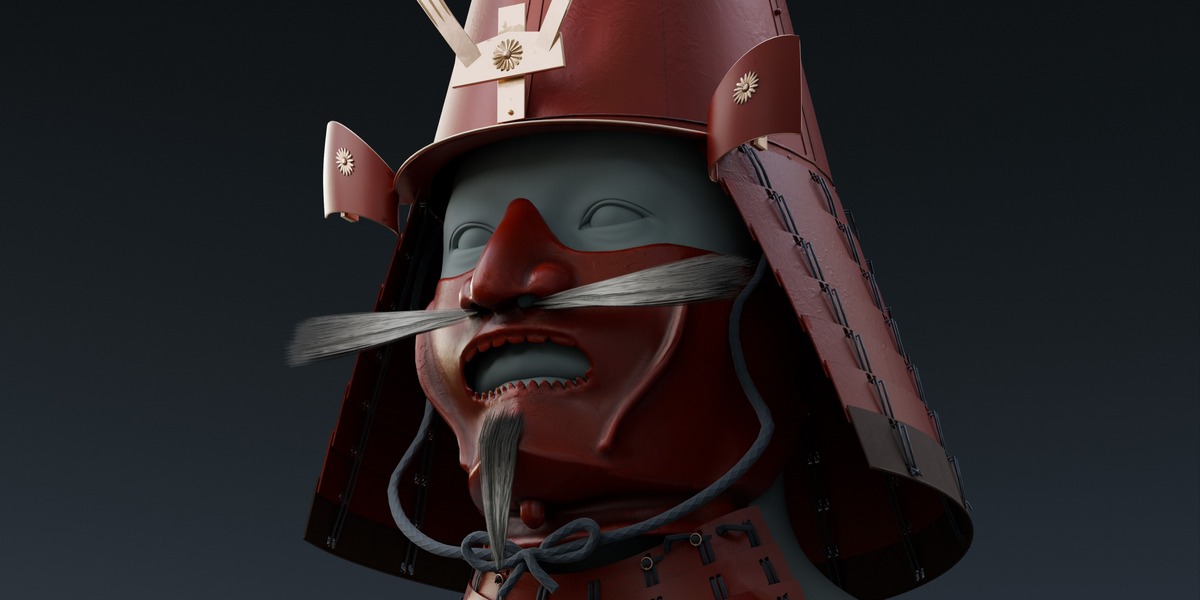
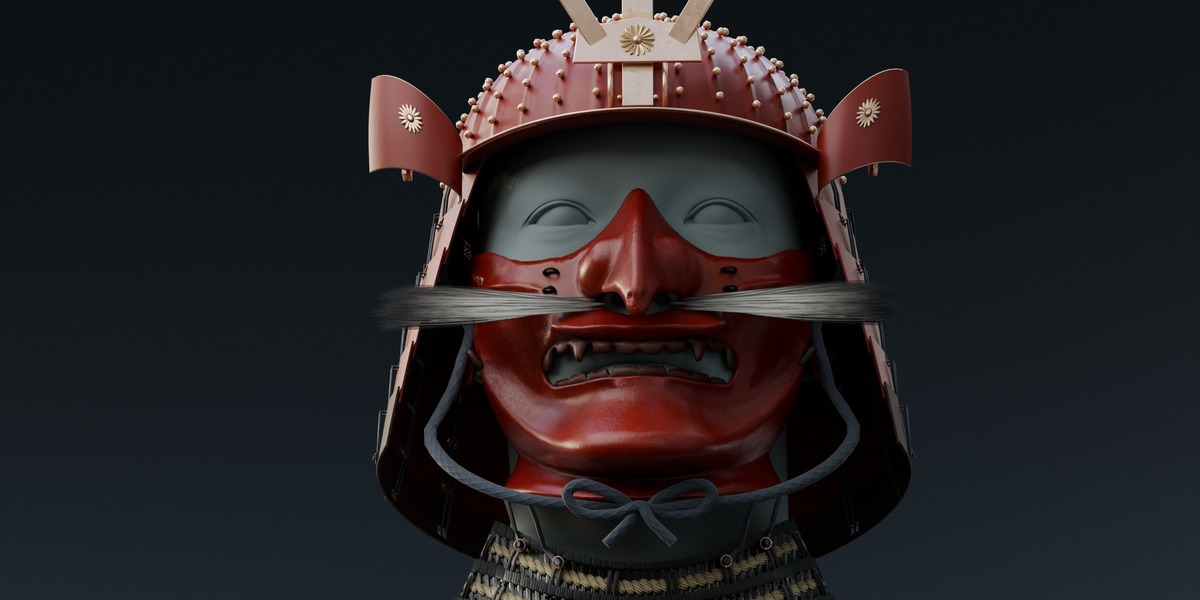
From restrained black lacquer to vermilion armour with contrasting lacing, KABUTO gives you a complete assembly to make your own.
42
mesh modules
3,640
compatible part arrangements
10
curated colour palettes
6
Substance Painter projects
01 / MODULAR ASSEMBLY
Find your next silhouette.
Five helmet bowls, four masks, two rear guards, multiple crests and emblems, plus optional facial hair, turnbacks, throat armour and tying cords.
3,640 compatible part arrangements before colour and material variations. Start with one of five example configurations, explore a repeatable random seed, or choose each component yourself.
Start with an example
Five complete starting looks help you explore the collection.
Explore a seed
Randomise an arrangement and return to the same generated starting point.
Choose every detail
Refine the silhouette, fittings, facial hair and supporting pieces.
THE WORKFLOW / INSIDE BLENDER
Get to know the sidebar.
Install once, open the 3D View sidebar with N, and choose KABUTO. Explore the actual controls below: build an assembly, choose its finish, refine the fit and prepare a render.
02 / COLOUR & MATERIAL
Colour every detail.
Begin with ten curated palettes, then customise individual parts. Coordinate armour and decorative fittings, or introduce contrasting cords, braids and lacing.
Select a palette, cycle through colours or play the lighting loop. In Blender, individual colour controls remain yours to adjust.
03 / MASK FINISHES
One mask. Two distinct finishes.
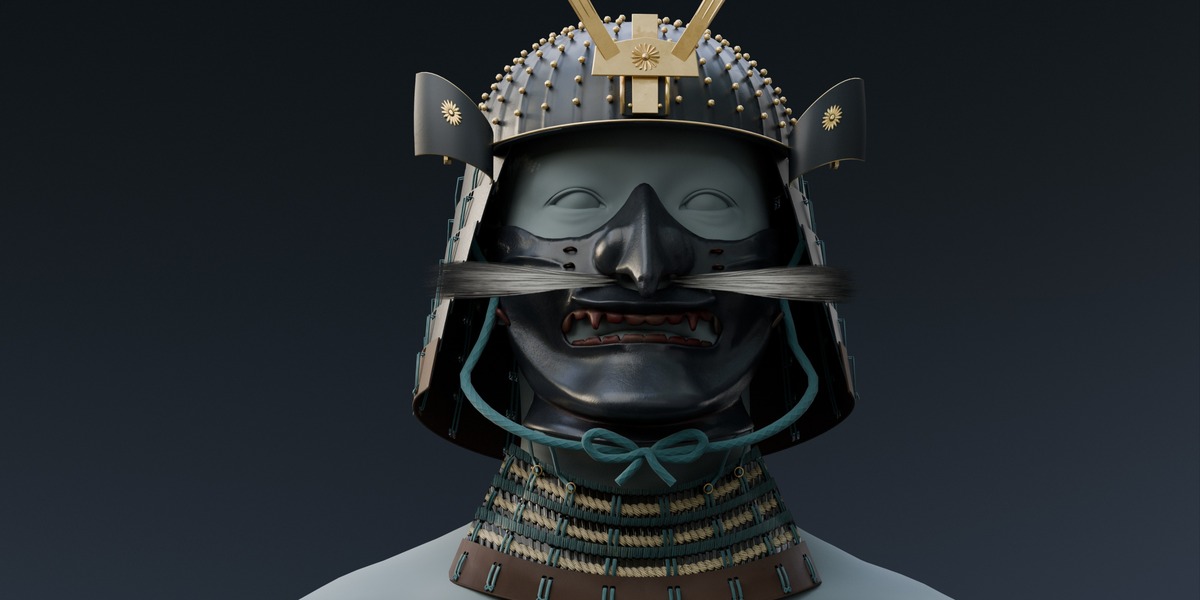
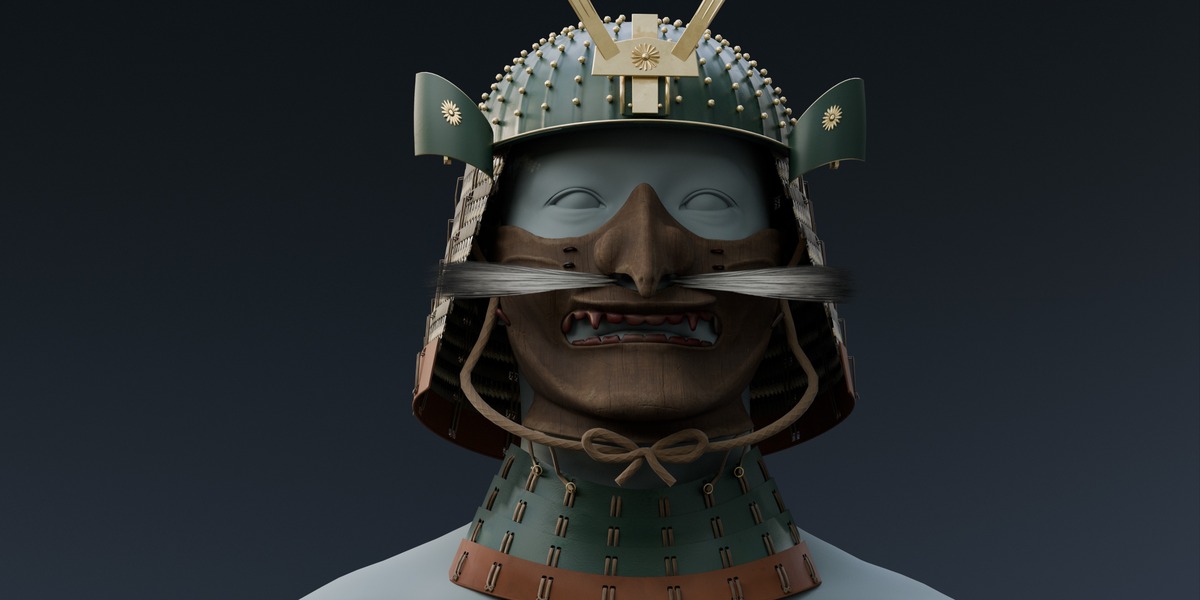
Drag the divider to compare lacquered iron with aged carved wood. Both finishes include editable colour and ageing controls.
The same mask, camera and lighting. Two included surface options.
04 / SURFACE & AGE
From lacquer to lacing.
Switch supported rear and throat guards between lacquer and textured odoshi lacing. Match the mask finish, or build contrast across the assembly.
Change more than the mask.
Compare lacquered iron and woven odoshi with carved wood and lacquer plates. Drag across the same camera view, or switch to side by side to inspect both assemblies together.
Mask surface, throat-guard surface and colours vary between these two examples. Reference head not included.
Adjust the maintained-to-aged finish per part, adding visible dirt, staining, blemishes, scratches and surface wear. Detailed PBR textures bring grain and material variation into close-up renders.
A finish with a history.
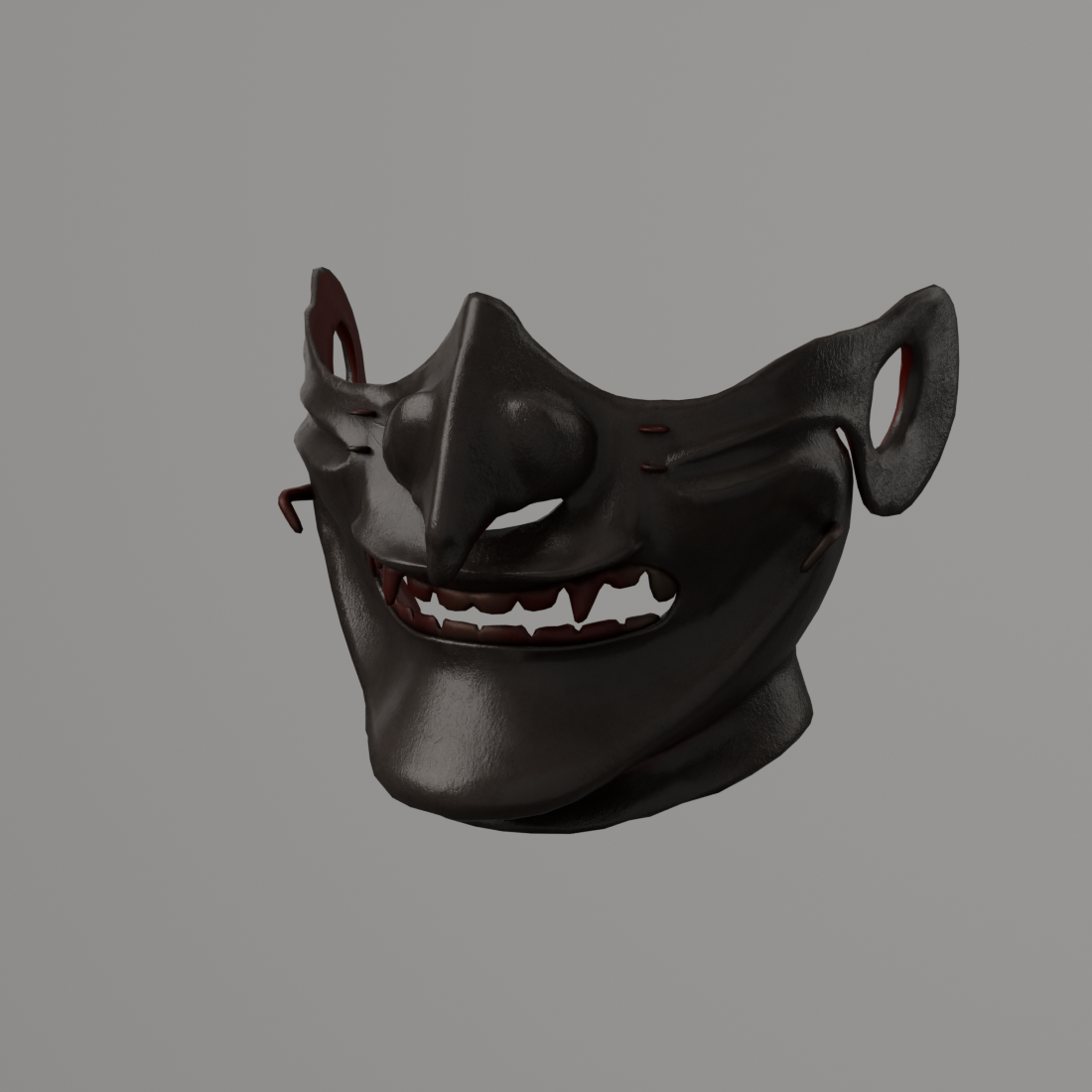
01 / MAINTAINED
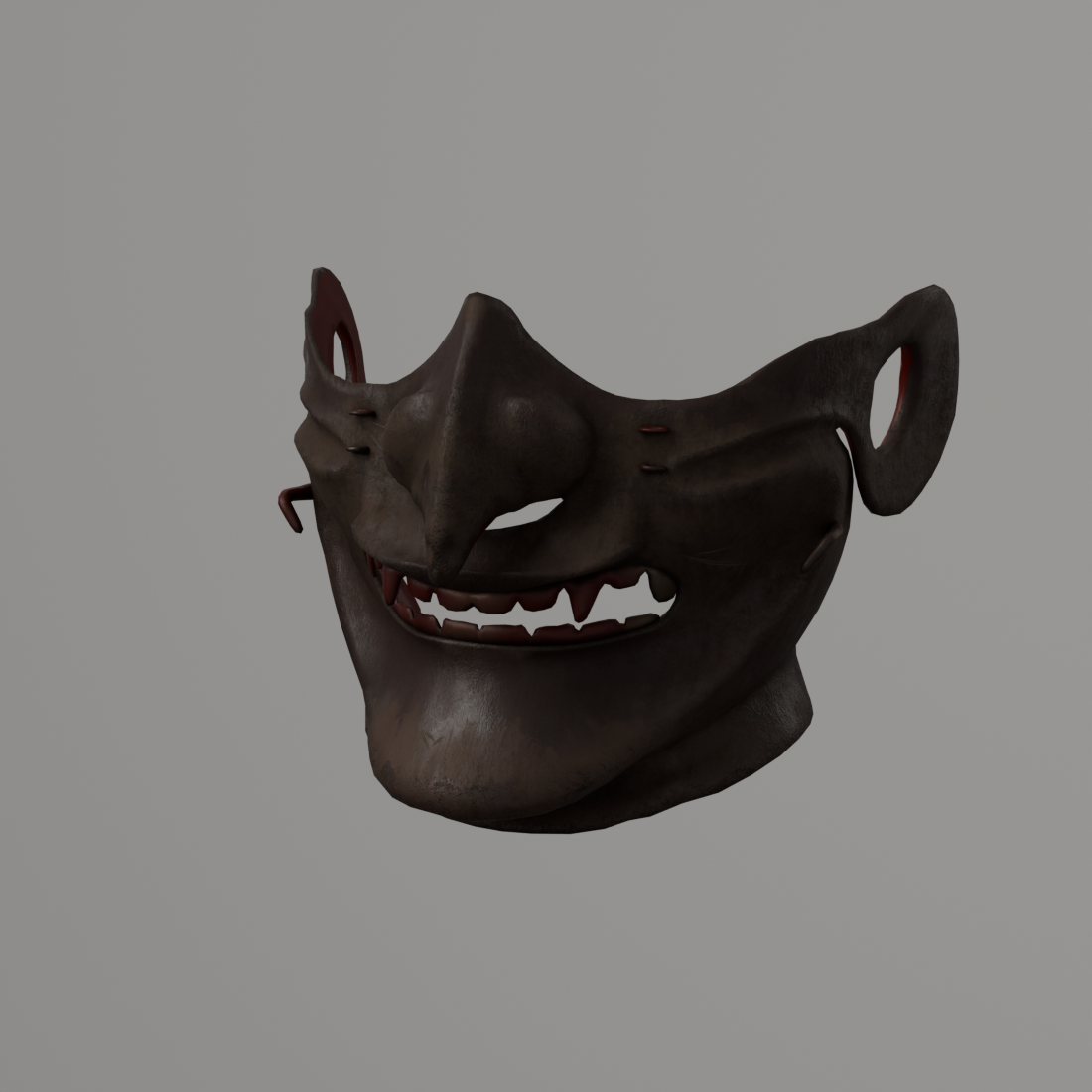
02 / AGED
Same mask, camera and lighting. The ageing control changes the surface treatment without changing the mesh.
05 / FIT & PRESENTATION
Fit. Frame. Render.
Adapt it to your character.
Adjust head width, face depth, jaw clearance, mask depth, neck fit and facial-hair clearance through dedicated fitting controls.
These controls provide a practical starting point; some characters may still require manual adjustment.
Give your design a studio.
The included studio provides lighting, a backdrop and cameras. Use the turntable controls to create a camera orbit and render a sequence for animation or promotional footage.
Install the add-on once and access its controls from the KABUTO sidebar.
06 / UNDER THE SURFACE
See the geometry.
42 separate mesh modules give you control over what stays in your assembly. These wireframe views show the actual polygon edges of a complete example and an individual mask.
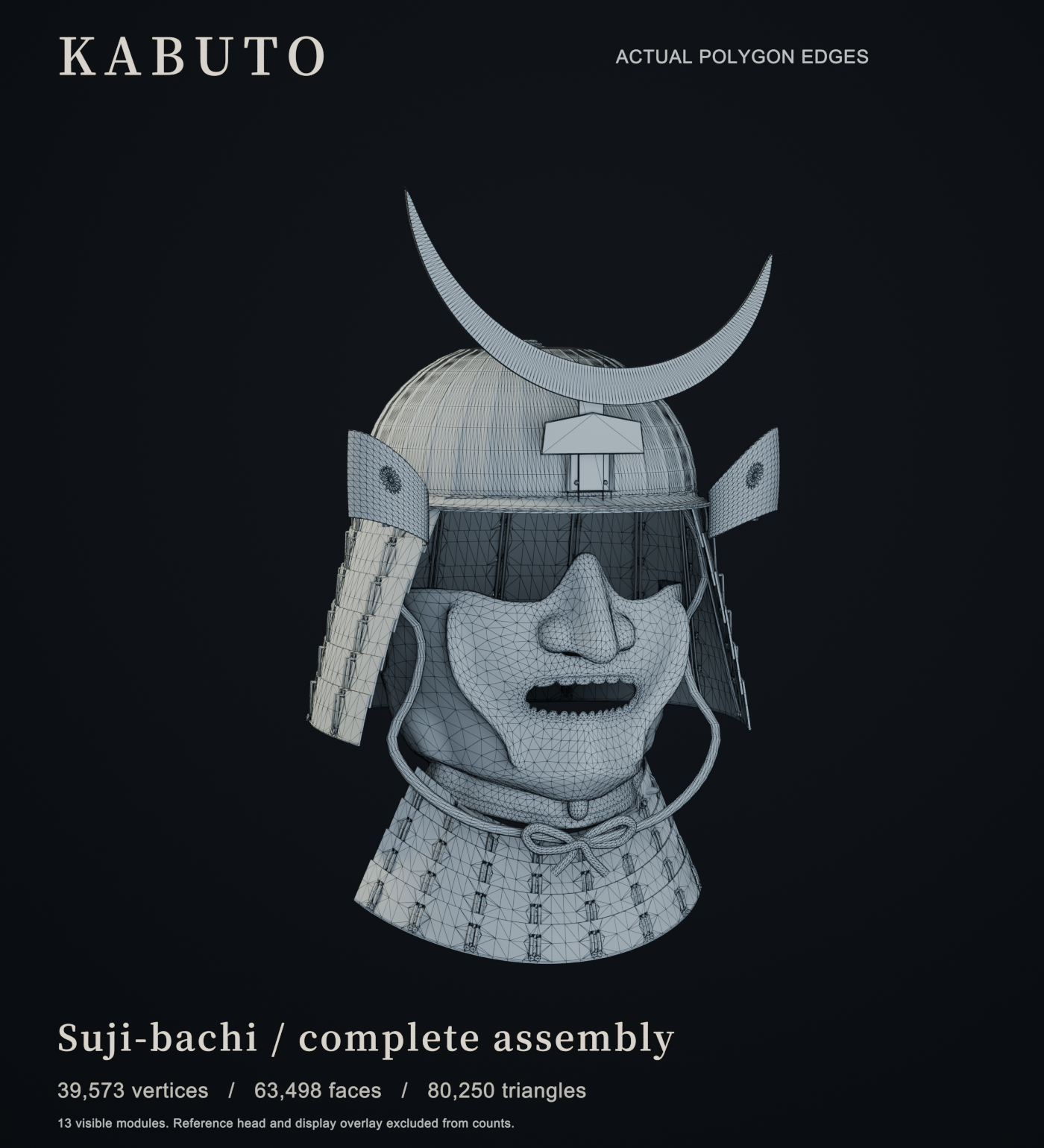
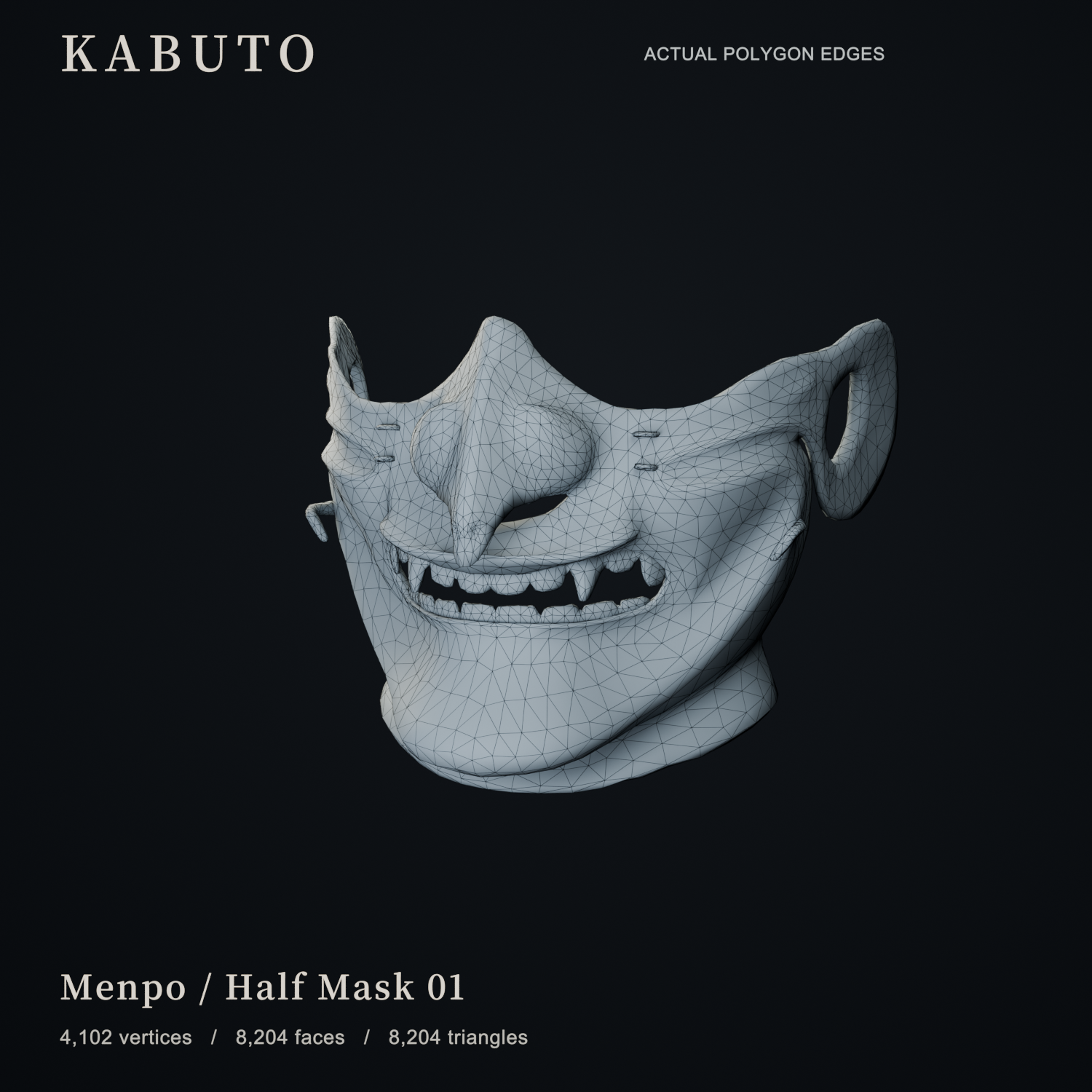
73,774–89,216
triangles across the five example assemblies
8,078–10,156
triangles per mask across the four options
| Example | Faces | Triangles |
|---|---|---|
| Red riveted helmet | 72,440 | 89,216 |
| Black and gold | 63,498 | 80,250 |
| Indigo folded crown | 66,354 | 83,140 |
| Green chrysanthemum | 68,342 | 86,534 |
| Bronze tall cone | 56,038 | 73,774 |
Counts cover the visible modules only, excluding reference heads, studio objects and wireframe overlays. Faces are stored mesh polygons; triangles are the triangulated total. Other component choices produce different totals.
Building for a game?
Use the meshes and textures as source assets for your game workflow. Select the parts you need, export your assembly, and prepare materials, LODs, character attachment and collision for your target engine and performance budget.
This release is tested in Blender with Cycles. An Unreal or Unity package and game-engine performance validation are not included.
07 / EDITABLE SOURCES
Keep the source. Make it yours.
Six editable Substance 3D Painter projects cover the masks, carved wood, armour, cords and ornaments. Continue developing the materials through their layers, generators and wear effects.
Substance Painter is optional. The Blender materials and packed textures are ready to use.
THE COMPLETE PACK
What you receive.
| Blender add-on | Installable KABUTO generator and 42 mesh modules. |
| Starting configurations | Five example configurations and ten curated colour palettes. |
| Creative controls | Assembly, repeatable seeds, colour, surface, ageing and character fitting. |
| Render studio | Lighting, backdrop, cameras and turntable controls. |
| Material sources | Six Substance Painter projects and a PBR export script. |
| Documentation | Installation and usage instructions. |
FROM ANVIL STUDIO
Your feedback matters.
Making something with KABUTO? We would love to see it. Questions, suggestions and reports of unexpected behaviour help us understand how the pack is being used and where it can improve.
Get in touch through Superhive.
Use Contact the creator on this product page. For a technical issue, include your Blender version, a screenshot and the steps that reproduce it so we can investigate.
If KABUTO has been useful in your work, an honest review helps other artists decide whether it fits their workflow. Thank you for supporting Anvil Studio.
Before you begin.
Tested in Blender 5.2.2 LTS · Cycles
Other Blender versions have not yet been verified.
Character heads and bodies shown in promotional images are display references and are not included. Substance Painter software is not included.
KABUTO is a Japanese-inspired modular design kit. Individual combinations and the carved-wood finish offer artistic freedom rather than a guarantee of historical reconstruction.
The Python add-on code uses GPL-3.0-or-later. Included models, textures and Painter sources have a separate royalty-free asset licence for personal and commercial projects; standalone redistribution is not permitted.
ANVIL STUDIO
KABUTO · Modular Samurai Helmet Generator