 SkdSam



Blender Add-on
✨ Key Capture for Blender
Live Key Display Customizable UI Lightweight
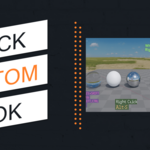
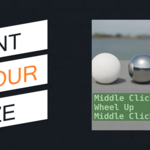
Capture every key and mouse action live on screen — perfect for tutorials, demonstrations, and training. Fully customizable appearance and position to match your recording style.
Latest Version
v1.6.1
Blender
3.6 – 5.2
Platforms
Windows • macOS • Linux*
🎯 Key Features
- Live Key and Mouse Display: Show keys, mouse buttons, and wheel movements in real time.
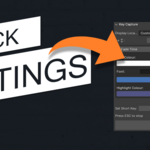
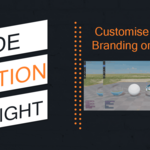
- Adjustable Display Location: Choose corners or set a custom X/Y position.
- Custom Font & Appearance: Load fonts, adjust size, colour, and fade time.
- Hotkey Activation: Start instantly via your own shortcut or a Start button.
- Easy Control: Press your assigned keys anytime to stop capturing.
- Clean & Lightweight: Minimal impact, designed for clarity.
- Full Version Compatibility: Works in Blender 3.6 – 5.2. *Tested on Windows, code included for macOS/Linux.
🧑🏫 Perfect for
- Tutorial creators
- Online educators
- Livestreams & workshops
- Teams creating training resources
- Anyone who wants clear key/mouse feedback
🎬 How It Works
- Install Key Capture into Blender.
- Open the Key Capture panel in the 3D View (N-panel).
- Customize location, font, size, colour, and shortcut.
- Click Start button or press your hotkey — keystrokes now display live!
- Press key shortcut or stop button to stop capturing.
⚡ Why Use Key Capture?
When recording tutorials or live sessions, viewers need to see exactly what you’re doing. Instead of guessing, Key Capture displays every action clearly — making your videos easier to follow and more professional.
No overlays or post-editing needed — everything is captured live.
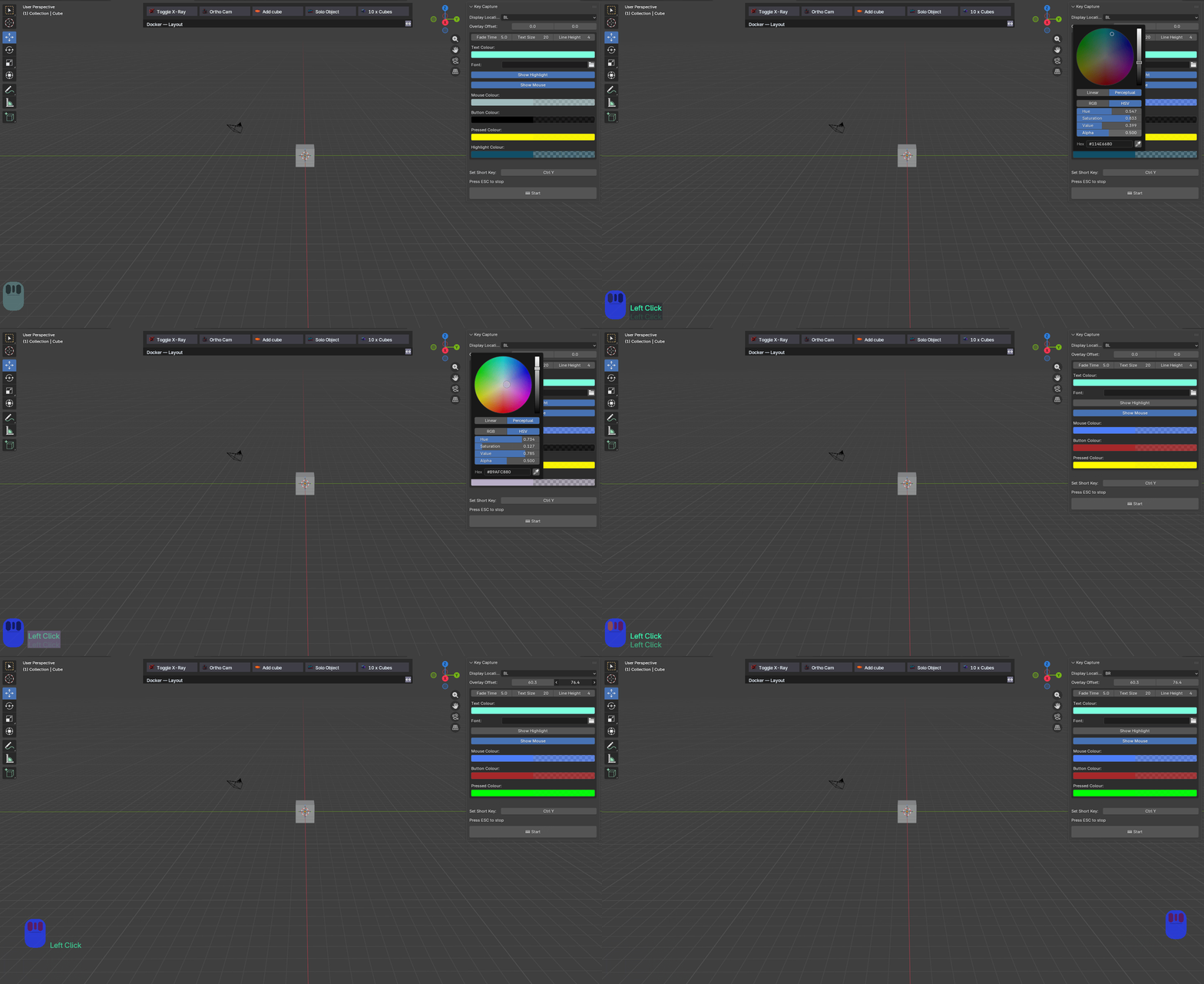
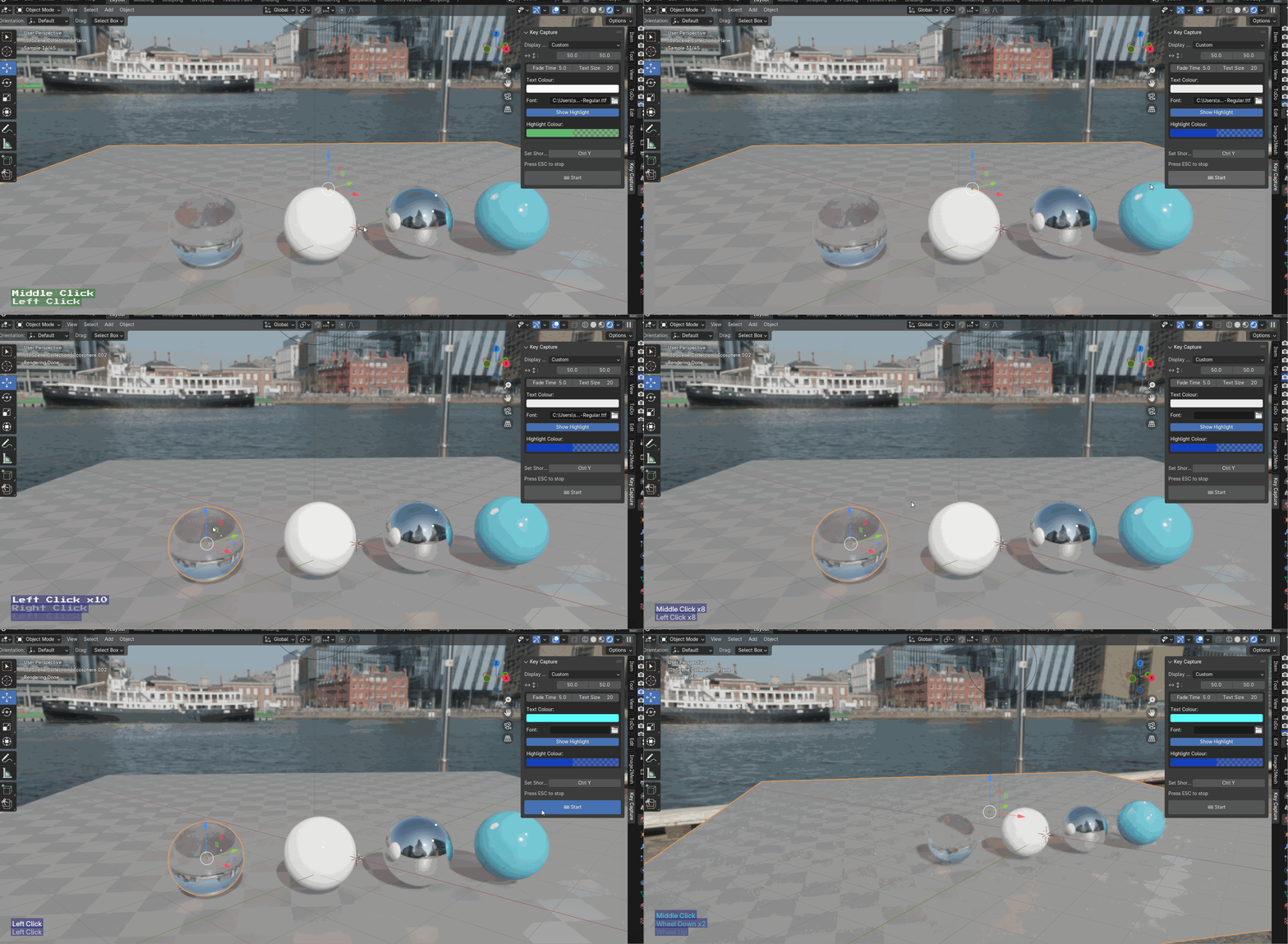
🎥 The video below shows Key Capture in use during a Blender session
🆕 Updates
v1.6.1 — Added some UI changes and also implemented a fix that stops Blenders auto save
v1.0.5 — Realtime colour updates, added viewport offsets, added mouse capture and colour options
v1.0.4 — Added custom font option
v1.0.3 — First release
v1.0.5 — Realtime colour updates, added viewport offsets, added mouse capture and colour options
v1.0.4 — Added custom font option
v1.0.3 — First release
Make your tutorials crystal clear.
Show keys & clicks live in Blender with zero extra effort.