 ZEG
ZEG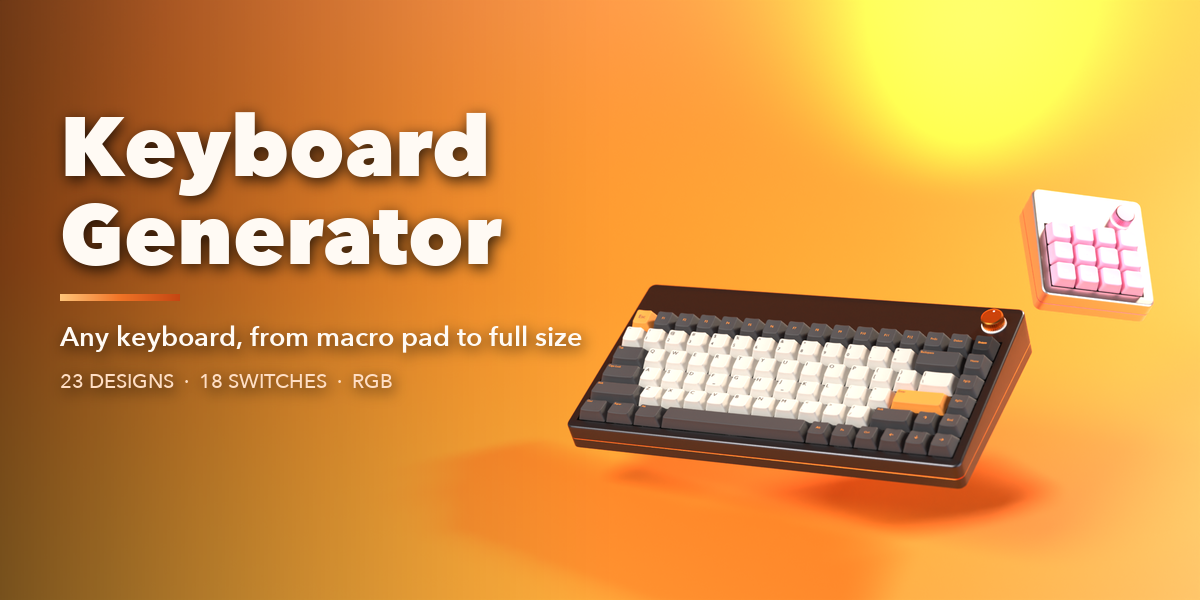
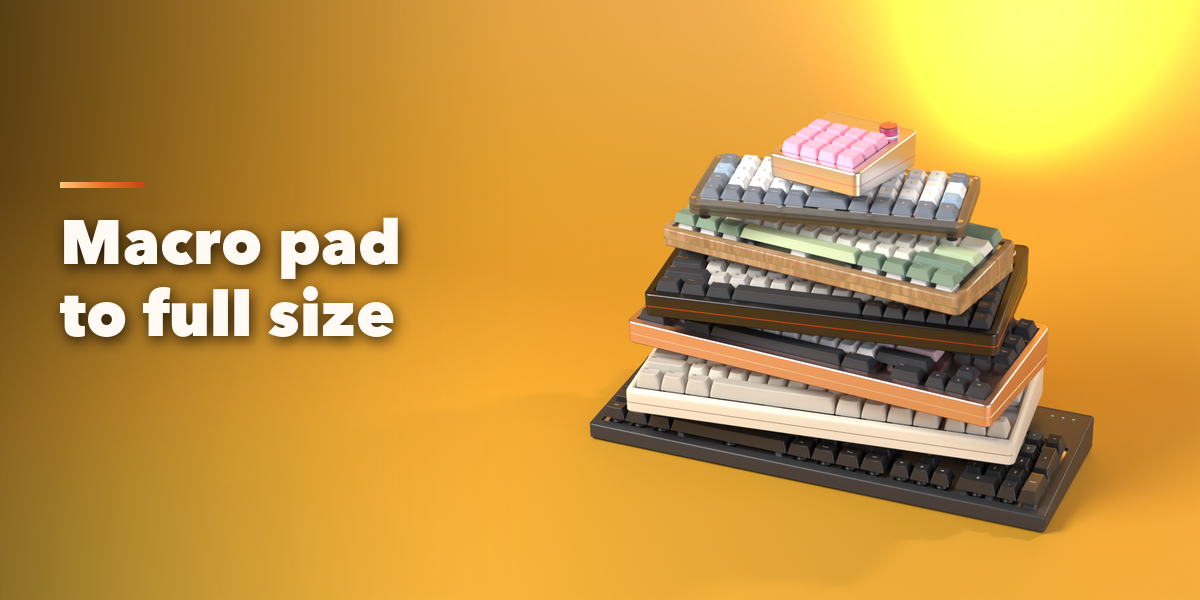
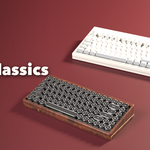
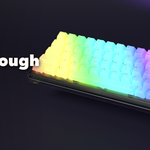
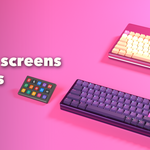
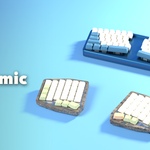
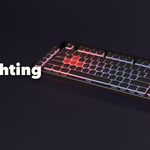
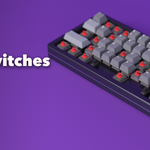
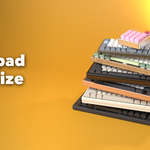
Keyboard Generator builds detailed, fully procedural keyboards inside Blender, from a 12-key macro pad to a full-size office board. Pick one of 23 ready-made designs, or change anything: size, layout, language, keycaps, switches, case, extras and lighting. Every change rebuilds the keyboard live.
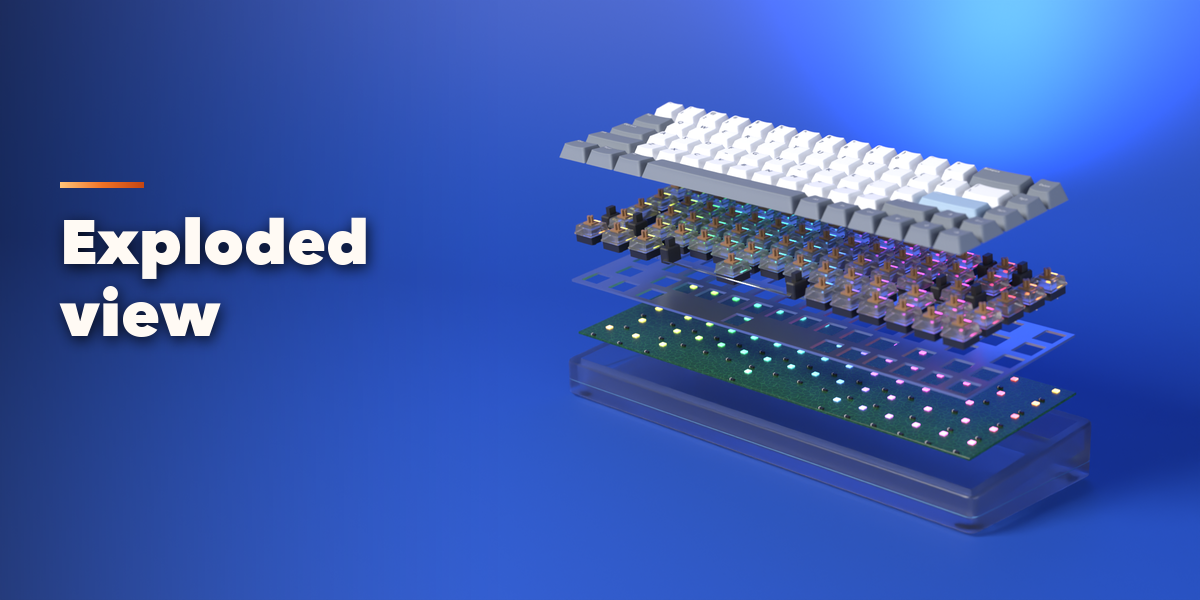
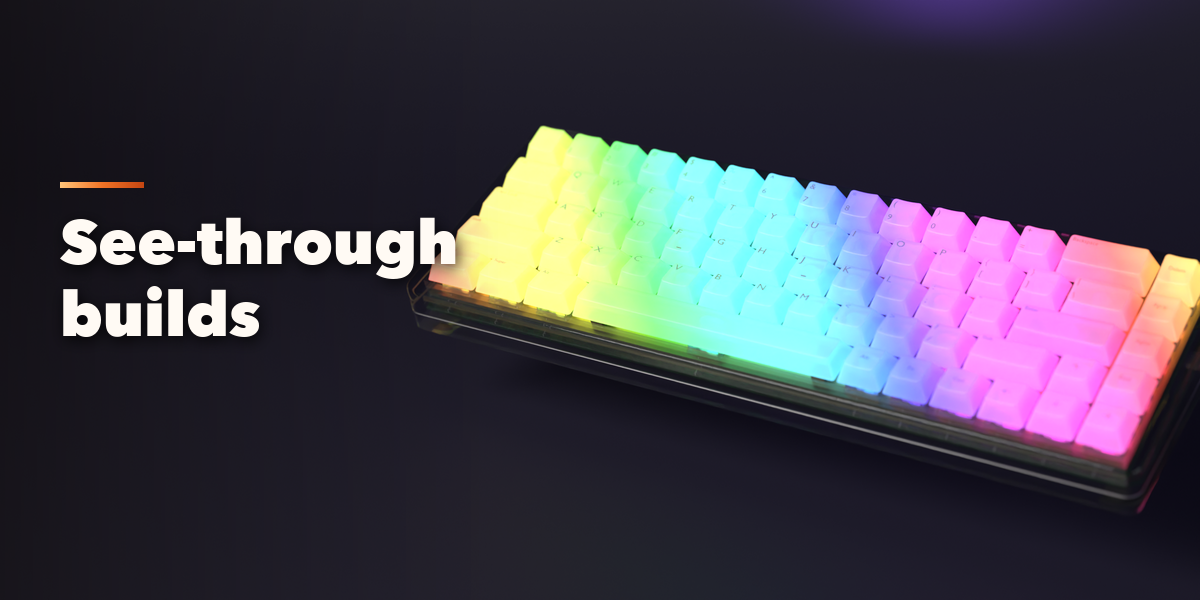
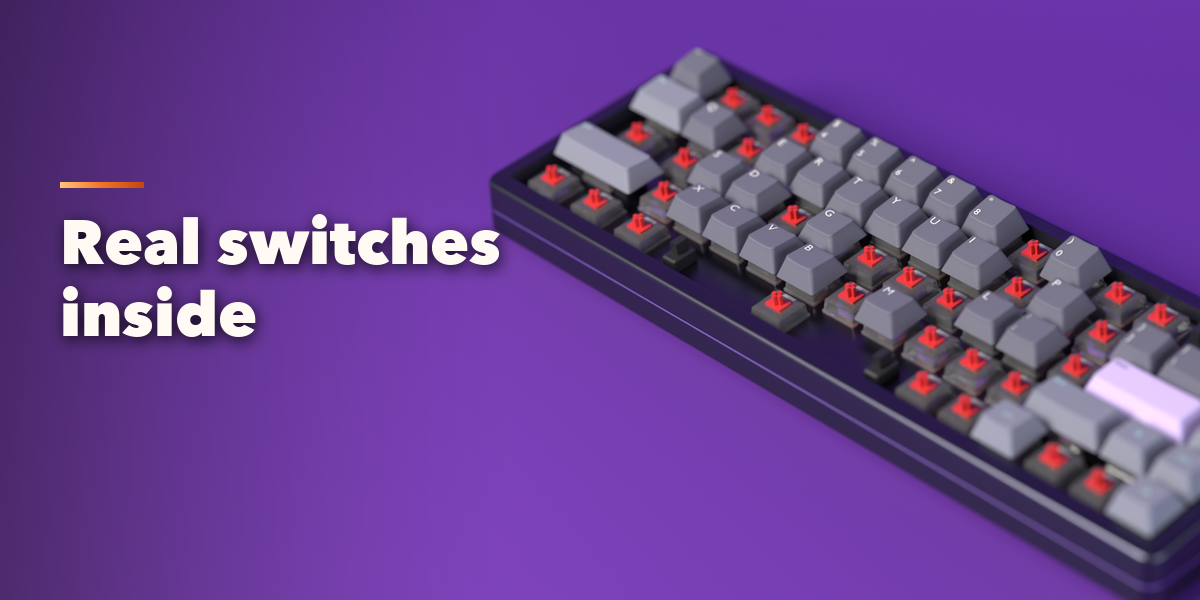
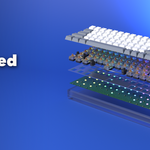
Each keyboard is real, layered hardware: sculpted keycaps with proper profiles and legends, switches with housings and stems, a plate, a PCB with hot-swap sockets and stabilizers, and a case with feet, port and badge. Take the caps off, show the internals through a clear case, or pull every layer apart in an exploded view.
The sidebar keeps it simple: seven picture tabs with rendered previews and icons, so you see each option before you pick it, and the less common settings stay folded away until you need them.
Features
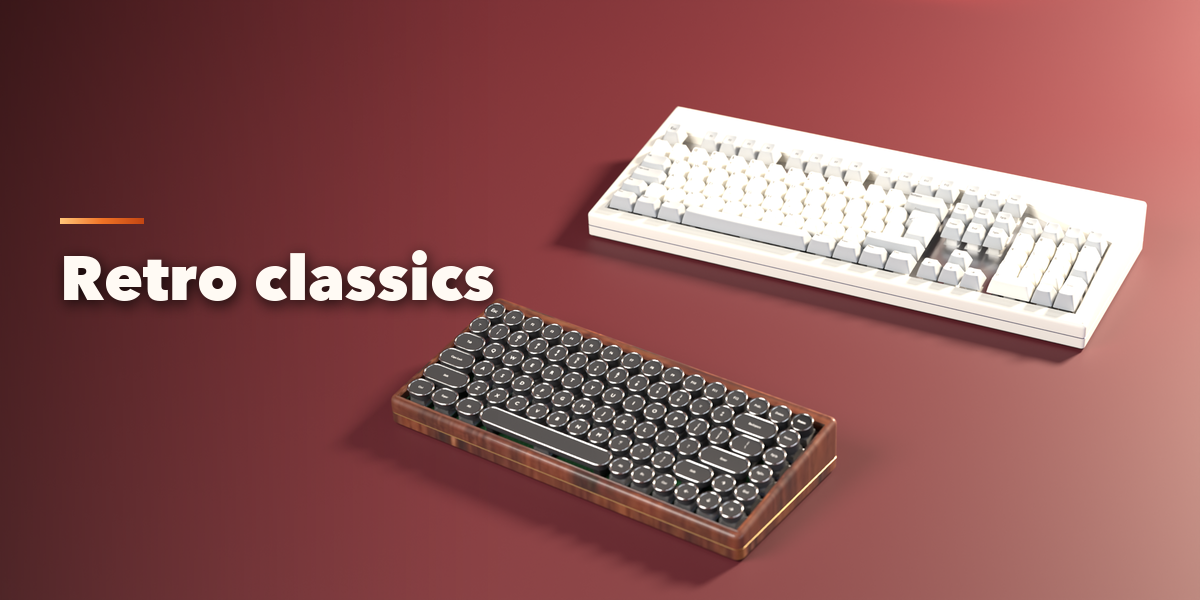
- 23 designs in 6 families: everyday, enthusiast, gaming, ergonomic, retro and specialty
- Macro pad, numpad, 40%, 60%, 65%, 75%, TKL and full size, or build your own: function row, navigation, arrows, numpad, macro column
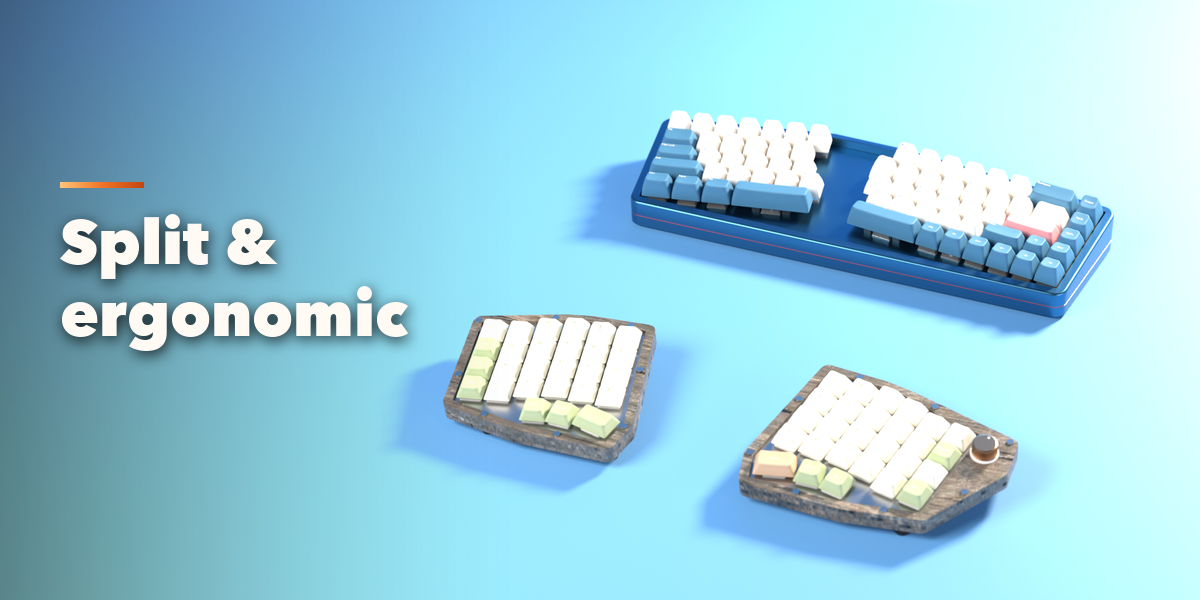
- Staggered, ortholinear, Alice, split and column-staggered ergo arrangements
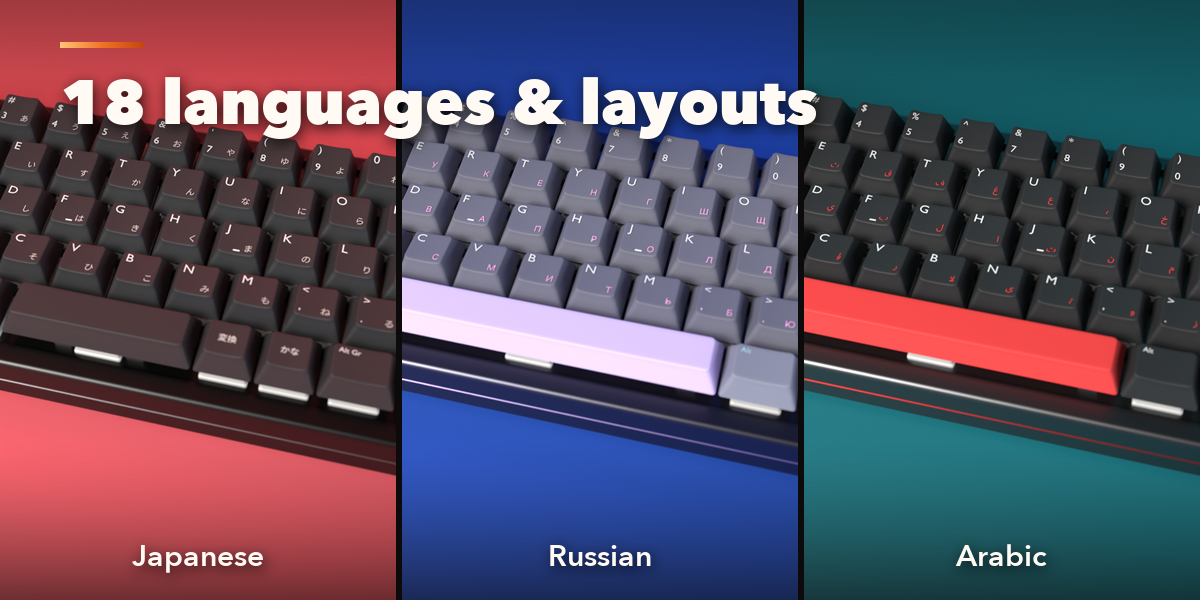
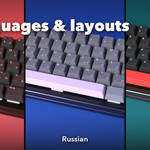
- 18 legend sets: English US and UK, German, French, Spanish, Italian, Nordic, Turkish Q and F, Russian, Greek, Japanese JIS, Korean, Arabic, Hebrew, Dvorak, Colemak and blank, on ANSI, ISO or JIS
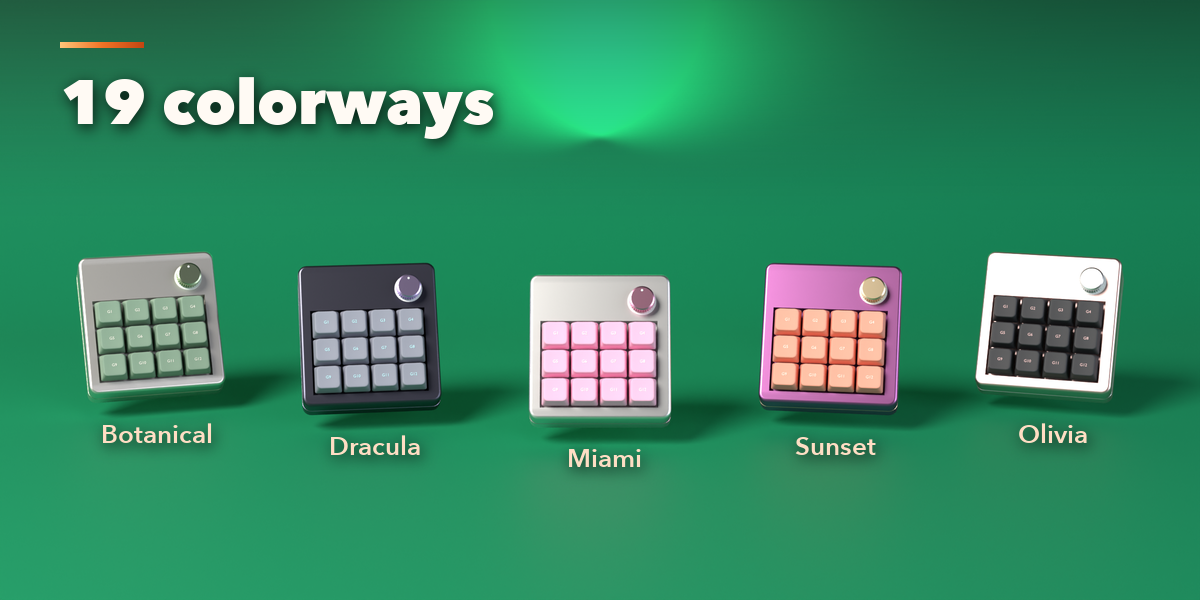
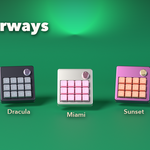
- 9 keycap profiles (Cherry, OEM, SA, DSA, XDA, MT3, low profile, chiclet, typewriter), 6 materials and 19 colorways
- 18 switch types, from linear, tactile and clicky to optical, Hall effect, Topre, Alps, buckling spring, scissor and rubber dome
- 8 case styles, 5 case materials with real wood textures, 5 plate materials
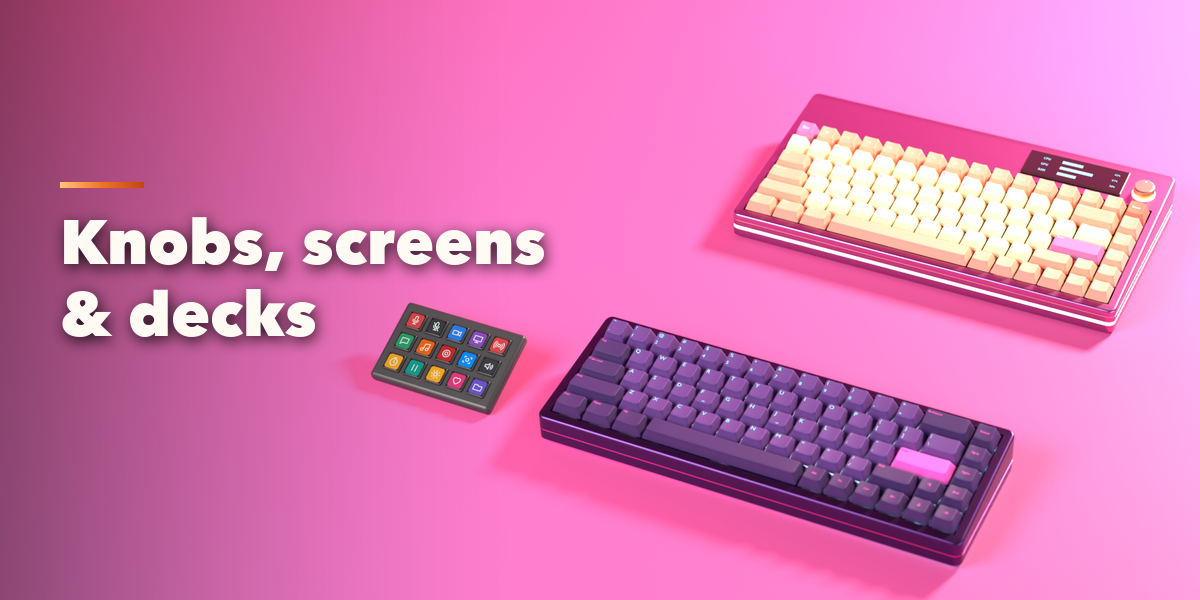
- Extras: volume knob or roller, OLED or LCD screen with clock, PC stats, visualizer, WPM, text or your own image, stream deck, media buttons, lock lights, wrist rest, desk mat, straight or coiled cable
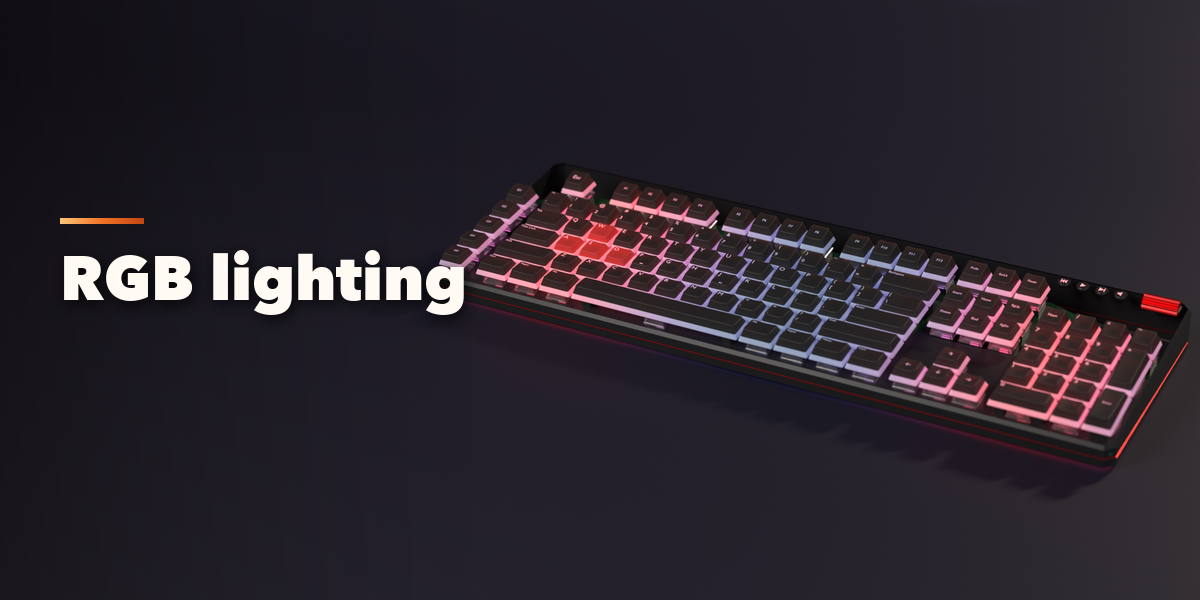
- RGB lighting: solid, gradient, rainbow, wave, breathing and reactive, with underglow and light bar
- Typing animation and exploded view in one click
- New Look and New Build randomizers, and Convert to Mesh for export
Requires Blender 4.2 or newer. Tested on Blender 4.2, 4.5 and 5.2 LTS.
