 ZEG
ZEG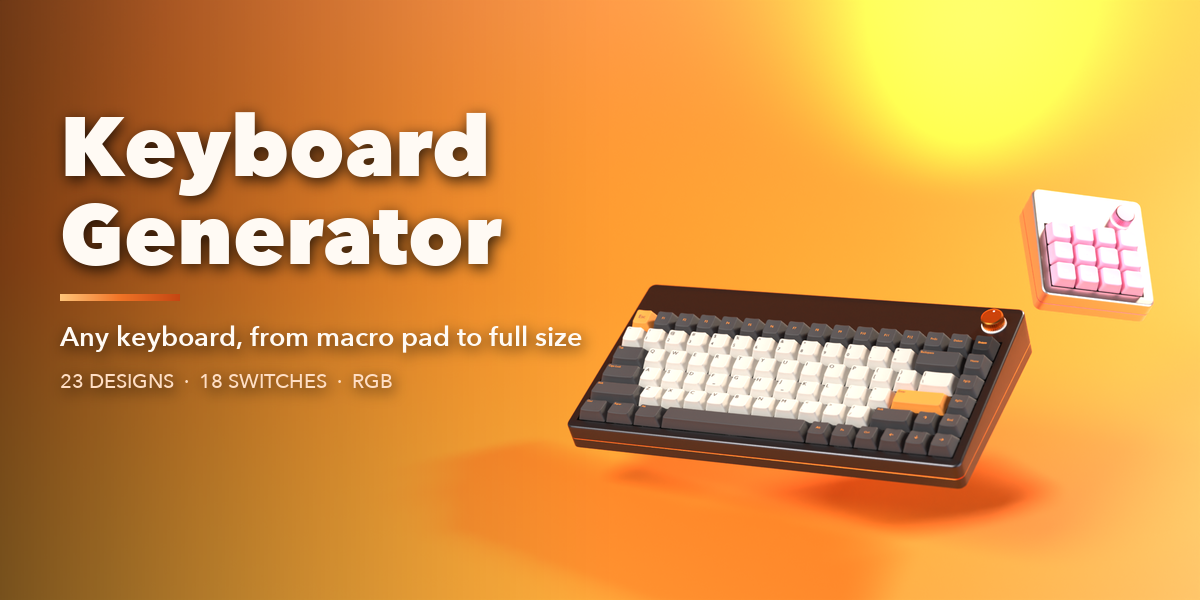
Installation
In Blender open Edit, Preferences, Get Extensions, then use Install from Disk and pick the keyboard_generator zip.
Usage
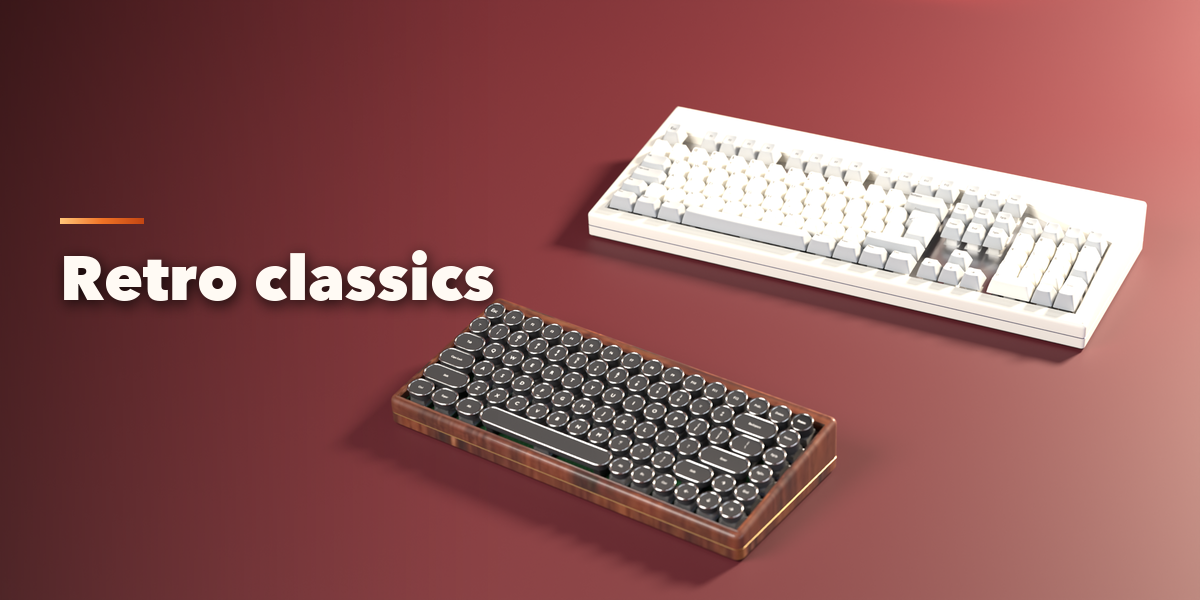
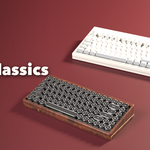
- In Object Mode press Shift+A and choose Keyboard, then pick a design. You can also open the Keyboard tab in the 3D viewport sidebar (N) and press Add Keyboard.
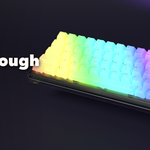
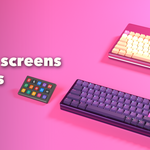
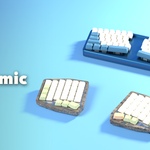
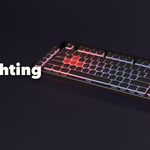
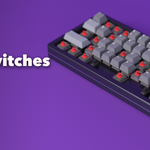
- With a keyboard selected, the sidebar shows seven picture tabs: Layout, Keycaps, Switches, Case, Extras, Lighting and Motion. Every setting rebuilds the keyboard live.
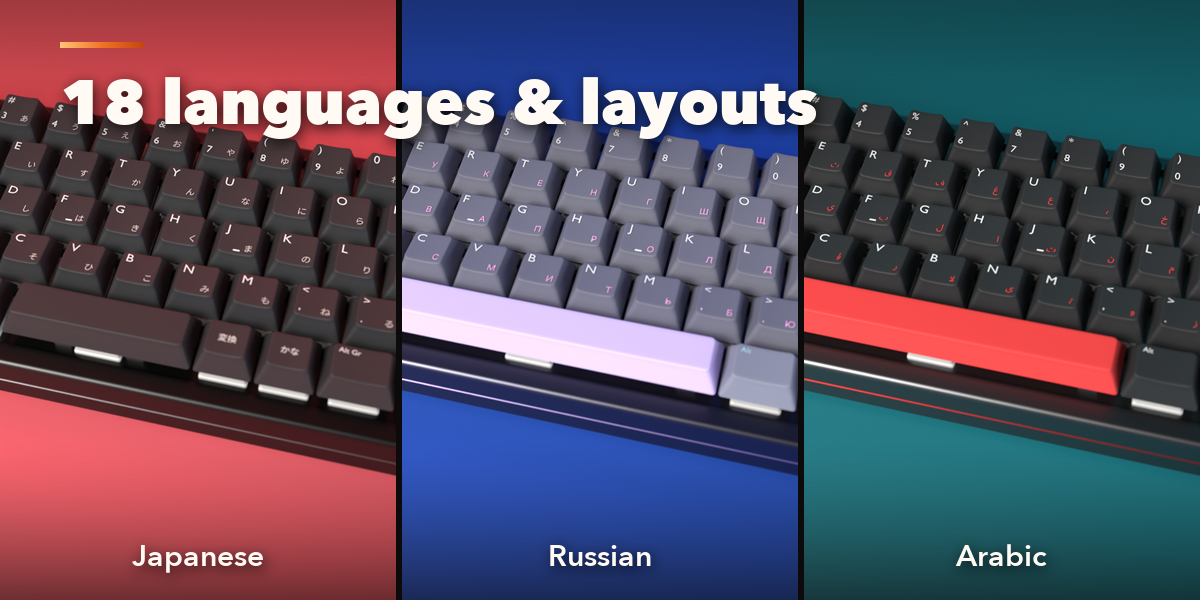
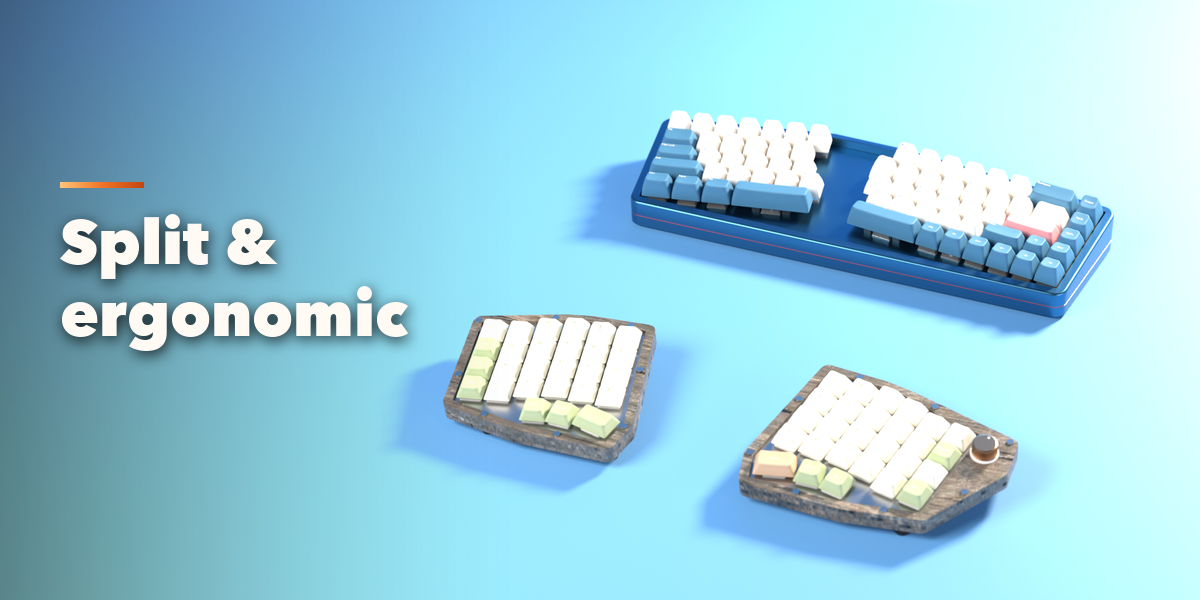
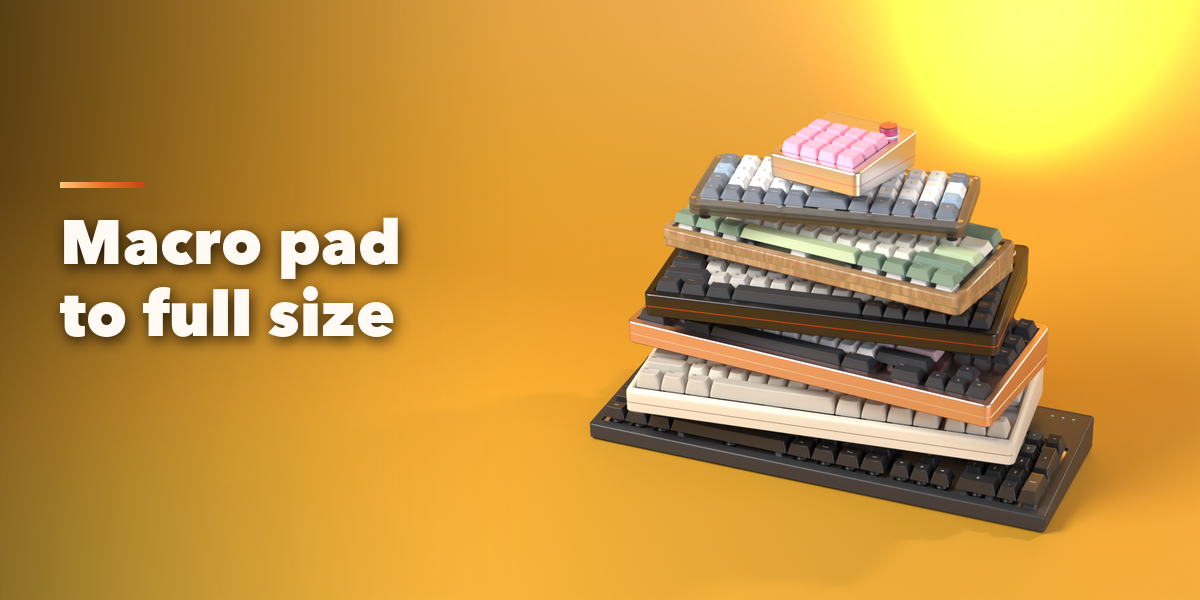
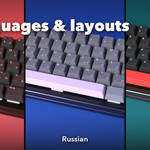
- Layout: size, arrangement (staggered, ortholinear, Alice, split, ergo), language and ANSI, ISO or JIS.
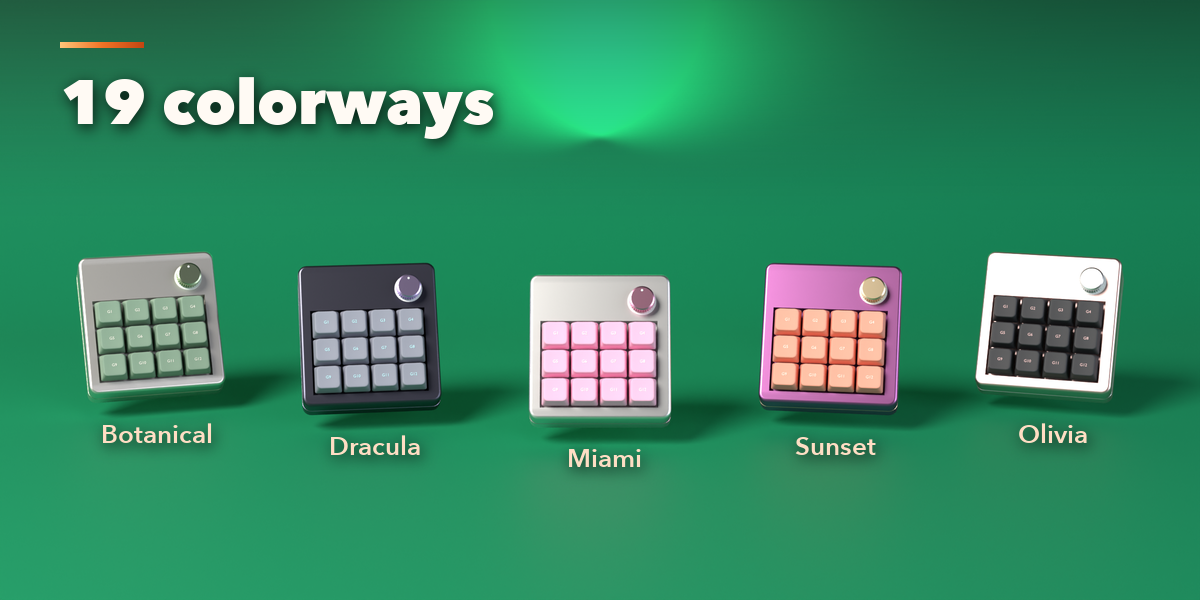
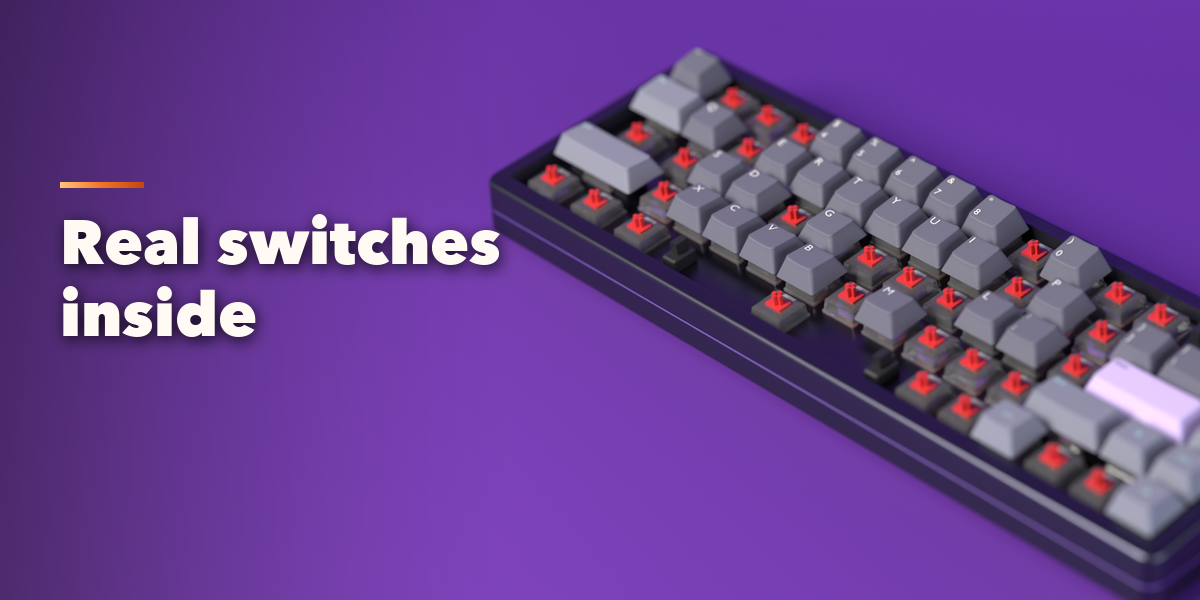
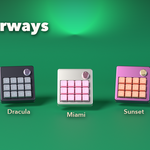
- Keycaps: profile, material, colorway, legends and font. Switches: switch type, housing, stabilizers. Case: style, material, plate, feet, port.
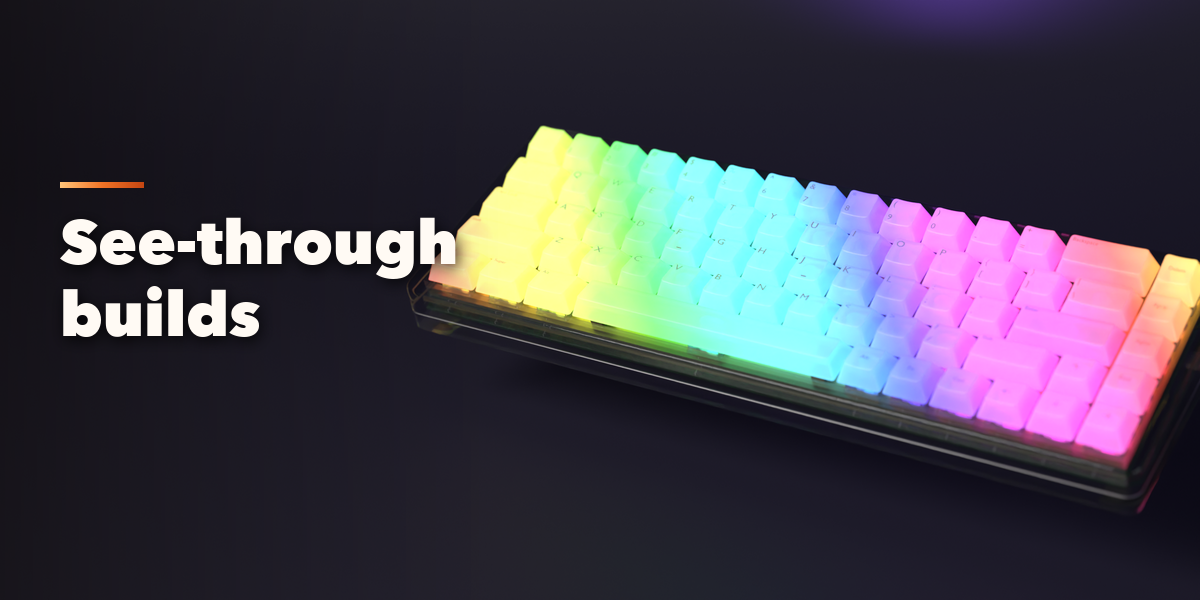
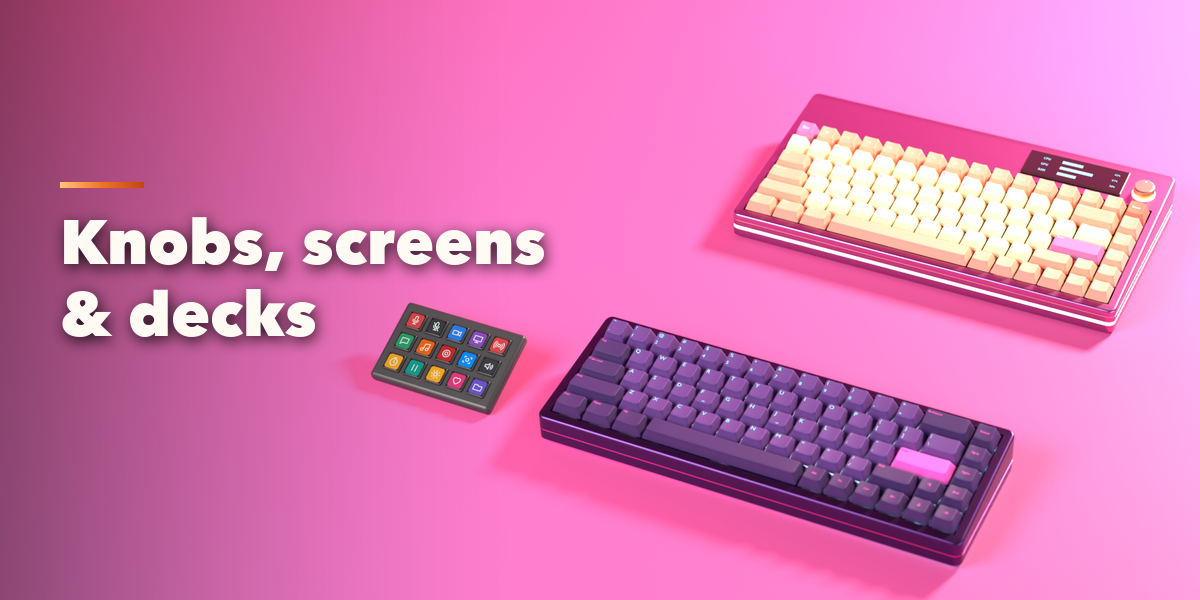
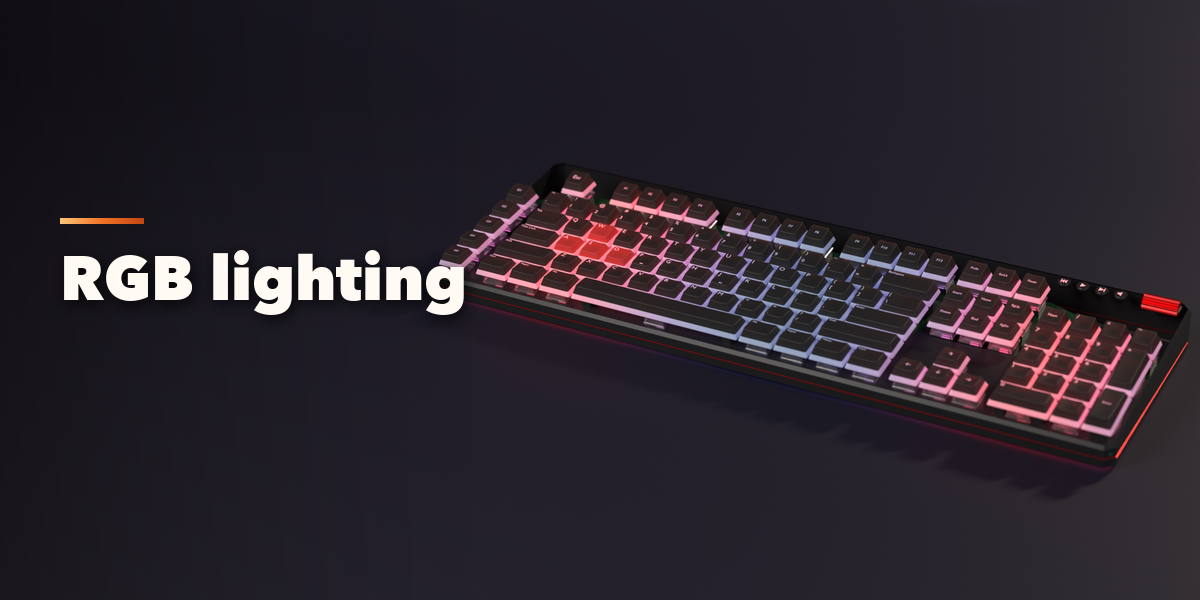
- Extras: knob, screen and its content, stream deck, wrist rest, desk mat and cable. Lighting: RGB modes, colors, underglow.
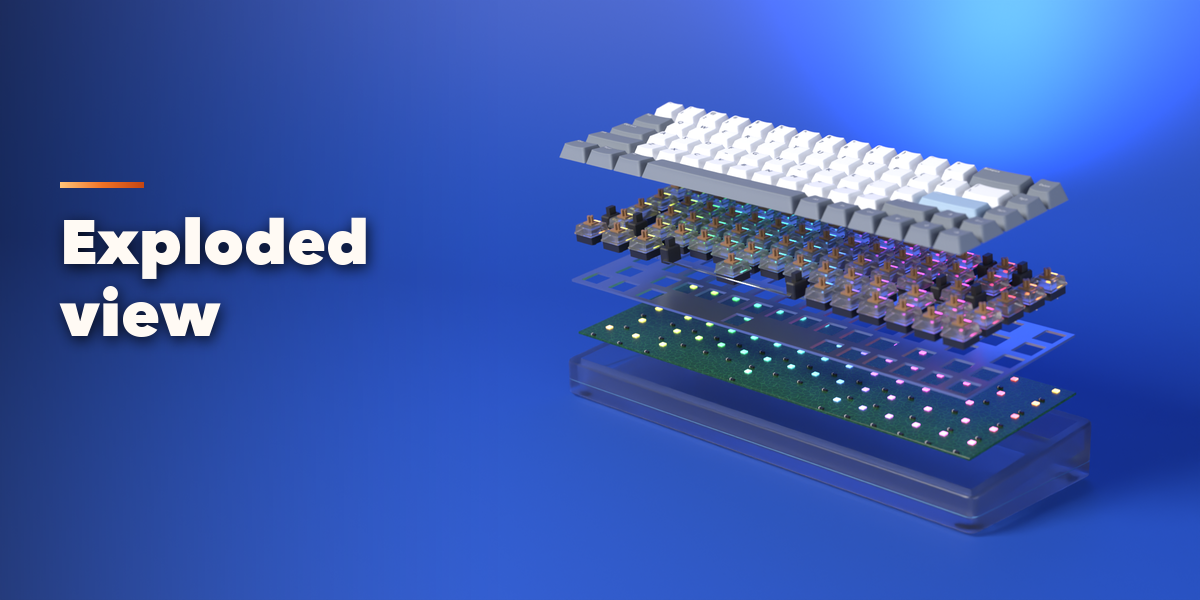
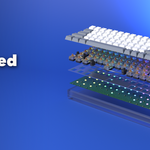
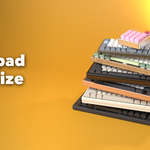
- Motion: turn on the typing animation or move Explode to pull the layers apart. New Look and New Build randomize the keyboard; Reset goes back to the design.
- Convert to Mesh turns the keyboard into one plain mesh for export.
Switch the viewport to Material Preview or Rendered to see materials, legends and lighting.
Have questions about this product?
Login to message
| Blender Extension Compatible | Yes |
| Published | about 5 hours ago |
| Blender Version | 4.2 - 5.2 |
| Extension Type | Add-on |
| Render Engine Used | Cycles, Eevee |
| License | GPL |

Discover more products like this
mechanical keyboard Interior keycaps Computer Desk Setup RGB gaming props procedural Generator hard surface keyboard