 codesignprojects
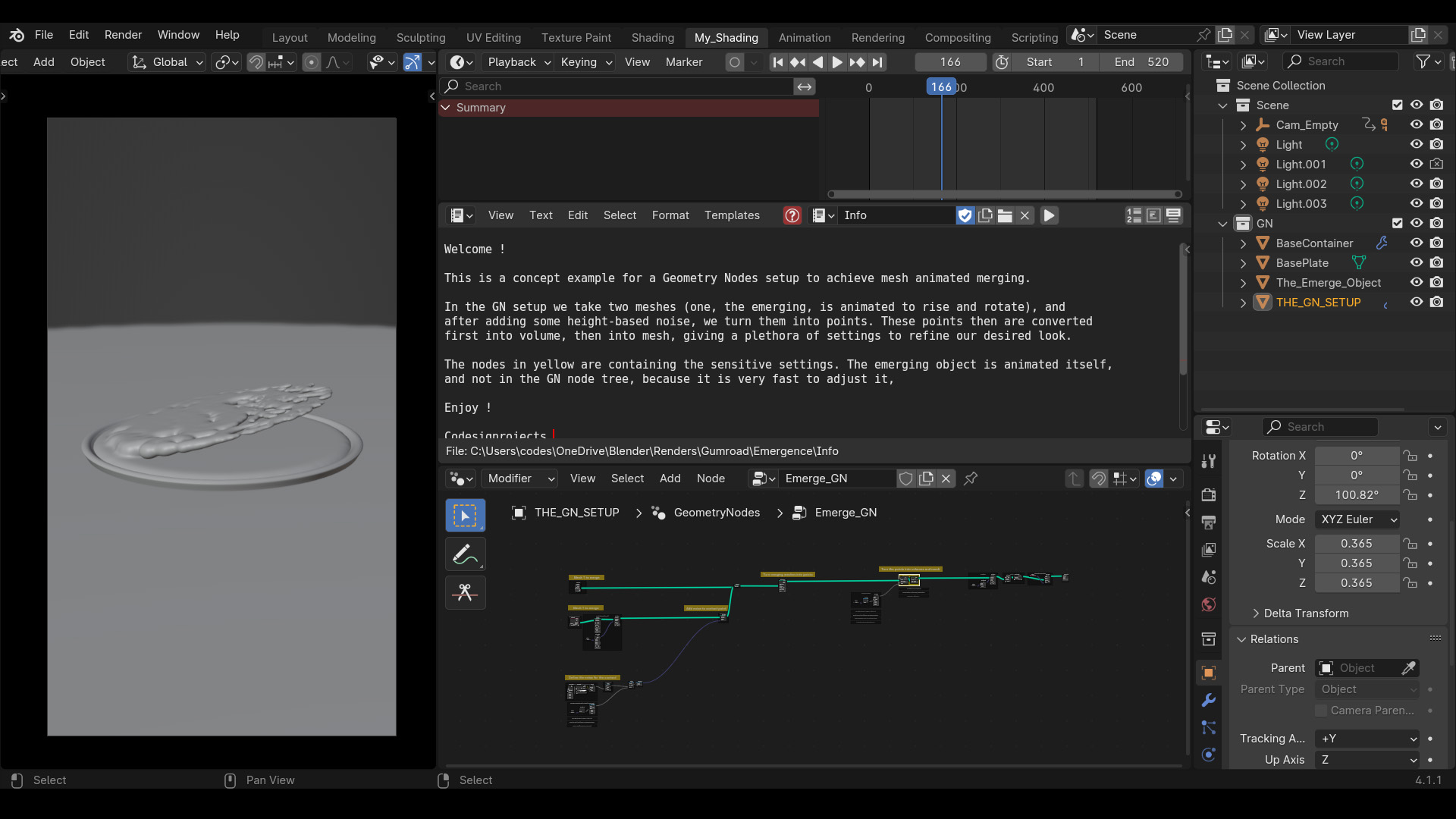
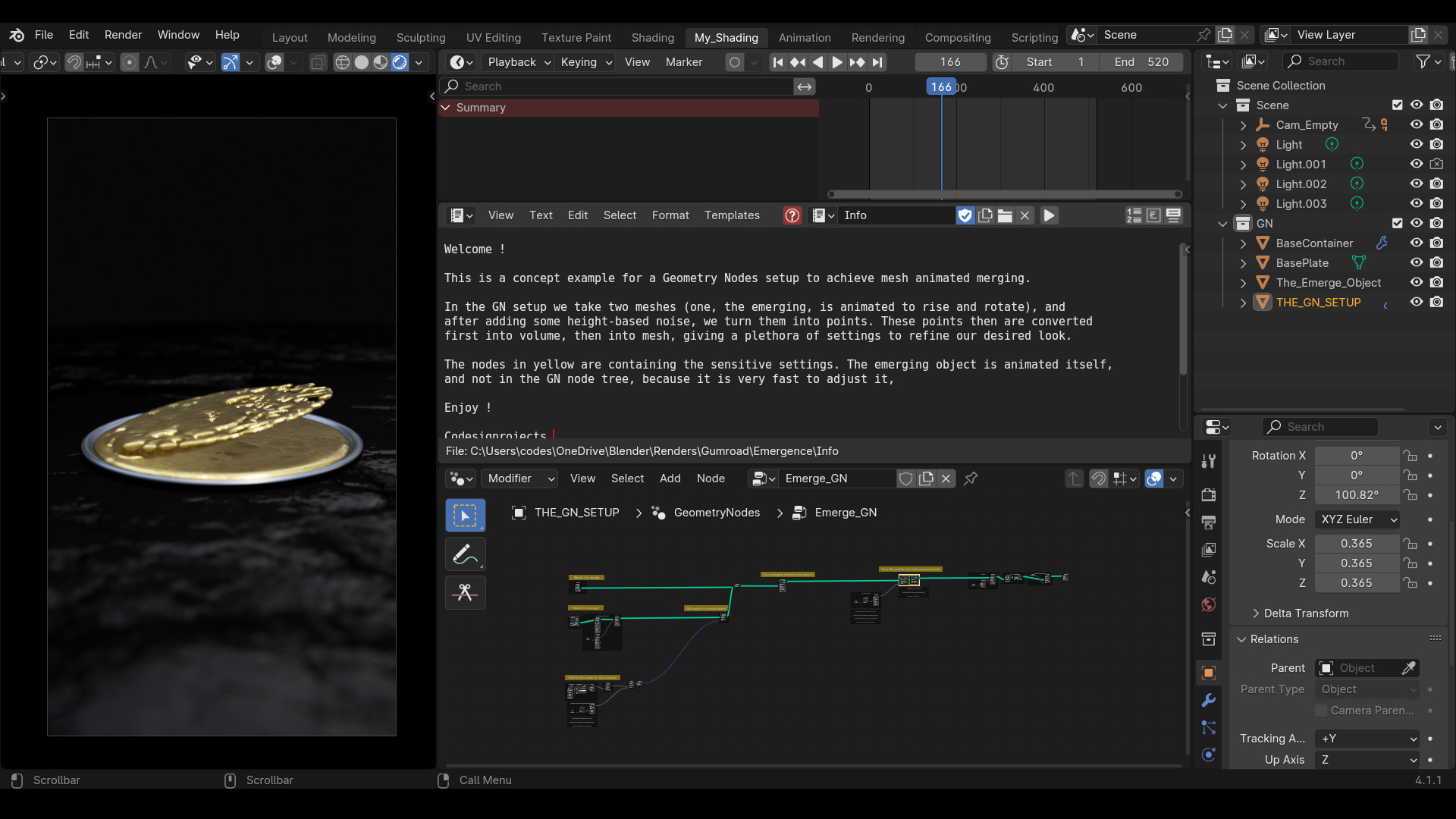
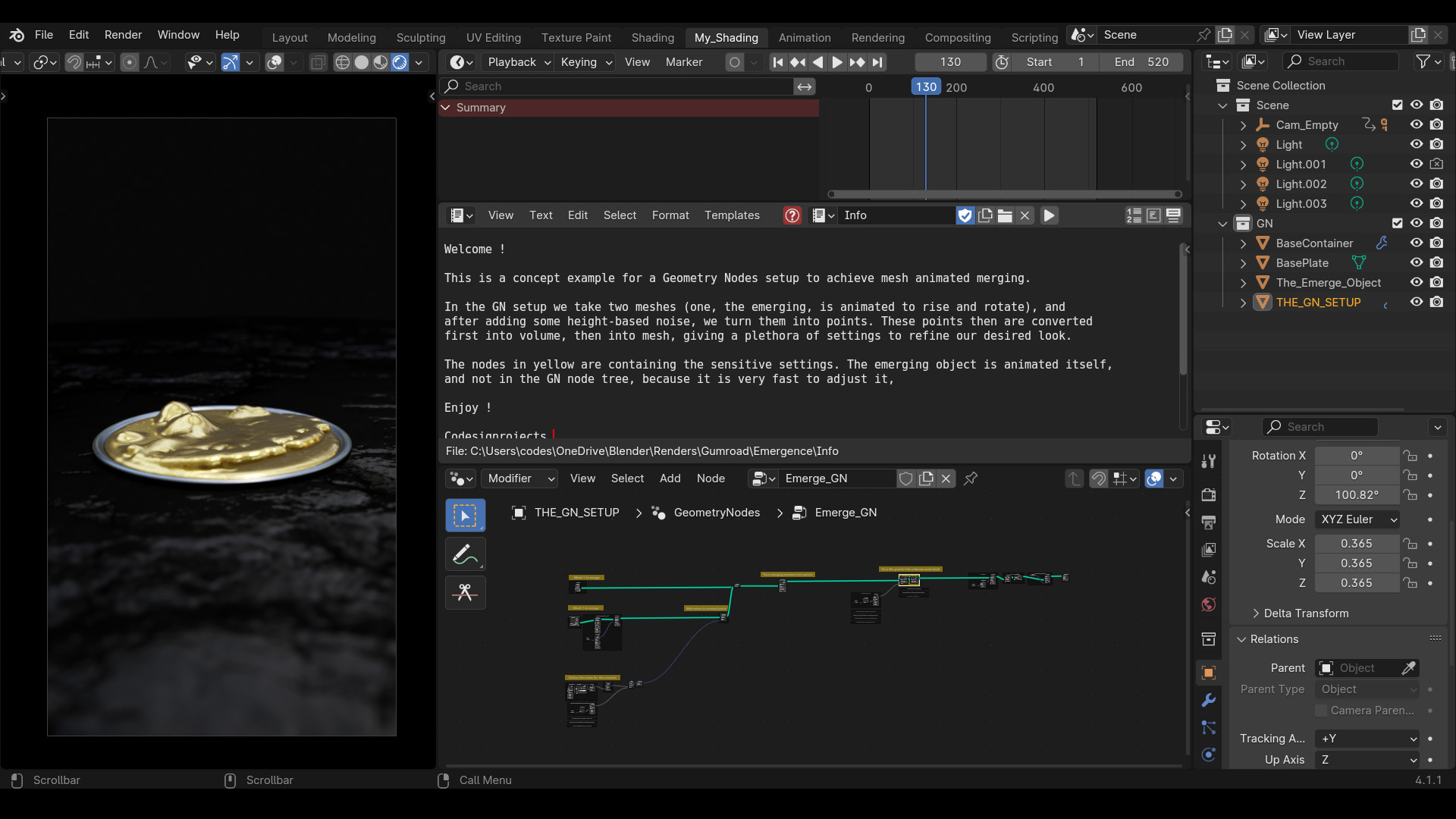
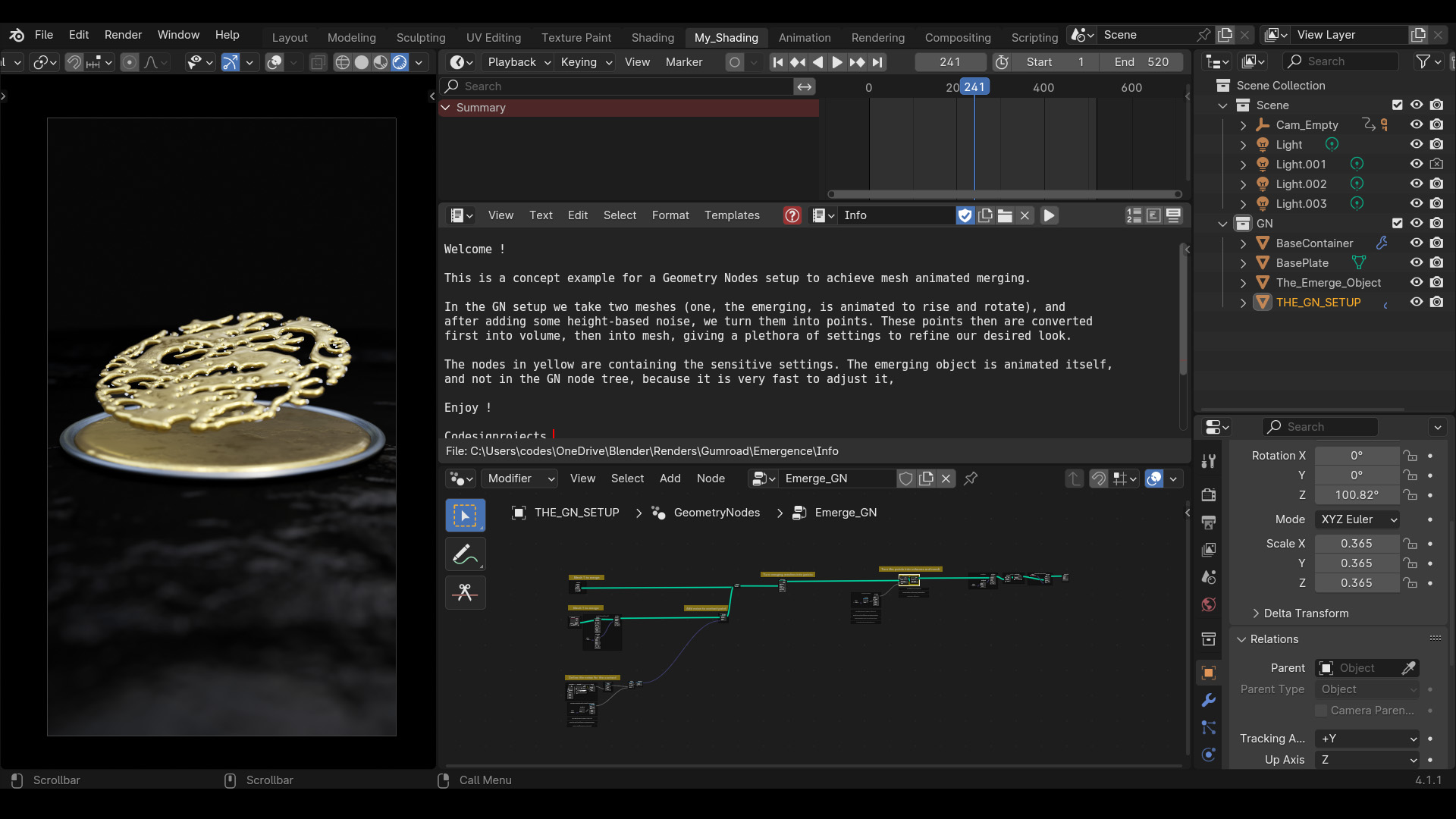
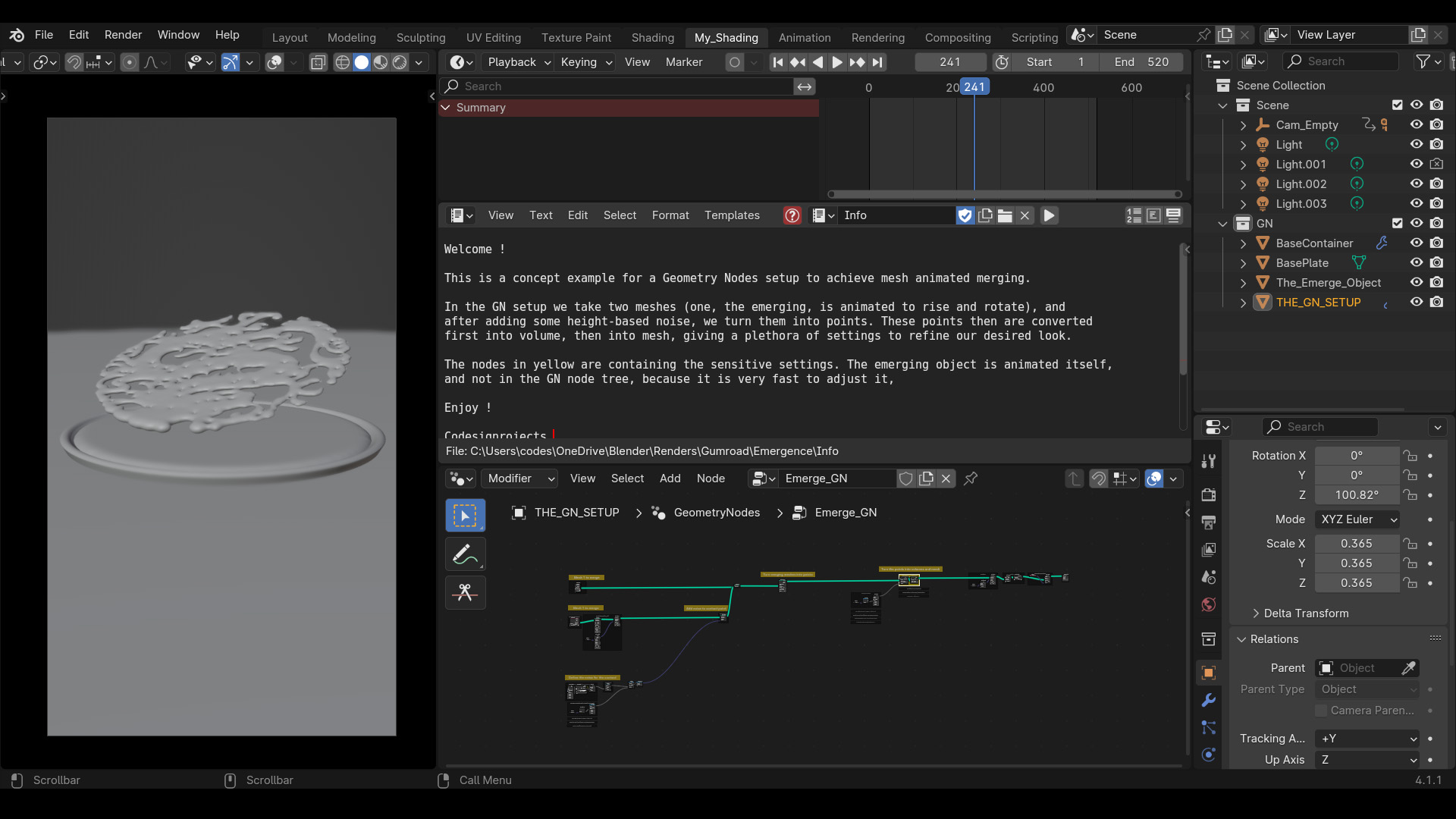

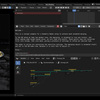
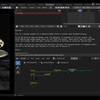
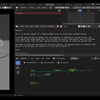
A fast and convenient GeoNodes setup for merging, unmerging and melting meshes procedurally, with fluid, dynamic and animated noise contact surfaces.
Looking for a different aesthetic? Another version of this file with a watery theme is available here.
The Geometry Nodes setup procedurally merges and unmerges meshes using a points-to-volume workflow, creating a unified, liquid-like contact surface. The node tree is built from scratch without grouped abstractions to keep the core logic visible for study and modification.
Simply take your mesh, apply the GeoNodes setup and away you go! The parameters of the merge are completely customizable, as are the noise-driven, fluid like, close contact surfaces. The node tree comes with the full setup, labels and explanations. An example of an emerging animated bird statue is also included.
▶ Video demos: Demo 1 | Demo 2 (Animated Bird)
---------------------------------------------------------------------------------------------
Quick Setup:
- 1. Append the node tree to your target base mesh (e.g., the ground).
- 2. Locate the Object Info node inside the "THE EMERGING OBJECT" frame.
- 3. Select your target emerging object (e.g., a bird or teapot) as the input mesh.
---------------------------------------------------------------------------------------------
Performance & Developer Notes:
The system relies on voxel density and blur iterations. For faster viewport playback, locate the highlighted Points to Volume and Volume to Mesh nodes and lower the Voxel Amount and Voxel Size.
The scene was optimized for Eevee (in 4.1 - for 4.2 you need to adjust the look accordingly).
(Since it is a concept demonstration, it is kept as simple as possible.) The GeoNodes trees are kept clean for easier readability and have detailed explanations. Everything is built from the base instead of contracting all into node groups with exposed settings, which makes everything harder to read and dissect. Check the simplified example blend for more info!
To reuse the node tree, change the Object Info nodes in the GN node tree to your own meshes. To speed up render you can lower the resolution in the highlighted nodes. (The showcase meshes are simply a shapekey animated example)
---------------------------------------------------------------------------------------------
Recommended Blends:
Support & Contact:
- Blendermarket Inbox
- [email protected]
- Discord: https://discord.gg/YqA9JPmC