Kinetica Emerge - Merge Meshes in GeometryNodes
 codesignprojects

Documentation
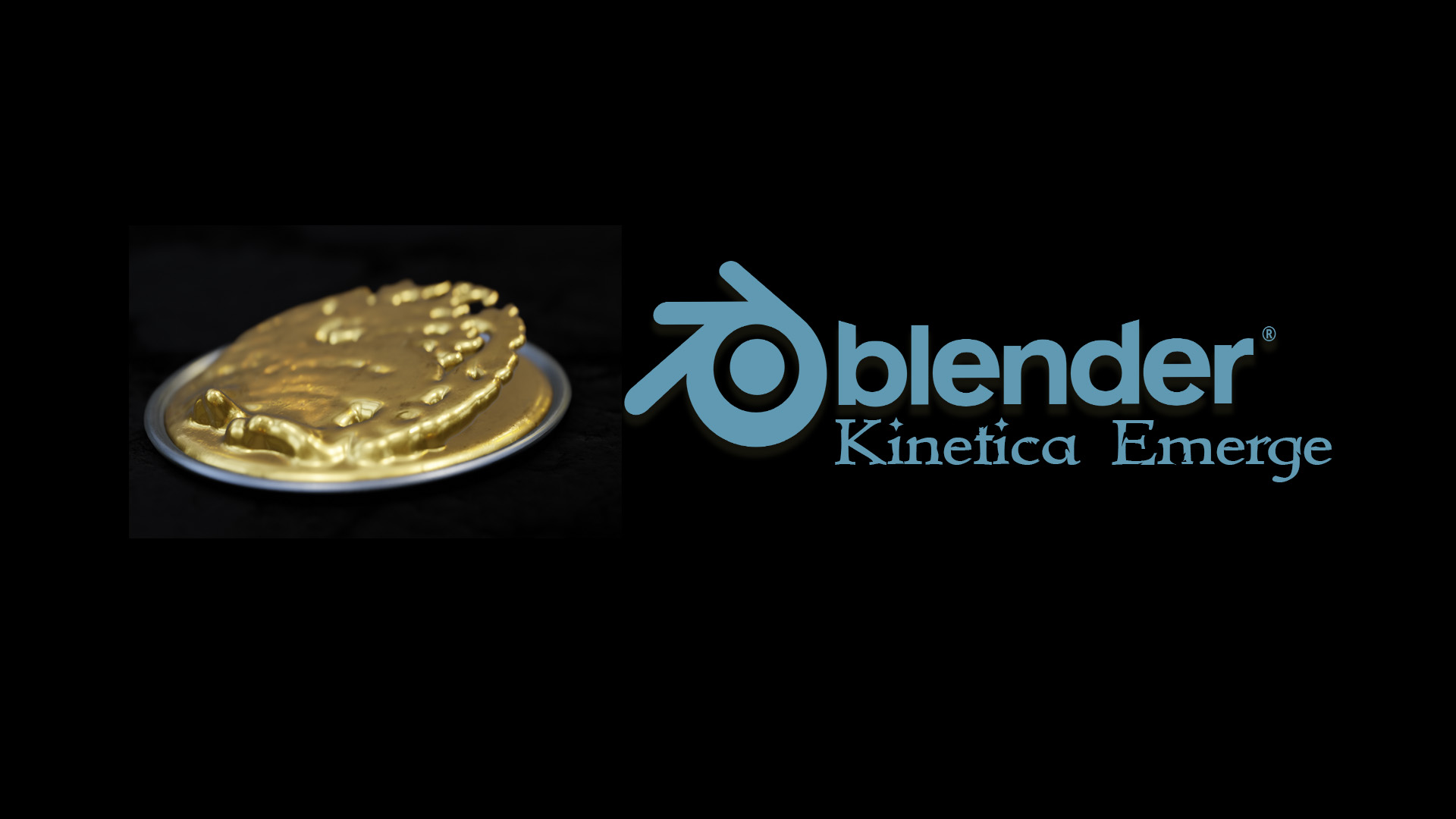
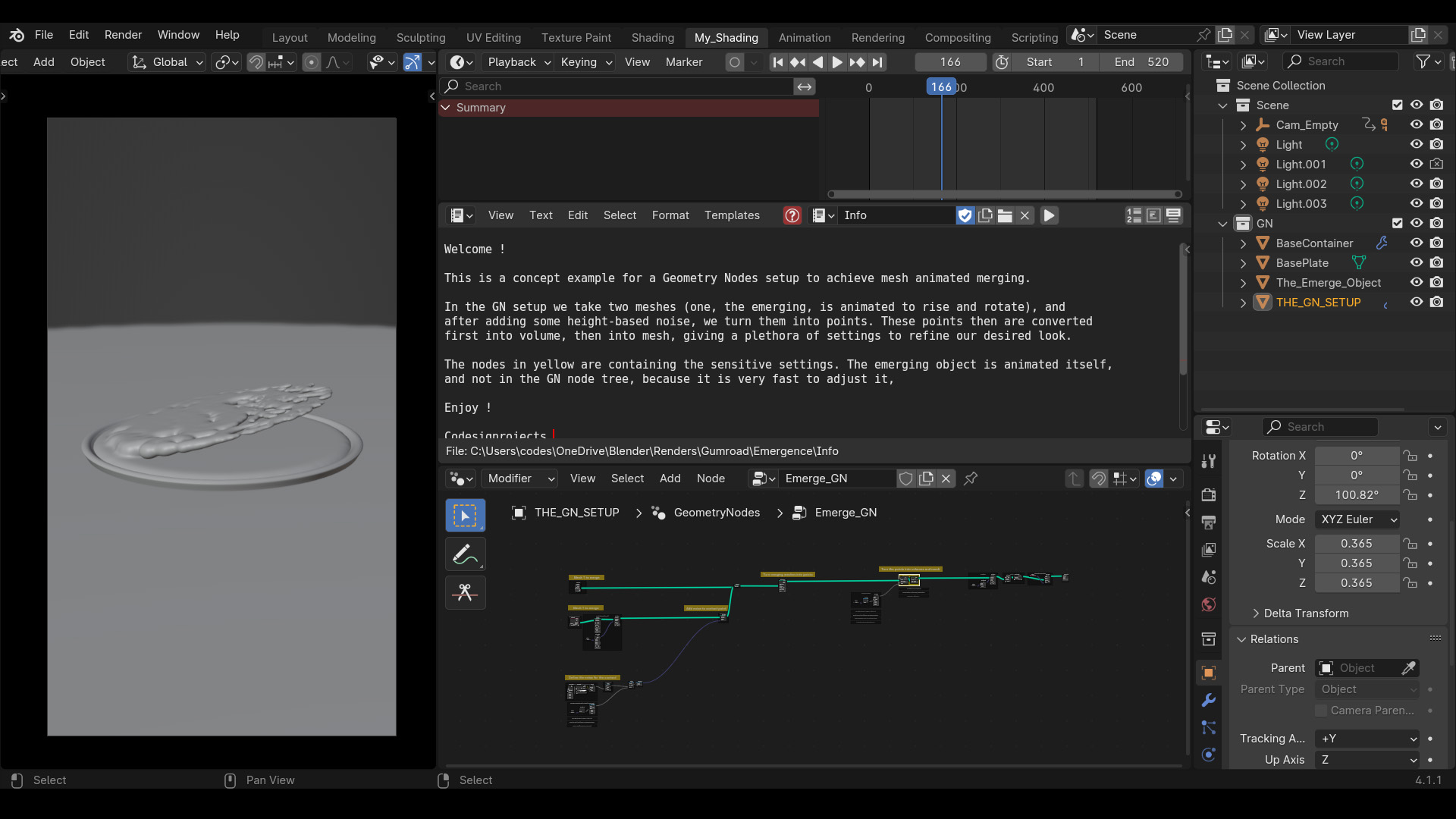
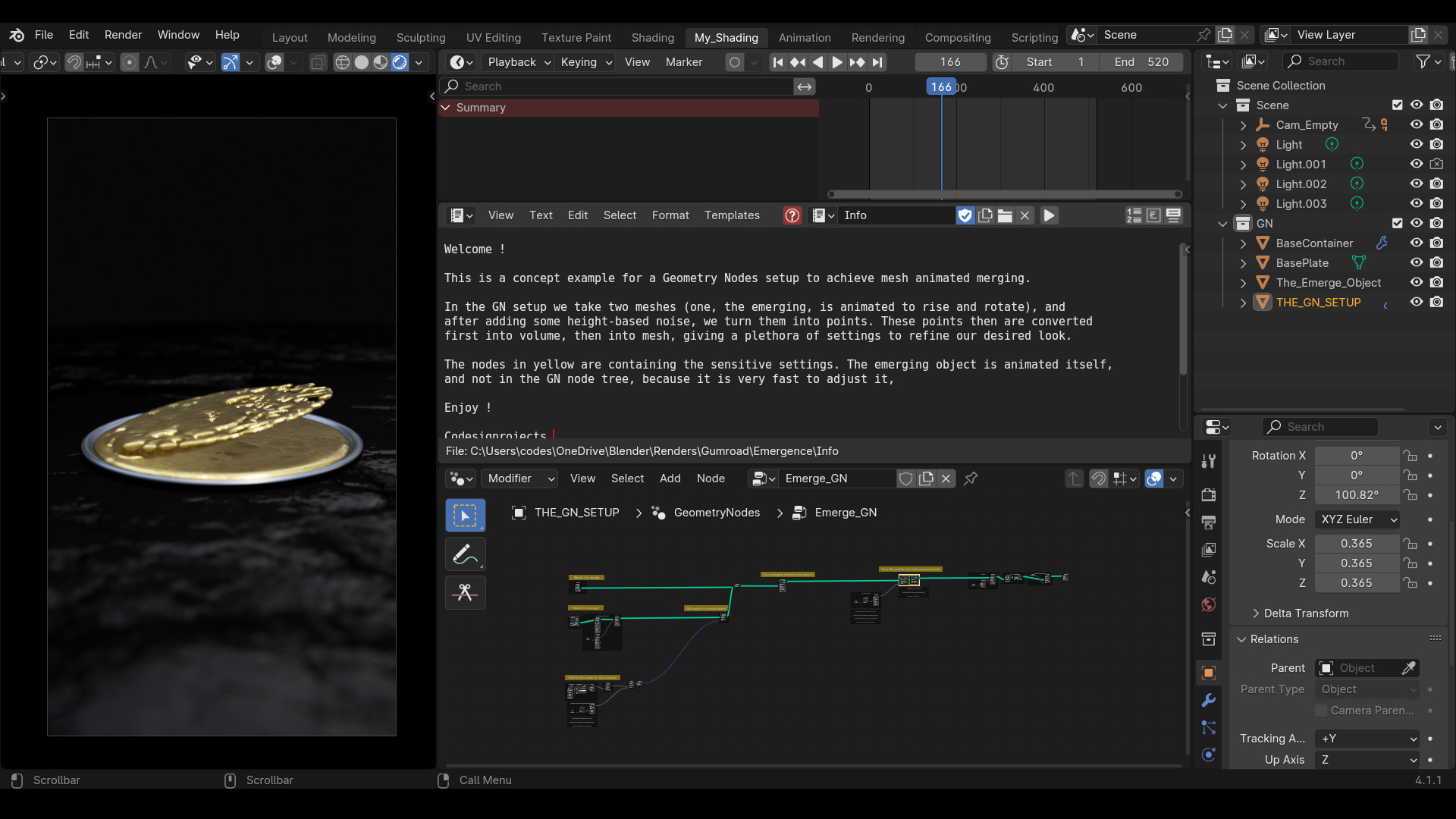
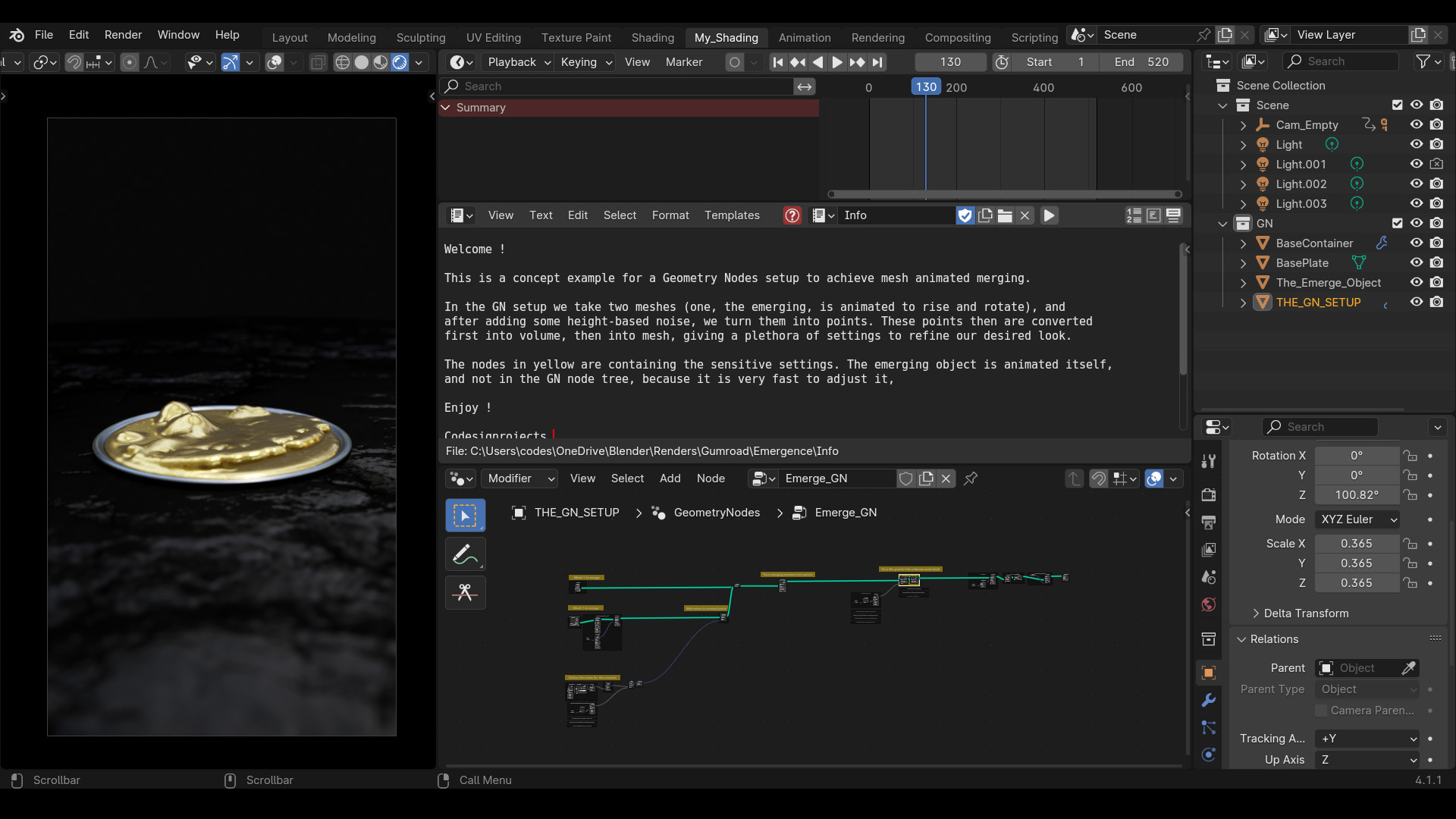
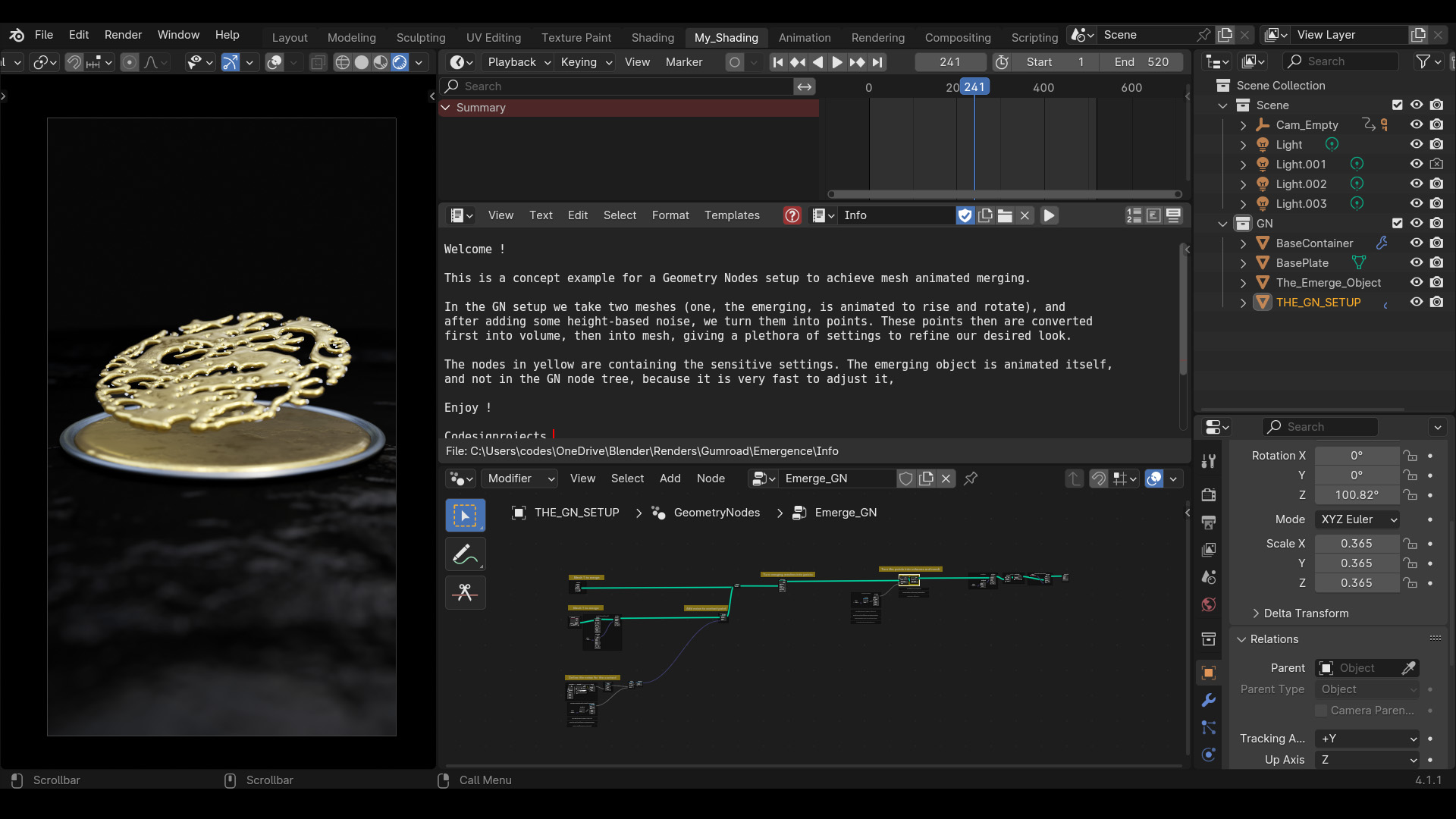
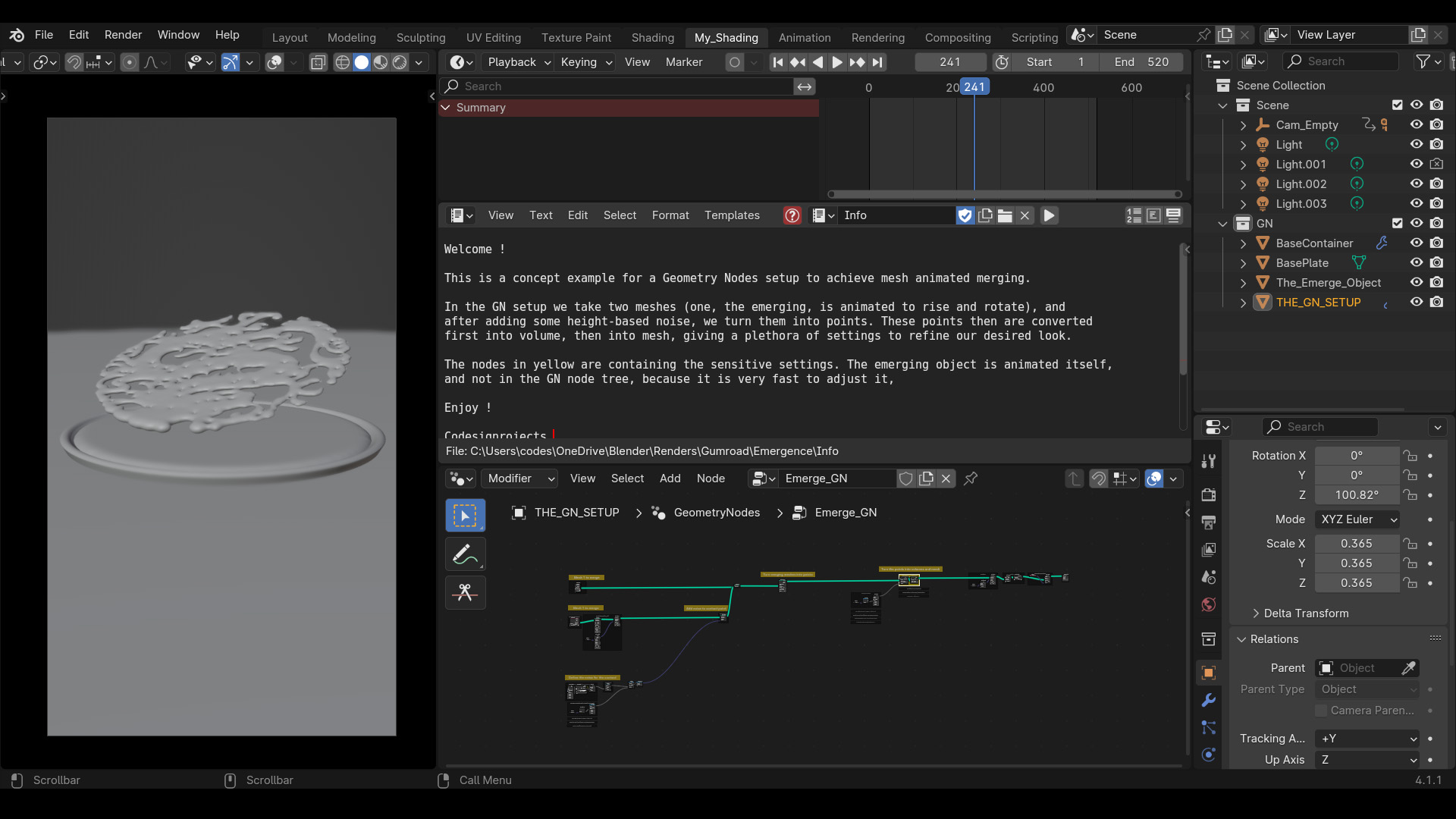
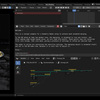
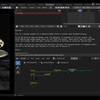
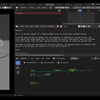
This Geometry Nodes setup procedurally merges and unmerges meshes using a points-to-volume workflow, creating a unified, liquid-like contact surface. The node tree is built from scratch without grouped abstractions to keep the core logic visible for study and modification.
Quick Setup
Append the node tree to your target base mesh (e.g., the ground).
Locate the Object Info node inside the "THE EMERGING OBJECT" frame.
Select your target emerging object (e.g., a bird or teapot) as the input mesh.
Performance & Rendering
The system relies on voxel density and blur iterations. For faster viewport playback, locate the highlighted Points to Volume and Volume to Mesh nodes and lower the Voxel Amount and Voxel Size. The setup is natively optimized for Eevee.
Have questions about this product?
Login to message
| Sales | 10+ |
| Published | about 2 years ago |
| Blender Version | 4.2 - 5.3 |
| Render Engine Used | Cycles, Eevee |
| License | Editorial |
Discover more products like this
animated merging shape from fluid solid from fluid fluid art Merge mesh fluid merge gold material geometrynodes mesh merge merge meshes between shapes flow