Kinetica Emerge - Merge Meshes in GeometryNodes
 codesignprojects
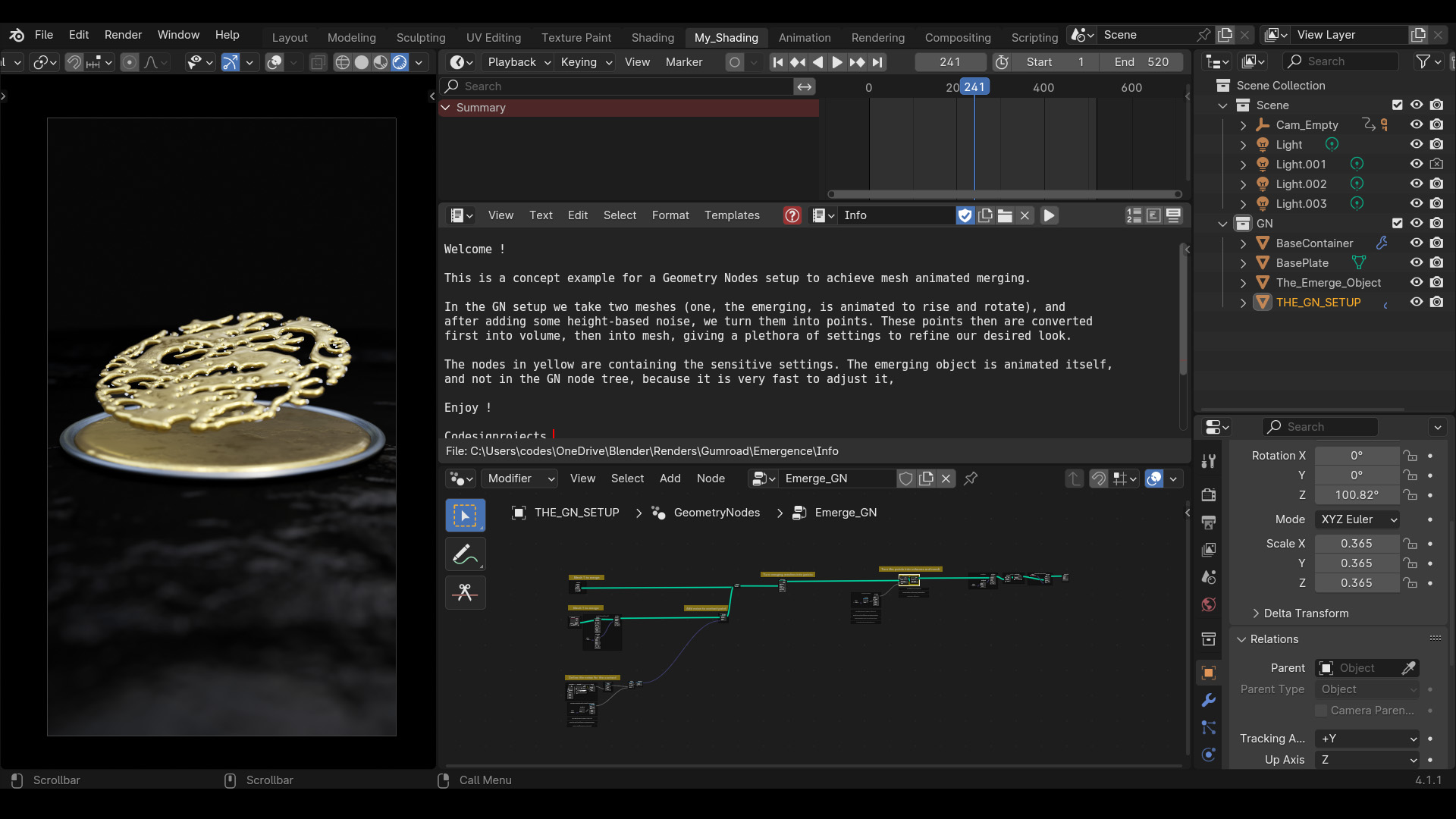
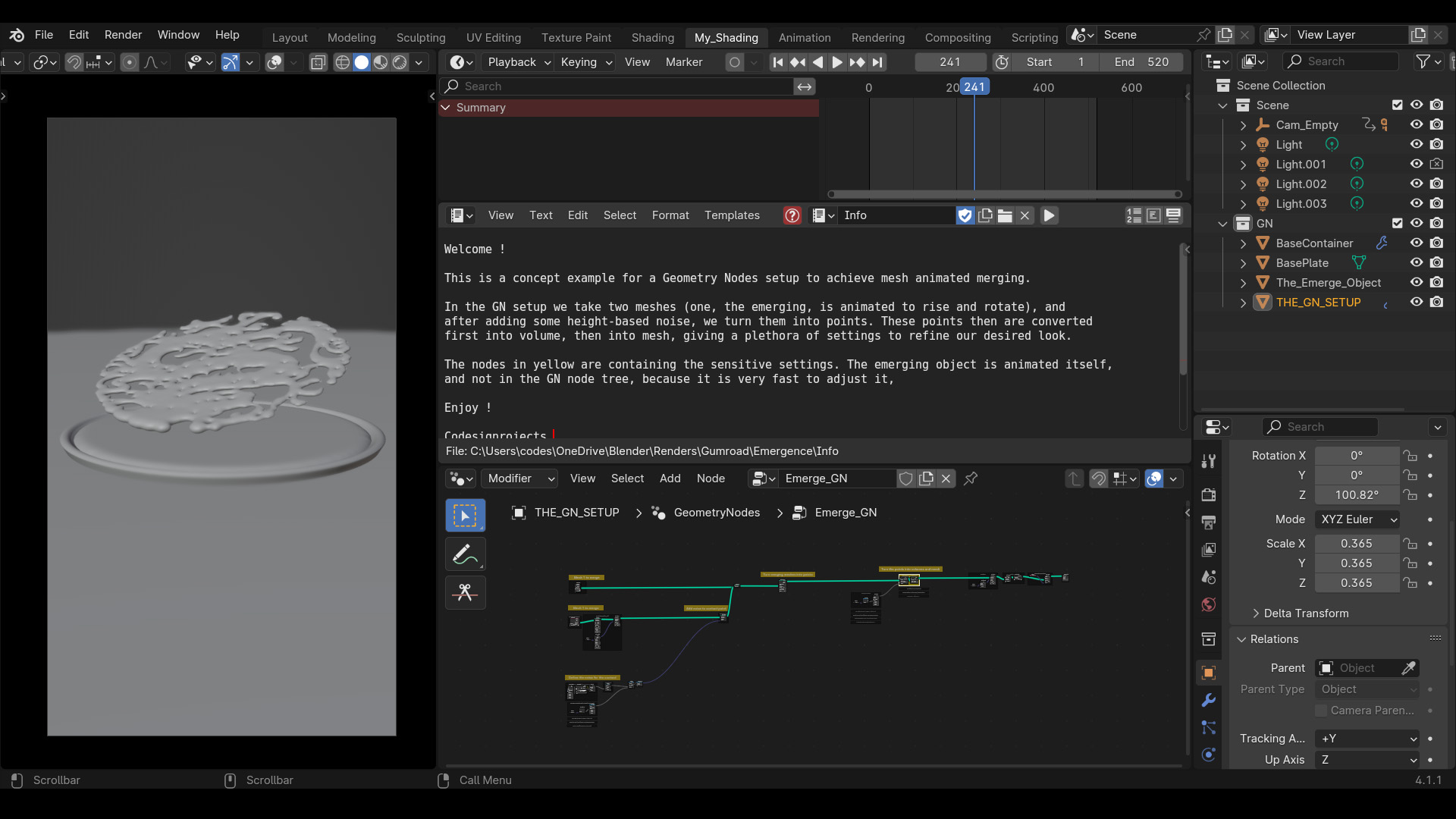

How do I change the emerging object?
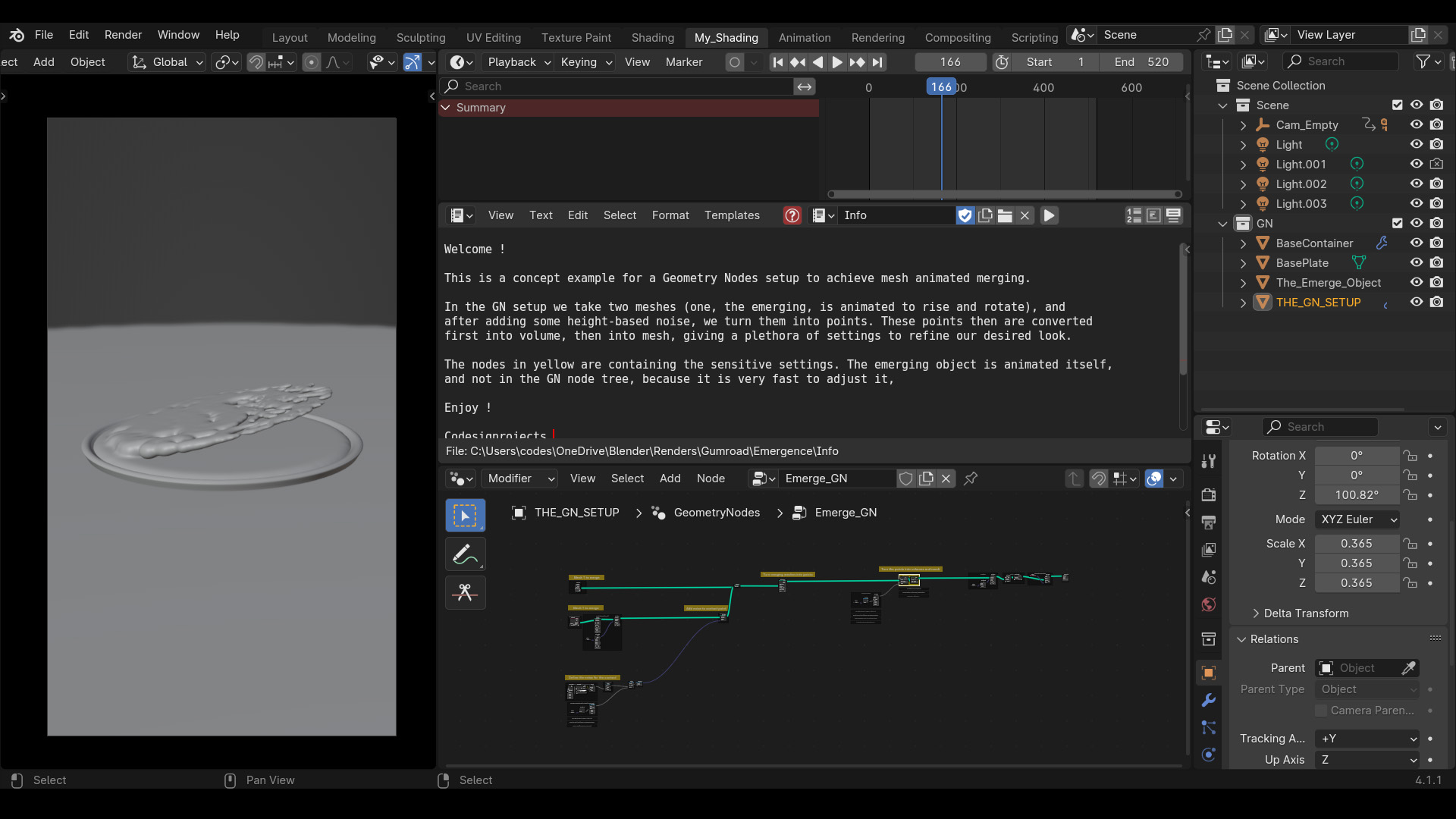
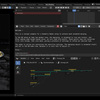
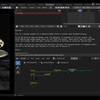
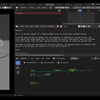
Select the object holding the Geometry Nodes modifier, open the Node Editor, and assign your new mesh in the second Object Info node.
Why is my viewport lagging?
Volume-to-mesh conversions are computation-heavy. Lower the resolution parameters in the highlighted volume nodes while setting up your scene, then increase them right before final rendering.
How do I adjust the wave animation timing?
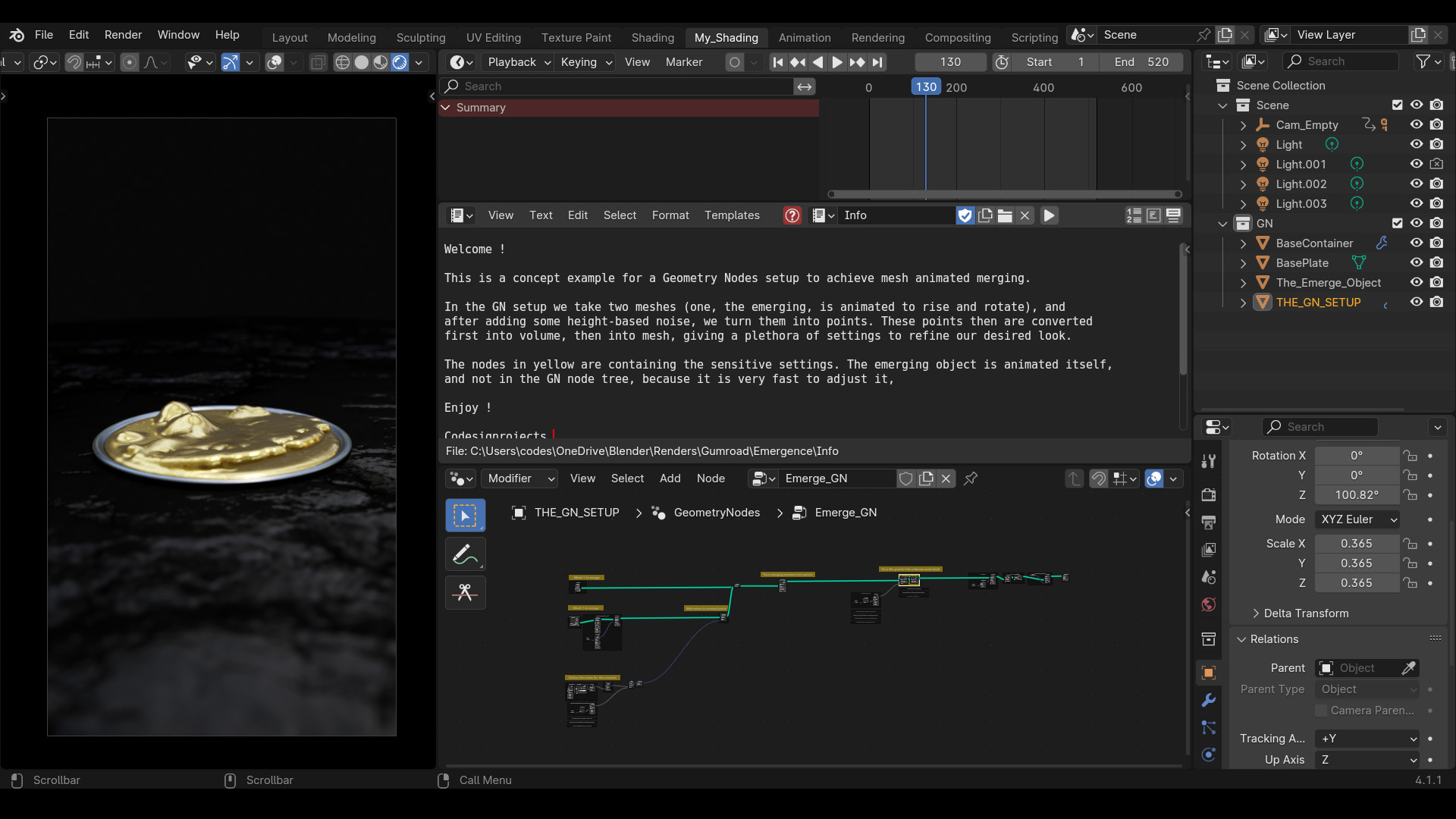
The wave turbulence is driven by the Scene Time node mapped to specific frame ranges. Locate the Map Range nodes connected to the time input to adjust exactly when the displacement fades in and out.
How do I customize the material?
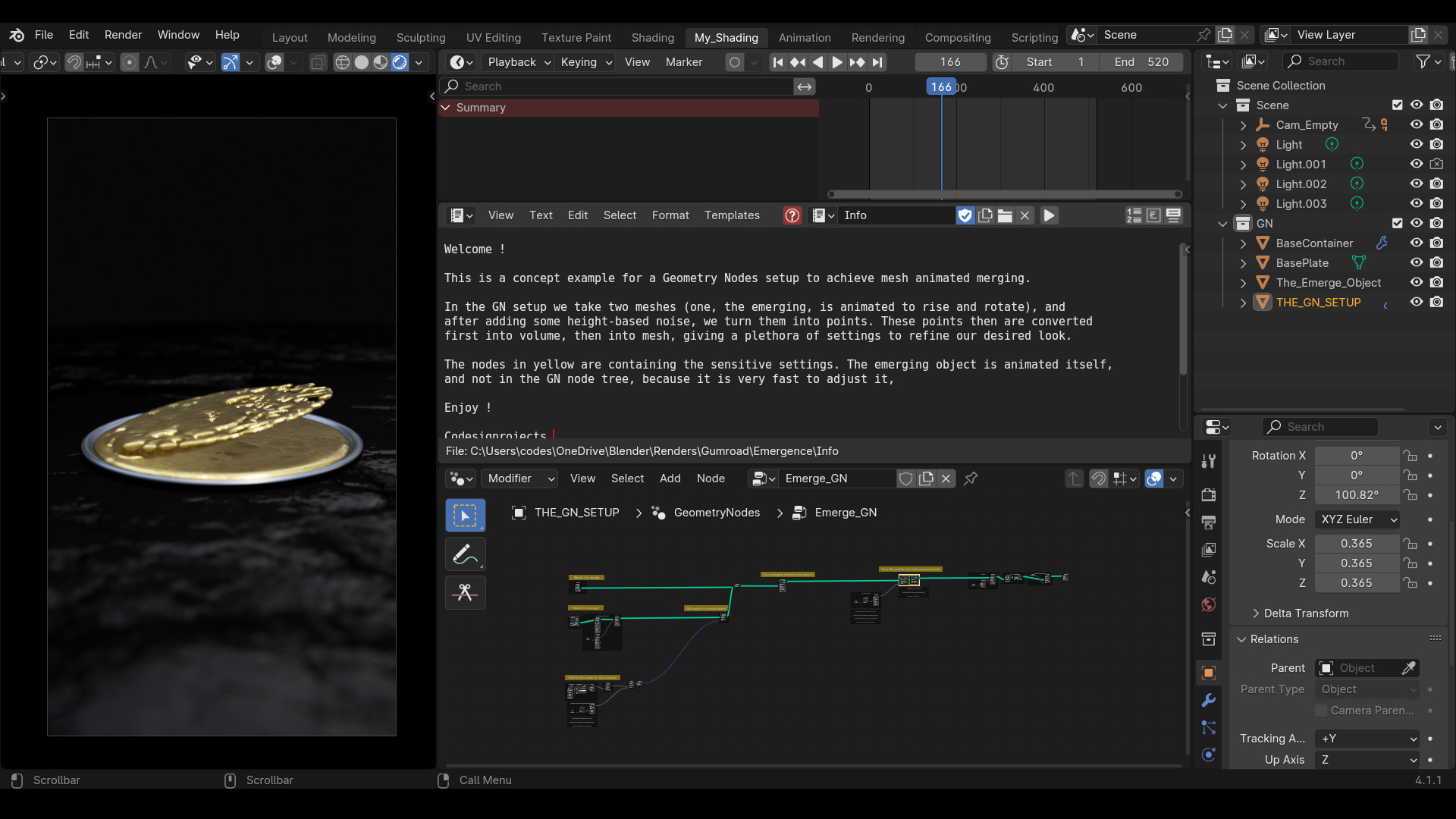
The tree applies a material using the Set Material node near the output. You can swap this with your own material. To retain the dynamic displacement shading in your custom material, ensure your shader uses the "Noise" attribute generated by the Store Named Attribute node.
Have questions about this product?
Login to message
| Sales | 10+ |
| Published | about 2 years ago |
| Blender Version | 4.2 - 5.3 |
| Render Engine Used | Cycles, Eevee |
| License | Editorial |
Discover more products like this
between shapes merge meshes shape from fluid fluid art gold material mesh fluid merge flow Merge geometrynodes mesh merge animated merging solid from fluid