KitForger for Blender
 Take Refuge 3D
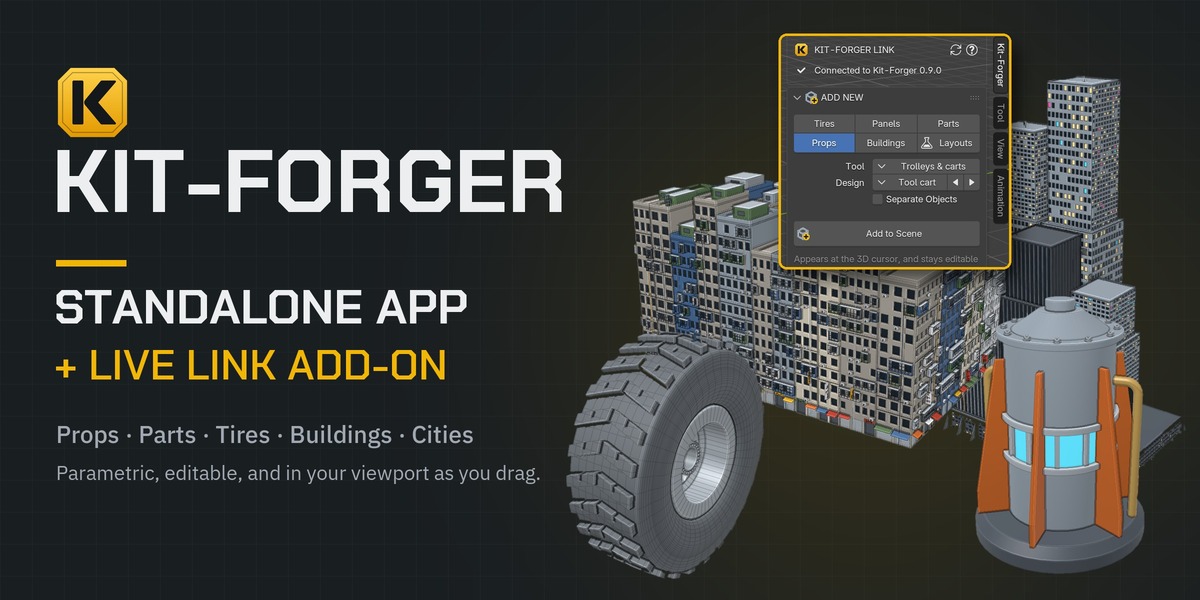
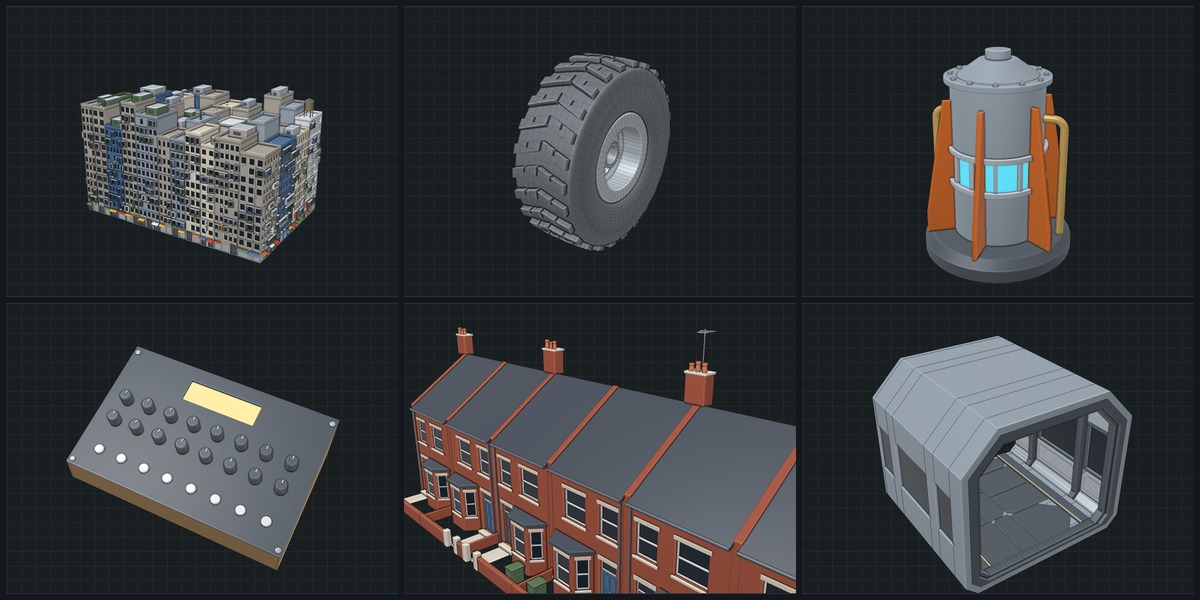
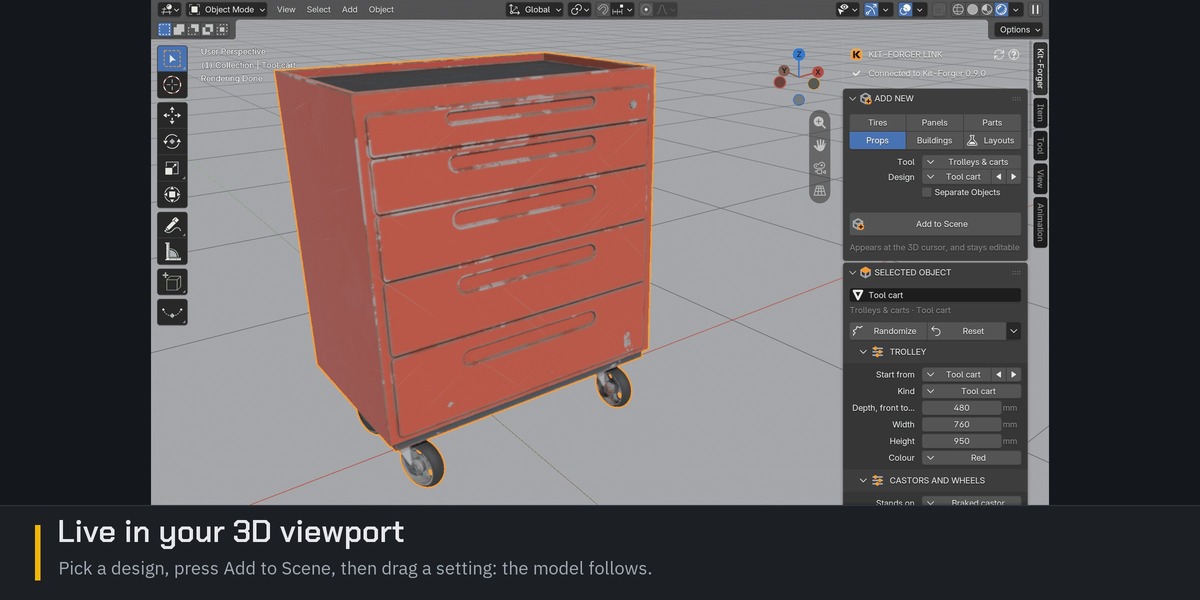
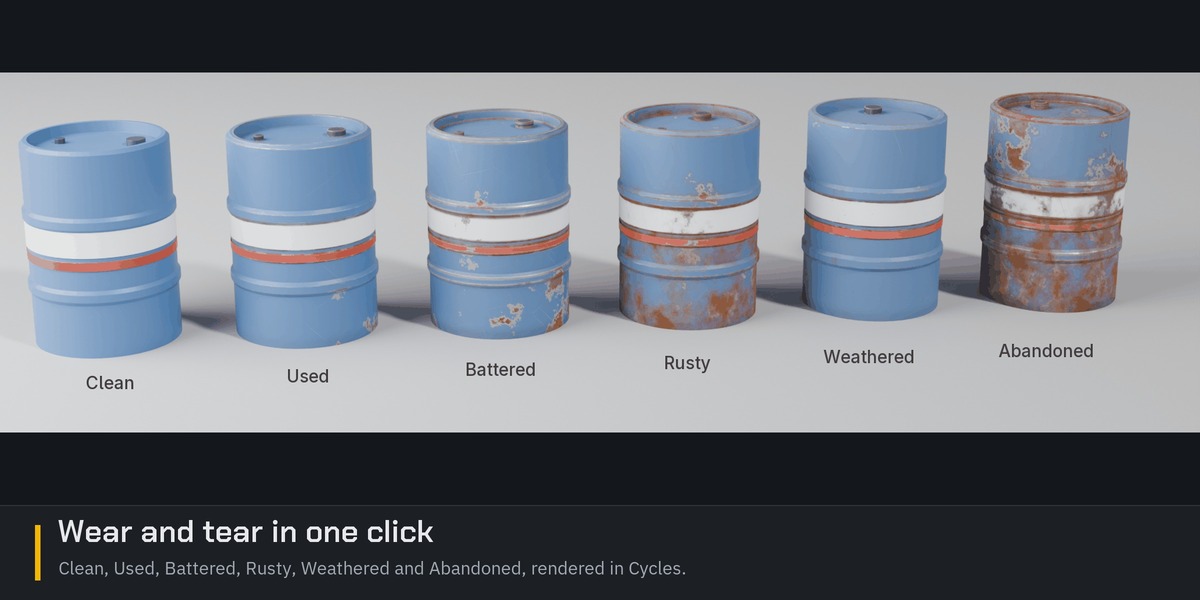
INSTALL ON WINDOWS
Windows 10 or 11, 64-bit
1. Download the Kit-Forger installer, the file ending in .msi. If your browser asks whether to keep the download, choose Keep.
2. Double-click the .msi file.
3. Windows may show a blue box titled "Windows protected your PC". It appears because Kit-Forger is not code-signed yet; nothing is wrong with the file. Click "More info", then "Run anyway".
4. The installer shows the Kit-Forger licence agreement. Read it, accept it, and follow the installer to the end.
5. Windows asks whether to let the installer make changes to your device. Click "Yes".
6. Start Kit-Forger from the Start menu.
INSTALL ON A MAC
Macs with Apple silicon (M1 or later) only. Kit-Forger does not run on Macs with an Intel processor.
1. Download the Kit-Forger disk image, the file ending in .dmg, and double-click it.
2. The disk image shows the Kit-Forger licence agreement. Read it and click "Agree".
3. In the window that opens, drag Kit-Forger onto the Applications folder.
4. Open Kit-Forger from Applications. The first time, macOS says it cannot check the app and does not open it. This is because Kit-Forger is not notarized by Apple yet; nothing is wrong with the app. Click "Done".
5. Open System Settings, then Privacy & Security. Scroll down to the message about Kit-Forger and click "Open Anyway". Confirm with your password or Touch ID. If macOS asks once more, click "Open Anyway".
6. Kit-Forger opens. From now on it opens normally, like any other app.
INSTALL THE BLENDER ADD-ON
Blender 4.2 or later. Install the Kit-Forger app first.
1. Download kit_forger_link.zip. Do not unzip it.
2. In Blender, open Edit > Preferences > Get Extensions.
3. Click the small arrow at the top right and choose "Install from Disk...". Choose kit_forger_link.zip. (Or drag the zip onto Blender's window.)
4. Check that Kit-Forger Link is ticked in Edit > Preferences > Add-ons.
5. With the mouse over the 3D Viewport, press N to open the sidebar, and click the Kit-Forger tab.
6. Press "Start Kit-Forger" in the panel, or start Kit-Forger yourself.
7. The first time only: in Kit-Forger, press Settings at the top and tick "Let Blender connect to Kit-Forger". The panel connects by itself within a few seconds and shows "Connected to Kit-Forger".
8. Under Add New, pick a category, a tool and a design, and press "Add to Scene".
 Included
Includes 12 months of
- Support from Take Refuge 3D
- Product updates
Extend this product’s Support Period +12 months: 50% of product price
Have questions before purchasing?
Login to message
| Blender Extension Compatible | Yes |
| Published | about 8 hours ago |
| Blender Version | 4.2 - 5.3 |
| Extension Type | Add-on |
| Render Engine Used | Cycles |
| License | GPL |
