Can I use what I make in commercial work?
Yes. The Kit-Forger licence agreement says: "Everything you make with Kit-Forger belongs to you, whatever kind of file it is and whichever program it ends up in." That includes what a Kit-Forger add-on brings into Blender, and the Blender files you save it in. "You may use it in any work, paid or unpaid. That includes selling it, publishing it, and building it into products such as games, films, pictures and manufactured goods." The author asks for no credit or fee. Which licence you need depends on who uses the app: see section 2 of LICENCE-AGREEMENT.txt.
Which computers does it run on?
Kit-Forger runs on Windows 10 and 11 (64-bit) and on Macs with Apple silicon (M1 or later). There is no version for Intel Macs or Linux. The add-on needs Blender 4.2 or later, and is tested on Windows with Blender 4.2, 4.3, 4.5, 5.2 and 5.3.
Why are there two licences?
Blender requires its add-ons to be free software, so Kit-Forger Link is under the GNU General Public License, version 3 or later. Its source code and its licence (LICENSE-GPL-3.0.txt) come in the zip. The Kit-Forger app is a separate program, with its own installer and its own licence agreement (LICENCE-AGREEMENT.txt, among the downloads). The two share no code; they only talk to each other, like any two programs on your computer.
Can I use Kit-Forger without Blender?
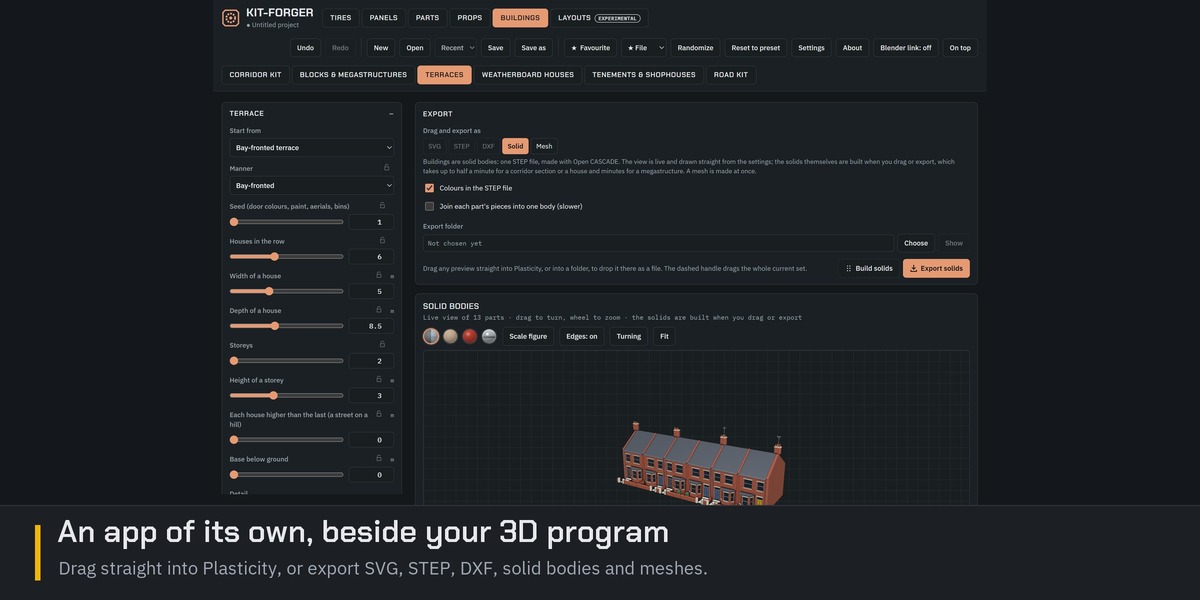
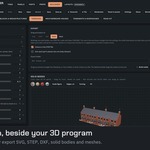
Yes. Kit-Forger is a full program with its own 3D view. It was made with Plasticity and Blender in mind: drag a design straight into Plasticity, or export SVG, DXF or STEP (solid bodies included) for any CAD program that reads them. Meshes go out as OBJ, glTF or STL for other 3D programs. The Blender link is one more way out, not a requirement.
Is the link between Blender and Kit-Forger safe? Does it use the internet?
The link never uses the internet. The two programs talk only on your own computer, at the address 127.0.0.1, which nothing outside your computer can reach. The link stays off until you tick "Let Blender connect to Kit-Forger" in Kit-Forger's Settings.
Through the link, a program can only ask for the list of tools and their settings, and for the mesh of a design. Nothing can change your project or write a file through it, and anything a web page sends is refused. The add-on works with Blender's Allow Online Access switched off. (If you choose one of Blender's own starter materials that Blender has not downloaded yet, Blender fetches it itself, and only when its Online Access is on.)
Will it slow Blender down?
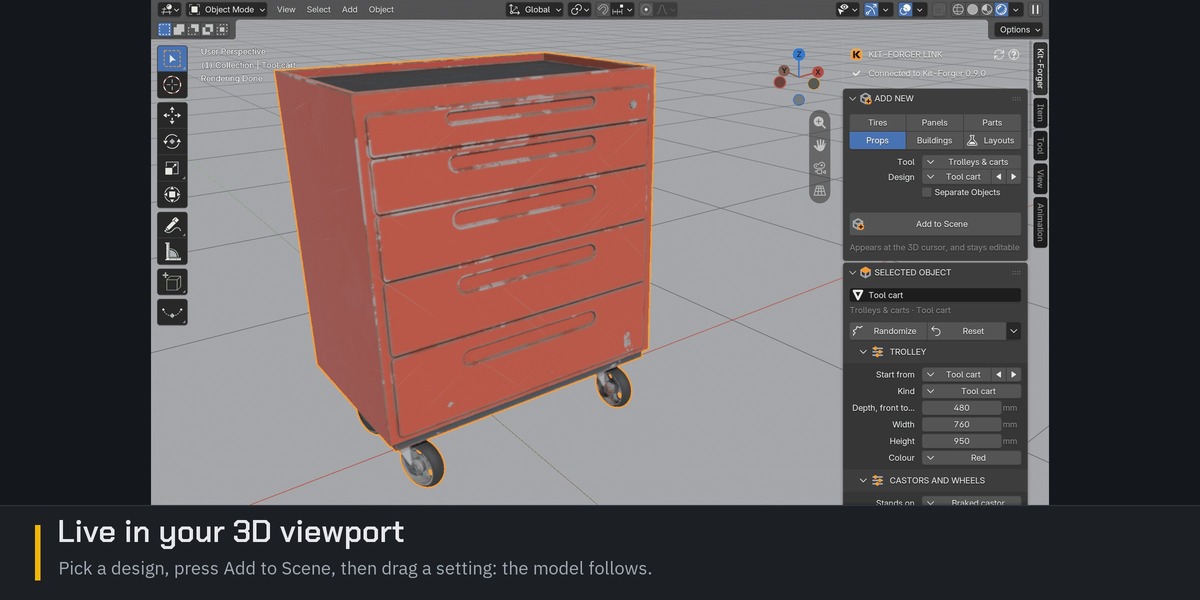
No. Kit-Forger does the work in its own program, and the add-on asks for each mesh on a background thread, so Blender carries on while it waits. A large scene, such as a city or a furnished level, is meshed by several background workers at once, using most of your processor's cores (up to eight) during this time blender may freeze while it builds the renderer. Blender only places the finished mesh and its materials.
Do I need the app? What is in this product?
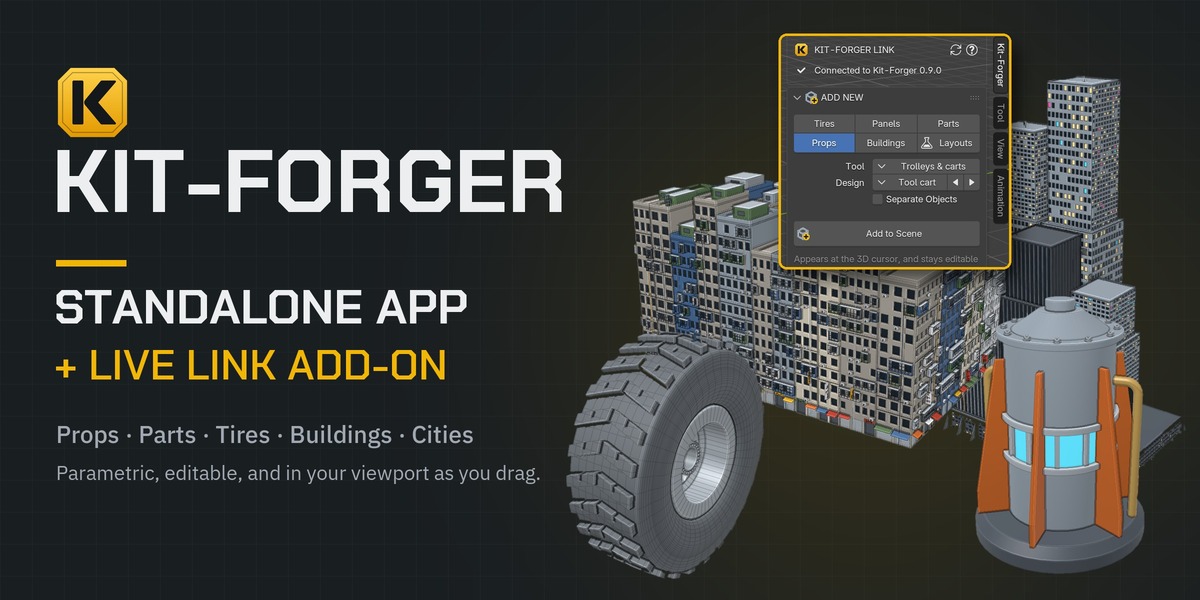
Yes. Kit-Forger Link is the bridge; the Kit-Forger app is what makes the models. This product includes both, as separate downloads: the app (an .msi installer for Windows, or a .dmg disk image for a Mac with Apple silicon) and the add-on (kit_forger_link.zip).
Install the app, then install the zip in Blender. The first time, open Kit-Forger, press Settings and tick "Let Blender connect to Kit-Forger". After that, the add-on's Start Kit-Forger button can open the app for you.
Why is Kit-Forger a separate app and not just a Blender add-on?
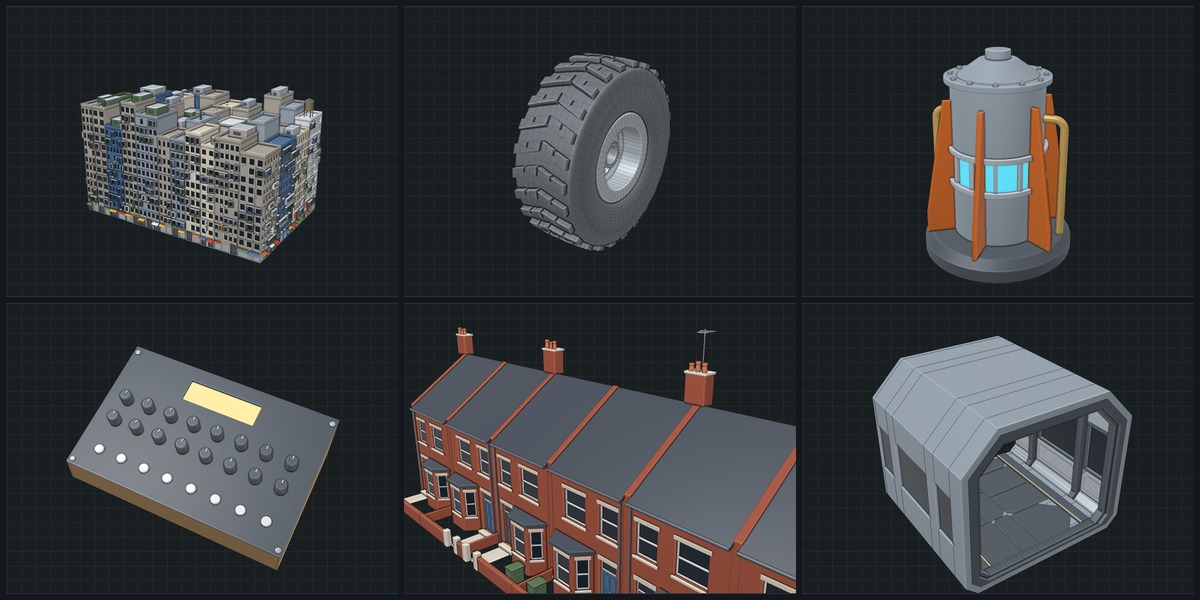
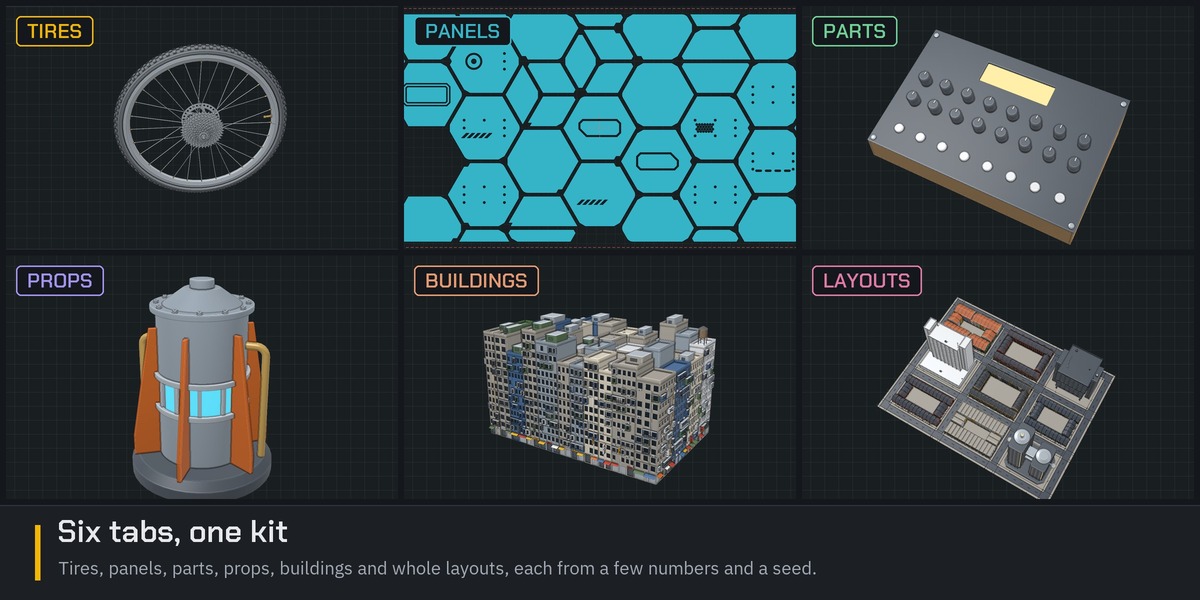
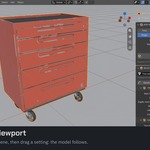
Because it does far more than an add-on can sensibly do. Kit-Forger is one parametric tool that serves several programs: CAD-ready profiles and exact solid bodies (SVG, DXF and STEP) for Plasticity and other CAD programs; meshes with quads, UVs and materials (OBJ, glTF and STL); and, through this add-on, live models in Blender.
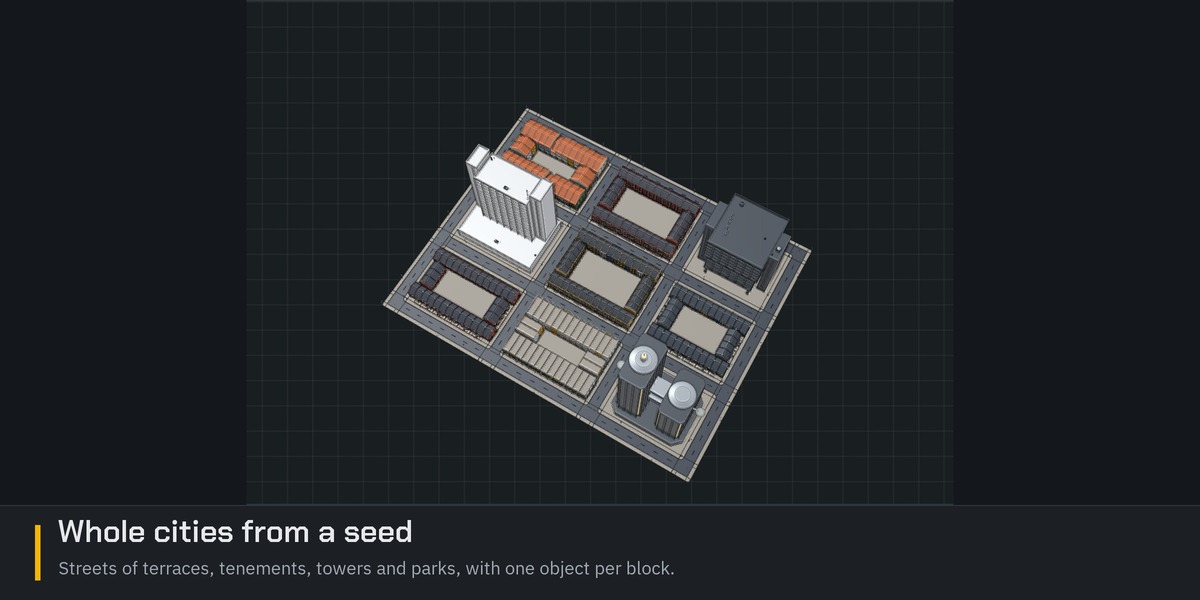
The solid bodies are built by Open CASCADE Technology, an industrial CAD kernel written in C++. Big scenes, such as whole cities and furnished levels, are shared out across your processor's cores by background workers (up to eight at once), so nothing freezes (big scenes with millions of vertices will still slow your PC down) while they are made. Neither would be practical inside a Blender add-on.
Keeping all that in its own program also keeps Blender light. The add-on is small: it only puts the finished mesh and its materials into your scene. And because the heavy work does not run on Blender's Python, a new version of Blender only needs the small add-on to keep up.
 Take Refuge 3D
 Included
