 Sonneblom Digitaal
What it does
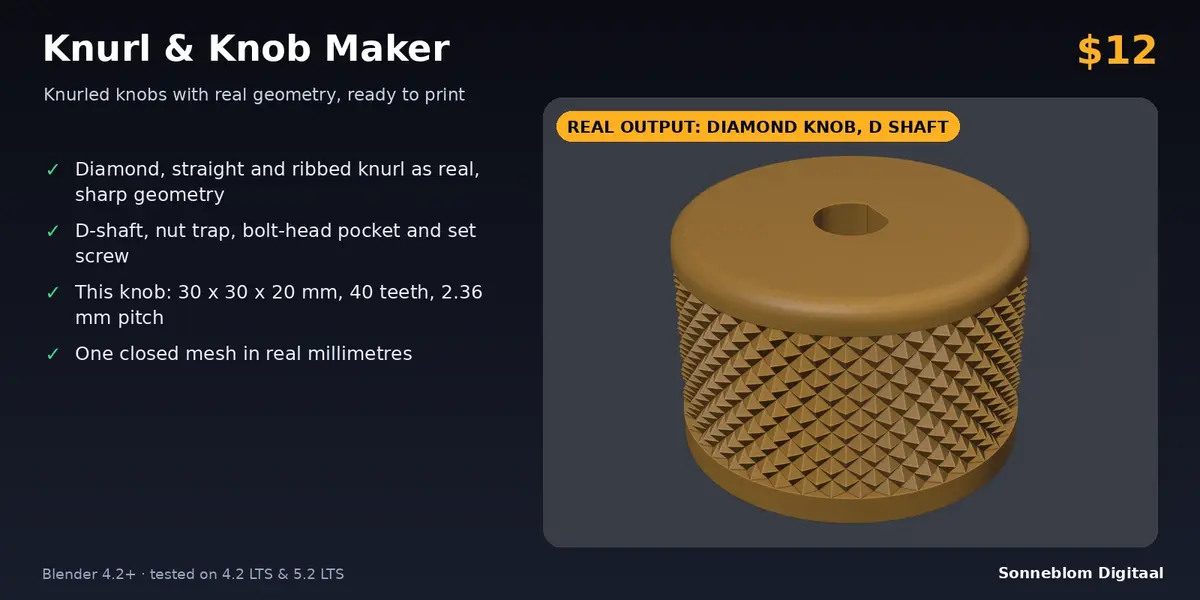
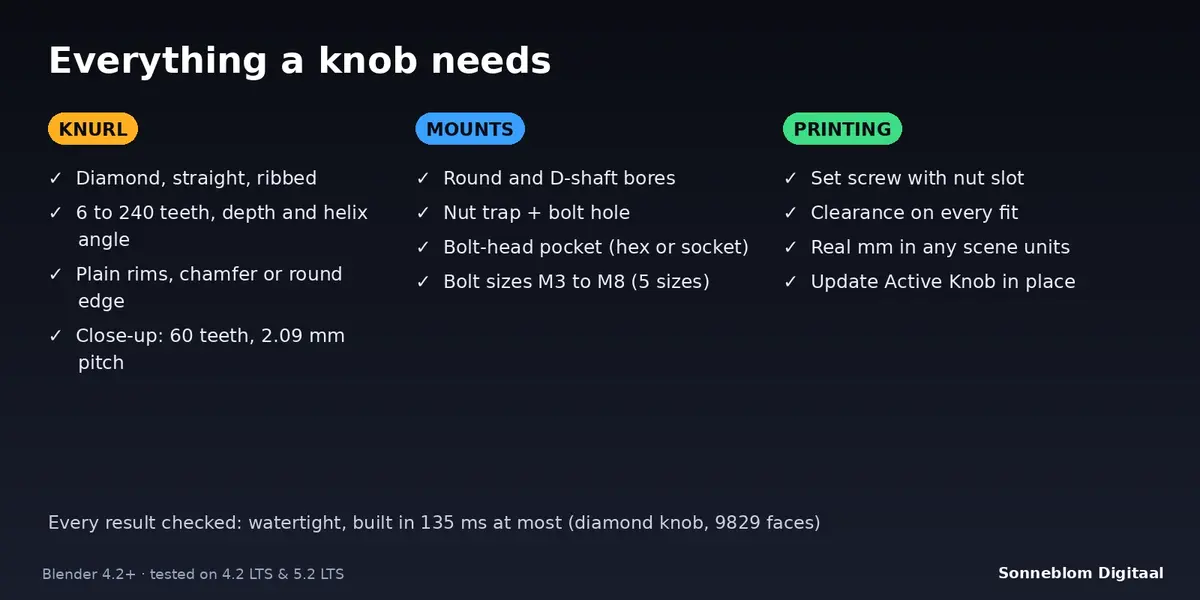
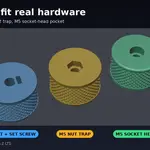
Knurl & Knob Maker builds knurled knobs, caps and grips with real geometry in one click: diamond, straight or ribbed knurling around the side of a cylinder, plain rims with a chamfered or rounded edge, and the part that attaches the knob: a D-shaft bore, a round bore, a nut trap with bolt hole, a bolt-head pocket and an optional set screw with a nut slot that opens at the underside. The result is one closed (watertight) mesh in millimetres that you can export as STL or 3MF straight away, and you can change the settings and rebuild the same object with one click.
Who it's for
Makers who 3D print knobs for potentiometers, synth and audio gear, lab and workshop jigs, clamps, caps and lids, and who would rather not model a knurl by hand or open an OpenSCAD script. Also useful for product designers who need a quick, correctly sized grip with a shaft or bolt fixing for a prototype.
Key features
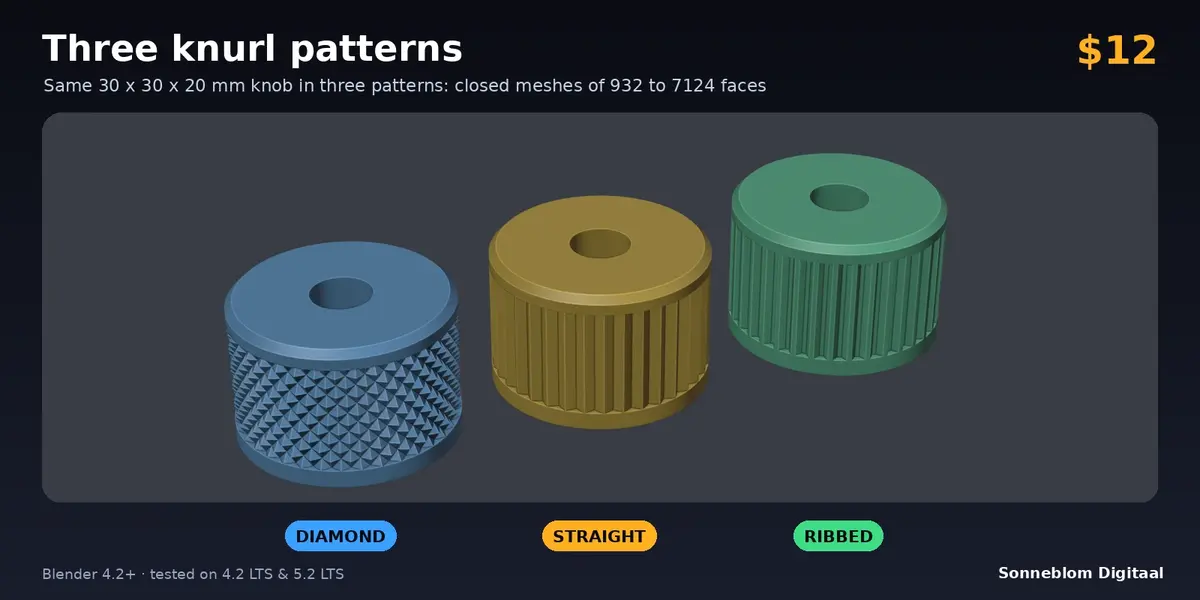
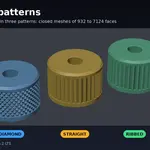
- Three knurl patterns: diamond (crossed helical grooves, a field of sharp pyramids), straight (V teeth) and ribbed (flat-topped ribs). Tooth count (6 to 240), depth and, for diamond, the helix angle (15 to 75 degrees) are settings. The knurled band is fitted to whole diamonds, so the pattern closes cleanly at both ends.
- Plain rims and edges: a smooth ring at the top and the bottom, each 0 mm or more, with a chamfer or a rounded edge on the top and optionally on the underside.
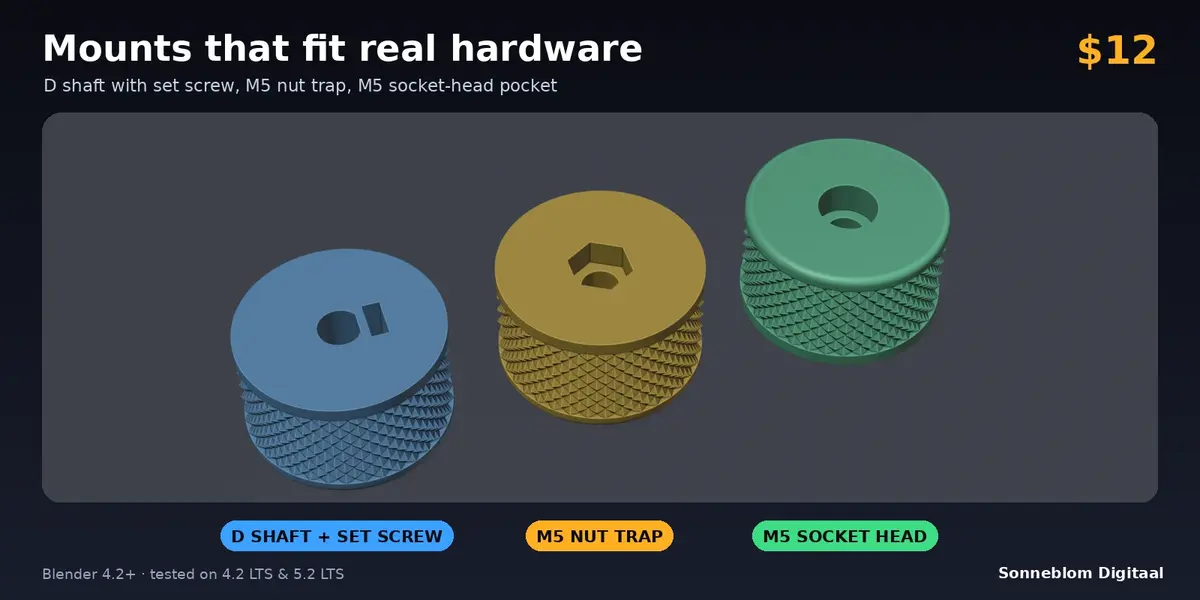
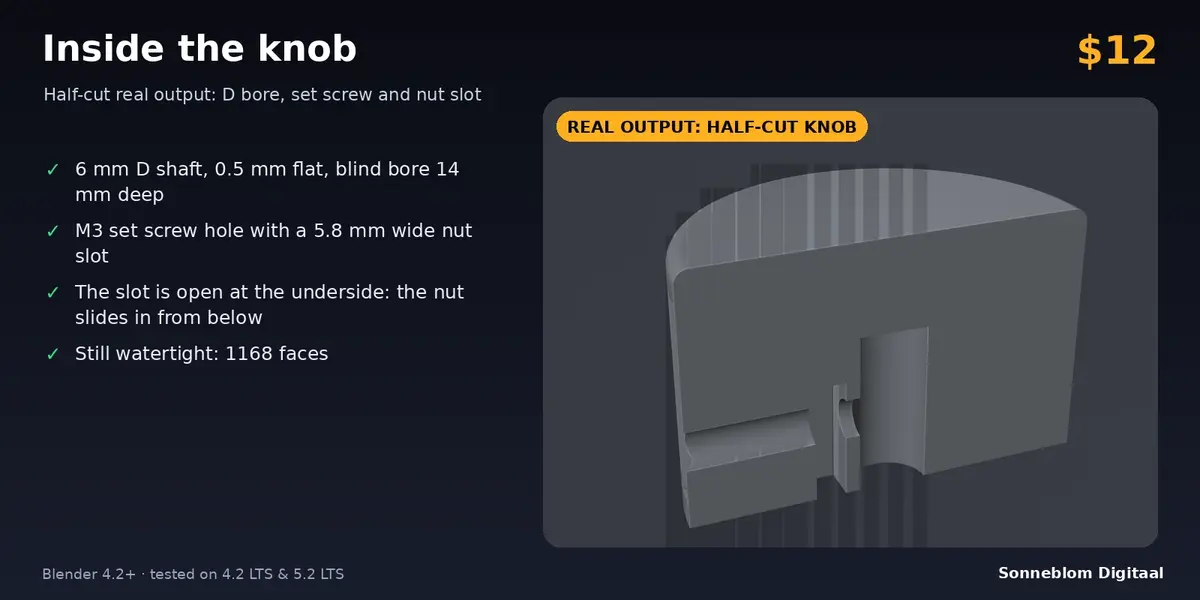
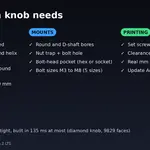
- D-shaft and round bores: shaft diameter, flat depth and clearance in millimetres, through or blind bore. The flat faces +X.
- Nut trap and bolt-head pocket: hex pocket for a captive nut on the underside plus a bolt clearance hole, or a hex or socket-head pocket in the top plus the hole through the underside. Bolt sizes M3, M4, M5, M6 and M8 with standard nut and head sizes.
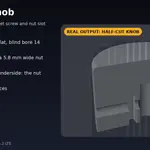
- Set screw with nut slot: a sideways clearance hole (M3 to M8) and a slot for the nut that is open at the underside, so the nut slides in from below. You choose the height and the direction around the knob.
- Update Active Knob: rebuild a knob you made earlier with the current settings; position, rotation and materials stay.
- Units you can trust: works in real millimetres whatever the scene units (auto from Scene > Units, or choose 1 mm, 1 cm, 1 m or 1 inch). Warnings for pitches too fine to print.
- Closed and manifold: every result is checked to be watertight, and the tests verify dimensions, volumes and pocket positions with ray casts.
How to use
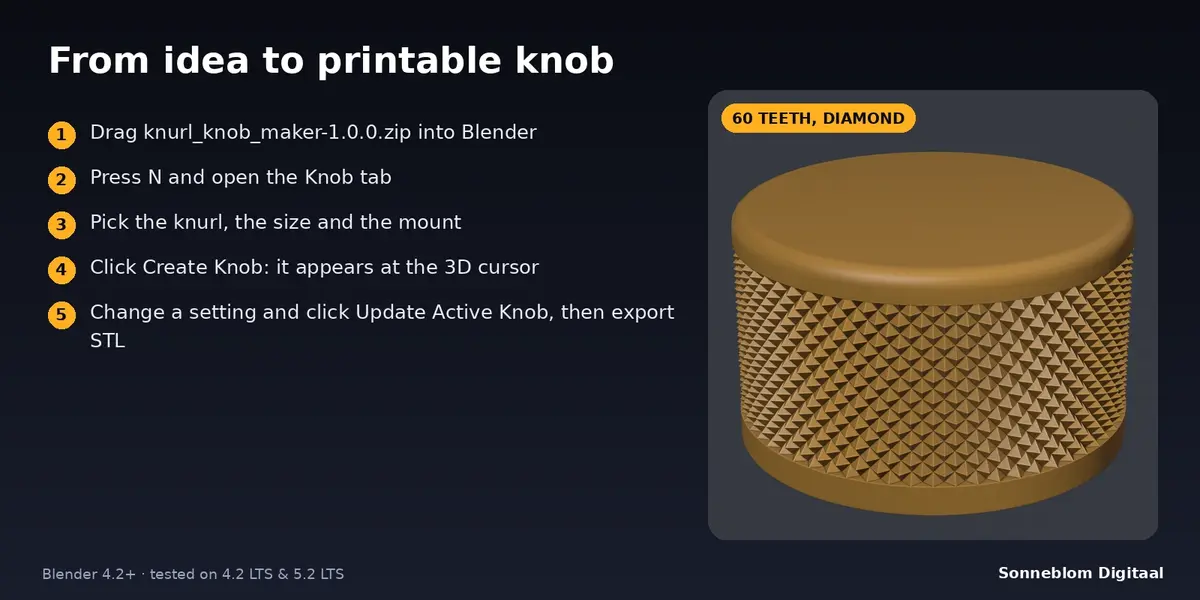
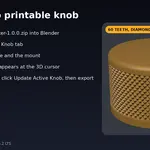
- Install the add-on and press N in the 3D viewport, then open the Knob tab.
- Set 1 Blender unit = (choose 1 mm if your model uses millimetres) and pick the knurl pattern, diameter, height, teeth and depth.
- Choose the Mount: D shaft, round shaft, nut trap or bolt-head pocket, and its sizes. Switch on Set screw if you need one.
- Click Create Knob: the knob appears at the 3D cursor with its underside at z = 0.
- Not quite right? Change a setting and click Update Active Knob to rebuild it in place. Then export STL or 3MF.
Compatibility
Blender 4.2 LTS or newer, tested on 4.2 LTS and 5.2 LTS. Pure Python, no extra software, works offline.
Good to know
- It creates new knobs and cylinders. It does not knurl an existing mesh.
- Bolt holes and screw holes are plain clearance holes; there are no printed threads. Nut slots and pockets use ISO nut and head sizes plus your clearance, so test-fit one print before a batch.
- The knurl is built from flat facets with sharp ridges. A diamond knob has roughly 5,000 to 10,000 faces; straight and ribbed knobs are far lighter.
- One mount per knob: a bore, a nut trap or a head pocket. The set screw needs a shaft bore.
- The outer diameter is the diameter over the ridges and rims. In X and Y it is exact when the tooth count is a multiple of 4.
- Very fine knurls (pitch under 0.5 mm) are warned about because most FDM printers cannot print them.
Support
Questions or a bug? Use the Superhive product page messages and we reply within a day.