Knurl & Knob Maker
 Sonneblom Digitaal
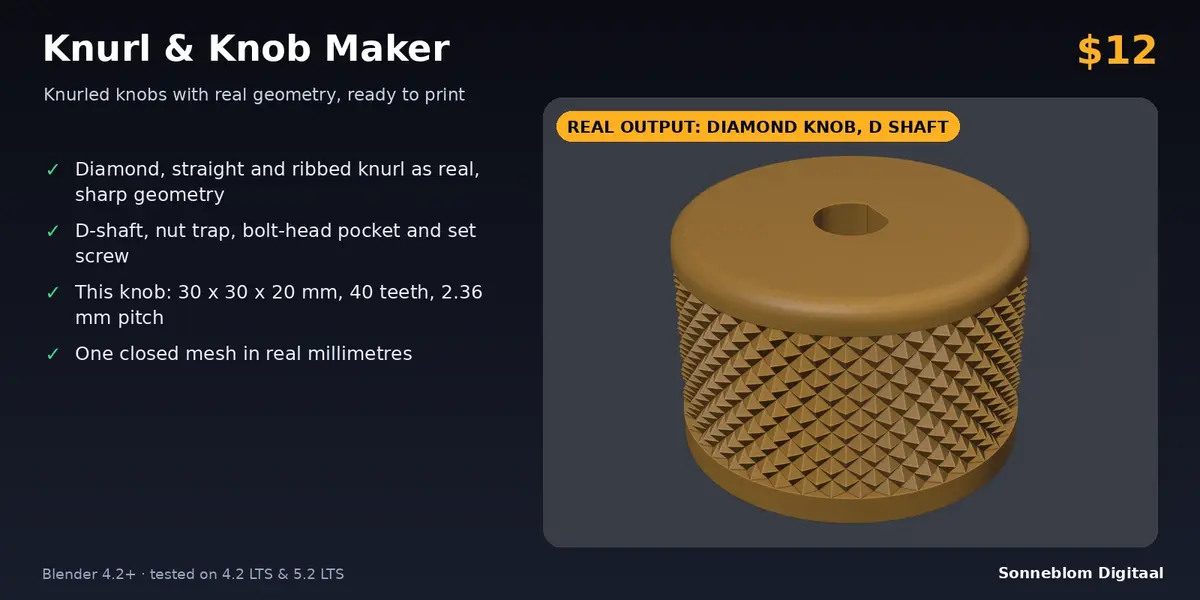
No. It creates a new knurled knob or cylinder from the settings. If you need a plain knurled cylinder or cap, set the mount to Solid (no hole) and use the diameter and height you want.
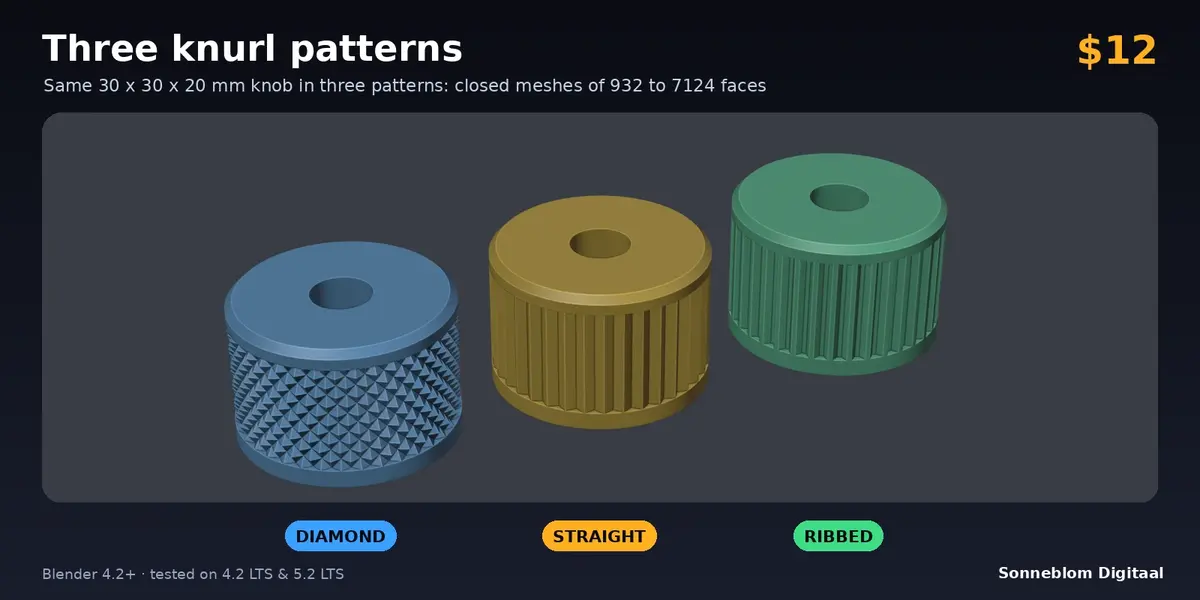
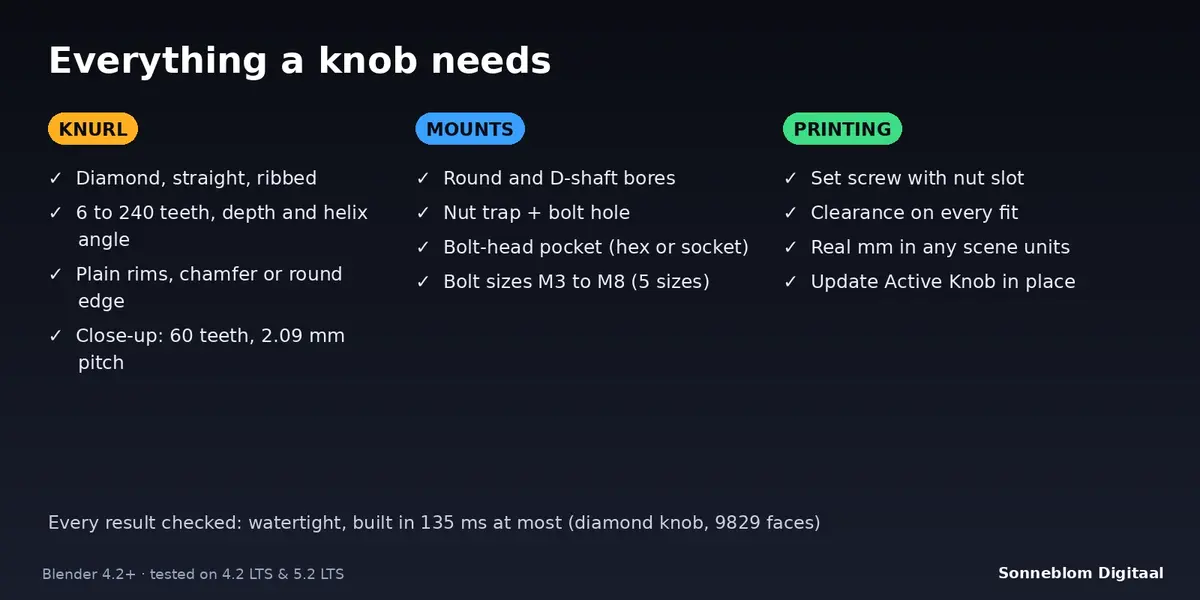
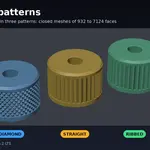
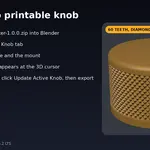
Diamond (crossed helical grooves that leave sharp pyramids), straight (V-shaped teeth parallel to the axis) and ribbed (flat-topped ribs with grooves between them). Tooth count, depth and, for diamond, the helix angle are settings.
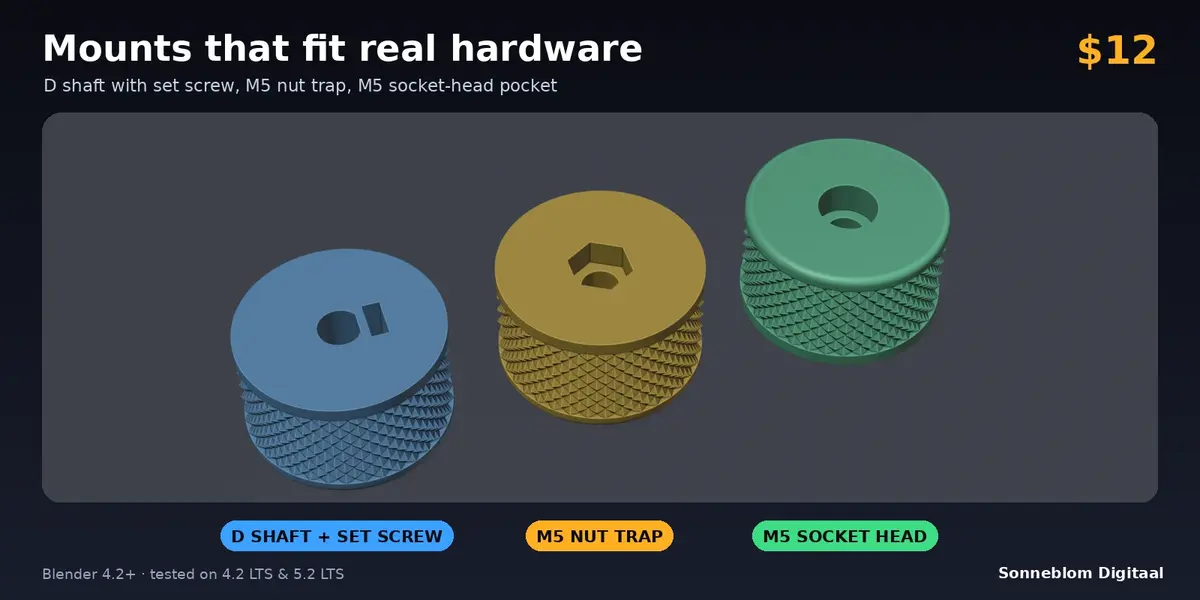
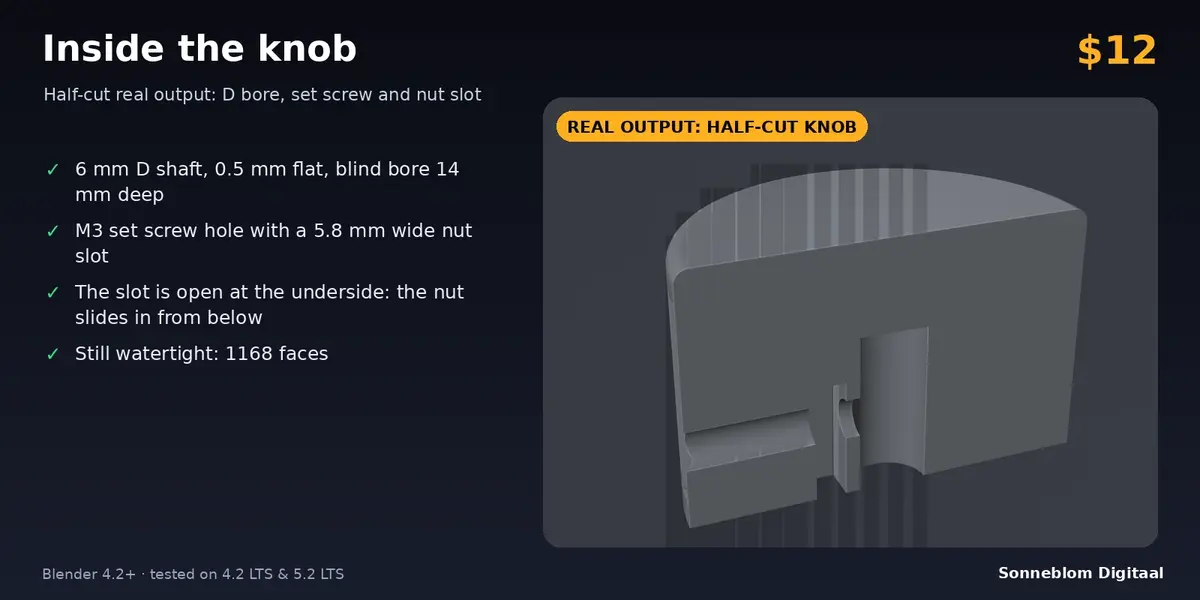
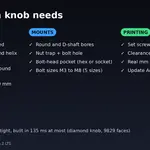
Choose the D shaft mount, set the shaft diameter (6 mm for most pots) and the flat depth (0.5 mm is typical), leave the bore through, and optionally tick Set screw to lock the knob with an M3 screw and nut. Print one test knob and adjust the clearance if it is too tight or too loose.
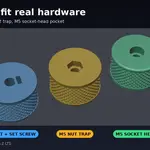
Yes, in two ways. Nut trap + bolt hole gives a hex pocket for a captive nut in the underside and a clearance hole through the top. Bolt-head pocket + hole gives a hex or socket-head pocket in the top for a bolt that goes down through the underside. Sizes M3, M4, M5, M6 and M8. The holes are plain clearance holes; the thread comes from the bolt and nut.
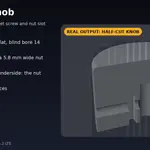
Yes. Every knob is one closed (watertight) mesh in real millimetres, with the flat underside on z = 0. The nut trap and nut slot are open at the underside, so only their short ceilings bridge and most printers need no supports. Export STL or 3MF.
Blender's default scene counts 1 unit as 1 metre, so 25 mm is 0.025 units. Set 1 Blender unit = to 1 mm in the panel (or Scene > Units > Unit Scale to 0.001) and the knob is built at the size you typed.
The settings do not fit together, for example a bolt-head pocket that leaves less than 1.2 mm of wall, or an edge size larger than the rim. The message names the problem and the limit; change that setting and press Create Knob again.
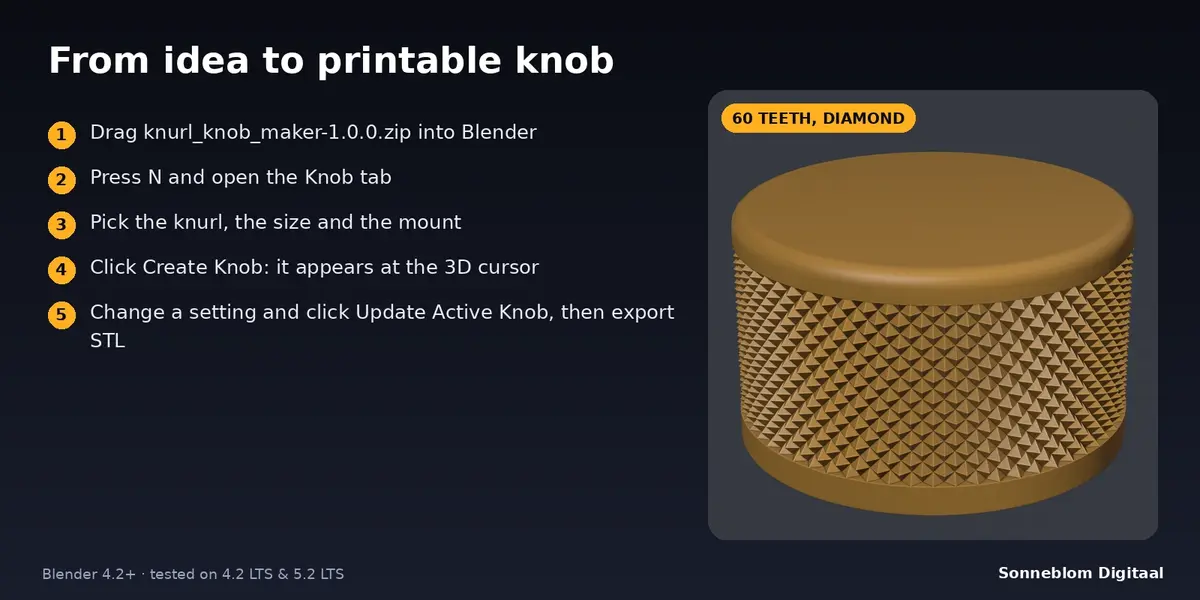
Yes: select the knob, change the settings and click Update Active Knob. The mesh is rebuilt in place and keeps its position, rotation and materials. It works on knobs made with Create Knob, with an even scale and no mirroring.
Have questions about this product?
Login to message
| Blender Extension Compatible | Yes |
| Published | about 7 hours ago |
| Blender Version | 4.2 - 5.2 |
| Extension Type | Add-on |
| License | GPL |
Discover more products like this
potentiometer nut trap d-shaft knurling parametric knurl knob 3d printing