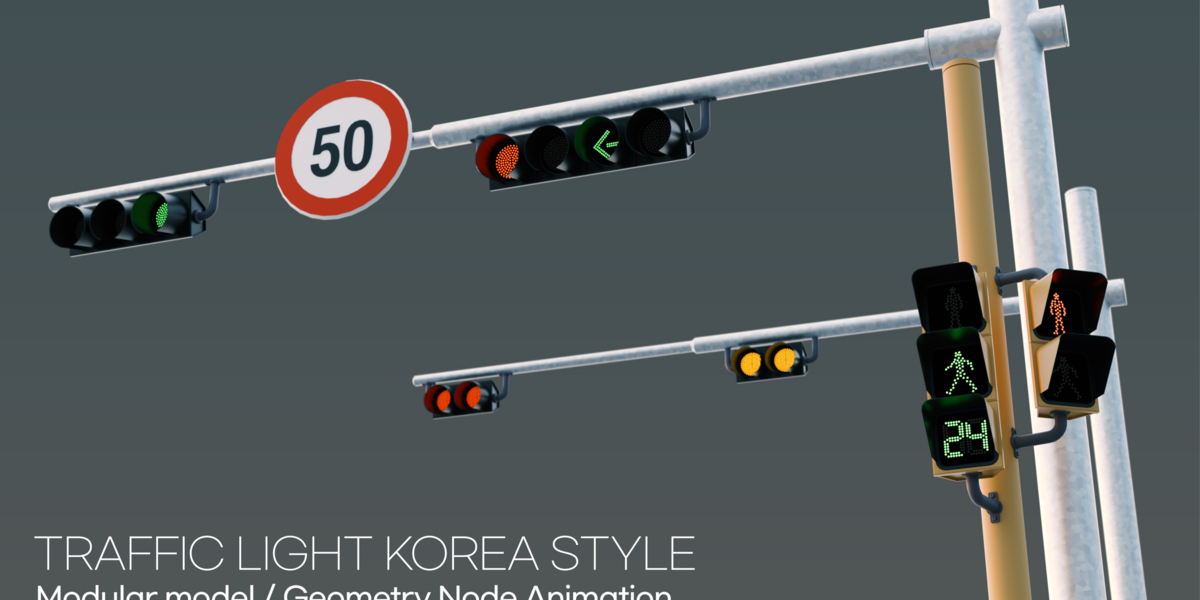
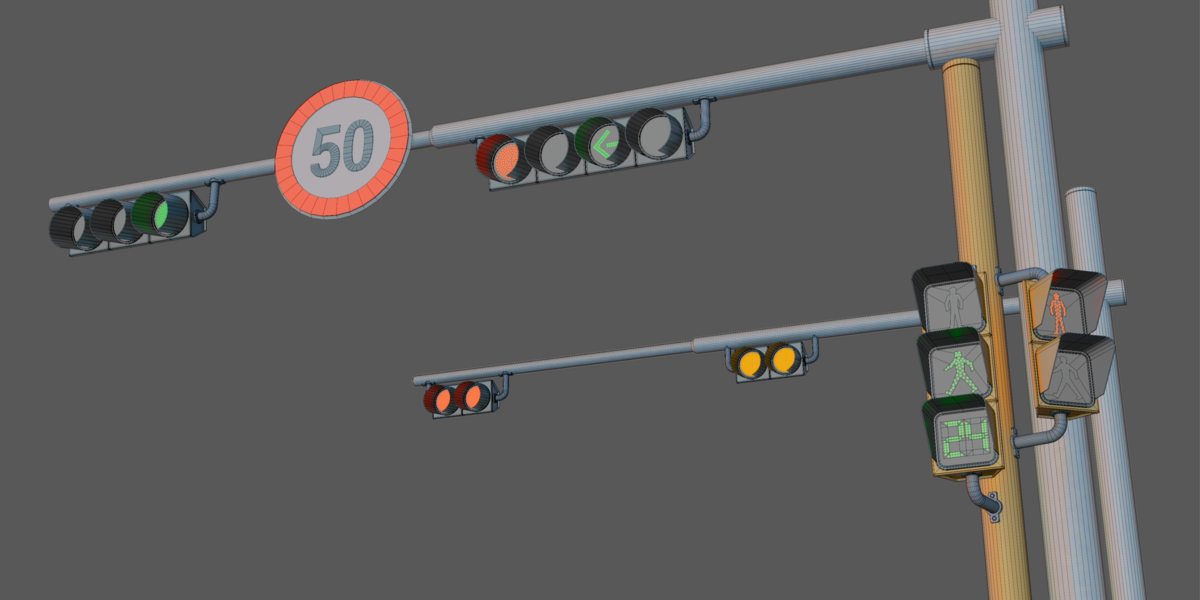
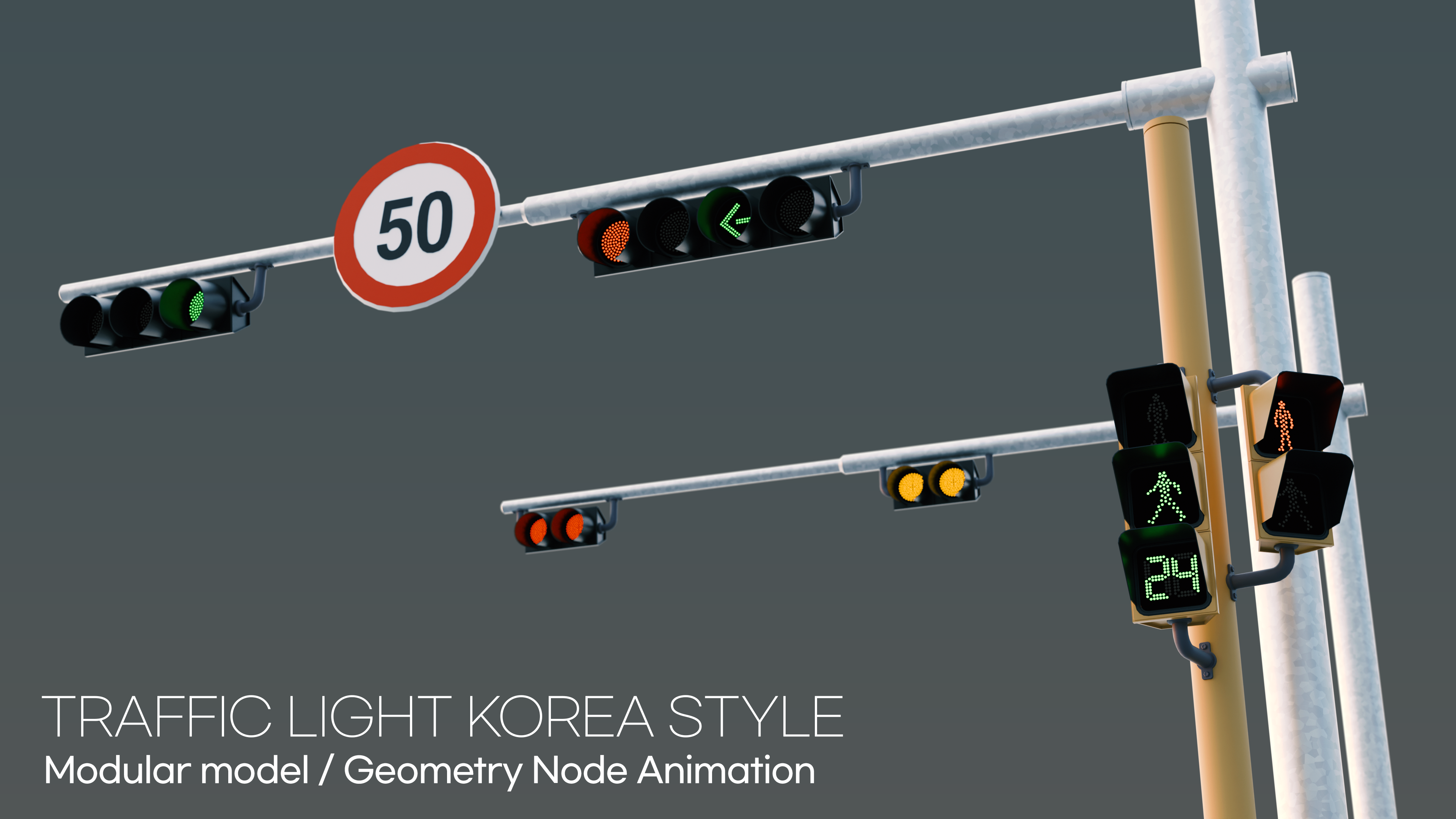
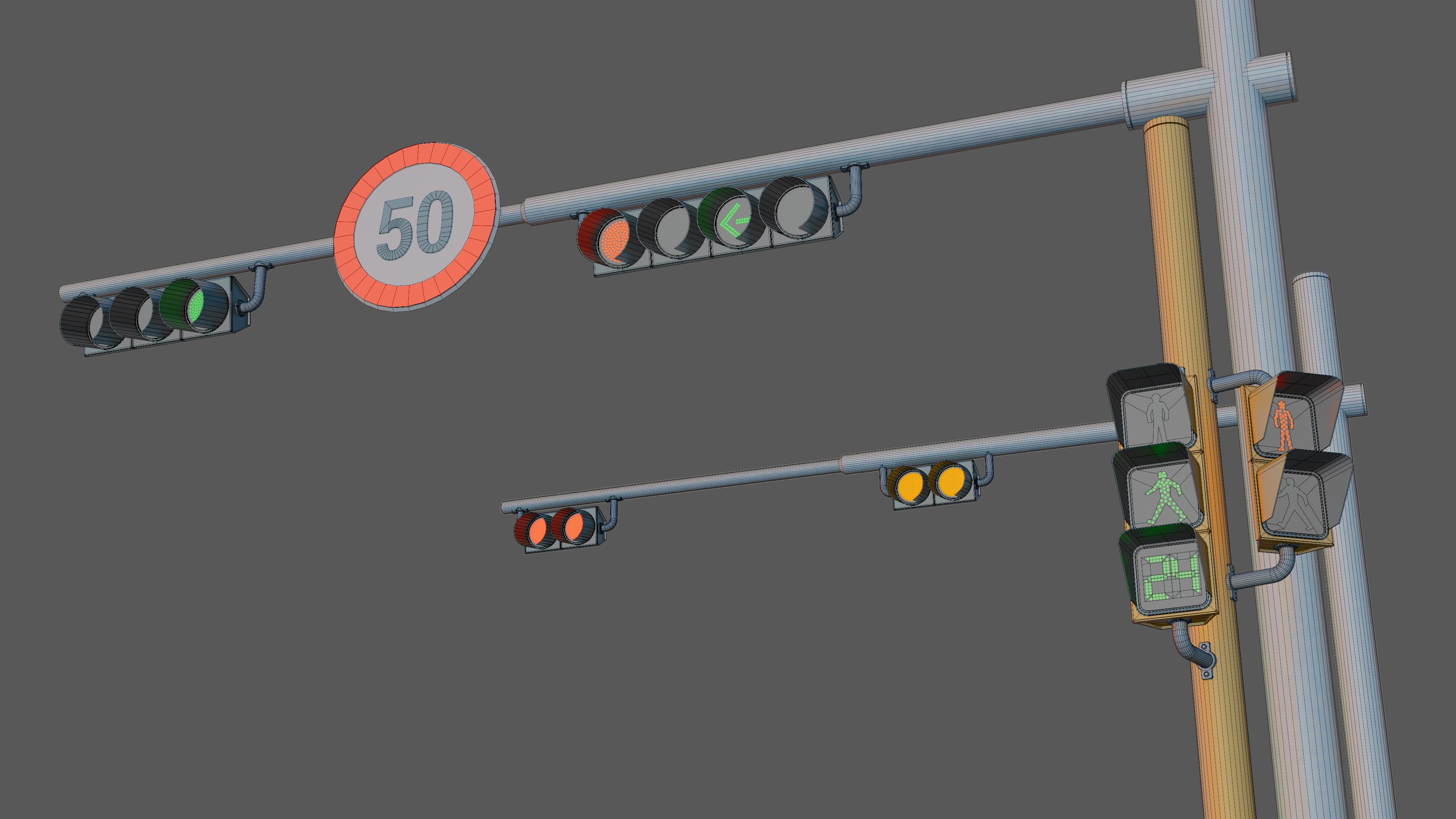
Using modular modeling assets created with Geometry Nodes,
animations are generated automatically based
on the input operation sequence and time settings,
reducing overall production time.
Package Contents (.blend):
- Modular Traffic Light Models
- Custom Materials & Textures
- Geometry Nodes-based Signal Animation
- School Zone Color Switching Option
Features
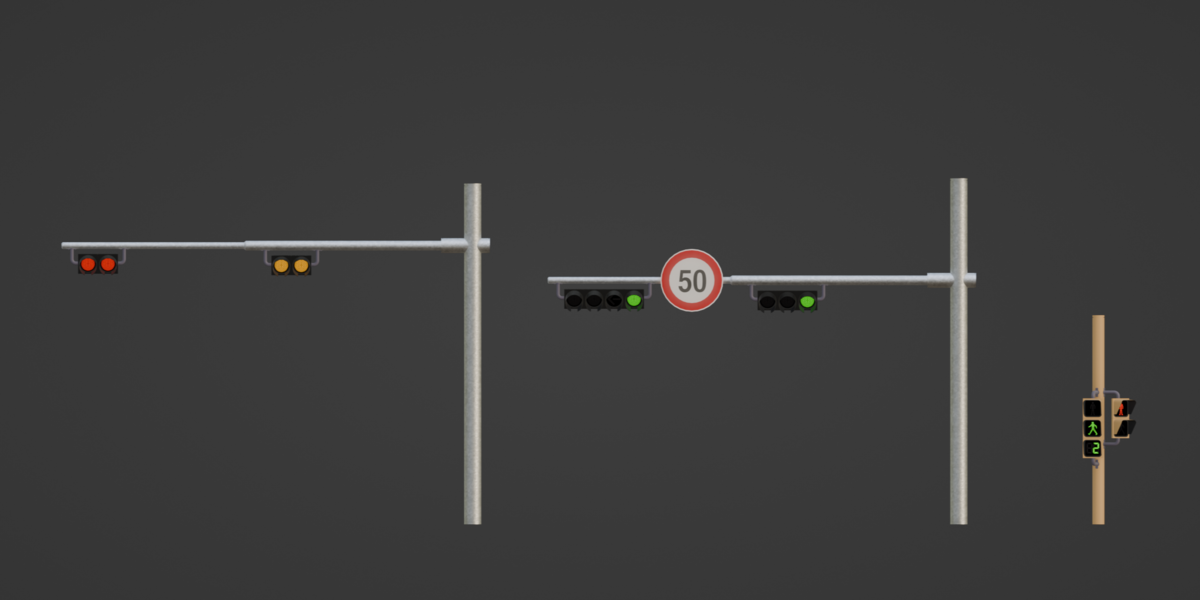
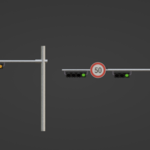
1. 4 Modular 3D Models
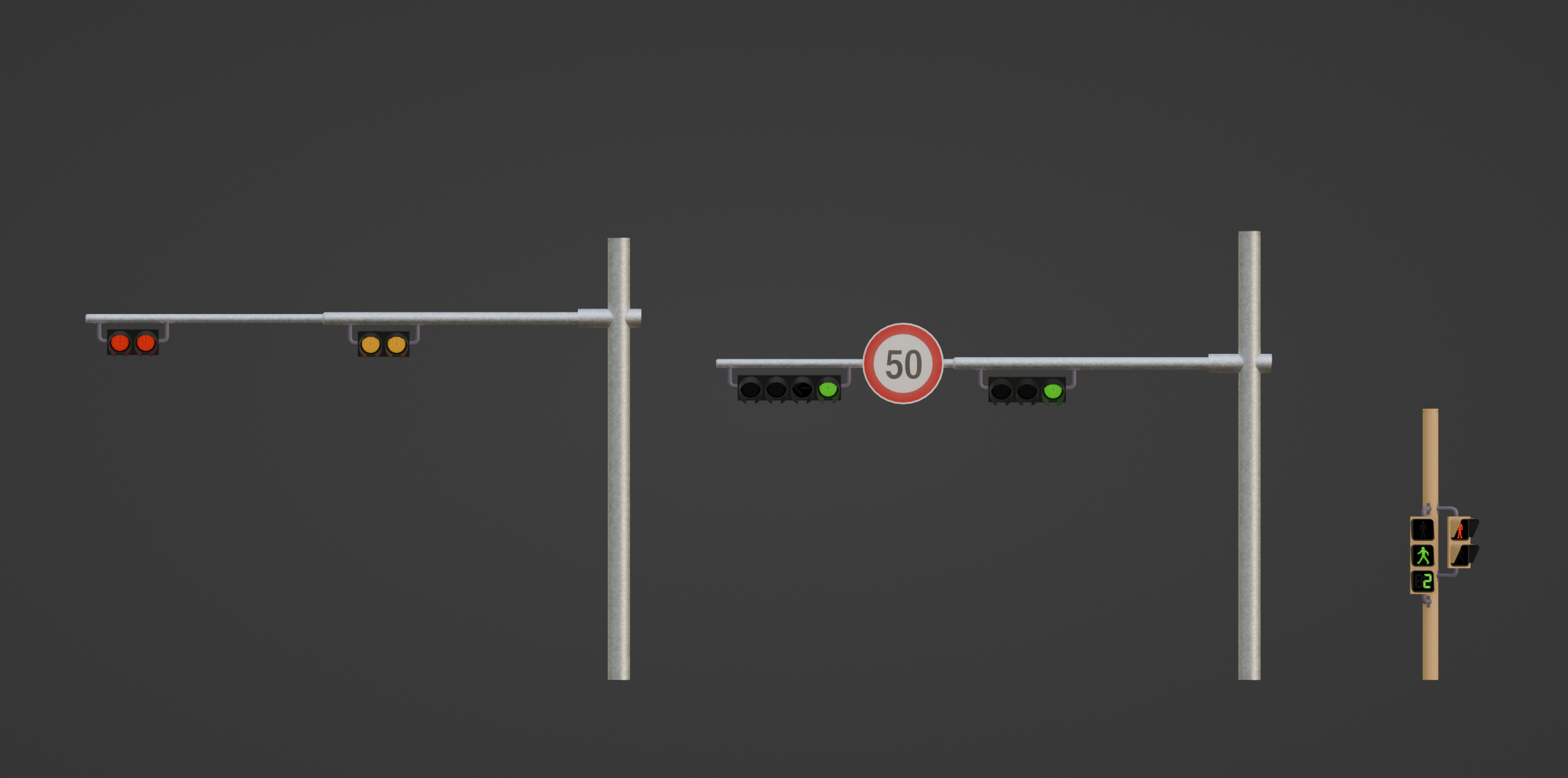
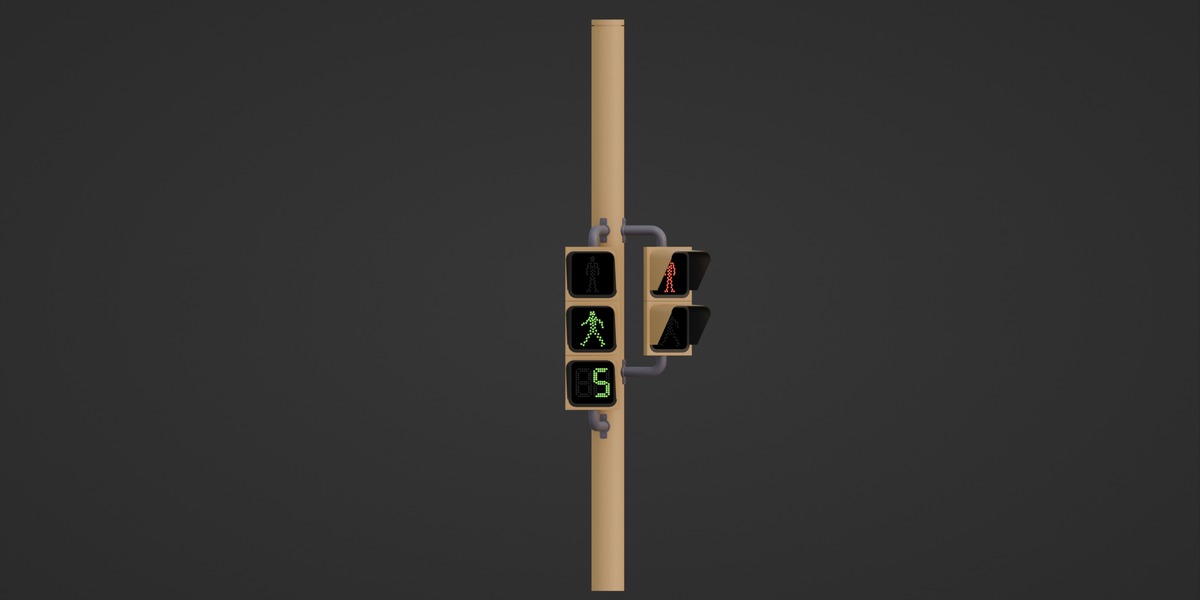
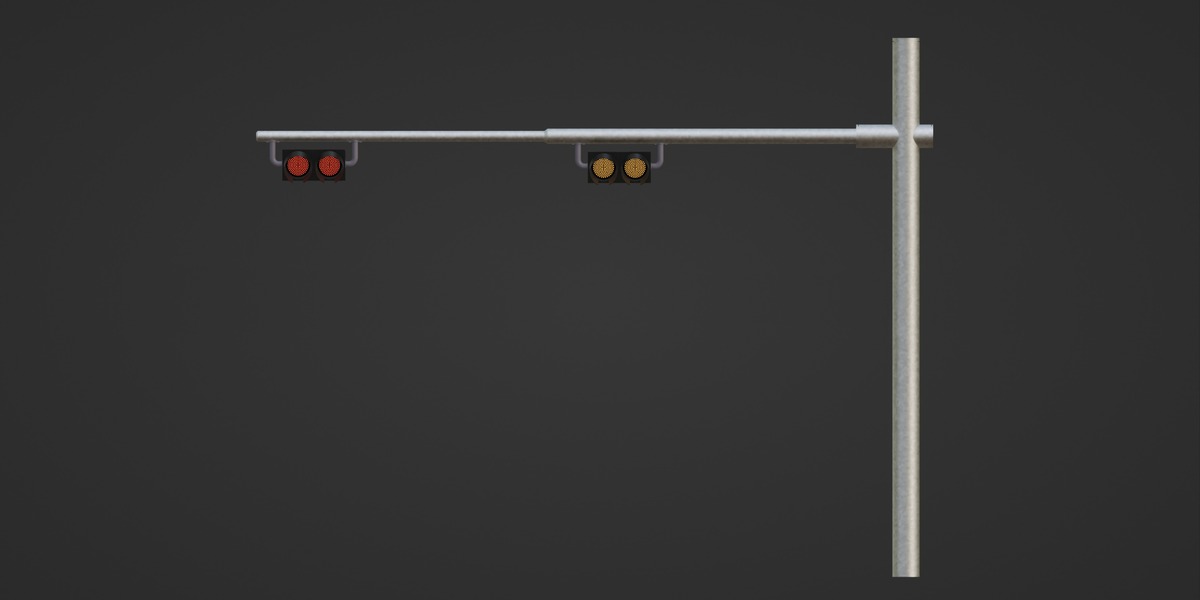
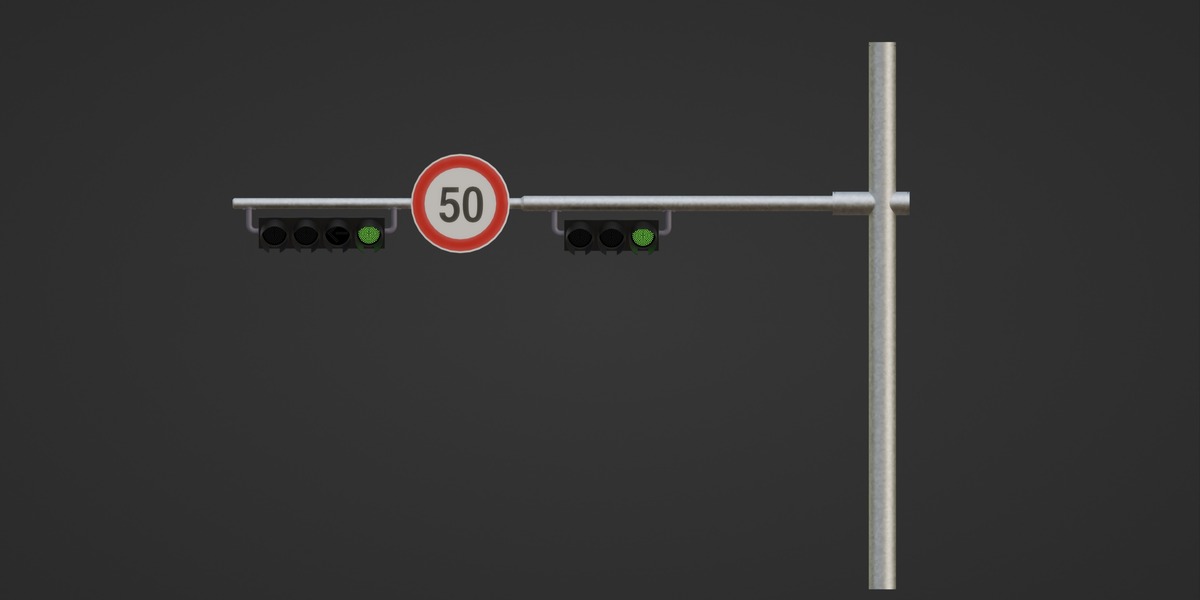
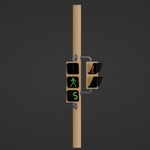
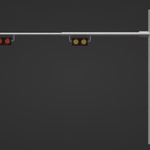
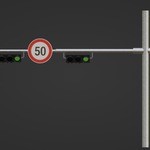
- Consists of poles, vehicular traffic lights, pedestrian traffic lights, and flashing beacons.
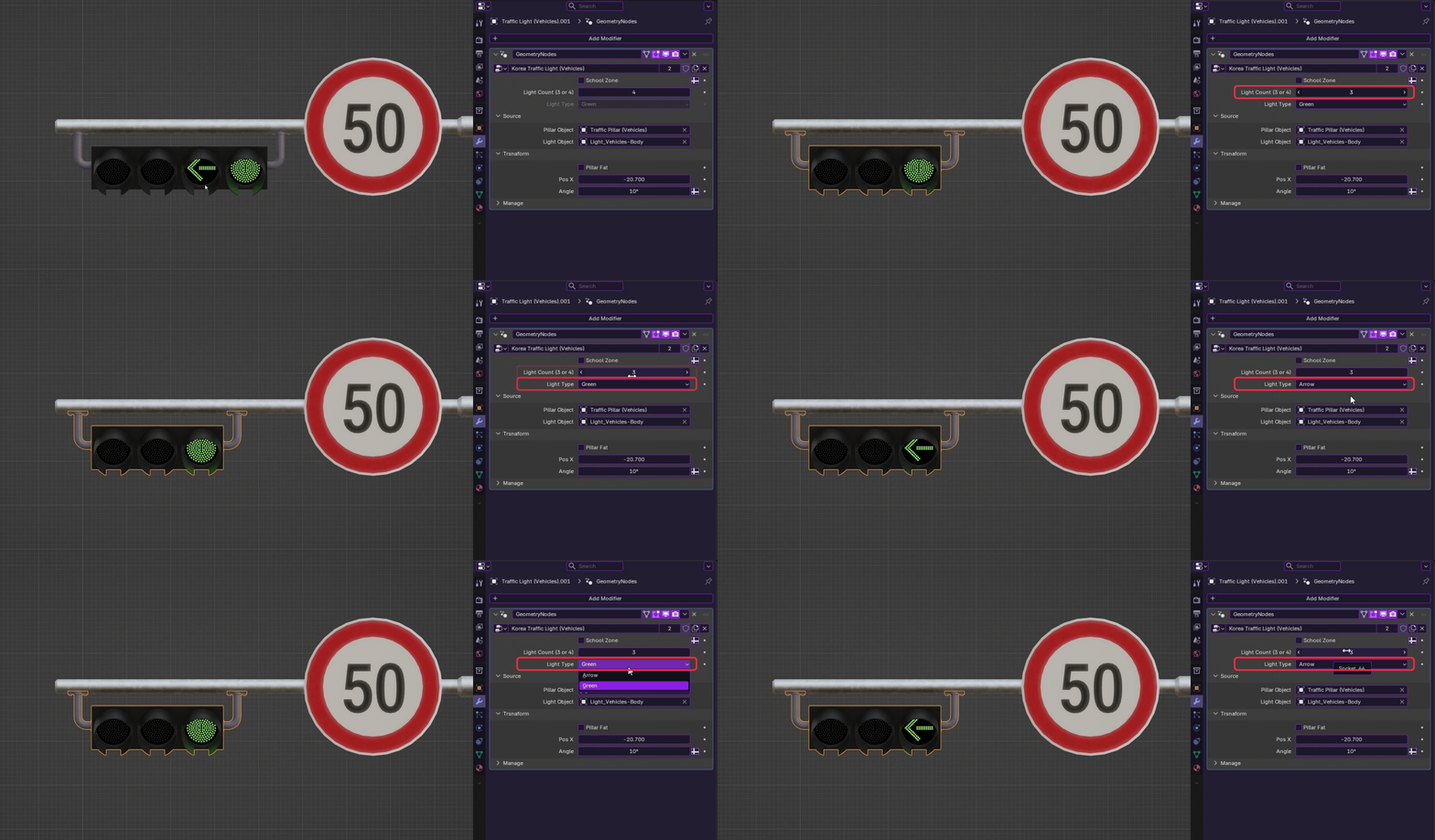
- Choose from various vehicular traffic light configurations to suit your scene.
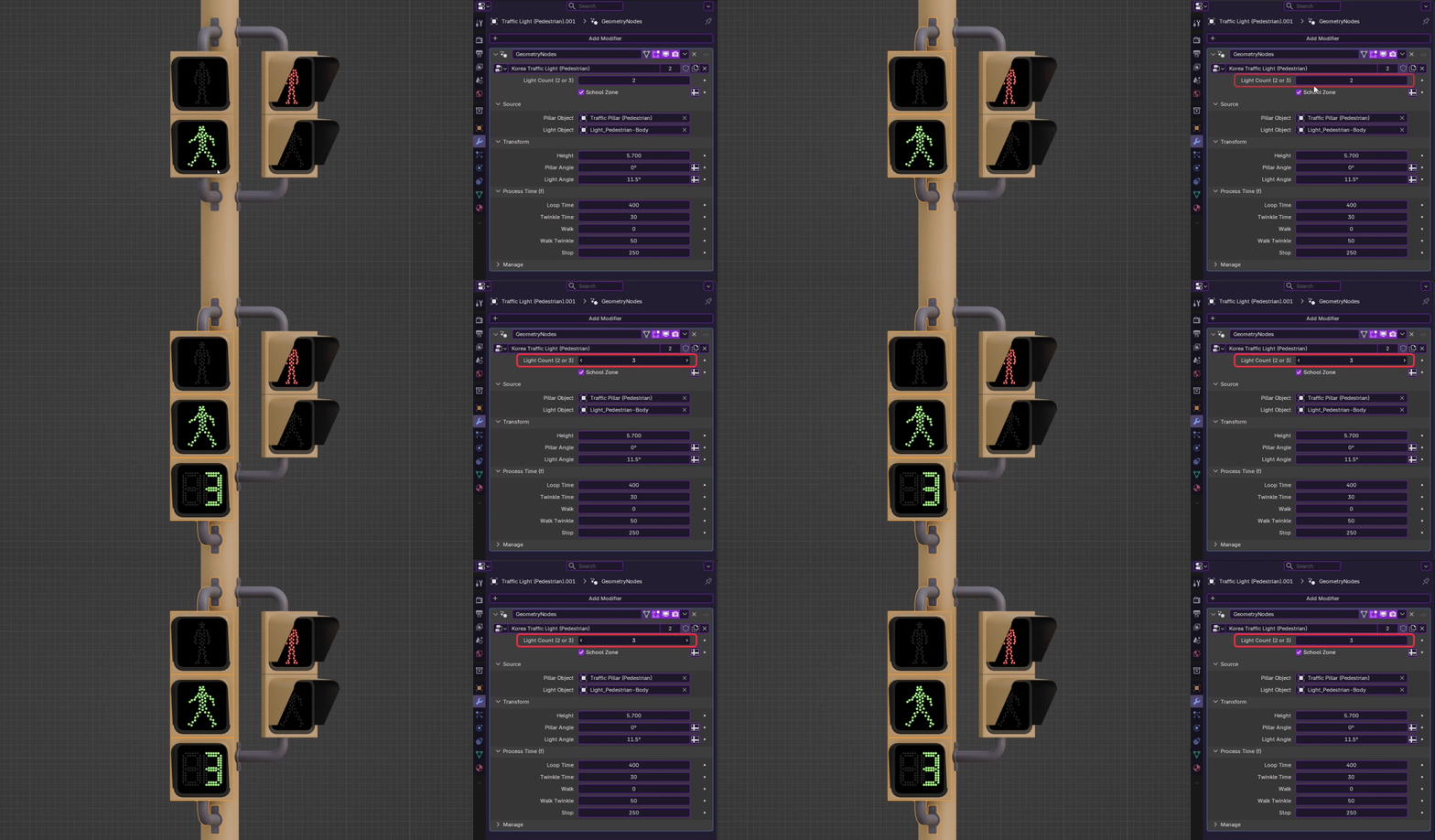
- Select between 2-aspect and 3-aspect pedestrian traffic lights.
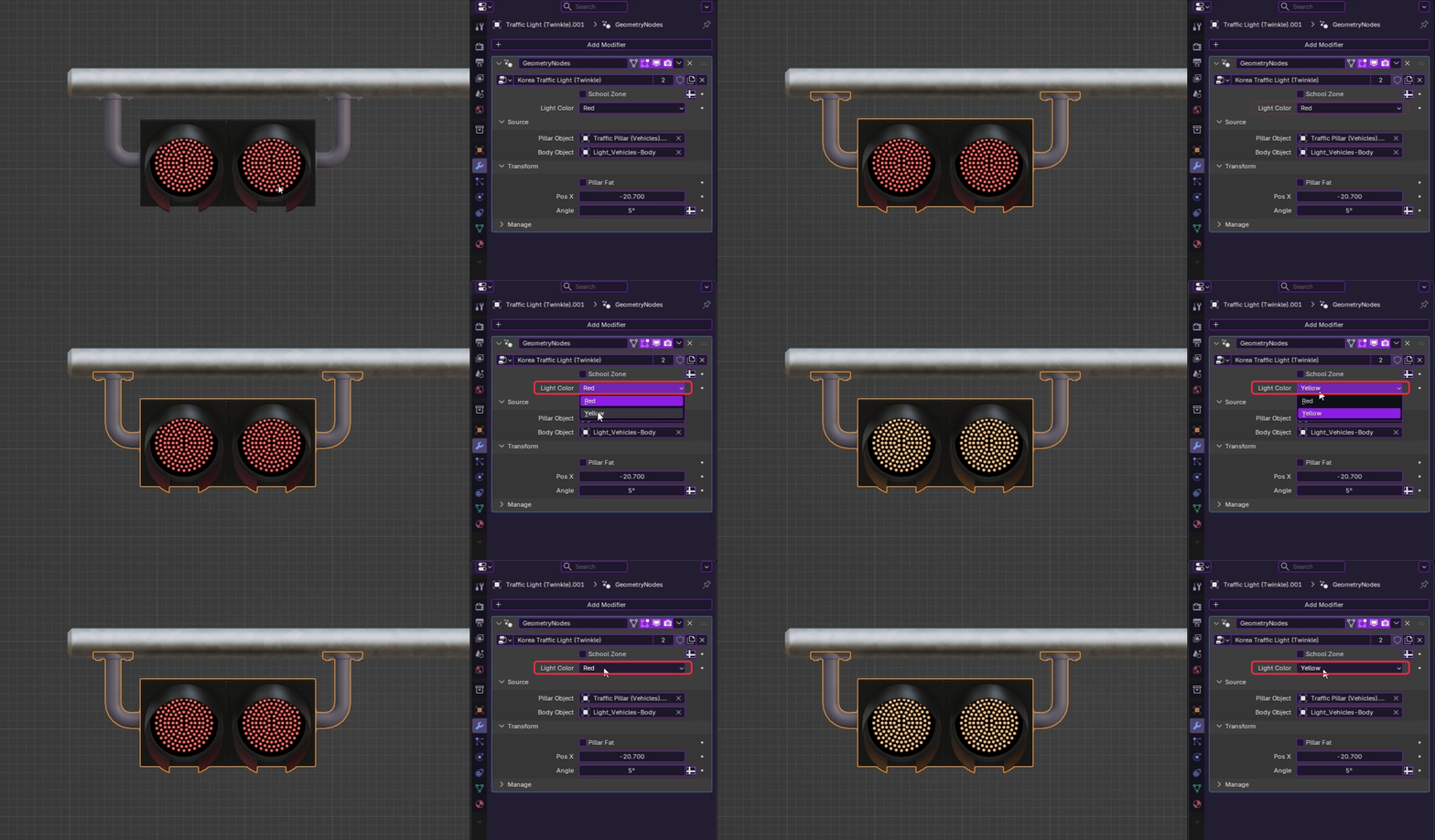
- Choose one of two color options for the flashing beacons.
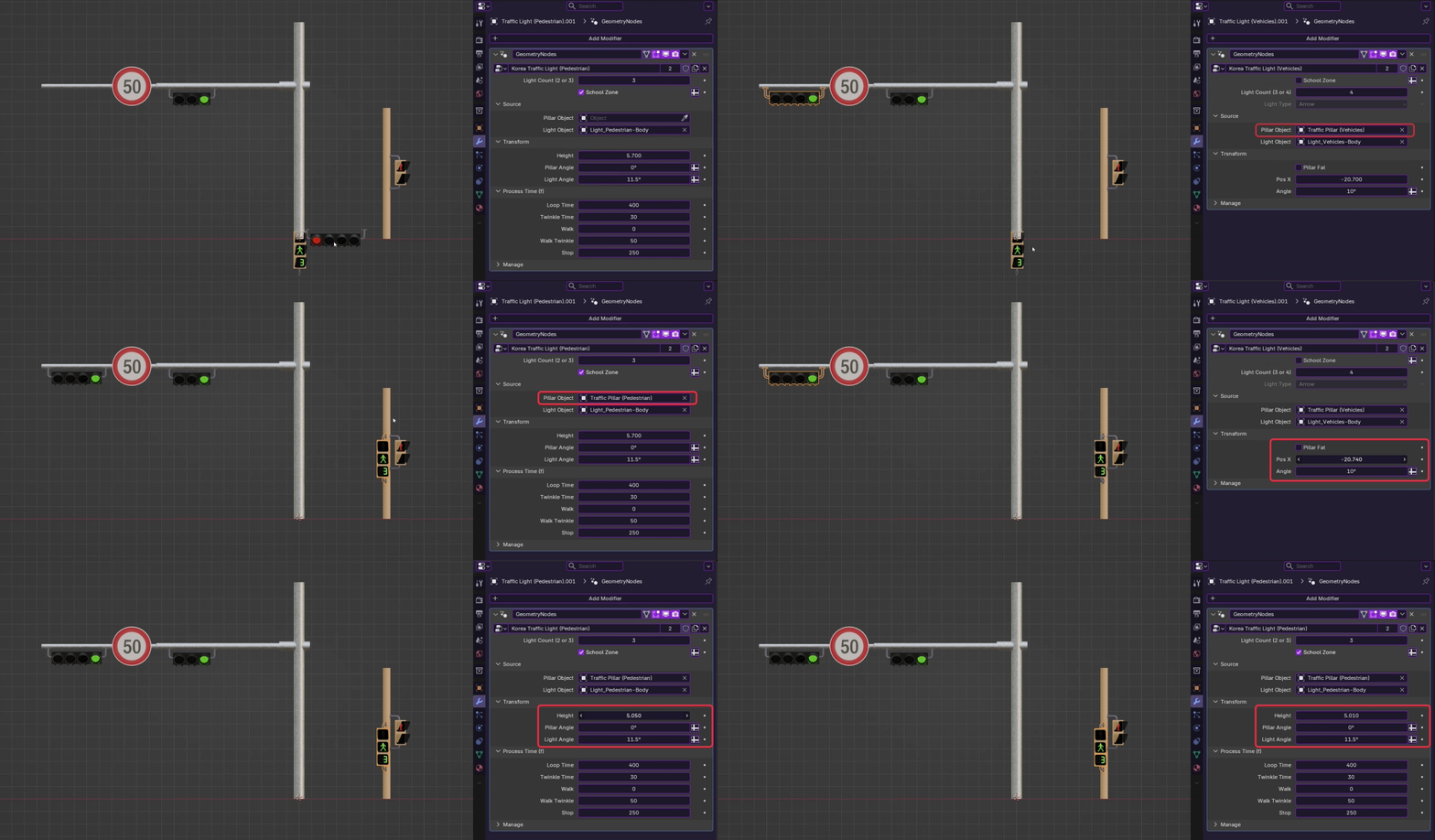
- Select the target pole for each traffic light. It links instantly, allowing for easy position adjustments.
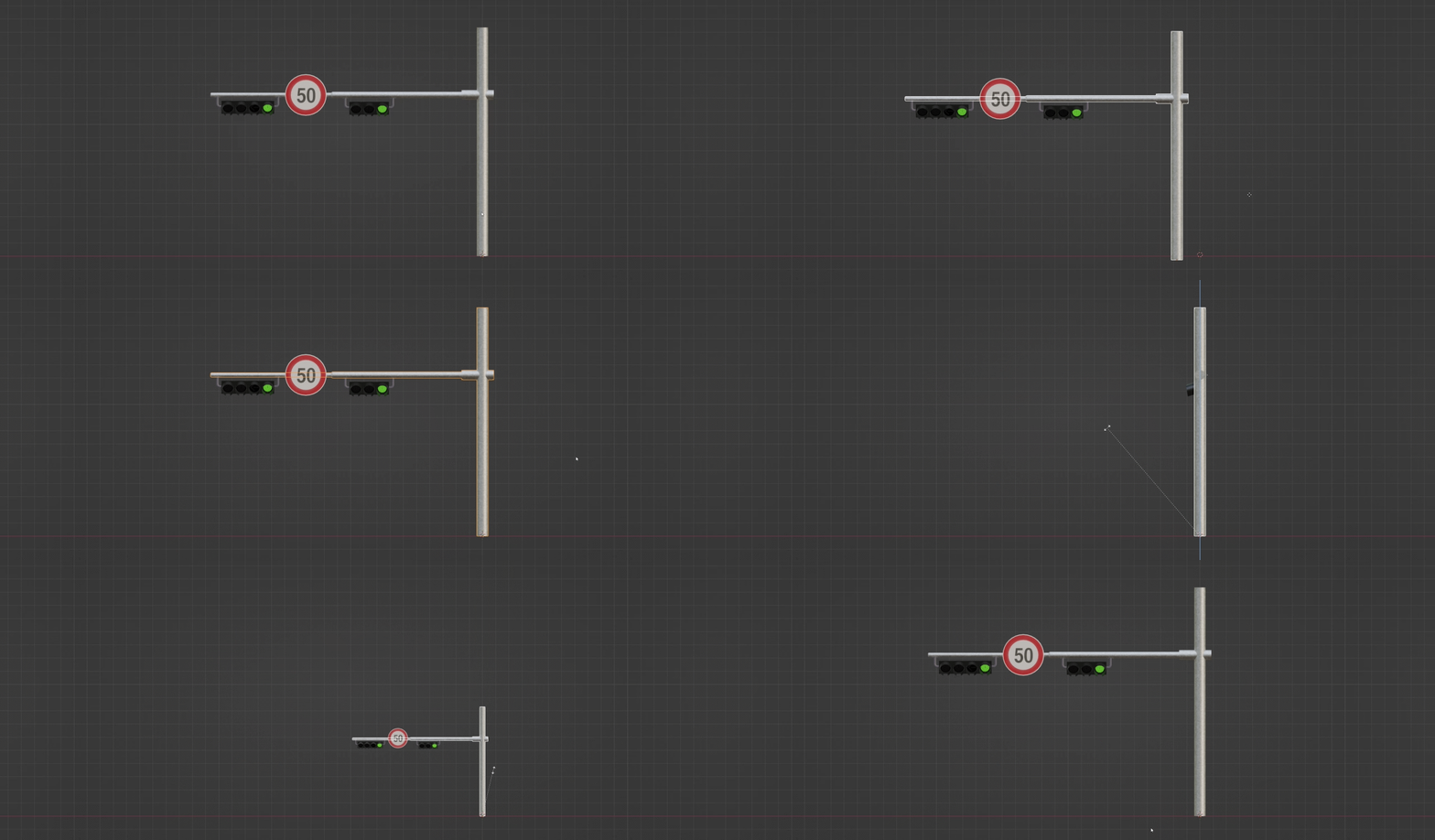
- When you move or rotate the pole, the attached traffic lights automatically follow along.
2. Automated Signal Light Animation
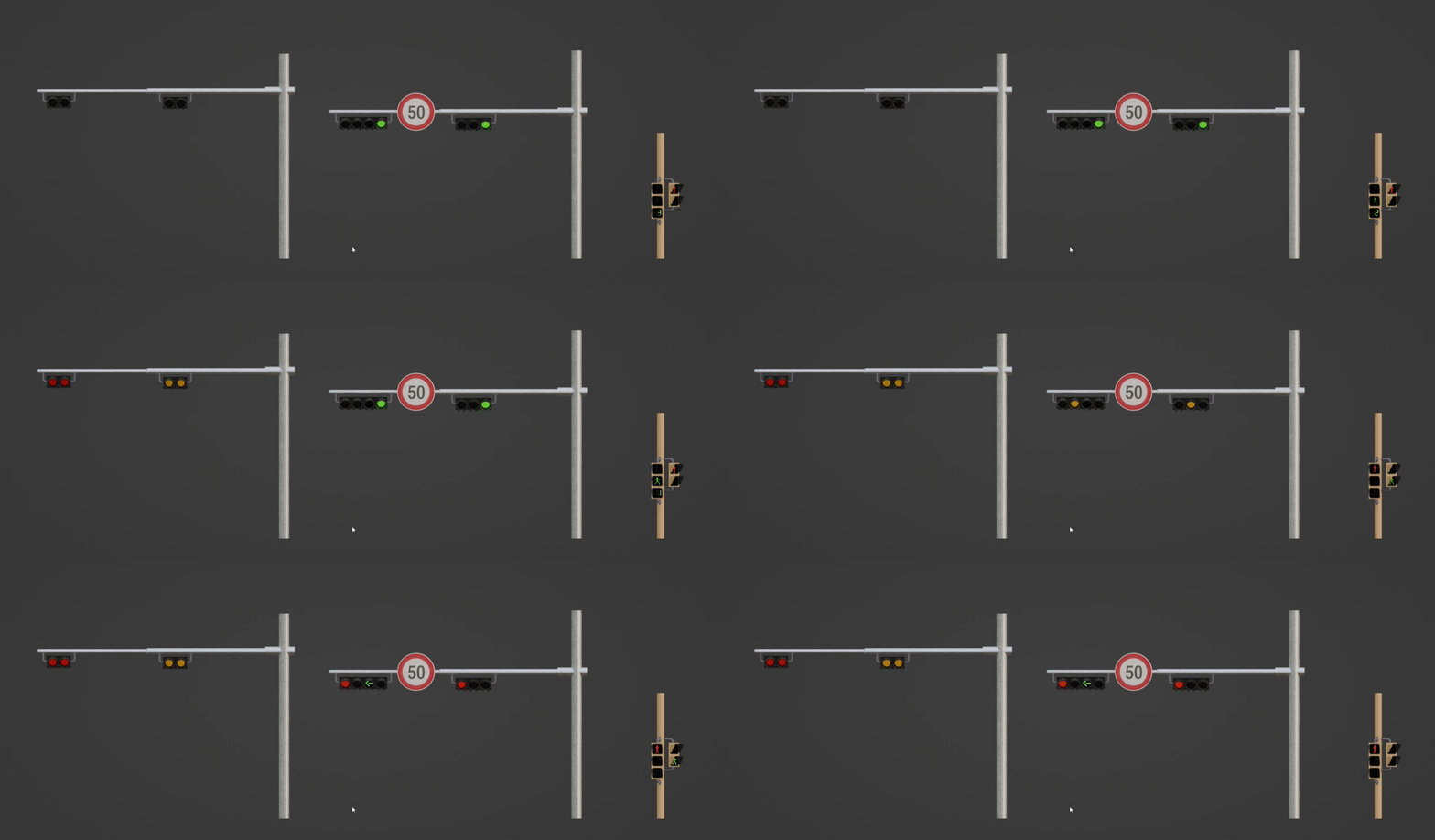
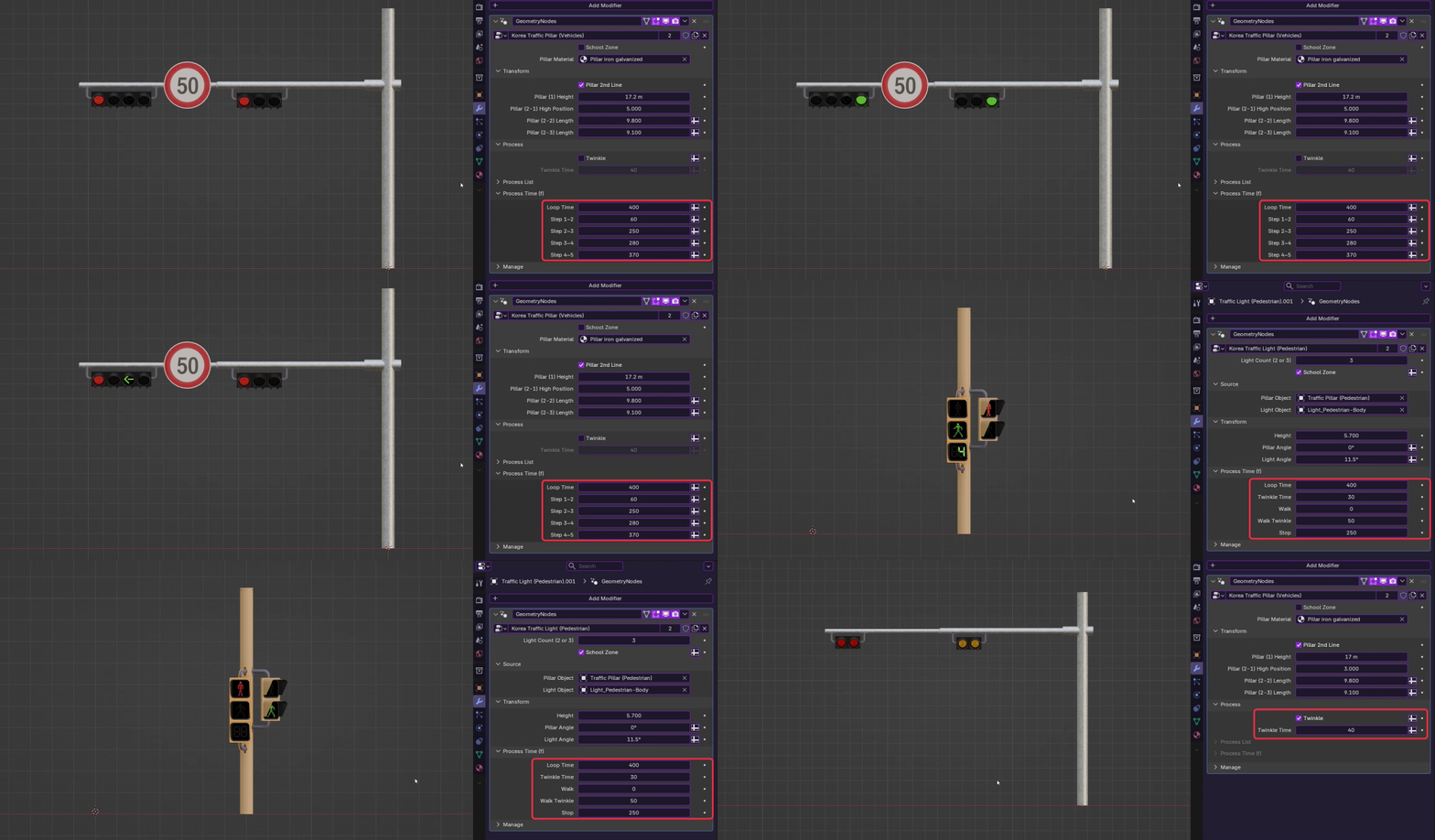
- Set your desired frame duration. The traffic lights will automatically cycle and change based on the configured timing.
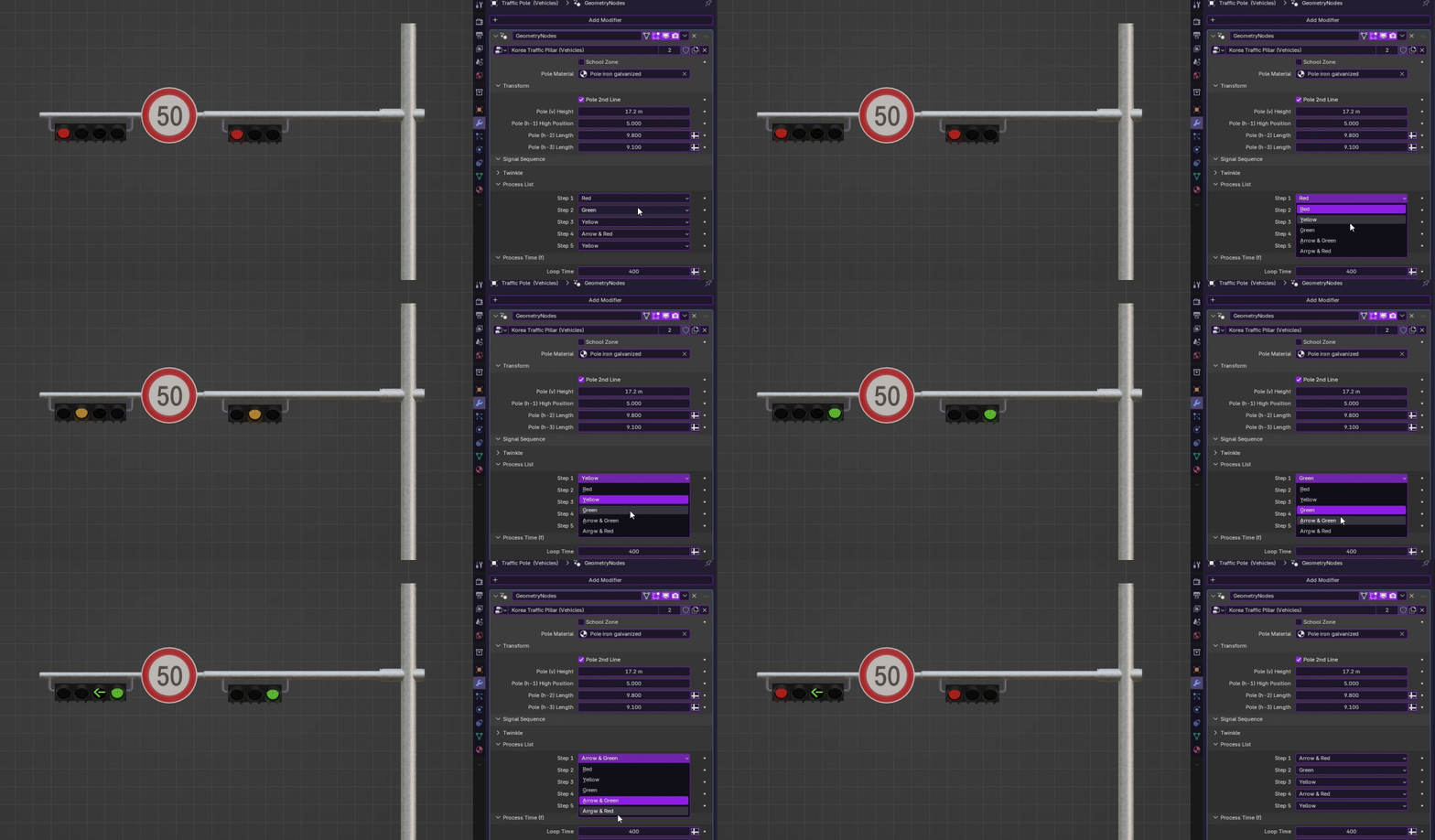
- Supports up to 5 customizable operation sequence steps.
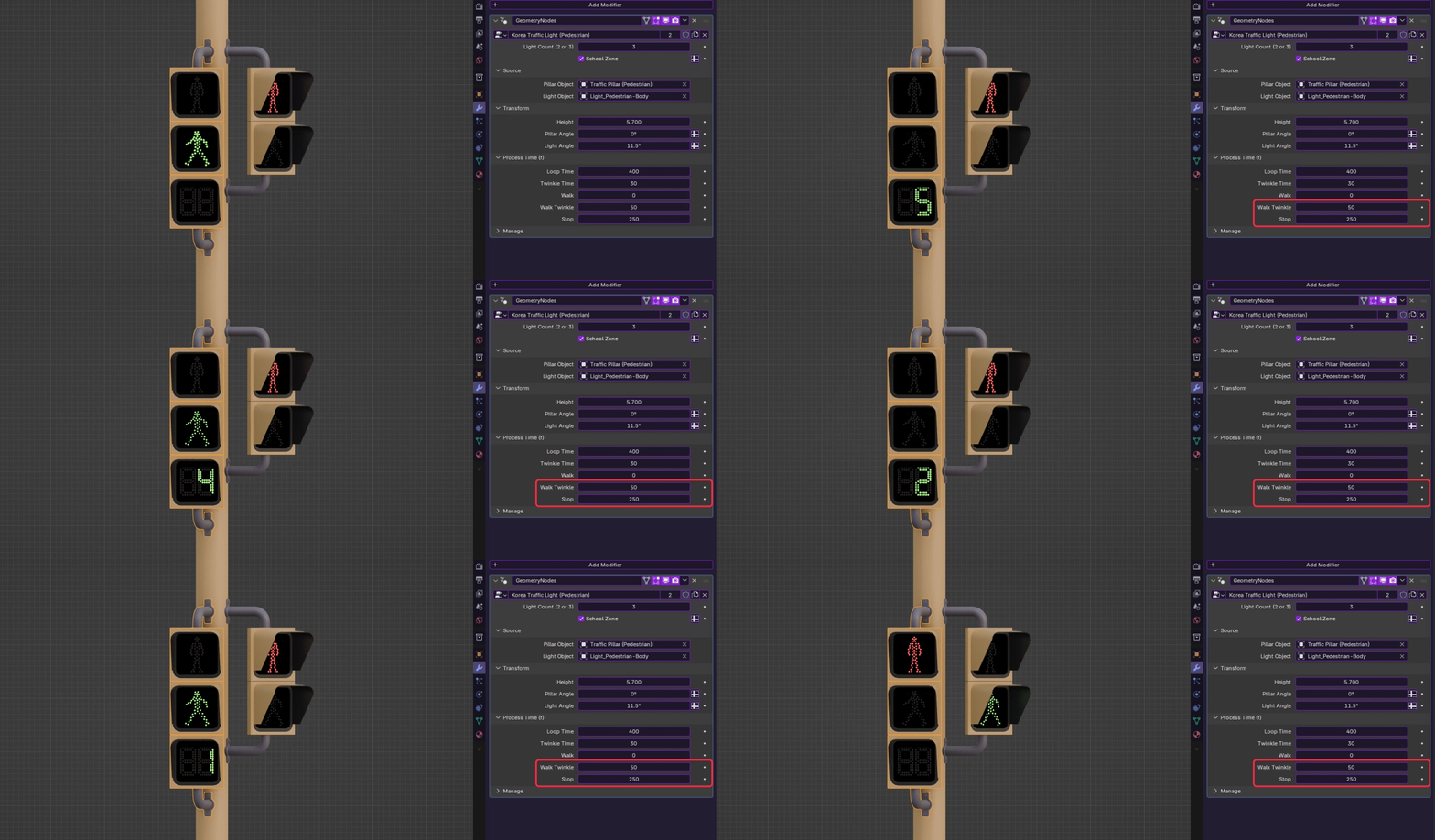
- Automatically calculates the set frames to display the remaining countdown time on pedestrian traffic lights. (excludes waiting time)
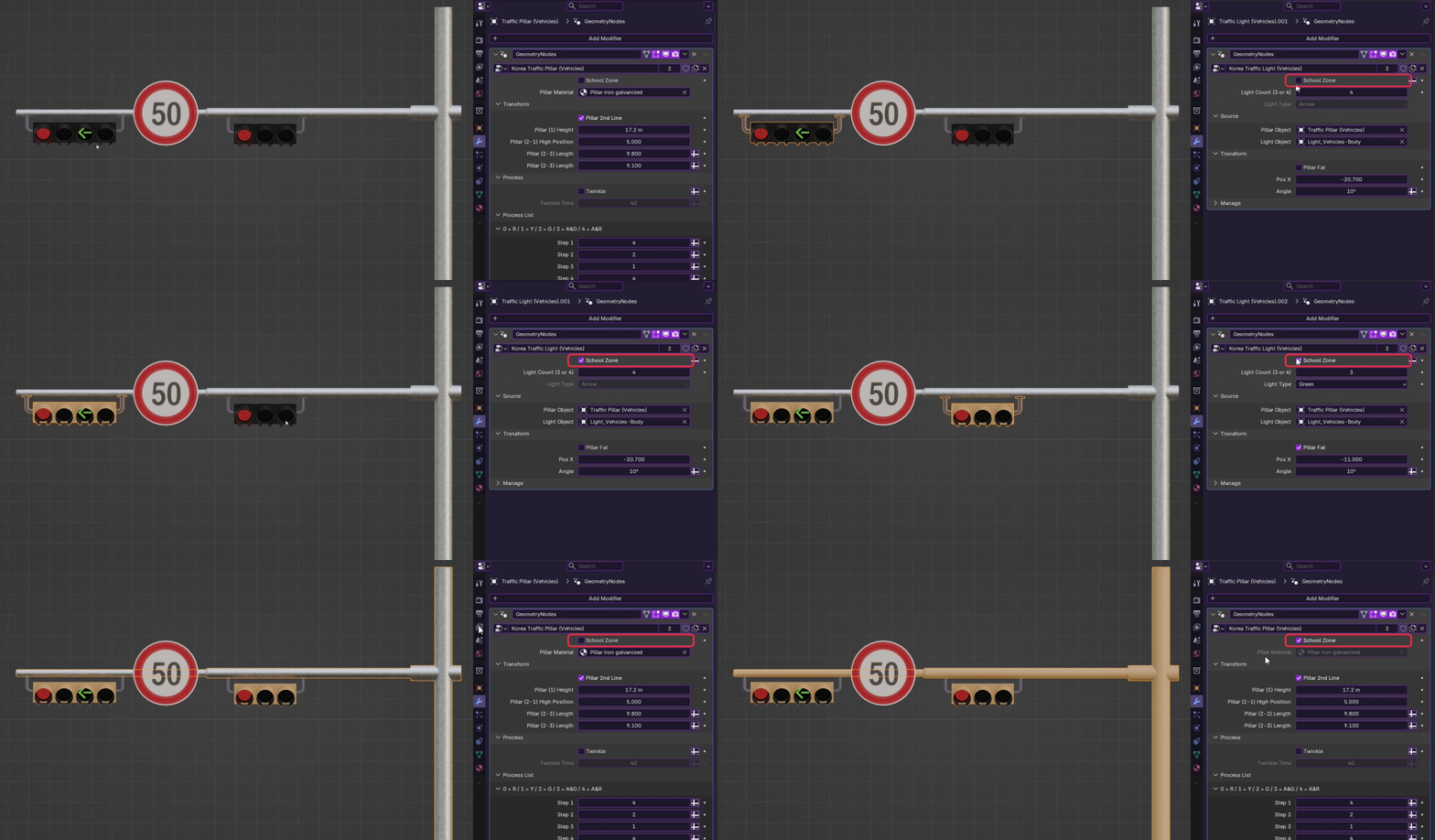
- Simply check the School Zone option! You can individually change the colors of the poles and traffic lights.
Important Notes / Compatibility:
Requires a Blender version that supports the [Index Switch] and [Menu Switch] nodes in Geometry Nodes (Blender 4.1 or later).
|
 malang-ubu