South Korean Traffic Lights (Includes Automated Animation)
 malang-ubu
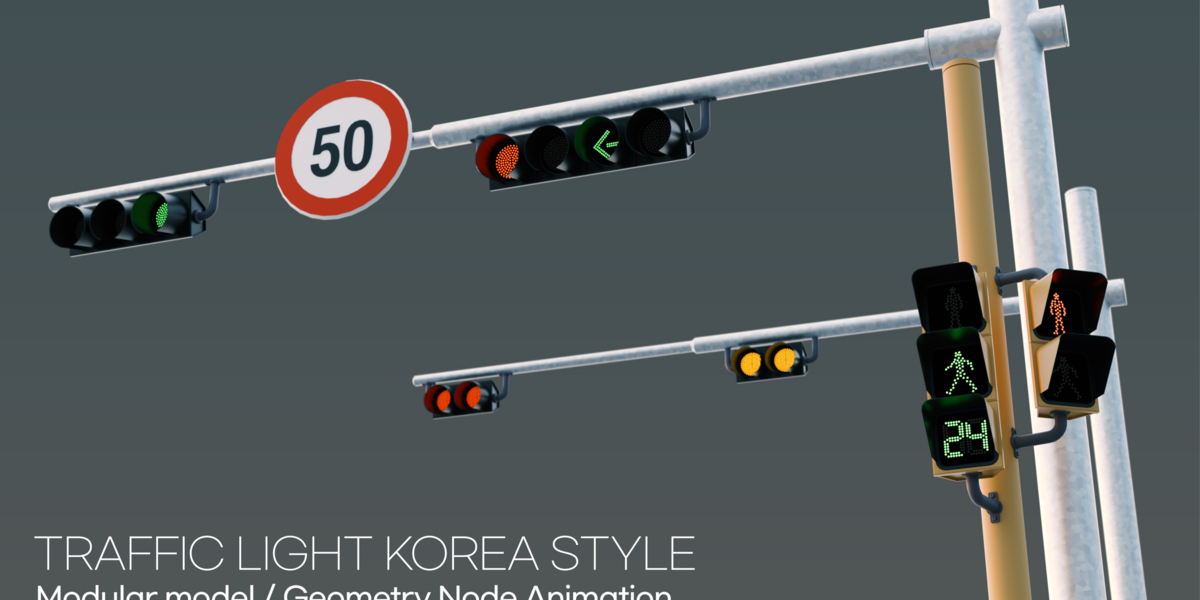
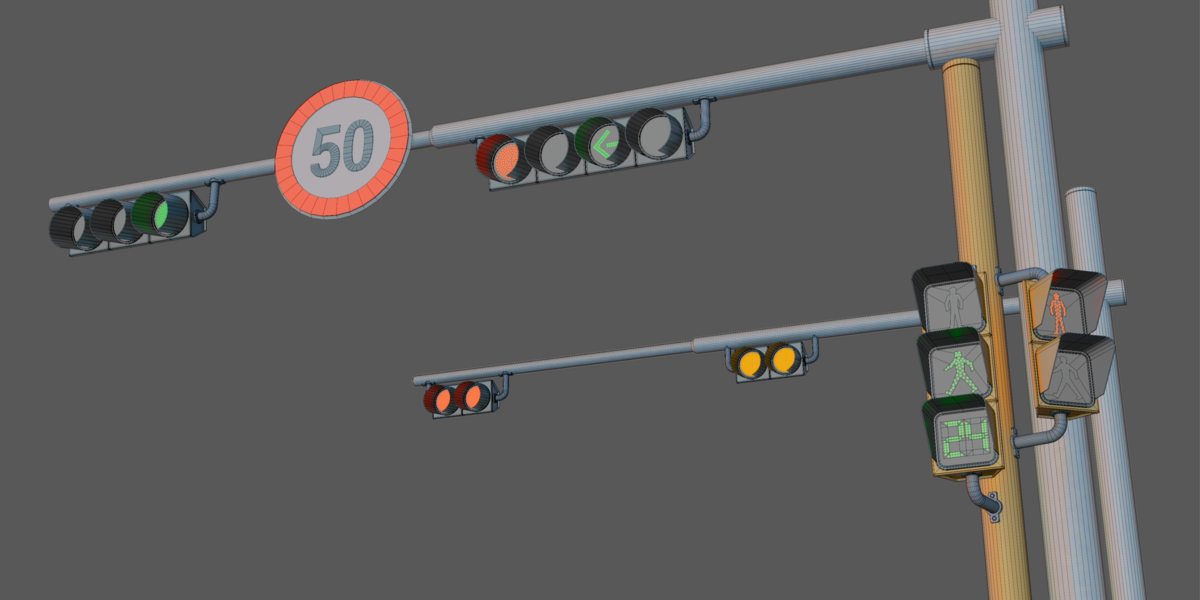
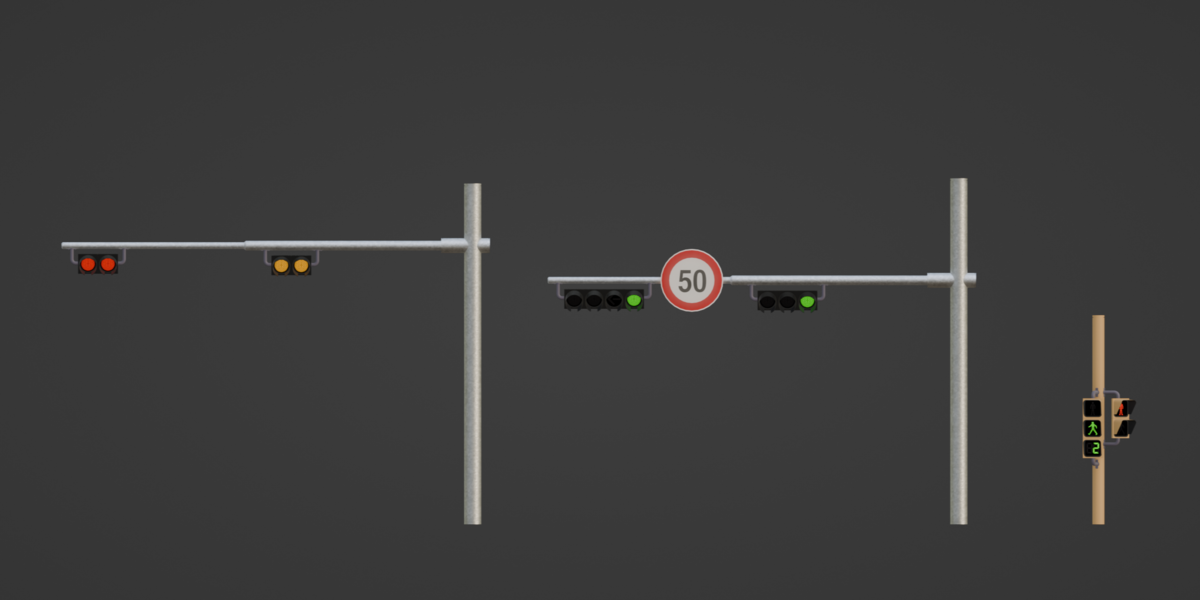
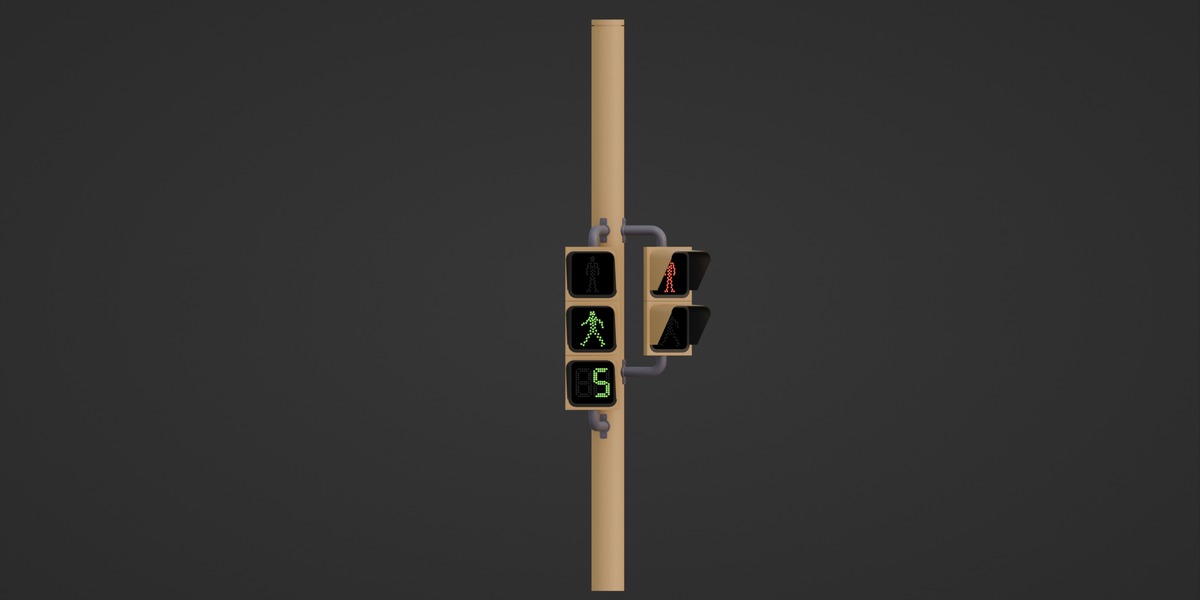
Overview
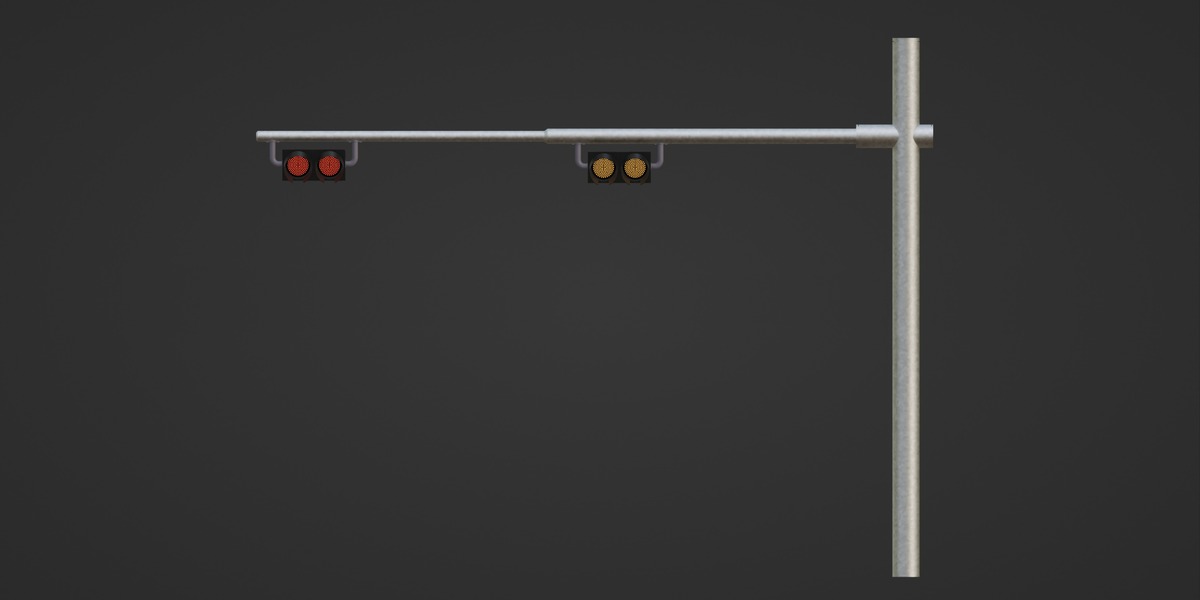
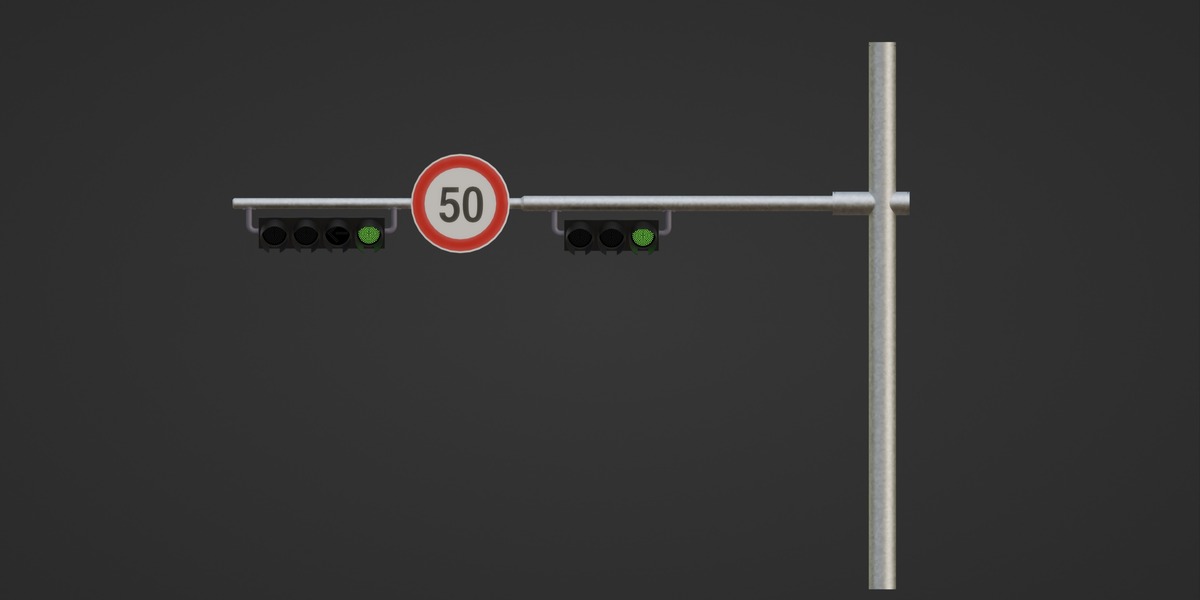
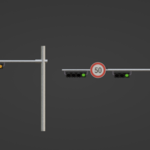
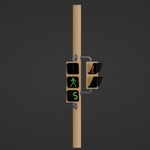
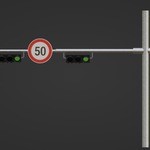
South Korean Traffic Lights is a modular 3D asset pack and procedural Geometry Nodes setup for Blender. Using modular traffic light models, signal animations and pedestrian countdowns are generated automatically based on your configured operation sequence and frame duration, significantly reducing overall production time. Ideal for Korean urban environments, street scenes, animations, and architectural visualization.
Package Contents (
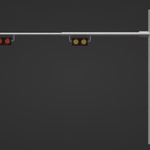
.blend)- 4 Modular 3D Models: Poles, vehicular traffic lights (multiple configurations), pedestrian traffic lights (2-aspect & 3-aspect options), and flashing beacons (2 color options).
- Custom Materials & Textures: Built-in procedural shaders and textures.
- Geometry Nodes-based Signal Animation: Automated signal cycling and countdown system.
- School Zone Color Switching Option: One-click yellow School Zone color customization.
How to Use
- Open or Append: Open the
.blendfile directly or append the traffic light assets into your scene (File > Append). - Attach Lights to Poles: Select a target pole in the Geometry Nodes modifier panel for each traffic light. The lights link instantly and automatically follow when you move or rotate the pole.
-
Configure Signal Sequence & Timing:
- Set your desired frame duration in the Modifier panel.
- Customize up to 5 operation sequence steps using index numbers (
0 = Red/1 = Yellow/2 = Green/3 = Arrow & Green/4 = Arrow & Red). - Pedestrian countdown numbers are calculated and displayed automatically based on your set frames (excluding waiting time).
- School Zone Mode (Optional): Check the School Zone option in the modifier settings to individually switch the poles and traffic light housings to yellow.
Compatibility & Notes
- Blender Version: Requires Blender 4.1 or later (tested up to Blender 5.0), as the setup utilizes
[Index Switch]and[Menu Switch]nodes in Geometry Nodes. - Render Engine: Ready to use in both Cycles and Eevee.
- Tip: For realistic light glow in Eevee, enable Bloom / Glare in the Compositor.
Have questions about this product?
Login to message
| Published | 1 day ago |
| Blender Version | 4.1 - 5.0 |
| Render Engine Used | Cycles, Eevee |
| Misc Data | Animated, Textured |
| License | Royalty Free |
Discover more products like this
road traffic light urban procedural geometry nodes modular traffic signal korean city animated south korea street