South Korean Traffic Lights (Includes Automated Animation)
 malang-ubu
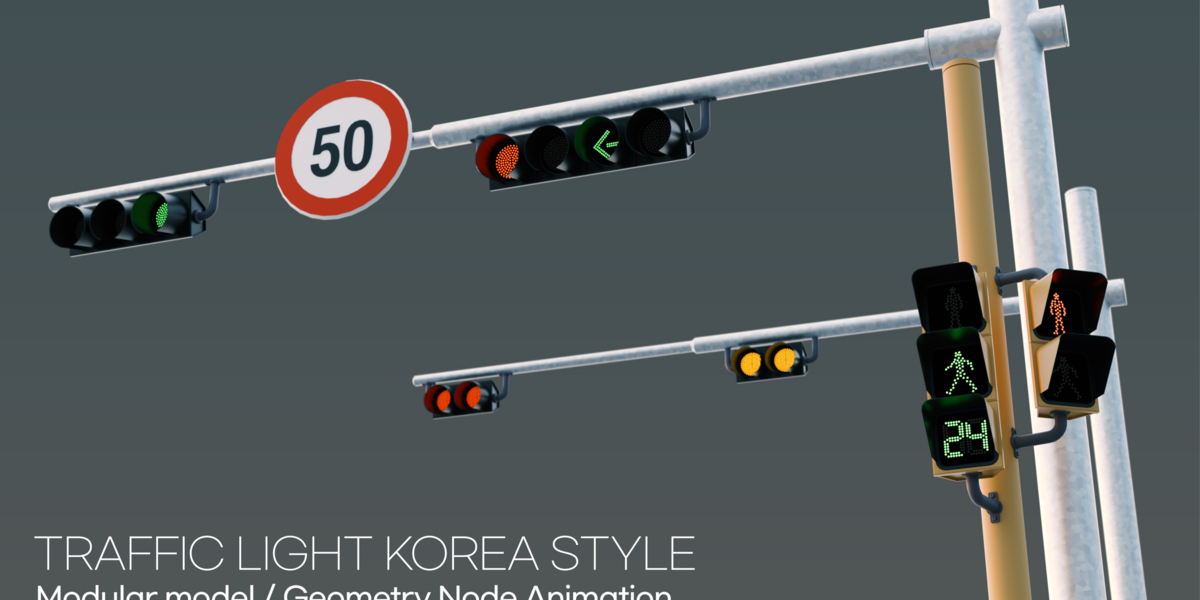
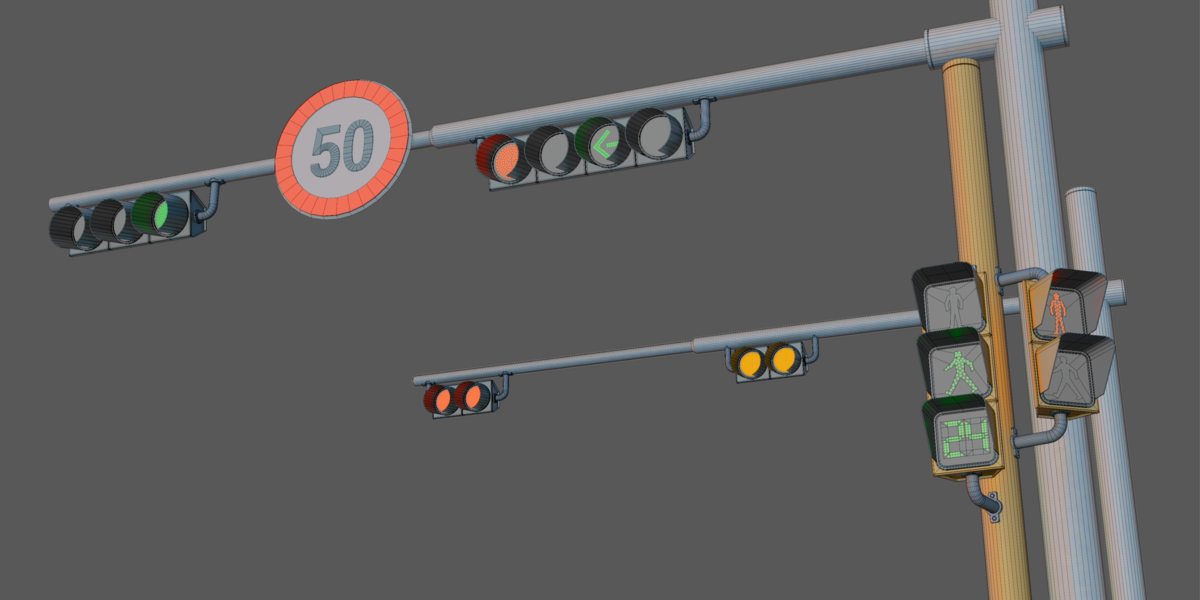
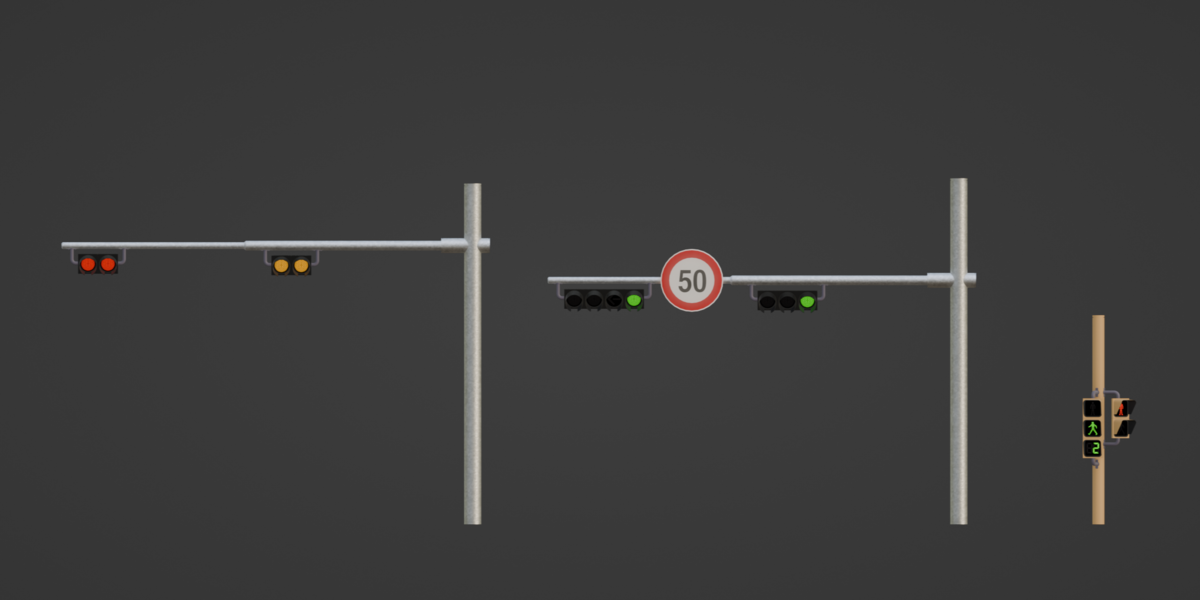
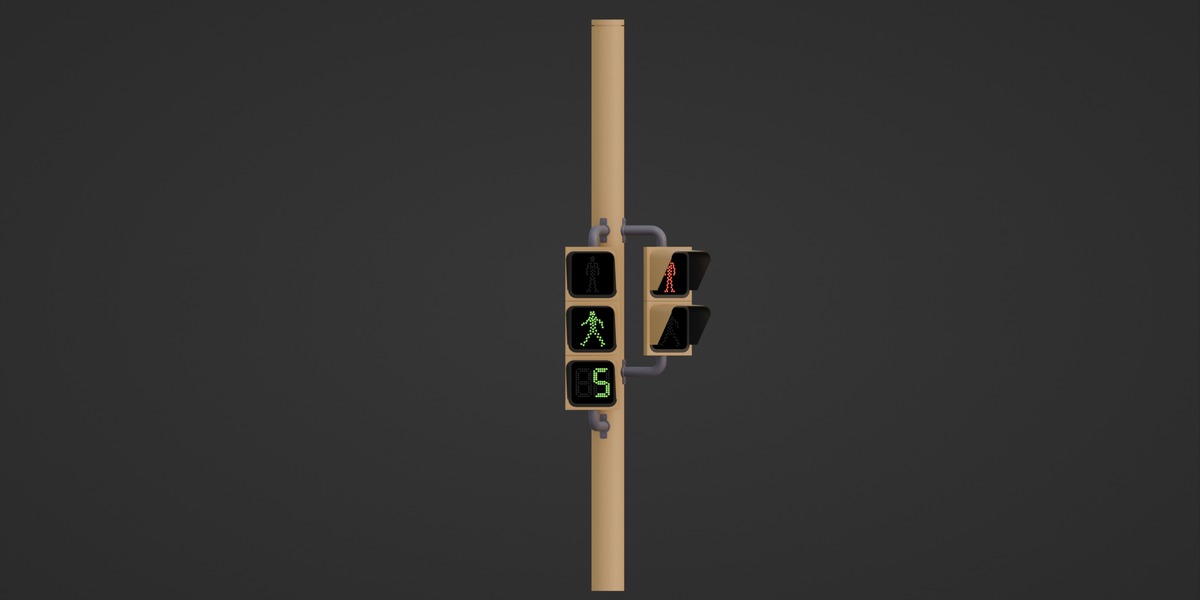
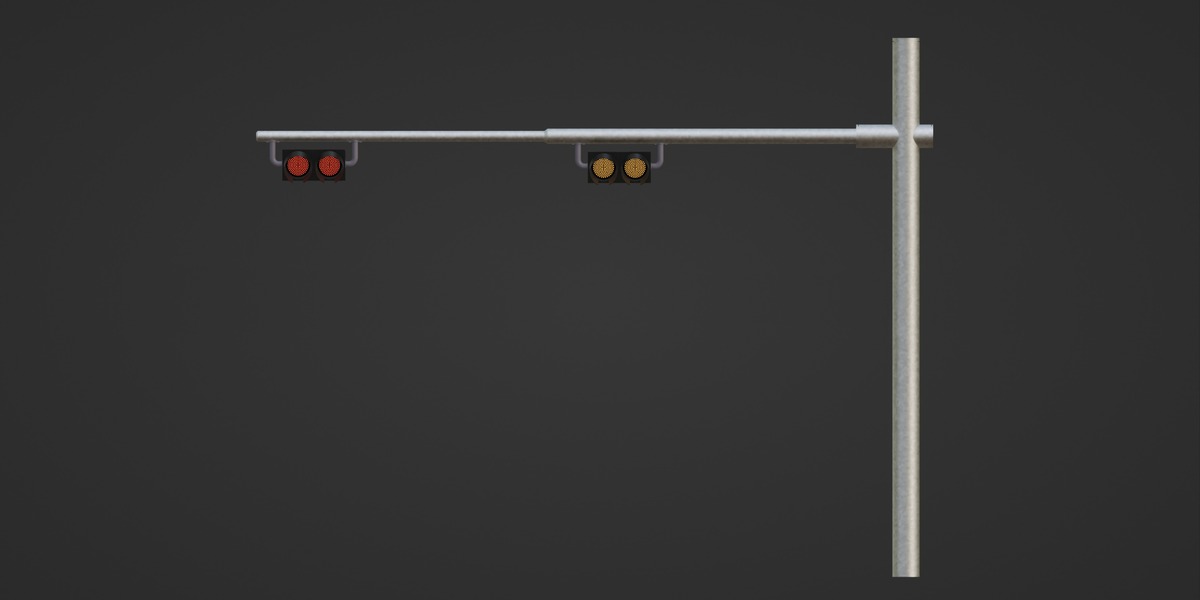
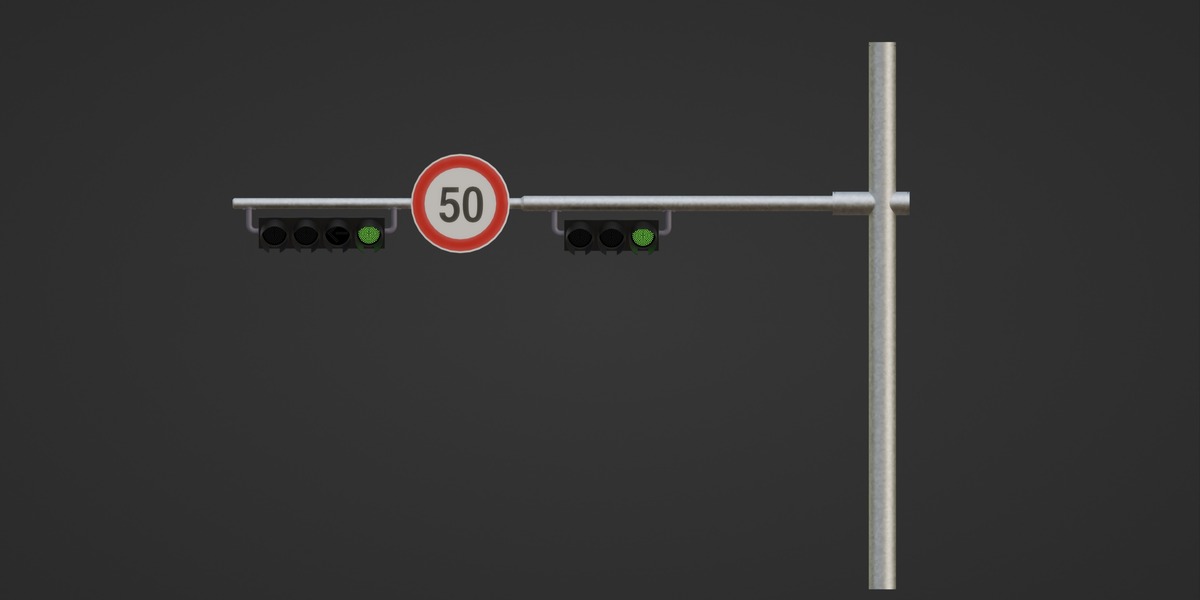
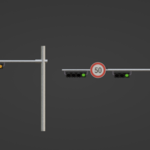
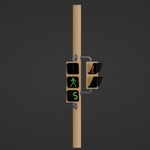
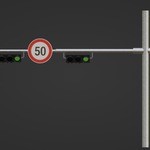
Can I change the traffic lights to yellow for School Zone scenes?
Yes! Simply check the School Zone option in the Geometry Nodes modifier panel to individually switch the poles and traffic light housings to yellow.
Which Blender versions are supported?
This asset requires Blender 4.1 or later (tested up to Blender 5.0), as the Geometry Nodes setup relies on the [Index Switch] and [Menu Switch] nodes introduced in 4.1.
How do I attach the traffic lights to a pole?
In the Geometry Nodes modifier panel of each traffic light, simply select your target pole object. The light will link instantly and automatically follow along whenever you move or rotate the pole.
How do I customize the signal light sequence and timing?
Select a traffic light object and open the Modifiers tab. You can set the desired frame duration and customize up to 5 sequence steps using the dropdown menus (Red, Yellow, Green, Arrow & Green, and Arrow & Red). The pedestrian countdown timer is calculated automatically based on your frame settings.
Have questions about this product?
Login to message
| Published | 1 day ago |
| Blender Version | 4.1 - 5.0 |
| Render Engine Used | Cycles, Eevee |
| Misc Data | Animated, Textured |
| License | Royalty Free |
Discover more products like this
road modular street traffic light procedural animated geometry nodes city traffic signal urban south korea korean