 Achat
Achat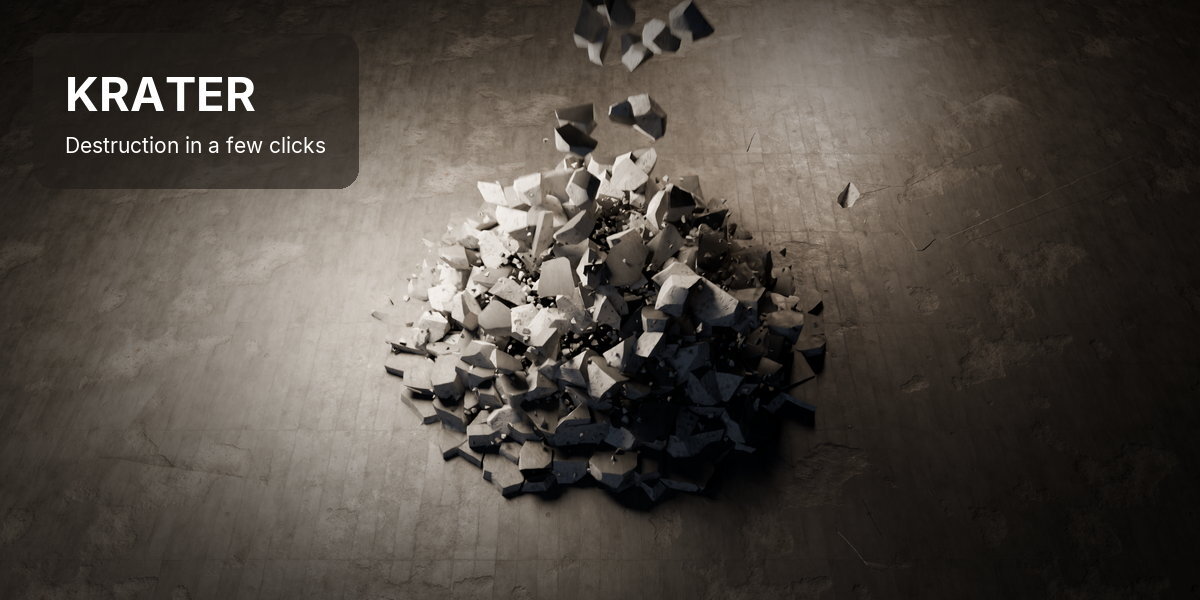
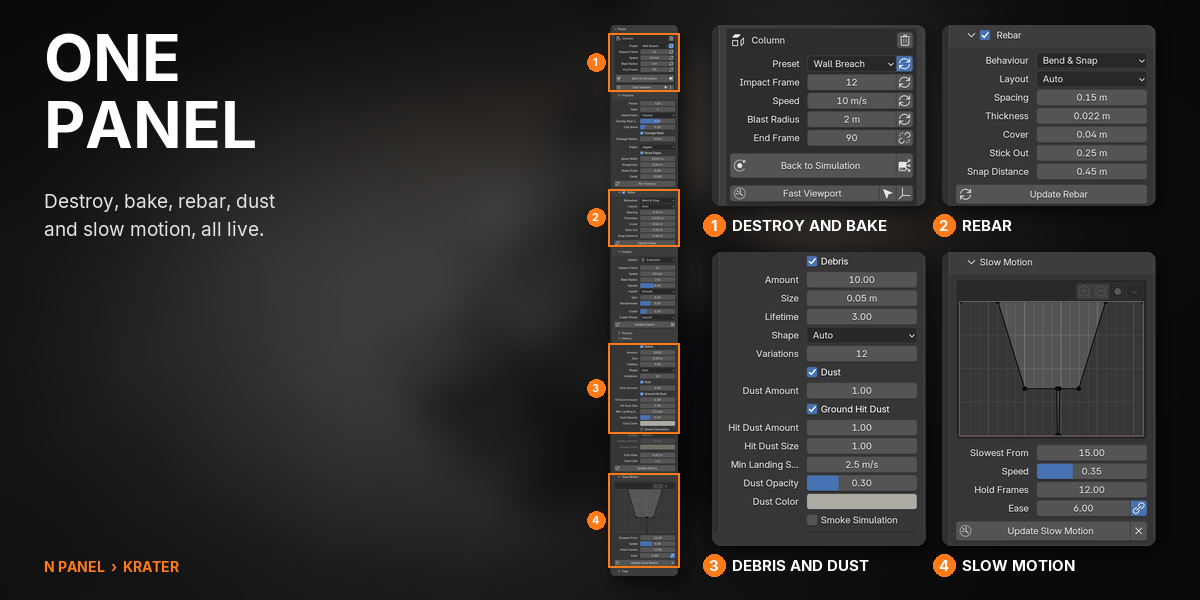


Krater turns any mesh into a destruction shot. Put the 3D cursor where the hit lands, pick one of eight presets and press Destroy: the object breaks, the blast throws the pieces, and rubble and dust follow. Every setting stays live.
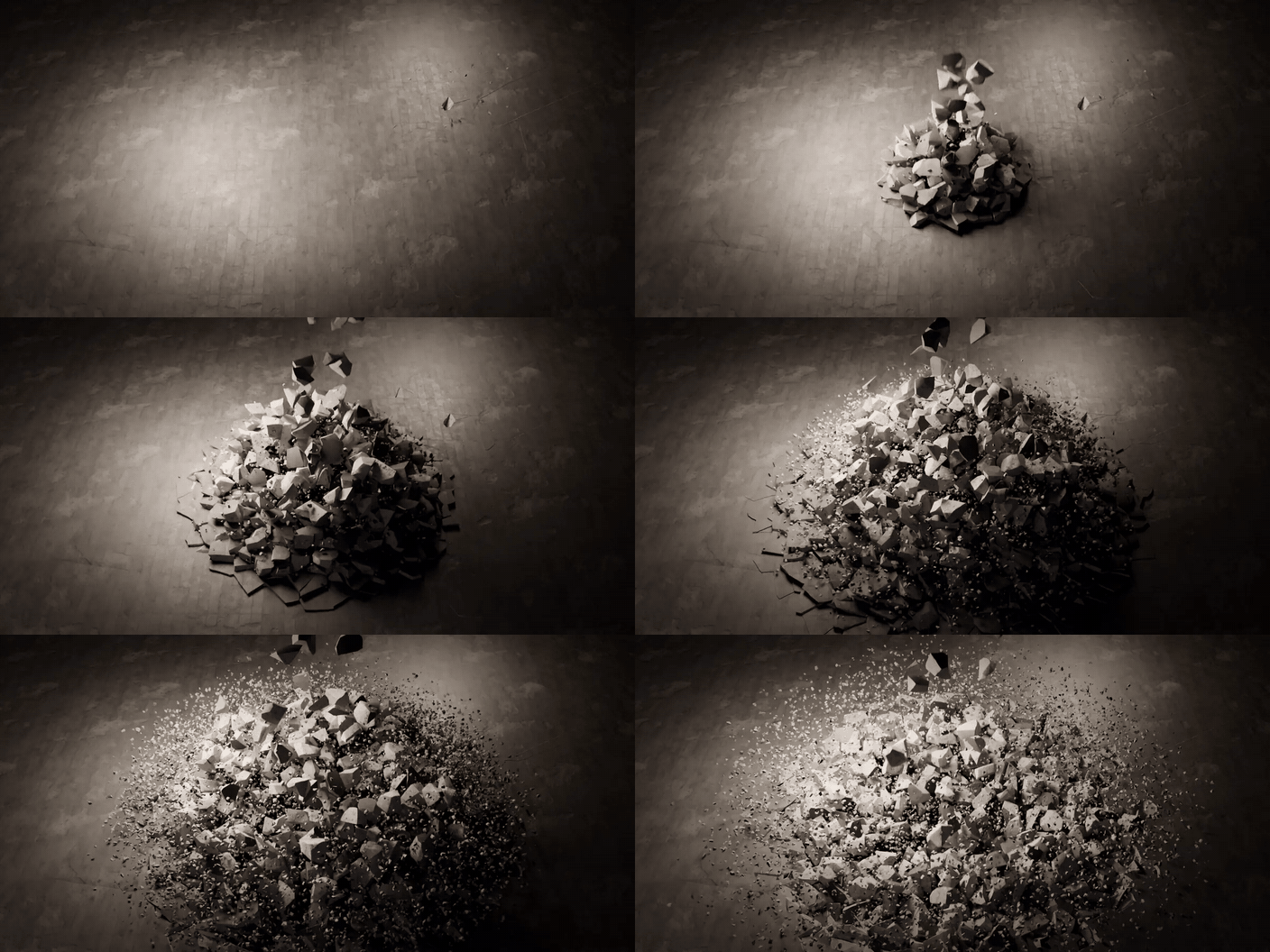
8 presets·5 impact types·Rebar, dust, smoke, slow motion·EEVEE and Cycles·Blender 5.1 and newer
How it works
Four steps, all in the Krater tab of the 3D Viewport sidebar.
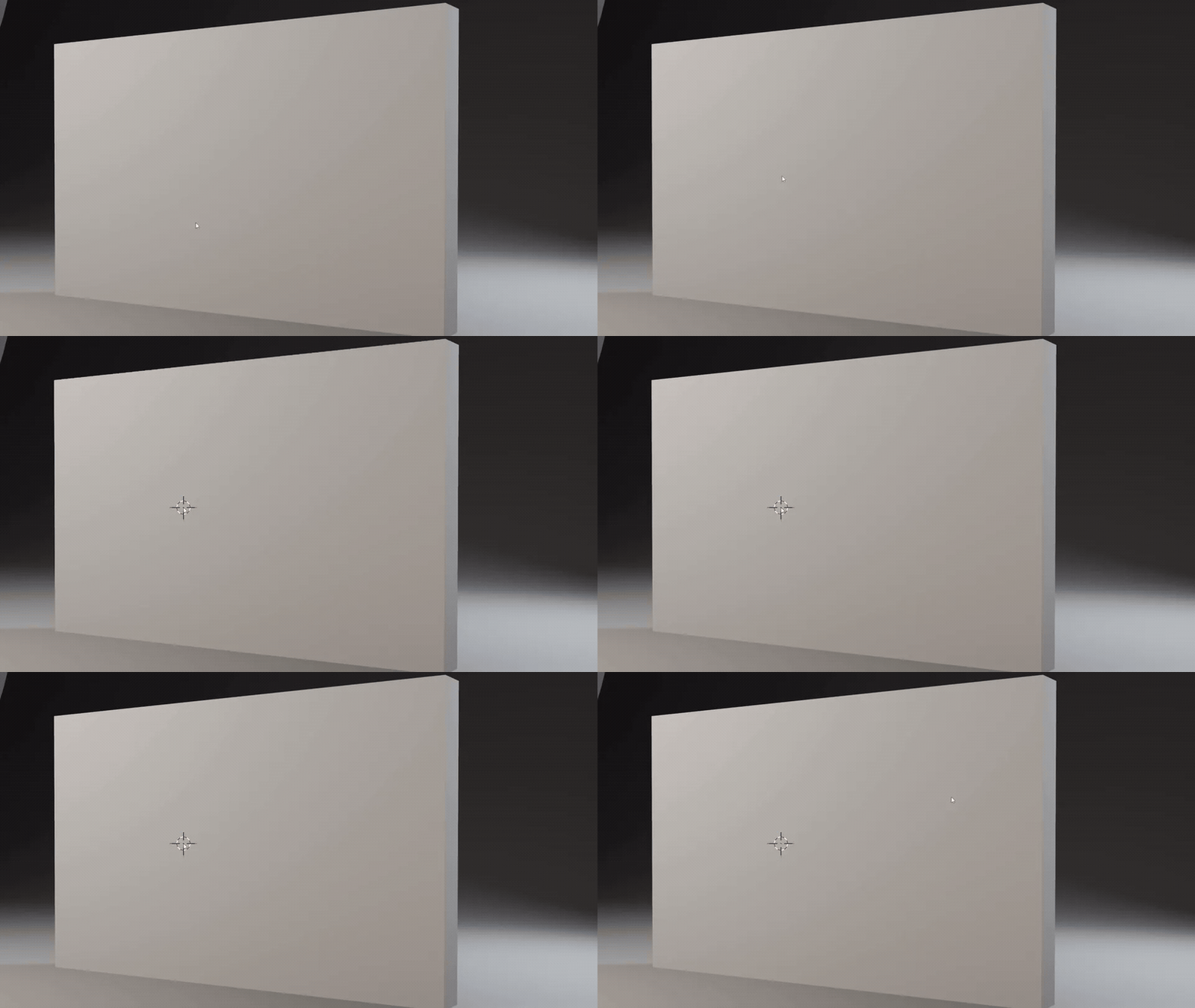 |
Step 1 Aim at the surfaceShift + right-click where the hit should land. The 3D cursor is the impact point: a top face blows pieces up, a side face punches through. |
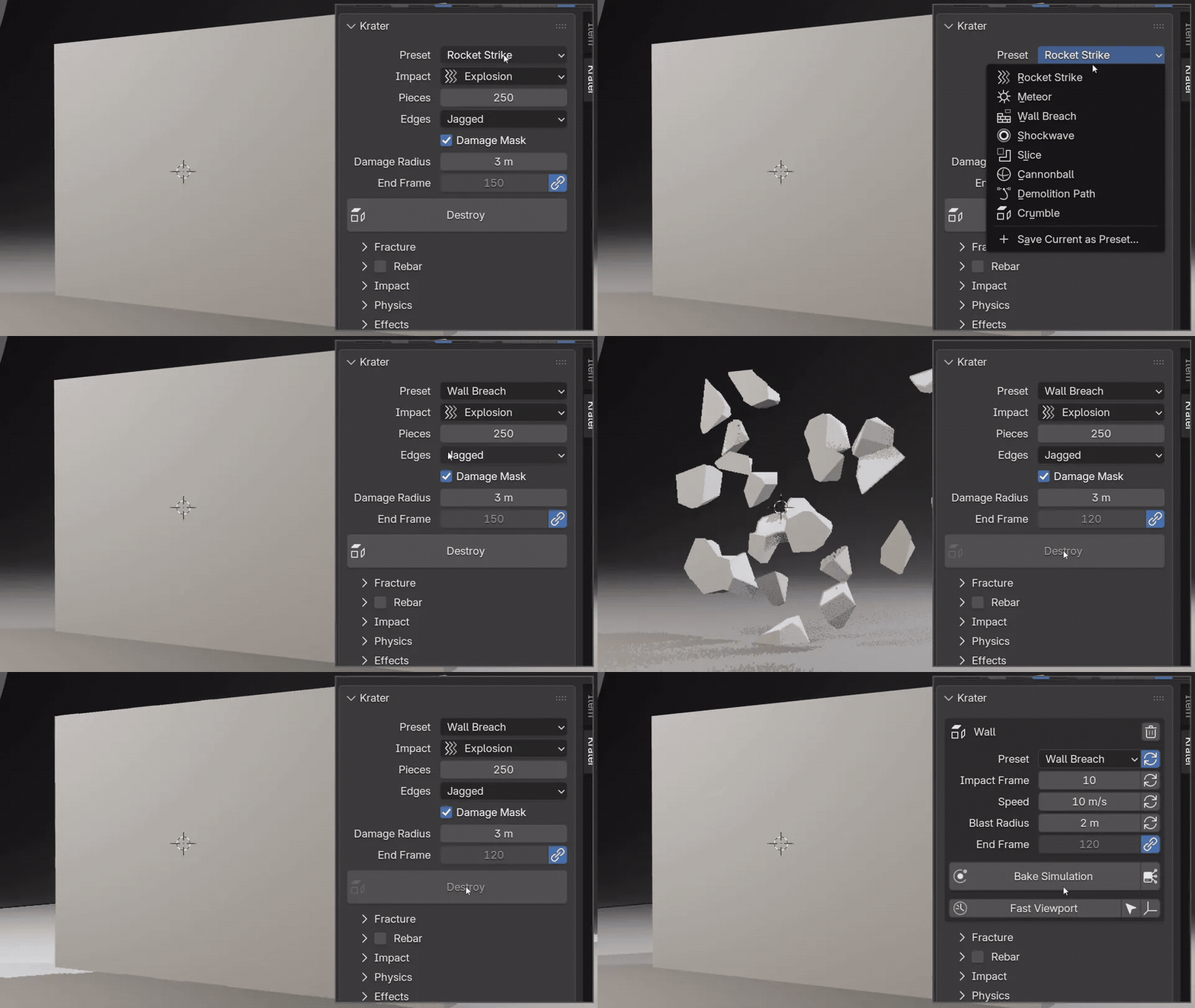 |

Step 2 Pick a preset, press DestroyThe preset menu holds the eight starting points. Destroy breaks the object batch by batch and glues the pieces, so it holds until the impact frame. Esc cancels and leaves it untouched. |
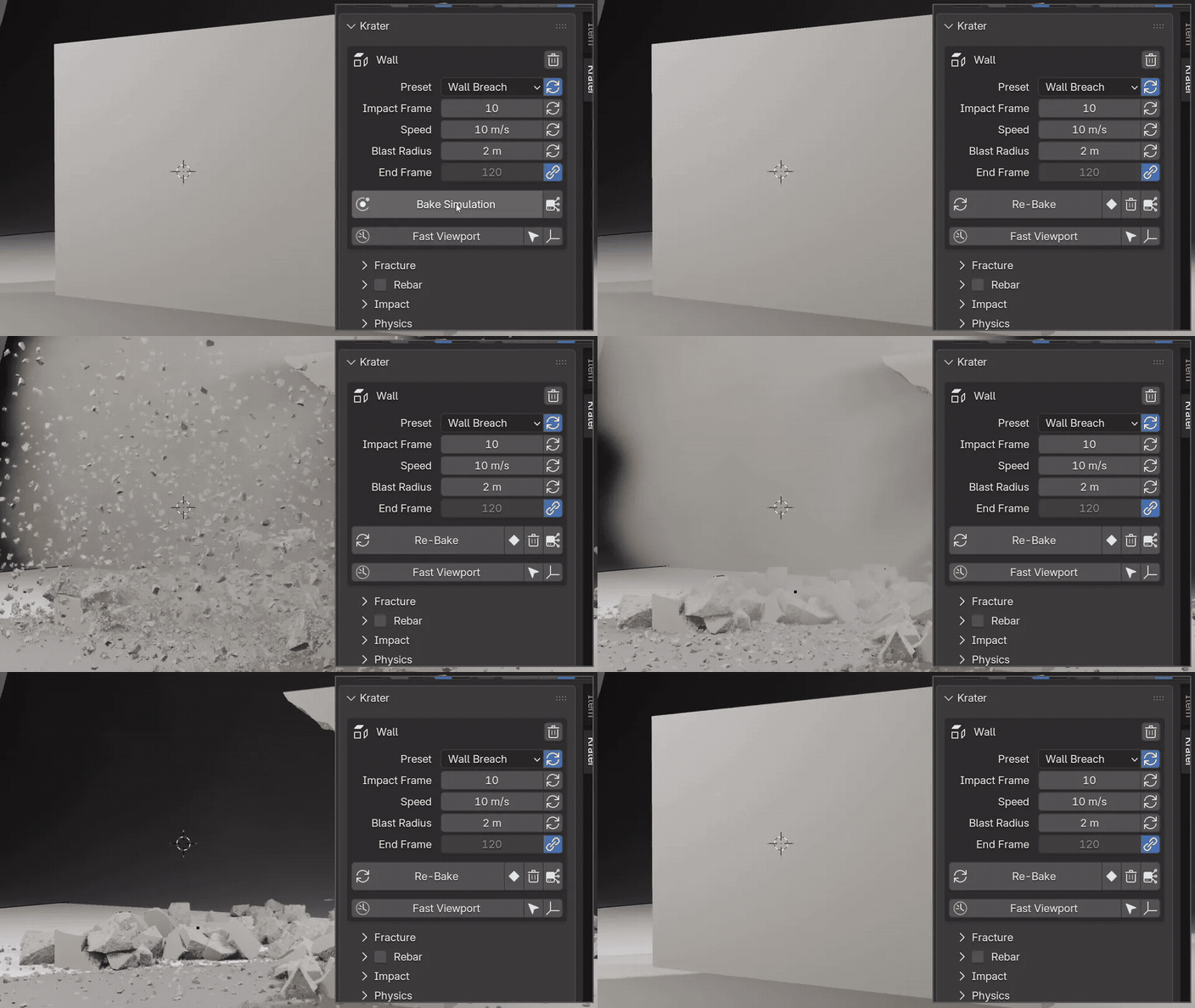 |
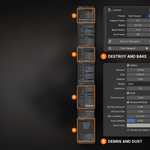
Step 3 Bake and playBake Simulation stores the physics, the debris and when each piece breaks. Press play and it runs in the viewport. |
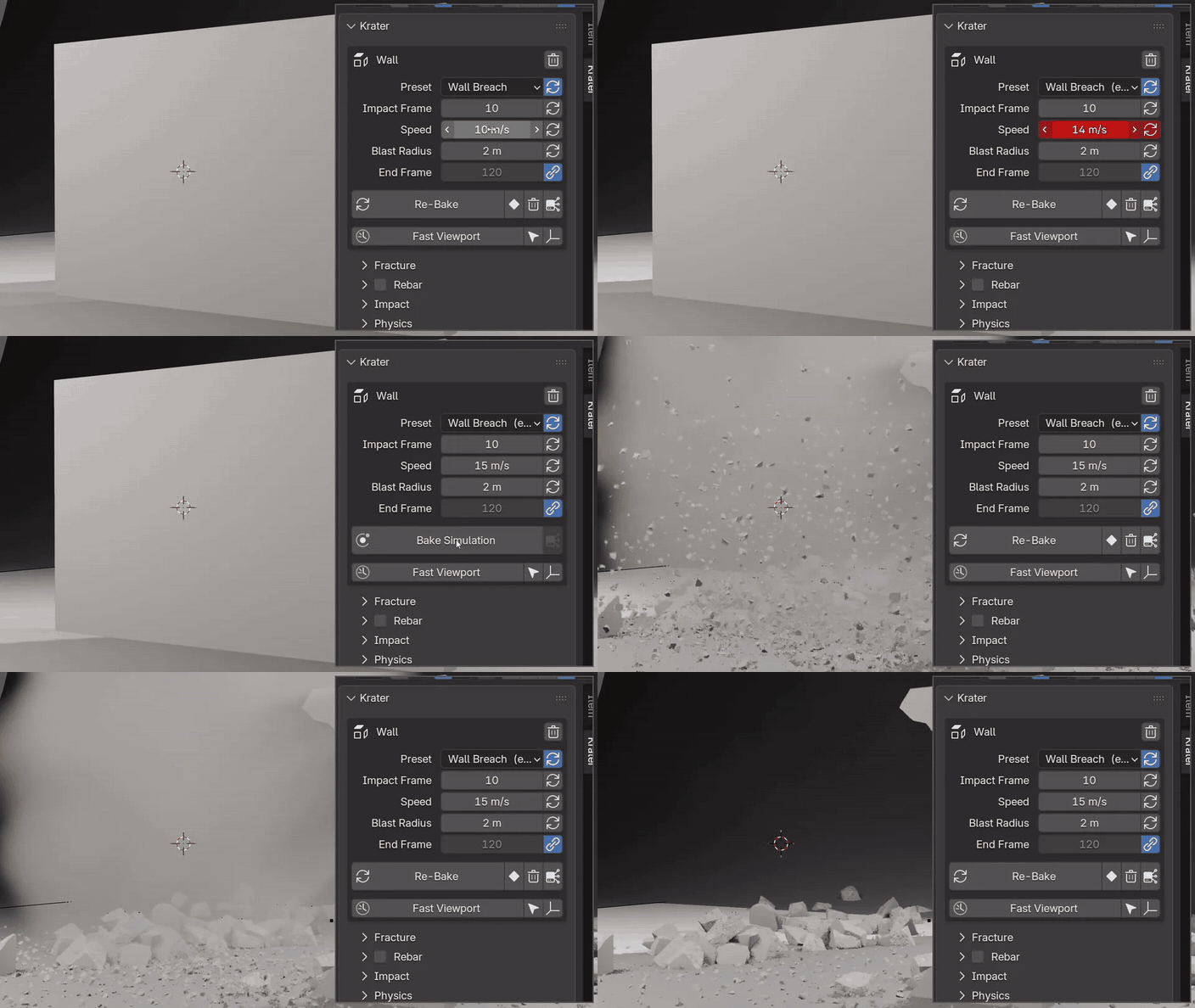 |
Step 4 Change anything, see it againSpeed, radius, pieces, glue, edges: change a value, re-bake, play. No rebuild, and the original object stays in the file. |

Eight presets
Each one is a starting point. Push it with the same live settings, or save your own.
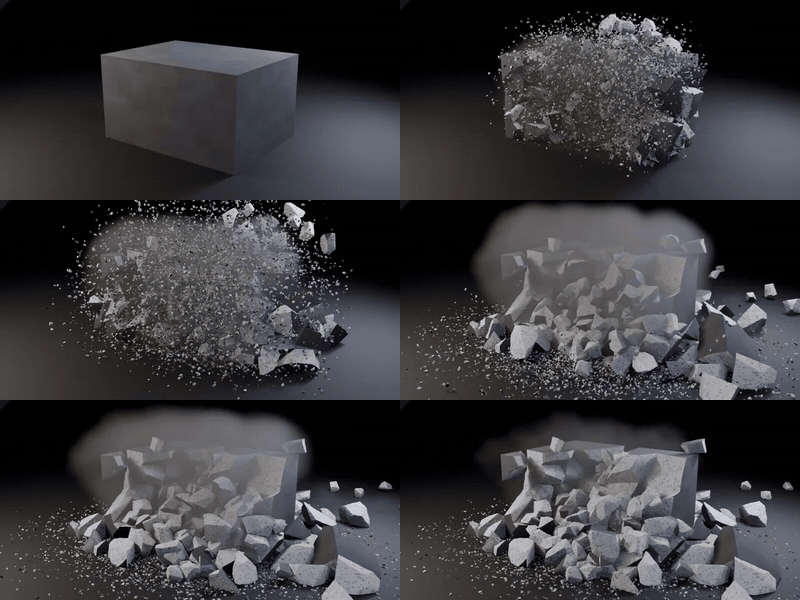 Rocket StrikeAn object blown apart from the point of impact. |
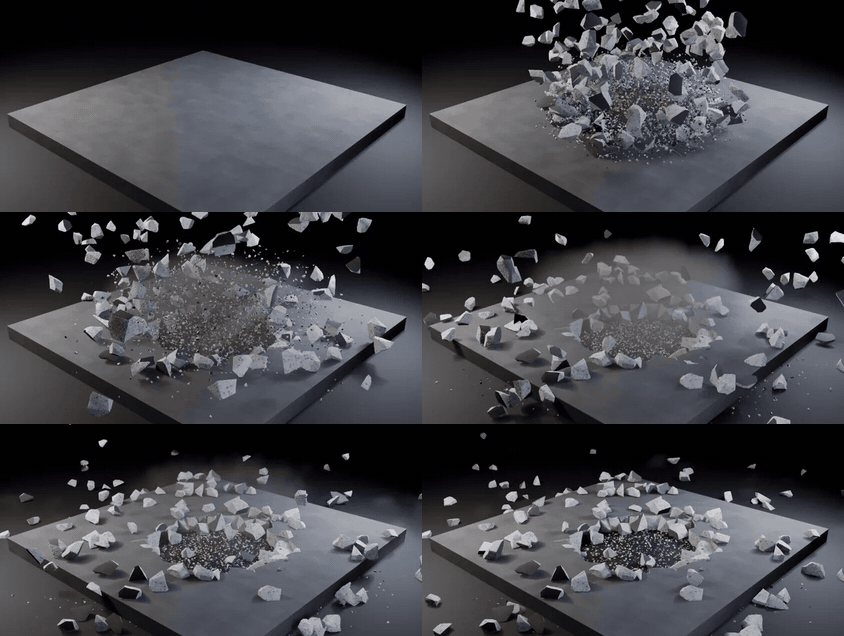 MeteorA hit from above: a crater, debris thrown up and out. |
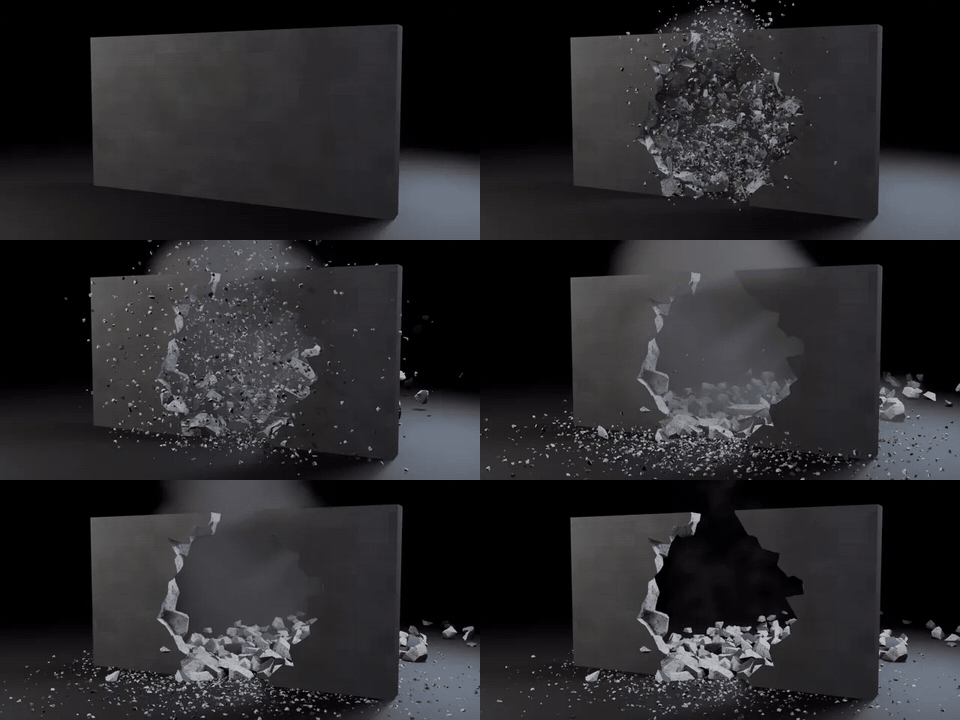 Wall BreachA side impact that punches through a wall. |
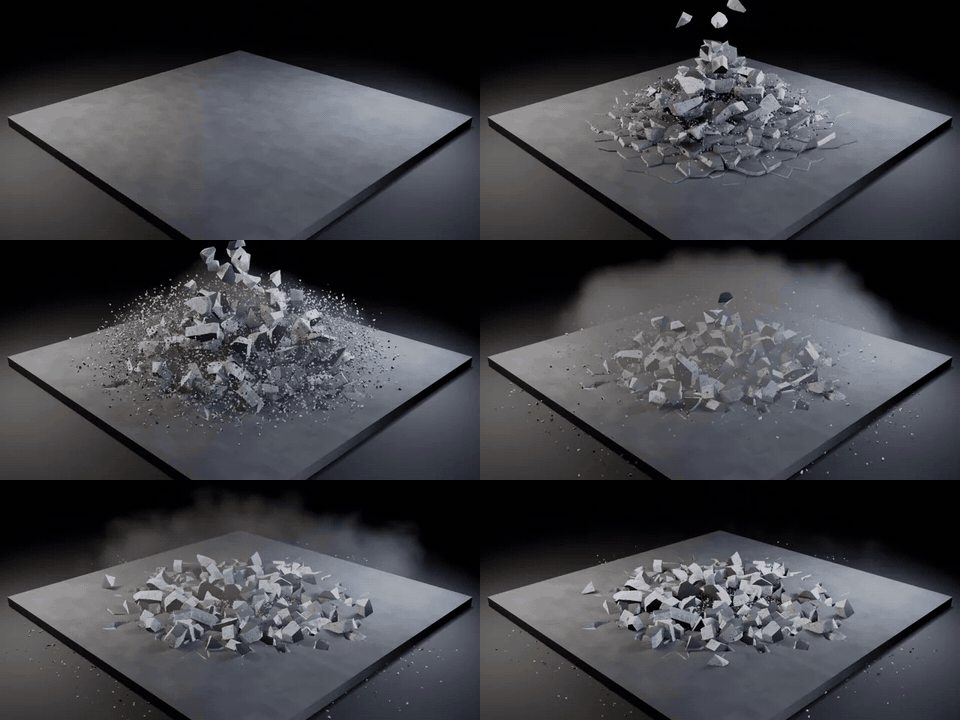 ShockwaveA ring wave rolls outward through the surface. |
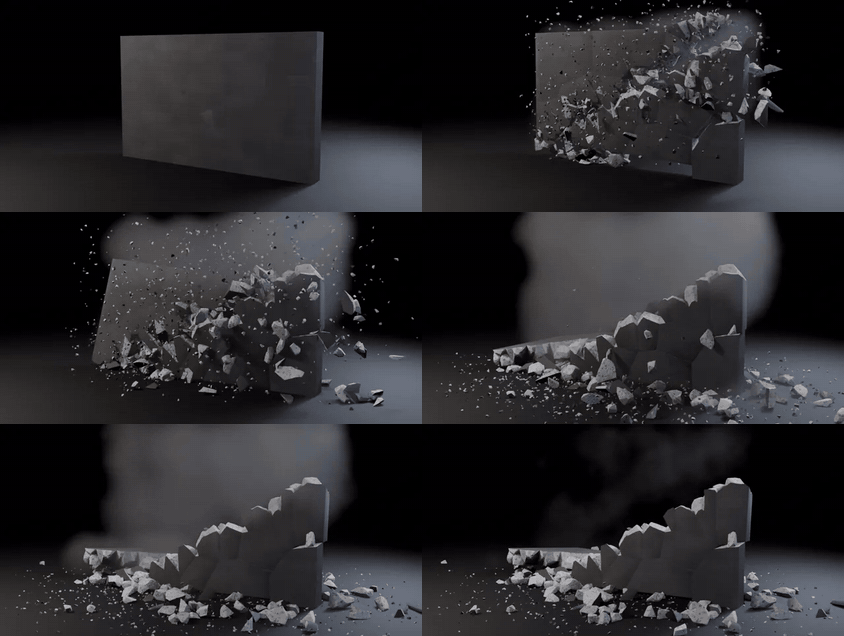 SliceA clean cut: shards along it, the halves pushed apart. |
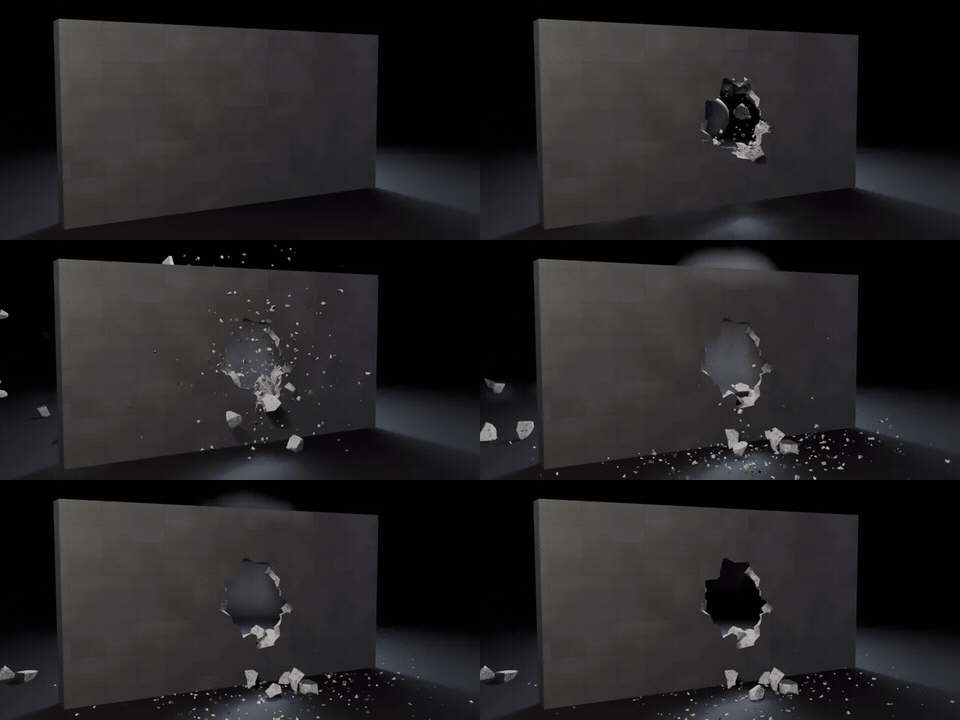 CannonballA physical ball flies in and smashes through. |
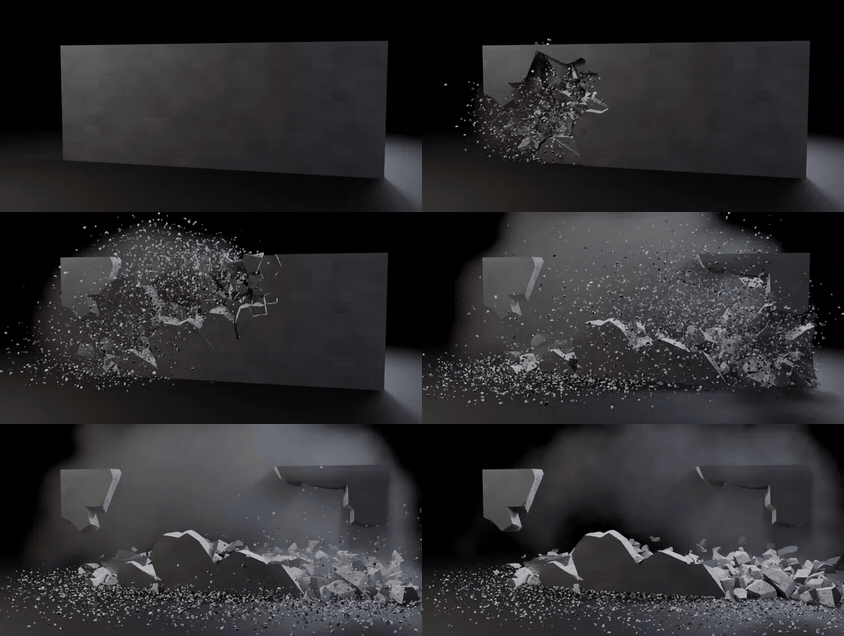 Demolition PathCharges go off one after another along a curve. |
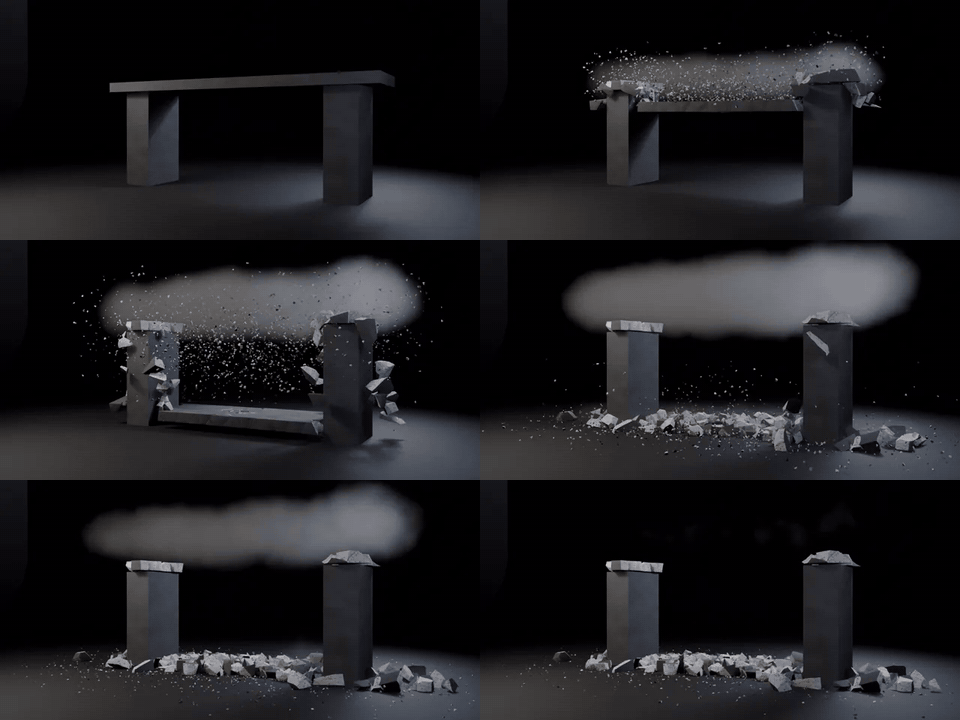 CrumbleNo blast: the glue lets go and it falls under its own weight. |
Built into the panel
Everything below is a checkbox or a slider on the same destruction, not a separate setup.
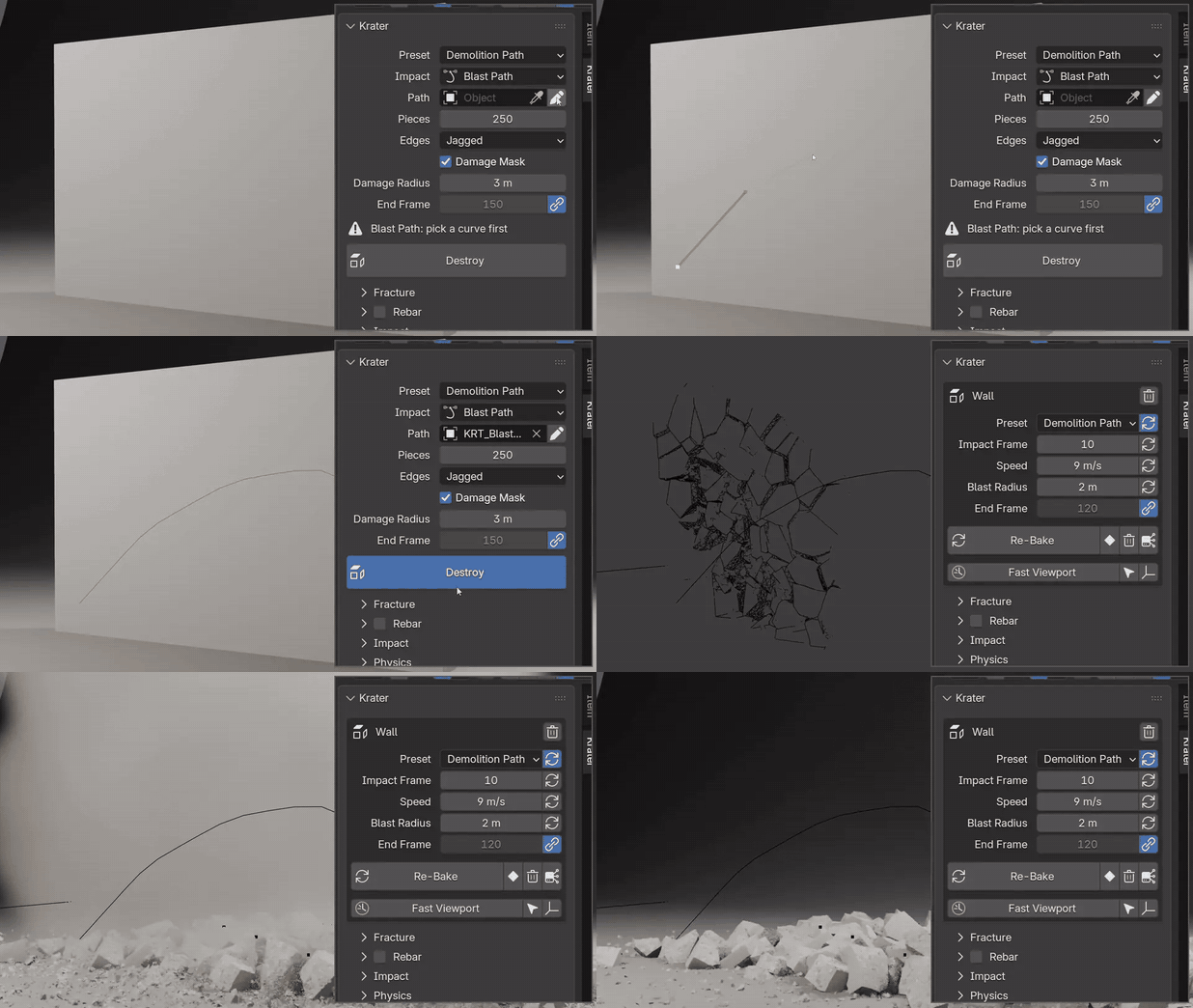 |
Draw the blast pathDemolition Path follows any curve. Pick your own Bezier curve, or press the pencil and draw the path straight onto the surface. The first point fires first.
|


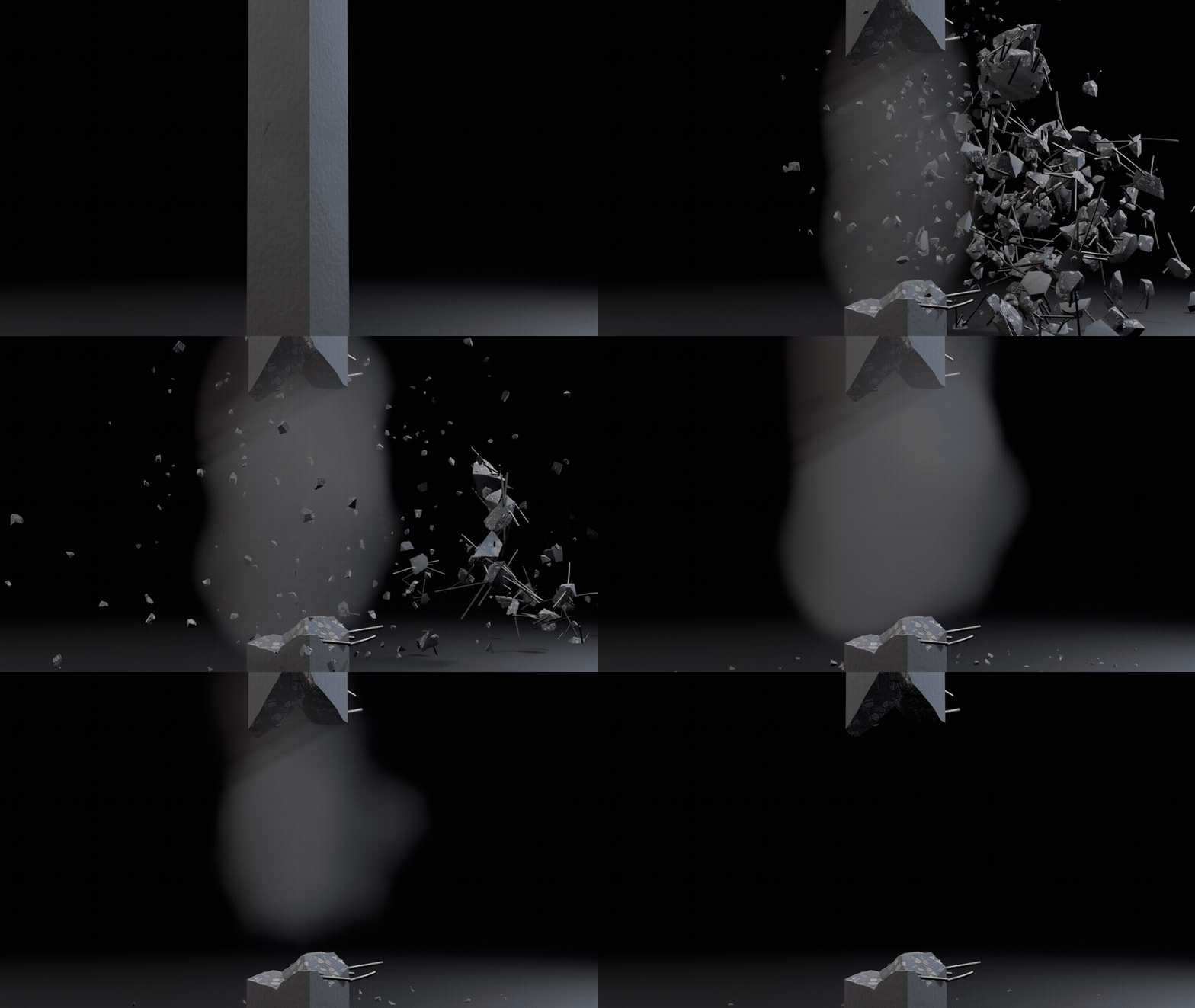
Rebar that bends and snapsTick Rebar and steel bars run inside the concrete.
|
 |
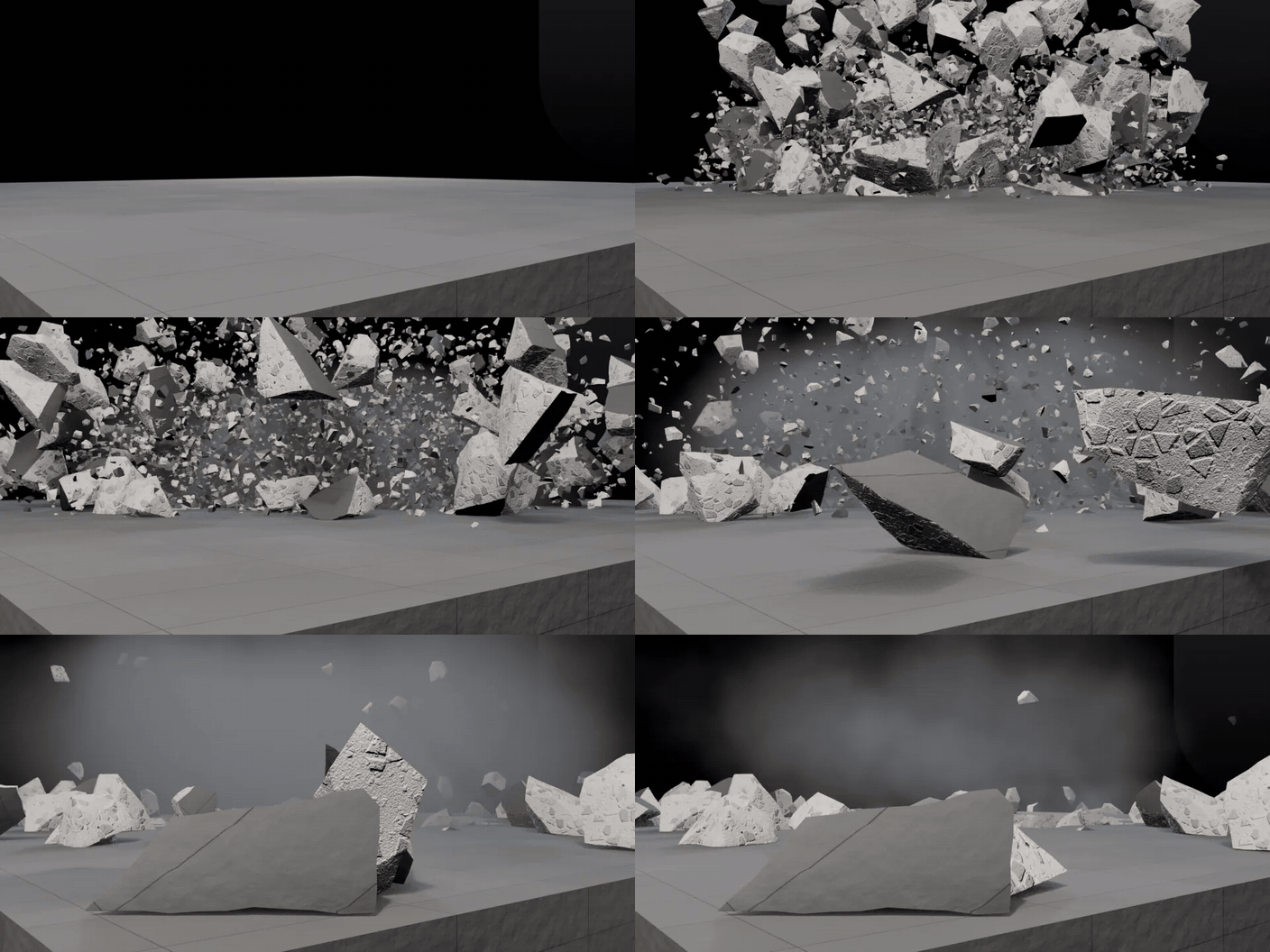 |
Rubble, dust and slow motionRubble in the object's own material, dust that needs no bake, puffs where pieces land, and a speed curve that slows the hit and everything with it.
|
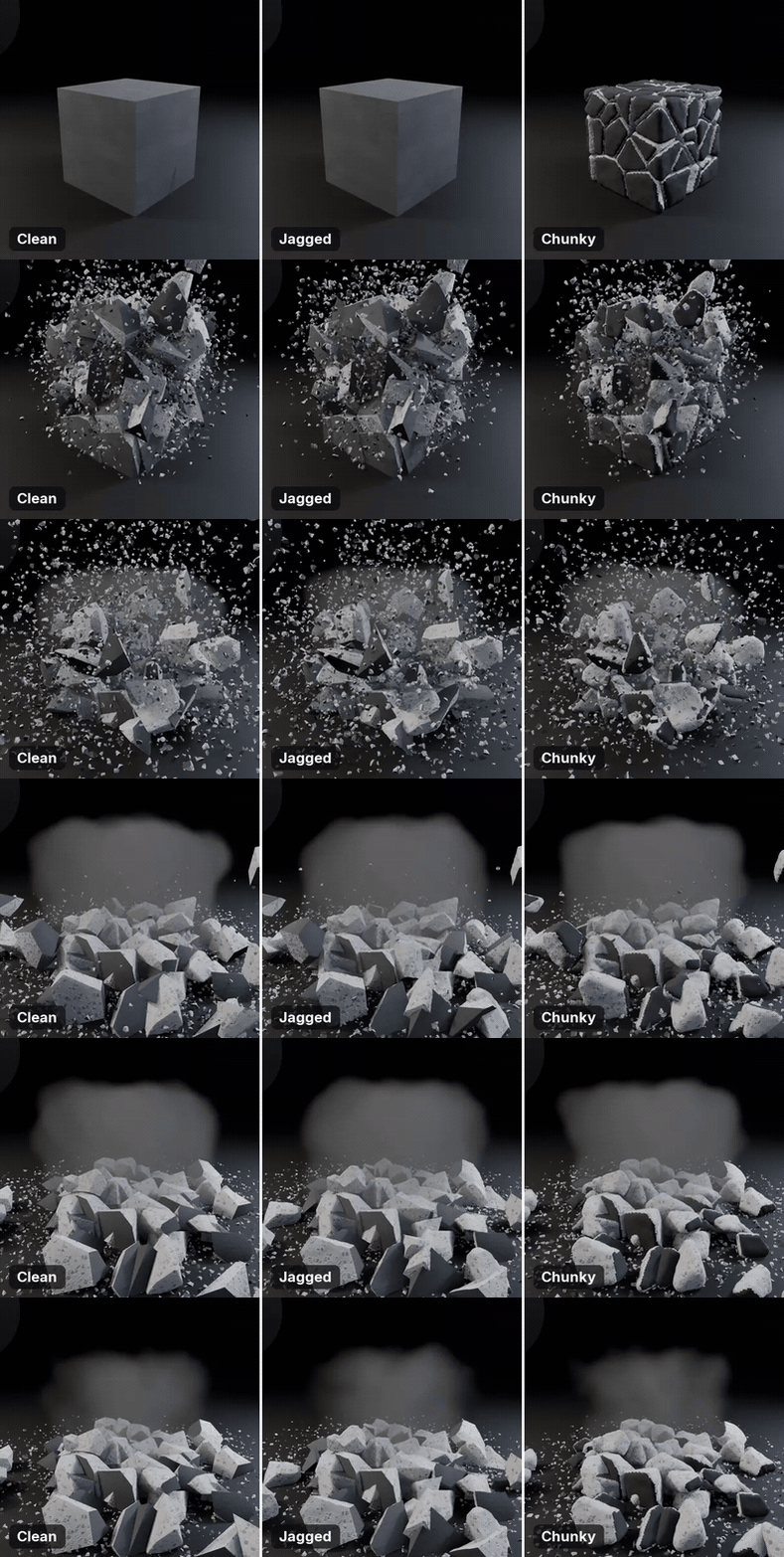
Fresh faces that matchThe inside of every break gets its own material that matches the outside: concrete, asphalt, dirt, brick, stone, wood, glass, metal or plaster.
|
 |
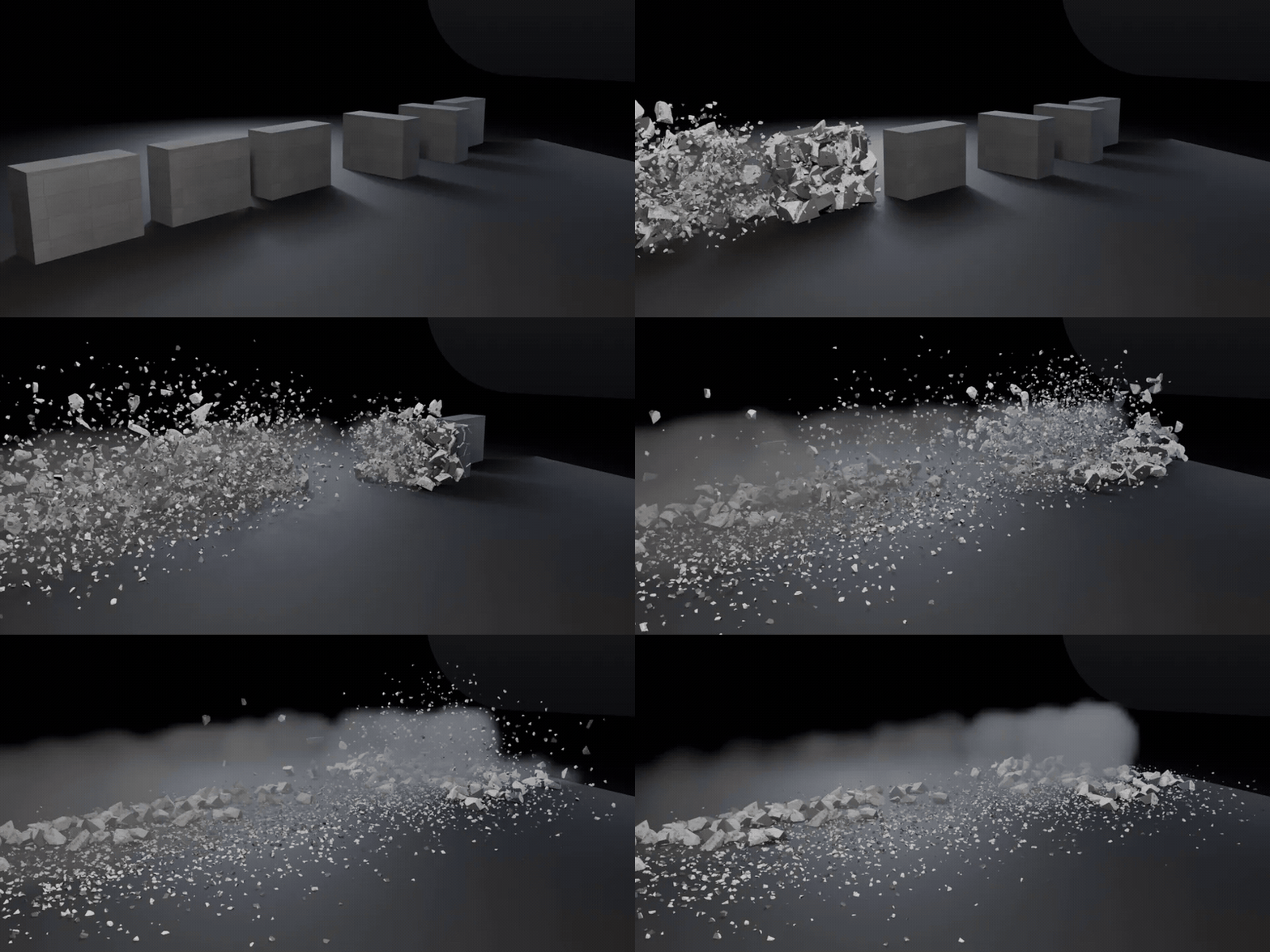 |
One destruction, a whole rowBake to Keyframes, then Make Tiles: copies of the destruction down a row, each going off a little later and turned at random, with their own pieces and dust.
|
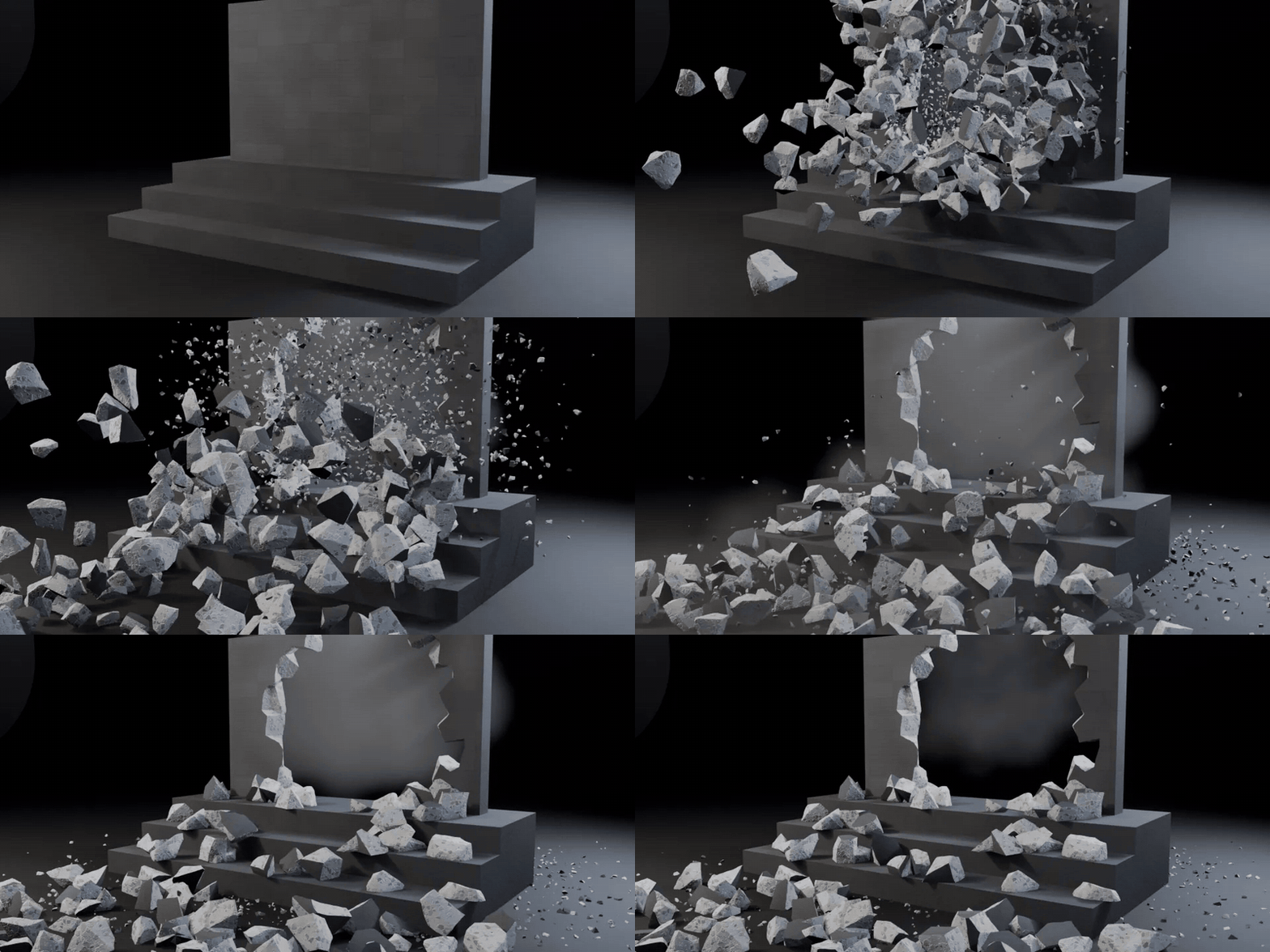
Rubble that lands on your sceneAdd Colliders to steps, floors or vehicles and the pieces bounce off them. A destruction on a moving object rides along until the hit, and Mantaflow smoke is one checkbox.
|
 |
Ready for production
Bake to KeyframesTurns the simulation into plain keys. Back to Simulation brings the physics back. |
Render Farm CopyWrites a file that renders on machines without Krater installed. |
EEVEE and CyclesRenders in both engines, on Windows, macOS and Linux. |
Krater or stock Blender
Blender can break a mesh and simulate rigid bodies. Krater does the rest of the shot around them.
| Task | Stock Blender | With Krater |
|---|---|---|
| Break an object | Cell Fracture, then clean up the inside faces | Destroy, with matching inside faces |
| Hold until the hit | Rigid body constraints between neighbours, by hand | Glue, set by strength |
| Aim the blast | A force field, placed and tuned | The 3D cursor on the surface |
| Debris and dust | Particles and a smoke simulation | Rubble, bake-free dust, ground-hit dust |
| Rebar in concrete | Model the bars and cut them by hand | Tick Rebar |
| Slow down the hit | Retime the cache or the keys | Slow Motion with a speed curve |
| Cloth, soft bodies, liquids | Their own simulations | Not this: Krater does rigid destruction |
Details
| Blender | 5.1 and newer, tested on 5.2 LTS |
| Render engines | EEVEE and Cycles |
| Systems | Windows, macOS, Linux |
| Install | Drag the .zip into Blender (extension) |
| Scale | Real-world scale, 1 unit = 1 m |
| Updates | Every update is free |
| Licence | GPL, source included |
| Support | [email protected] |
Changelog
| 1.0.2 (2026-10-15) | Rubble now rests on colliders and on the unbroken part of the object, not 4 cm above them. Add Colliders and Remove Colliders move the hidden ground to the floor under them, so rubble no longer stops on an invisible floor. |
| 1.0.1 (2026-10-15) | Crumble holds until the impact frame, then gives way from the impact point outward. Add Ground now sits on the floor under raised objects, so rubble from a bridge, deck or balcony no longer stops in mid-air. |
| 1.0.0 (2026-10-14) | First release. |