 Achat
Achat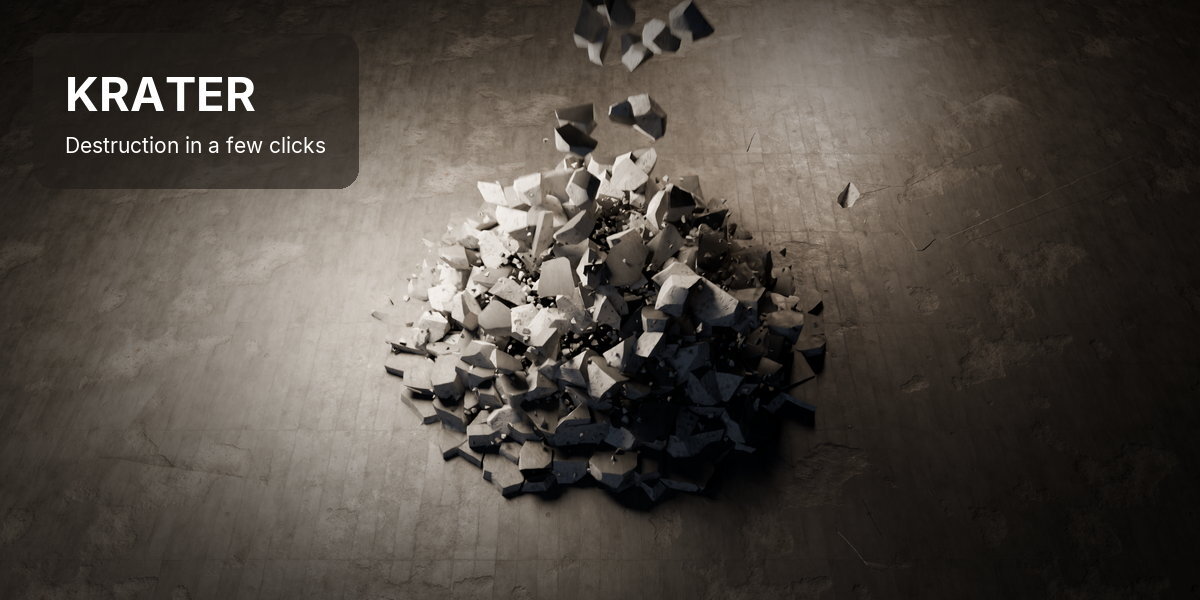
INSTALLATION
Blender 5.1 and newer: Edit > Preferences > Get Extensions > Install from Disk, and pick the downloaded .zip (or drag it into Blender). The panel is in the 3D Viewport sidebar (N), tab Krater.
QUICK START
- Model at real-world scale and apply scale (Ctrl+A > Scale).
- Shift + right-click on the surface where the hit should land: that is the impact point.

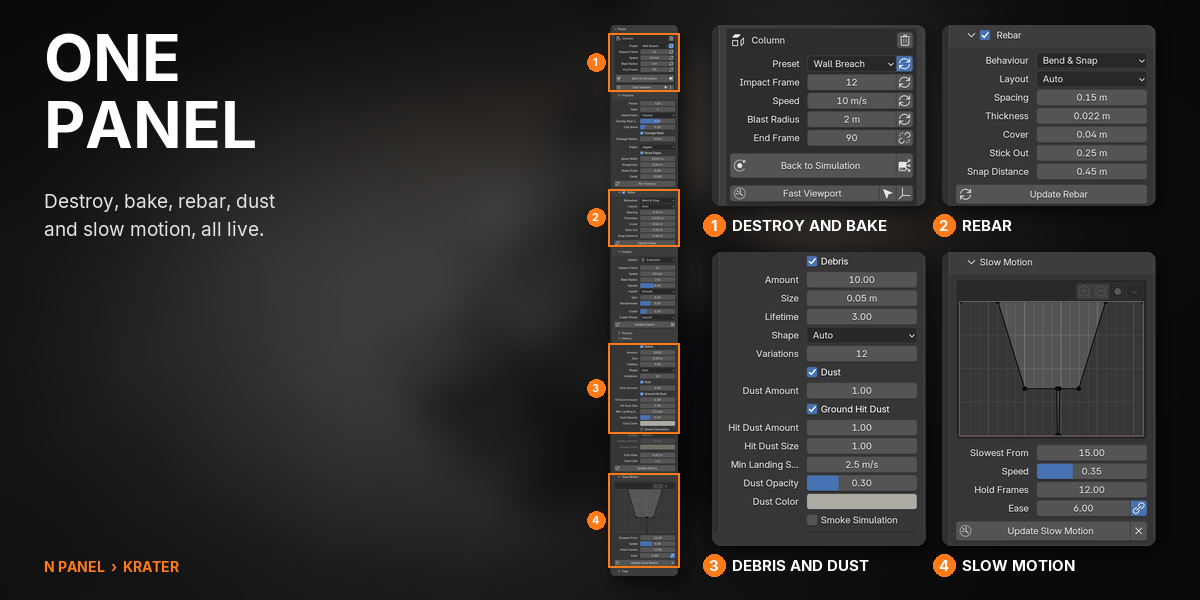
- Select the object, pick a Preset and Edges in the N-panel > Krater tab, press Destroy.
- Press Bake Simulation, then play.
DESTROY
- The 3D cursor is the impact point. A top face blows pieces upward; a side face punches through.
- Esc cancels a Destroy and leaves the object untouched. The original is hidden, not deleted.
- Impact Frame, Speed, Blast Radius and End Frame sit at the top; scaling the Impact empty sets the Blast Radius.
BAKE
- Bake Simulation stores the physics, finds when each piece breaks and bakes the debris. Bake before rendering.
- Bake Smoke after the destruction is baked, if Smoke Simulation is on.
- Bake to Keyframes turns the simulation into plain keys; Back to Simulation brings the physics back.
SLOW MOTION AND TILES
- Slow Motion: Slowest From, Speed, Hold Frames and Ease shape a speed curve; Apply Slow Motion; Reset Timing puts it back.
- Tiles: copies of the destruction with Offset, Delay, Random Turn and their own pieces and dust.
FEATURES
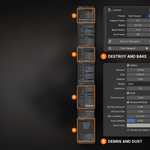
1DEBRIS, DUST AND SLOW MOTION

Rubble in the object's own material, dust that needs no bake, puffs where pieces land, and a Slow Motion curve that slows the hit and everything with it.

2PICK A PRESET, PRESS DESTROY
Put the 3D cursor where the hit should land, pick a preset and press Destroy. The pieces appear batch by batch, glued, and break on the impact frame. Bake Simulation and press play.

3EIGHT PRESETS

Rocket Strike, Meteor, Wall Breach, Shockwave, Slice, Cannonball, Demolition Path and Crumble, each a starting point you push with the same live settings. Save your own as presets too.

4REBAR THAT STICKS OUT, OR BENDS AND SNAPS
Tick Rebar and steel bars run inside the concrete. Stick Out leaves bars poking from the cracks; Bend & Snap bends them with the chunks until the crack opens too far.
GOOD TO KNOW
- Model at real-world scale (1 unit = 1 m) and apply scale; a mesh with holes can jitter at frame 1.
- Rigid destruction only: no cloth, soft bodies or liquids.
- Tiles do not work on moving objects yet, and smoke is not copied to tiles.
- Rebar needs a closed object with room for the bars; a plane or a thin sheet gets none, and the panel says so.
- Changing a glued piece by hand and undoing past it can crash Blender's rigid body world on the next Play: save and reopen the file first. Krater's own buttons are not affected.
SAVING AND RENDER FARMS
Everything Krater makes is stored in the .blend. Save Render Farm Copy writes <name>_farm.blend, which renders without Krater; with smoke, keep the krater_cache folder next to it.
SUPPORT
Email [email protected].
Have questions about this product?
Login to message
| Blender Extension Compatible | Yes |
| Published | 1 day ago |
| Blender Version | 5.1 - 5.2 |
| Extension Type | Add-on |
| Render Engine Used | Cycles, Eevee |
| License | GPL |
Discover more products like this
physics dust VFX explosion cell fracture simulation Slow Motion fracture debris destruction rebar rigid body