 Pyndax
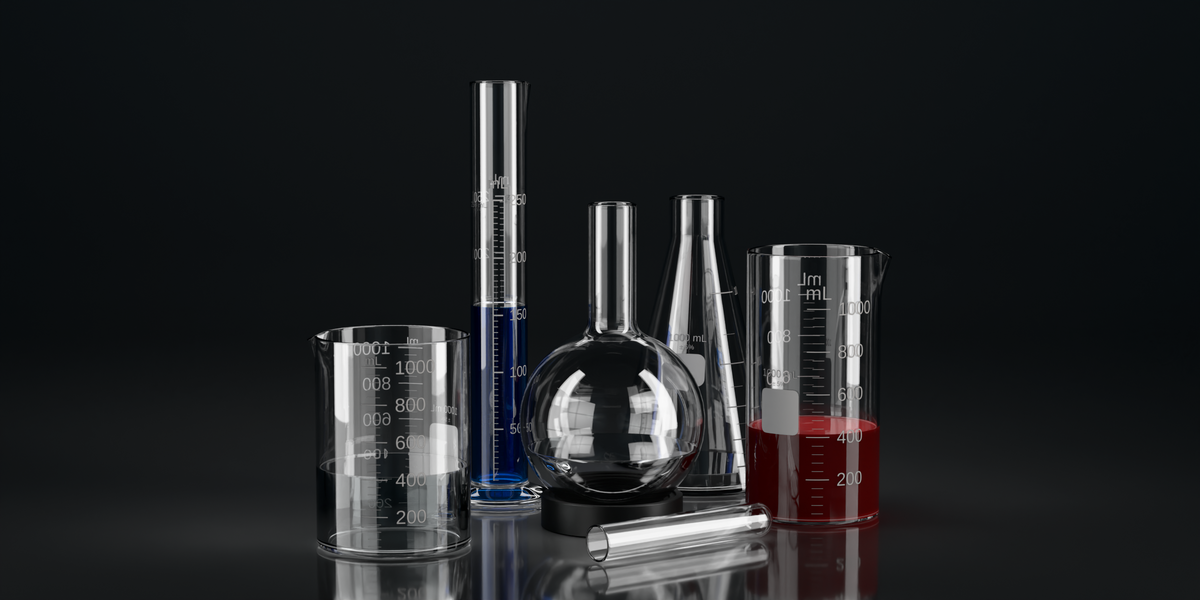
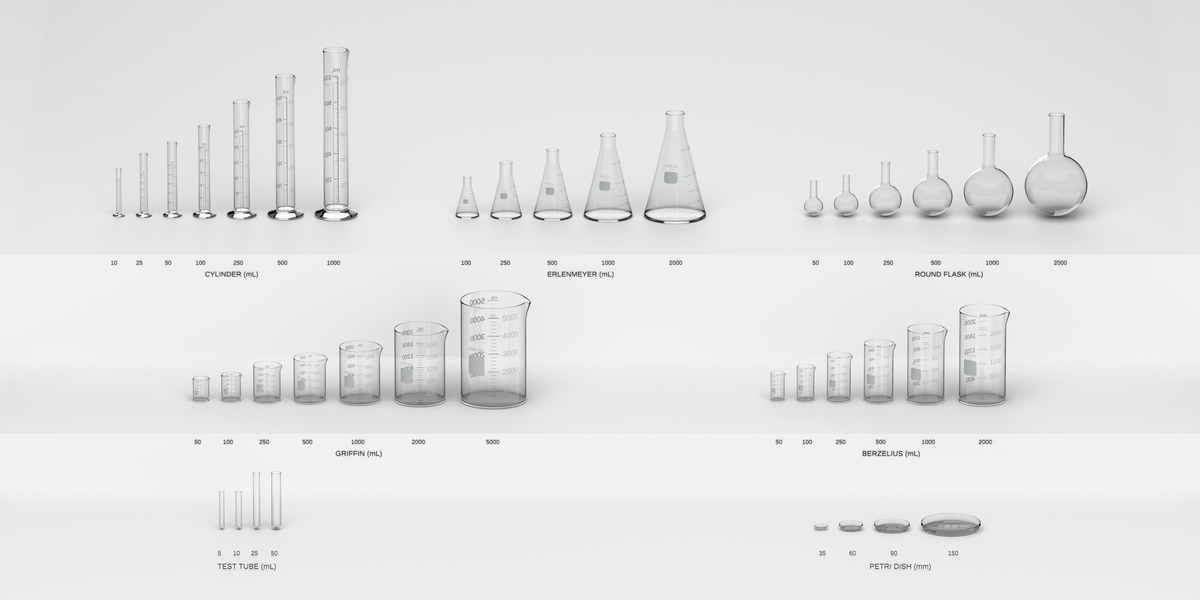
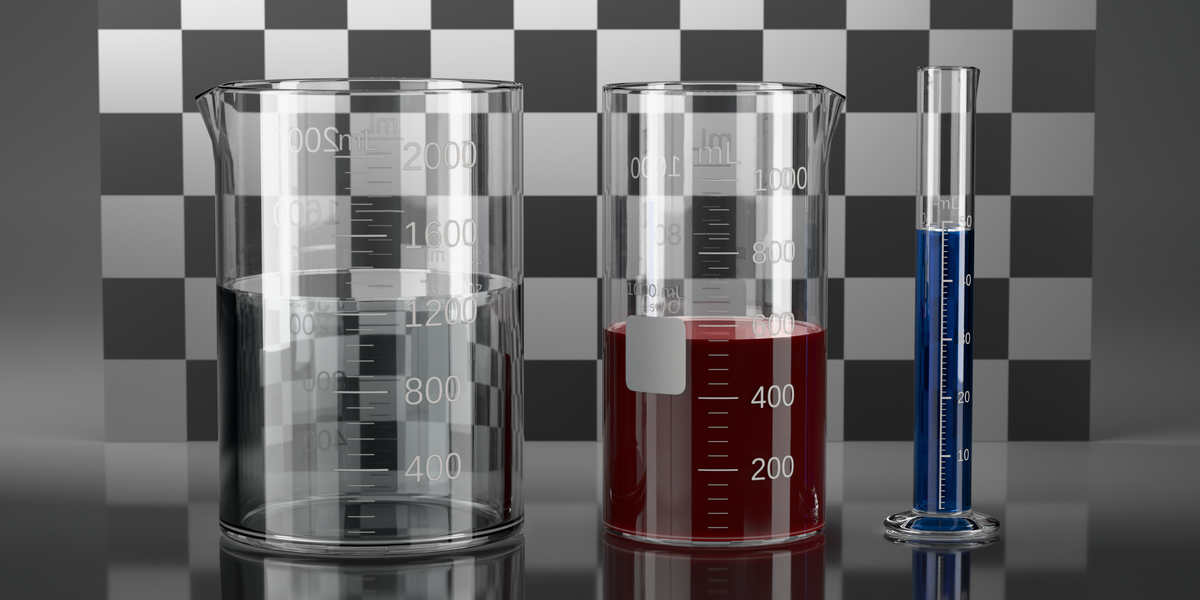
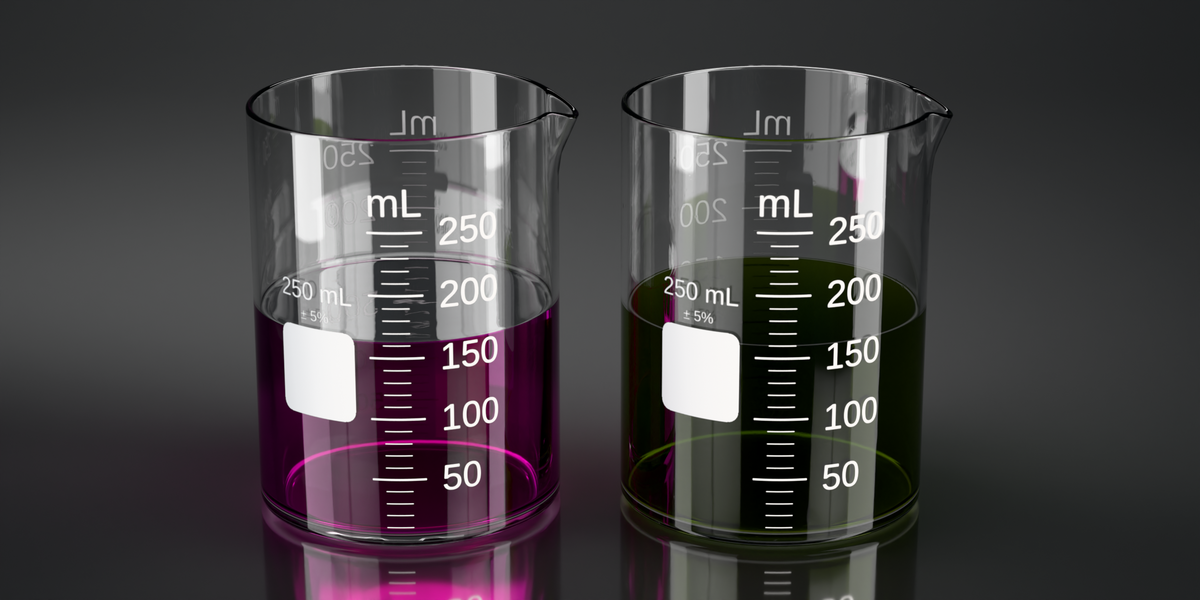
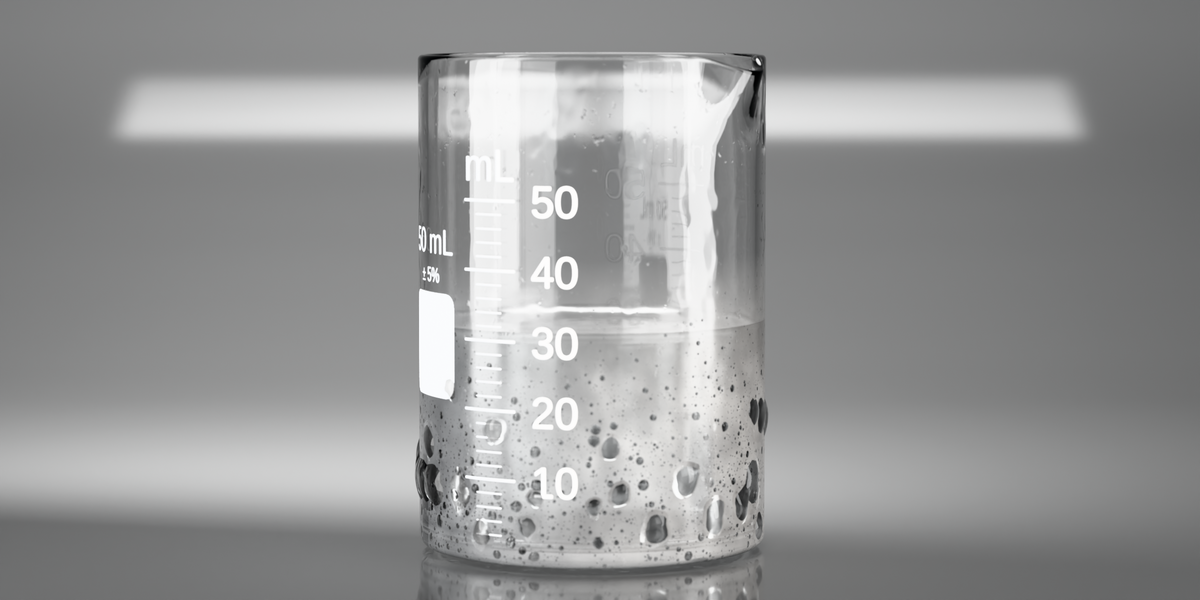
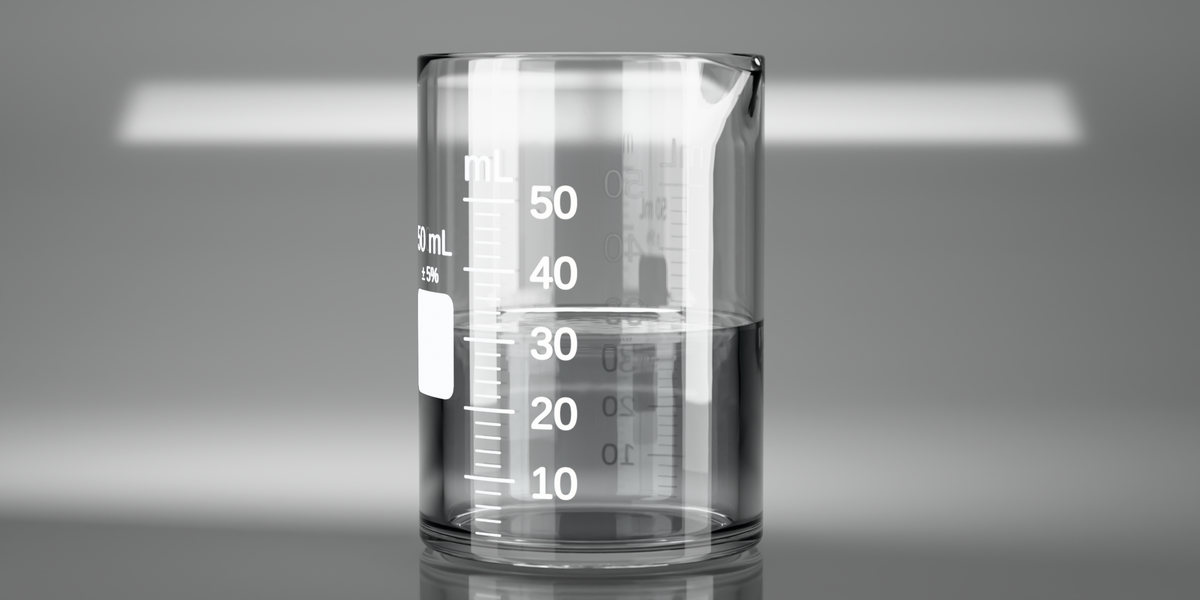
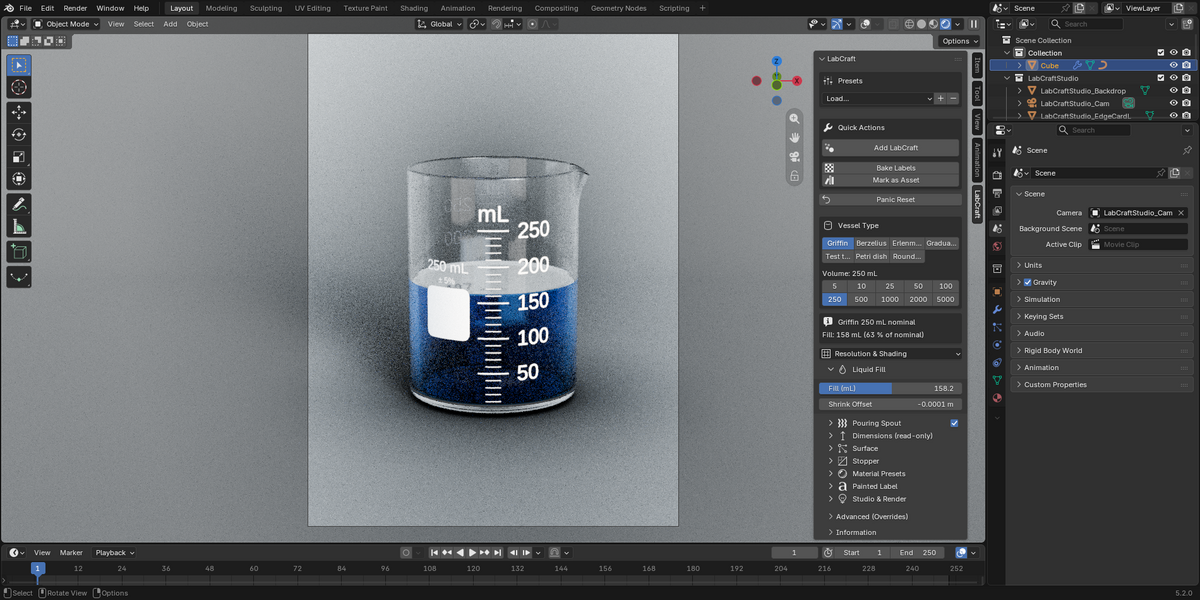
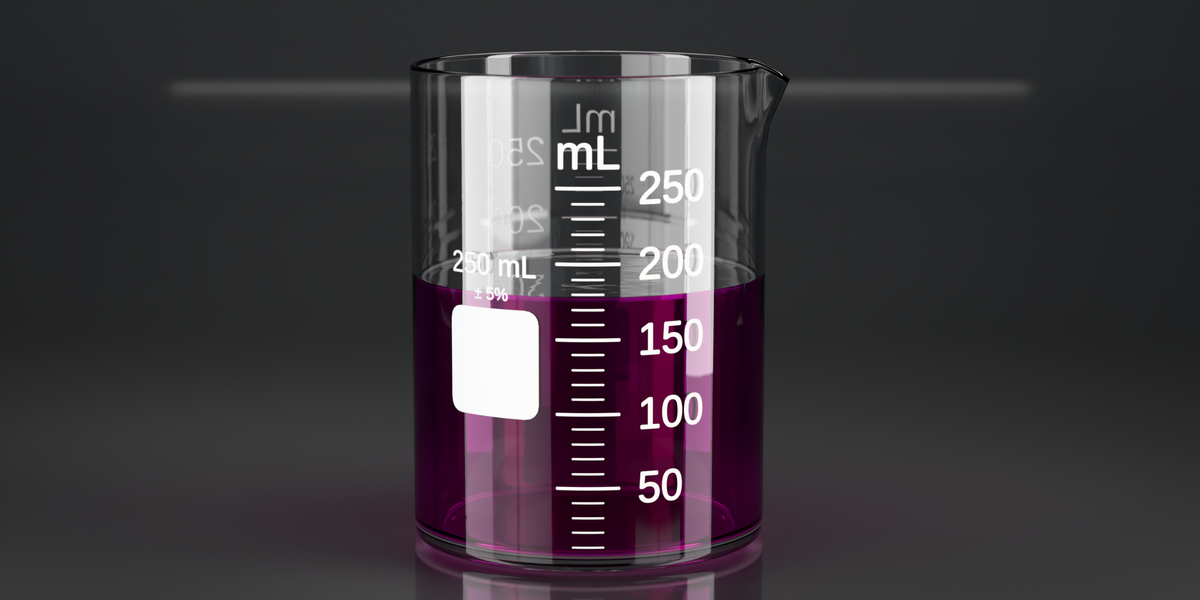
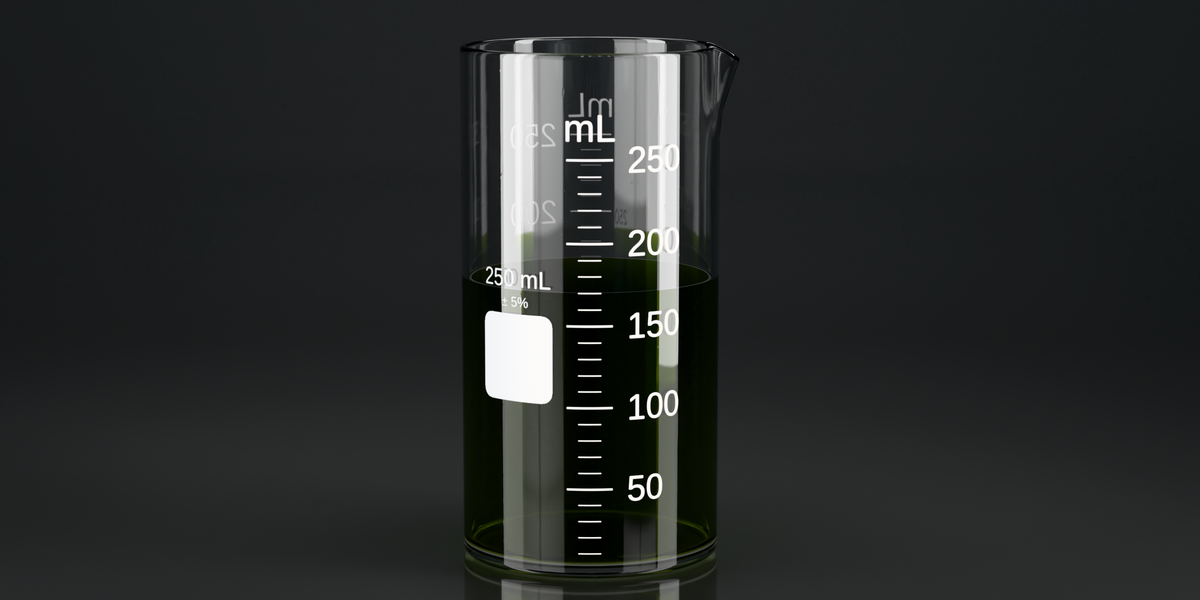
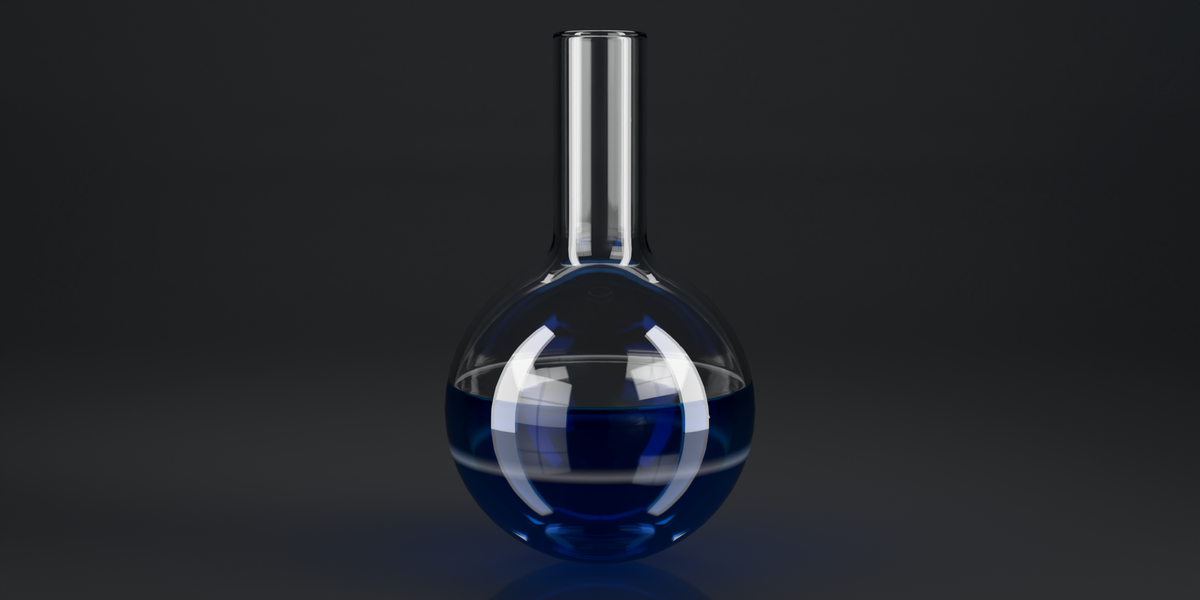
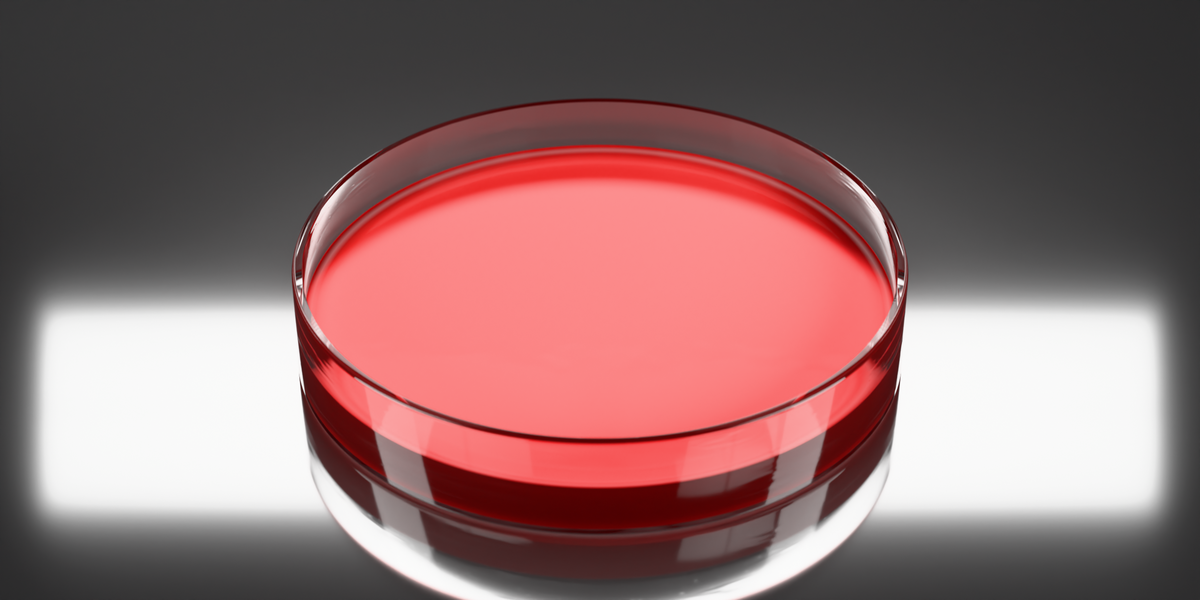
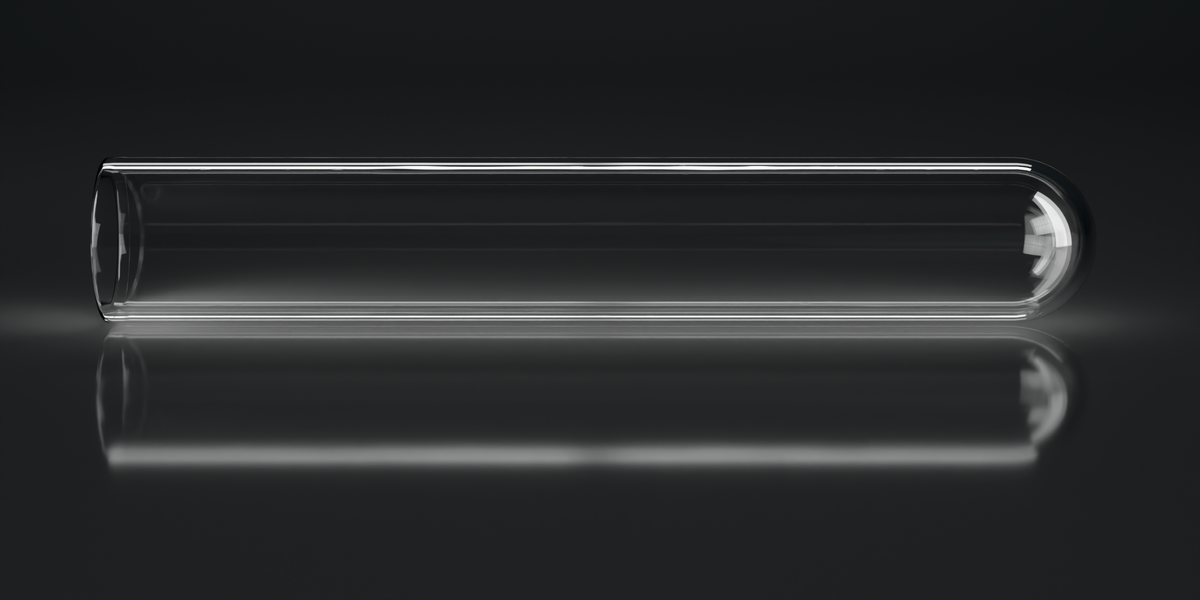
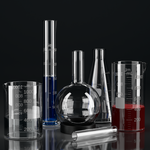
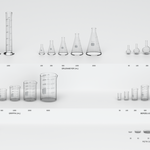
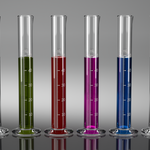
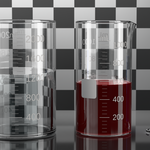
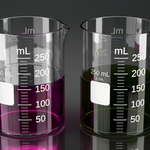
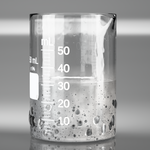
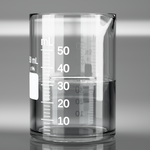
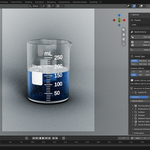
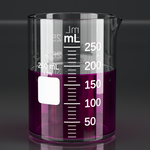
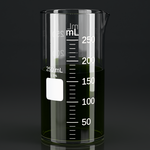
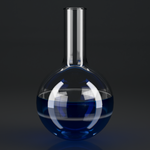
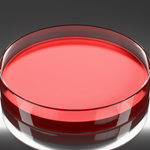
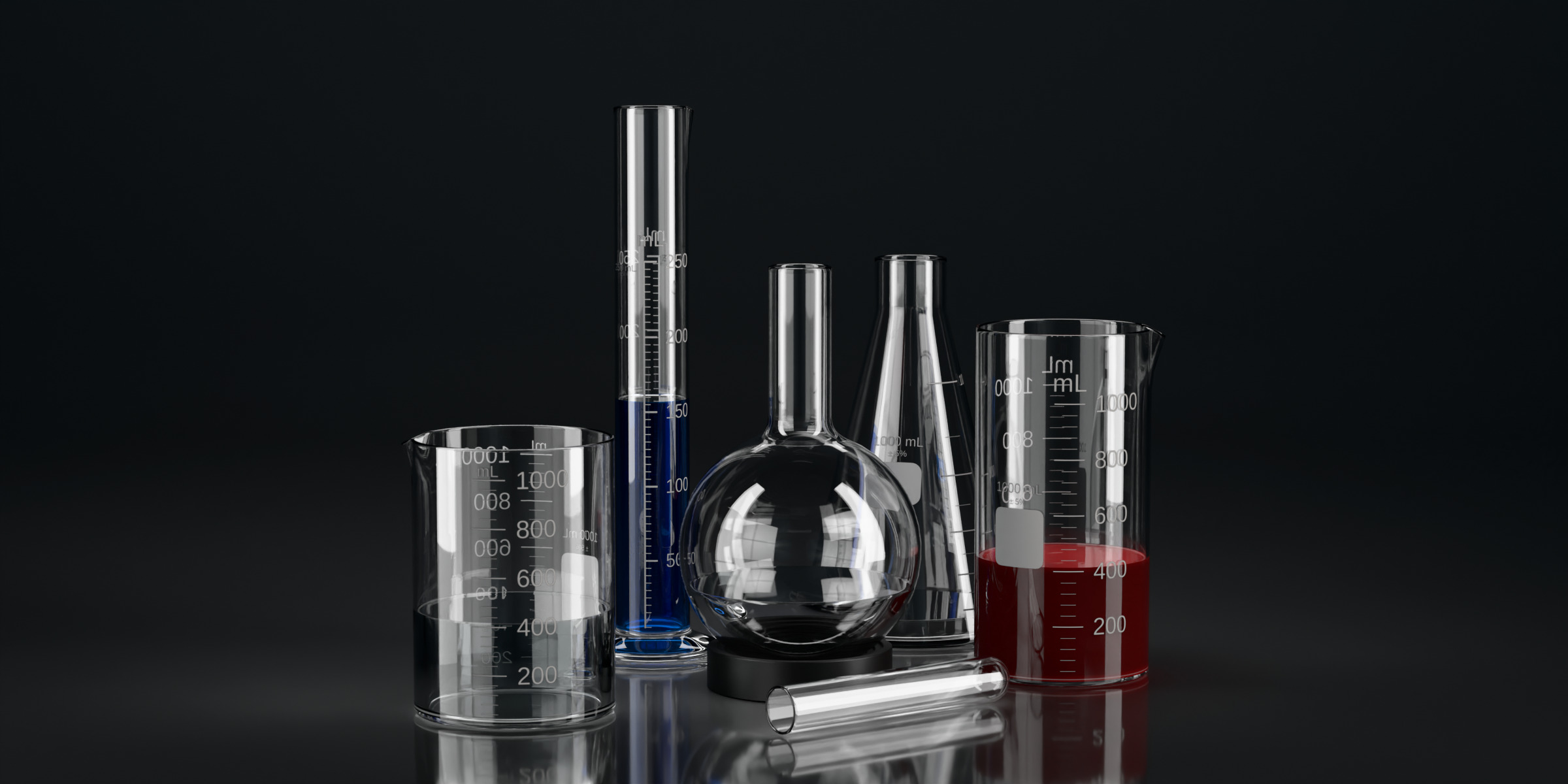
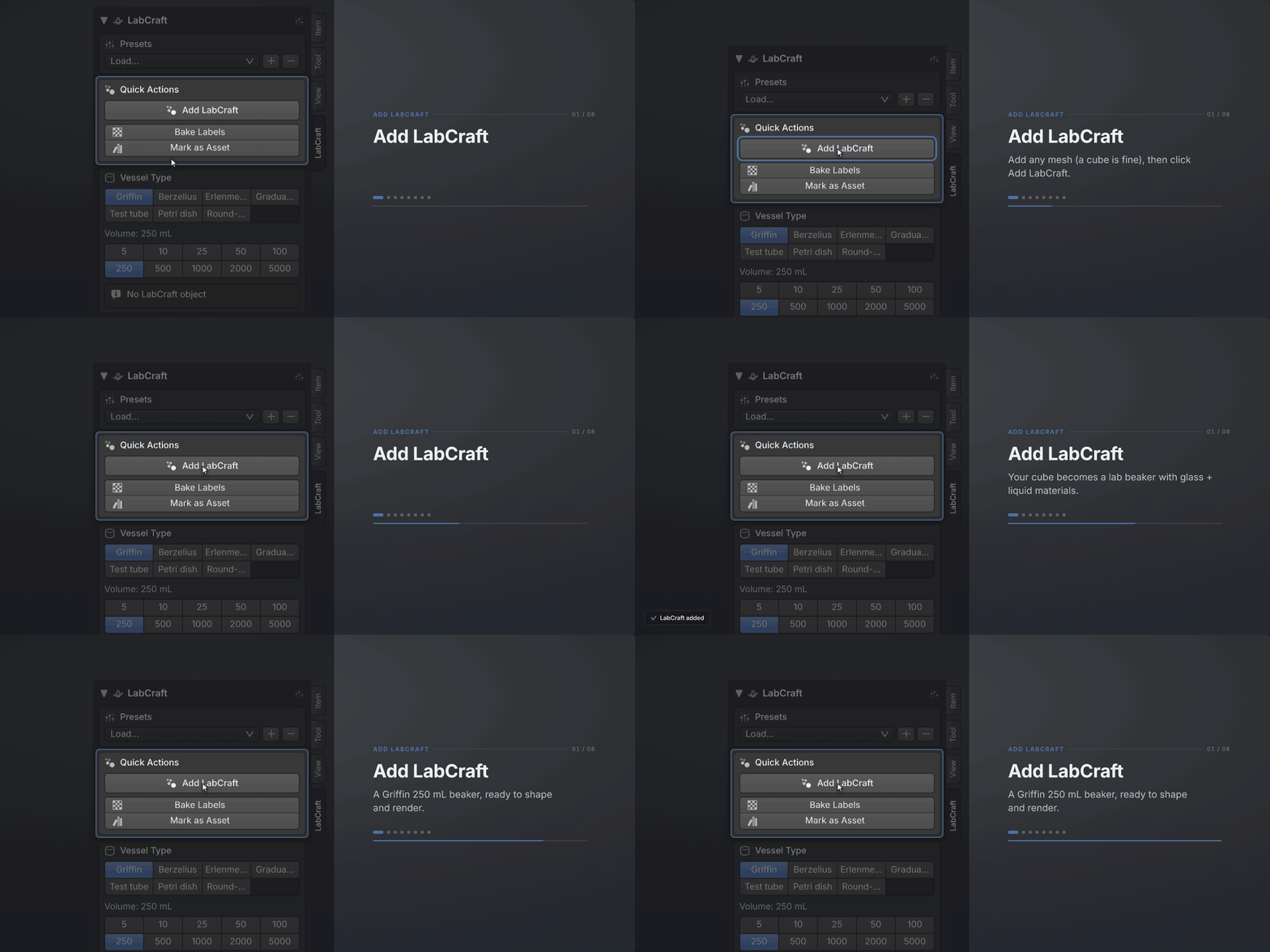
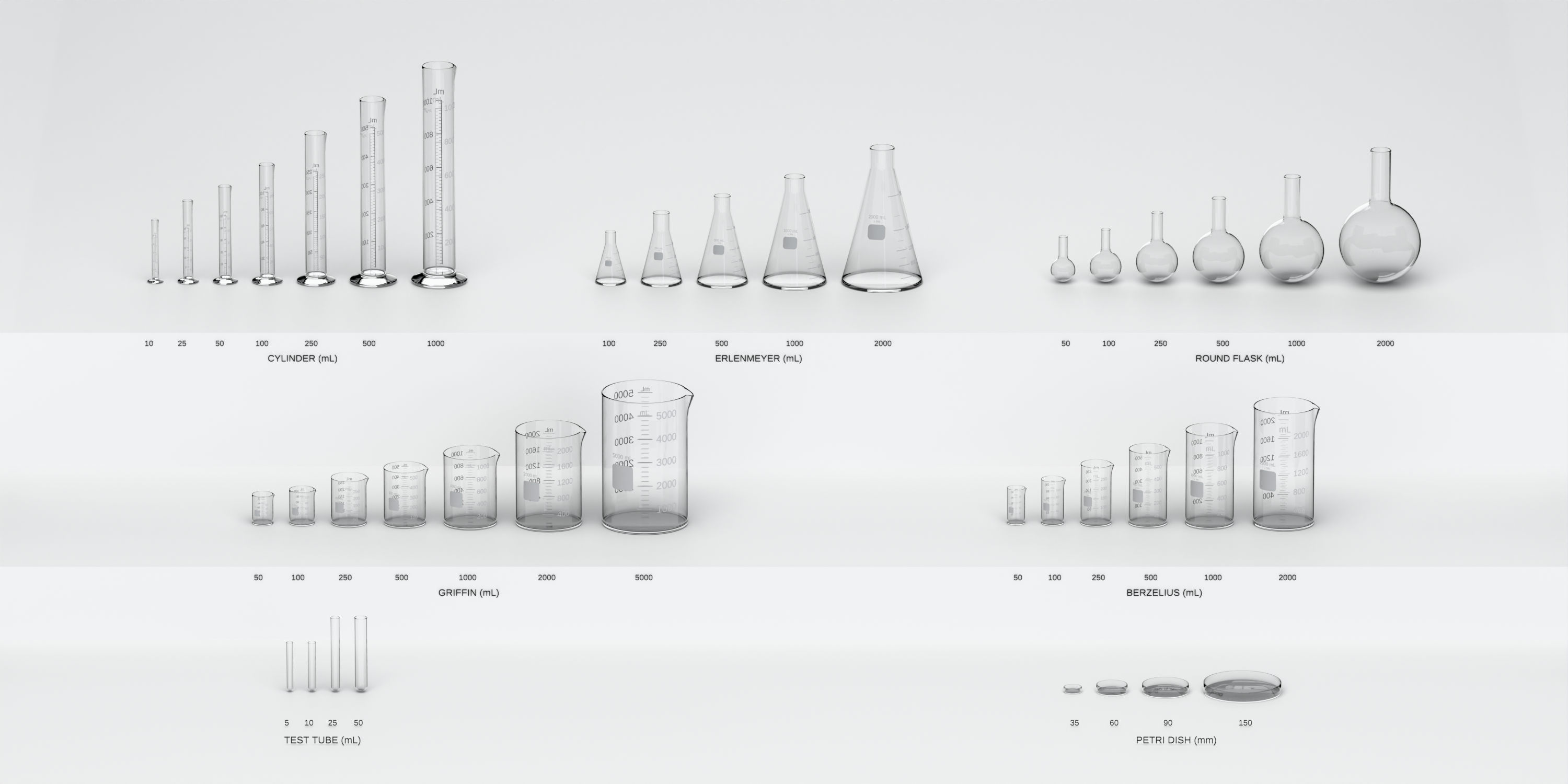
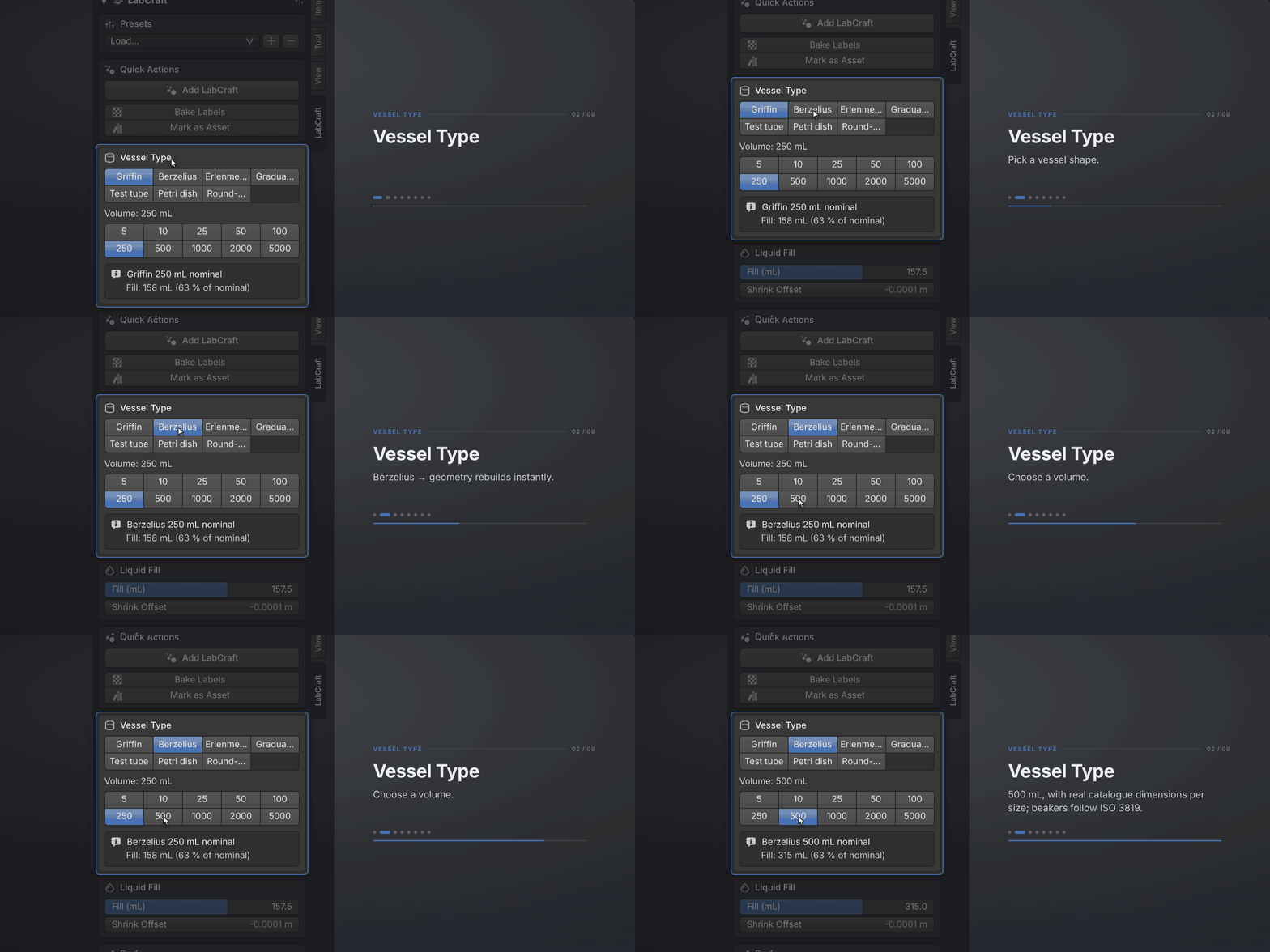
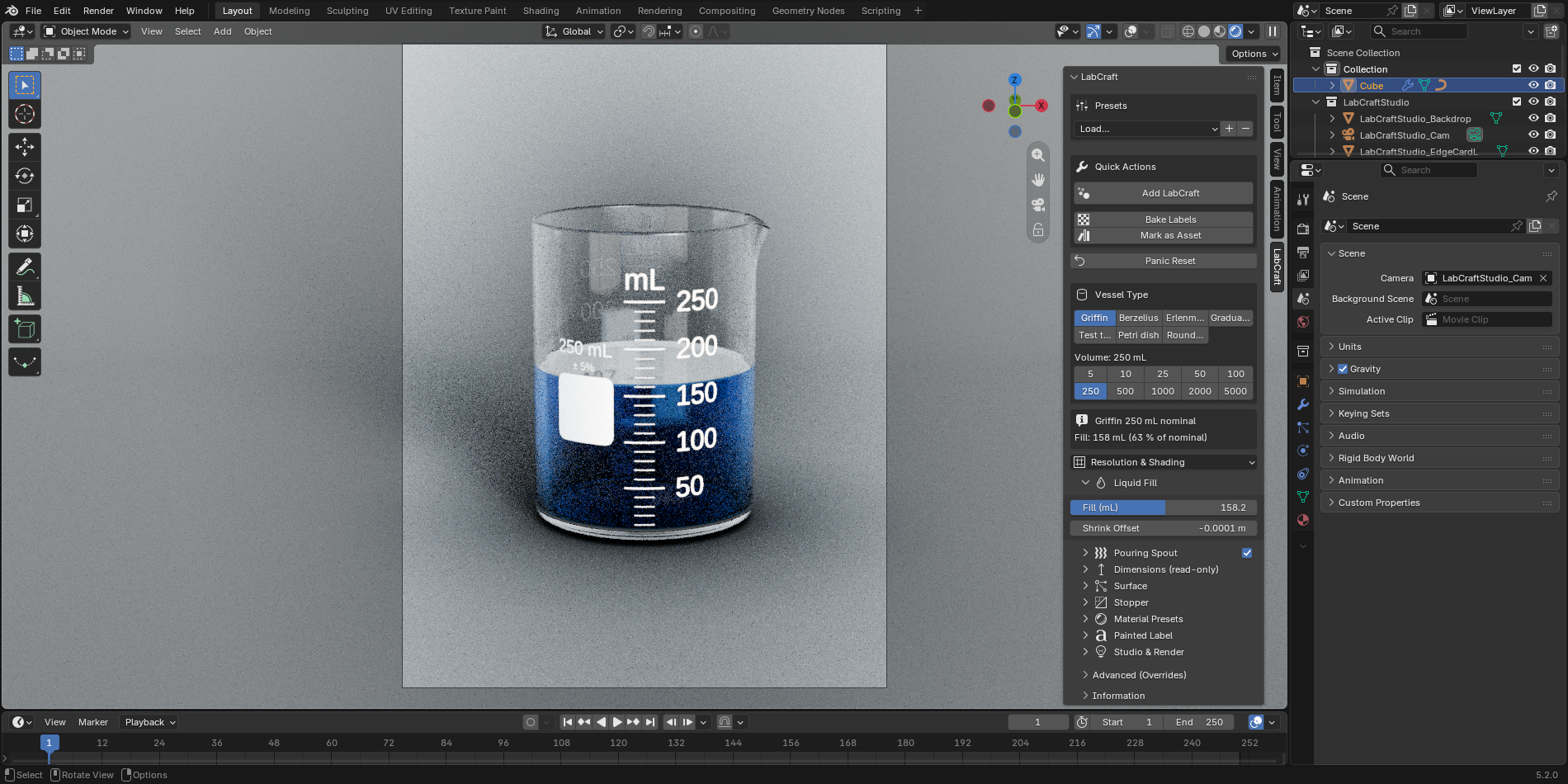
LabCraft builds seven vessel types at their standard dimensions: Griffin and Berzelius beakers, Erlenmeyer flask, graduated cylinder, test tube, Petri dish, and round-bottom flask. Add LabCraft on any mesh object builds one of them whole: geometry, glass and liquid at the correct IOR, a graduation scale baked for the volume you picked, and a fill you type in millilitres instead of eyeballing. What comes back is a Geometry Nodes modifier and a material stack, both open, and you can take either apart. LabCraft is GPL-2.0-or-later, the same license as Blender itself, and it runs offline with no DRM.
Dimensions from the standards
LabCraft is built for product shots, science explainers, and scientific illustration, where a vessel's dimensions have to be defensible. Beakers use catalog dimensions per ISO 3819, graduated cylinders ISO 4788, and Erlenmeyer flasks DIN ISO 1773. Test tubes, Petri dishes, and round-bottom flasks use the conventional catalog sizes for their type. The catalog spans 5 mL (test tube) to 5 L (Griffin beaker), and a 250 mL Griffin measures what a real one does.
| Vessel | Sizes | Range | Fill in mL | Printed scale | Dimensions from |
|---|---|---|---|---|---|
| Griffin beaker | 7 | 50 mL – 5 L | yes | precise, evenly spaced | ISO 3819 |
| Berzelius beaker, tall form | 6 | 50 mL – 2 L | yes | precise, evenly spaced | ISO 3819 |
| Erlenmeyer flask | 5 | 100 mL – 2 L | yes | coarse, at true nonlinear heights | DIN ISO 1773 |
| Graduated cylinder | 7 | 10 mL – 1 L | yes | precise, evenly spaced | ISO 4788 |
| Round-bottom flask | 6 | 50 mL – 2 L | no | none, as in reality | catalog sizes |
| Test tube | 4 | 5 mL – 50 mL | no | none, as in reality | catalog sizes |
| Petri dish | 4 | 35 / 60 / 90 / 150 mm | no | none, as in reality | catalog sizes |
| 39 vessels in total | 39 | ||||
Six liquids from measured optical data
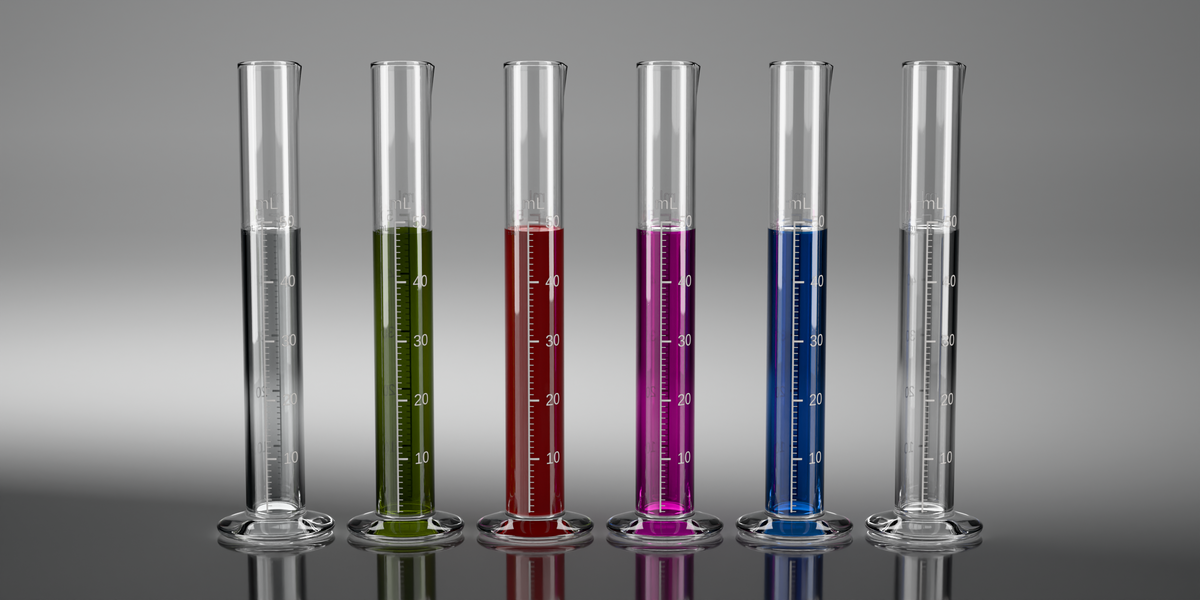
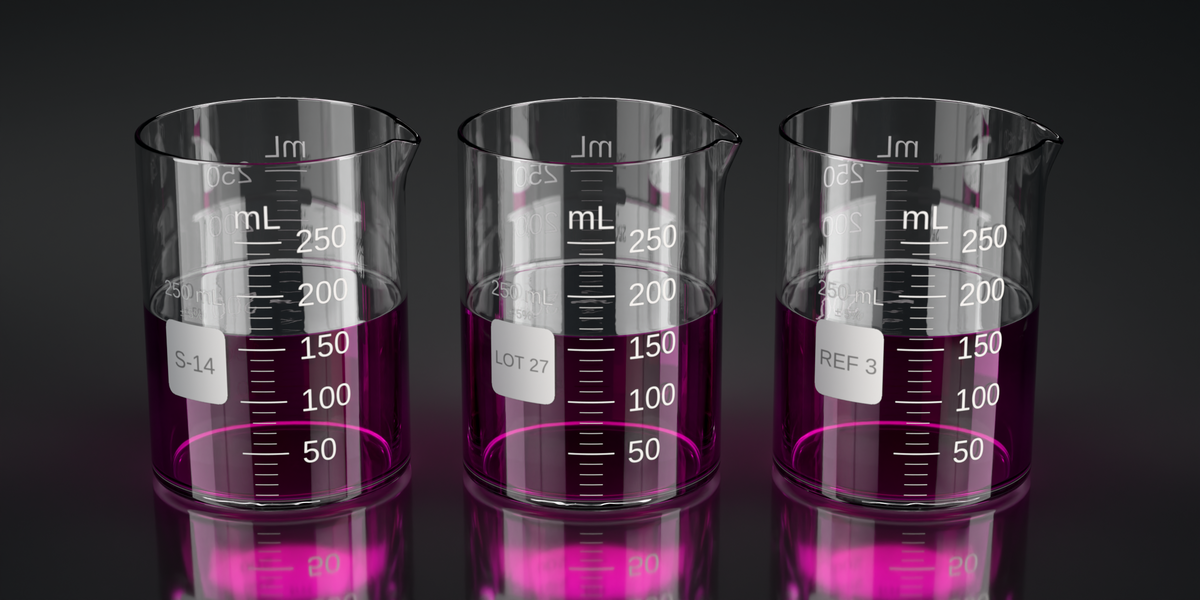
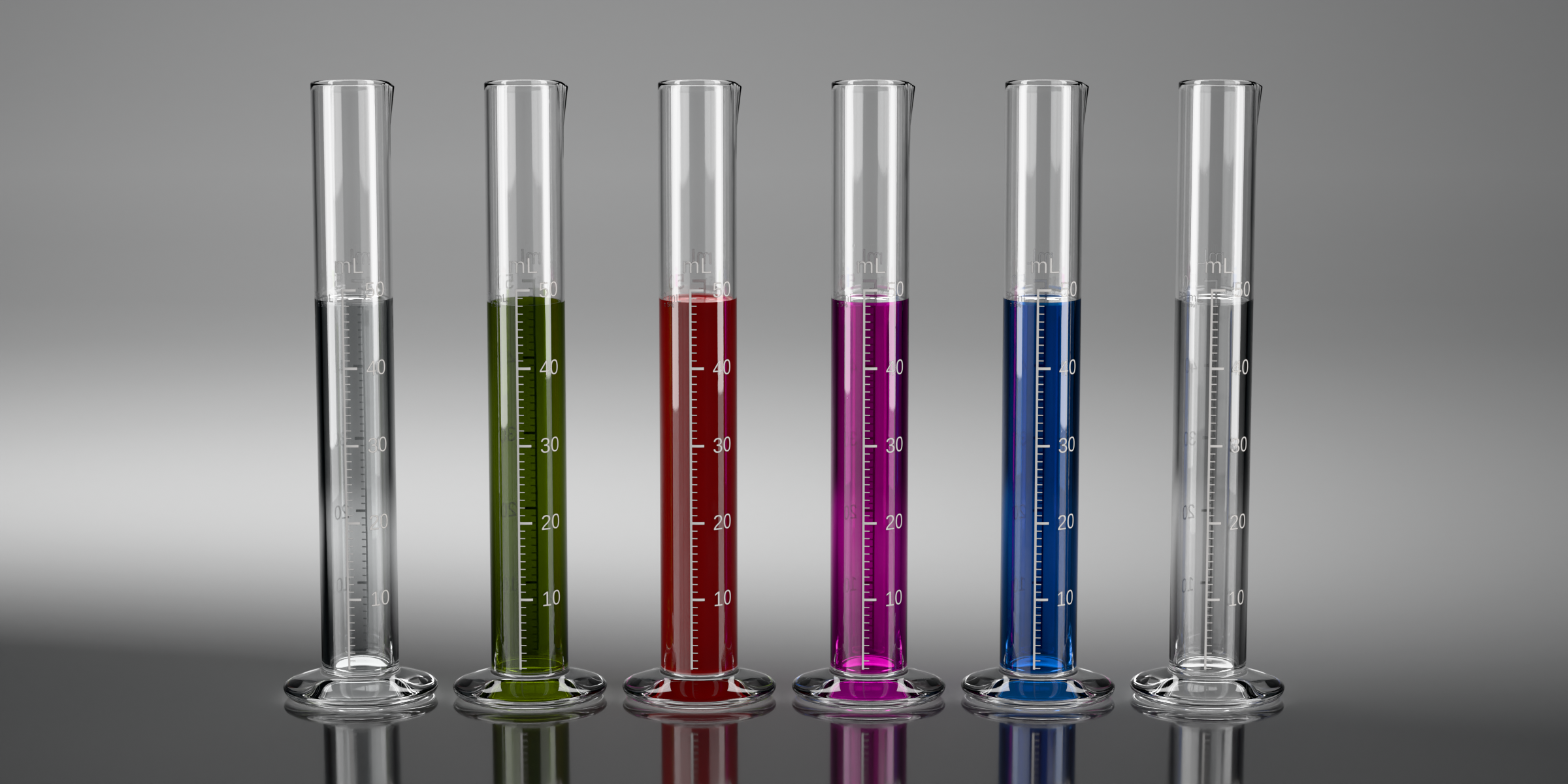
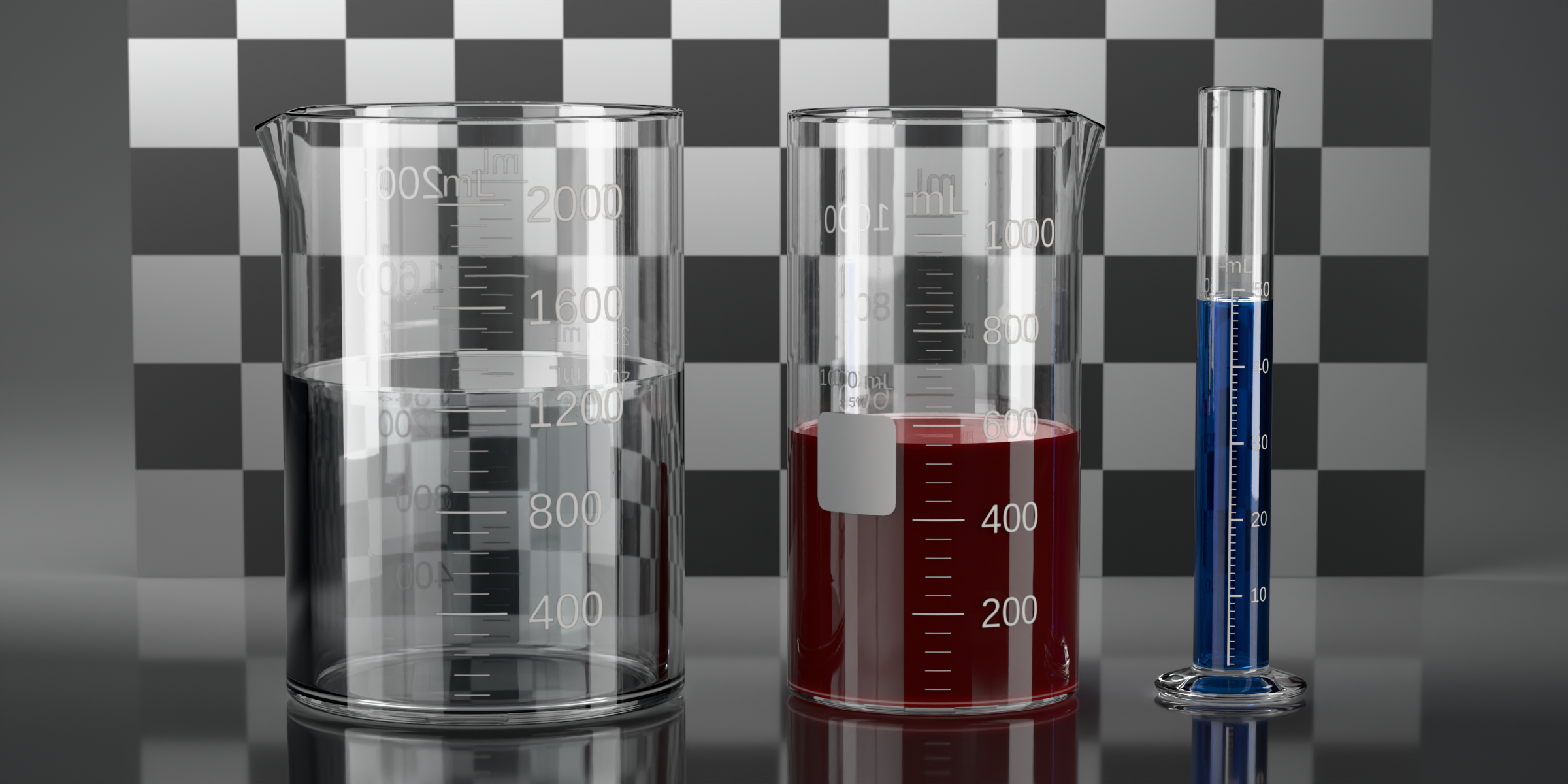
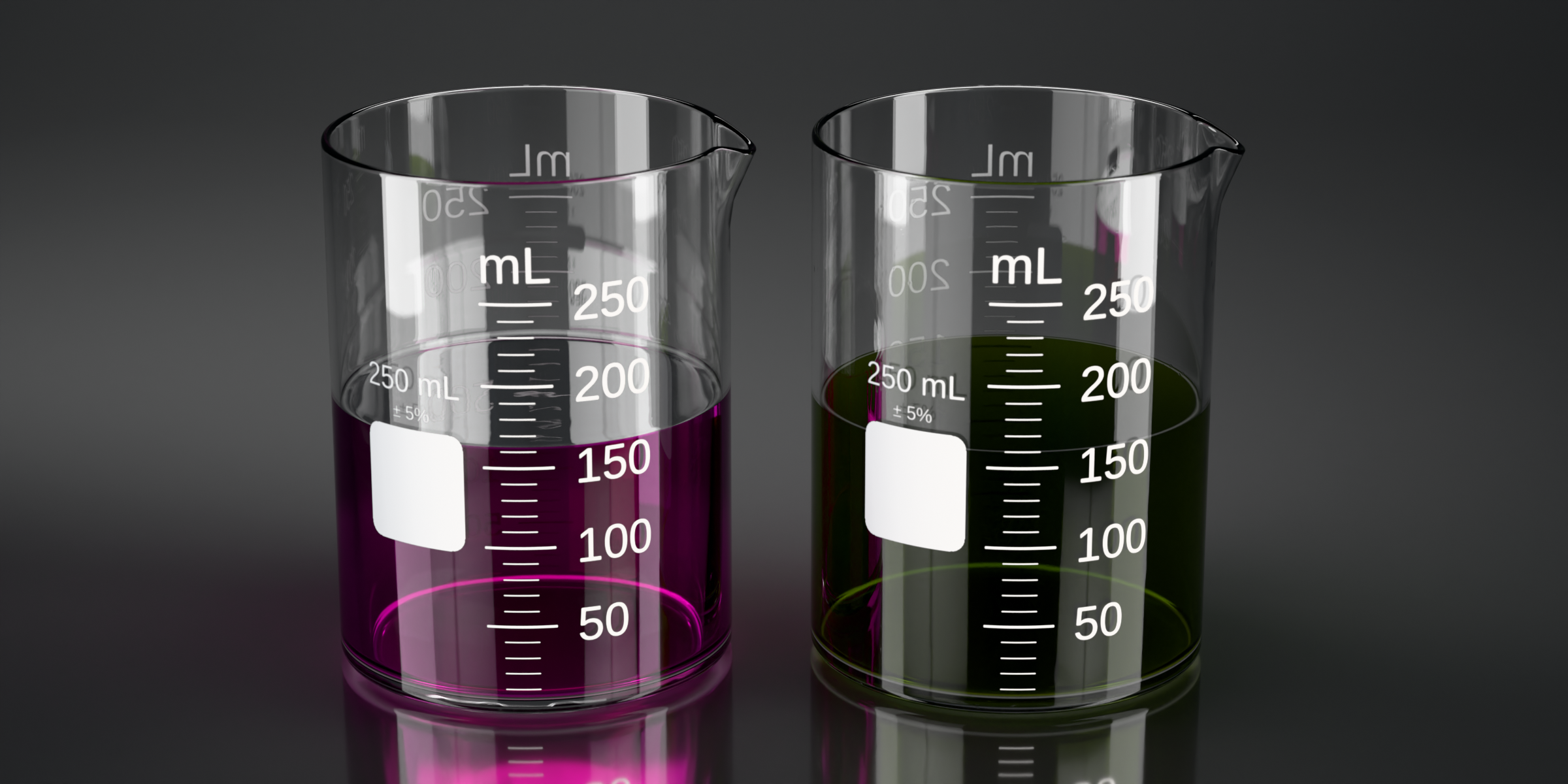
The presets cover water, ethanol, olive oil, blood, copper sulfate, and potassium permanganate. Each one carries its own refractive index (water 1.333, ethanol 1.361, olive oil 1.467, blood 1.378) and a Beer-Lambert absorption coefficient computed from published spectra rather than a picked tint, each at a stated strength: CuSO₄ at 0.25 M, KMnO₄ at about 0.2 mM, whole oxygenated blood at 45 % hematocrit, extra-virgin olive oil, and pure water and ethanol. Color therefore follows path length the way it does in reality: a 5 mL tube of KMnO₄ reads lighter than a 5 L beaker of the same solution. Blood is a dense scattering medium rather than a filter, so it renders through subsurface scattering and comes out deep and dark instead of pink. Refraction goes through the nested-dielectric IOR ratio, which is what keeps the liquid-glass interface clean in Cycles.
| Liquid | IOR | Strength | How it reads |
|---|---|---|---|
| Water | 1.333 | pure | clear, faint blue tint |
| Ethanol | 1.361 | pure | nearly clear |
| Olive oil | 1.467 | extra-virgin | gold tint, mid absorption |
| Blood | 1.378 | whole oxygenated, 45 % hematocrit | deep and dark, subsurface scattering |
| Copper sulfate | 1.345 | 0.25 M | vivid blue |
| Potassium permanganate | 1.333 | about 0.2 mM | deep magenta |
Absorption is sampled at three wavelengths, one per sRGB primary, so this is an RGB approximation of each spectrum rather than a spectral render. And seeing the liquid through the glass at high transmission needs Cycles, because EEVEE does not sample volume absorption that way.
Three glass finishes
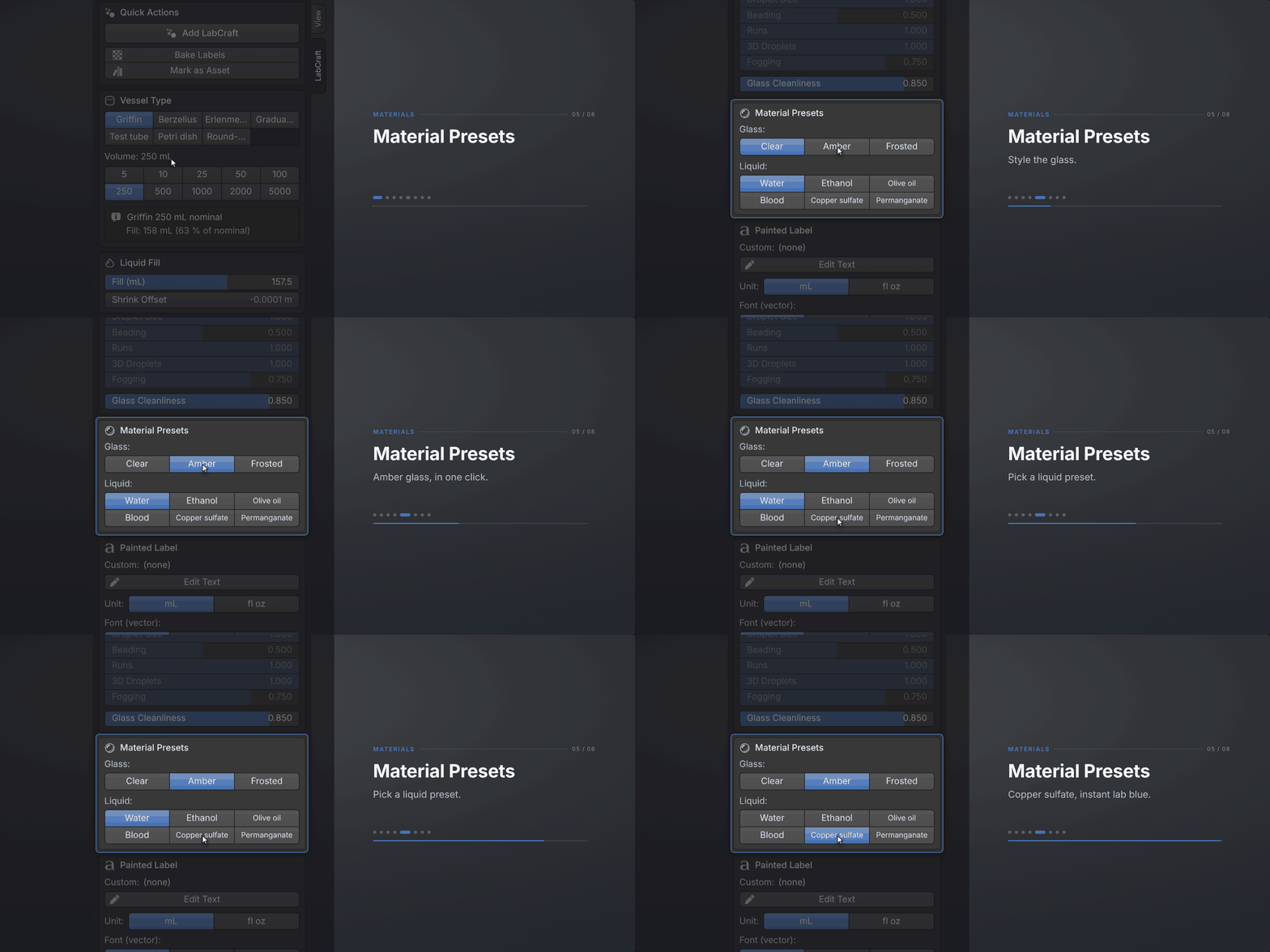
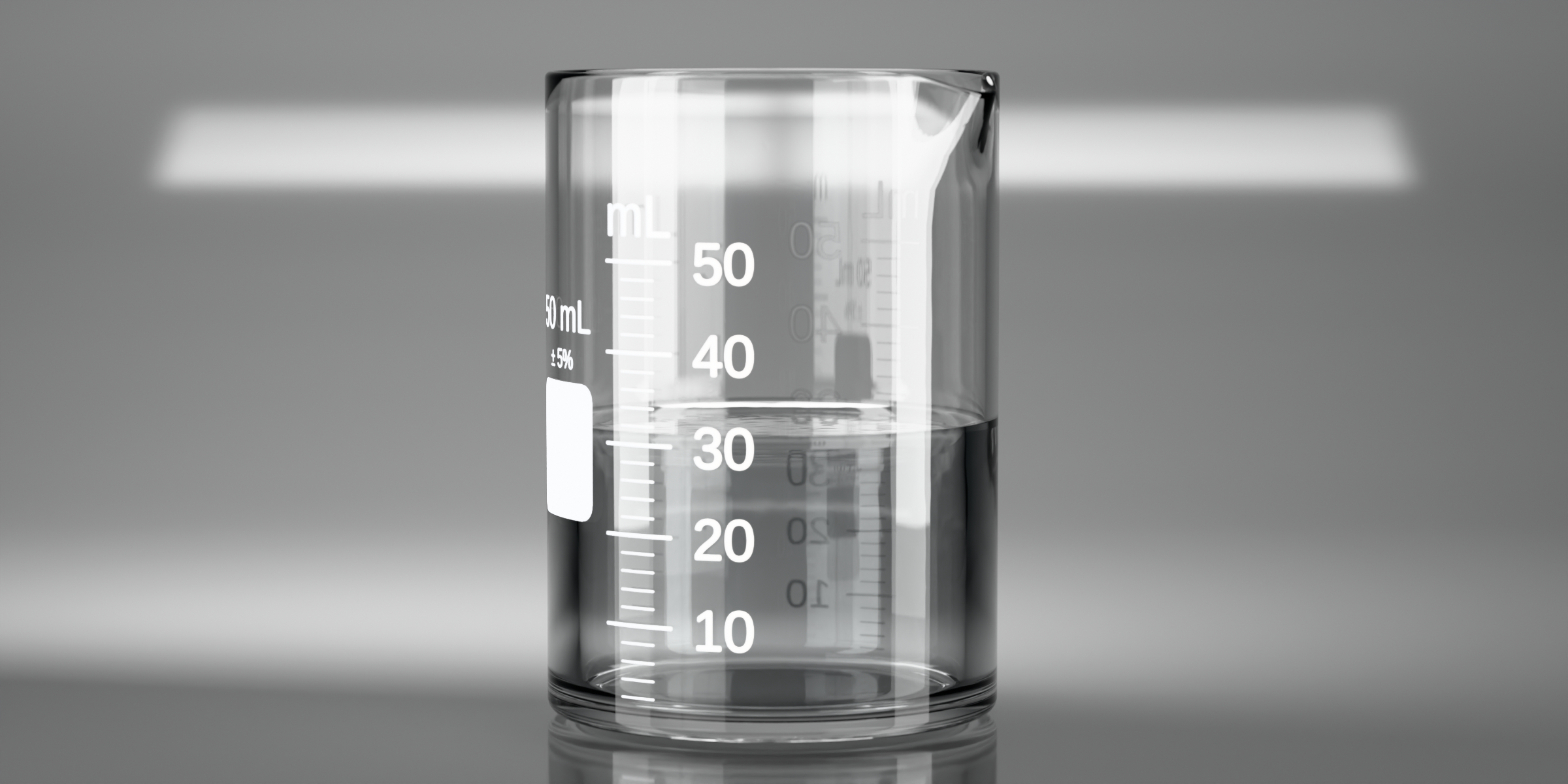
The glass comes as clear borosilicate at n = 1.474, as amber for light-sensitive reagents, and as frosted. All three take the painted labels, and all three carry a micro-imperfection layer you dial with one Glass Cleanliness slider, because spotless glass is what reads as CG.
Condensation
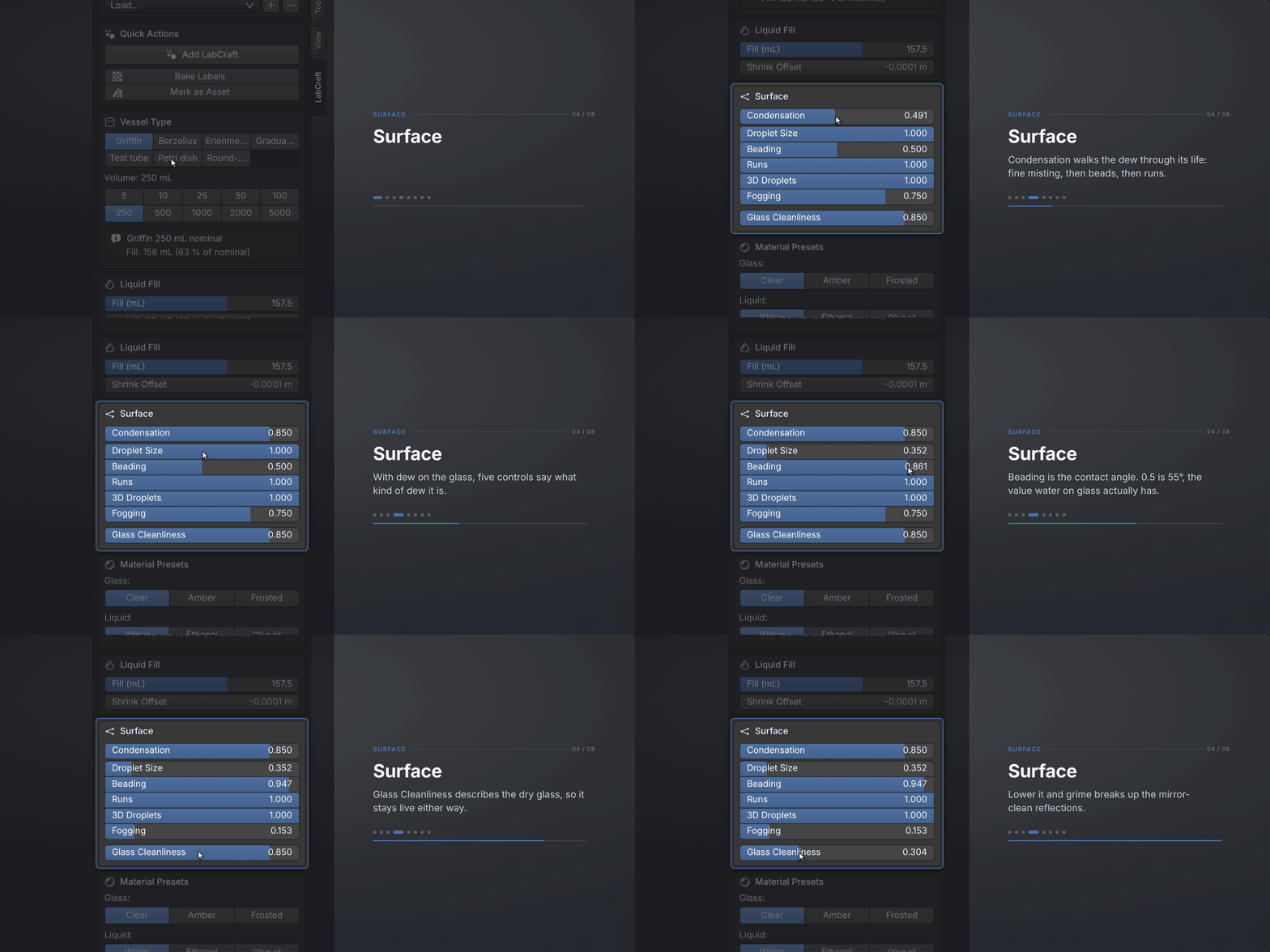
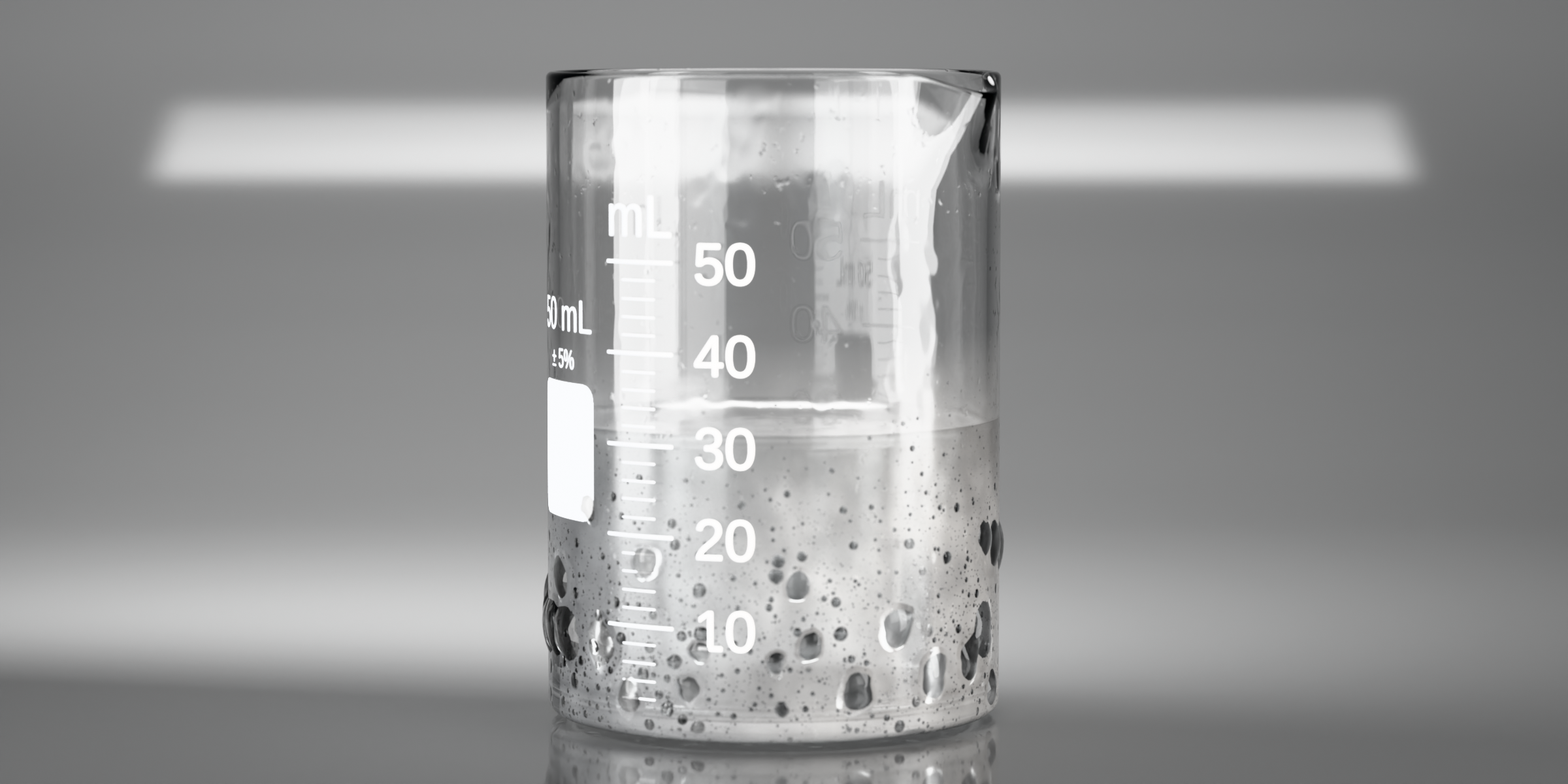
One slider takes the glass from a fine misting low down to large drops and the occasional run at the top, and the misting stops at that vessel's own liquid line. Droplets come in a spread of sizes and refract like the little lenses they are. Separate controls set droplet size, beading, runs, 3D droplets, and how milky the film between them is. It works on all seven vessel types, the round flask's bulb and the test tube's rounded foot included.
The painted label
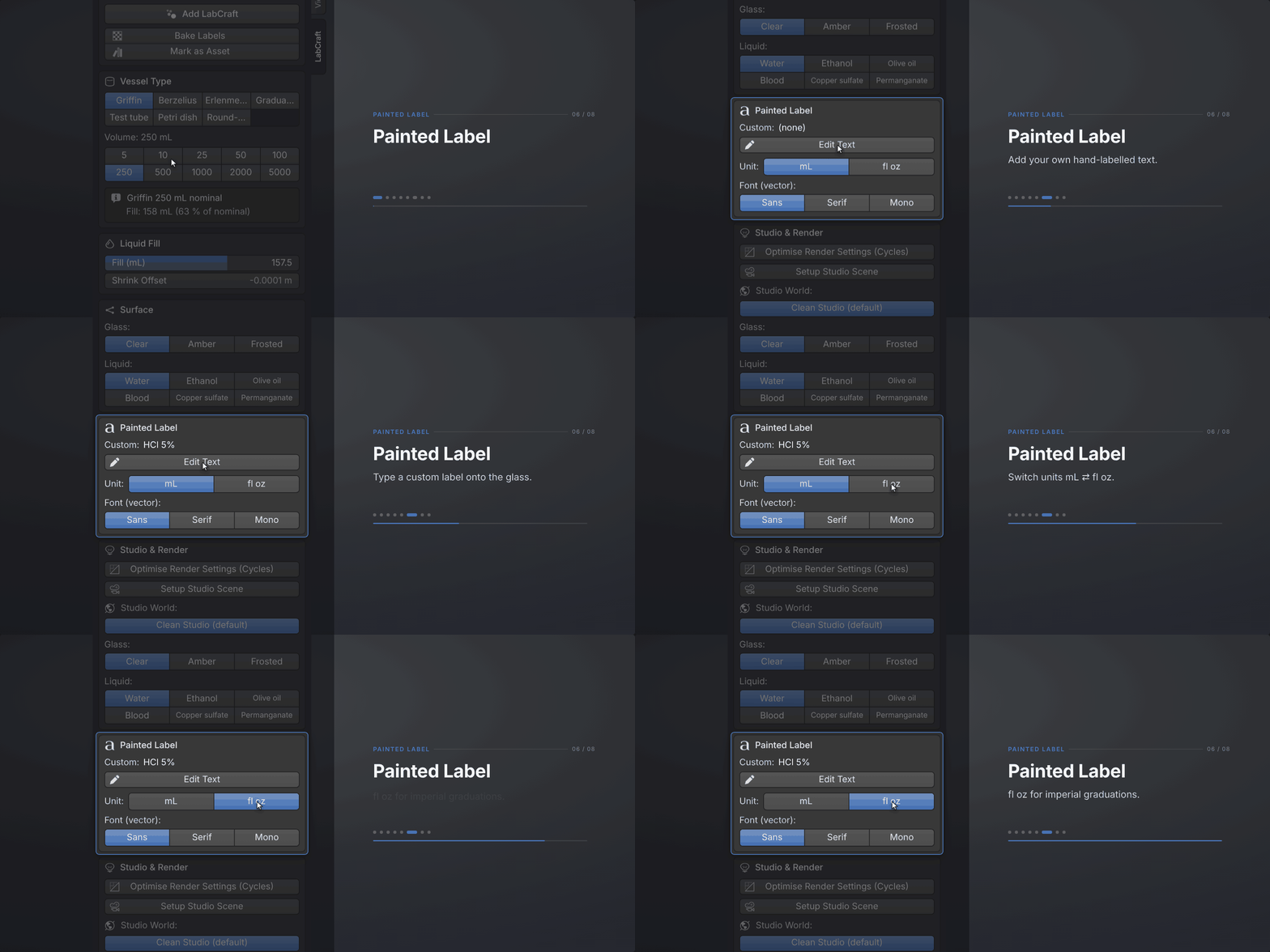
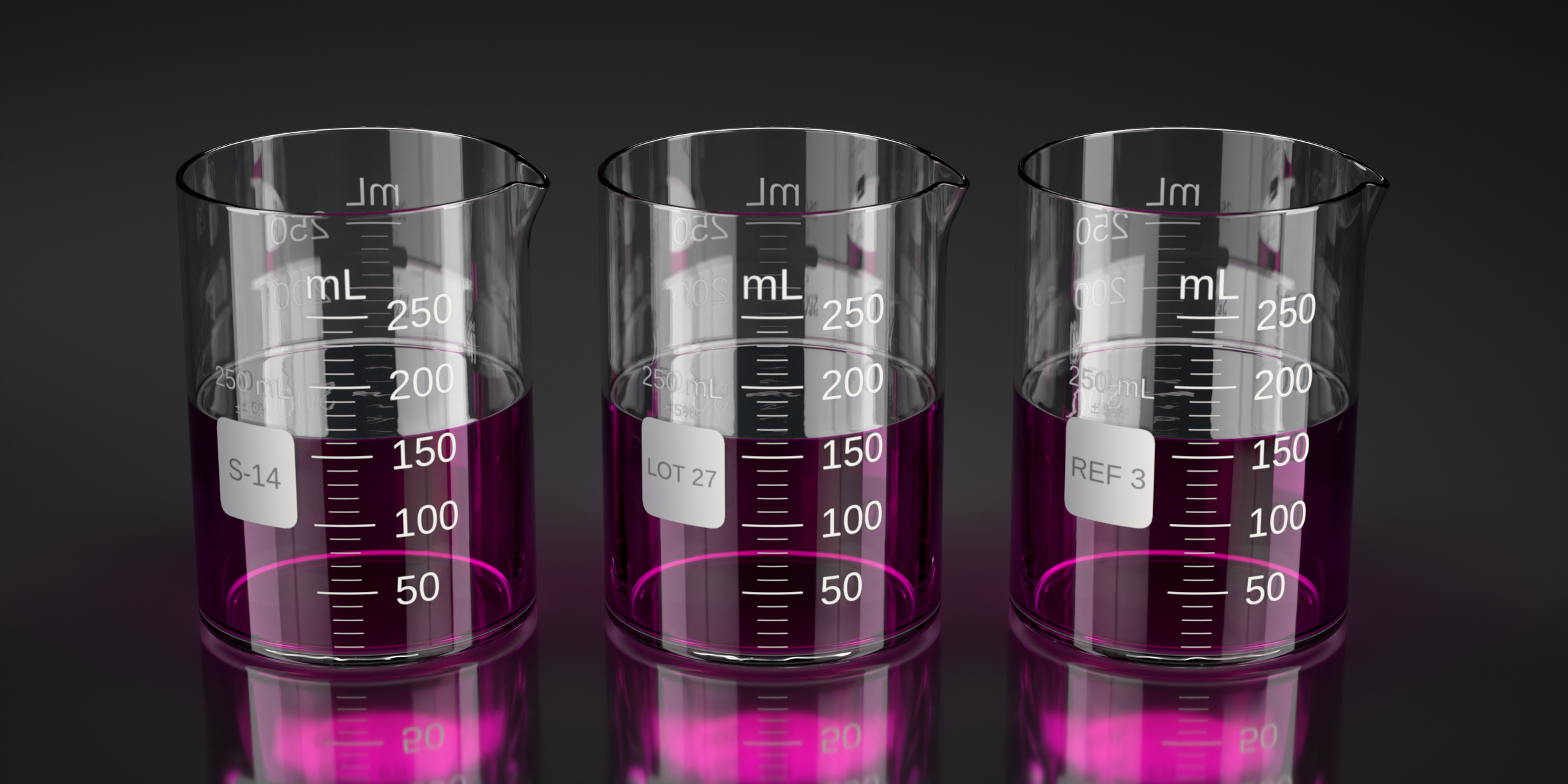
The graduation marks and the mL numbers are baked onto a per-instance PNG decal and re-baked whenever the volume changes. There is a free text slot for "HCl 5%" or "Sample A" or a brand name, six label fonts (three built-in bitmap weights plus Liberation Sans, Serif, and Mono), and a switch between mL and fl oz. If the scale itself matters to your shot, you can move the ticks to the left rail that real graduated glassware uses, set major and minor tick length and thickness separately, change the text size, show or hide the size-and-field block, and give the paint a raised relief.
| Control | What you set |
|---|---|
| Free text slot | any string, for example "HCl 5%", "Sample A", or a brand name |
| Label fonts | six: three bitmap weights original to LabCraft, plus Liberation Sans, Serif, and Mono under the OFL |
| Units | mL or fl oz |
| Tick position | standard, or the left rail that real graduated glassware uses |
| Tick geometry | major and minor length and thickness, set separately |
| Text size | adjustable |
| Size-and-field block | shown or hidden |
| Relief | raised paint on the print |
Type the fill in millilitres instead of eyeballing it
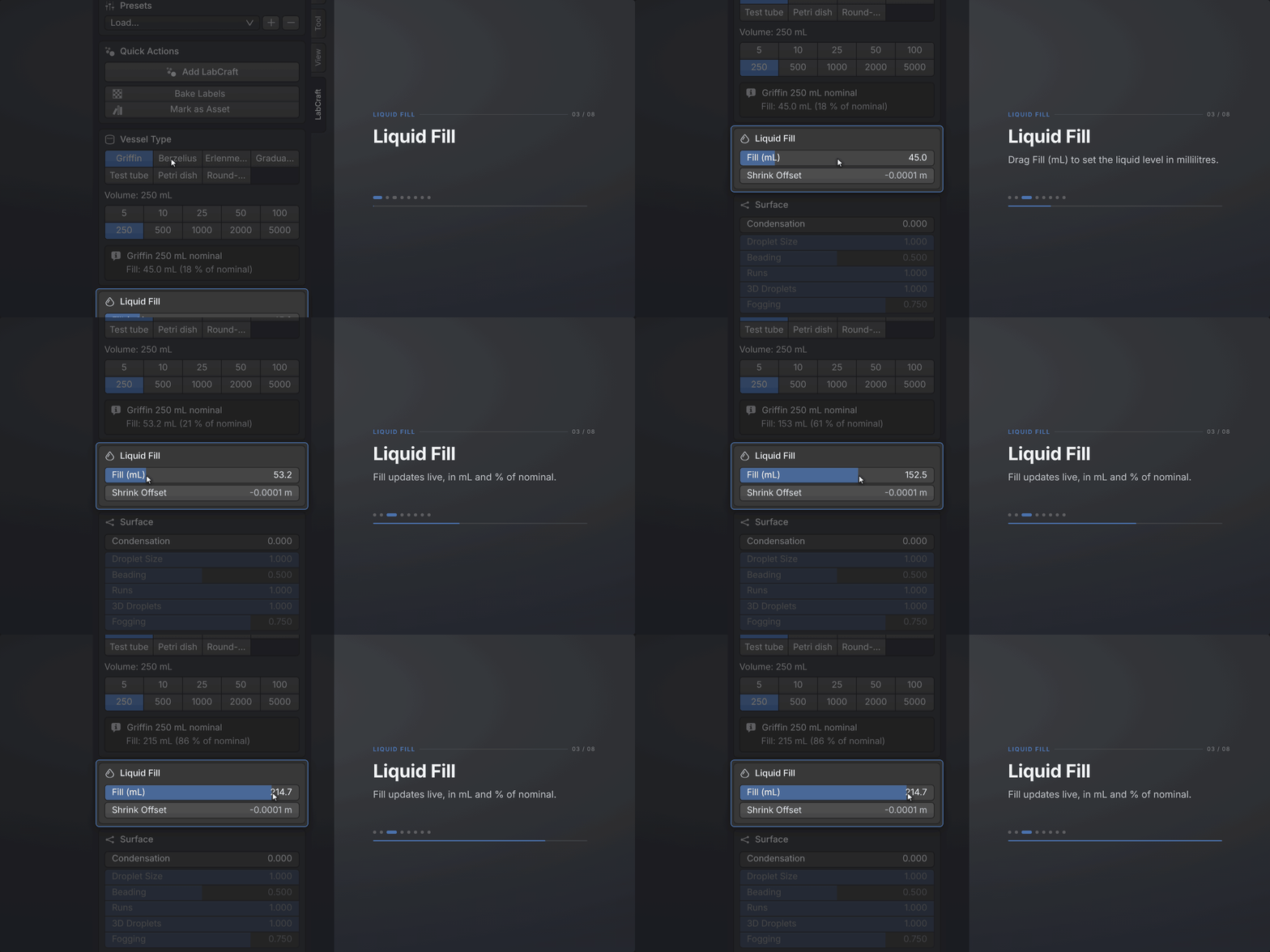
The two beakers, the graduated cylinder, and the Erlenmeyer flask carry a Fill (mL) field. Type 175 and the liquid stands at 175 mL, worked out from that vessel's own inner geometry: analytic cylinder volume for the straight bores, frustum plus neck for the cone. The printed graduation scale is baked from the same model, so the surface lands on the mark that names it rather than near it.
The test tube, the Petri dish, and the round-bottom flask keep a plain 0 to 1 slider and carry no printed scale, which is how they come in reality. The Erlenmeyer's scale is the coarse, approximate kind a real cone flask is stamped with, with the marks at their true nonlinear heights.
Underneath sits Fill Level, a plain 0 to 1 slider, so pouring and filling animate with two keyframes, no drivers and no constraints. The pouring spout is parametric (angle, pull-out, pull-down, arc width, start position), with per-vessel defaults: the two beakers and the graduated cylinder pour, and the rest ship without a spout, the way they come in real life.
One click builds the studio
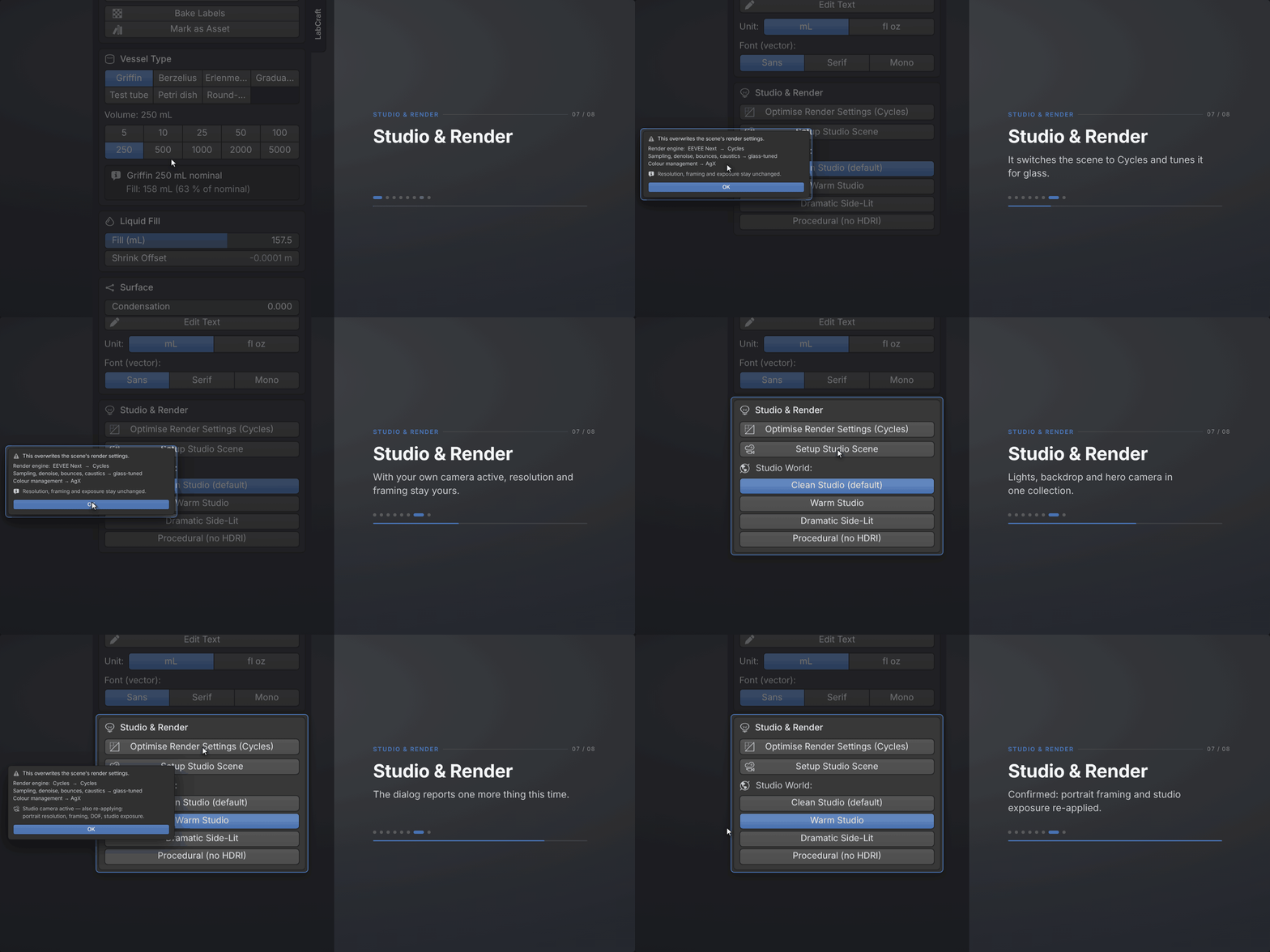
Setup Studio Scene puts three-point area lights, emissive softbox cards, a curved sweep backdrop that carries the contact shadow, and a framed hero camera around your vessel, so your first render is a lit shot instead of a starting point. Four environments switch the look from one button each: Clean, Warm, and Dramatic Side-Lit on bundled CC0 HDRIs, plus a file-free procedural gradient. With the rig standing, an environment button re-lights the whole set rather than only the reflections; without the rig, it swaps the environment alone. The camera ships focused on the vessel at f/16, deep enough to hold it sharp front to back while the backdrop falls soft, and the f-stop and a depth-of-field toggle sit in the panel.
A second button applies the render settings Cycles needs for glass: deep transmission bounces, refractive caustics, sampling, and denoise. It asks first, and it leaves your own camera's resolution and framing alone.
Files that keep working
The node group carries a schema version and migrates itself when you open an older file. Duplicating with Shift+D detaches the shared data rather than linking it. If a modifier ever ends up in a broken state, one operator resets it.
Also included
- One stopper shape in four finishes, sized to the beaker's mouth: cork, black rubber, glass, and a white cap. The four differ in material, not in geometry.
- Lathed quad topology, with a rolled rim, base flare, holding loops at every hard corner, and smooth-by-angle shading.
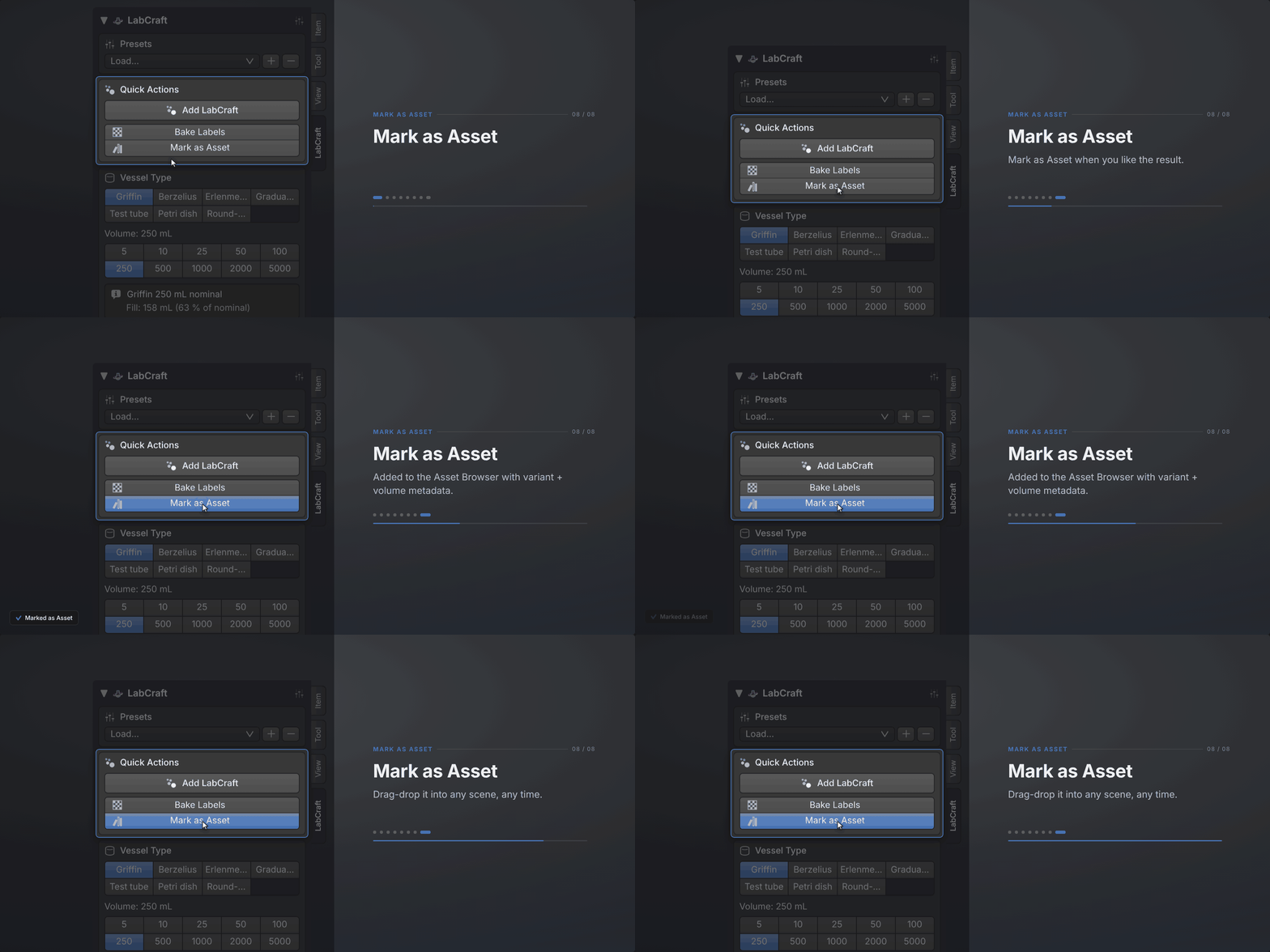
- Asset Browser support: one click marks the vessel as an asset, with variant and volume in the metadata and a thumbnail rendered for you.
The add-on never touches the network
No account, no telemetry, no activation, and no DRM. It works on a machine that has never seen the internet. The one thing that does go online is Blender's own extension updater, and only if you choose to add the remote repository.
What you get
Engine support and known limitations
Cycles is the engine LabCraft is built for. The IOR, the nested-dielectric liquid, and the caustics all behave there, and photoreal stills are what it is tuned for.
EEVEE Next is fine for fast viewport work and for the glass on its own. The liquid color in EEVEE comes from a surface tint computed from the same absorption data at a typical 50 mm path. What EEVEE will not do is show the liquid through the glass at high transmission, because it does not sample volume absorption along refracted paths the way Cycles does. That is how EEVEE works rather than a bug in the add-on, and no setting fixes it. Use Cycles for any shot where the liquid has to read through the glass. Geometry, labels, glass, and fill-level animation behave the same in both engines.
The mesh is render-grade: lathed quads at a density chosen for close-up stills. It is not decimated for a game engine and not solidified for 3D printing.
Blender versions and updates
LabCraft is kept working on the current Blender LTS release and the current stable release: 5.2 LTS today, the version the test suite runs on. Older Blender versions are not supported.
Every 1.x release is included in the purchase: bug fixes, compatibility with new Blender versions, and new functionality that fits within version 1. Updates arrive inside Blender once Superhive is added as a remote repository. The price rises for new buyers as substantial functionality is added, and a future major version of substantially larger scope may be offered as a separate product, with a discount for owners of version 1.
| Requirement | Value |
|---|---|
| Blender | 5.2 LTS and newer; 5.2 is the version the test suite runs on |
| Render engine | Cycles for the liquid through the glass; EEVEE Next for viewport work and the glass on its own |
| Install | drag and drop as a Blender extension, no dependencies |
| Network access | none: no account, no telemetry, no activation, no DRM |
| Code license | GPL-2.0-or-later, the same license as Blender itself |
| Output license | yours, commercially, with no attribution asked |
| Bundled HDRIs | three from Poly Haven by Sergej Majboroda, CC0 1.0 |
| Bundled fonts | Liberation Sans, Serif, and Mono under the SIL Open Font License 1.1 |
| Updates | every 1.x release included, delivered inside Blender |
A maintenance release, free to everyone who owns LabCraft, and it needs Blender 5.2 LTS or newer. What it changes in files you already have is at the end.
Fixed
- A preset saves the whole vessel: every control the panel shows, the glass, the liquid, and the printed label.
- A preset you remove stays removed, and saving over one asks before it replaces anything.
- Every volume button builds the size it names, because the panel now offers a vessel only the sizes it is really made in.
- The Erlenmeyer prints its whole scale on the side you are looking at, at every size it comes in.
- A stopper fits the opening it is put on, re-fits after a volume change, and survives Apply Object Scale.
- Opening a file that holds no LabCraft object changes nothing in it: not its node groups, not its materials, not its render settings.
- The Fill (mL) slider keeps working when certain other add-ons are installed alongside LabCraft.
Changed
- The console stays quiet: enabling the add-on and opening a file no longer write roughly eighty lines of internal diagnostics.
- Blender lists LabCraft's file access when you install it, and nothing leaves your machine.
- Support is [email protected], and mail to the old address is still read and answered.
Added
- The purchase terms ship inside the download, beside the license, privacy, and credits files.
- The manual ends with a version history, so what a release brought is answerable offline.
In files you already have
- A vessel holding a size it is not made in states what it is actually building.
- A stopper already in your scene is corrected by clicking its material once more.
- Erlenmeyer labels are re-printed with shorter tick marks, and on the 1 L and the 2 L the numbers drop one size step.
- A preset from an older version no longer puts wall and base thickness back over the catalog value.
- Nothing else in an existing file changes.
From the developer
LabCraft is one person's work, and I support it myself. The price buys you the tool and my support. If an update ever breaks a file of yours, that goes to the top of my list; report it and I will fix it.
Questions go through the message box on this page or by email to [email protected], and the first reply comes within three working days, weekends and public holidays excluded. Support runs for twelve months from the date of purchase, my own word rather than a Superhive Support Period, so there is nothing to renew. After that, help is voluntary, and everything you have received stays yours.
License
Source license: LabCraft is distributed under GPL-2.0-or-later, the same license as Blender itself. Blender's license terms require a GPL-compatible license for any add-on that imports its bpy Python API. If you redistribute the source code, your distribution has to be GPL-licensed as well.
Output license: the geometry, materials, and renders you create with the add-on are yours. The GPL does not reach your renders, your scene files, or your final imagery. Use LabCraft output in commercial film, games, products, teaching material, scientific publications, or anything else, without attribution, royalties, or further licensing.
What this means in practice:
- You may modify the source to suit your pipeline.
- If you redistribute the source, modified or not, your distribution stays GPL and keeps the copyright and license notices intact.
- You may not relicense the code as closed-source or pass it off as your own original work.
Bundled assets and their licenses
LabCraft's code is GPL-2.0-or-later. Two kinds of bundled asset carry their own, more permissive licenses:
- Studio HDRIs (labcraft/assets/hdri/): three environment maps from Poly Haven by Sergej Majboroda, released under CC0 1.0, so public domain and no attribution required.
- Label fonts (labcraft/assets/fonts/): the Liberation family (Sans, Serif, Mono) under the SIL Open Font License 1.1, with the OFL text shipping next to the fonts. The bitmap label weights are original to LabCraft.
LabCraft bundles no third-party code: it is pure Python on Blender's bpy API, so there are no further licenses to track.