 Pyndax
Requirements
Blender 5.2 LTS or newer. No external dependencies, no account, no activation. The add-on never contacts the network.
Install
- Download the labcraft-x.y.z.zip from your purchase.
- In Blender: Edit → Preferences → Add-ons → Install from Disk…, pick the zip. It enables itself.
- Press N in the 3D viewport and open the LabCraft tab.
Drag and drop onto the Blender window works too, because LabCraft is a packaged extension rather than a legacy add-on.
Your first vessel
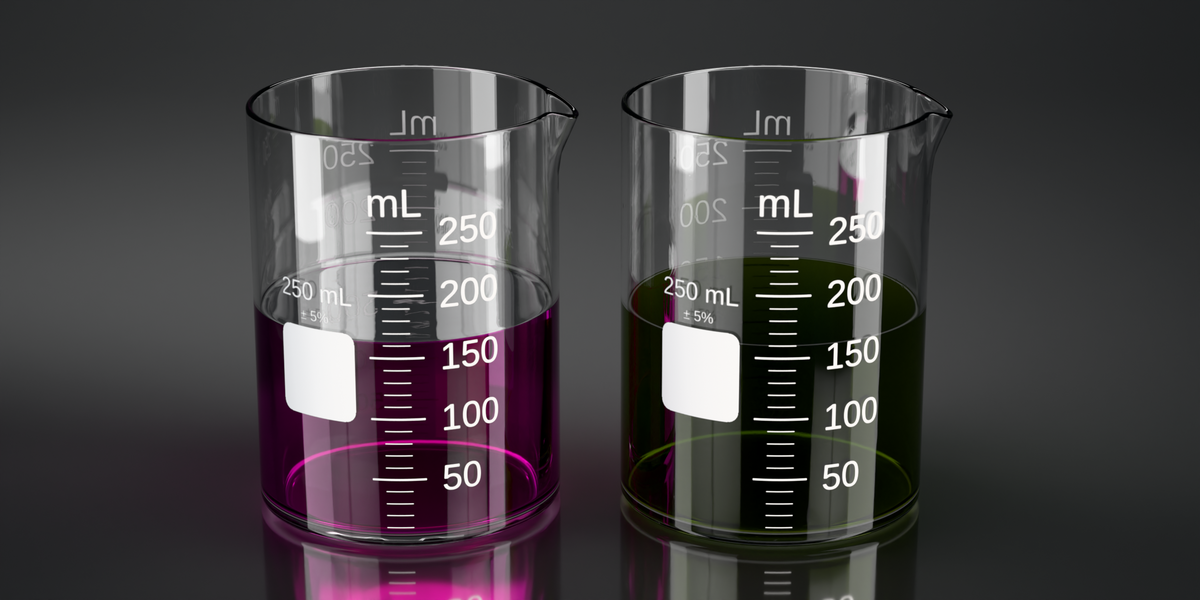
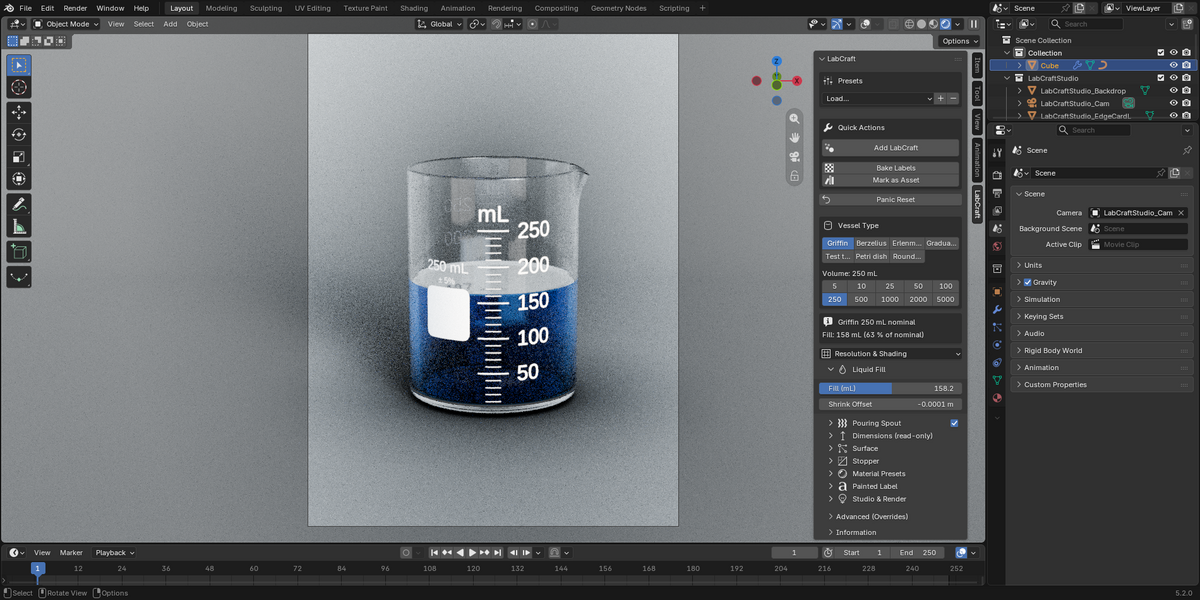
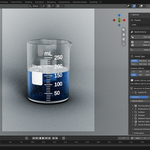
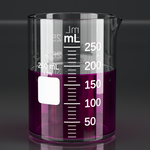
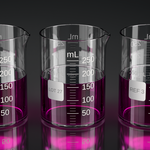
Add any mesh (a cube is fine), then click Add LabCraft. The mesh becomes a Griffin 250 mL beaker with glass and liquid materials. The original mesh data is replaced by the modifier output, so start from a throwaway primitive rather than something you want to keep. Everything after this point is non-destructive.
The panel, box by box
Presets saves the current vessel as a preset and loads it onto another, so a studio can put the same glassware in every shot. Factory presets ship per beaker family.
Quick Actions holds Add LabCraft, Bake Labels (force a re-bake of the graduation decal) and Mark as Asset (adds the vessel to the Asset Browser with variant and volume in the metadata and a rendered thumbnail; save the .blend afterwards so it persists). Panic Reset sits below, separated on purpose: it is a recovery tool for a modifier that has ended up in a broken state, not an everyday button.
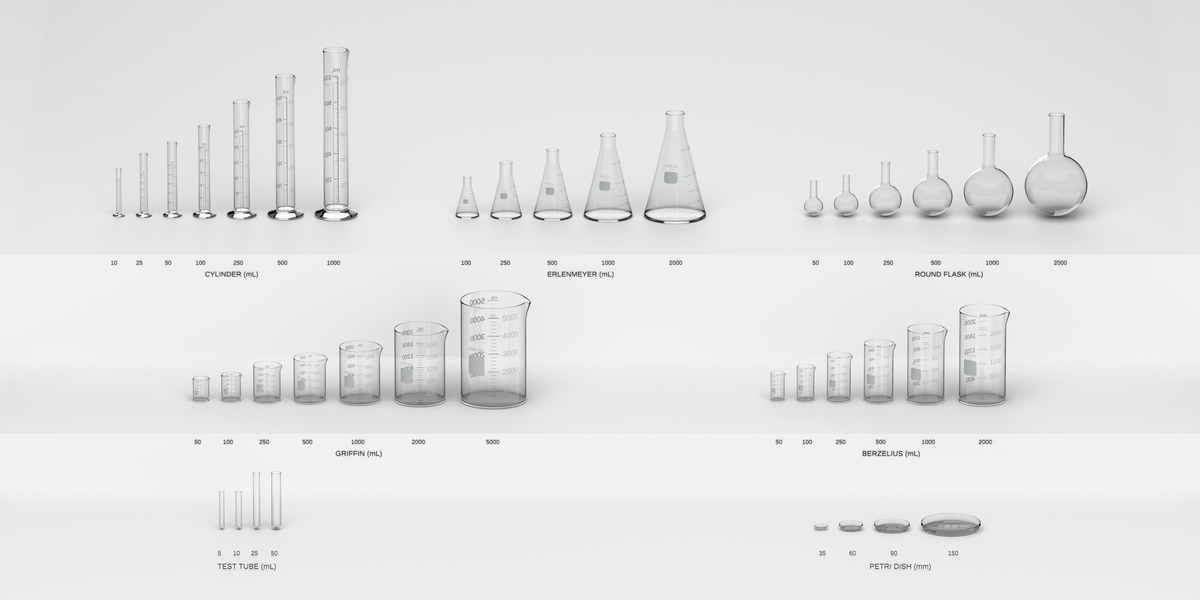
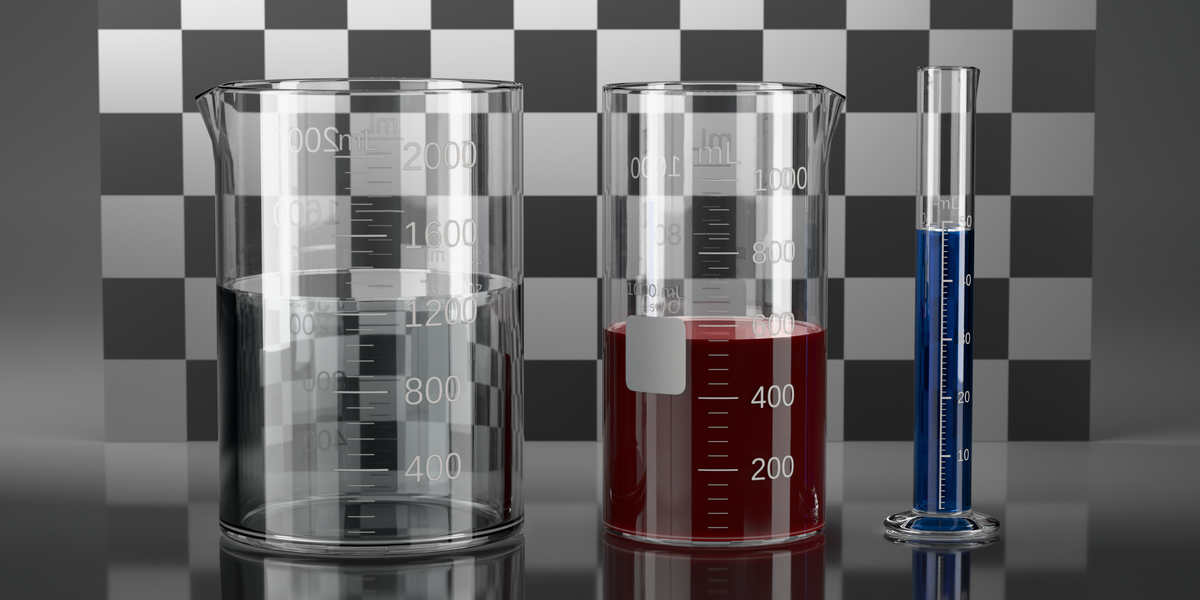
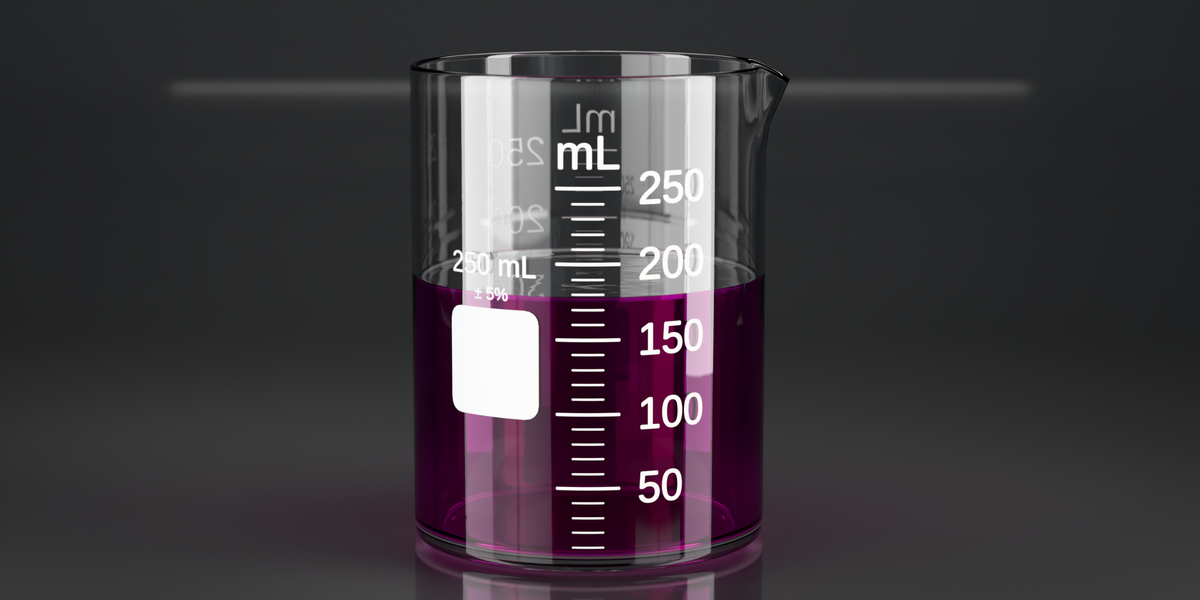
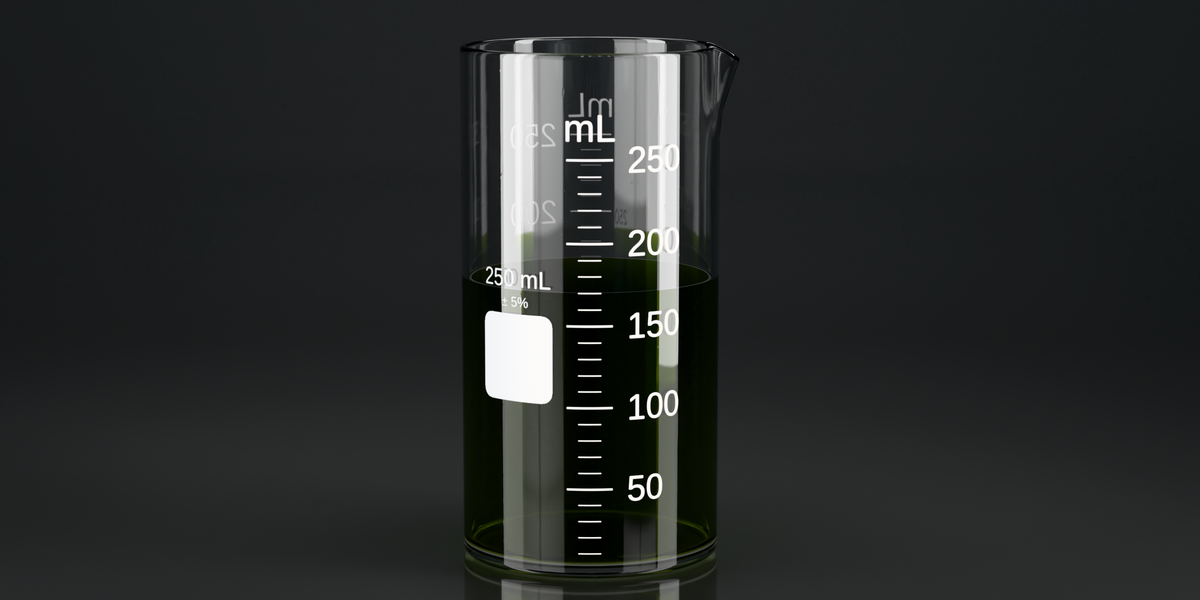
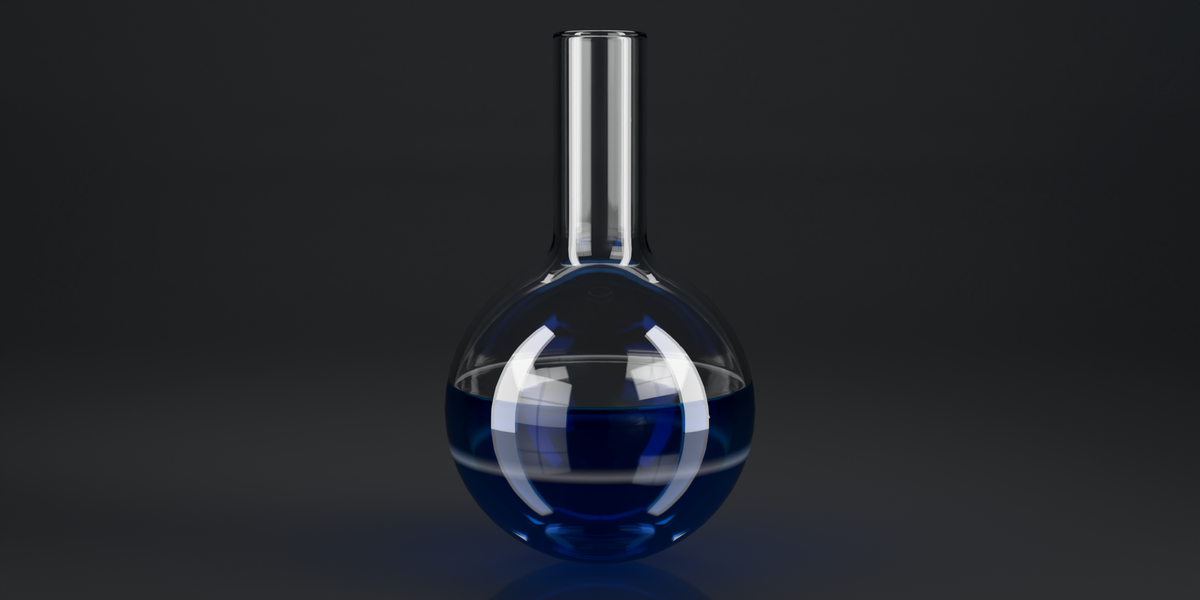
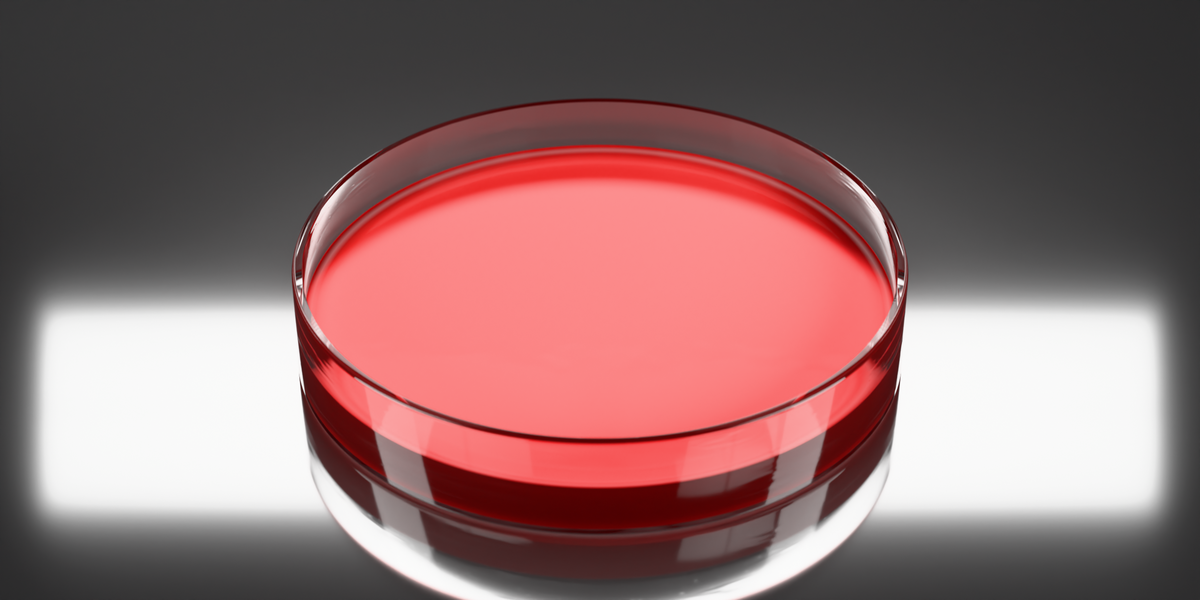
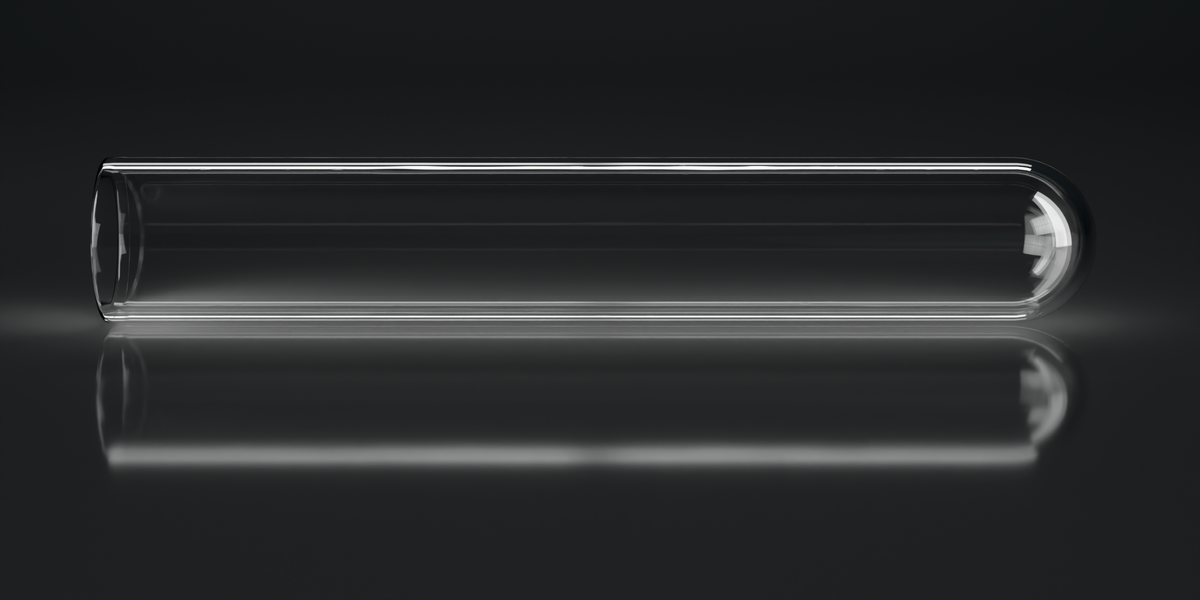
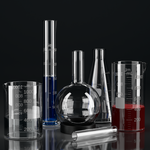
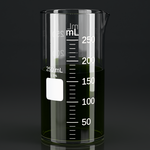
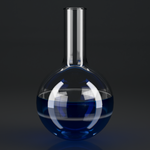
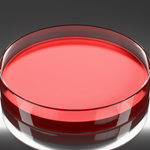
Vessel Type holds the seven vessels: Griffin low-form and Berzelius tall-form beakers, Erlenmeyer flask, graduated cylinder, test tube, Petri dish, round-bottom flask. Under it, the volume buttons from 5 mL to 5 L. Each vessel carries the sizes it is really made in: test tubes 5 to 50 mL, cylinders 10 mL to 1 L, Erlenmeyers 100 mL to 2 L, Berzelius beakers and round flasks 50 mL to 2 L, Griffin beakers 50 mL to 5 L, and Petri dishes in the four standard diameters. Only those sizes are offered, so the buttons change with the vessel and every one of them builds the size it names. Switch a 1 L beaker to a test tube and the volume comes down to the largest tube there is, which the status bar says as it happens. Changing variant or volume re-bakes the graduation labels.
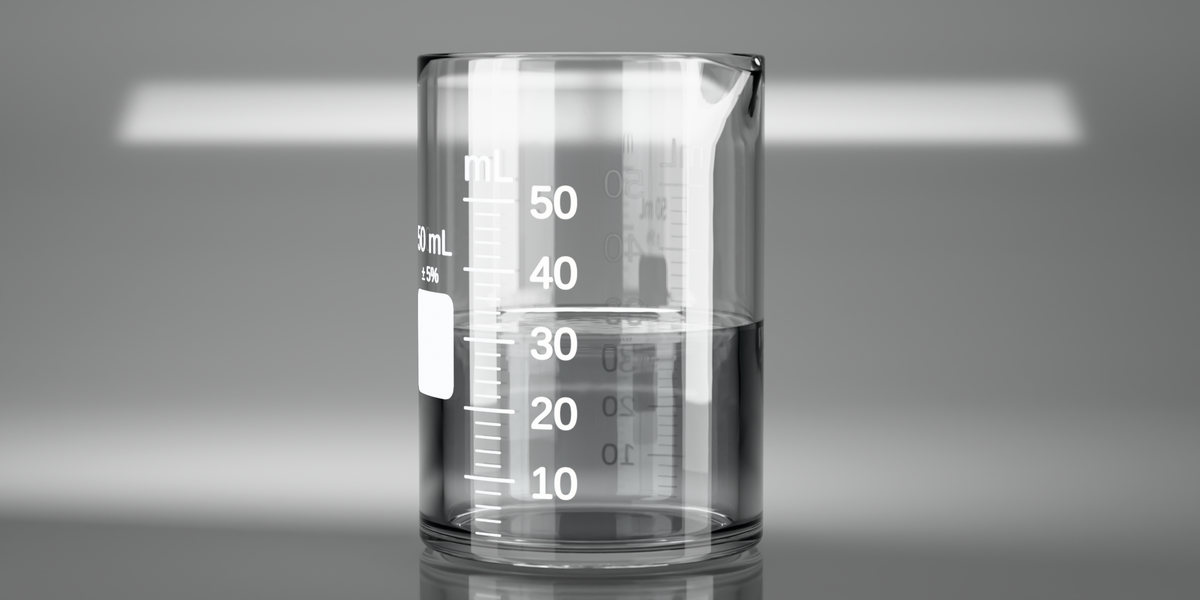
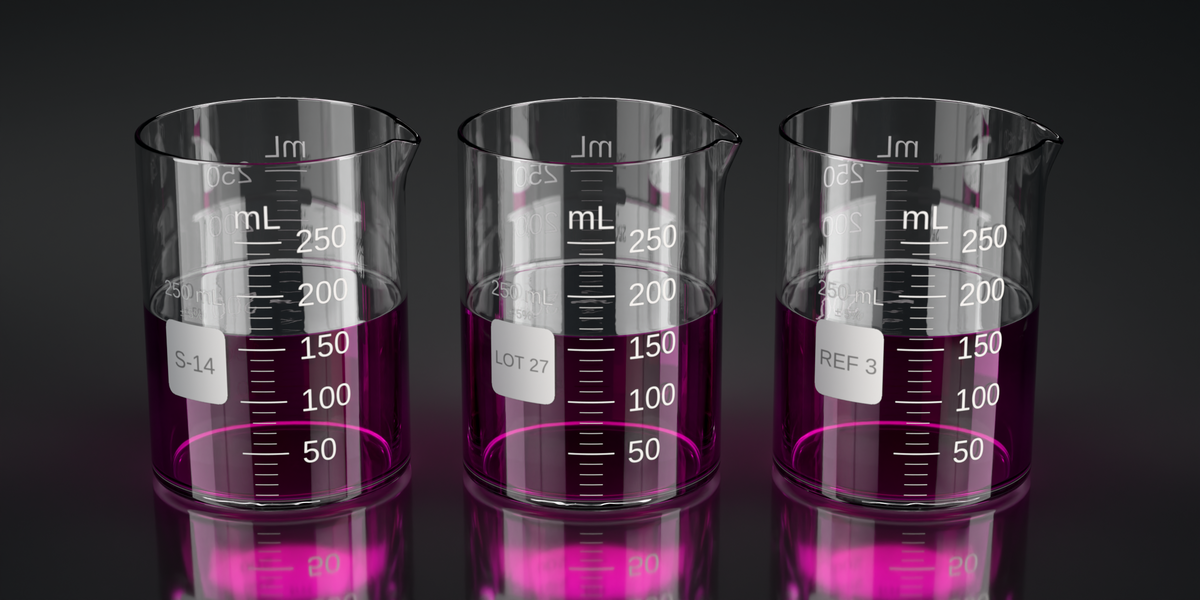
Liquid Fill carries Fill Level, a plain slider, so a pour animates with two keyframes. On straight-walled vessels Fill (mL) takes an exact milliliter figure and lands where the printed scale says it should.
Pouring Spout: enabled, angle, pull-out, pull-down, arc width and start position. Defaults are per vessel: the Griffin, the Berzelius and the graduated cylinder ship with a spout, while the Erlenmeyer, the test tube, the Petri dish and the round-bottom flask ship without one, the way they come in real life.
Dimensions (read-only) shows the live height, diameter, wall and base thickness in millimeters, straight off the built geometry. This is where to check what the volume you picked actually measures.
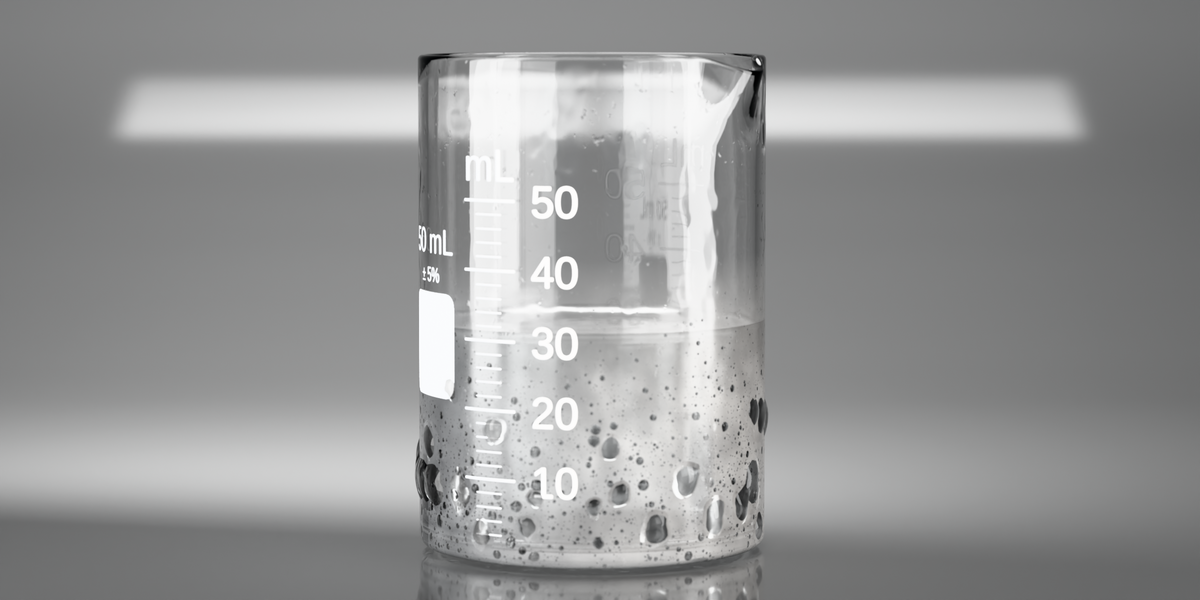
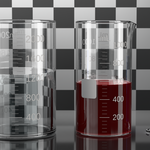
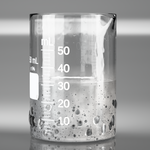
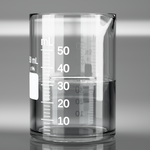
Surface starts with Condensation, which takes the glass from a fine misting low down, through the first beads around the middle, to large drops and the occasional run at the top, ending at that vessel's own liquid line. Droplet Size, Beading, Runs, 3D Droplets and Fogging (how milky the film between the drops is) shape it, and they gray out together while Condensation is 0, because at 0 there is nothing for them to shape. Glass Cleanliness is the micro-imperfection layer; spotless glass is the thing that reads as CG.
Stopper offers four, each sized to the mouth of the vessel it goes on: cork, black rubber, ground-glass joint, white screwcap.
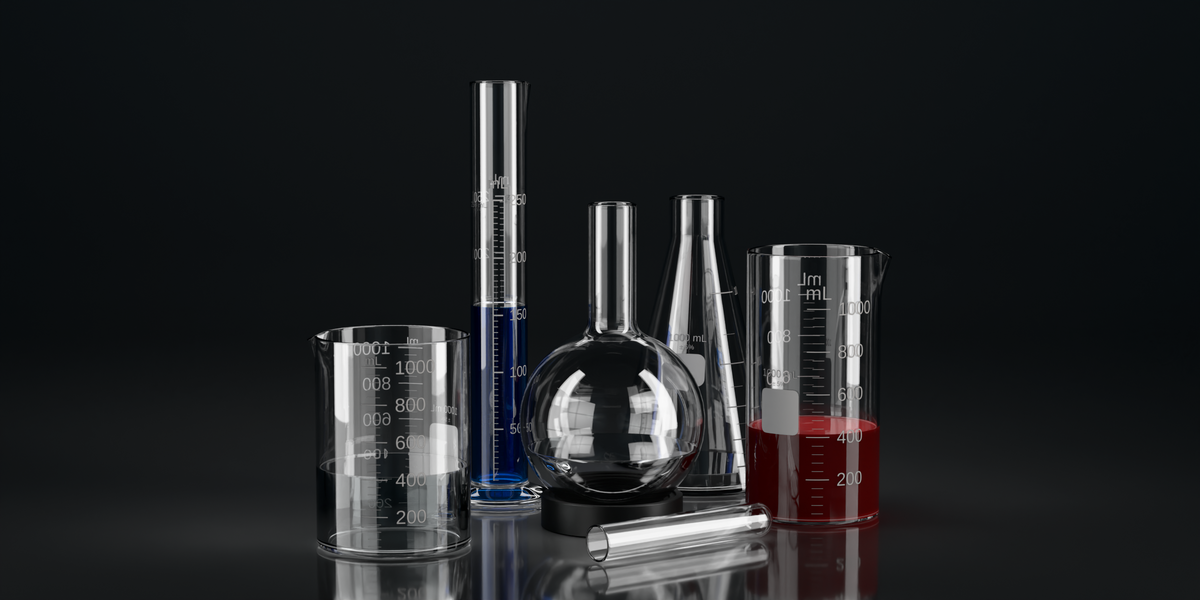
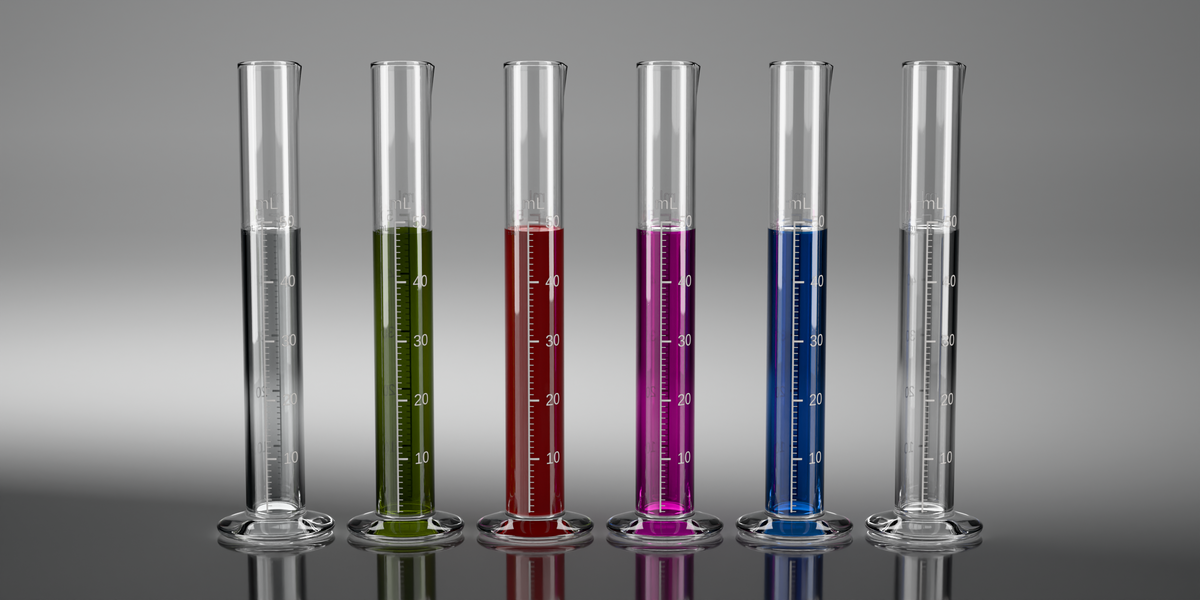
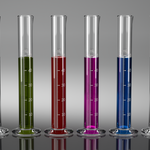
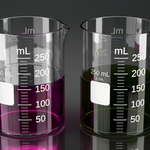
Material Presets holds three glass finishes (clear borosilicate, amber reagent, frosted) and six liquids (water, ethanol, olive oil, blood, copper sulfate CuSO₄ 0.25 M, potassium permanganate KMnO₄). The liquid colors come from real spectral absorption at a realistic concentration, so path length behaves: a 5 mL tube of permanganate reads lighter than a 5 L beaker of it. Blood is modeled as a scattering medium rather than a filter, which is why it comes out deep and dark instead of pink.
Painted Label: the graduation marks and mL numbers are baked to a per-vessel decal and re-baked when the volume changes. A free text slot takes "HCl 5 %" or "Sample A"; six fonts (three bitmap weights plus Liberation Sans, Serif and Mono); a mL ⇄ fl oz switch; and, when the scale carries the shot, the tick layout (symmetric or the left rail real graduated glassware uses), text size, major and minor tick length and thickness, the size-and-field block on or off, and a raised relief on the paint.
Studio & Render: Optimise Render Settings (Cycles) sets the deep transmission bounces, refractive caustics, sampling and denoise that glass needs; it asks first and leaves your camera's resolution and framing alone. Setup Studio Scene builds the rig: three calibrated area lights, emissive softbox cards, a curved sweep backdrop that carries the contact shadow, and a framed camera. Its redo panel offers two looks, Clean (bright high-key) and Contrast (dark hero). The four Studio World buttons (Clean, Warm, Dramatic Side-Lit, Procedural) pick the environment: with the rig standing each one relights the whole set to that look, and on a scene without the rig it swaps the World alone. Because a world button rebuilds the rig, tune the lights after you pick the world, not before. Reset Lights Only reinstalls the three-point rig and leaves your camera, world and backdrop untouched.
Advanced (Overrides) and Information are collapsed child panels: the raw material slots for anyone who wants them, and the version, the Blender minimum and the support address.
Engines
Cycles is what LabCraft is built for. The IOR, the nested-dielectric liquid and the caustics all behave there.
EEVEE Next is fine for fast viewport work and for the glass on its own. What it will not do is show the liquid through the glass at high transmission, because EEVEE does not sample volume absorption the way Cycles does. That is how EEVEE works rather than a bug, and no setting fixes it. Geometry, labels, glass and the fill-level animation behave the same in both.
Known limits in 1.0
- The meshes are render-grade: not game-optimized and not print-ready.
- Applying a scale (Ctrl+A → Scale) rebuilds the vessel at the catalog size for its volume rather than freezing the scaling in, so set the size with Volume. A stopper does not come along; add it again afterwards and it is rebuilt to fit.
- Boiling, foam, steam and one-click caustics are not part of this release.
If something looks wrong
- No panel? Press N in the 3D viewport and pick the LabCraft tab, and check the add-on is enabled in Preferences.
- Glass and liquid look flat or gray? The viewport is in Solid or Wireframe shading. The panel says so and offers a button that switches it.
- An old file looks broken? The modifier migrates itself on load. If it does not, use Panic Reset.
- Geometry looks stretched? The object has been scaled. Set the size with Volume instead.
Blender versions
LabCraft is kept working on the current Blender LTS release and the current stable release: 5.2 LTS today. A version counts as supported once the test suite has run on it, and a break caused by a new Blender release is fixed in a patch release. Older Blender versions are not supported.
Updates
Every 1.x release is included in the purchase: bug fixes, compatibility with new Blender versions, and new functionality that fits within version 1. The price rises for new buyers as substantial functionality is added, and a future major version of substantially larger scope may be offered as a separate product, with a discount for owners of version 1.
Support
Email [email protected], or message through the store. First reply within 3 working days, usually faster, for twelve months from the date of purchase.
License
GPL-2.0-or-later, the same license as Blender itself, which any add-on that imports bpy has to be. The geometry, materials and renders you create with it are yours: commercial use, no attribution, no royalties. If you redistribute the source, your distribution stays GPL.
Bundled assets carry their own, more permissive licenses: three Poly Haven studio HDRIs under CC0 1.0, and the Liberation font family under the SIL Open Font License 1.1. Full detail in CREDITS.txt inside the download.
-
$29
For one person. The add-on, the user manual as a PDF, and every 1.x update.
-
$99
For a team of up to five people. The add-on, the user manual as a PDF, and every 1.x update.
Have questions about this product?
Login to message
| Blender Extension Compatible | Yes |
| Published | 15 days ago |
| Blender Version | 5.2 |
| Render Engine Used | Cycles |
| License | GPL |
Discover more products like this
procedural Glass beaker scientific illustration flask test tube labcraft liquid chemistry laboratory geometry nodes glassware