 Pyndax
Can I use the renders commercially?
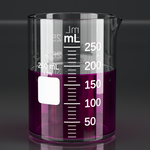
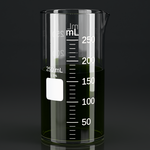
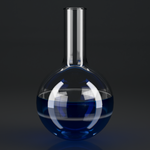
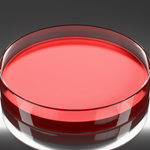
Yes. The geometry, the materials, and the renders you make with LabCraft are
yours, for commercial use, with no attribution and no royalties. The GPL covers
the add-on's source code, not what you produce with it, so LabCraft output can
go into film, games, products, teaching material, or a scientific publication
without further licensing. If you redistribute the source itself, modified or
not, your distribution stays GPL.
What does the purchase include, and what do updates cost?
Every 1.x release is included: bug fixes, compatibility with new Blender
versions, and new functionality that fits within version 1. The price rises for
new buyers as substantial functionality is added, which does not affect a
purchase already made. A future major version of substantially larger scope may
be offered as a separate product, with a discount for owners of version 1.
How do I install it, and how do updates arrive?
Drag the zip onto the Blender window, or use Edit > Preferences > Add-ons >
Install from Disk and pick it. LabCraft is a packaged extension rather than a
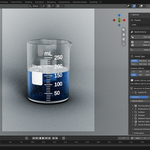
legacy add-on, so it enables itself. Press N in the 3D viewport and open the
LabCraft tab.
Which Blender versions does it work with?
Blender 5.2 LTS and newer. 5.2.0 is the minimum the extension declares and the
version the test suite runs on. LabCraft is kept working on the current LTS
release and the current stable release, and a break caused by a new Blender
release is fixed in a patch release. Older Blender versions, the 4.x series
included, are not supported.
Which render engine do I need?
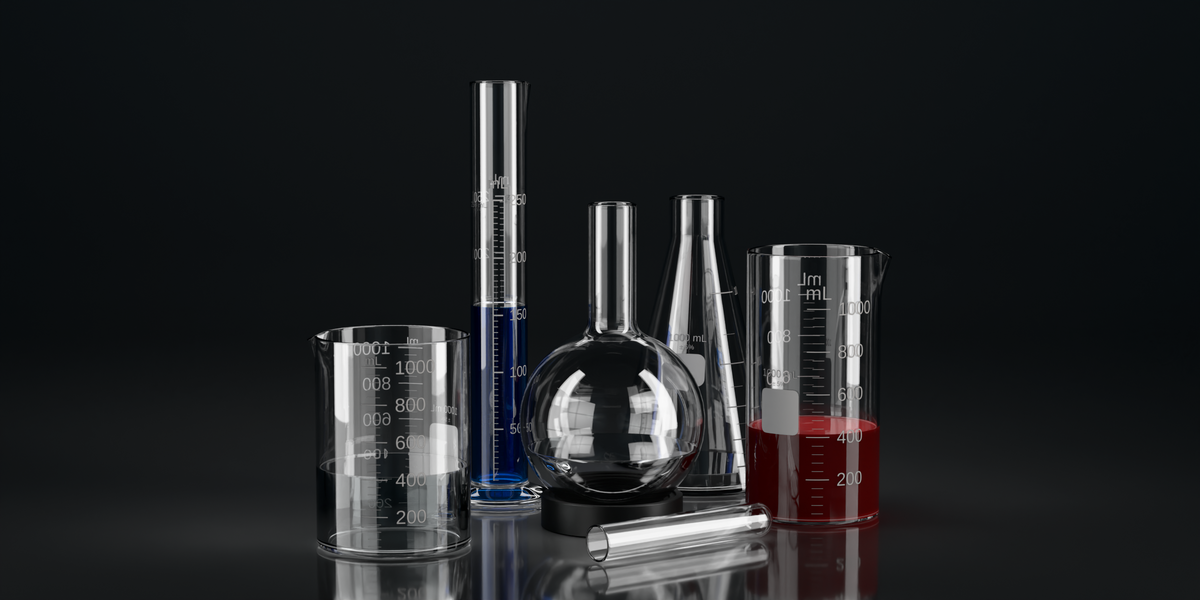
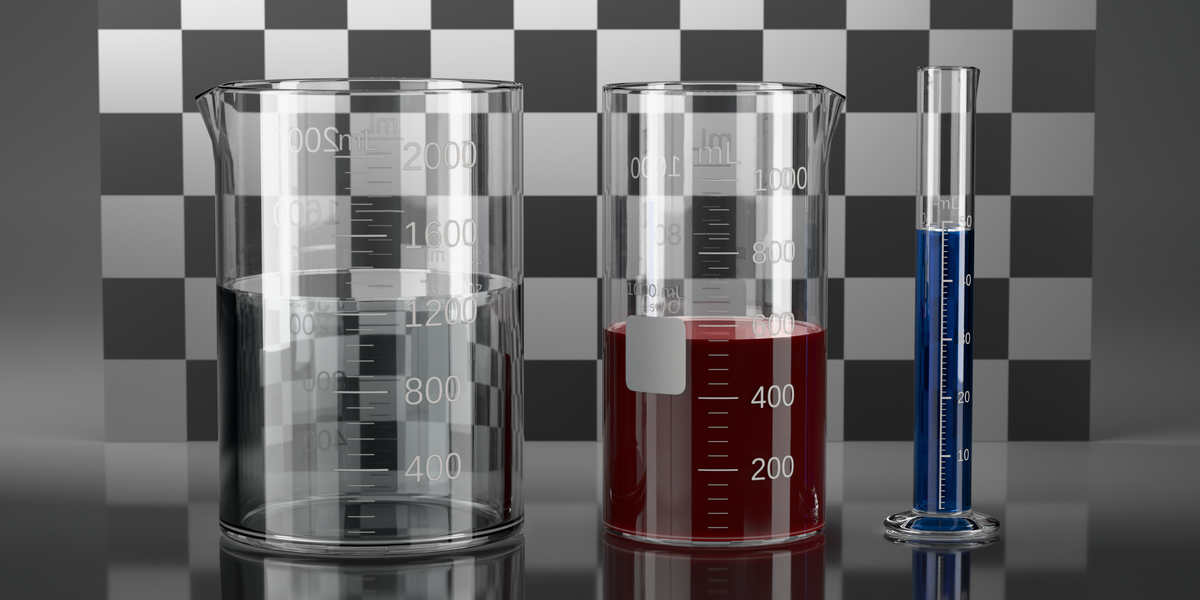
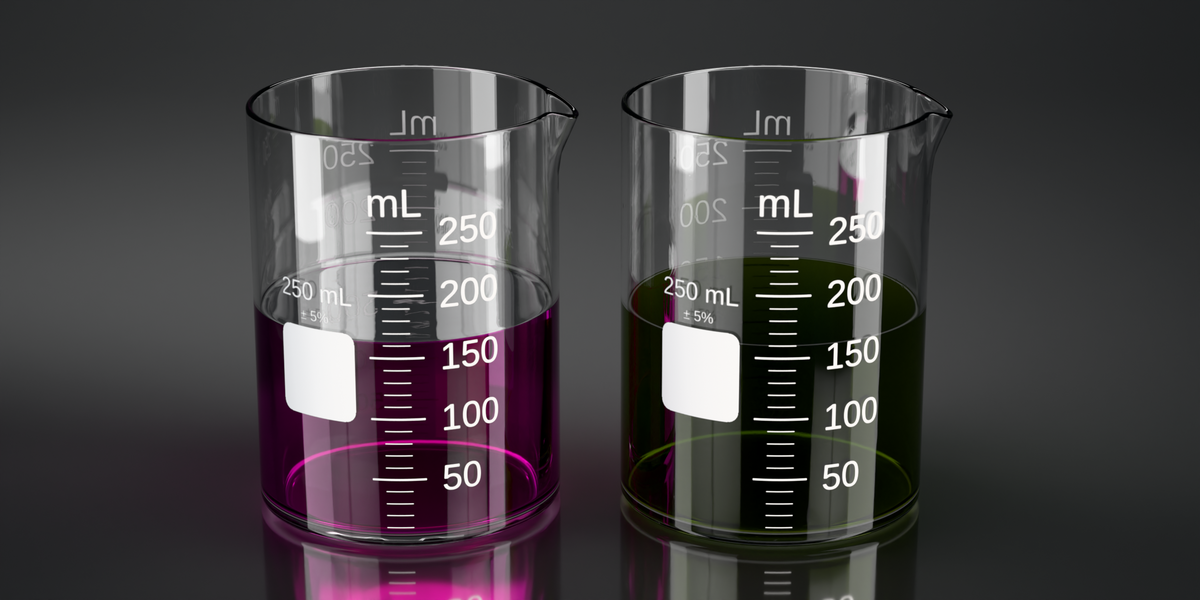
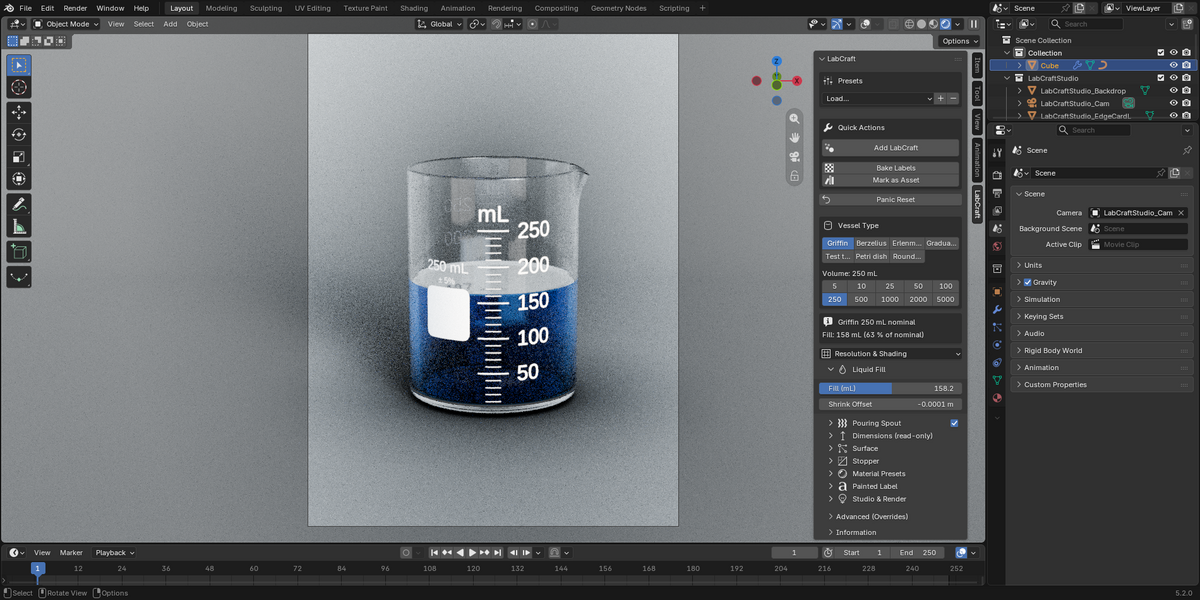
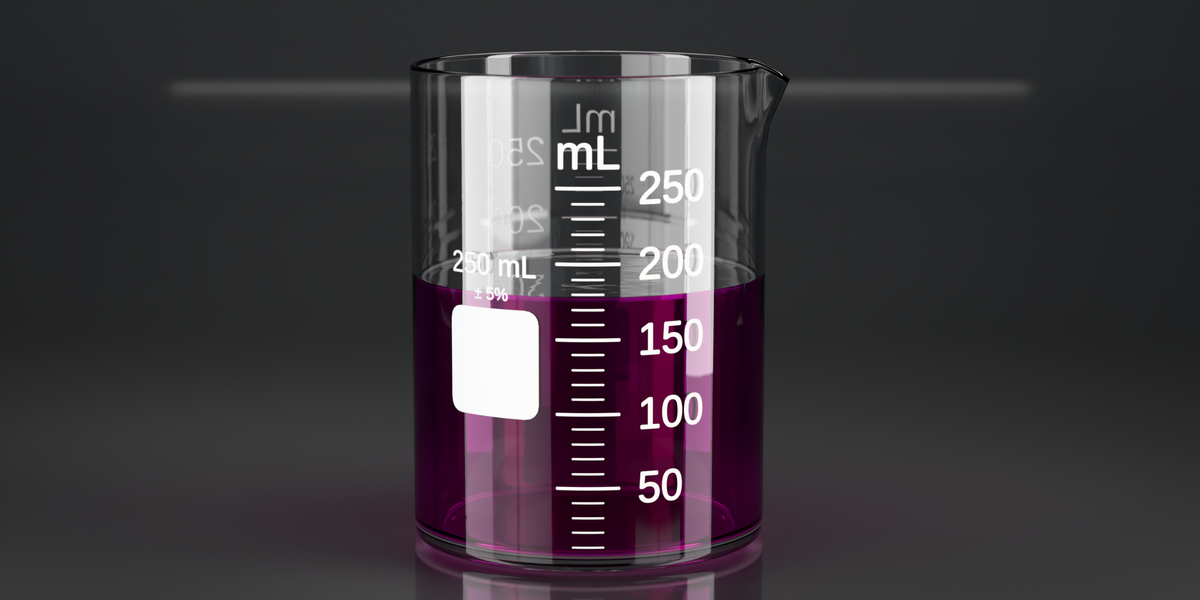
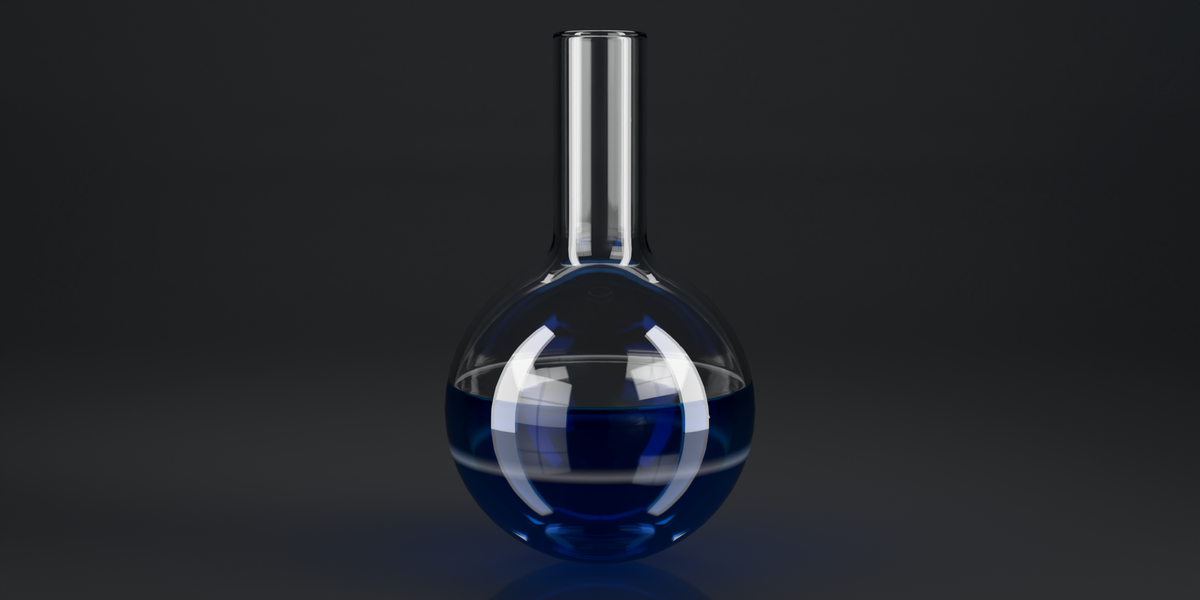
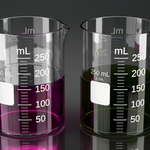
Cycles is the engine LabCraft is built for. The IOR, the nested-dielectric
liquid, and the refractive caustics all behave there, and the presets are tuned
for photoreal stills.
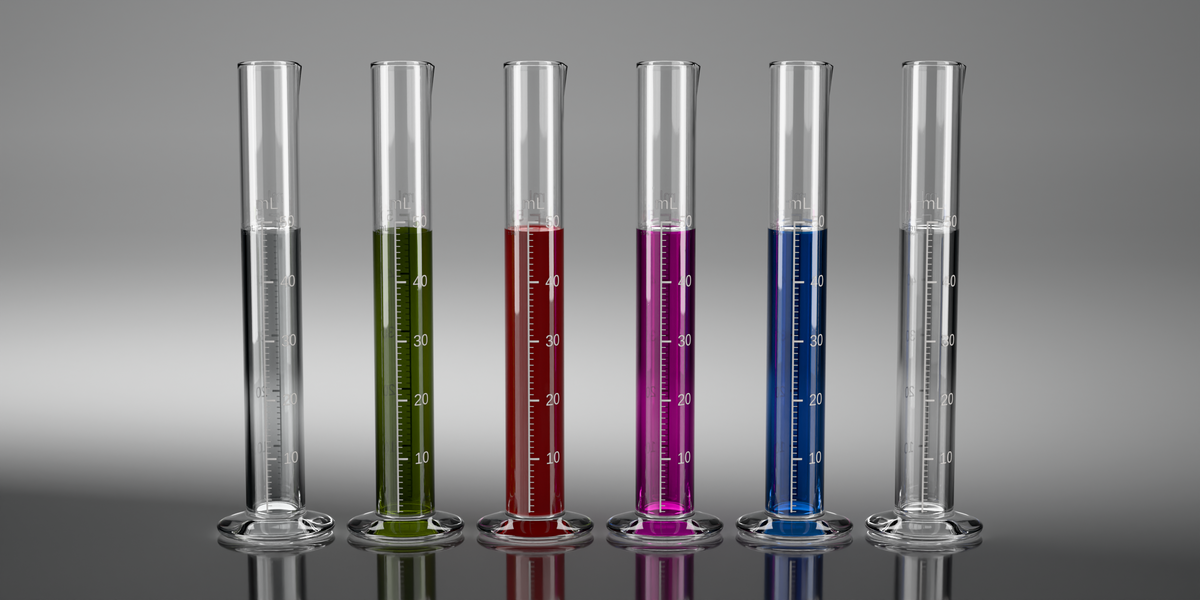
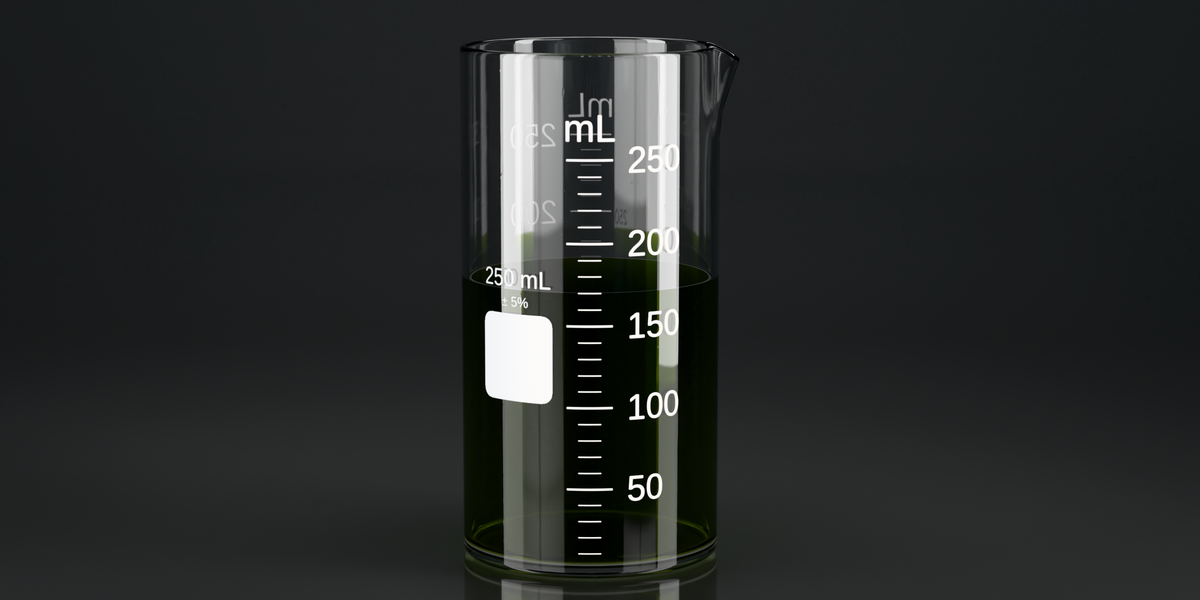
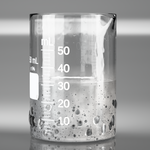
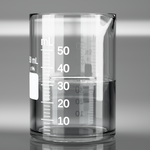
EEVEE Next is fine for fast viewport work and for the glass on its own.
Geometry, labels, glass, and fill-level animation behave the same in both
engines, and the liquid keeps a surface tint computed from the same absorption
data at a typical 50 mm path. What EEVEE will not do is show the liquid through
the glass at high transmission, because it does not sample volume absorption
along refracted paths the way Cycles does. That is how EEVEE works rather than a
bug in the add-on, and no setting fixes it, so use Cycles for any shot where the
liquid has to read through the glass.
liquid, and the refractive caustics all behave there, and the presets are tuned
for photoreal stills.
EEVEE Next is fine for fast viewport work and for the glass on its own.
Geometry, labels, glass, and fill-level animation behave the same in both
engines, and the liquid keeps a surface tint computed from the same absorption
data at a typical 50 mm path. What EEVEE will not do is show the liquid through
the glass at high transmission, because it does not sample volume absorption
along refracted paths the way Cycles does. That is how EEVEE works rather than a
bug in the add-on, and no setting fixes it, so use Cycles for any shot where the
liquid has to read through the glass.
-
$29
For one person. The add-on, the user manual as a PDF, and every 1.x update.
-
$99
For a team of up to five people. The add-on, the user manual as a PDF, and every 1.x update.
Have questions about this product?
Login to message
| Blender Extension Compatible | Yes |
| Published | 15 days ago |
| Blender Version | 5.2 |
| Render Engine Used | Cycles |
| License | GPL |
Discover more products like this
laboratory geometry nodes liquid glassware Glass labcraft beaker procedural flask chemistry scientific illustration test tube