 Sonneblom Digitaal
What it does
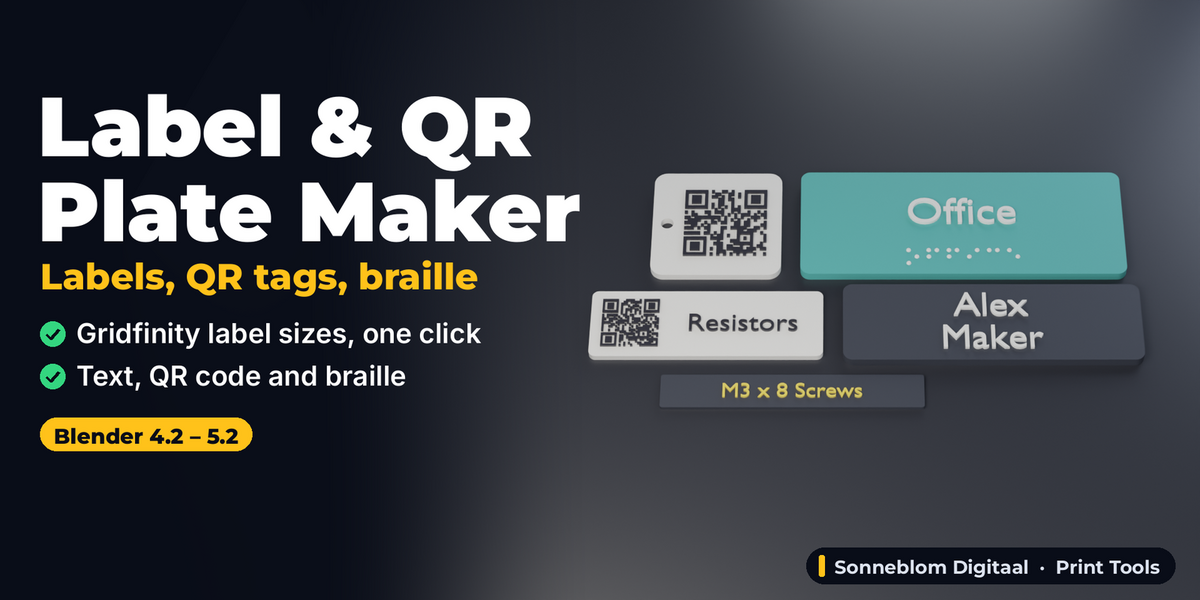
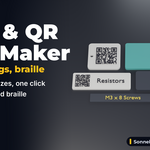
Pick a preset, type your text, and get a print-ready label plate. Gridfinity labels (1, 2 and 3 units), desk nameplates, QR tags with a hang hole, drawer labels with a QR code, braille door signs and fridge labels with magnet pockets. Change any setting afterwards and the same objects rebuild in place.
Who it's for
Makers who organise with Gridfinity or drawers, small shops and offices that need name and room signs, and anyone who wants a QR tag for a box, a tool or a plant, without drawing it by hand.
Key features
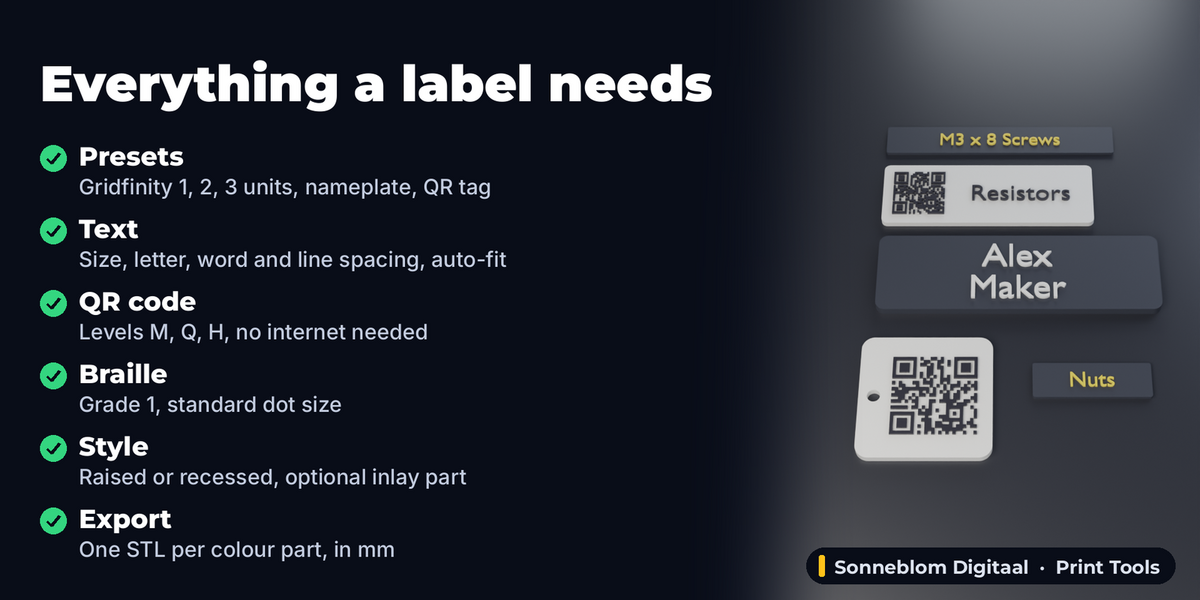
- Presets: Gridfinity label 1 / 2 / 3 units, desk nameplate, QR tag, drawer label with QR, braille sign, fridge label. Every value stays editable (the Gridfinity sizes are common label-shelf sizes: measure your own bins and adjust).
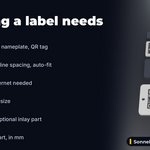
- Text: size, auto-fit, left / centre / right, letter spacing, word spacing, line spacing, your own font file, several lines with |.
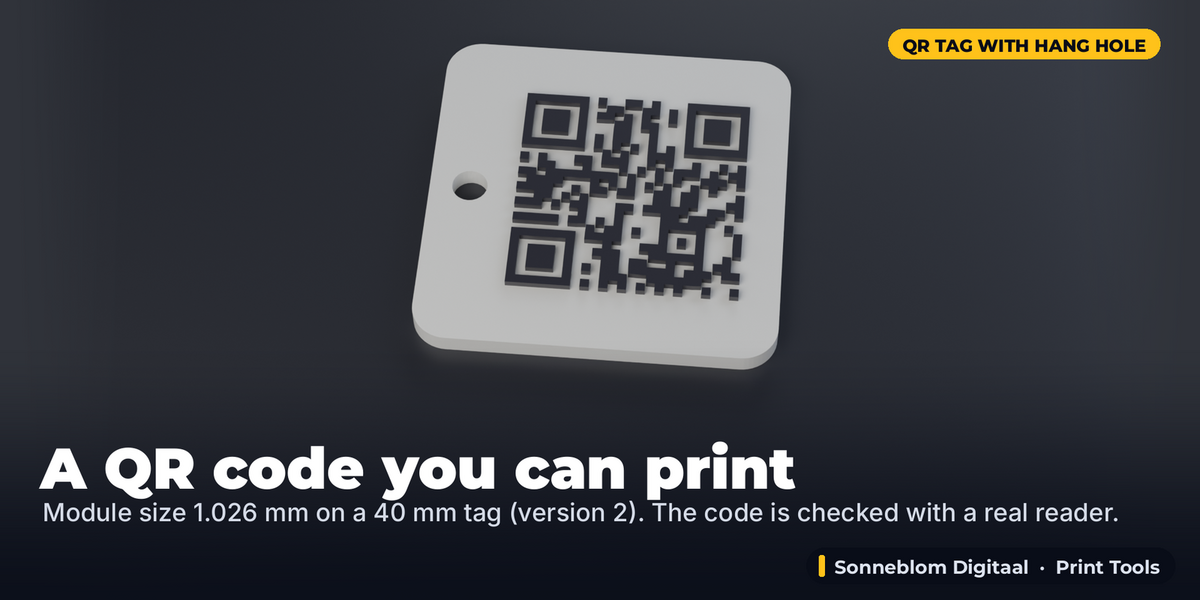
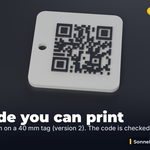
- QR code: built in, no internet and no extra software; levels M, Q and H; left or right of the text. The panel shows the module size and warns when it is too small to scan.
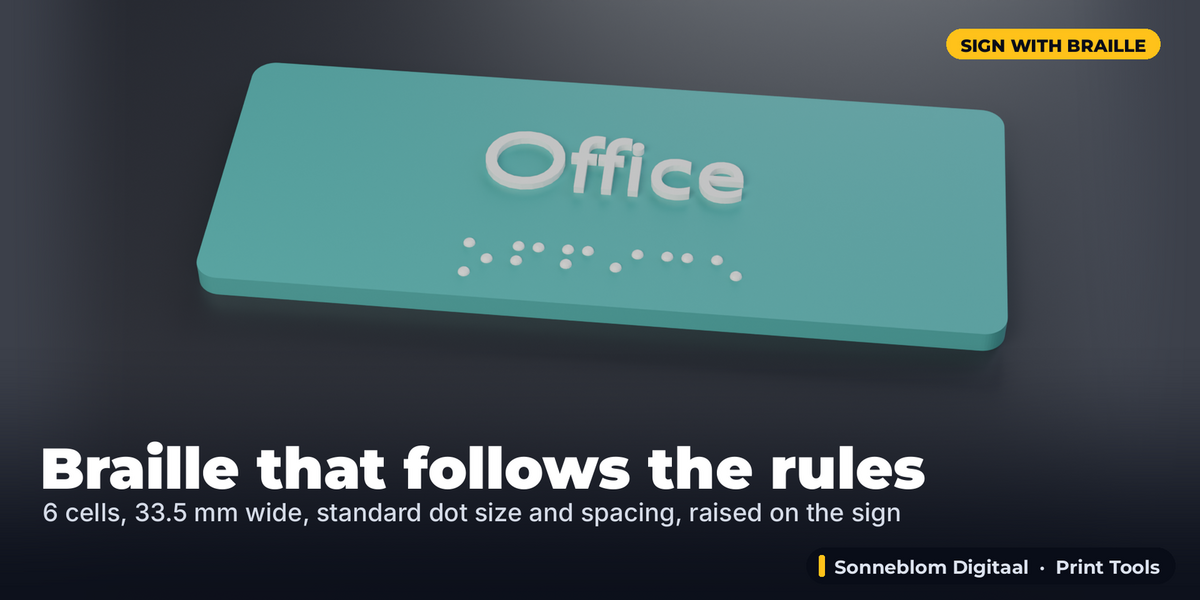
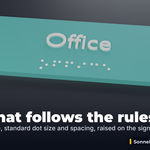
- Braille: grade 1 (letter by letter), standard dot size and spacing, raised along the bottom of the plate.
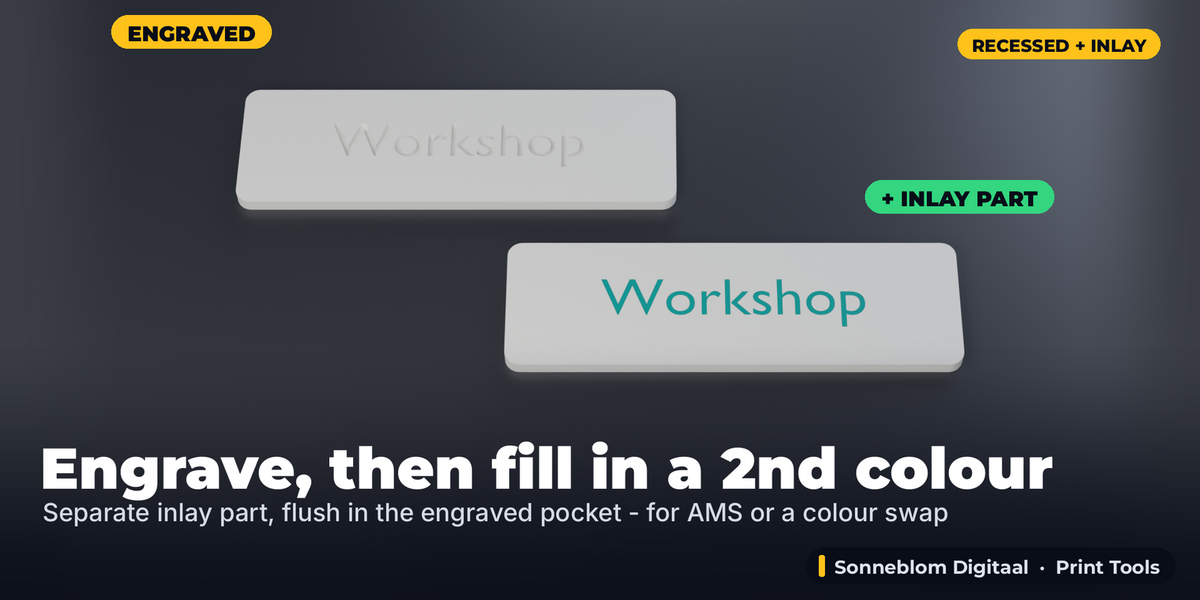
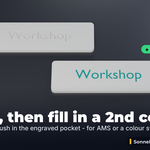
- Raised or recessed: raised text, or engraved text with a separate Inlay part that fills the pocket, for a second colour on a multi-material printer.
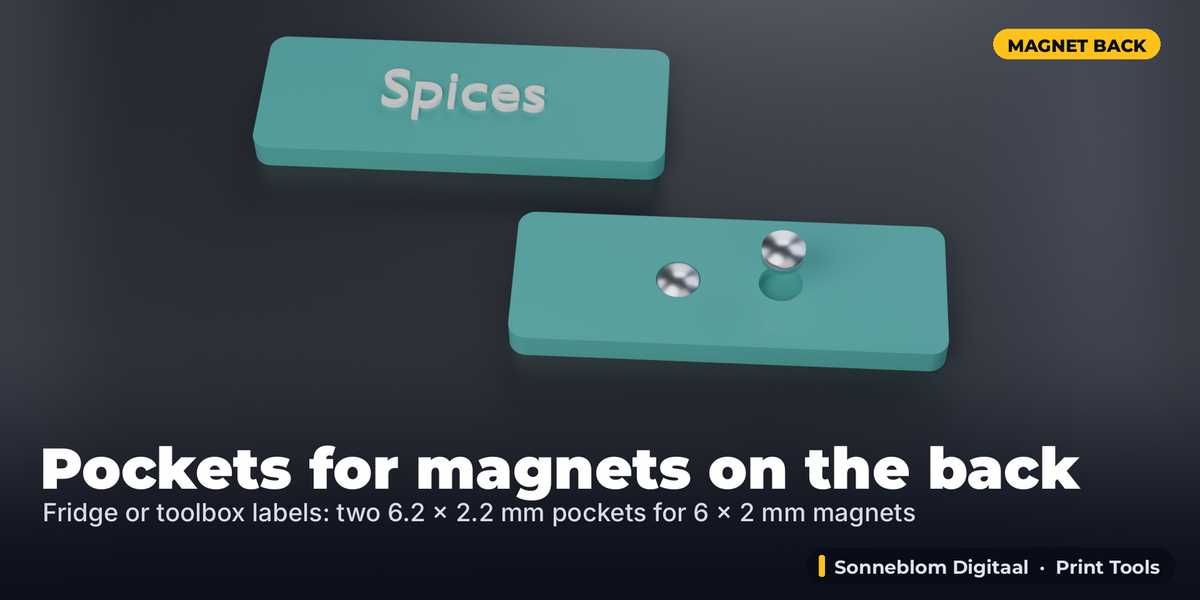
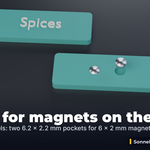
- Hang hole and magnet pockets: a keyring hole, and 1 or 2 round pockets on the back for 6 x 2 mm magnets.
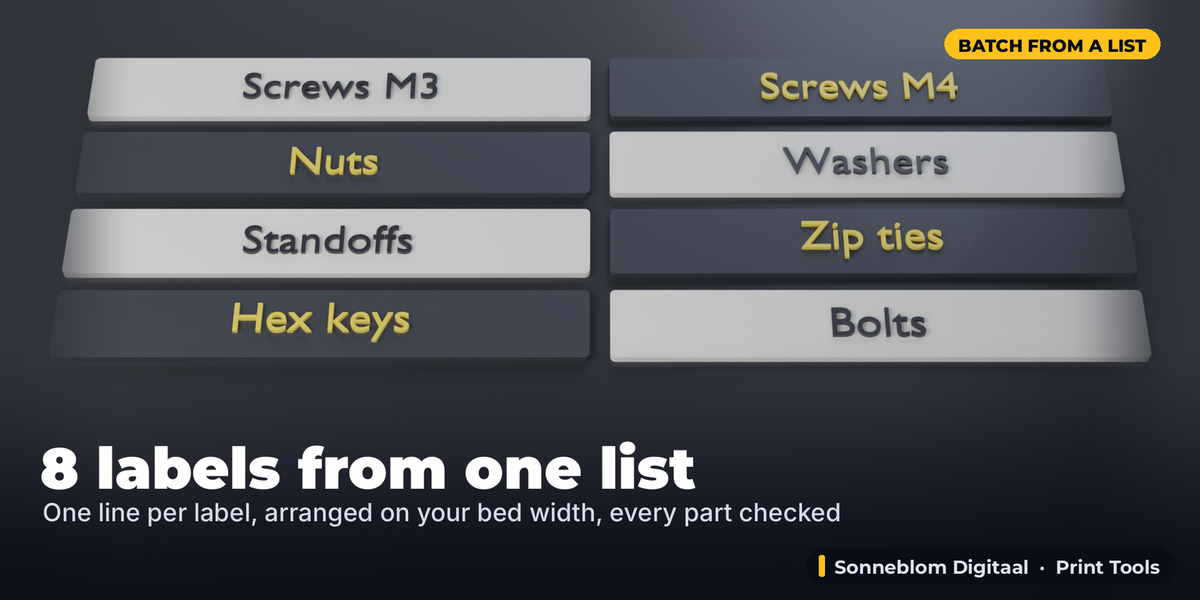
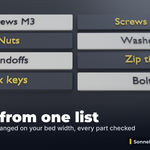
- Batch: one label per line of a text list (line = text, or text | QR text), arranged on your bed width.
- Export: one STL per part in millimetres, so each colour is its own file.
- Checked: every part is tested for open and pinch (non-manifold) edges after every rebuild, the way a slicer reads the STL, and the result is shown in the panel. QR modules that only touch at a corner are joined (recessed) or split by a few hundredths of a mm (raised), so the STL stays manifold.
How to use
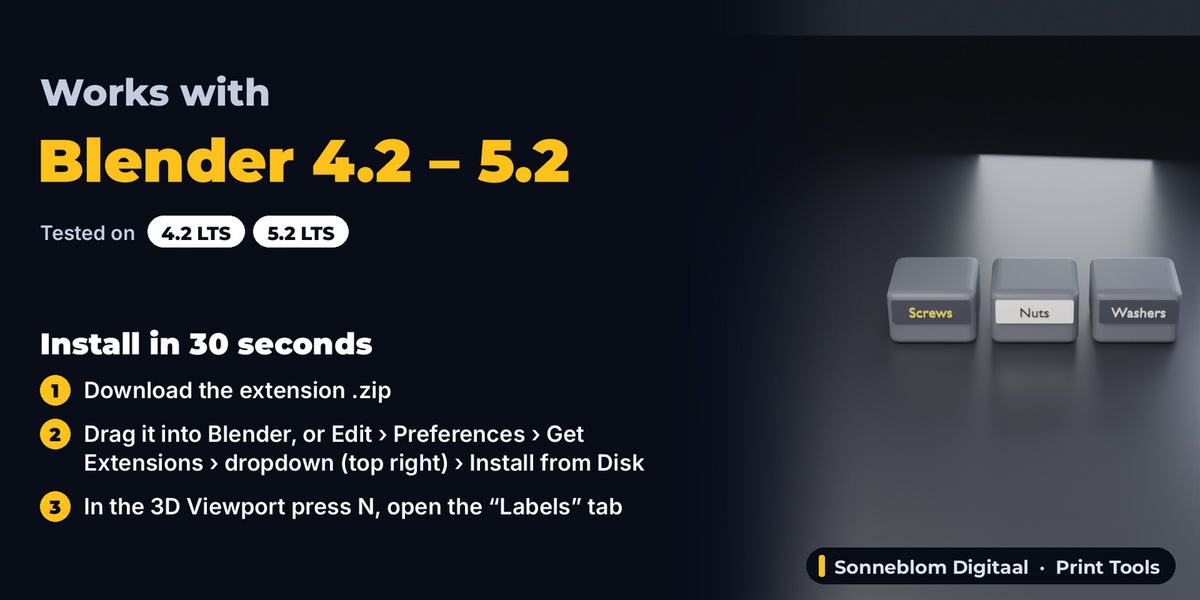
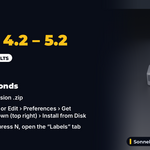
- Open the sidebar (N) > Labels and press New Label.
- Choose a preset and type your text (and QR text or braille if you want them).
- Adjust size, spacing, raised / recessed, hole or magnets: the label updates live.
- Press Export STL, or Make Labels from List for a whole drawer at once.
Compatibility
Blender 4.2 LTS or newer, tested on 4.2 LTS and 5.2 LTS (5.1 is expected to work but is not part of our test run). Windows, macOS and Linux.
Good to know
- QR codes hold up to about 100 characters at level H and about 200 at level M. Dark modules are the printed part: print the QR in a dark colour on a light plate (or the reverse for recessed with a light inlay) for good contrast.
- Very small QR modules (under 0.4 mm) are flagged as hard to print and scan. Enlarge the plate or shorten the text.
- Braille is grade 1 (uncontracted) English and always raised. Capitals get one capital sign per letter (no capital-word sign). Check local signage rules before using it on public signs.
- Magnet pockets need a plate at least 3 mm thick (pocket 6.2 x 2.2 mm); the add-on tells you when the plate is too thin.
Support
Questions or a bug? Use the Superhive product page messages and we reply within a day.