Label & QR Plate Maker
 Sonneblom Digitaal
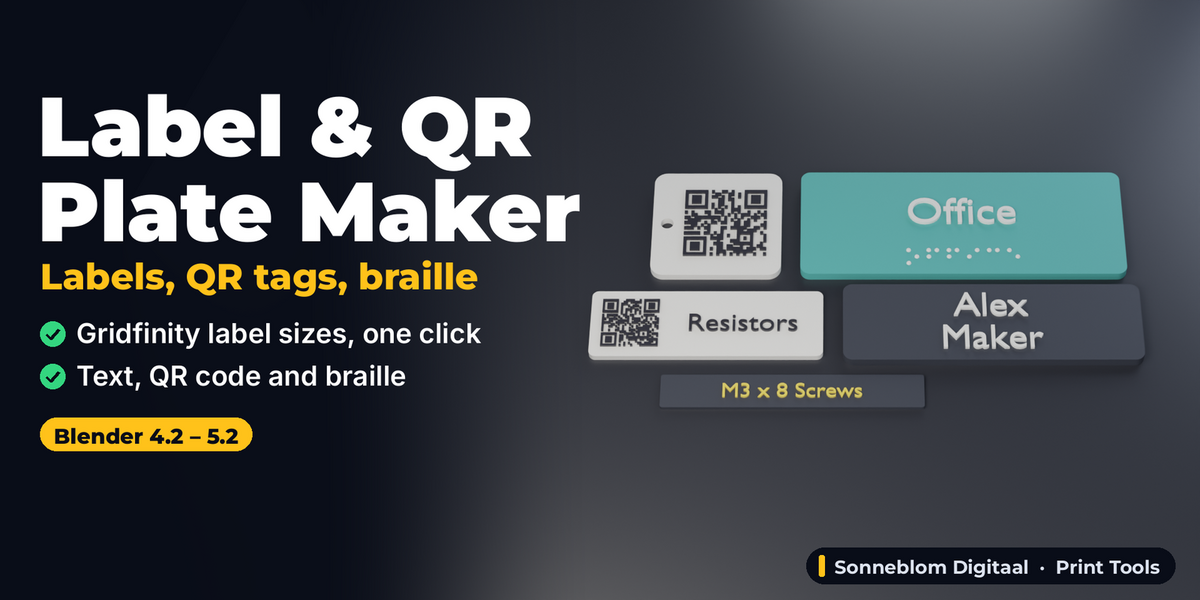
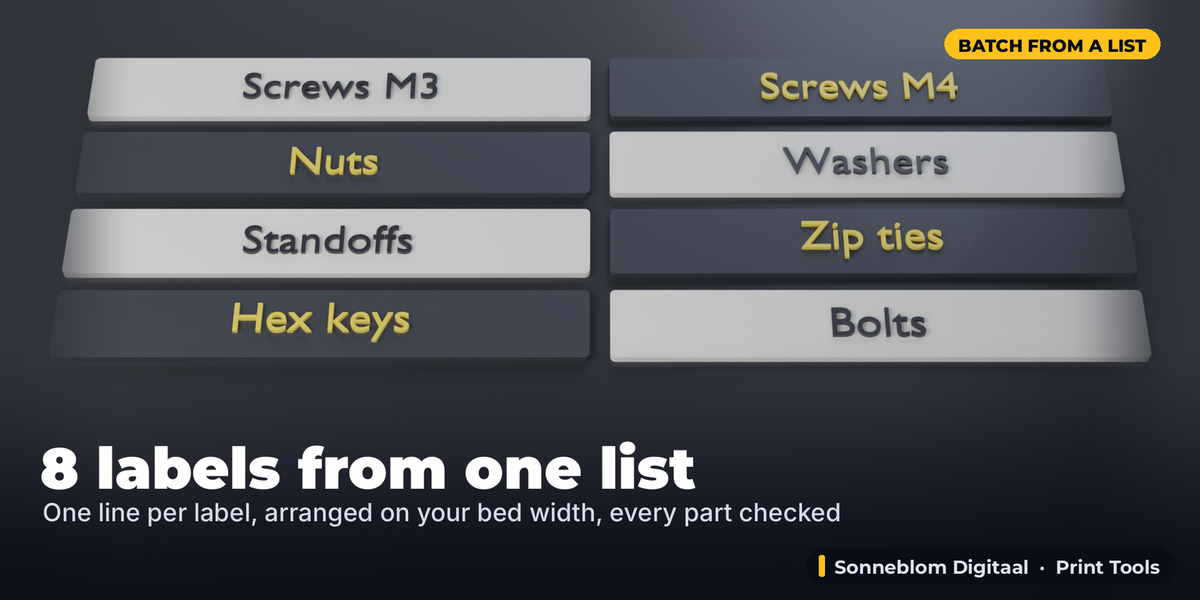
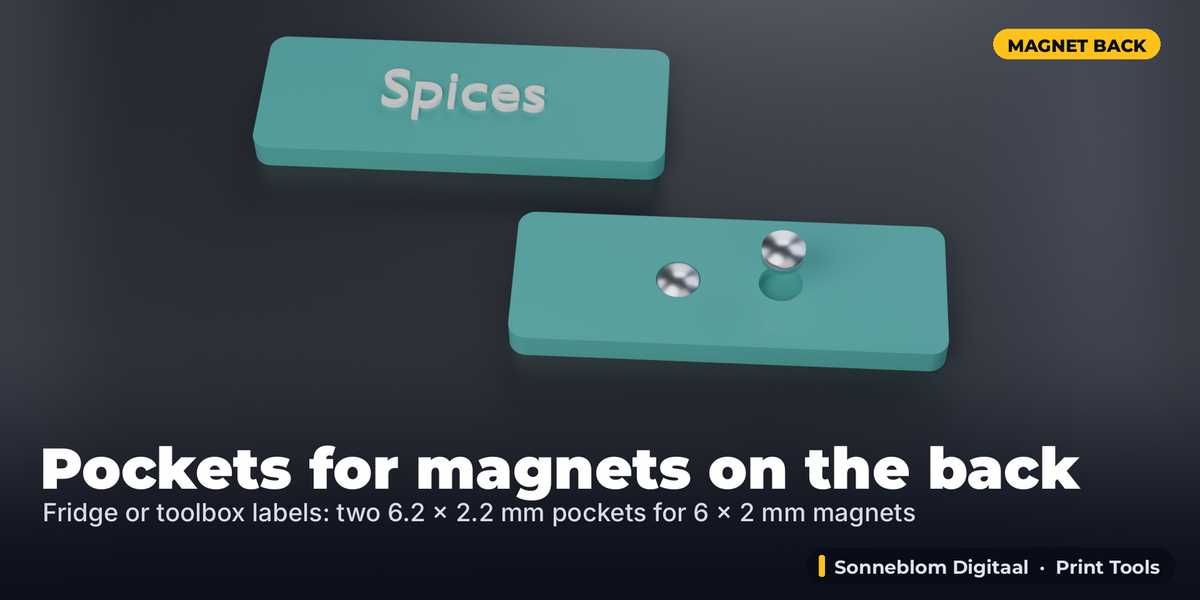
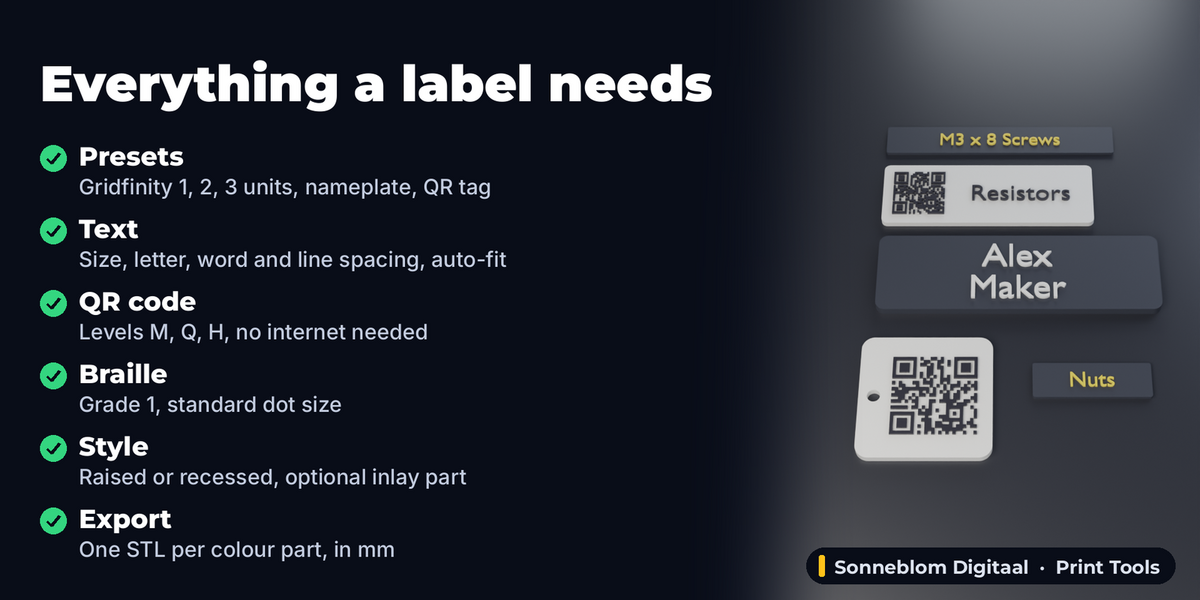
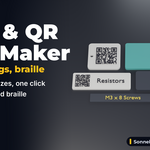
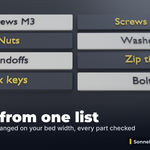
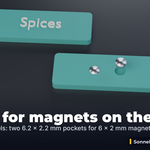
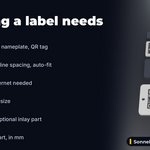
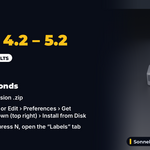
The presets use common label-shelf sizes (36, 78 and 120 mm long, 11.6 mm high). Bin designs differ a little, so measure your shelf and type the size: every value is editable and the label updates at once.
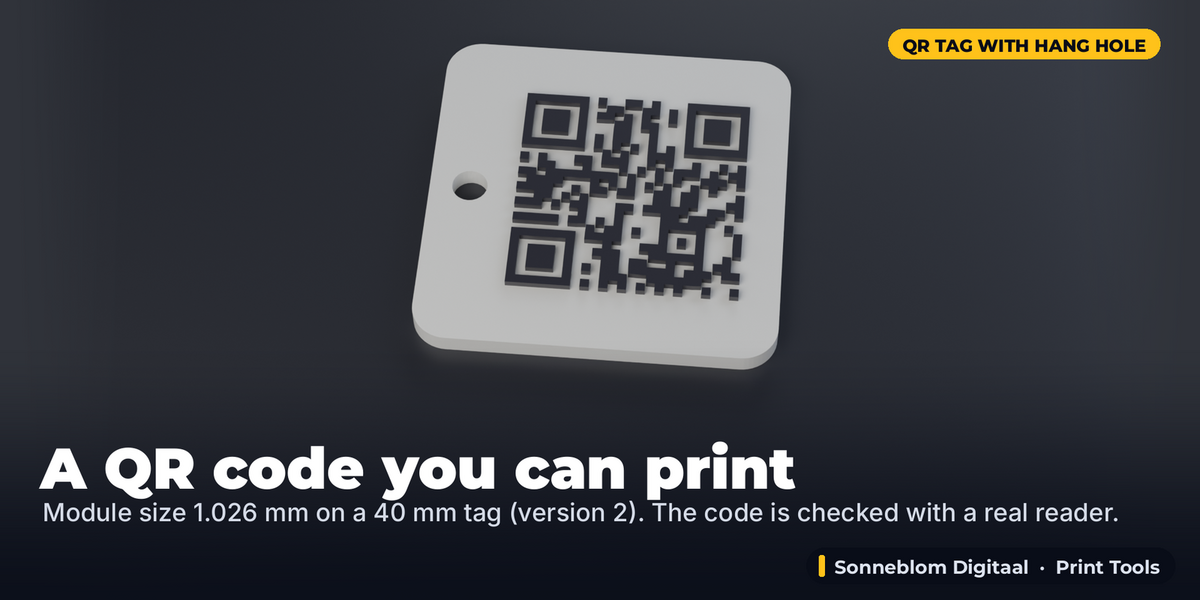
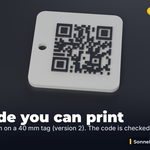
Yes. The encoder is built in and every release is checked by decoding generated codes with a real reader. Keep modules at least 0.4 mm (the panel warns) and use good contrast between plate and code.
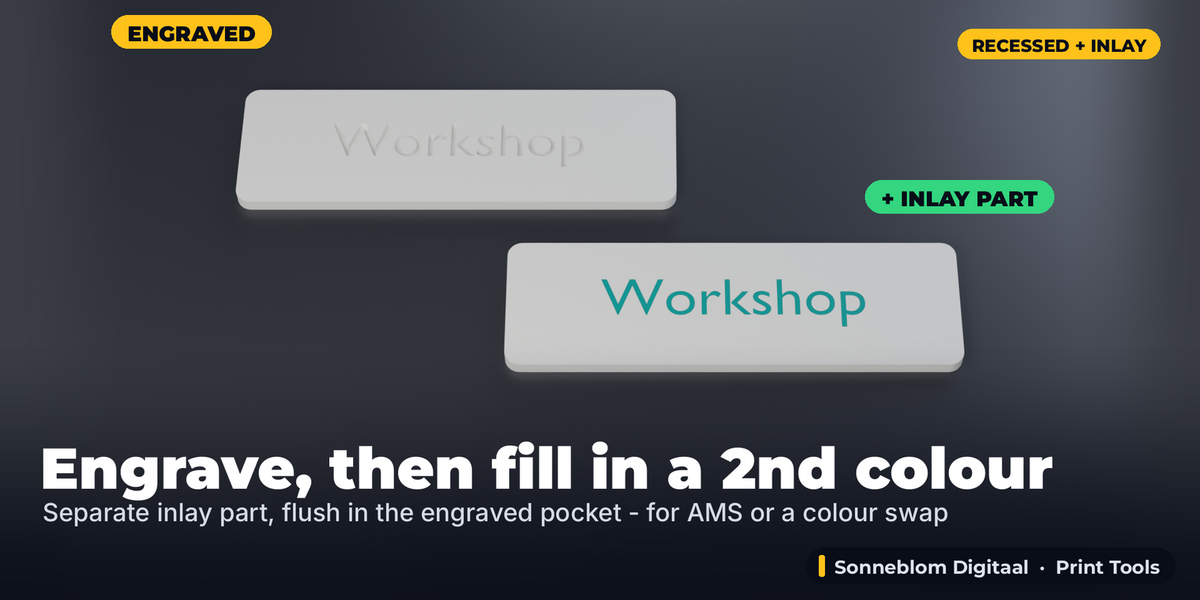
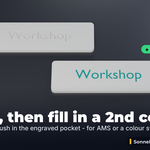
Yes. Plate and content are separate objects. For engraved labels switch on Inlay part to get a separate filler part. Export gives one STL per part.
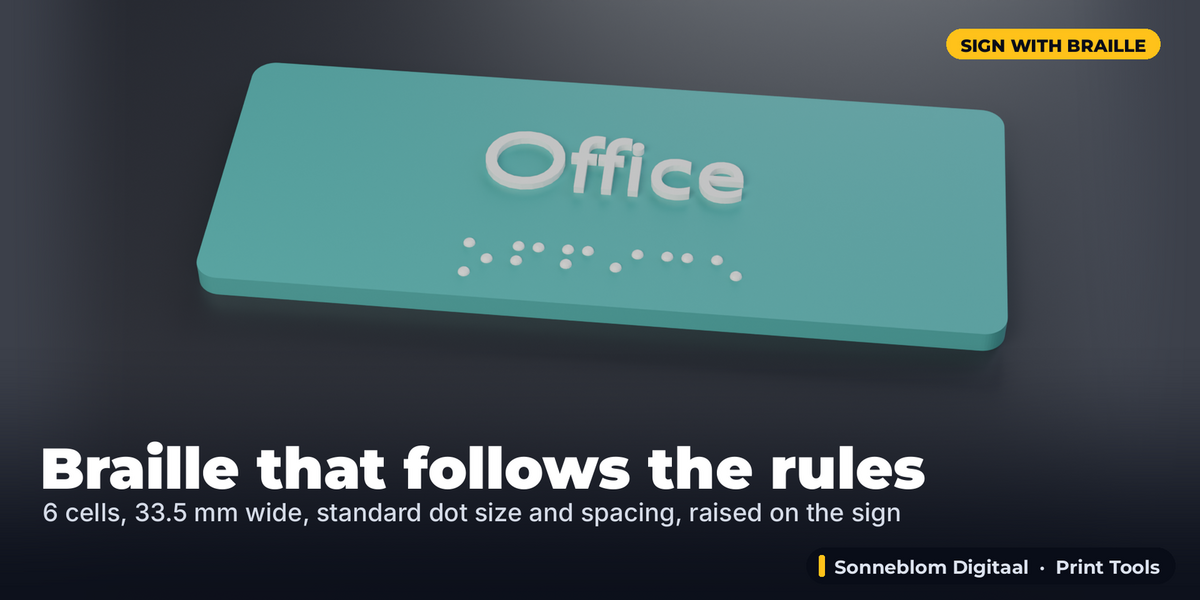
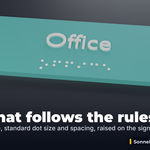
It is grade 1 (letter by letter) English braille with number and capital signs (one capital sign per capital letter), standard dot size and spacing. It is always raised. Check local rules before using it on public signs.
No. Everything runs inside Blender with no extra downloads.
Change any setting in the panel and the label rebuilds in place, no restart. Ctrl+Z undoes it. F9 right after New Label lets you adjust the preset and text.
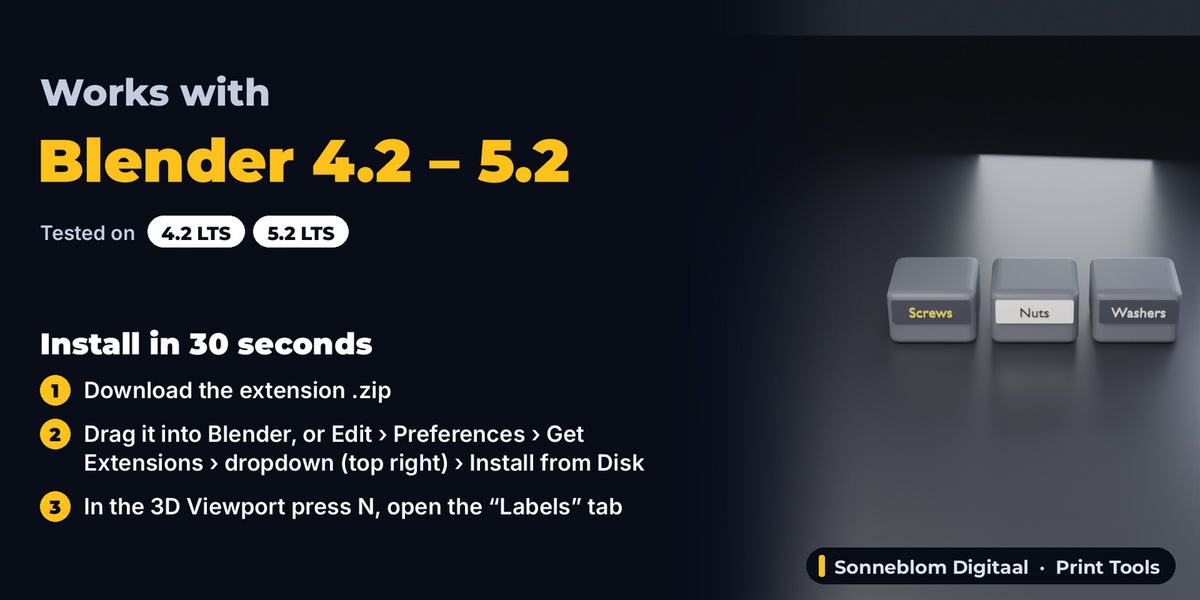
Blender 4.2 LTS or newer. Tested on 4.2 LTS and 5.2 LTS.
Have questions about this product?
Login to message
| Blender Extension Compatible | Yes |
| Published | 1 day ago |
| Blender Version | 4.2 - 5.2 |
| Extension Type | Add-on |
| License | GPL |
Discover more products like this
braille gridfinity multicolor 3d printing nameplate label maker qr code