Label & QR Plate Maker
 Sonneblom Digitaal
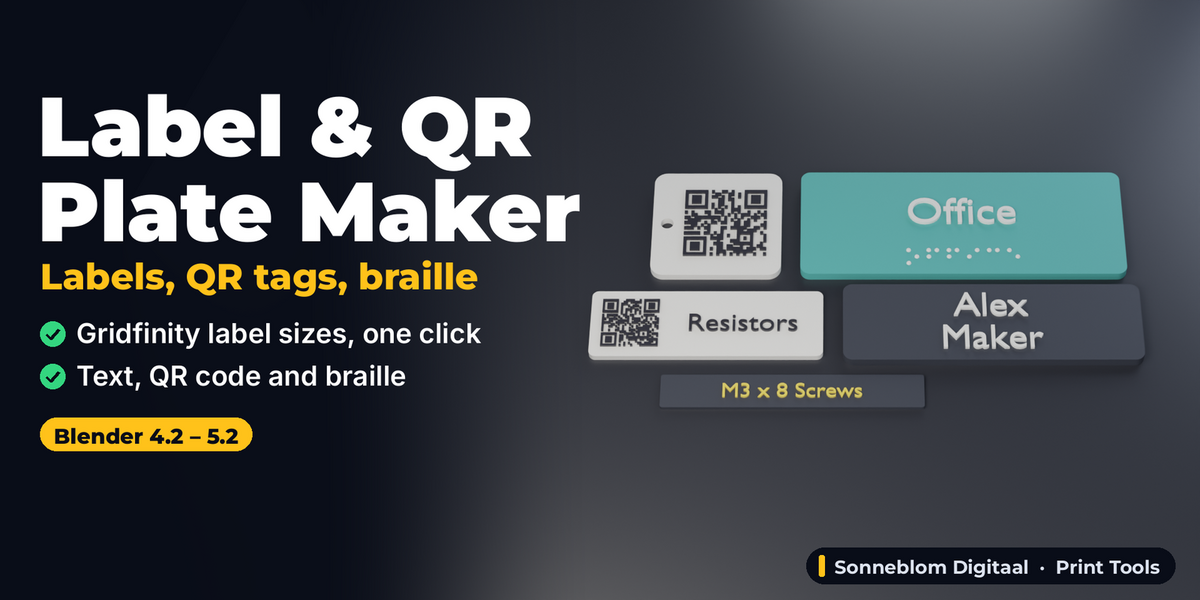
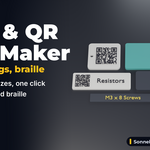
Label & QR Plate Maker 1.0
Install
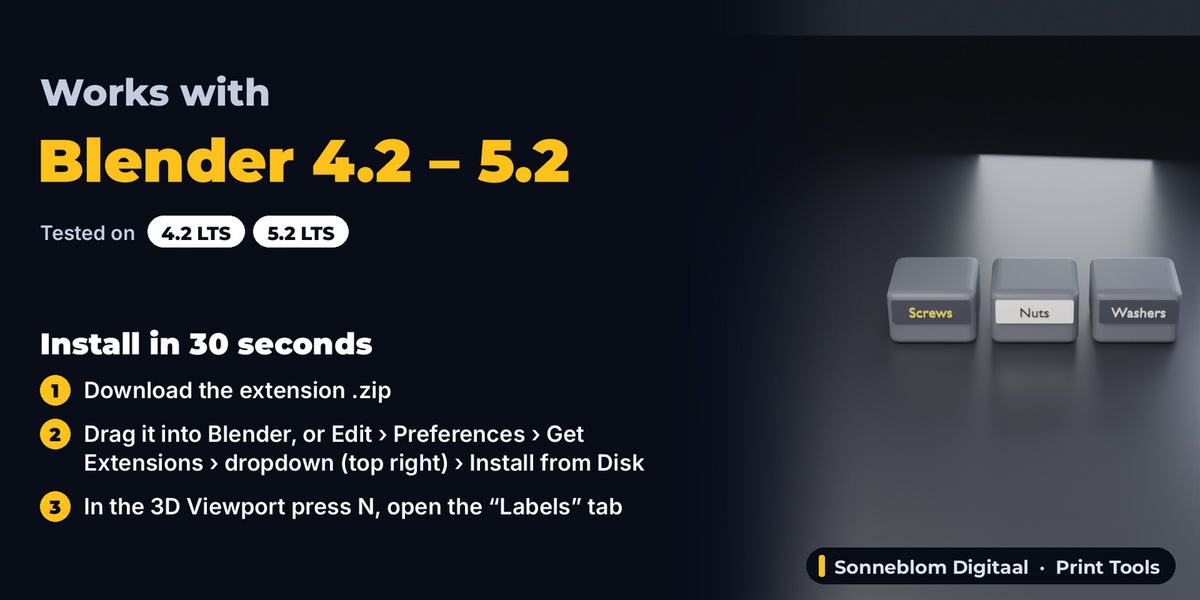
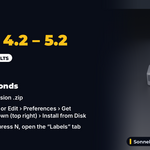
Extension zip: Edit > Preferences > Get Extensions > (top-right dropdown) Install from Disk, or drag the zip into Blender. Legacy zip (Blender 4.2 add-on style): Edit > Preferences > Add-ons > Install from Disk. Then press N in the 3D Viewport: the Labels tab.
Make a label
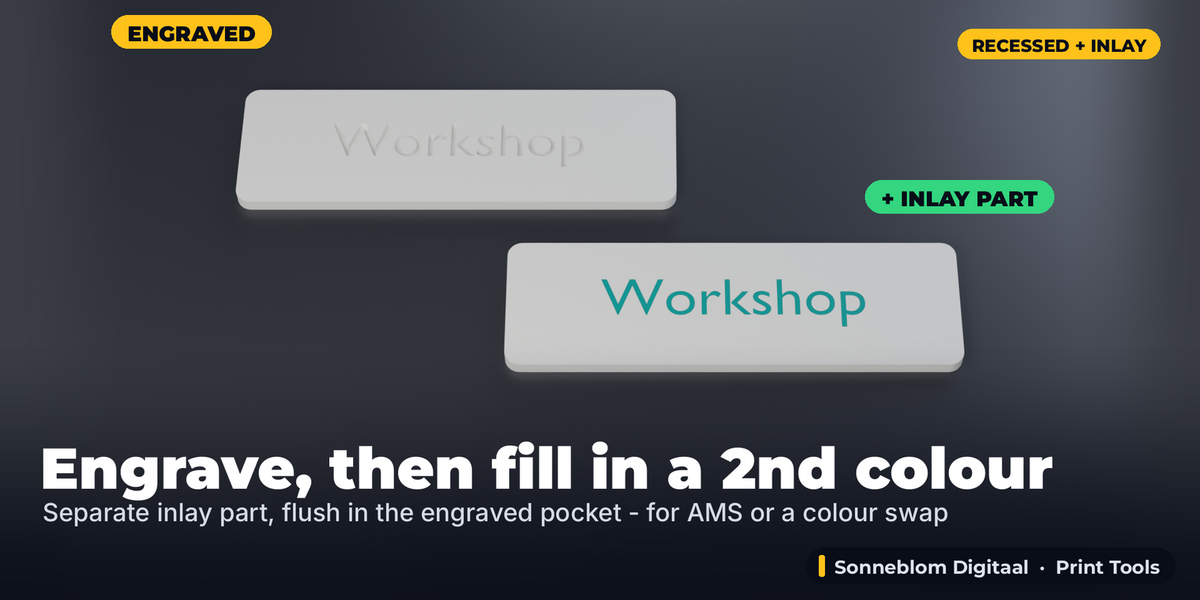
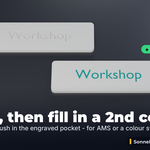
Press New Label (it appears at the 3D cursor). The plate is the object called Label. Raised text, raised QR and braille are the child Content object; with Recessed the text and QR are cut into the plate itself (no Content part unless you use braille), and Inlay adds an Inlay part. an engraved label with Inlay on also has an Inlay child. Select any of them and the panel shows the label's settings.
Settings (defaults of the Gridfinity 1 unit preset)
| Setting | Default | What it does |
|---|---|---|
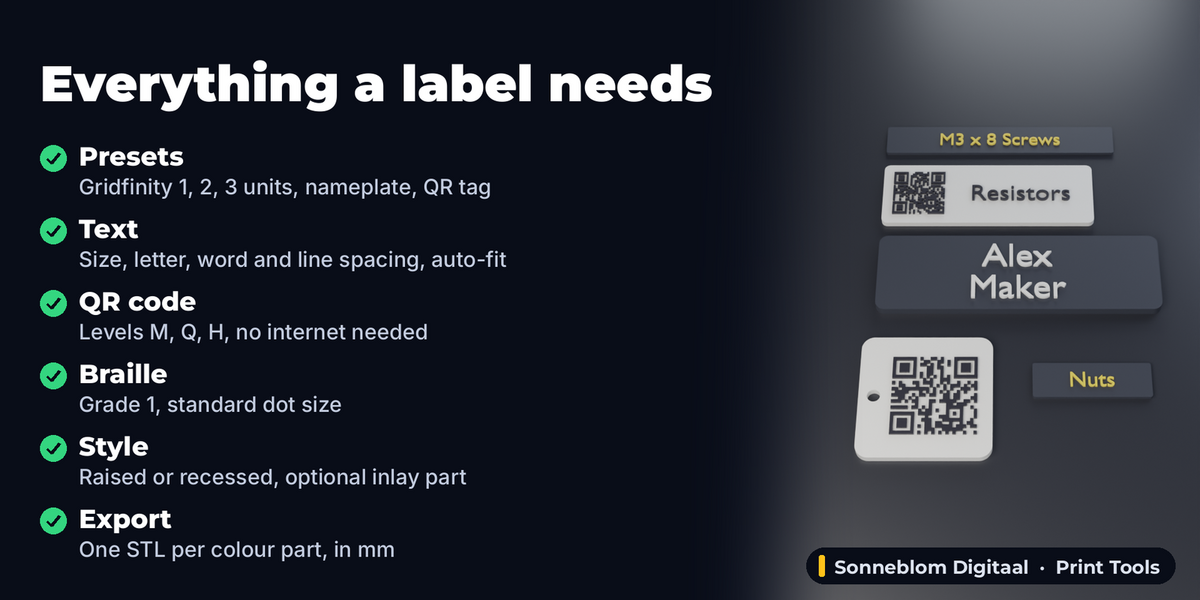
| Width x Height | 36 x 11.6 mm | Plate size |
| Thickness | 1.2 mm | Plate thickness |
| Corner radius / Margin | 0.8 / 1.0 mm | Rounded corners; free border around the content |
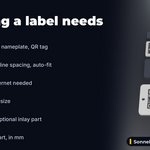
| Text size | 7 mm | Text size when Auto-fit is off (default); the text only shrinks if it would not fit. With Auto-fit on, the text fills the whole free area and Text size is ignored |
| Letter / Word / Line spacing | 1.0 | Kerning-style control (1 = font default) |
| Style, Depth | Raised, 0.6 mm | Raised height or recess depth (a 0.4 mm floor is always kept) |
| Inlay part | off | Recessed only: a separate part that fills the pocket |
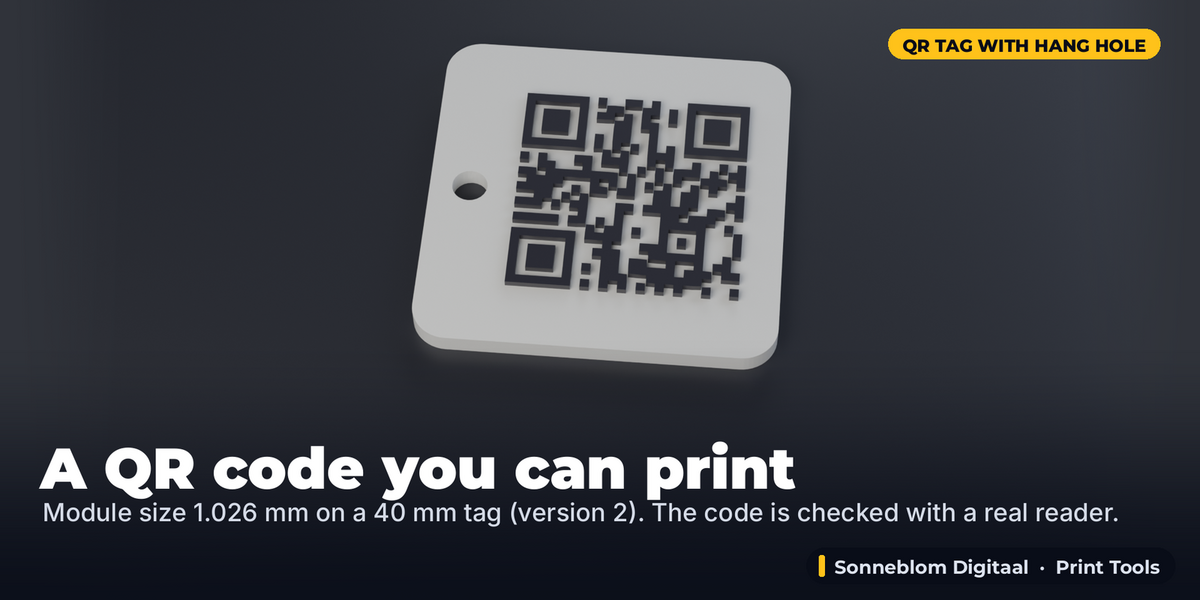
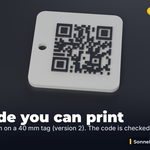
| QR text, Error level, Position | empty, M, left | QR code on the plate; M recovers 15%, Q 25%, H 30% |
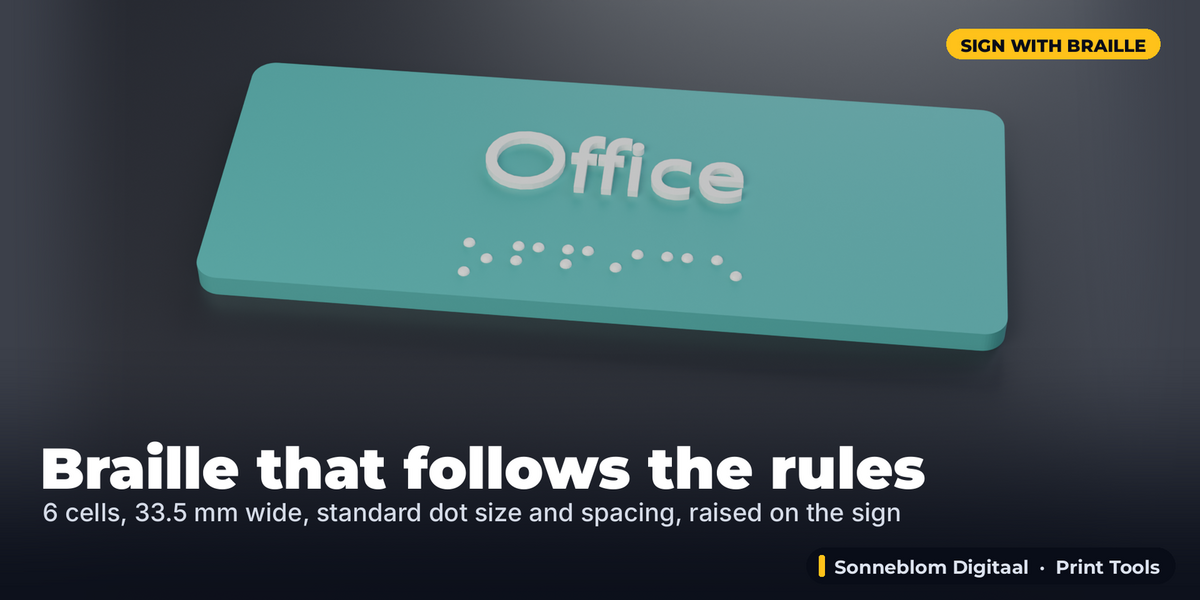
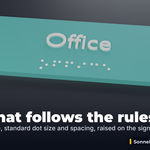
| Braille | empty | Grade 1 braille line, always raised |
| Hang hole / size | off, 4 mm | Keyring hole at the left end |
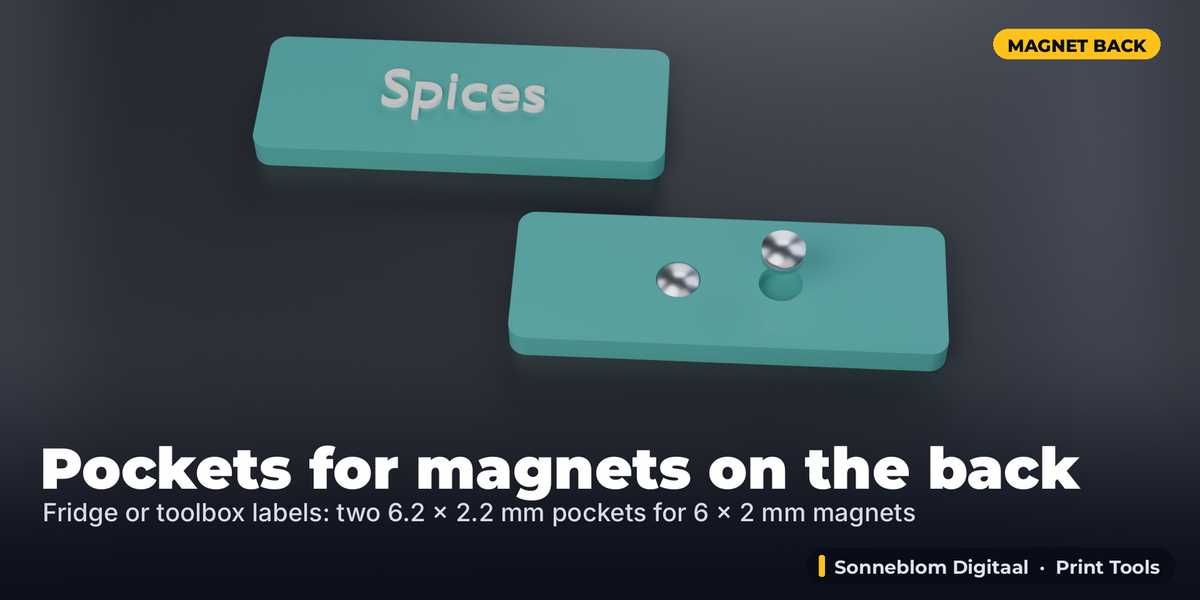
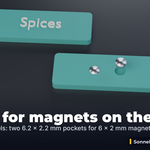
| Magnet pockets | 0 | 0-2 pockets 6.2 x 2.2 mm on the back |
| Unit | 1 unit = 1 mm | Scene units per label (sizes are always typed in mm) |
Batch and export
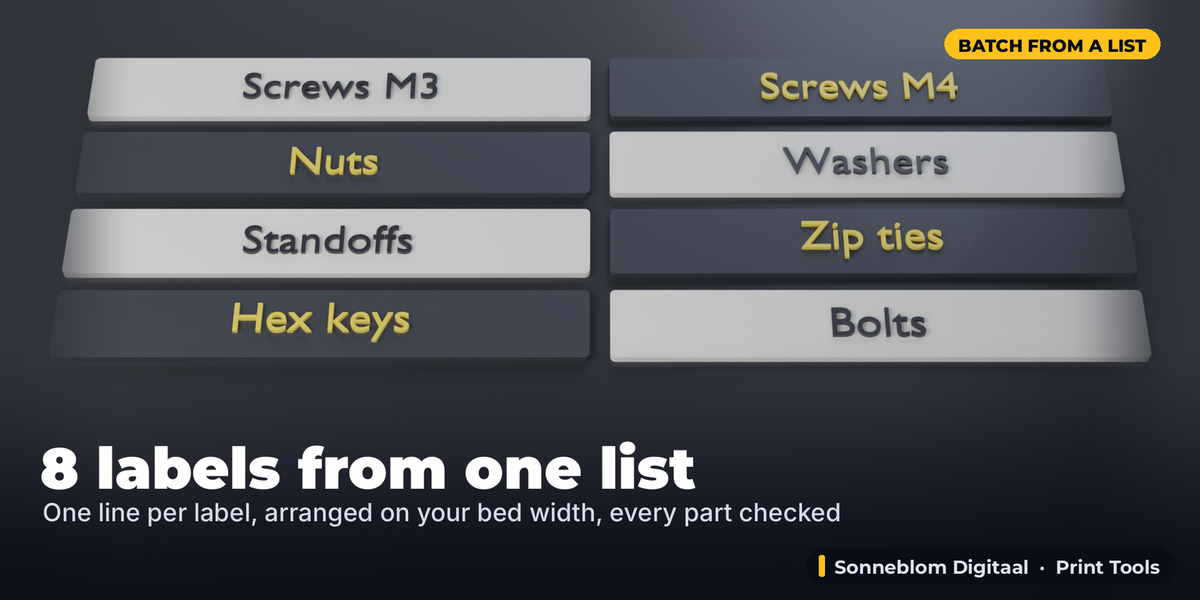
Batch: press Create Sample List (or pick your own text datablock), select a label whose settings you want to copy, press Make Labels from List. One line = one label; use text | qr text for a QR. Export: select labels, press Export STL, pick a folder. You get one STL per part (Label_Label.stl, Label_Content.stl, Label_Inlay.stl) in millimetres.
Tips
- Print the plate in one colour and the content in another: change filament at the layer where the content starts, or assign colours per part in your slicer.
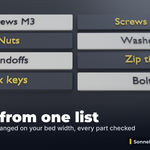
- For Gridfinity, measure the label shelf of your bin and type the size; labels shrink the text, never overflow.
- Press F9 right after New Label to change the preset and text without restarting.
Troubleshooting
- "Scale X of ... is 0": set the scale of the label back to 1 (Alt+S), the label rebuilds.
- QR text too long: shorten the text or lower the error level to M. Until you do, the Result box says NOT updated and Export STL refuses, so you never print a QR that does not match your text.
- Text too small warning: use fewer words or a bigger plate.
- Braille does not fit: inside the margins the plate needs 11.1 mm of free height (7.1 mm of braille plus 4 mm for the text) and enough width; the warning shows the exact numbers.
Uninstall
Preferences > Add-ons (or Extensions) > disable and remove Label & QR Plate Maker. Labels you made stay in your file as normal meshes.
Changelog
1.0.3 - New listing images and a live-edit demo video; no code changes.
1.0.2 - Auto-fit is off by default and Text size is now always honoured unless Auto-fit is on (the field is greyed then). Letters that touch (such as AA) are separated automatically so the text is a clean mesh. Braille warning shows the exact space needed. Export also checks the scale of every part.
1.0.1 - QR codes are now fully manifold in the STL (corner-touching modules no longer give pinch edges; recessed QR no longer shows Watertight NO). The watertight check counts pinch edges like a slicer. A too-long QR text typed with Live update on now shows NOT updated in the panel and blocks export. Braille capital rule documented.
1.0.0 first release.
FAQ
See the product page FAQ.
Licence
GPL-3.0-or-later.
Have questions about this product?
Login to message
| Blender Extension Compatible | Yes |
| Published | 1 day ago |
| Blender Version | 4.2 - 5.2 |
| Extension Type | Add-on |
| License | GPL |
Discover more products like this
3d printing label maker nameplate multicolor braille qr code gridfinity