 LayerMechanic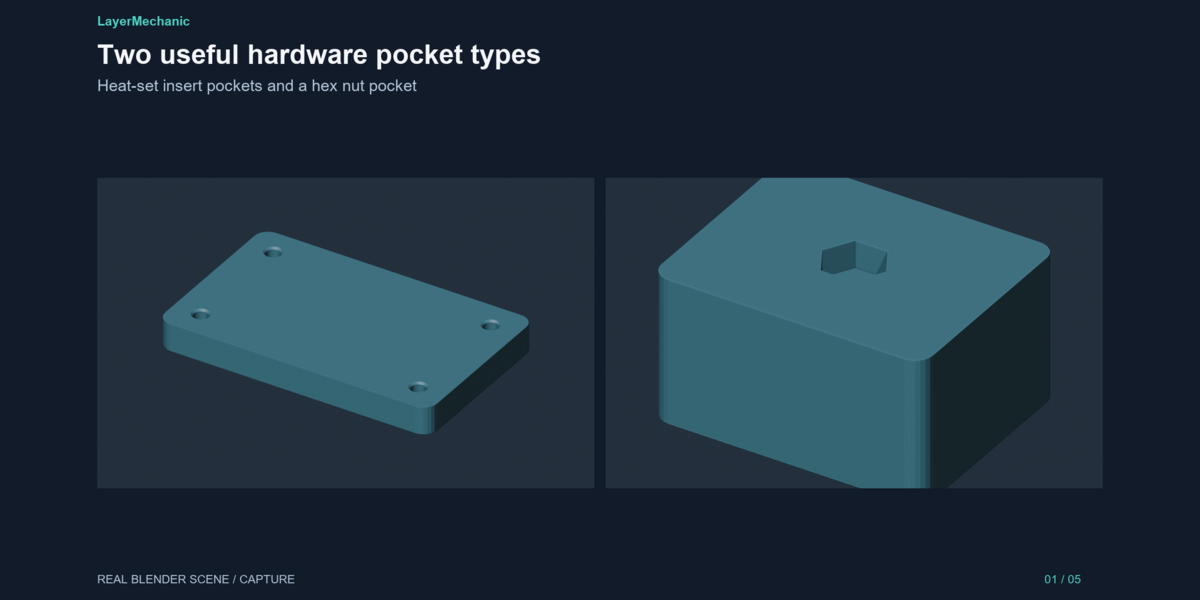
LayerMechanic — Insert & Nut Pocket Maker
Stop modelling the same insert hole over and over.
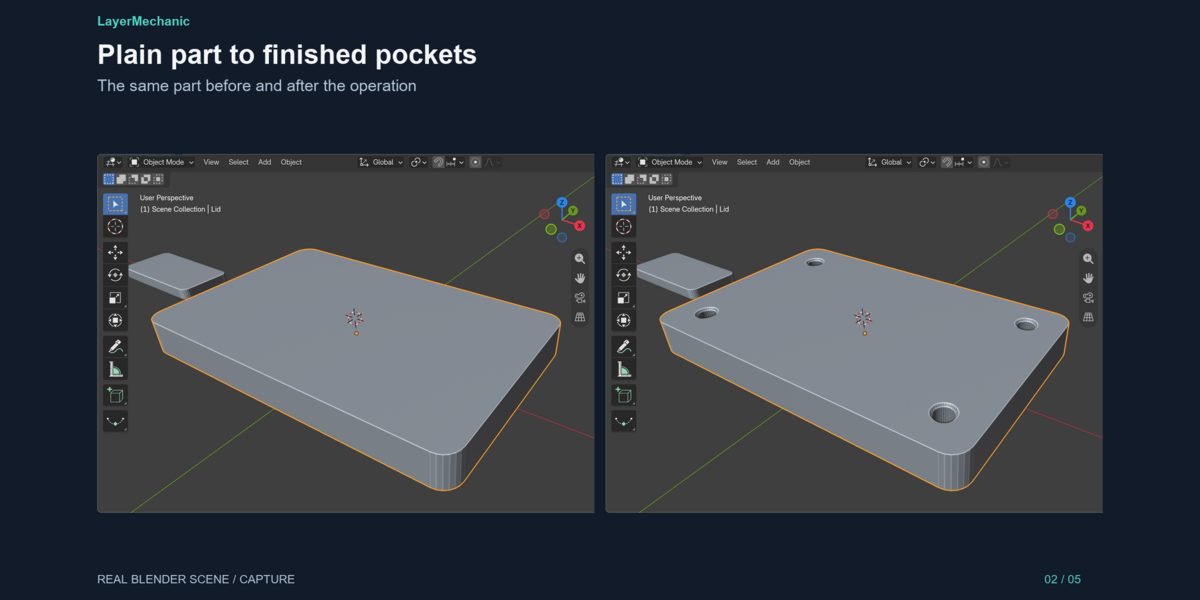
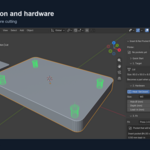
Insert & Nut Pocket Maker cuts heat-set insert pockets and captured hex nut pockets into your printable parts in a few clicks: select a part, pick a size, choose a fit, check the preview, place. Then run a quick geometry check and export the STL parts together with a hardware list.

How it works
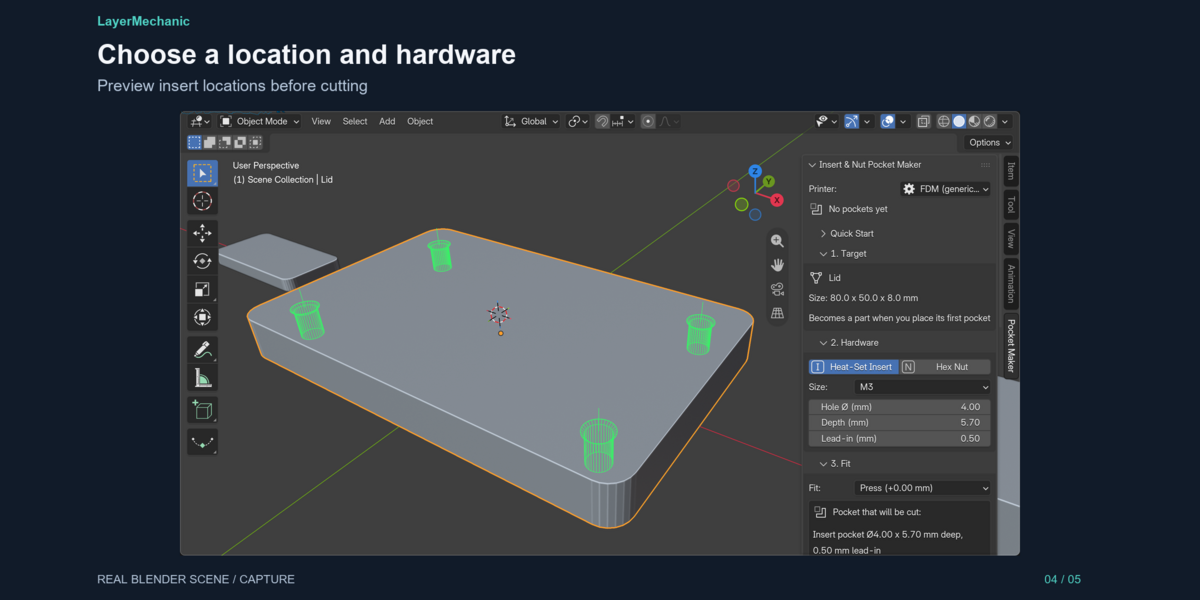
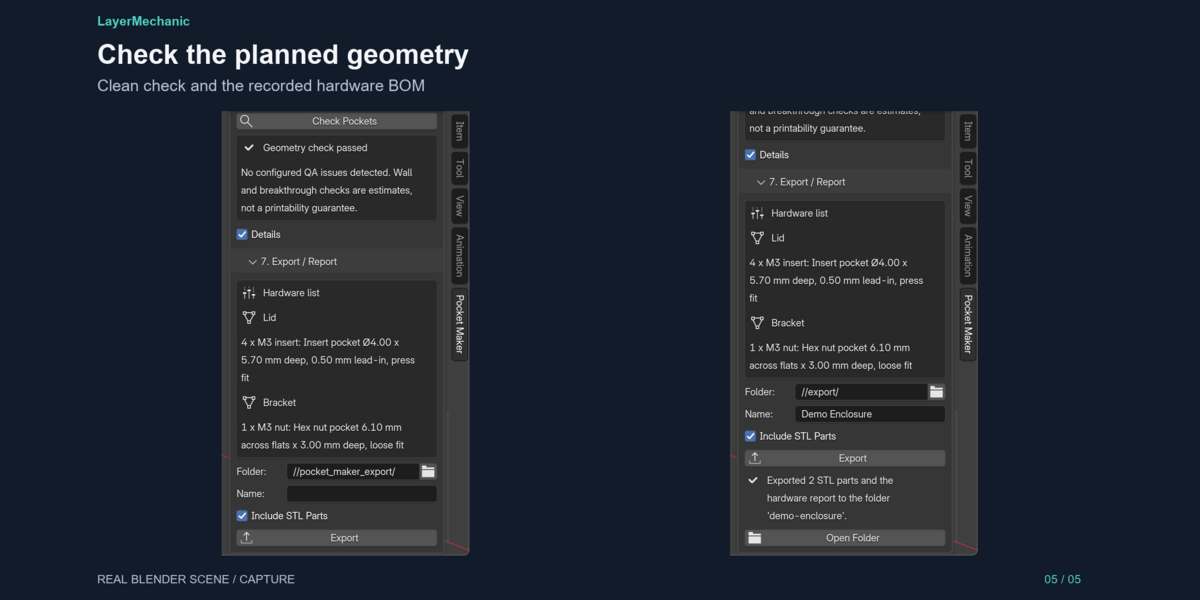
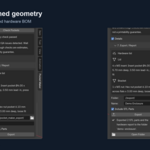
1. Select your part. The sidebar shows its real size in millimetres. 2. Pick the hardware: Heat-Set Insert or Hex Nut, size M2, M2.5, M3, M4 or M5 (or Custom). The dimensions fill in and stay editable, because your inserts may differ from ours. 3. Choose the fit: Press, Close, Glue, Loose or your own clearance, from an FDM or Resin printer profile. The panel shows the exact pocket that will be cut. 4. Shift + Right-click on the part to put the 3D cursor there. A green outline previews the pocket. 5. Place Pocket. Need four corner inserts? Switch to Grid and place them in one click. 6. Check Pockets flags pockets that break through, leave a thin wall or overlap. 7. Export STL parts (mm), a per-part hardware list and a QA report.
Features
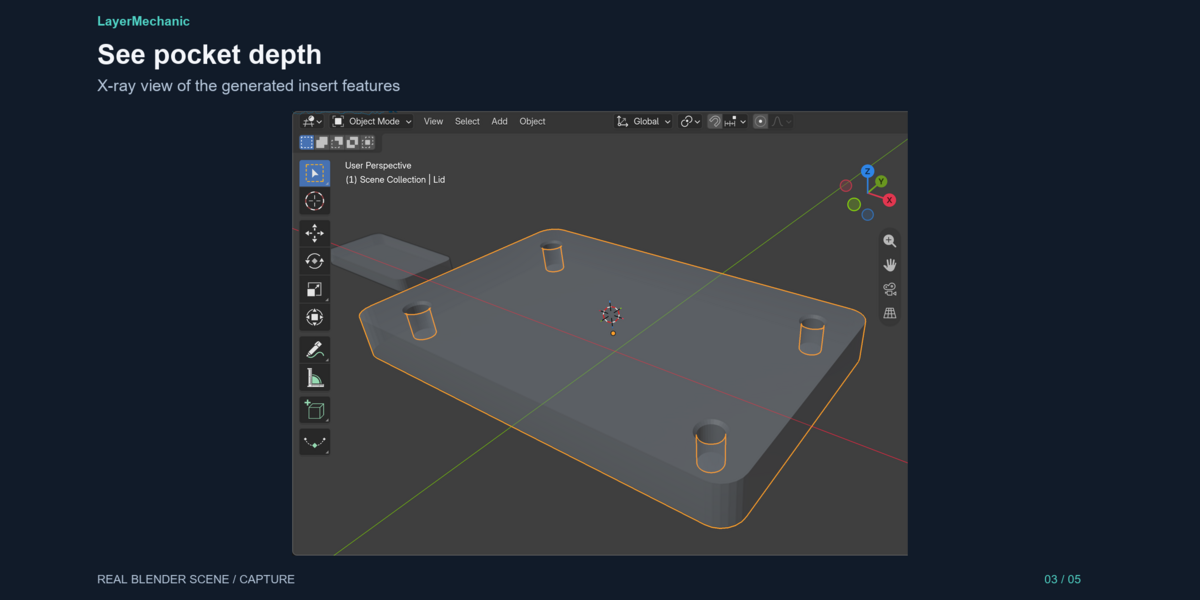
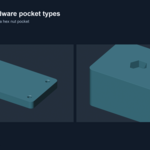
- Heat-set insert pockets with a lead-in cone
- Captured hex nut pockets, rotatable to line up the flats
- M2–M5 presets, fully editable, plus Custom sizes
- Fit classes: Press / Close / Glue / Loose / Custom, FDM and Resin profiles
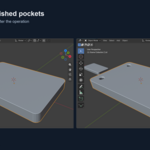
- Live preview of the exact geometry before cutting
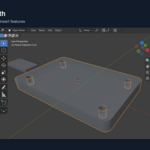
- Grid placement (rows × columns, spacing in mm)
- Edit or remove any pocket later; Undo/Redo supported
- Geometry check: breakthrough, thin wall, overlap, invalid values
- Hardware list per part: quantity, size, depth, fit
- Correct millimetres in mm, cm and metre scenes, with a fix for "1 unit = 1 mm" models
- Non-destructive: your mesh is never edited
- Works offline. No account, no licence server
- Demo project included
Honest notes
- Preset sizes are configurable starting points, not certified data. Insert hole sizes vary by maker, so measure yours and print a test piece. - The geometry check reports estimates. "Geometry check passed" means no configured issue was found, not that a print is guaranteed. - Screw clearance holes are not included. This tool makes the pockets. - Tested on Blender 5.2.1 LTS, Windows 11. Other systems are untested.
What you get
-
insert_nut_pocket_maker-1.0.1.zip: the add-on -
insert_nut_pocket_maker_demo.blend: demo project (lid, bracket, and one deliberate check error) - Quick Start, README, FAQ, Known Limitations
GPL-3.0-or-later, like Blender.